Downloaded 20 times




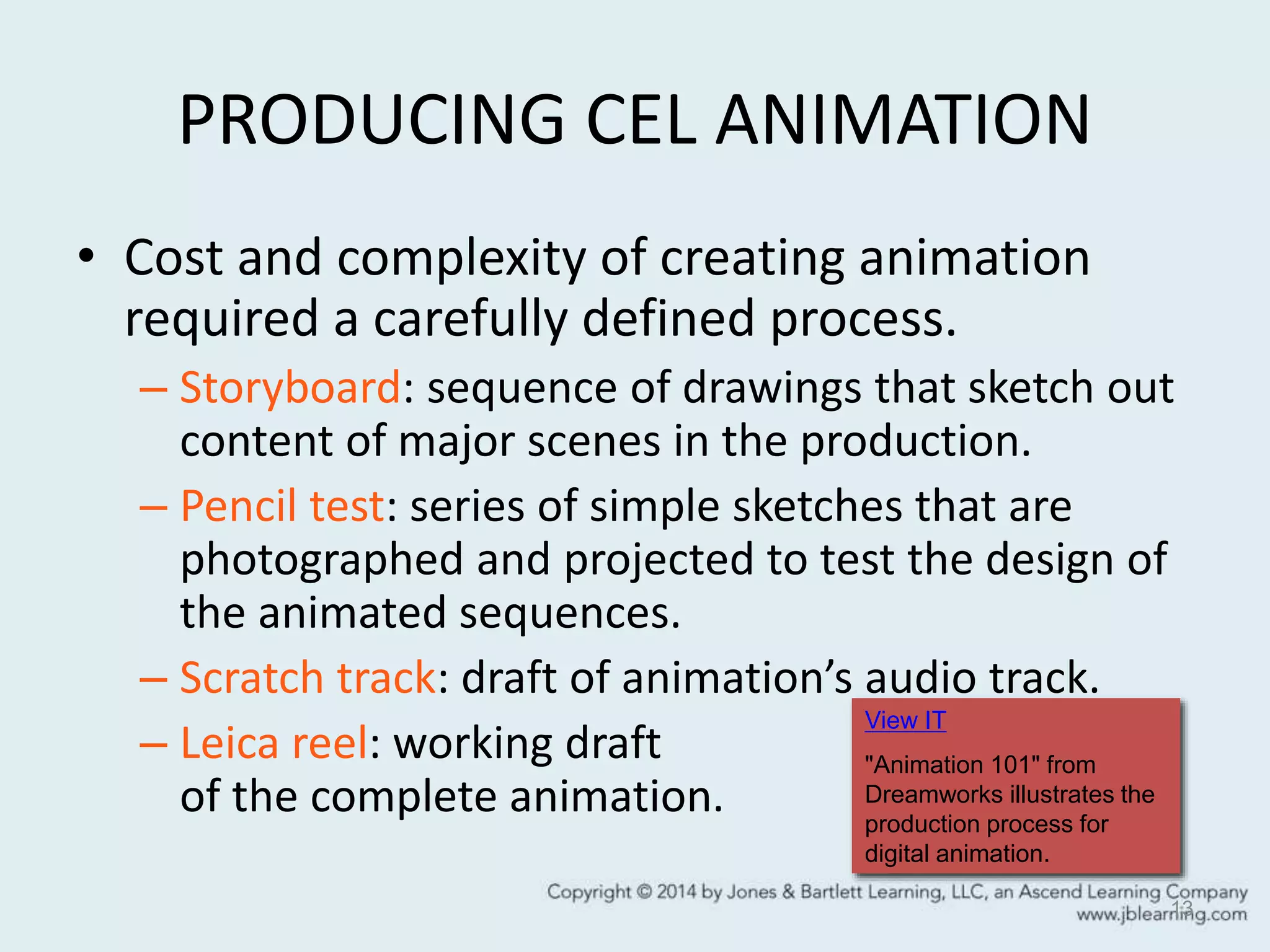
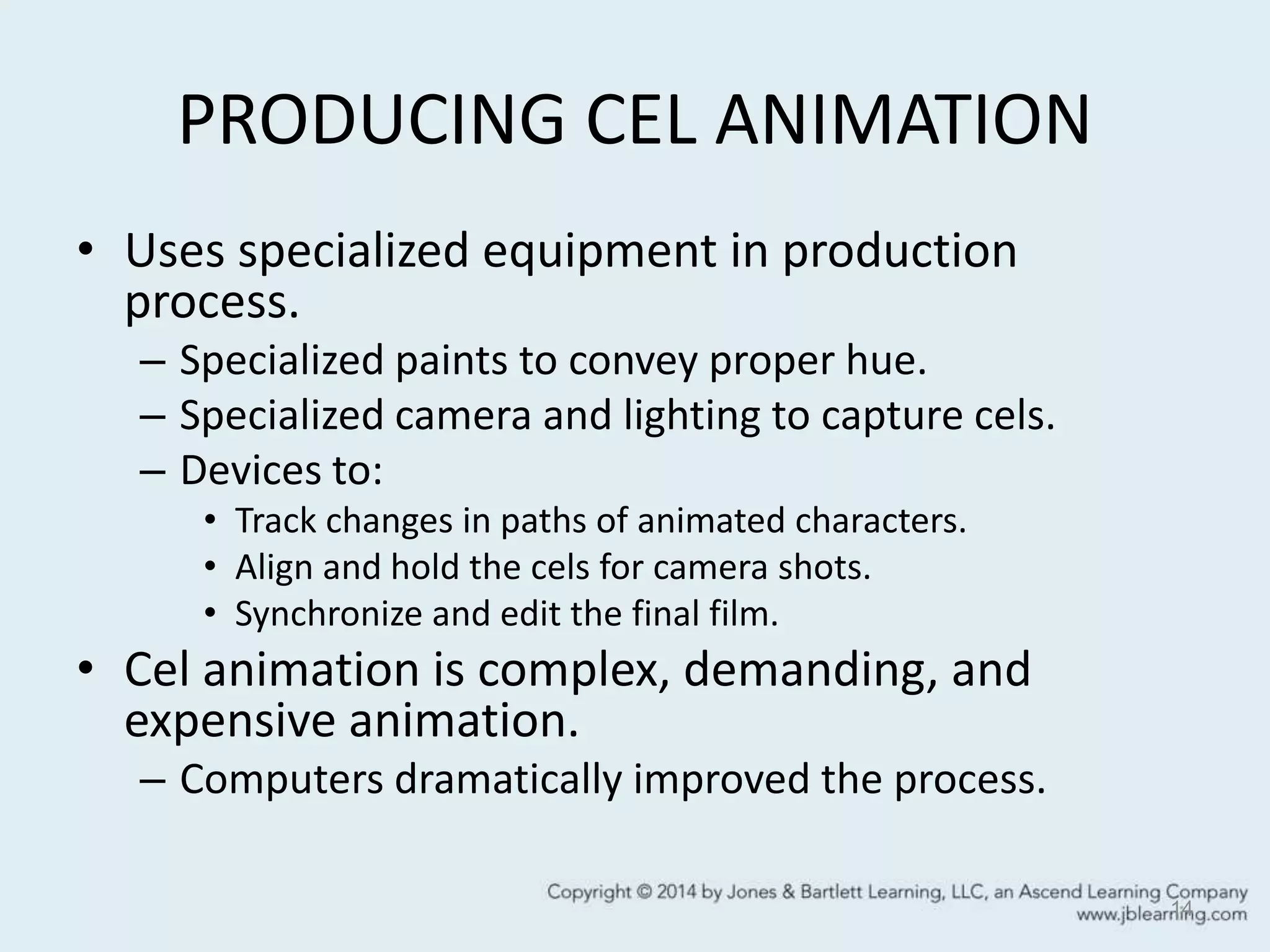


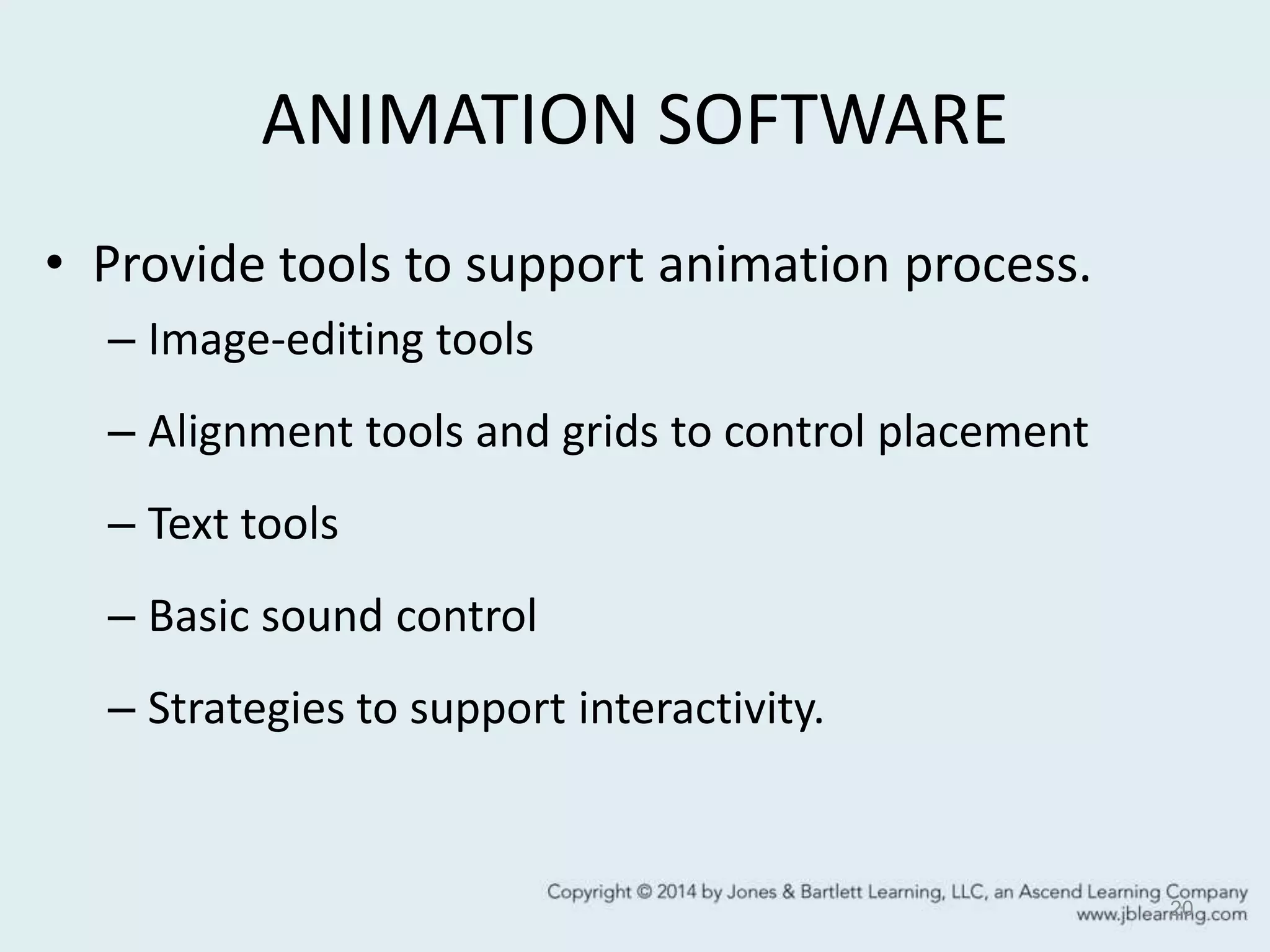






Animation basics involve displaying a rapid sequence of individual still images to create the illusion of motion, made possible by the persistence of vision. Traditional animation techniques included cel animation which was perfected by Disney and involved drawing characters on transparent celluloid sheets. Digital animation evolved these techniques using software, and allows for frame-by-frame or tween animation where frames are automatically generated. 3D animation involves animating virtual objects, cameras, lights and sounds using techniques like motion capture, forward and inverse kinematics, and physics-based animation. The rendering process applies all the specified modeling, lighting and motions to create the final animated frames.


