GRAPHICS HARDWARE
(INPUT DEVICES)
COMPUTER GRAPHICS
The use of a computer to produce and
manipulate pictorial images on a video screen,
as in animation techniques or the production
of audio visual aids
The term computer graphics includes almost
everything on computers that is not text or
sound. Today almost every computer can do
some graphics, and people have even come to
expect to control their computer through
icons and pictures rather than just by typing.
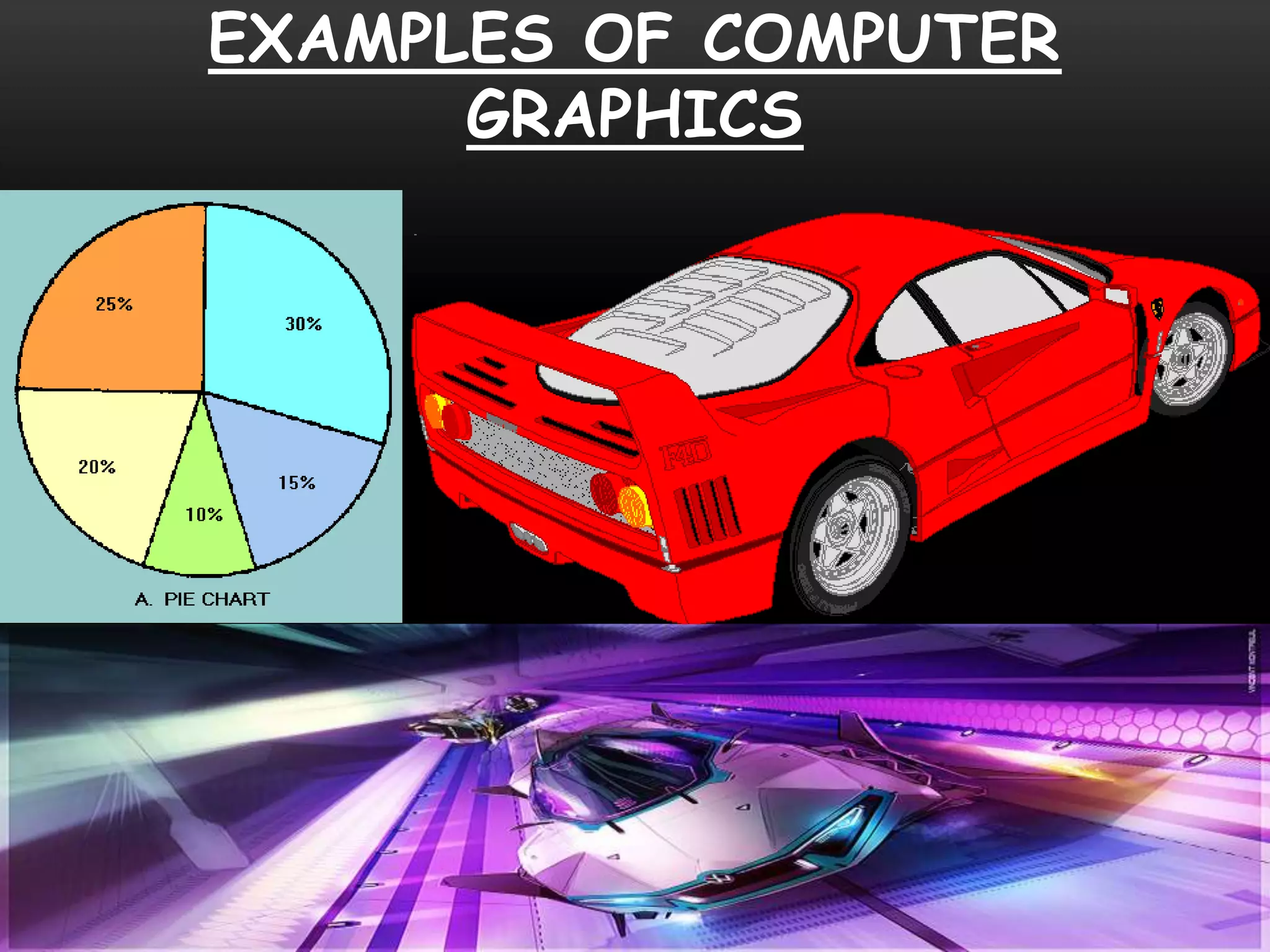
EXAMPLES OF COMPUTER
GRAPHICS
GRAPHICS HARDWARE
Creating and editing computer graphics requires
specialized software and high-performance
hardware,
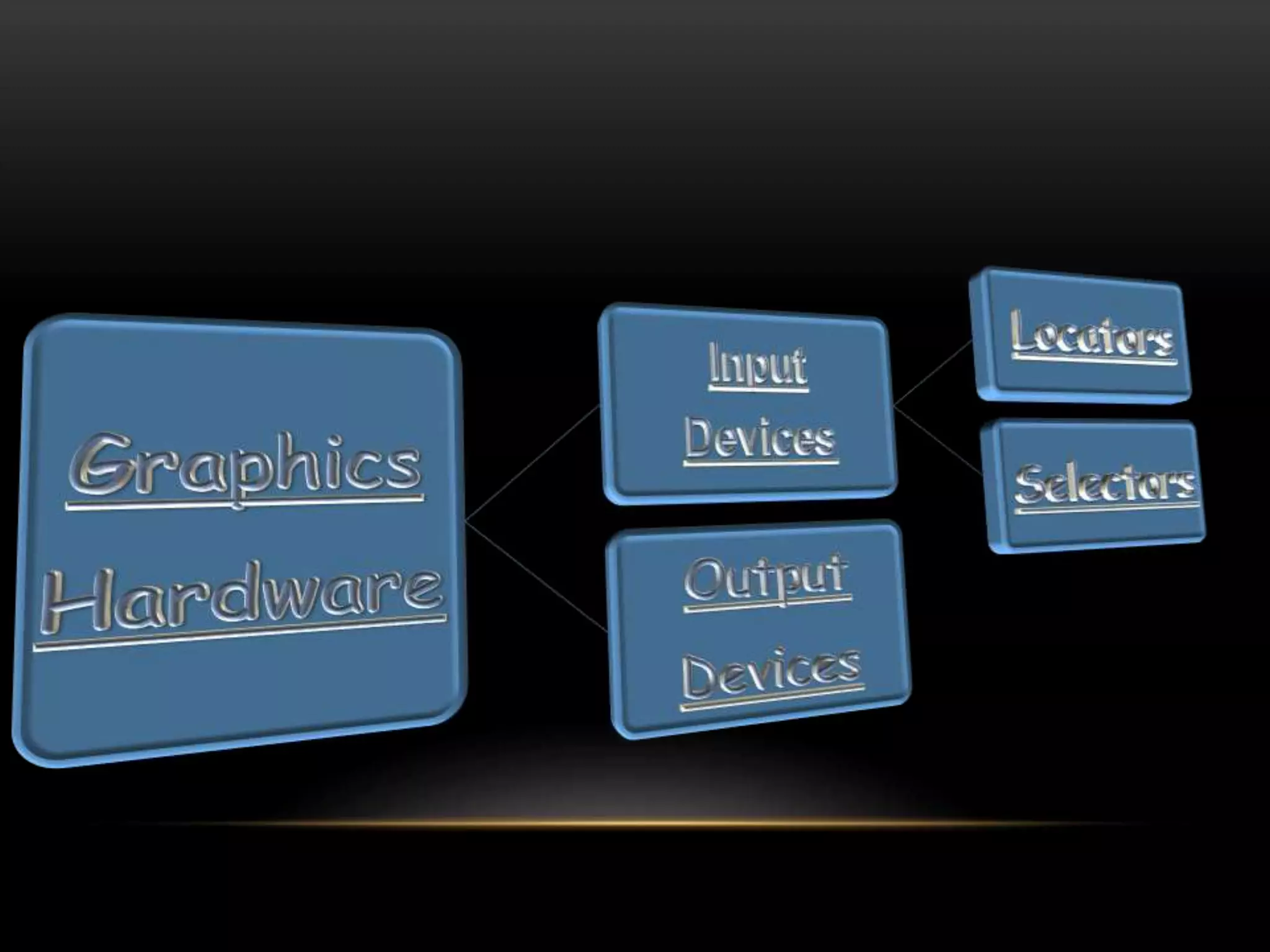
Graphics hardware is both for input and output.
hardware which allows graphical information to
be entered directly to the system, Those
hardware are called Graphics Input Hardware.
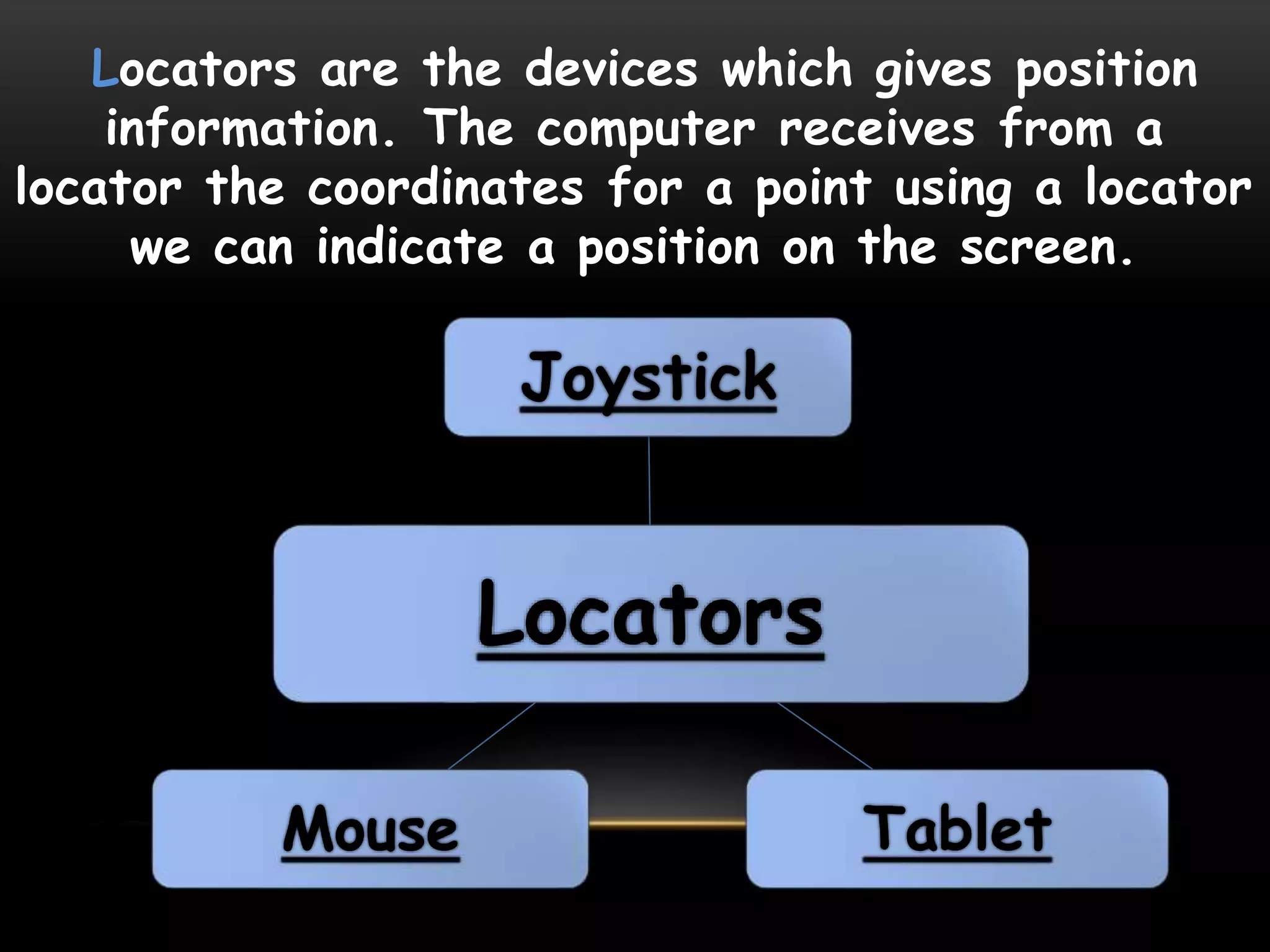
Locators are the devices which gives position
information. The computer receives from a
locator the coordinates for a point using a locator
we can indicate a position on the screen.
Locators
Joystick
TabletMouse
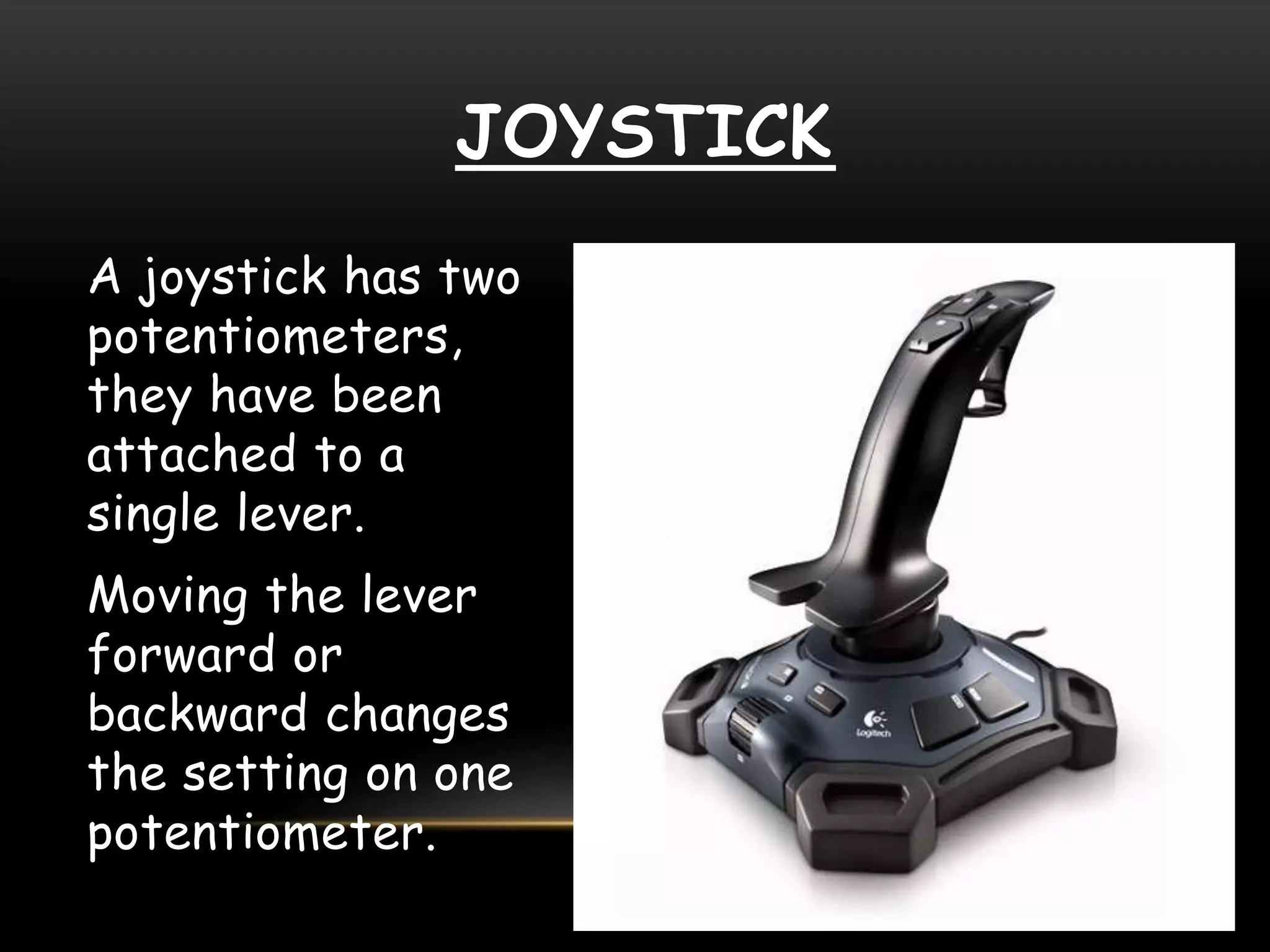
JOYSTICK
A joystick has two
potentiometers,
they have been
attached to a
single lever.
Moving the lever
forward or
backward changes
the setting on one
potentiometer.
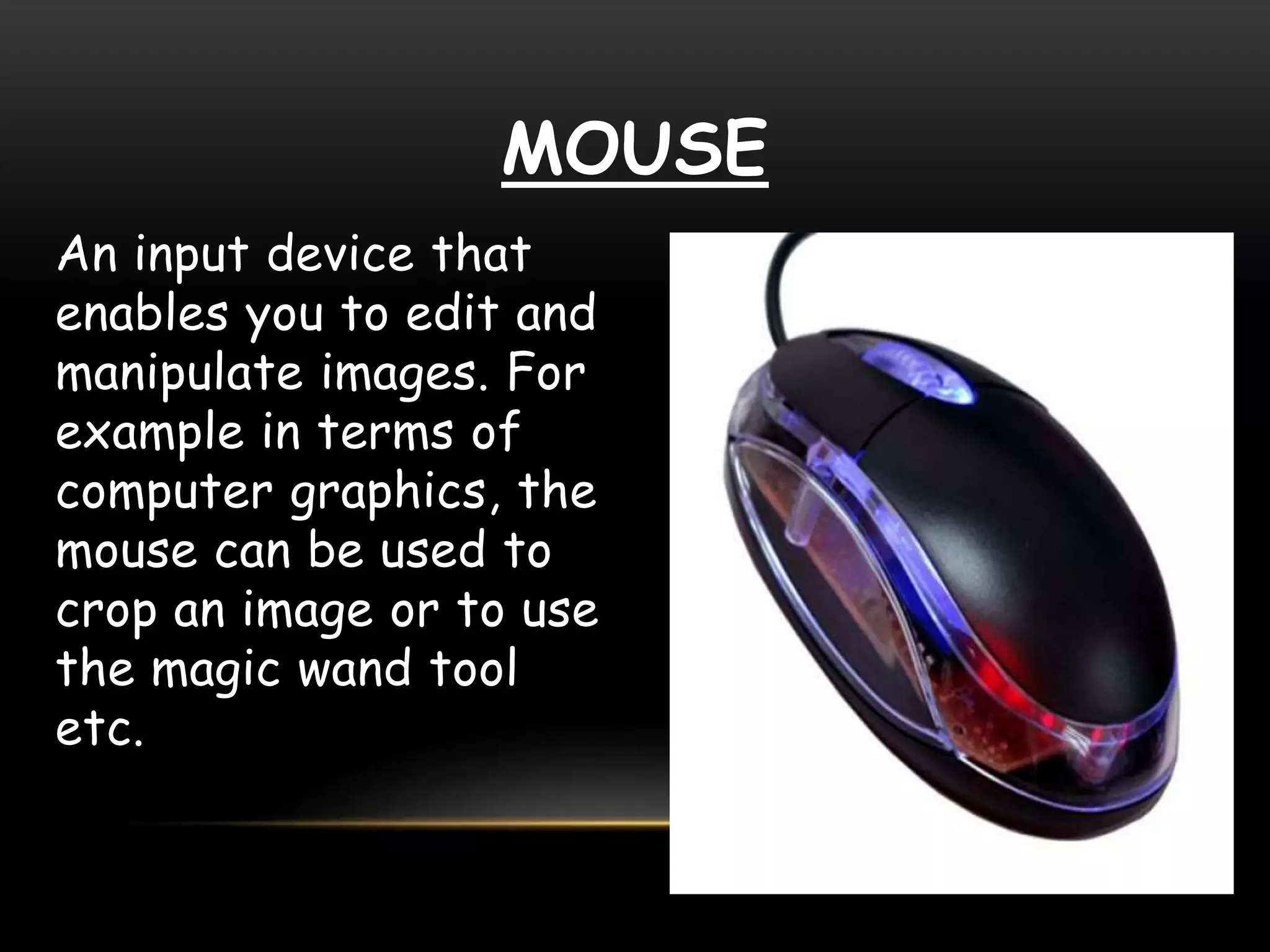
MOUSE
An input device that
enables you to edit and
manipulate images. For
example in terms of
computer graphics, the
mouse can be used to
crop an image or to use
the magic wand tool
etc.
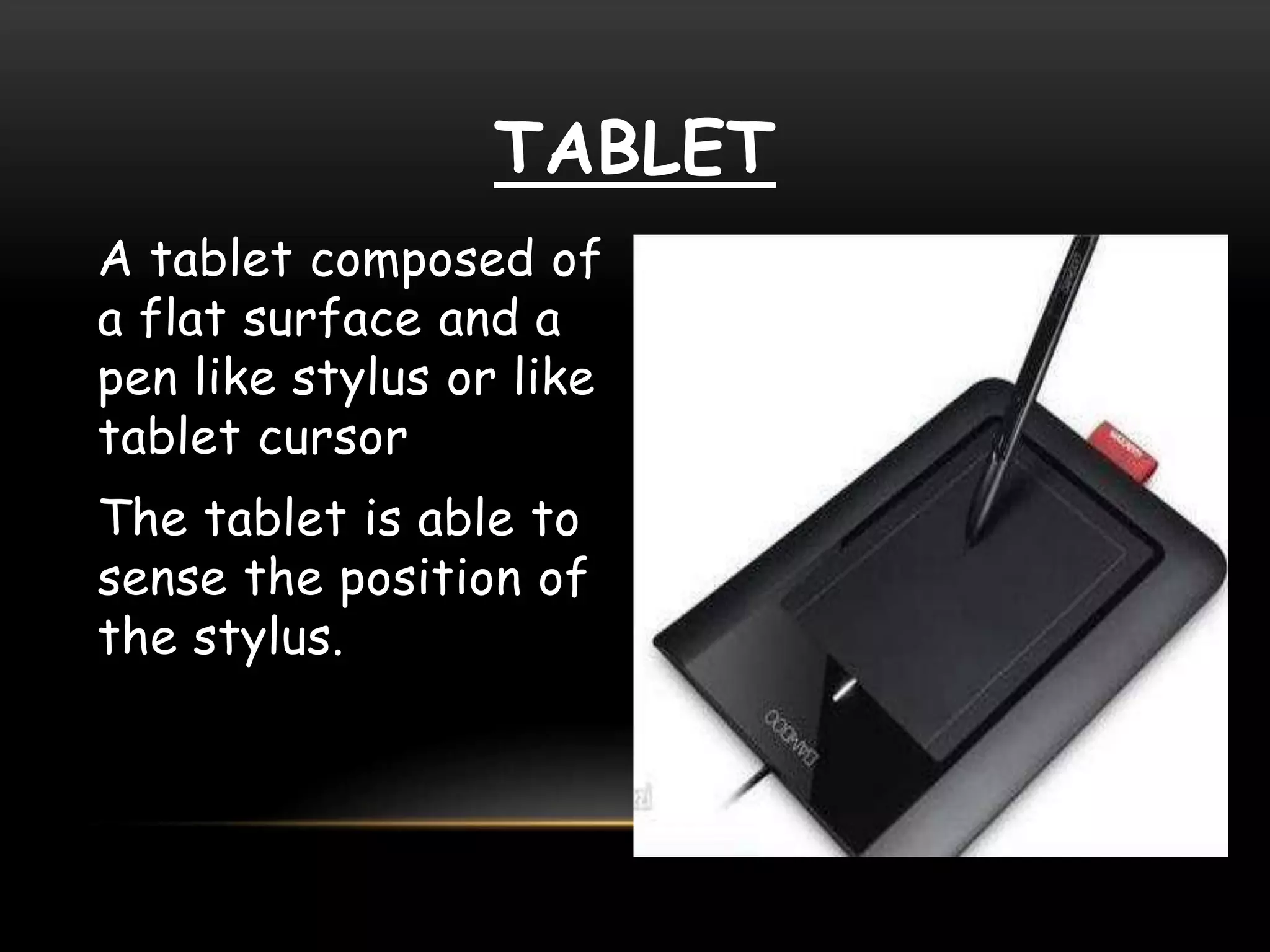
TABLET
A tablet composed of
a flat surface and a
pen like stylus or like
tablet cursor
The tablet is able to
sense the position of
the stylus.
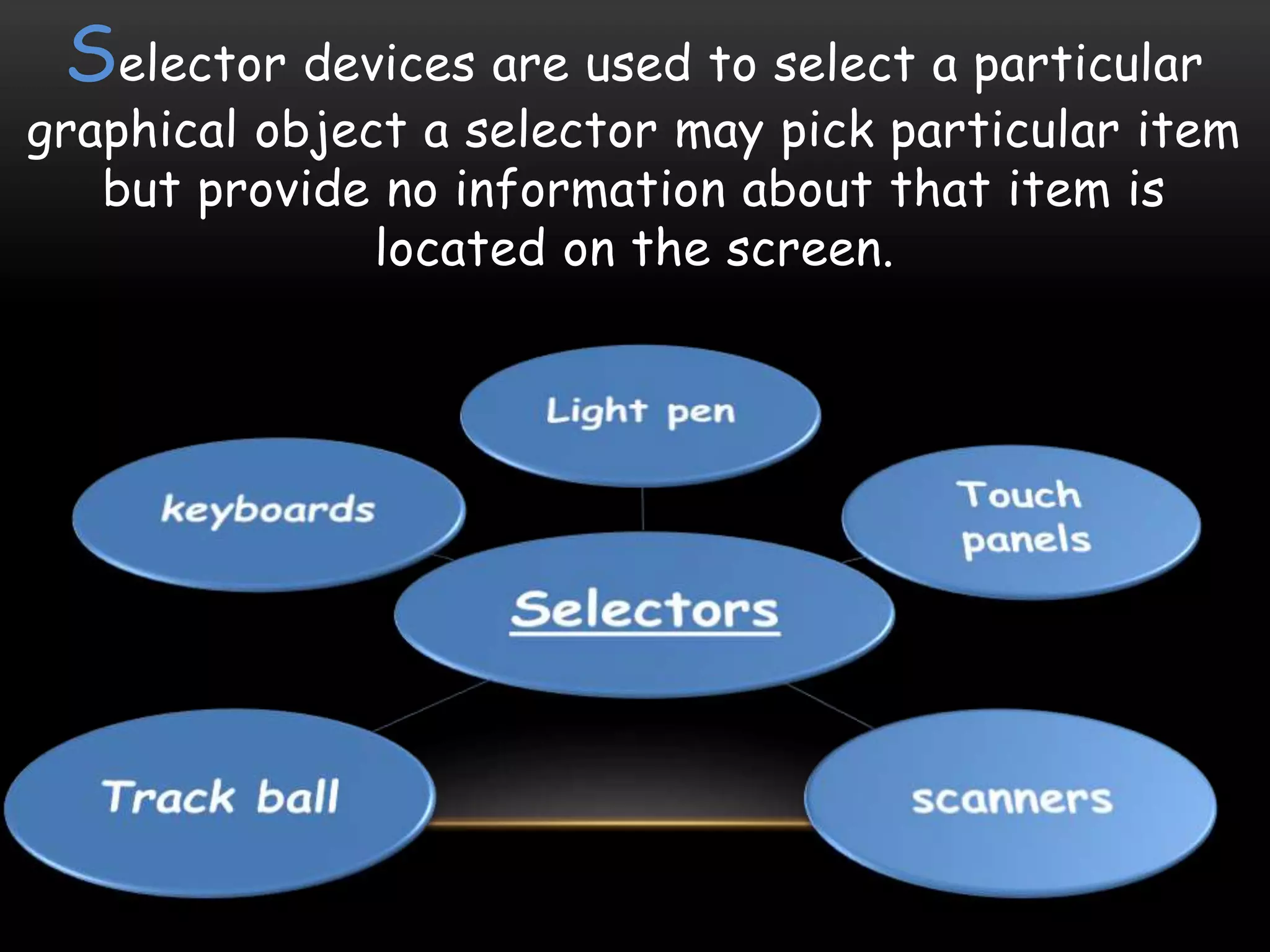
Selector devices are used to select a particular
graphical object a selector may pick particular item
but provide no information about that item is
located on the screen.
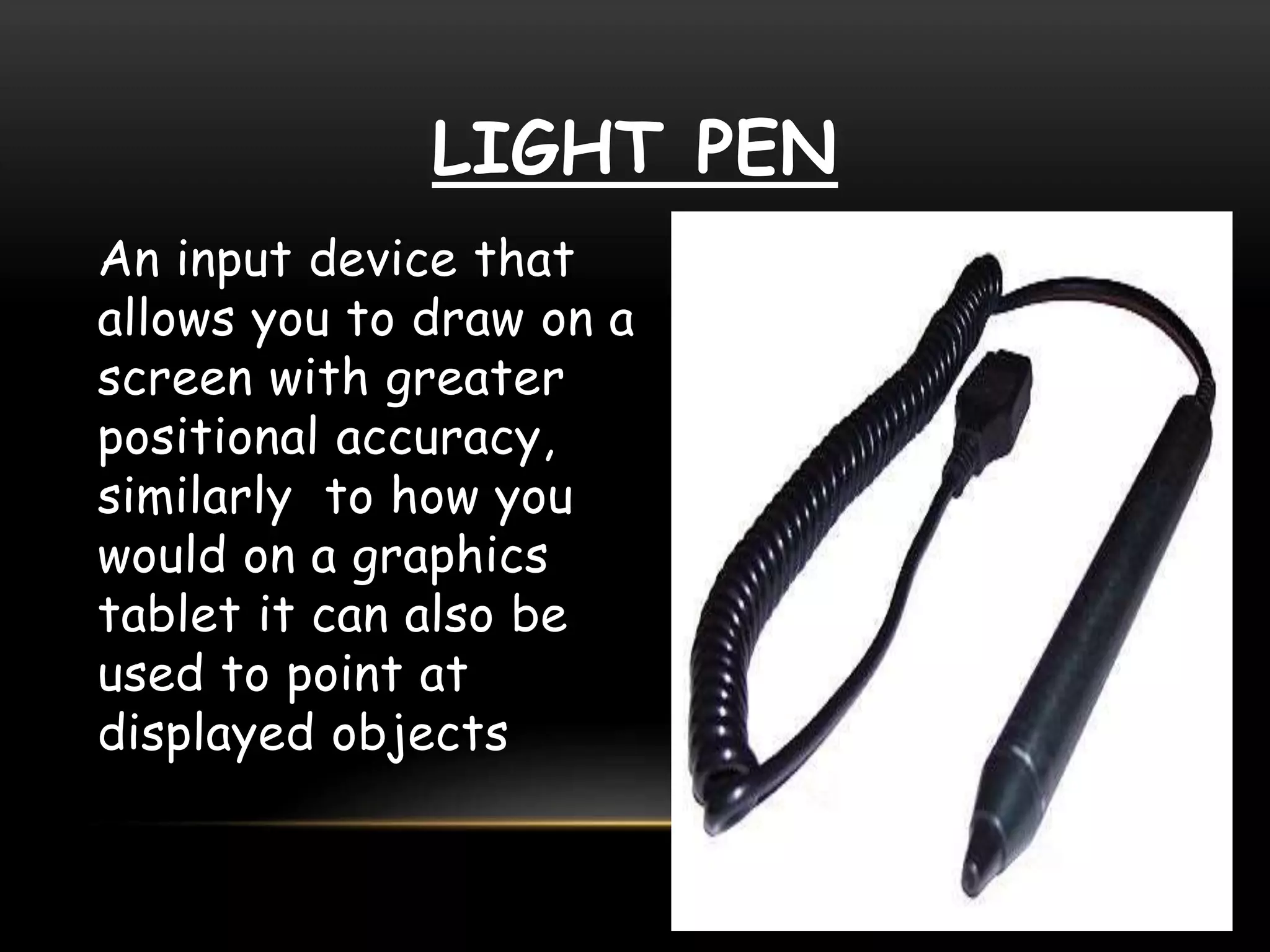
LIGHT PEN
An input device that
allows you to draw on a
screen with greater
positional accuracy,
similarly to how you
would on a graphics
tablet it can also be
used to point at
displayed objects
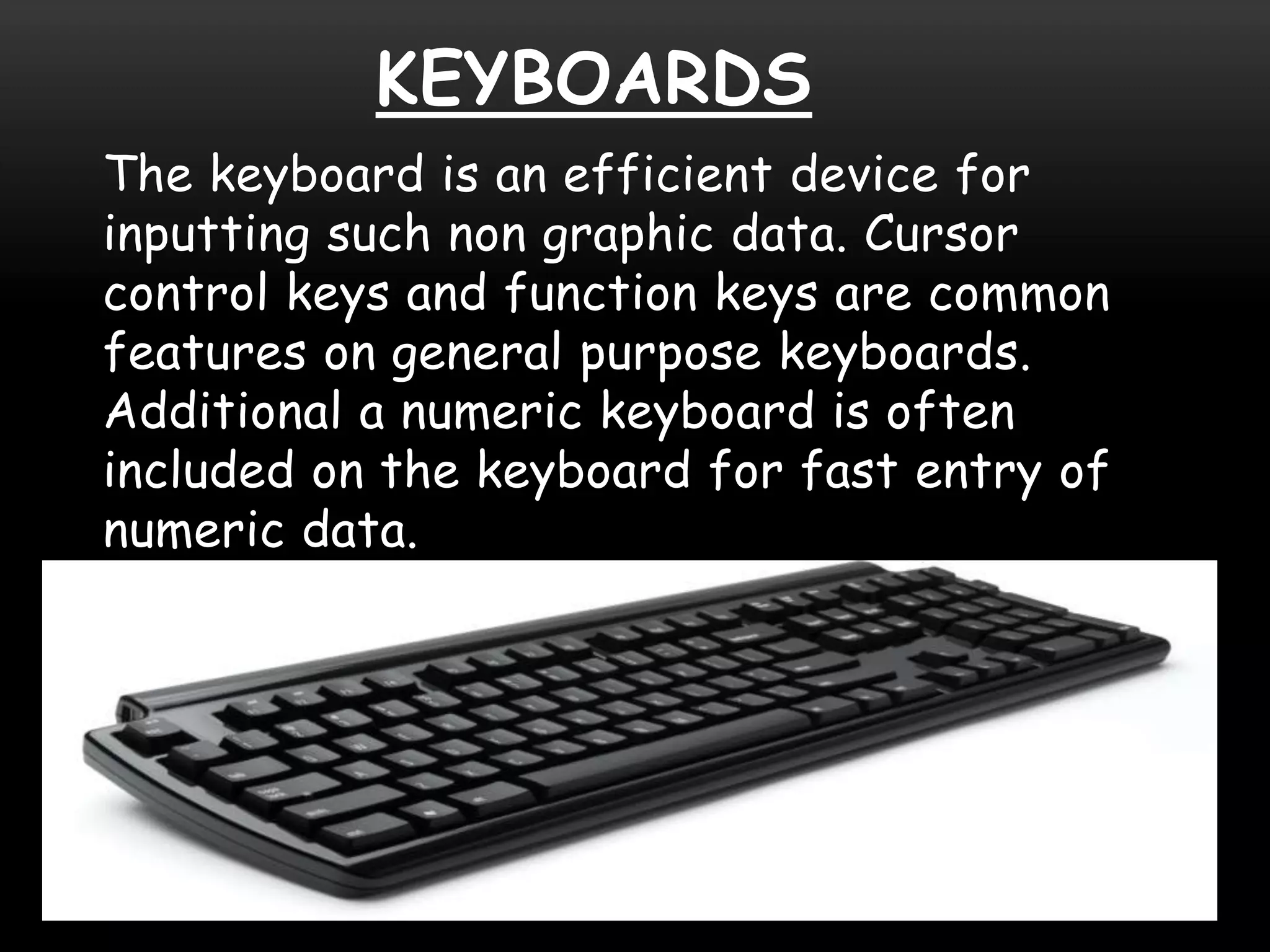
KEYBOARDS
The keyboard is an efficient device for
inputting such non graphic data. Cursor
control keys and function keys are common
features on general purpose keyboards.
Additional a numeric keyboard is often
included on the keyboard for fast entry of
numeric data.
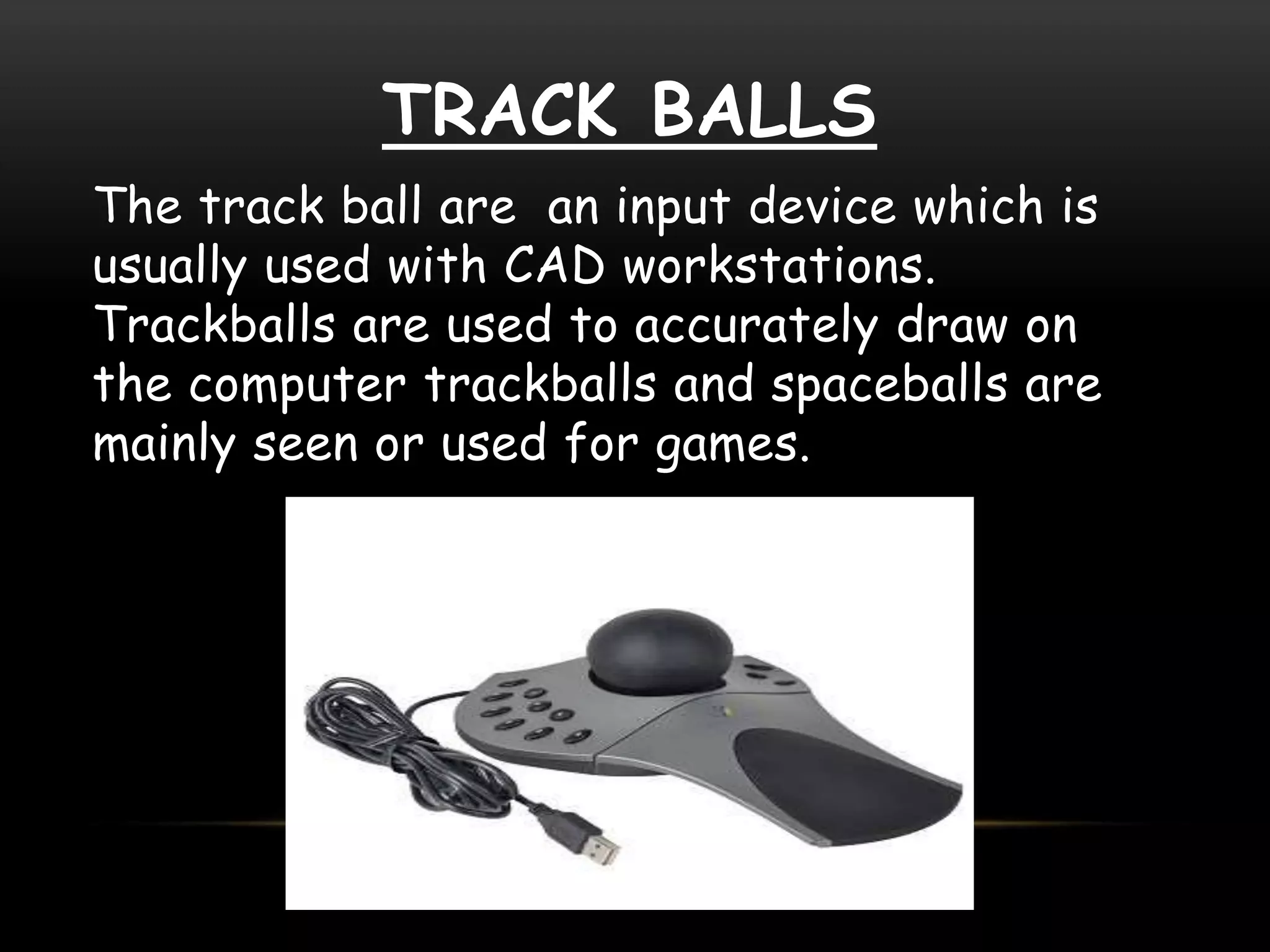
TRACK BALLS
The track ball are an input device which is
usually used with CAD workstations.
Trackballs are used to accurately draw on
the computer trackballs and spaceballs are
mainly seen or used for games.
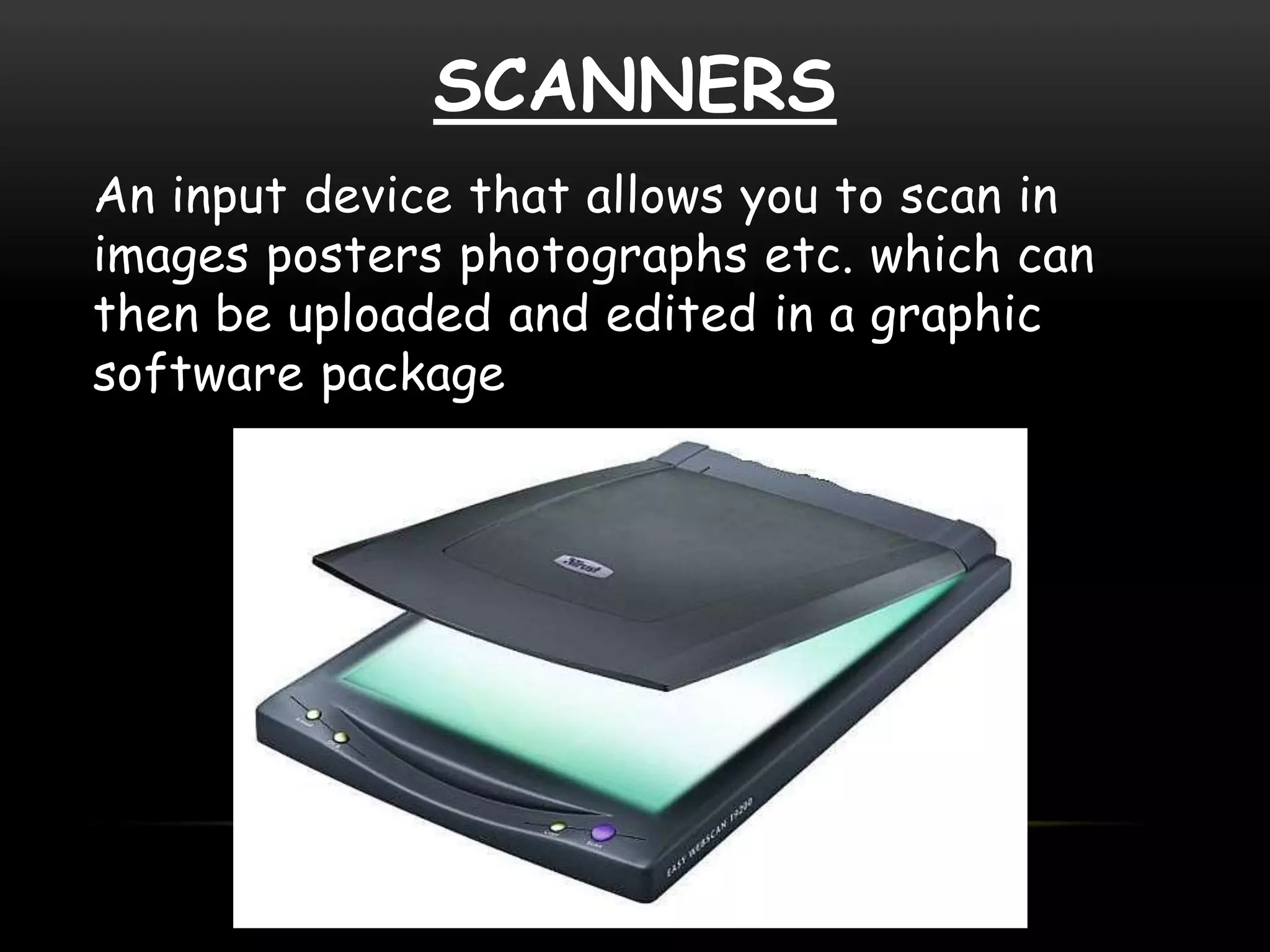
SCANNERS
An input device that allows you to scan in
images posters photographs etc. which can
then be uploaded and edited in a graphic
software package
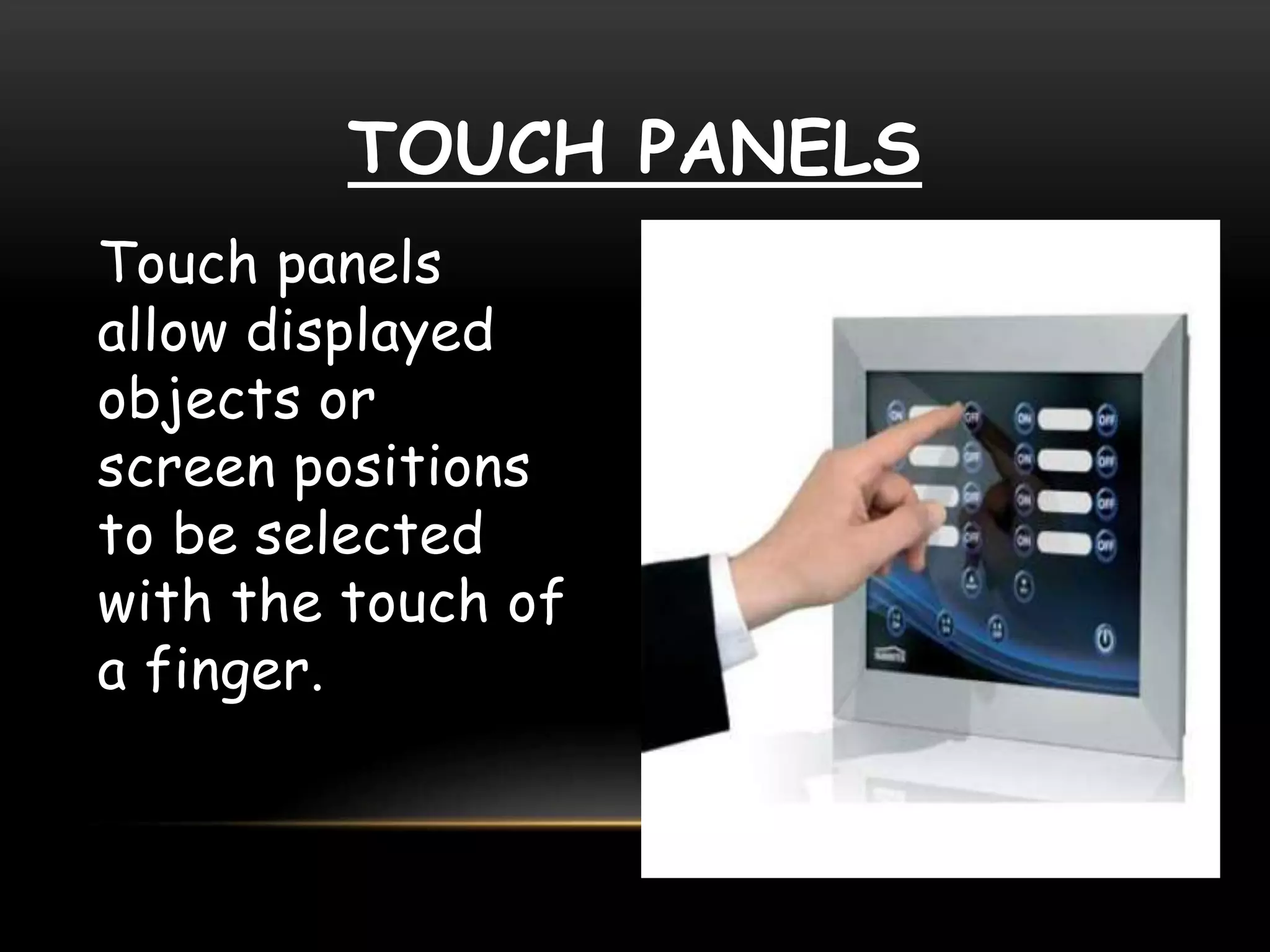
TOUCH PANELS
Touch panels
allow displayed
objects or
screen positions
to be selected
with the touch of
a finger.
graphics hardware input devices

graphics hardware input devices

  • 1.
  • 2.
    COMPUTER GRAPHICS The useof a computer to produce and manipulate pictorial images on a video screen, as in animation techniques or the production of audio visual aids The term computer graphics includes almost everything on computers that is not text or sound. Today almost every computer can do some graphics, and people have even come to expect to control their computer through icons and pictures rather than just by typing.
  • 3.
  • 5.
    GRAPHICS HARDWARE Creating andediting computer graphics requires specialized software and high-performance hardware, Graphics hardware is both for input and output. hardware which allows graphical information to be entered directly to the system, Those hardware are called Graphics Input Hardware.
  • 6.
    Locators are thedevices which gives position information. The computer receives from a locator the coordinates for a point using a locator we can indicate a position on the screen. Locators Joystick TabletMouse
  • 7.
    JOYSTICK A joystick hastwo potentiometers, they have been attached to a single lever. Moving the lever forward or backward changes the setting on one potentiometer.
  • 8.
    MOUSE An input devicethat enables you to edit and manipulate images. For example in terms of computer graphics, the mouse can be used to crop an image or to use the magic wand tool etc.
  • 9.
    TABLET A tablet composedof a flat surface and a pen like stylus or like tablet cursor The tablet is able to sense the position of the stylus.
  • 10.
    Selector devices areused to select a particular graphical object a selector may pick particular item but provide no information about that item is located on the screen.
  • 11.
    LIGHT PEN An inputdevice that allows you to draw on a screen with greater positional accuracy, similarly to how you would on a graphics tablet it can also be used to point at displayed objects
  • 12.
    KEYBOARDS The keyboard isan efficient device for inputting such non graphic data. Cursor control keys and function keys are common features on general purpose keyboards. Additional a numeric keyboard is often included on the keyboard for fast entry of numeric data.
  • 13.
    TRACK BALLS The trackball are an input device which is usually used with CAD workstations. Trackballs are used to accurately draw on the computer trackballs and spaceballs are mainly seen or used for games.
  • 14.
    SCANNERS An input devicethat allows you to scan in images posters photographs etc. which can then be uploaded and edited in a graphic software package
  • 15.
    TOUCH PANELS Touch panels allowdisplayed objects or screen positions to be selected with the touch of a finger.