input devices
definition
• A component or peripheral device (such as a
barcode reader, graphic tablet, keyboard,
magnetic-stripe reader, modem, mouse,
scanner, or stylus) that feeds data or instruction
into a computer for display, processing, storage,
or outputting or transmission.
Keyboard
• Keyboard is the most common and very popular
input device which helps in inputting data to the
computer. The layout of the keyboard is like that
of traditional typewriter, although there are some
additional keys provided for performing
additional functions.
• Keyboards are of two sizes 84 keys or 101/102
keys, but now keyboards with 104 keys or 108
keys are also available for Windows and
Internet.
Mouse
• Mouse is most popular pointing device. It is a
very famous cursor-control device having a
small palm size box with a round ball at its base
which senses the movement of mouse and
sends corresponding signals to CPU when the
mouse buttons are pressed.
• Generally it has two buttons called left and right
button and a wheel is present between the
buttons. Mouse can be used to control the
position of cursor on screen, but it cannot be
used to enter text into the computer.
Joystick
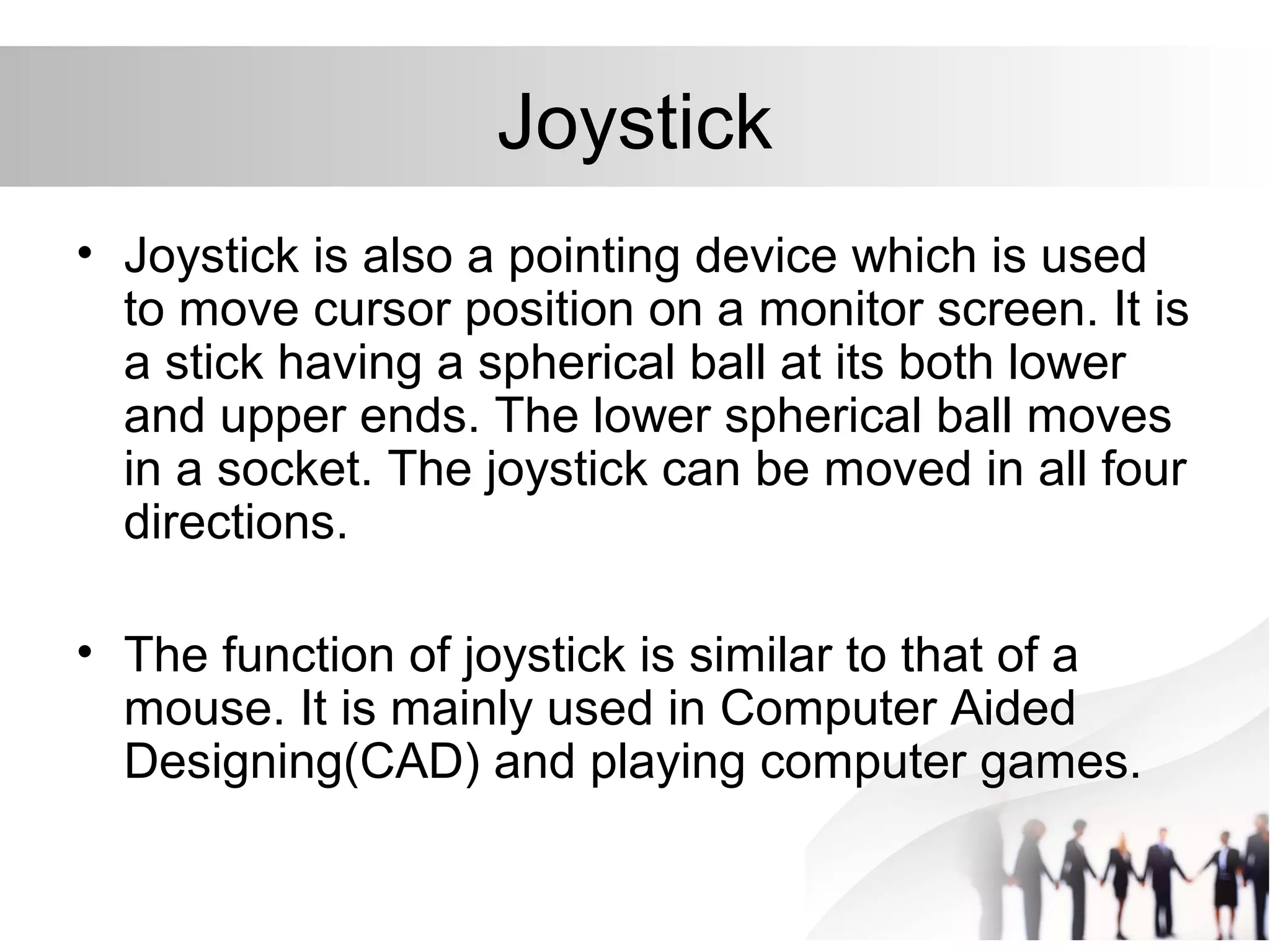
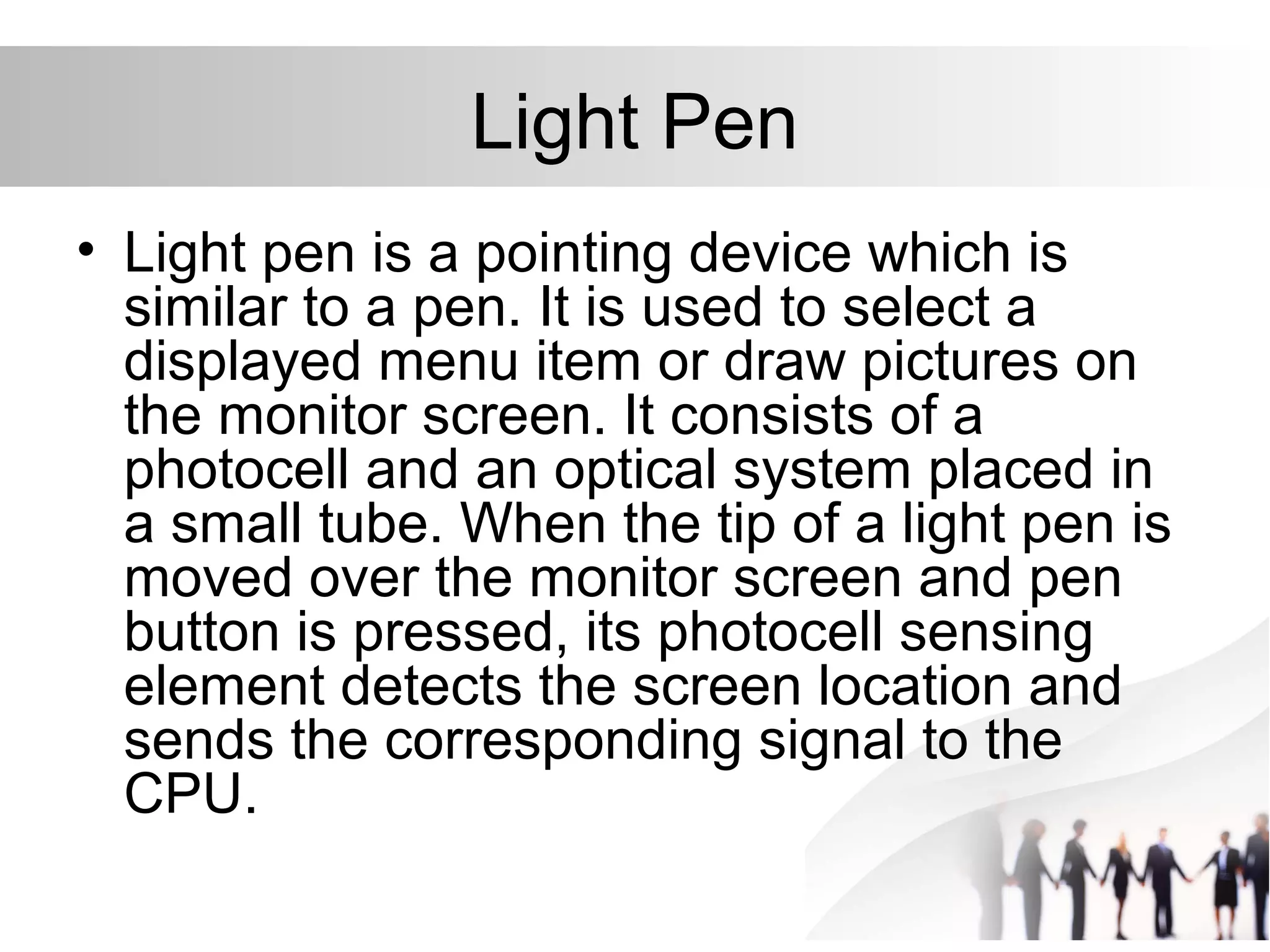
• Joystick is also a pointing device which is used
to move cursor position on a monitor screen. It is
a stick having a spherical ball at its both lower
and upper ends. The lower spherical ball moves
in a socket. The joystick can be moved in all four
directions.
• The function of joystick is similar to that of a
mouse. It is mainly used in Computer Aided
Designing(CAD) and playing computer games.
Light Pen
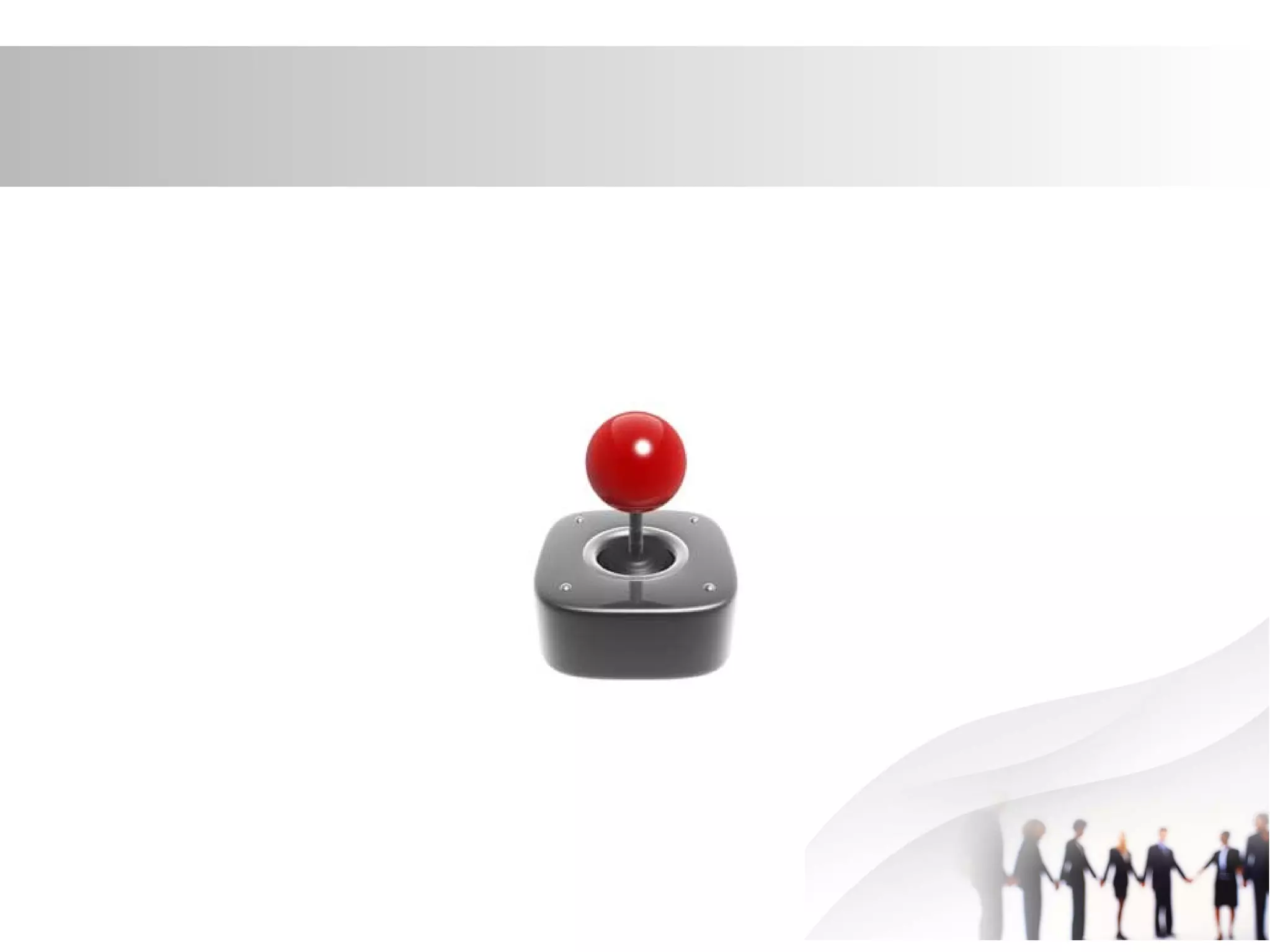
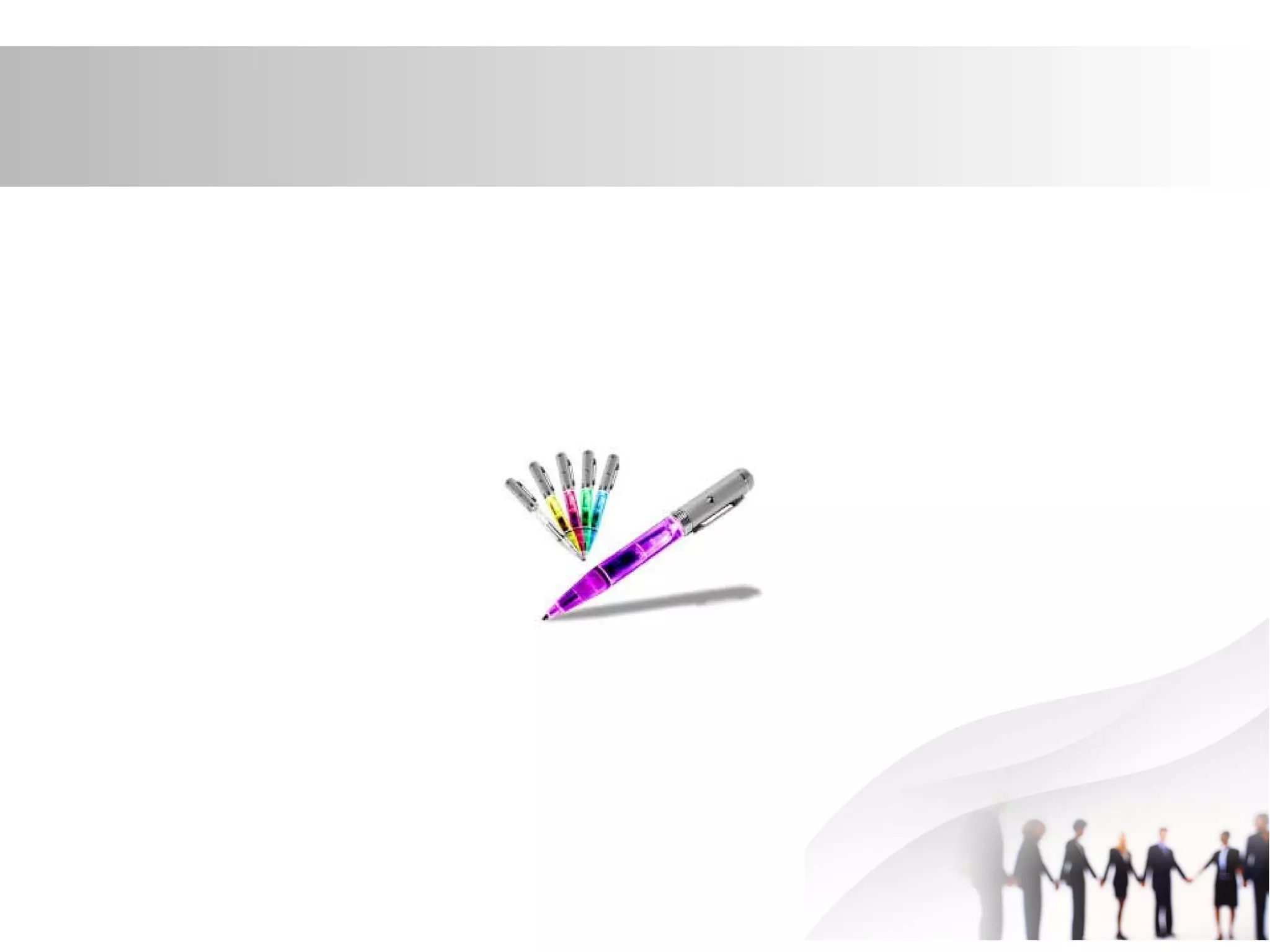
• Light pen is a pointing device which is
similar to a pen. It is used to select a
displayed menu item or draw pictures on
the monitor screen. It consists of a
photocell and an optical system placed in
a small tube. When the tip of a light pen is
moved over the monitor screen and pen
button is pressed, its photocell sensing
element detects the screen location and
sends the corresponding signal to the
CPU.
Track Ball
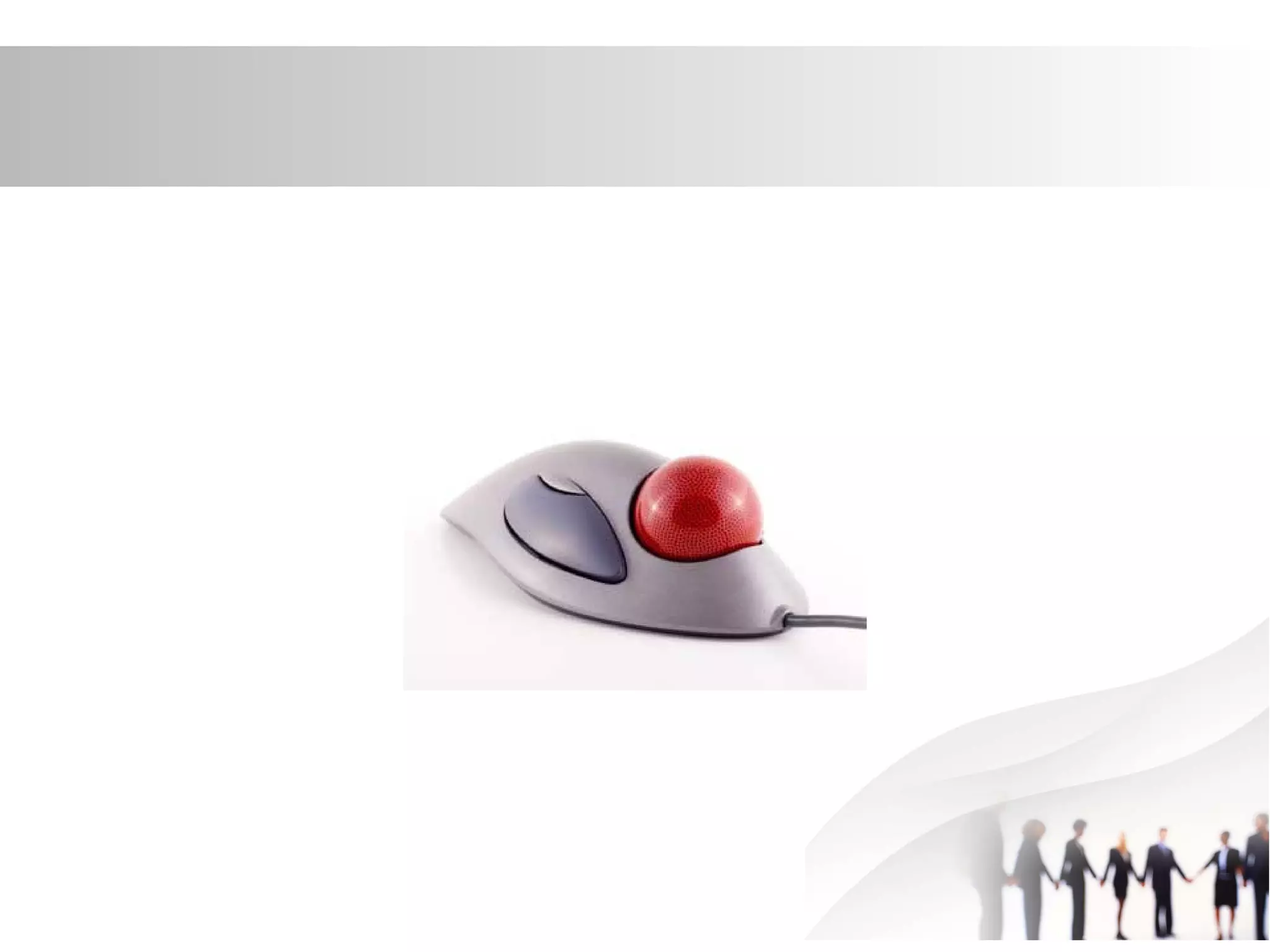
• Track ball is an input device that is mostly
used in notebook or laptop computer,
instead of a mouse. This is a ball which is
half inserted and by moving fingers on
ball, pointer can be moved. Since the
whole device is not moved, a track ball
requires less space than a mouse. A track
ball comes in various shapes like a ball, a
button and a square.
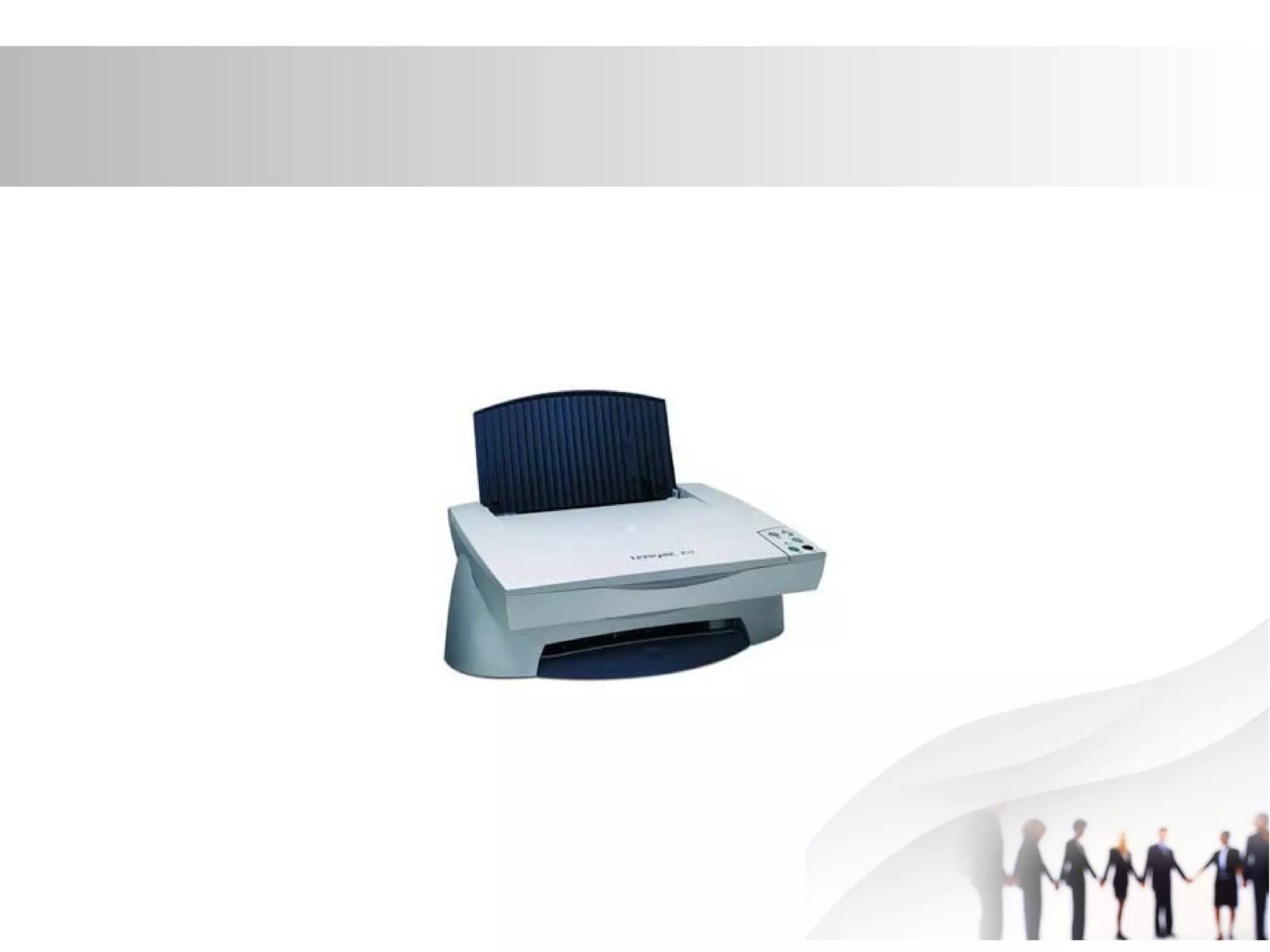
Scanner
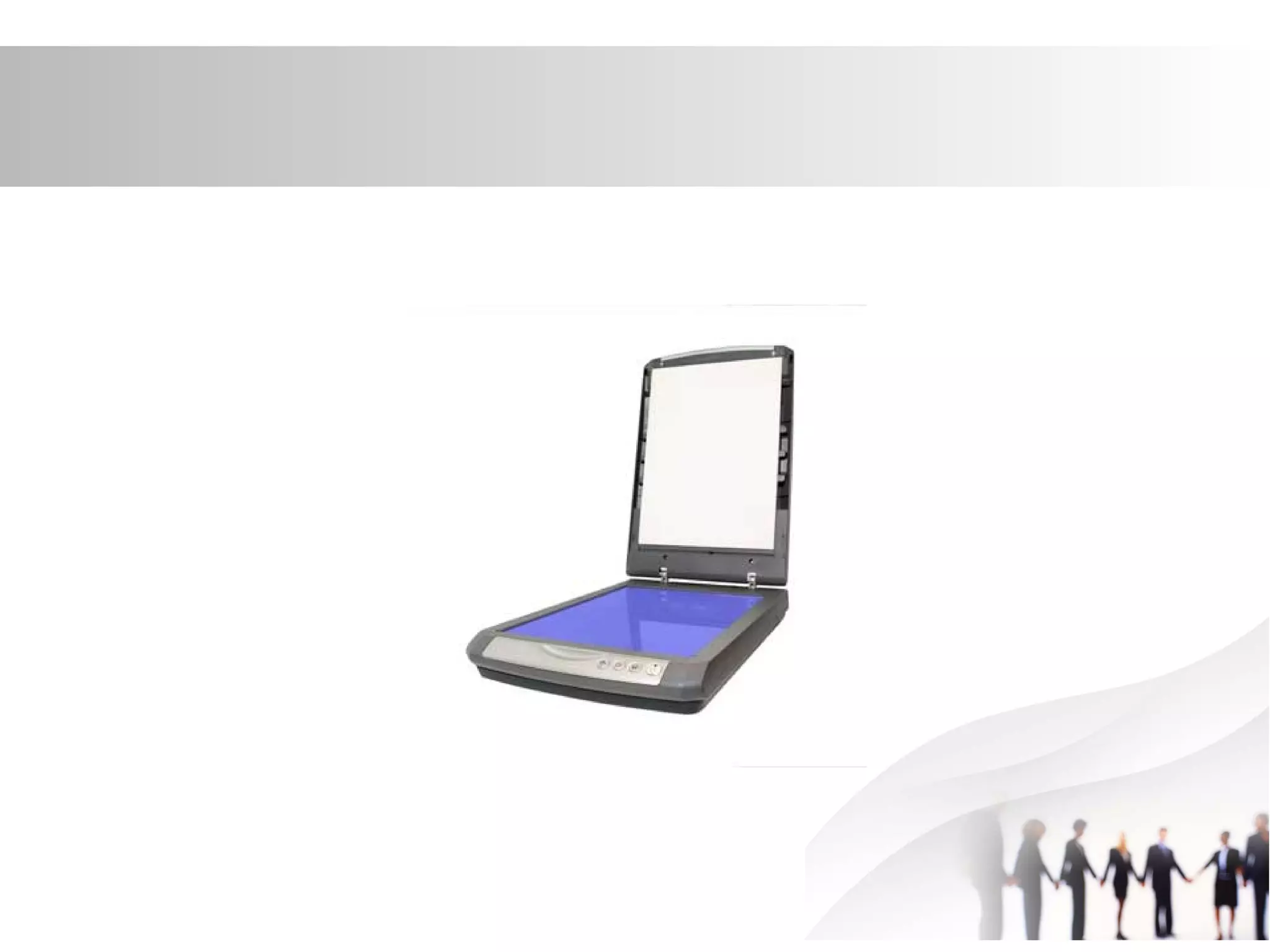
• Scanner is an input device which works
more like a photocopy machine. It is used
when some information is available on a
paper and it is to be transferred to the
hard disc of the computer for further
manipulation. Scanner captures images
from the source which are then converted
into the digital form that can be stored on
the disc. These images can be edited
before they are printed.
Digitizer
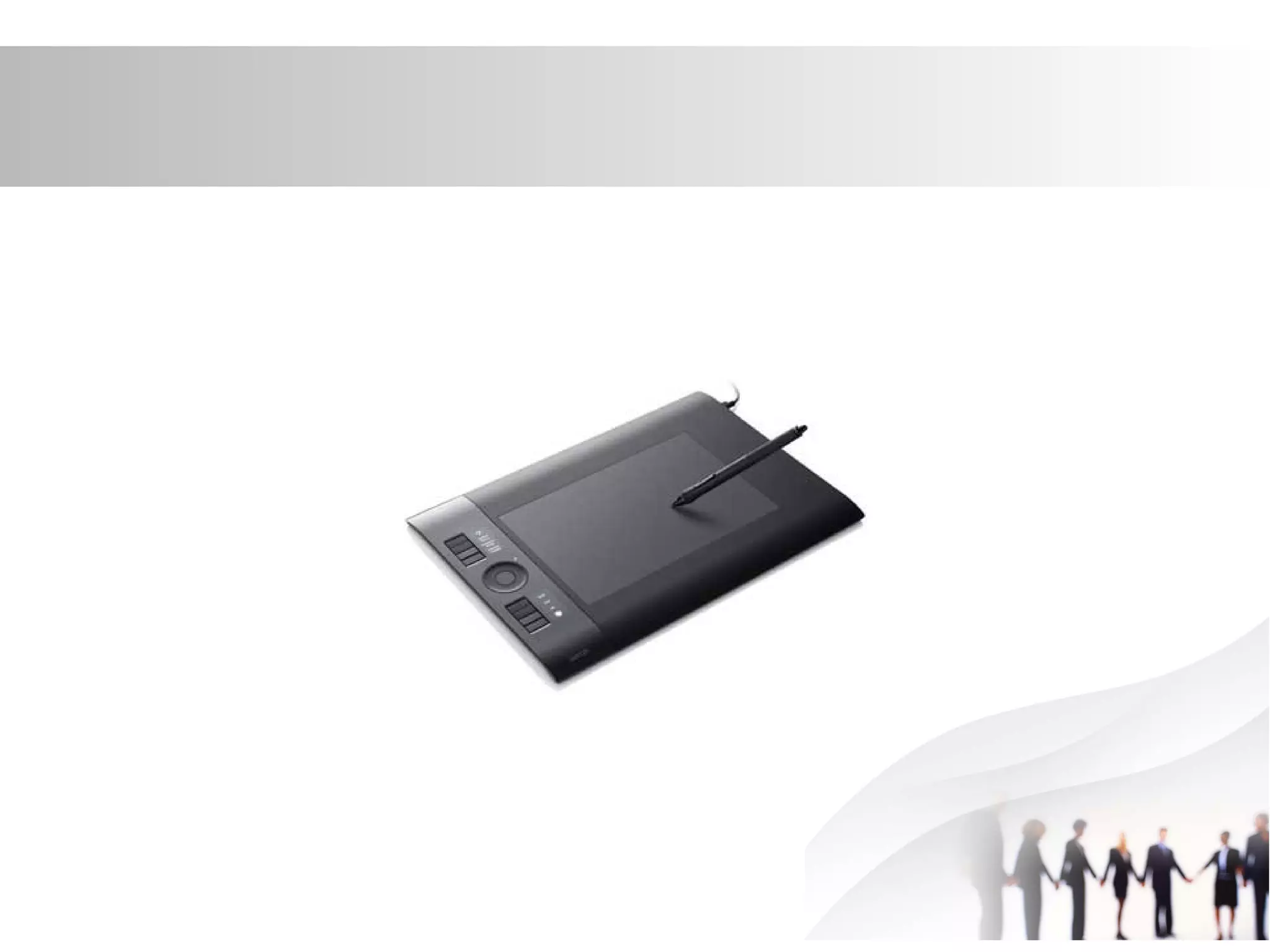
• Digitizer is an input device which converts
analog information into digital form. Digitizer can
convert a signal from the television or camera
into a series of numbers that could be stored in
a computer. They can be used by the computer
to create a picture of whatever the camera had
been pointed at. Digitizer is also known as
Tablet or Graphics Tablet because it converts
graphics and pictorial data into binary inputs. A
graphic tablet as digitizer is used for doing fine
works of drawing and image manipulation
applications.
Microphone
• Microphone is an input device to input
sound that is then stored in digital form.
The microphone is used for various
applications like adding sound to a
multimedia presentation or for mixing
music.
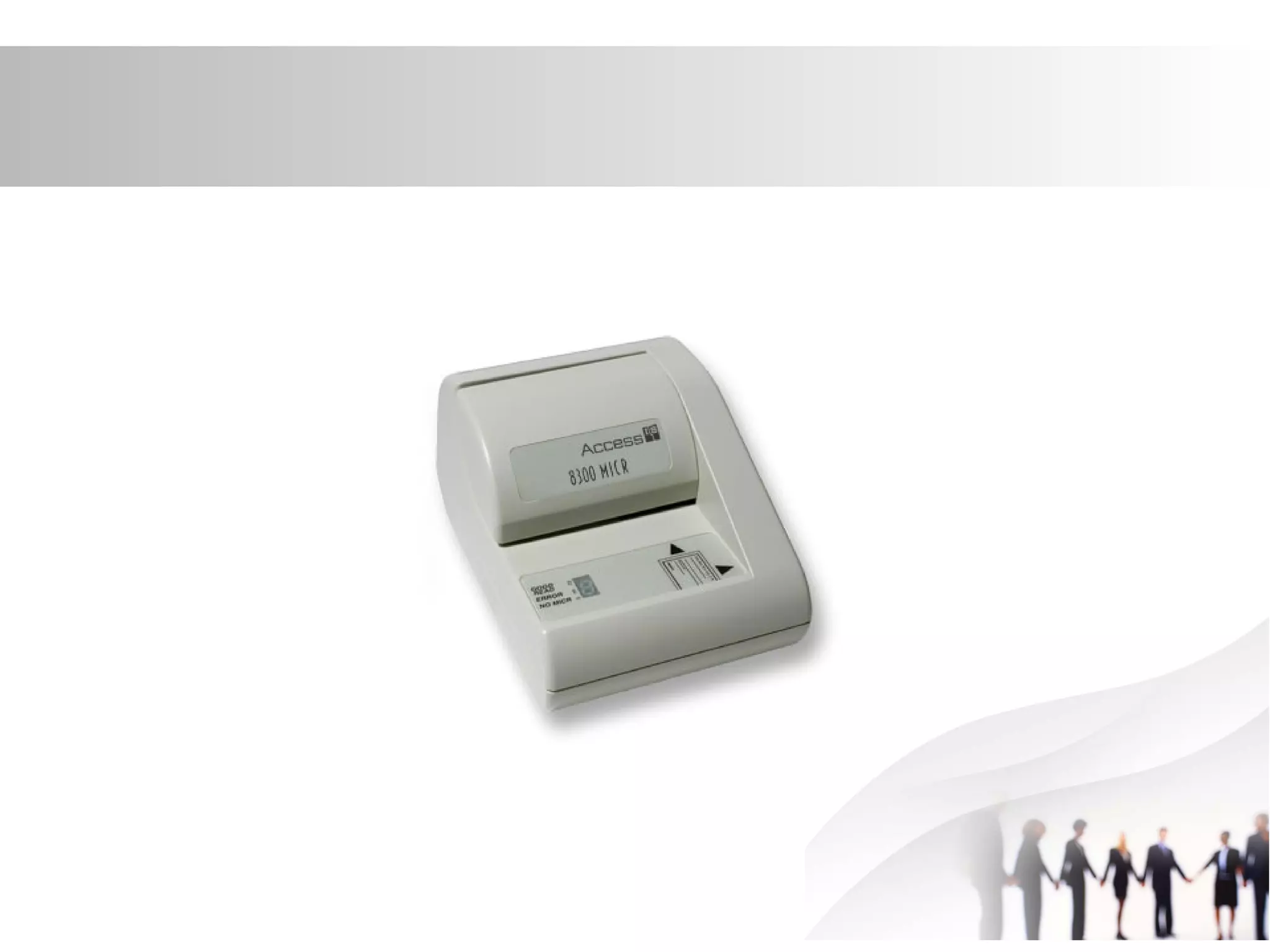
Magnetic Ink Card Reader(MICR)
• MICR input device is generally used in
banks because of a large number of
cheques to be processed every day. The
bank's code number and cheque number
are printed on the cheques with a special
type of ink that contains particles of
magnetic material that are machine
readable. This reading process is called
Magnetic Ink Character Recognition
(MICR). The main advantages of MICR is
that it is fast and less error prone.
Optical Character Reader(OCR)
• OCR is an input device used to read a
printed text. OCR scans text optically
character by character, converts them into
a machine readable code and stores the
text on the system memory.
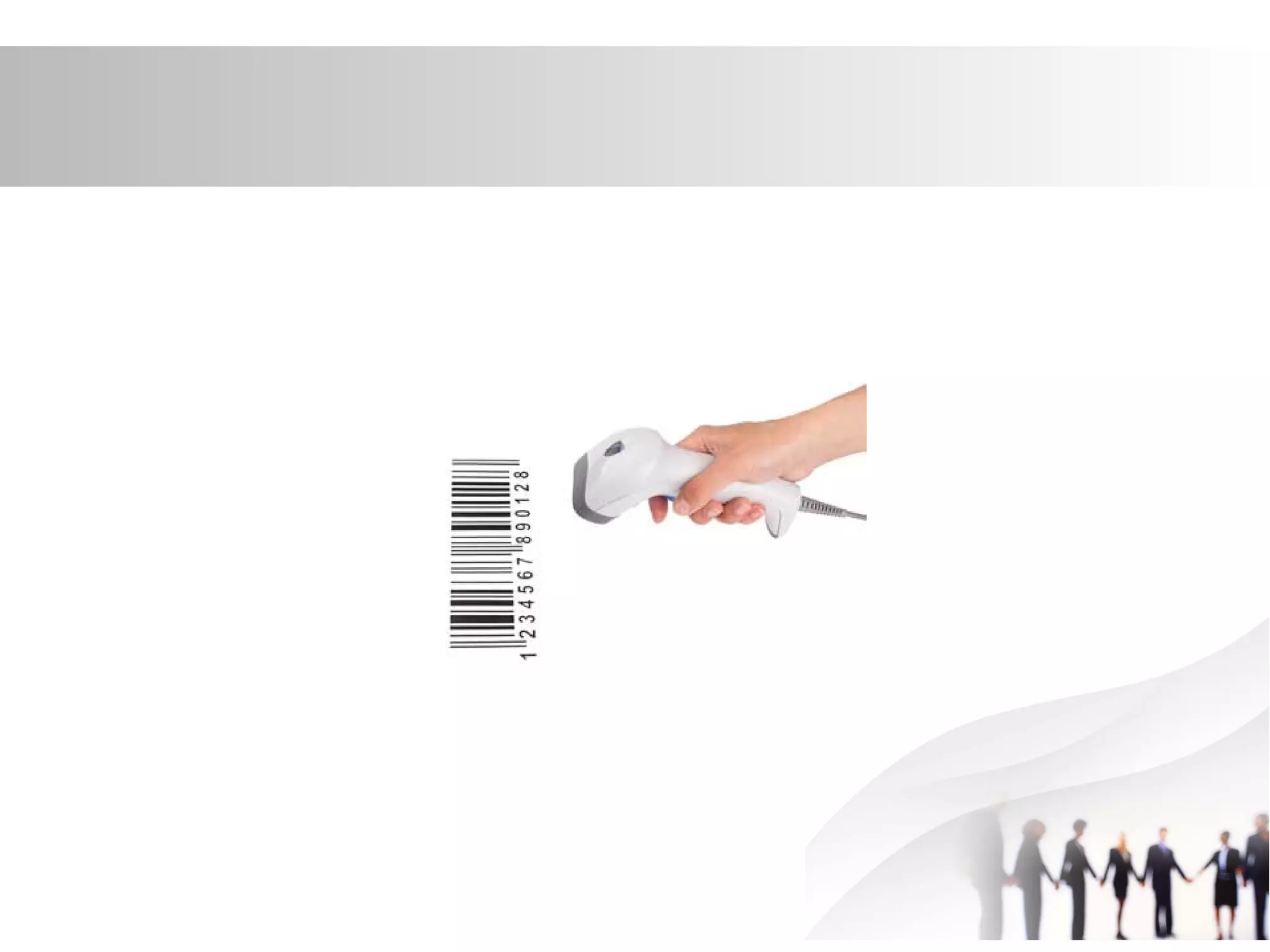
Bar Code Readers
• Bar Code Reader is a device used for
reading bar coded data (data in form of
light and dark lines). Bar coded data is
generally used in labelling goods,
numbering the books etc. It may be a
hand held scanner or may be embedded
in a stationary scanner. Bar Code Reader
scans a bar code image, converts it into
an alphanumeric value which is then fed to
the computer to which bar code reader is
connected.
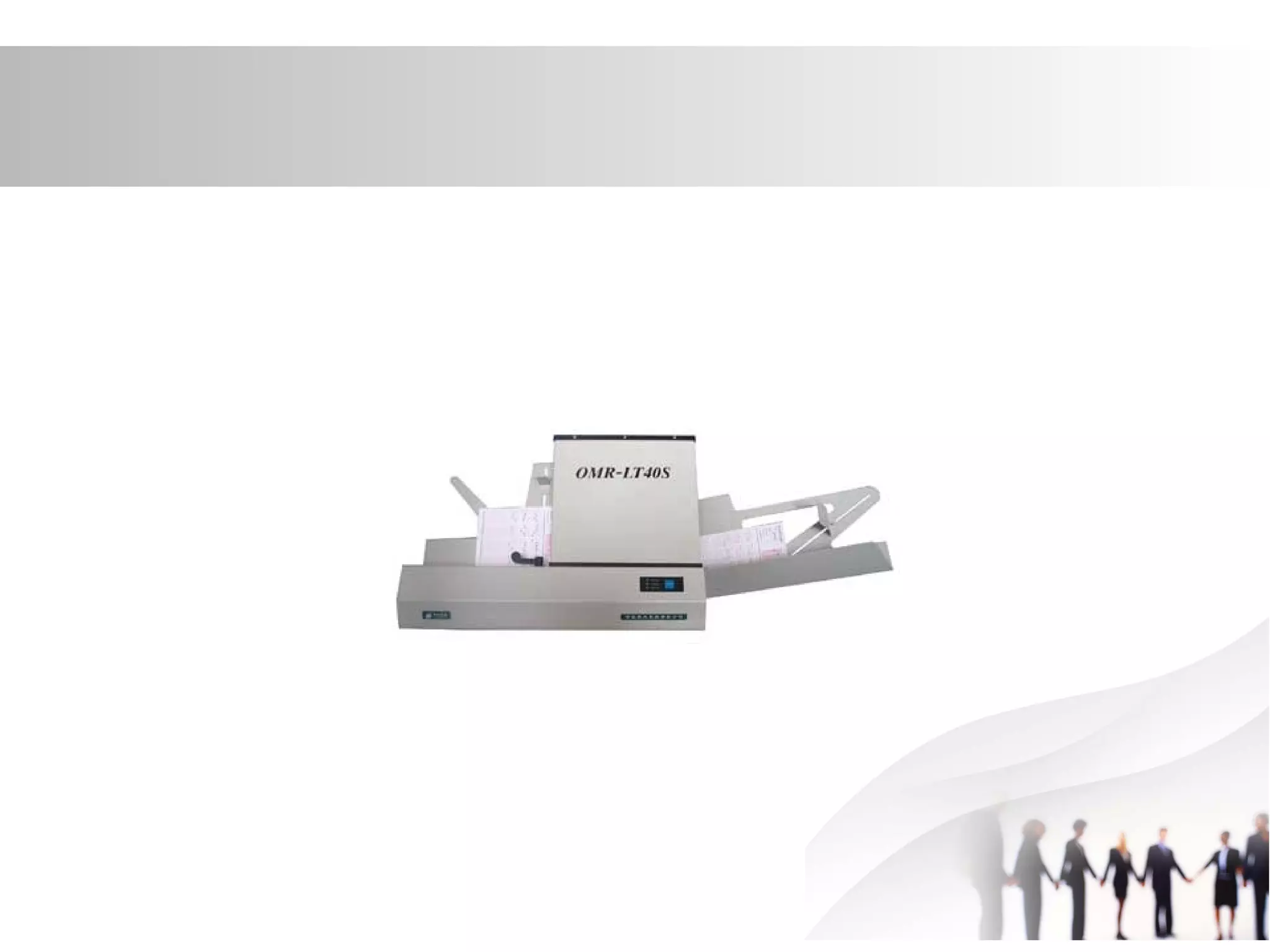
Optical Mark Reader(OMR)
• OMR is a special type of optical scanner
used to recognize the type of mark made
by pen or pencil. It is used where one out
of a few alternatives is to be selected and
marked. It is specially used for checking
the answer sheets of examinations having
multiple choice questions.
Out Put devices
Definition
• An output device is any device used to
send data from a computer to another
device or user. Most computer data output
that is meant for humans is in the form of
audio or video. Thus, most output devices
used by humans are in these categories.
Examples include monitors, projectors,
speakers, headphones.
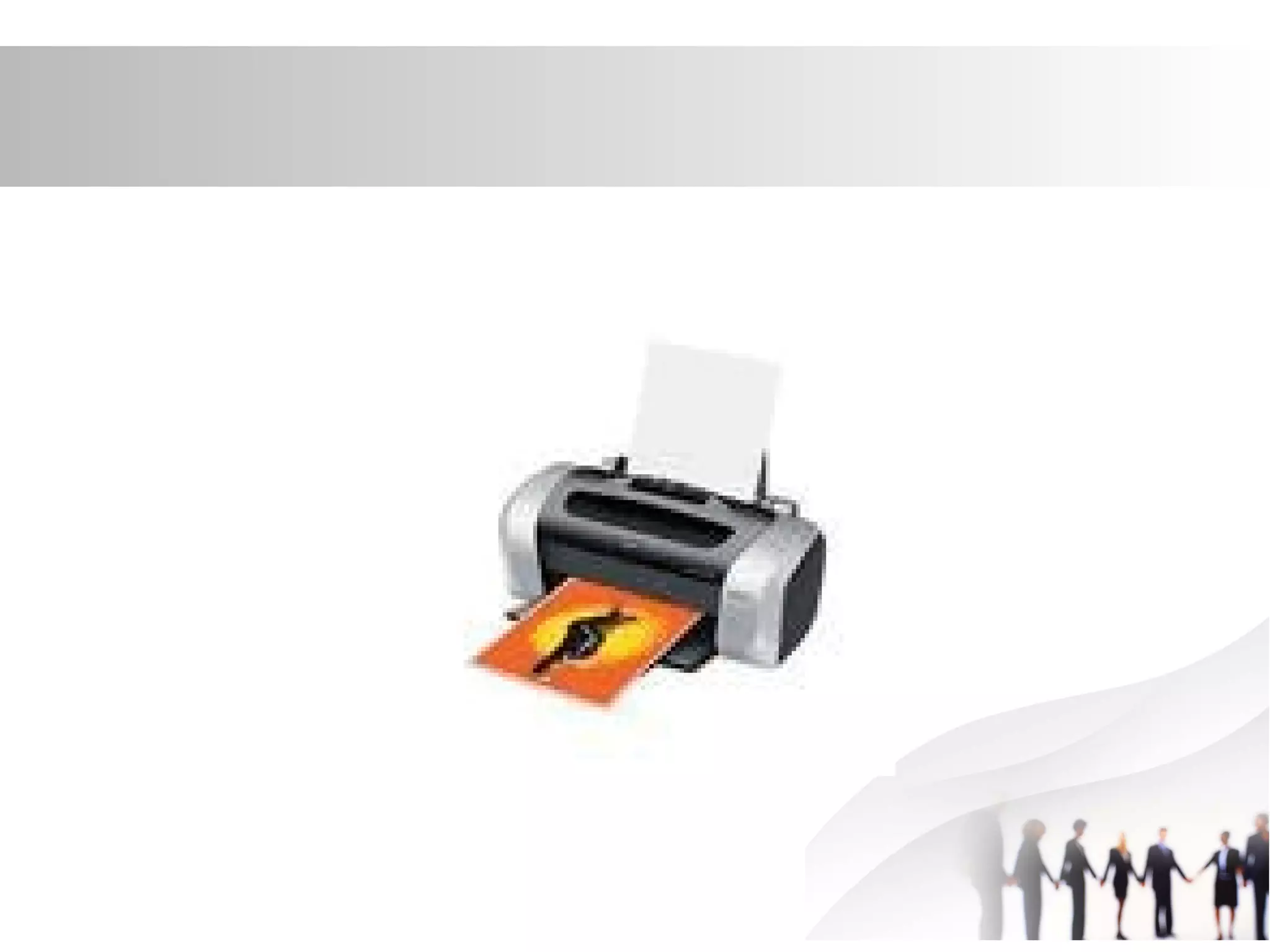
Printers
• Computers were supposed to bring about
the dream of a 'paperless office'. This now
looks very unlikely to happen because
paper has got some advantages over
computers when looking at information.
Laser Printer
• This type of printer is the main one used in
schools, offices and industry because it
produces high-quality printouts very
quickly, with good resolution.
Inkjet Printers
• :Basic models of this type of printer are
cheap to buy, and let you print in colour.
• The quality of the best inkjet's can be very
high and can be used for photographs
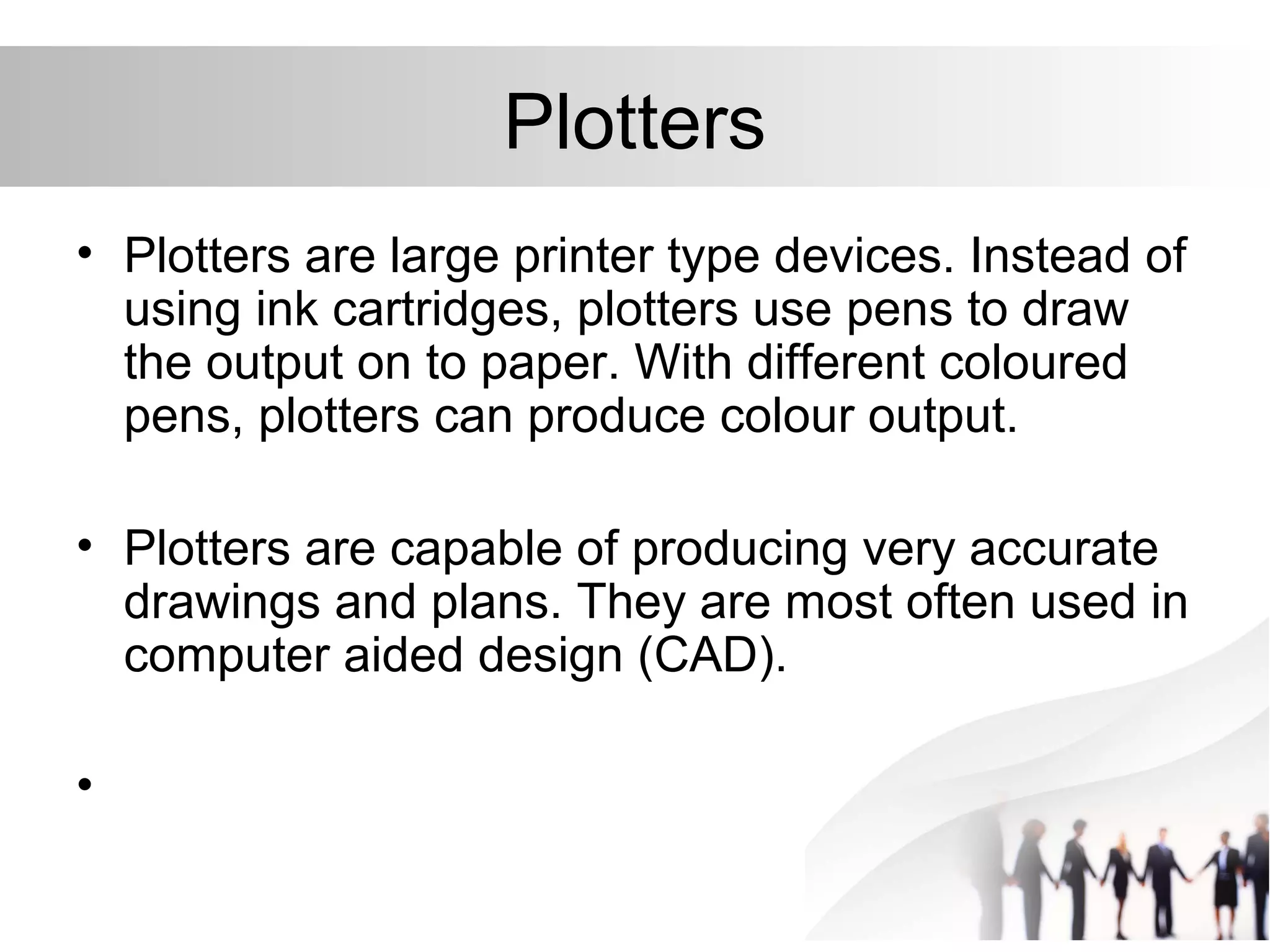
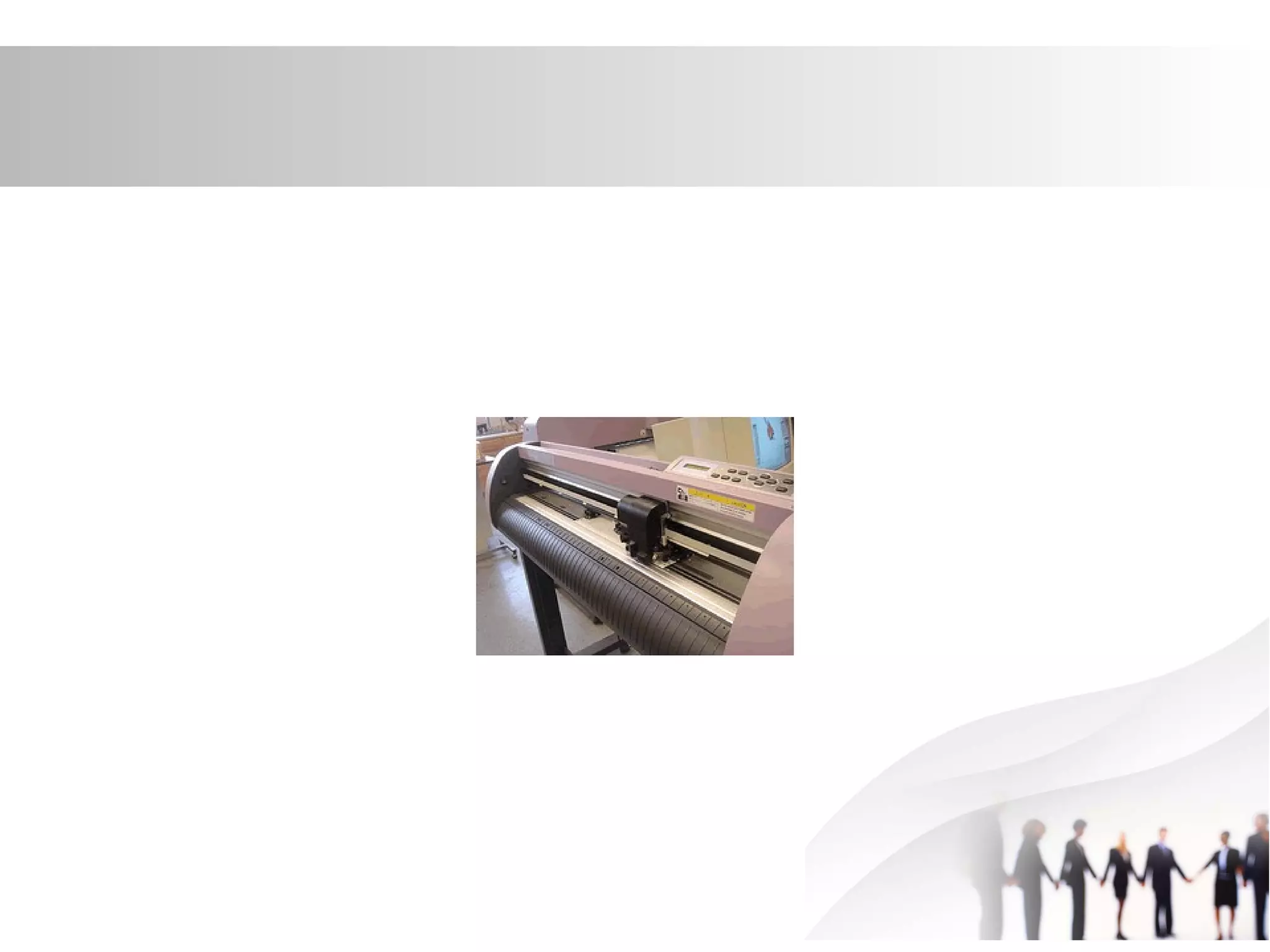
Plotters
• Plotters are large printer type devices. Instead of
using ink cartridges, plotters use pens to draw
the output on to paper. With different coloured
pens, plotters can produce colour output.
• Plotters are capable of producing very accurate
drawings and plans. They are most often used in
computer aided design (CAD).
•
Sound Card
• A sound card captures sounds and
changes them into digital binary numbers
that are stored as files in your computer.
Screens and Mointors
• Screens are the most common of output
devices. They show what's going in the
computer. There are really three main types.
• ibook transparent screen
• Liquid Crystal Display (LCD) Screens.
• Thin Film Transistor (TFT) Screens.
• Cathode Ray Tube (CRT) Screens
•

4th lecture

  • 1.
  • 2.
    definition • A componentor peripheral device (such as a barcode reader, graphic tablet, keyboard, magnetic-stripe reader, modem, mouse, scanner, or stylus) that feeds data or instruction into a computer for display, processing, storage, or outputting or transmission.
  • 3.
    Keyboard • Keyboard isthe most common and very popular input device which helps in inputting data to the computer. The layout of the keyboard is like that of traditional typewriter, although there are some additional keys provided for performing additional functions. • Keyboards are of two sizes 84 keys or 101/102 keys, but now keyboards with 104 keys or 108 keys are also available for Windows and Internet.
  • 4.
    Mouse • Mouse ismost popular pointing device. It is a very famous cursor-control device having a small palm size box with a round ball at its base which senses the movement of mouse and sends corresponding signals to CPU when the mouse buttons are pressed. • Generally it has two buttons called left and right button and a wheel is present between the buttons. Mouse can be used to control the position of cursor on screen, but it cannot be used to enter text into the computer.
  • 5.
    Joystick • Joystick isalso a pointing device which is used to move cursor position on a monitor screen. It is a stick having a spherical ball at its both lower and upper ends. The lower spherical ball moves in a socket. The joystick can be moved in all four directions. • The function of joystick is similar to that of a mouse. It is mainly used in Computer Aided Designing(CAD) and playing computer games.
  • 7.
    Light Pen • Lightpen is a pointing device which is similar to a pen. It is used to select a displayed menu item or draw pictures on the monitor screen. It consists of a photocell and an optical system placed in a small tube. When the tip of a light pen is moved over the monitor screen and pen button is pressed, its photocell sensing element detects the screen location and sends the corresponding signal to the CPU.
  • 9.
    Track Ball • Trackball is an input device that is mostly used in notebook or laptop computer, instead of a mouse. This is a ball which is half inserted and by moving fingers on ball, pointer can be moved. Since the whole device is not moved, a track ball requires less space than a mouse. A track ball comes in various shapes like a ball, a button and a square.
  • 11.
    Scanner • Scanner isan input device which works more like a photocopy machine. It is used when some information is available on a paper and it is to be transferred to the hard disc of the computer for further manipulation. Scanner captures images from the source which are then converted into the digital form that can be stored on the disc. These images can be edited before they are printed.
  • 13.
    Digitizer • Digitizer isan input device which converts analog information into digital form. Digitizer can convert a signal from the television or camera into a series of numbers that could be stored in a computer. They can be used by the computer to create a picture of whatever the camera had been pointed at. Digitizer is also known as Tablet or Graphics Tablet because it converts graphics and pictorial data into binary inputs. A graphic tablet as digitizer is used for doing fine works of drawing and image manipulation applications.
  • 15.
    Microphone • Microphone isan input device to input sound that is then stored in digital form. The microphone is used for various applications like adding sound to a multimedia presentation or for mixing music.
  • 16.
    Magnetic Ink CardReader(MICR) • MICR input device is generally used in banks because of a large number of cheques to be processed every day. The bank's code number and cheque number are printed on the cheques with a special type of ink that contains particles of magnetic material that are machine readable. This reading process is called Magnetic Ink Character Recognition (MICR). The main advantages of MICR is that it is fast and less error prone.
  • 18.
    Optical Character Reader(OCR) •OCR is an input device used to read a printed text. OCR scans text optically character by character, converts them into a machine readable code and stores the text on the system memory.
  • 20.
    Bar Code Readers •Bar Code Reader is a device used for reading bar coded data (data in form of light and dark lines). Bar coded data is generally used in labelling goods, numbering the books etc. It may be a hand held scanner or may be embedded in a stationary scanner. Bar Code Reader scans a bar code image, converts it into an alphanumeric value which is then fed to the computer to which bar code reader is connected.
  • 22.
    Optical Mark Reader(OMR) •OMR is a special type of optical scanner used to recognize the type of mark made by pen or pencil. It is used where one out of a few alternatives is to be selected and marked. It is specially used for checking the answer sheets of examinations having multiple choice questions.
  • 24.
  • 25.
    Definition • An outputdevice is any device used to send data from a computer to another device or user. Most computer data output that is meant for humans is in the form of audio or video. Thus, most output devices used by humans are in these categories. Examples include monitors, projectors, speakers, headphones.
  • 26.
    Printers • Computers weresupposed to bring about the dream of a 'paperless office'. This now looks very unlikely to happen because paper has got some advantages over computers when looking at information.
  • 27.
    Laser Printer • Thistype of printer is the main one used in schools, offices and industry because it produces high-quality printouts very quickly, with good resolution.
  • 28.
    Inkjet Printers • :Basicmodels of this type of printer are cheap to buy, and let you print in colour. • The quality of the best inkjet's can be very high and can be used for photographs
  • 30.
    Plotters • Plotters arelarge printer type devices. Instead of using ink cartridges, plotters use pens to draw the output on to paper. With different coloured pens, plotters can produce colour output. • Plotters are capable of producing very accurate drawings and plans. They are most often used in computer aided design (CAD). •
  • 32.
    Sound Card • Asound card captures sounds and changes them into digital binary numbers that are stored as files in your computer.
  • 33.
    Screens and Mointors •Screens are the most common of output devices. They show what's going in the computer. There are really three main types. • ibook transparent screen • Liquid Crystal Display (LCD) Screens. • Thin Film Transistor (TFT) Screens. • Cathode Ray Tube (CRT) Screens •