

PRESENTATION ON:- INPUT
DEVICE’S
INPUT DEVICE
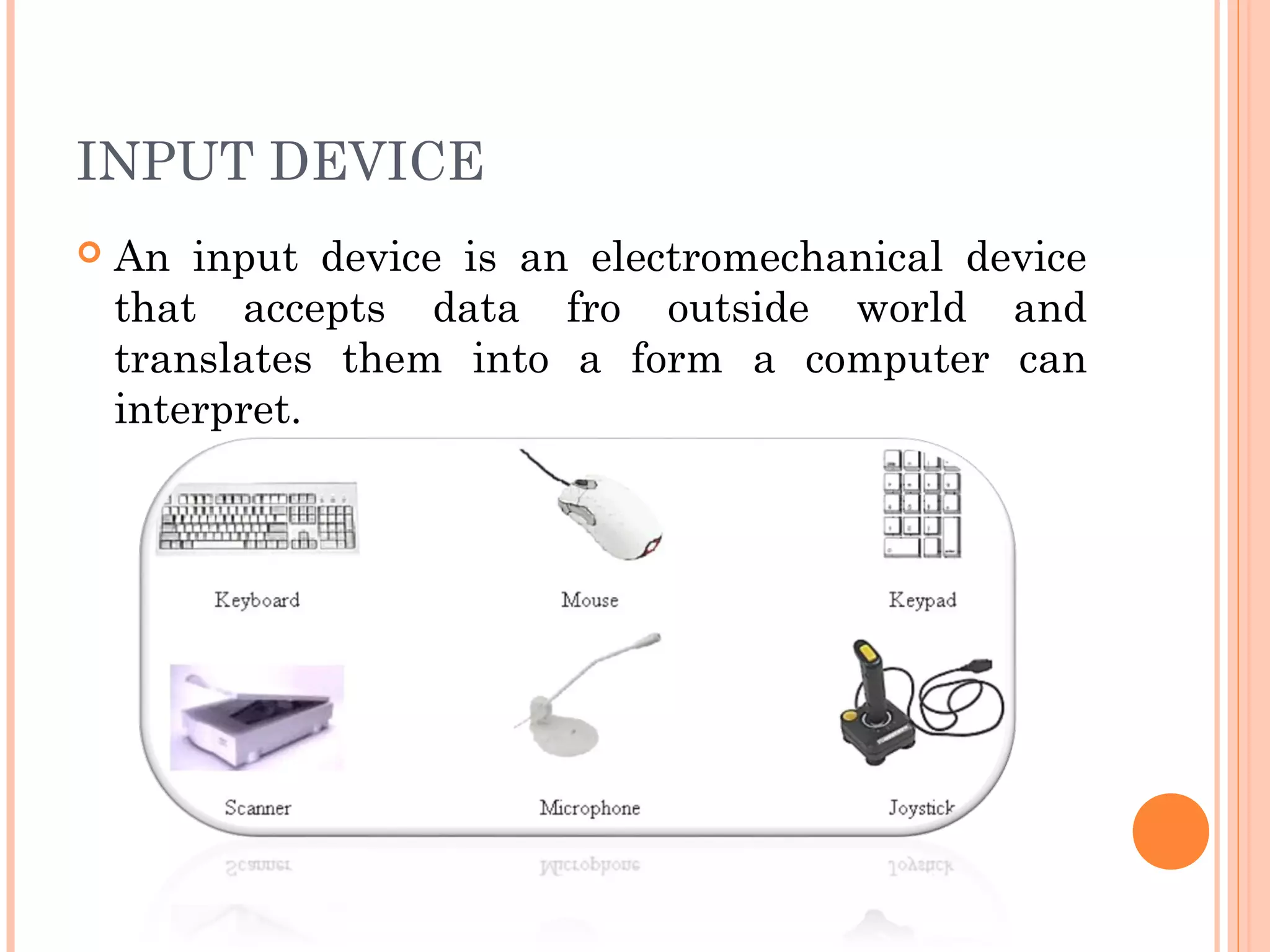
 An input device is an electromechanical device
that accepts data fro outside world and
translates them into a form a computer can
interpret.
TYPES OF INPUT DEVICE
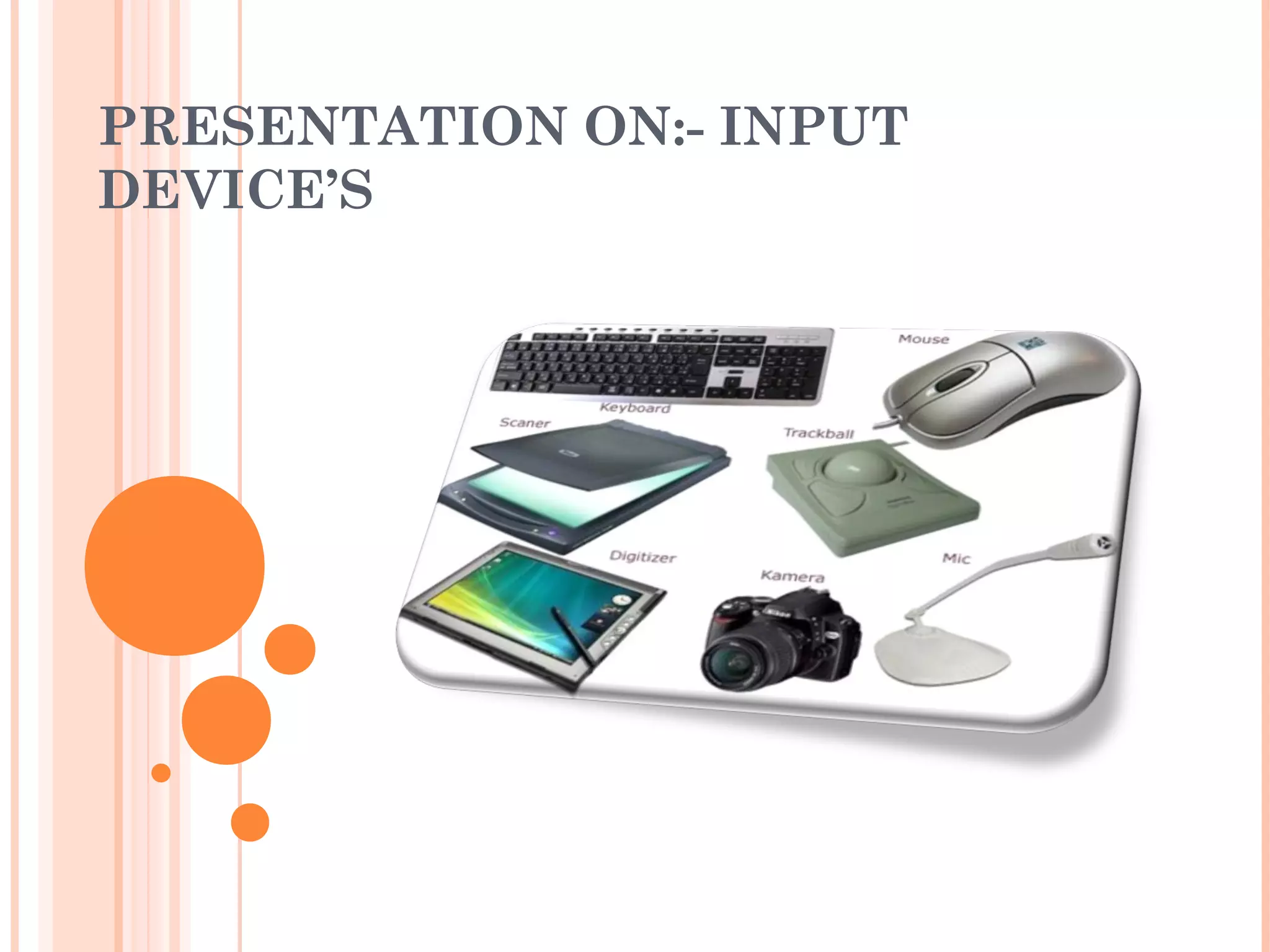
 Keyboard
 Point and draw device
 Vision based device
 Data scanning device
WHY DO WE NEED INPUT DEVICE?
 Input device’s are one of the most important part
of computer system.
 Input device’s help us to give input to the
computer.
DIGITIZER
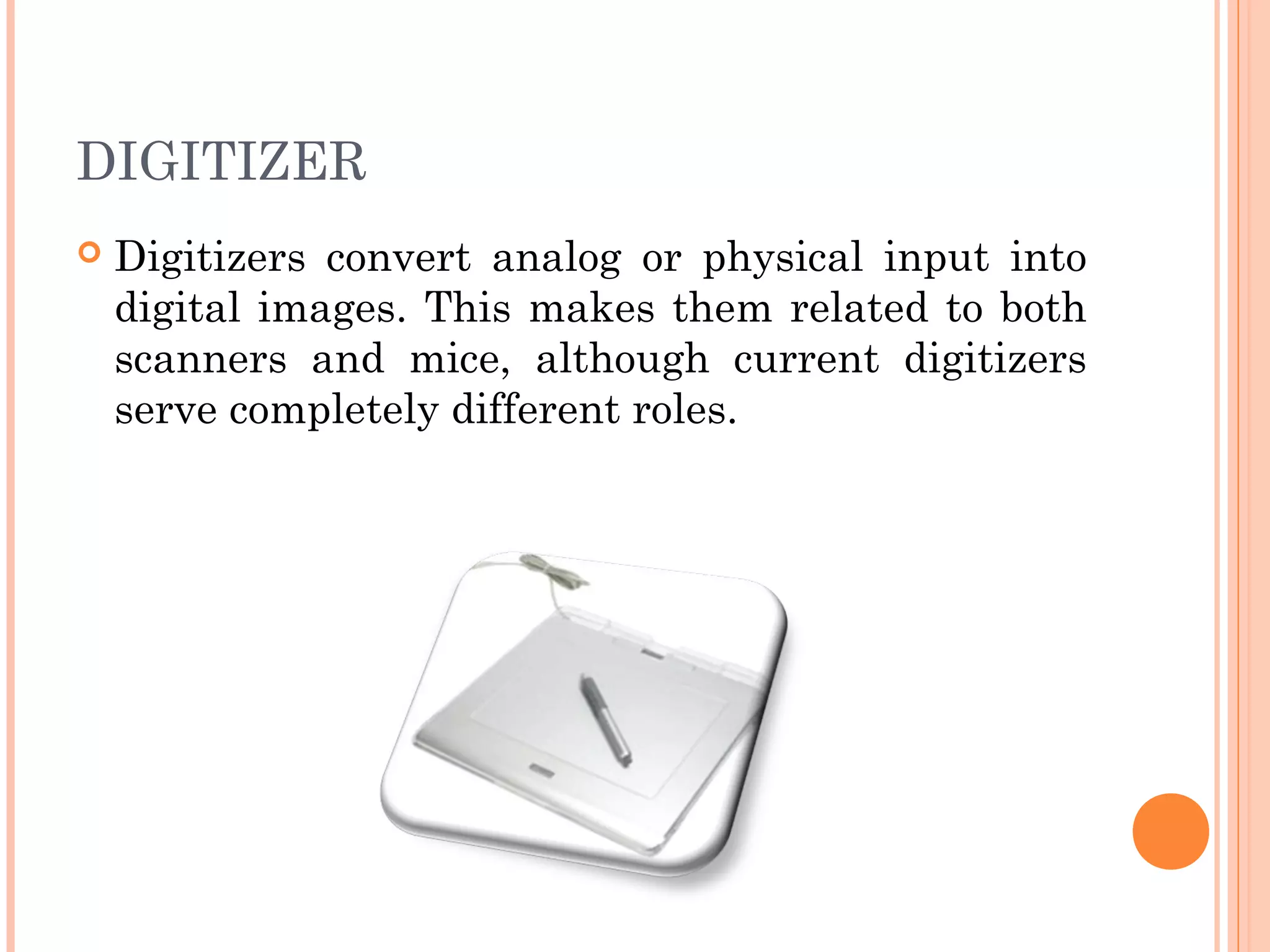
 Digitizers convert analog or physical input into
digital images. This makes them related to both
scanners and mice, although current digitizers
serve completely different roles.
IDENTIFICATION
 Modern digitizers appear as flat scanning
surfaces or tablets that connect to a computer
workstation. The surface is touch-sensitive,
sending signals to the software, which translates
them into images on the screen.
SIGNIFICANCE
 Digitizers carry out important work in computer-
aided design, graphics design and engineering.
They also help convert hand-drawn images into
textures and animation in video games and
movie CGI.
HISTORY
 Much like scanners and fax machines, digitizers
trace their ancestry to the late 19th century, when
they emerged from telegraph-related technology.
Modern digitizers came about in the 1950s, but only
gained popularity with the advent of 16 bit
computers in the 1980s. Digitizers of that era were
often confused with scanners, as in converting any
image into "digital."
FEATURES
 Important factors to consider when looking at
digitizers are resolution, sensitivity and image
recognition. While users can input any image, the
tablet and software may not be able to convert it
fully. Also, handwriting recognition and text auto-
detect are popular features.
LIGHT PEN
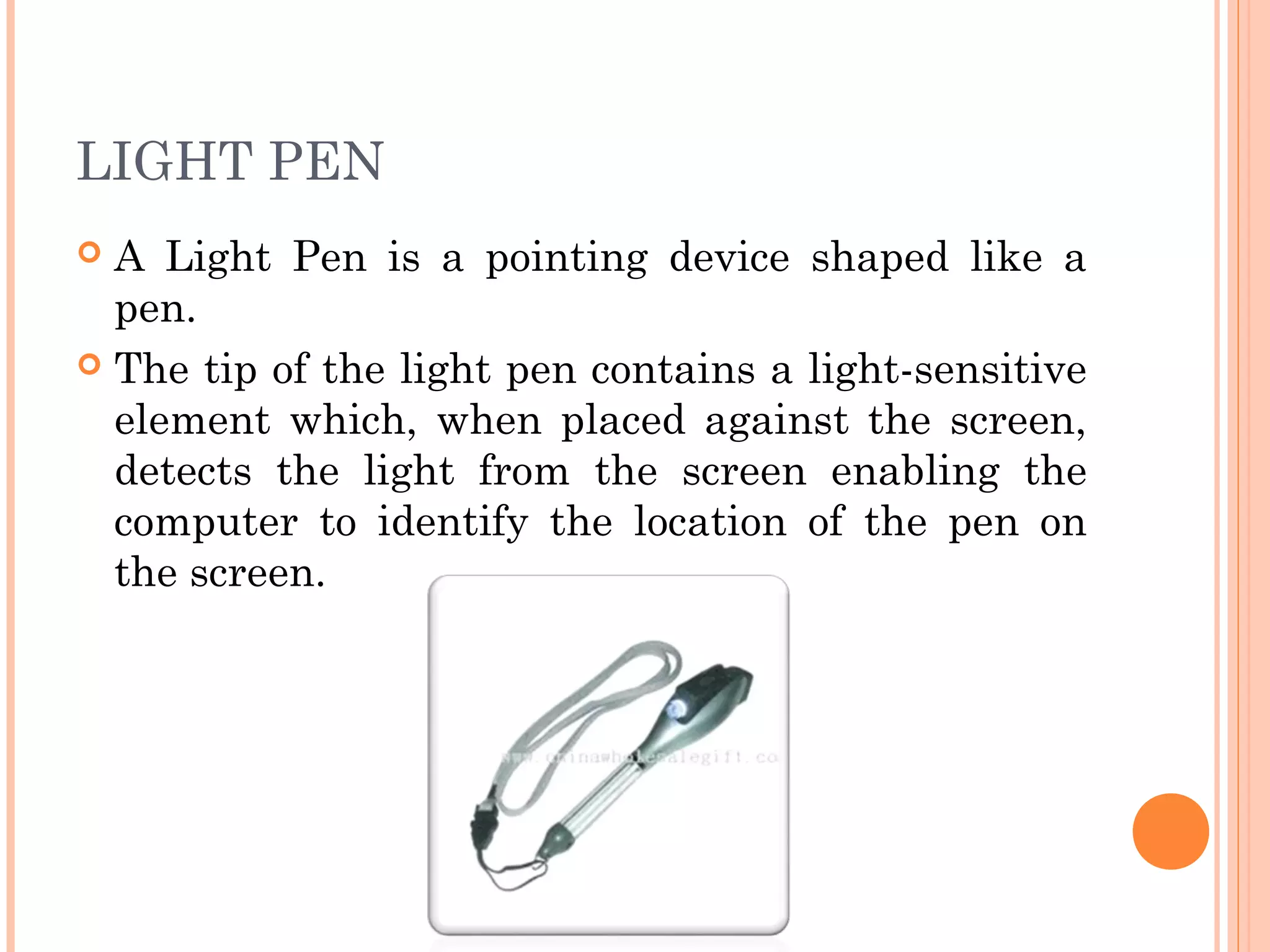
 A Light Pen is a pointing device shaped like a
pen.
 The tip of the light pen contains a light-sensitive
element which, when placed against the screen,
detects the light from the screen enabling the
computer to identify the location of the pen on
the screen.
FEATURES
 Intuitive operation
 Accurate
 Easy to install
 Operates with your mouse
MAINTENANCE AND VALUE
 Buying a light pen to use on your CRT computer
monitor is cheaper than buying a touch-screen
monitor. The same is true for repairs or
replacements. A damaged light pen is cheaper to
replace than a damaged touch screen. As of 2010,
light pens started at about $130 and touch
screens started at about $400.
DISADVANTAGES
 CRT to LCD.
 Low Lighting.
 High Lighting.
 Short Lifespan.
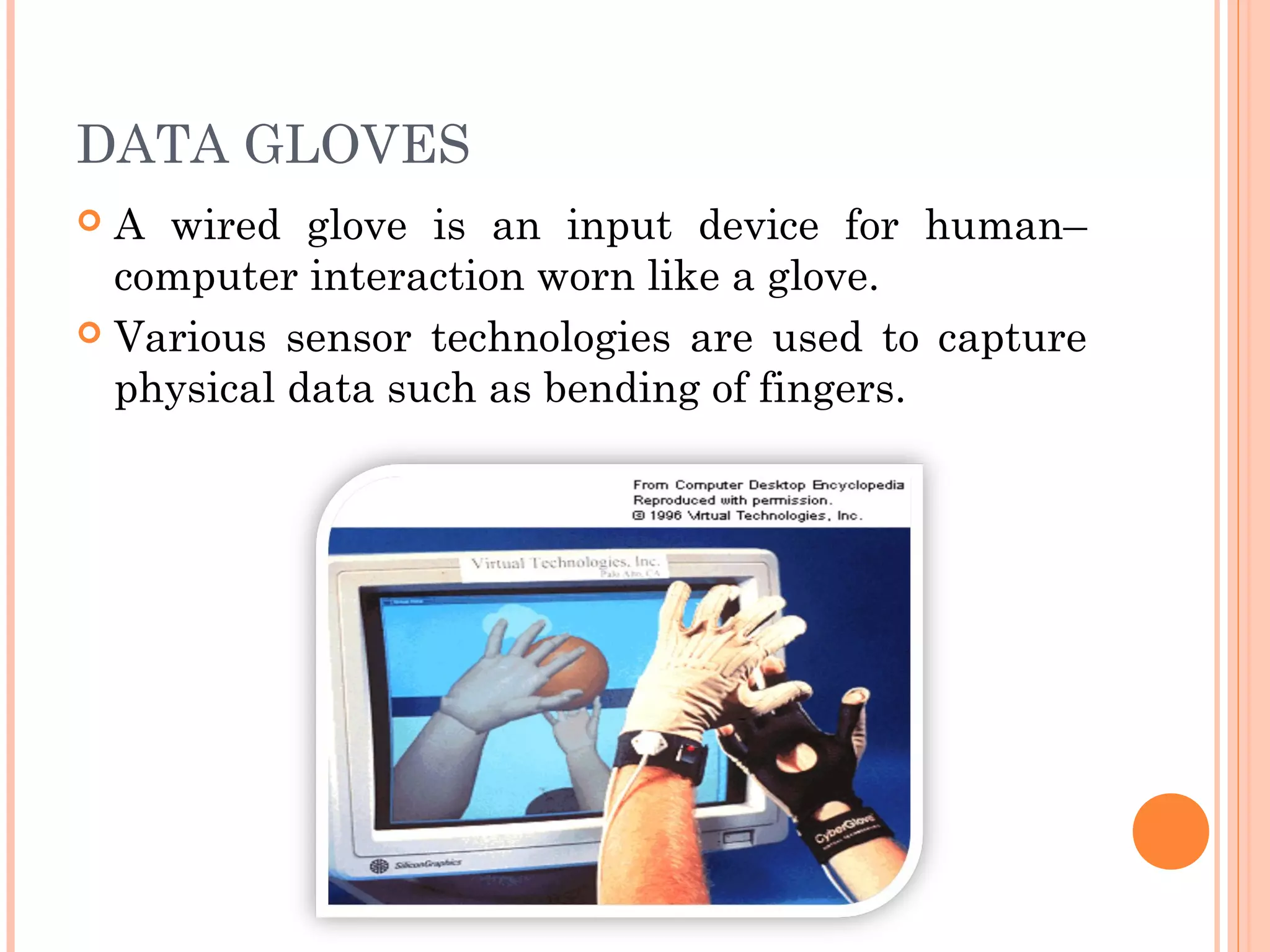
DATA GLOVES
 A wired glove is an input device for human–
computer interaction worn like a glove.
 Various sensor technologies are used to capture
physical data such as bending of fingers.
HOW DO YOU USE THE DATA
GLOVE?
 The data glove is relatively new in the face of
education.
 Right now they are being used for: sign-language,
the teaching of sports, mathematical skills for
deaf children, education for mechanics of all
types, education in chemistry in the making of
molecules, pathology studies for surgeons,
simulations of plastic and reconstructive surgery,
endoscopic training for surgeons, music systems.
WHY USE A DATA GLOVE?
 For the "gamers" out there, this data glove
allows you to interact in virtual reality
environment that you would never be able to get
with the touch of a keyboard.
ADVANTAGES & DISADVANTAGES
Input device

Input device

  • 1.
  • 2.
    INPUT DEVICE  Aninput device is an electromechanical device that accepts data fro outside world and translates them into a form a computer can interpret.
  • 3.
    TYPES OF INPUTDEVICE  Keyboard  Point and draw device  Vision based device  Data scanning device
  • 4.
    WHY DO WENEED INPUT DEVICE?  Input device’s are one of the most important part of computer system.  Input device’s help us to give input to the computer.
  • 5.
    DIGITIZER  Digitizers convertanalog or physical input into digital images. This makes them related to both scanners and mice, although current digitizers serve completely different roles.
  • 6.
    IDENTIFICATION  Modern digitizersappear as flat scanning surfaces or tablets that connect to a computer workstation. The surface is touch-sensitive, sending signals to the software, which translates them into images on the screen.
  • 7.
    SIGNIFICANCE  Digitizers carryout important work in computer- aided design, graphics design and engineering. They also help convert hand-drawn images into textures and animation in video games and movie CGI.
  • 8.
    HISTORY  Much likescanners and fax machines, digitizers trace their ancestry to the late 19th century, when they emerged from telegraph-related technology. Modern digitizers came about in the 1950s, but only gained popularity with the advent of 16 bit computers in the 1980s. Digitizers of that era were often confused with scanners, as in converting any image into "digital."
  • 9.
    FEATURES  Important factorsto consider when looking at digitizers are resolution, sensitivity and image recognition. While users can input any image, the tablet and software may not be able to convert it fully. Also, handwriting recognition and text auto- detect are popular features.
  • 10.
    LIGHT PEN  ALight Pen is a pointing device shaped like a pen.  The tip of the light pen contains a light-sensitive element which, when placed against the screen, detects the light from the screen enabling the computer to identify the location of the pen on the screen.
  • 11.
    FEATURES  Intuitive operation Accurate  Easy to install  Operates with your mouse
  • 12.
    MAINTENANCE AND VALUE Buying a light pen to use on your CRT computer monitor is cheaper than buying a touch-screen monitor. The same is true for repairs or replacements. A damaged light pen is cheaper to replace than a damaged touch screen. As of 2010, light pens started at about $130 and touch screens started at about $400.
  • 13.
    DISADVANTAGES  CRT toLCD.  Low Lighting.  High Lighting.  Short Lifespan.
  • 14.
    DATA GLOVES  Awired glove is an input device for human– computer interaction worn like a glove.  Various sensor technologies are used to capture physical data such as bending of fingers.
  • 15.
    HOW DO YOUUSE THE DATA GLOVE?  The data glove is relatively new in the face of education.  Right now they are being used for: sign-language, the teaching of sports, mathematical skills for deaf children, education for mechanics of all types, education in chemistry in the making of molecules, pathology studies for surgeons, simulations of plastic and reconstructive surgery, endoscopic training for surgeons, music systems.
  • 16.
    WHY USE ADATA GLOVE?  For the "gamers" out there, this data glove allows you to interact in virtual reality environment that you would never be able to get with the touch of a keyboard.
  • 17.