MOBILE OPERATING
SYSTEMS
Computer Maintenance
WHAT ARE THEY?
• An operating system that operates a smartphone, tablet, PDA, or other mobile
device.
• Modern mobile operating systems combine the features of a personal computer
operating system with touchscreen, cellular, Bluetooth, Wi-Fi, GPS navigation,
camera, speech recognition, voice recorder, music player, NFC, and other features.
• Designed for touchscreens displays. (Display made up of three parts: glass, digitizer,
and lcd.)
EXAMPLES
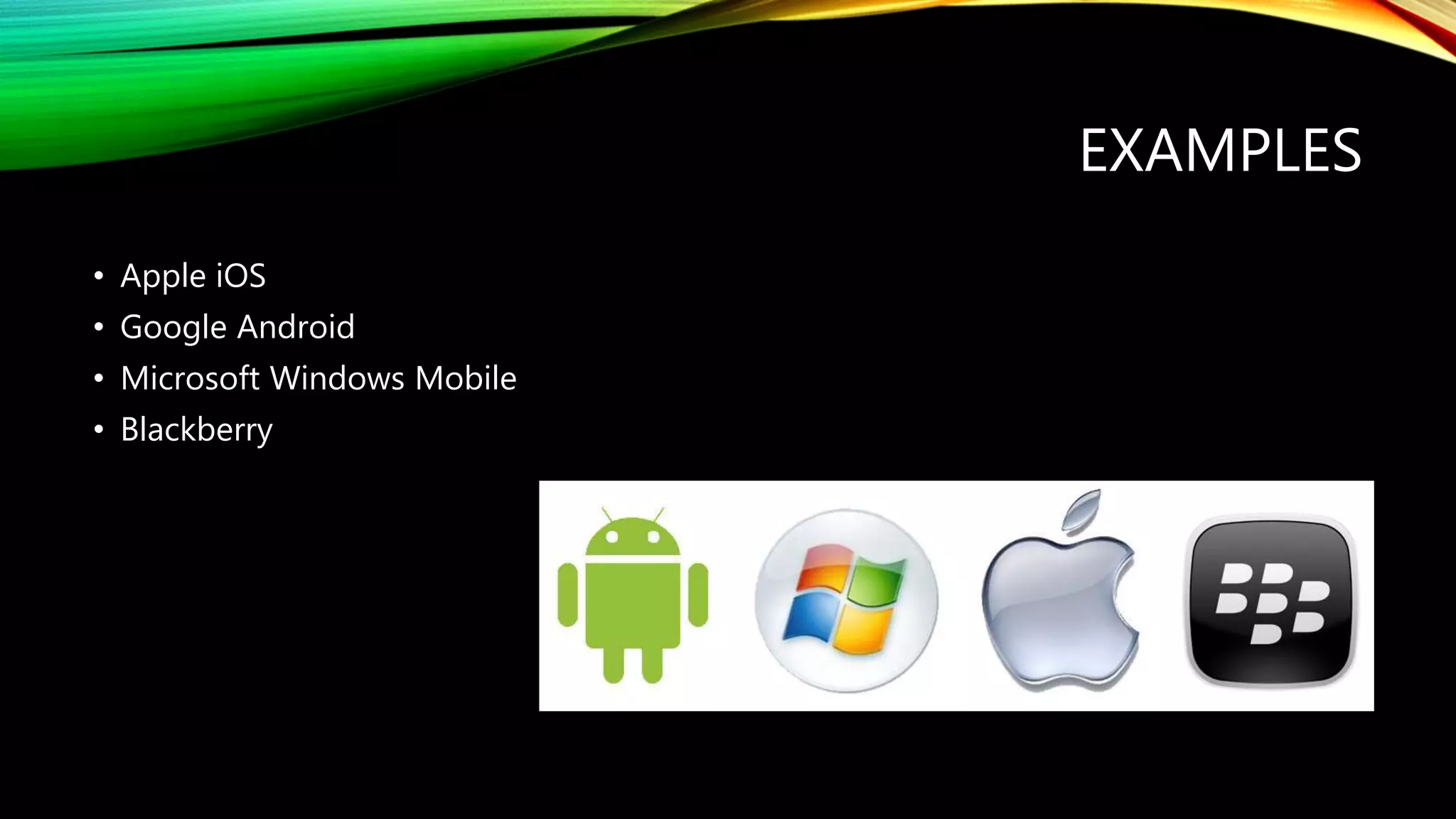
• Apple iOS
• Google Android
• Microsoft Windows Mobile
• Blackberry
IOS
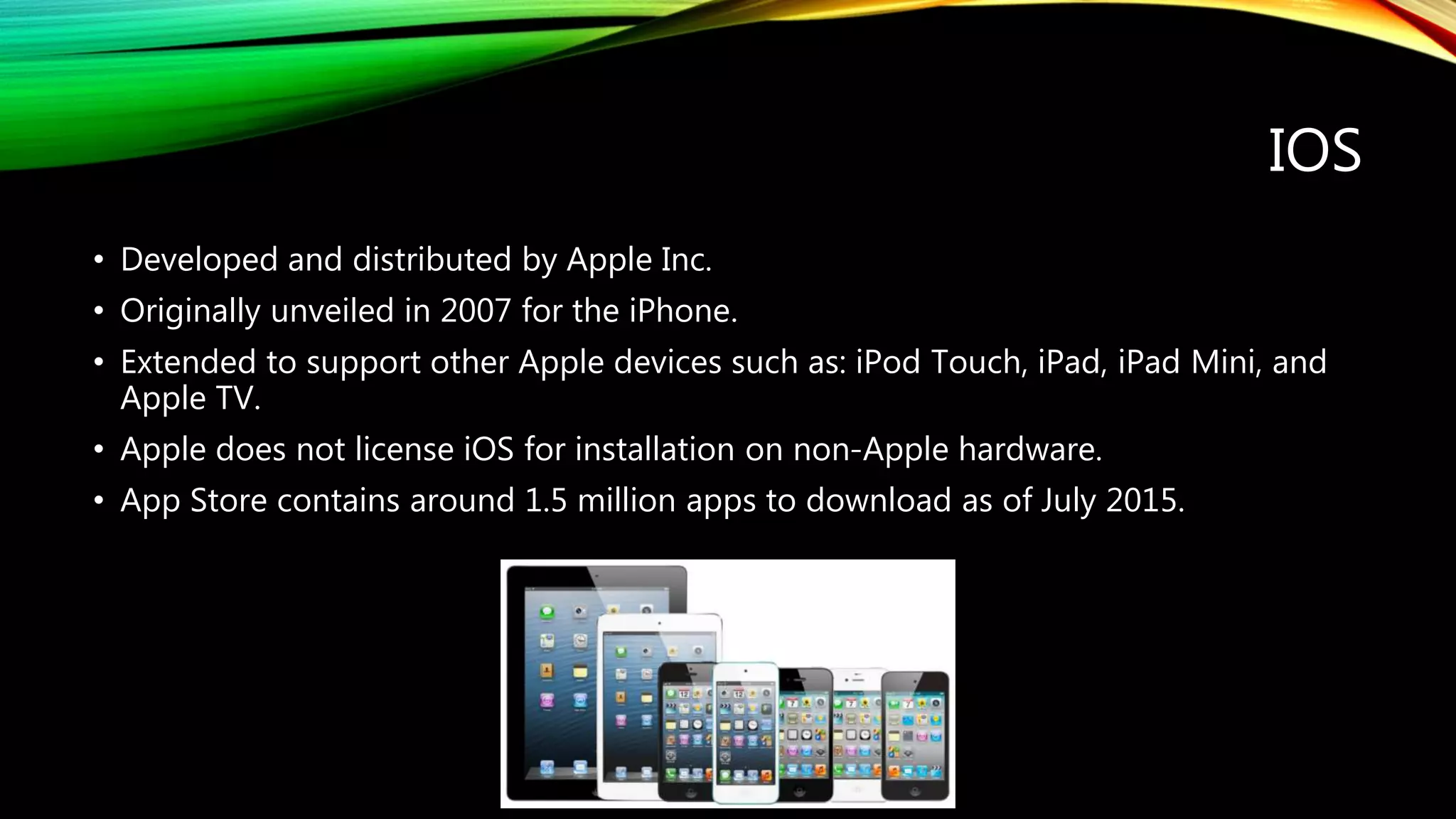
• Developed and distributed by Apple Inc.
• Originally unveiled in 2007 for the iPhone.
• Extended to support other Apple devices such as: iPod Touch, iPad, iPad Mini, and
Apple TV.
• Apple does not license iOS for installation on non-Apple hardware.
• App Store contains around 1.5 million apps to download as of July 2015.
FEATURES
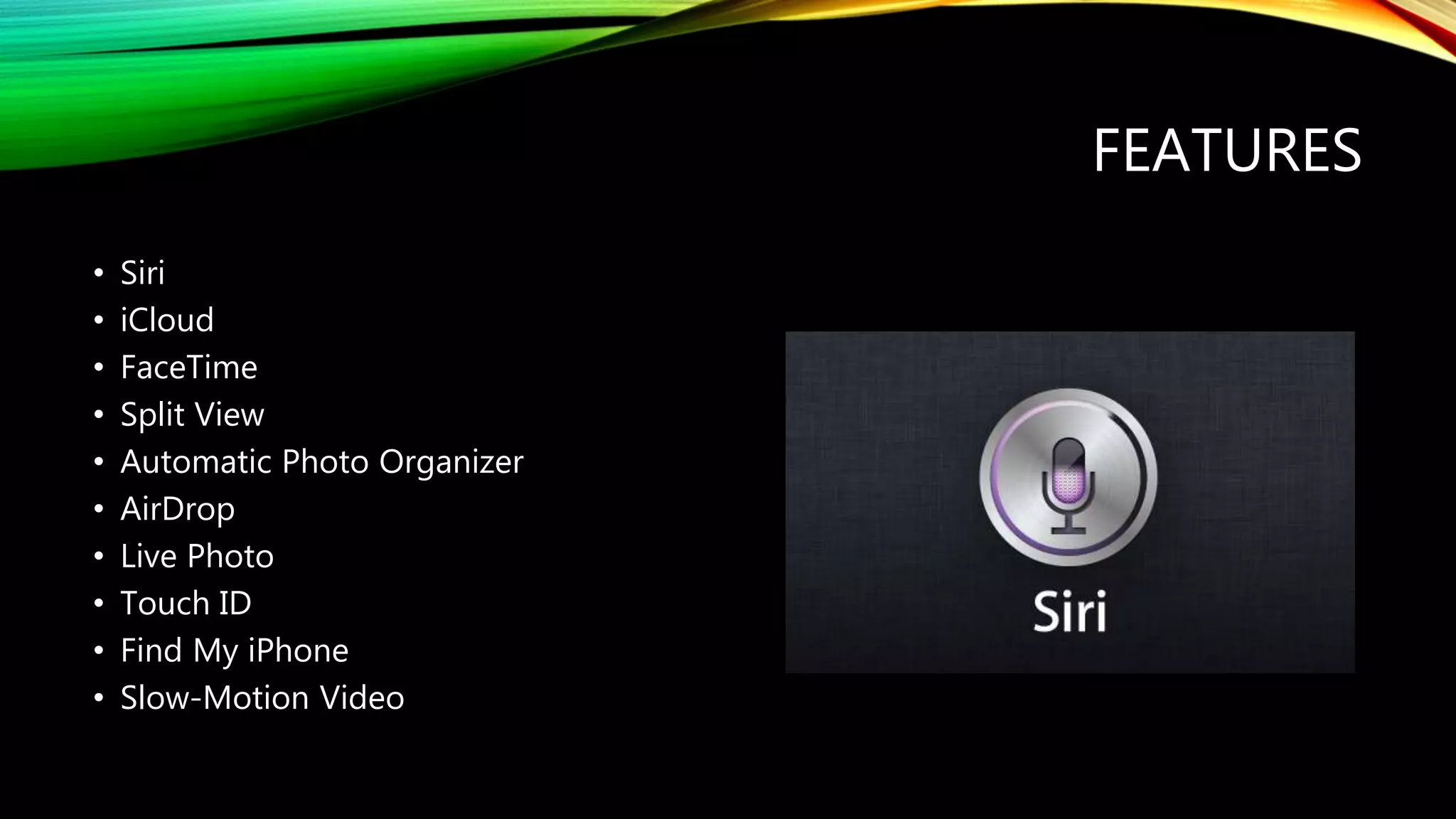
• Siri
• iCloud
• FaceTime
• Split View
• Automatic Photo Organizer
• AirDrop
• Live Photo
• Touch ID
• Find My iPhone
• Slow-Motion Video
TIPS AND MAINTENANCE
• App Switch (double press Home button)
• On screen Home Button
• Update iOS and apps
• Battery Saving Tips (location, brightness, notifications, airplane mode, auto-lock,
running apps, charging)
• Delete unused apps
• Jailbreak
• Screen protector/case
BEST APPS
What is your favorite?
ANDROID
• Initially developed by Android, Inc. which Google bought in 2005.
• Open source software.
• Compatible with many devices.
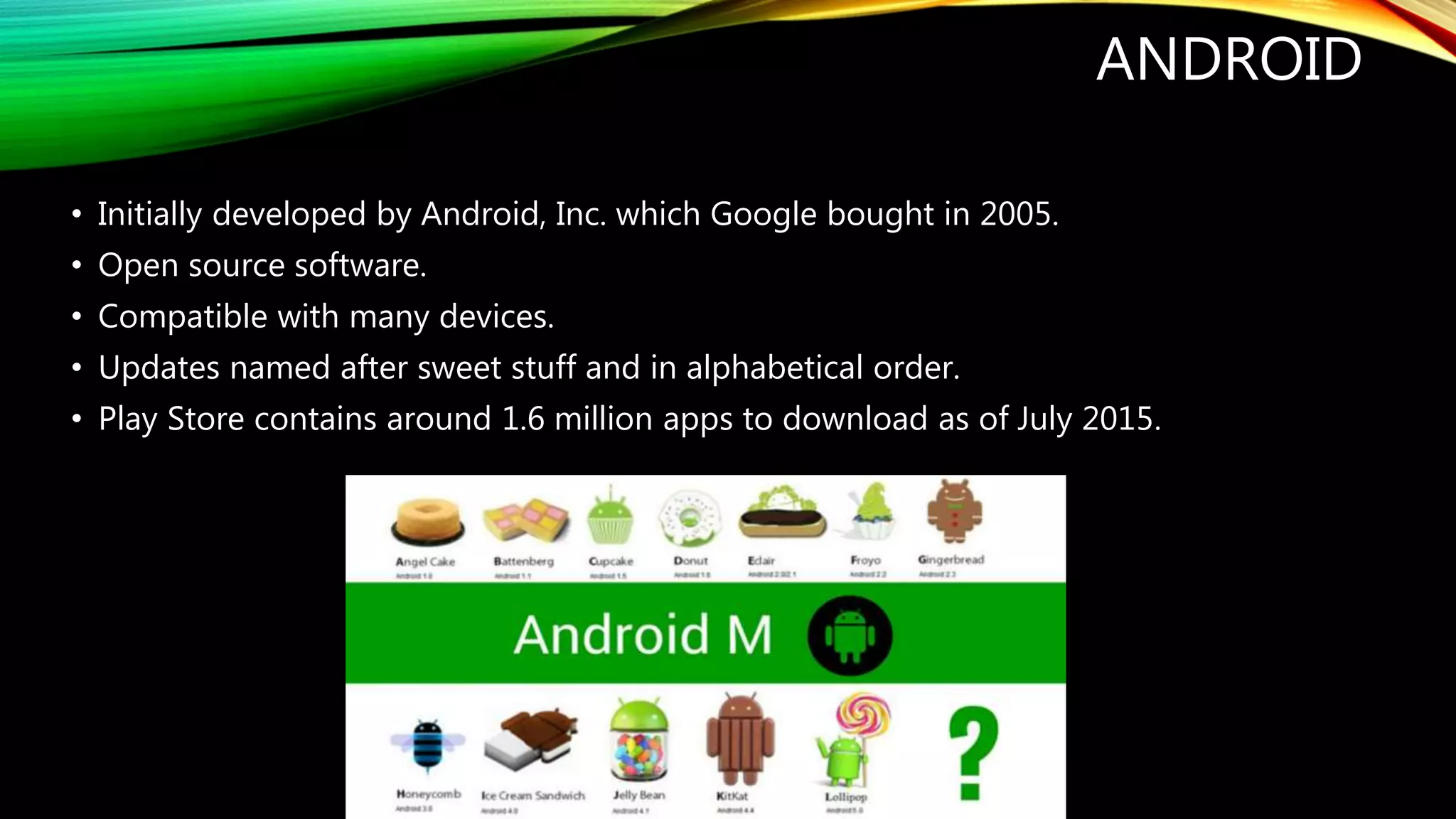
• Updates named after sweet stuff and in alphabetical order.
• Play Store contains around 1.6 million apps to download as of July 2015.
FEATURES
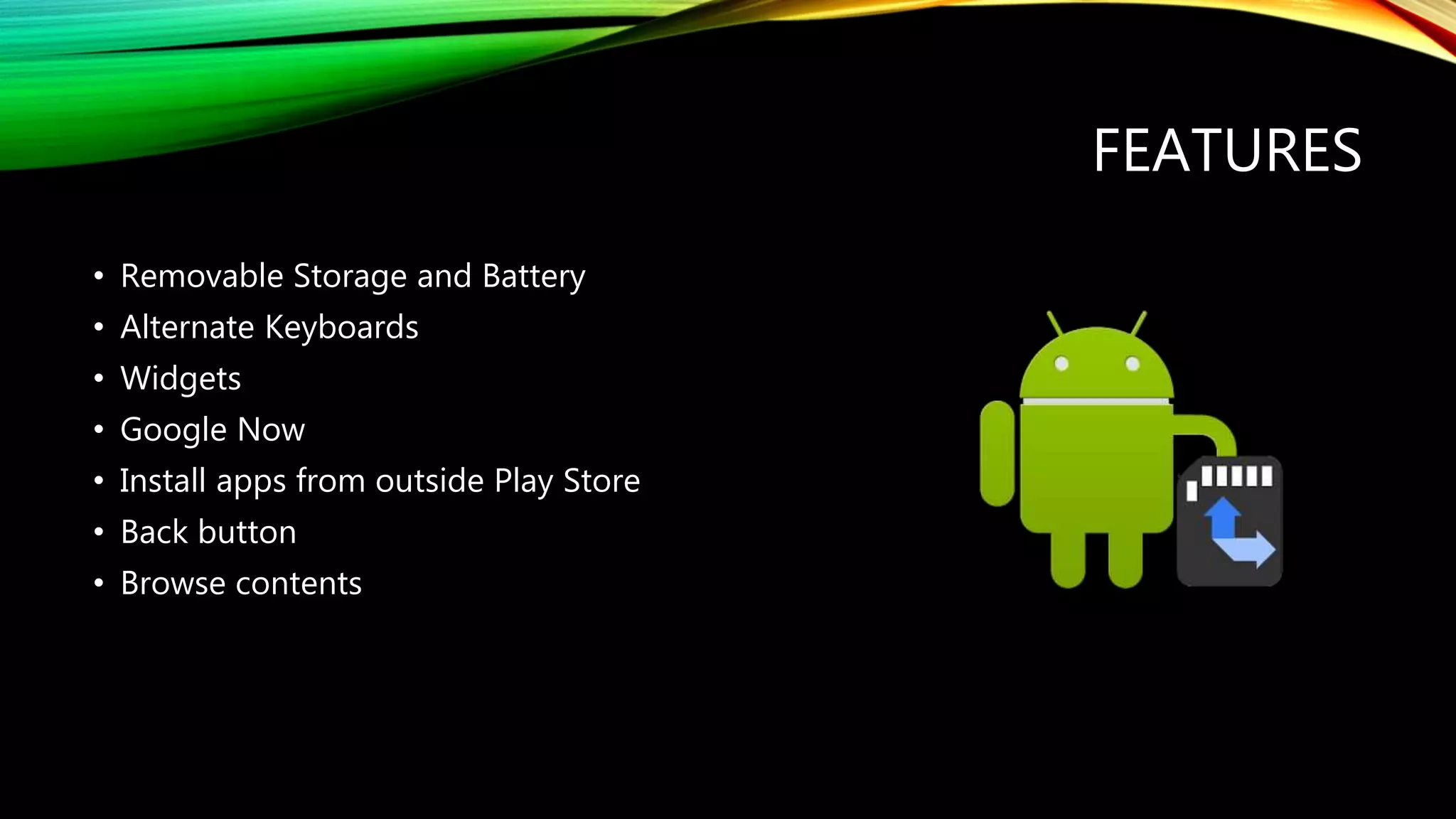
• Removable Storage and Battery
• Alternate Keyboards
• Widgets
• Google Now
• Install apps from outside Play Store
• Back button
• Browse contents
MAINTENANCE
• Install anti-virus
• Delete unused apps
• Clear cache
• Root your phone
• Close running apps
• Apps manager
• Battery saving tips (brightness, airplane mode, live wallpapers, running apps,
notifications) second battery
• Screen protector/case
BEST APPS
What is your favorite?
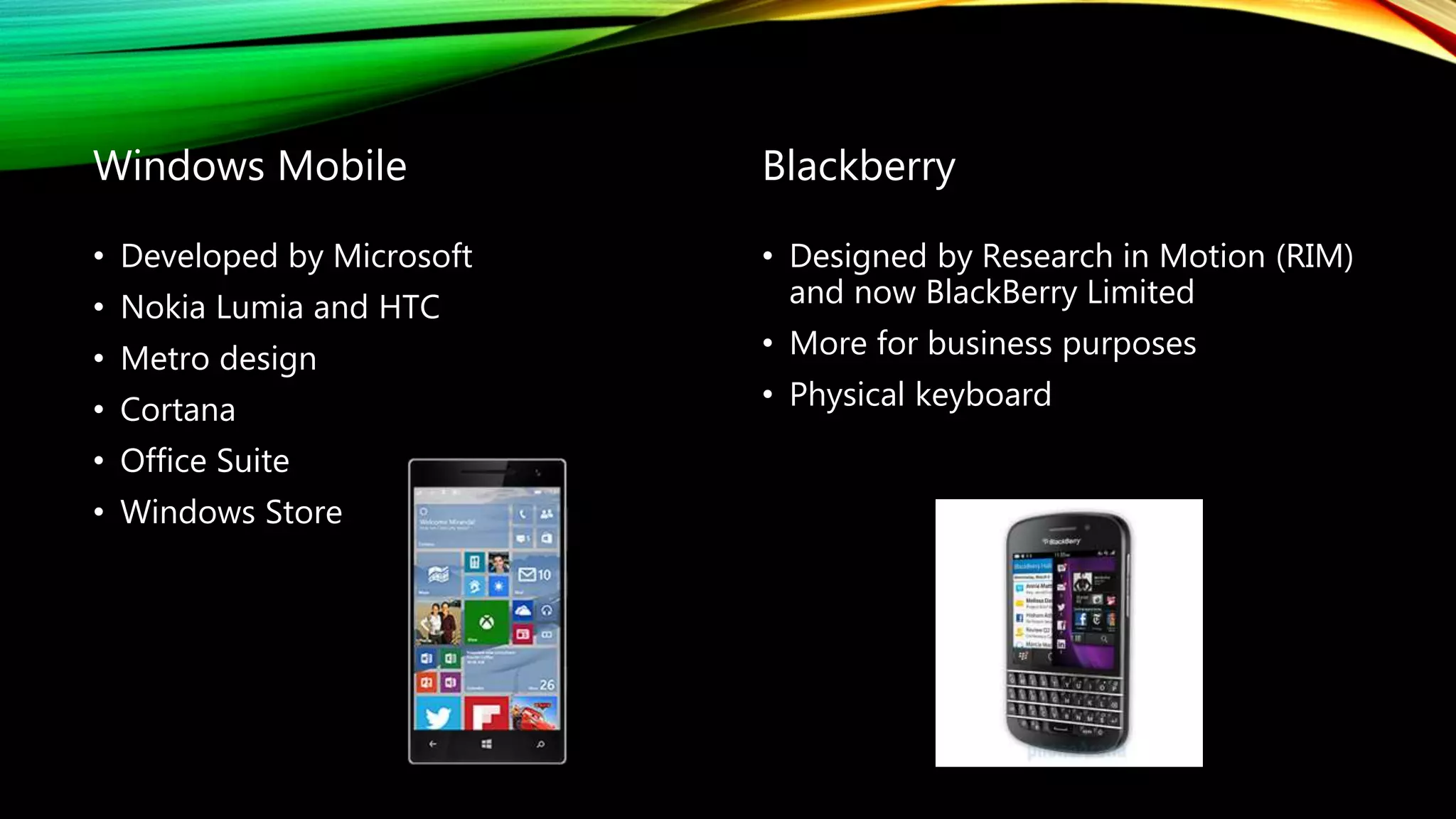
Windows Mobile
• Developed by Microsoft
• Nokia Lumia and HTC
• Metro design
• Cortana
• Office Suite
• Windows Store
Blackberry
• Designed by Research in Motion (RIM)
and now BlackBerry Limited
• More for business purposes
• Physical keyboard

Mobile operating systems

  • 1.
  • 2.
    WHAT ARE THEY? •An operating system that operates a smartphone, tablet, PDA, or other mobile device. • Modern mobile operating systems combine the features of a personal computer operating system with touchscreen, cellular, Bluetooth, Wi-Fi, GPS navigation, camera, speech recognition, voice recorder, music player, NFC, and other features. • Designed for touchscreens displays. (Display made up of three parts: glass, digitizer, and lcd.)
  • 3.
    EXAMPLES • Apple iOS •Google Android • Microsoft Windows Mobile • Blackberry
  • 4.
    IOS • Developed anddistributed by Apple Inc. • Originally unveiled in 2007 for the iPhone. • Extended to support other Apple devices such as: iPod Touch, iPad, iPad Mini, and Apple TV. • Apple does not license iOS for installation on non-Apple hardware. • App Store contains around 1.5 million apps to download as of July 2015.
  • 5.
    FEATURES • Siri • iCloud •FaceTime • Split View • Automatic Photo Organizer • AirDrop • Live Photo • Touch ID • Find My iPhone • Slow-Motion Video
  • 6.
    TIPS AND MAINTENANCE •App Switch (double press Home button) • On screen Home Button • Update iOS and apps • Battery Saving Tips (location, brightness, notifications, airplane mode, auto-lock, running apps, charging) • Delete unused apps • Jailbreak • Screen protector/case
  • 7.
    BEST APPS What isyour favorite?
  • 8.
    ANDROID • Initially developedby Android, Inc. which Google bought in 2005. • Open source software. • Compatible with many devices. • Updates named after sweet stuff and in alphabetical order. • Play Store contains around 1.6 million apps to download as of July 2015.
  • 9.
    FEATURES • Removable Storageand Battery • Alternate Keyboards • Widgets • Google Now • Install apps from outside Play Store • Back button • Browse contents
  • 10.
    MAINTENANCE • Install anti-virus •Delete unused apps • Clear cache • Root your phone • Close running apps • Apps manager • Battery saving tips (brightness, airplane mode, live wallpapers, running apps, notifications) second battery • Screen protector/case
  • 11.
    BEST APPS What isyour favorite?
  • 12.
    Windows Mobile • Developedby Microsoft • Nokia Lumia and HTC • Metro design • Cortana • Office Suite • Windows Store Blackberry • Designed by Research in Motion (RIM) and now BlackBerry Limited • More for business purposes • Physical keyboard