LIQUID CRYSTAL
DISPLAY (LCD)
Mrs. Gayathri R
First year MSc Nursing
Upasana College Of
Nursing. Kollam
INTRODUCTION
University has invested heavily in modernizing
classrooms & halls to take advantages on
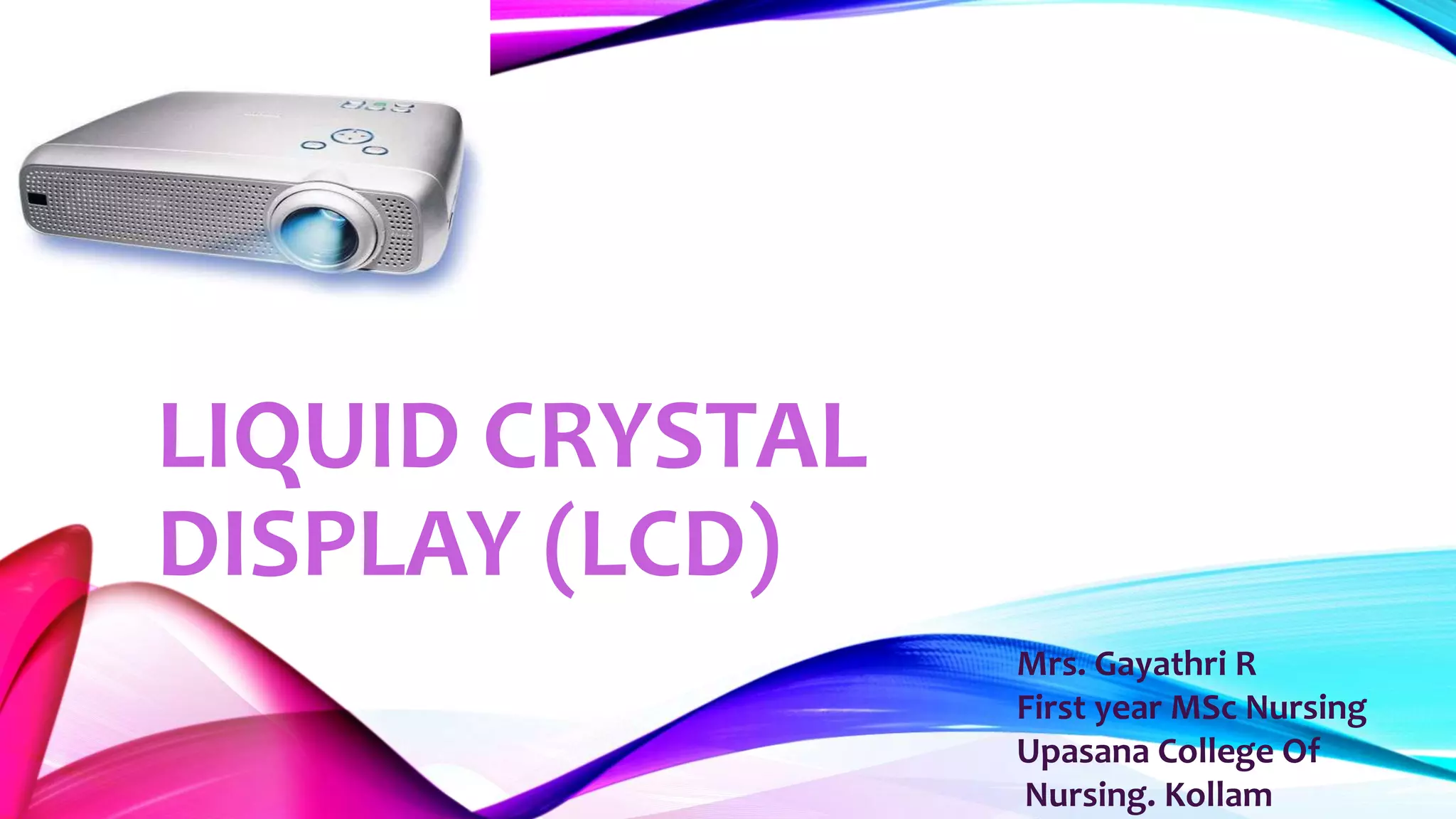
instructional technology in LCD projectors. LCD is
used with a computer to project an image on a
screen or a blank wall & provide more instruction
flexibility in the types of content that can be used in
classroom.
DEFINITION
LCD is a display technology uses road shaped
molecules [ liquid crystals ] used in digital
watches, laptops, mobile phones & other
electronic devices.
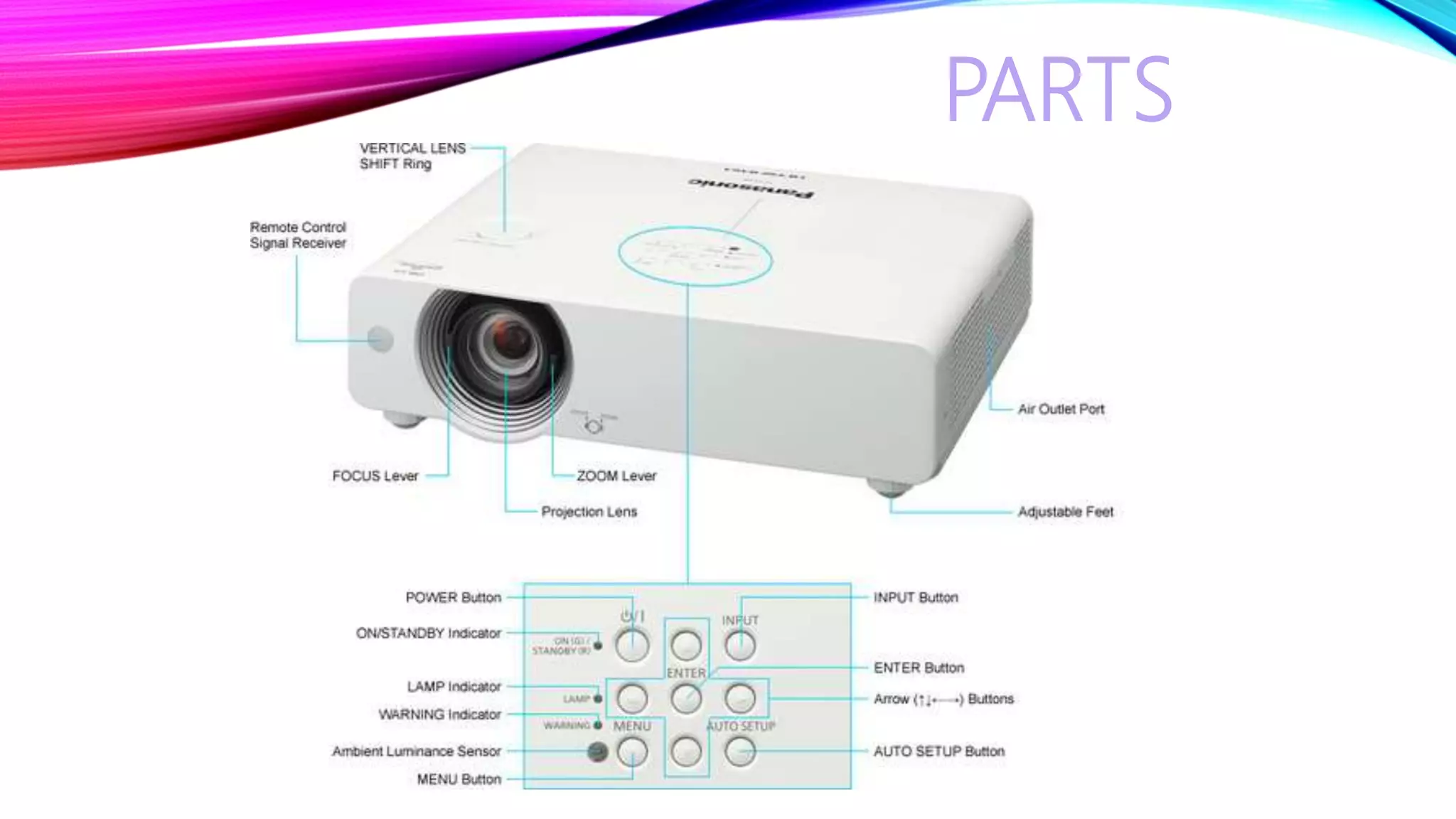
PARTS
FUNCTIONING OF LCD
Utilizes two sheets of polarizing materials, with a
liquid crystal solution between them. An electric
current passed through the liquid causes the crystal
to align so that light can’t be passed through them.
INSTRUCTIONS
• Opening slide must be a title/main theme.
• Use slides to tell a story.
• Involve students in discussion of visuals.
• Use animations or sound clips.
• Avoid use too many slides.
GUIDELINES
•Limit number of slides.
•Ensure text contrast.
•Standardized position, colors & styles.
•Use transition effects with in limit.
ADVANTAGES
•Easily made using PowerPoint.
•Accessible to students.
•Use for teaching- learning activity.
•Make class interesting.
•Draws students attention.
•Content retained in memory.
•Live presentation.
DISADVANTAGES
•Expensive.
•Requires electricity.
•Repeated slides bored students.
•Time consuming.
CONCLUSION
Liquid crystal display (lcd)

Liquid crystal display (lcd)

  • 2.
    LIQUID CRYSTAL DISPLAY (LCD) Mrs.Gayathri R First year MSc Nursing Upasana College Of Nursing. Kollam
  • 3.
    INTRODUCTION University has investedheavily in modernizing classrooms & halls to take advantages on instructional technology in LCD projectors. LCD is used with a computer to project an image on a screen or a blank wall & provide more instruction flexibility in the types of content that can be used in classroom.
  • 4.
    DEFINITION LCD is adisplay technology uses road shaped molecules [ liquid crystals ] used in digital watches, laptops, mobile phones & other electronic devices.
  • 5.
  • 6.
    FUNCTIONING OF LCD Utilizestwo sheets of polarizing materials, with a liquid crystal solution between them. An electric current passed through the liquid causes the crystal to align so that light can’t be passed through them.
  • 7.
    INSTRUCTIONS • Opening slidemust be a title/main theme. • Use slides to tell a story. • Involve students in discussion of visuals. • Use animations or sound clips. • Avoid use too many slides.
  • 8.
    GUIDELINES •Limit number ofslides. •Ensure text contrast. •Standardized position, colors & styles. •Use transition effects with in limit.
  • 9.
    ADVANTAGES •Easily made usingPowerPoint. •Accessible to students. •Use for teaching- learning activity. •Make class interesting. •Draws students attention. •Content retained in memory. •Live presentation.
  • 10.
  • 11.