WordPress	Security	Basics	
Chris	Burgess	@chrisburgess
Bad	News	
There	is	no	such	thing	as	absolute	
security.	Nothing	is	100%	secure.
Good	News	
There	are	many	things	we	can	do	to	
drastically	reduce	the	risks.
Context	is	everything…
“Most	successful	WordPress	hack	
attacks	are	typically	the	result	of	
human	error,	be	it	a	configuration	error	
or	failing	to	maintain	WordPress,	such	
as	keeping	core	and	all	plugins	up	to	
date,	or	installing	insecure	plugins	etc.”	
-	Robert	Abela	(@robertabela)
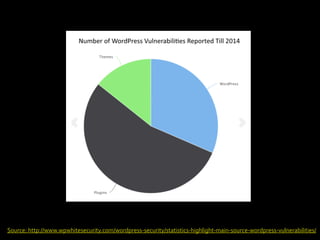
Source:	http://www.wpwhitesecurity.com/wordpress-security/statistics-highlight-main-source-wordpress-vulnerabilities/
Overview	
Take	Security	Seriously	
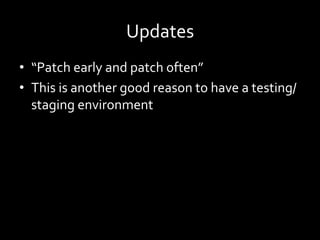
Updates	
Themes	and	Plugins	
Passwords	
Backups	and	Maintenance	
	
Hardening	WordPress	and	SSL	will	be	
covered	in	the	following	presentations
Take	Security	Seriously
Defense	in	Depth
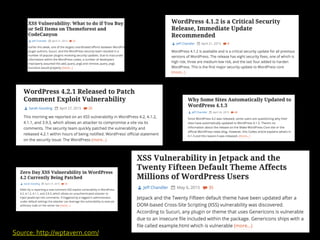
Source:	http://wptavern.com/
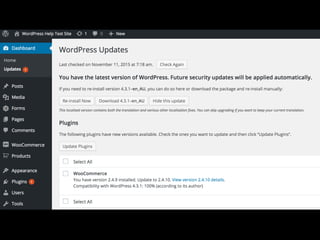
Keep	WordPress	Updated
Updates	
•  “Patch	early	and	patch	often”	
•  This	is	another	good	reason	to	have	a	testing/
staging	environment
Use	Reputable	Plugins
Use	Reputable	Themes
Trust
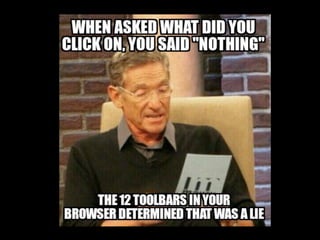
The	Weakest	Link
Password	Management	
•  LastPass,	1Password,	Roboform,	KeePass,	
Dashlane	
•  Secret	Server,	LastPass	Enterprise,	PassPack	
•  Use	Two-factor	authentication	wherever	
possible
Perform	Regular	Backups	and	
Maintenance
Prepare	for	Problems
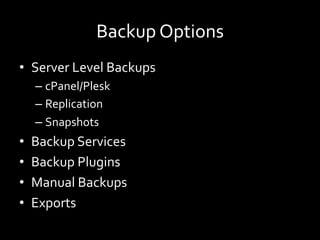
Backup	Options	
•  Server	Level	Backups	
– cPanel/Plesk	
– Replication	
– Snapshots	
•  Backup	Services	
•  Backup	Plugins	
•  Manual	Backups	
•  Exports
Hardening	WordPress
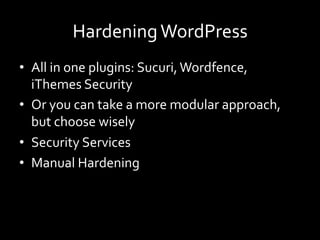
Hardening	WordPress	
•  All	in	one	plugins:	Sucuri,	Wordfence,	
iThemes	Security	
•  Or	you	can	take	a	more	modular	approach,	
but	choose	wisely	
•  Security	Services	
•  Manual	Hardening
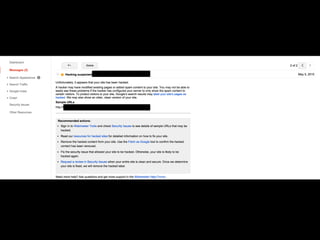
Google	Search	Console	
(formerly	Webmaster	Tools)
How	can	I	learn	more?
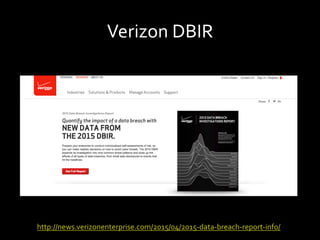
Verizon	DBIR	
http://news.verizonenterprise.com/2015/04/2015-data-breach-report-info/
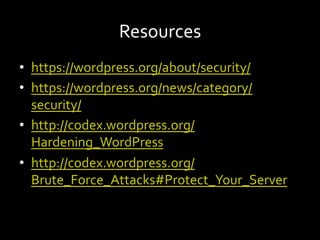
Resources	
•  https://wordpress.org/about/security/	
•  https://wordpress.org/news/category/
security/	
•  http://codex.wordpress.org/
Hardening_WordPress	
•  http://codex.wordpress.org/
Brute_Force_Attacks#Protect_Your_Server
Thanks!	
Chris	Burgess	@chrisburgess

WordPress Security Basics - Melbourne WordPress User Meetup