SSL/HTTPS
What,	When	and	How!
Chris	Burgess	– Melbourne	
WordPress	Meetup	2017
@chrisburgess chrisburgess.com.au
Overview
• What	is	SSL?
• SSL	growth
• When	should	you	use	SSL?
• Cost	of	an	SSL	certificate
• Enabling	SSL	in	WordPress
• Common	pitfalls
• Benefits
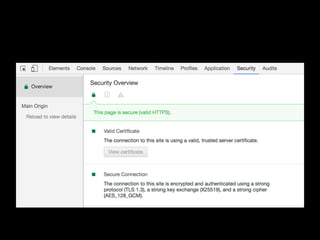
• SSL	tools
• Further	reading
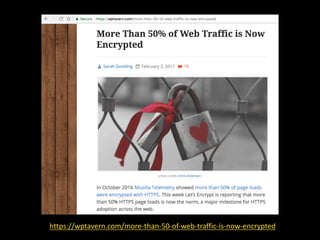
https://wptavern.com/more-than-50-of-web-traffic-is-now-encrypted
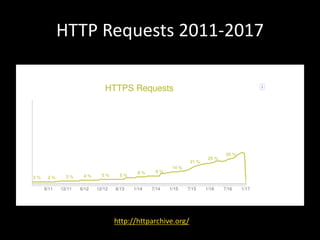
HTTP	Requests	2011-2017
http://httparchive.org/
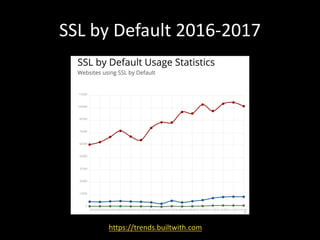
SSL	by	Default	2016-2017
https://trends.builtwith.com
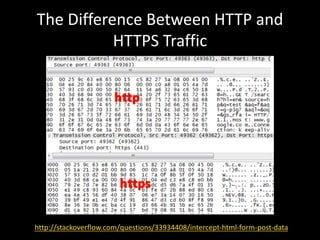
What	is	SSL?	(via	Wikipedia)
• HTTPS (also	called HTTP	over TLS,[1][2] HTTP	
over	SSL,[3] and HTTP	Secure[4][5])	is	
a protocol for secure	communication over	
a computer	network which	is	widely	used	on	
the Internet.	HTTPS	consists	of	communication	
over Hypertext	Transfer	Protocol (HTTP)	within	a	
connection	encrypted	by Transport	Layer	
Security,	or	its	predecessor,	Secure	Sockets	Layer.	
The	main	motivation	for	HTTPS	
is authentication of	the	visited website and	
protection	of	the privacy and integrity of	the	
exchanged	data.
The	Difference	Between	HTTP	and	
HTTPS	Traffic
http://stackoverflow.com/questions/33934408/intercept-html-form-post-data
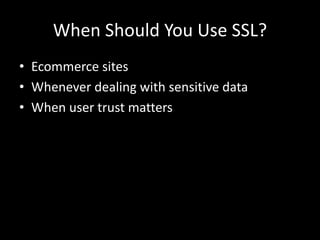
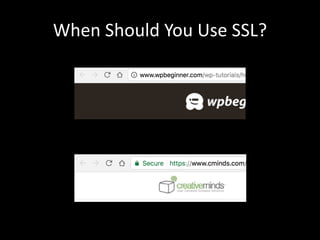
When	Should	You	Use	SSL?
• Ecommerce	sites
• Whenever	dealing	with	sensitive	data
• When	user	trust	matters
When	Should	You	Use	SSL?
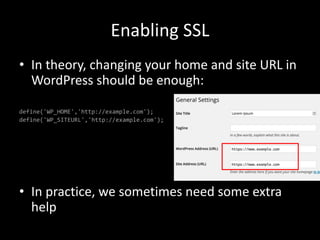
Enabling	SSL
• In	theory,	changing	your	home	and	site	URL	in	
WordPress	should	be	enough:
define('WP_HOME','http://example.com');
define('WP_SITEURL','http://example.com');
• In	practice,	we	sometimes	need	some	extra	
help
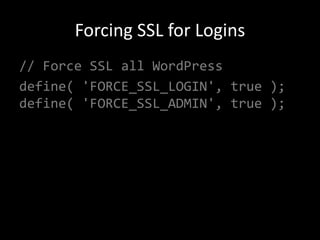
Forcing	SSL	for	Logins
// Force SSL all WordPress
define( 'FORCE_SSL_LOGIN', true );
define( 'FORCE_SSL_ADMIN', true );
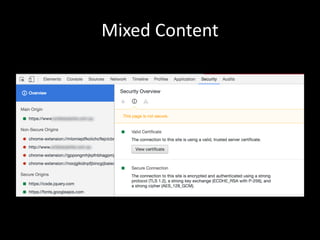
Mixed	Content
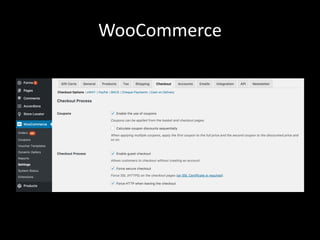
WooCommerce
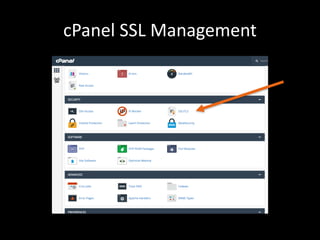
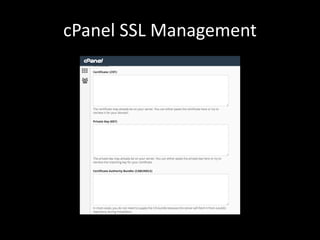
cPanel SSL	Management
Cost	of	an	SSL	Certificate
• $10	to	$10,000
• Average	cost	$50	- $150	for	single	domain
• Wildcard	(for	multiple	subdomains)	can	cost	a	
little	more
• Let’s	Encrypt	is	free!
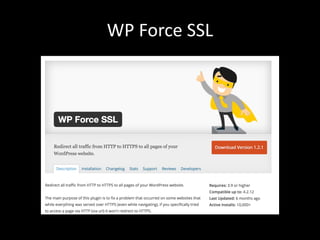
WP	Force	SSL
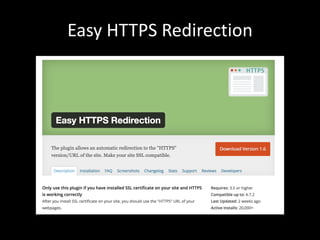
Easy	HTTPS	Redirection
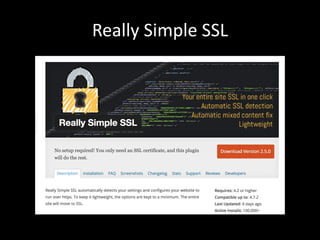
Really	Simple	SSL
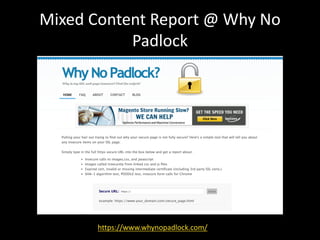
Mixed	Content	Report	@	Why	No	
Padlock
https://www.whynopadlock.com/
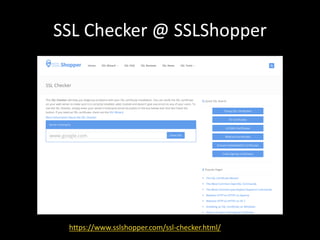
SSL	Checker	@	SSLShopper
https://www.sslshopper.com/ssl-checker.html/
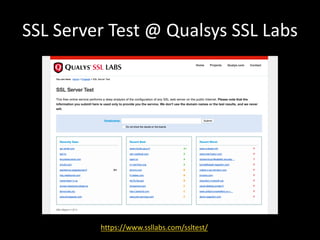
SSL	Server	Test	@	Qualsys SSL	Labs
https://www.ssllabs.com/ssltest/
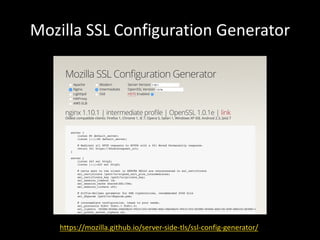
Mozilla	SSL	Configuration	Generator
https://mozilla.github.io/server-side-tls/ssl-config-generator/
OpenSSL	Testing
• You	can	also	use	OpenSSL	for	testing,	
example:
> openssl s_client -connect
example.com.au:443 -servername
example.com.au -status
Let’s	Encrypt
https://letsencrypt.org/
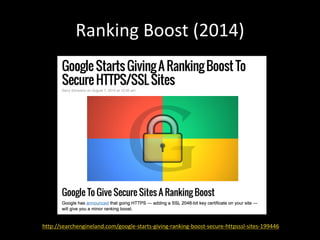
Ranking	Boost	(2014)
http://searchengineland.com/google-starts-giving-ranking-boost-secure-httpsssl-sites-199446
Ranking	Boost	(2014)
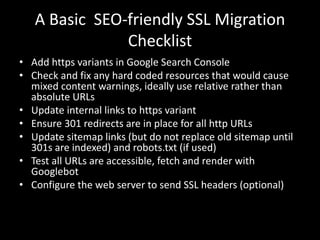
A	Basic		SEO-friendly	SSL	Migration	
Checklist
• Add	https	variants	in	Google	Search	Console
• Check	and	fix	any	hard	coded	resources	that	would	cause	
mixed	content	warnings,	ideally	use	relative	rather	than	
absolute	URLs
• Update	internal	links	to	https	variant
• Ensure	301	redirects	are	in	place	for	all	http	URLs
• Update	sitemap	links	(but	do	not	replace	old	sitemap	until	
301s	are	indexed)	and	robots.txt (if	used)
• Test	all	URLs	are	accessible,	fetch	and	render	with	
Googlebot
• Configure	the	web	server	to	send	SSL	headers	(optional)
Further	Reading
https://www.feistyduck.com/books/bulletproof-ssl-and-tls/
Further	Reading
• https://wptavern.com/more-than-50-of-web-
traffic-is-now-encrypted
• http://www.wpbeginner.com/wp-
tutorials/how-to-add-ssl-and-https-in-
wordpress/
• https://moz.com/blog/seo-tips-https-ssl
• https://chrislanauze.com/design-
development/wordpress-meetup/how-to-
configure-https-on-wordpress-683/
Thanks!
Chris	Burgess	– Melbourne	
WordPress	Meetup	2017
@chrisburgess
@chrisburgess chrisburgess.com.au

WordPress and SSL