Managing Multisite 
Lessons from a Large Network 
WordCamp Raleigh 
November 9, 2014 
William Earnhardt - @earnjam
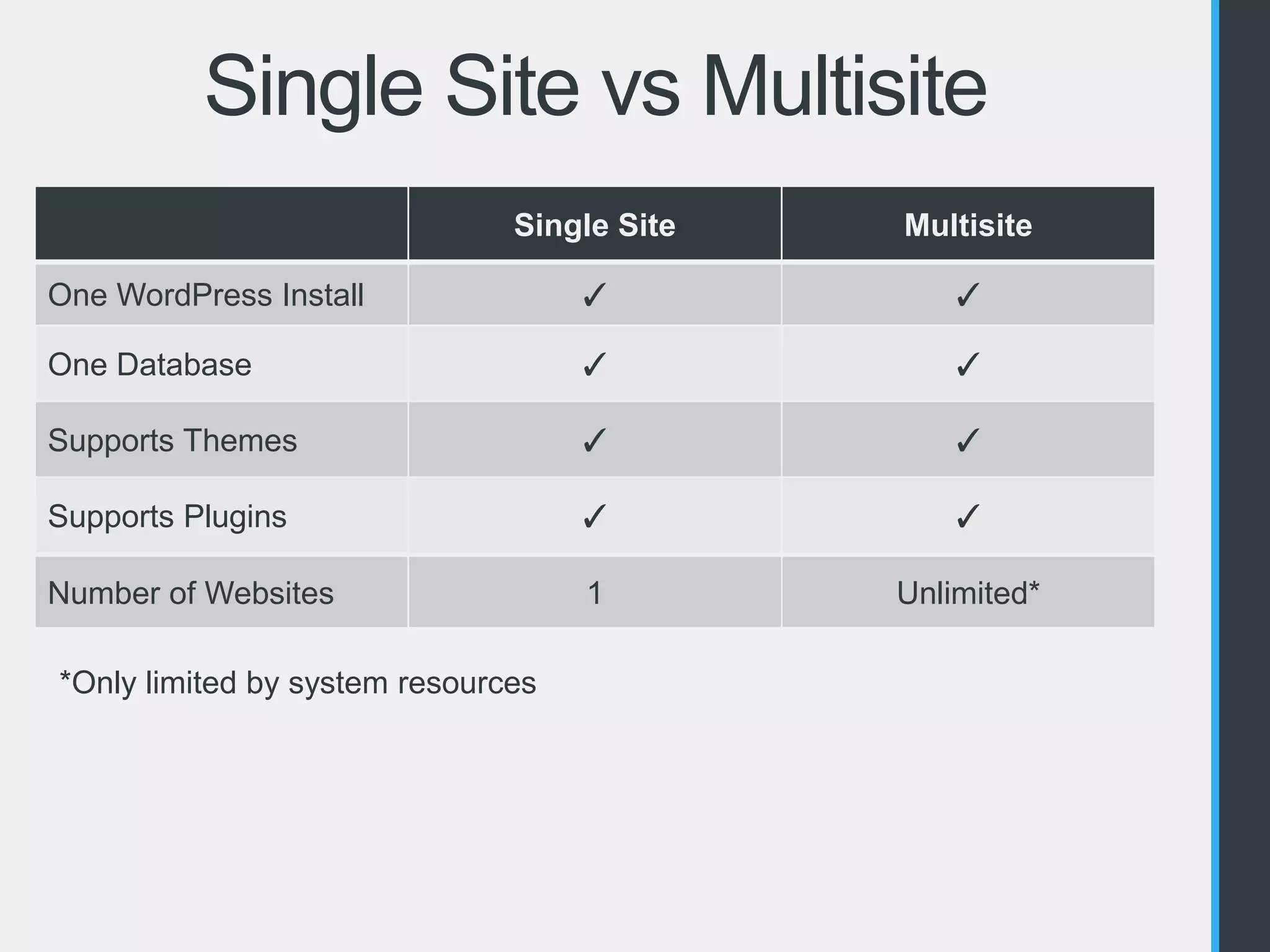
Single Site vs Multisite 
Single Site Multisite 
One WordPress Install ✓ ✓ 
One Database ✓ ✓ 
Supports Themes ✓ ✓ 
Supports Plugins ✓ ✓ 
Number of Websites 1 Unlimited* 
*Only limited by system resources
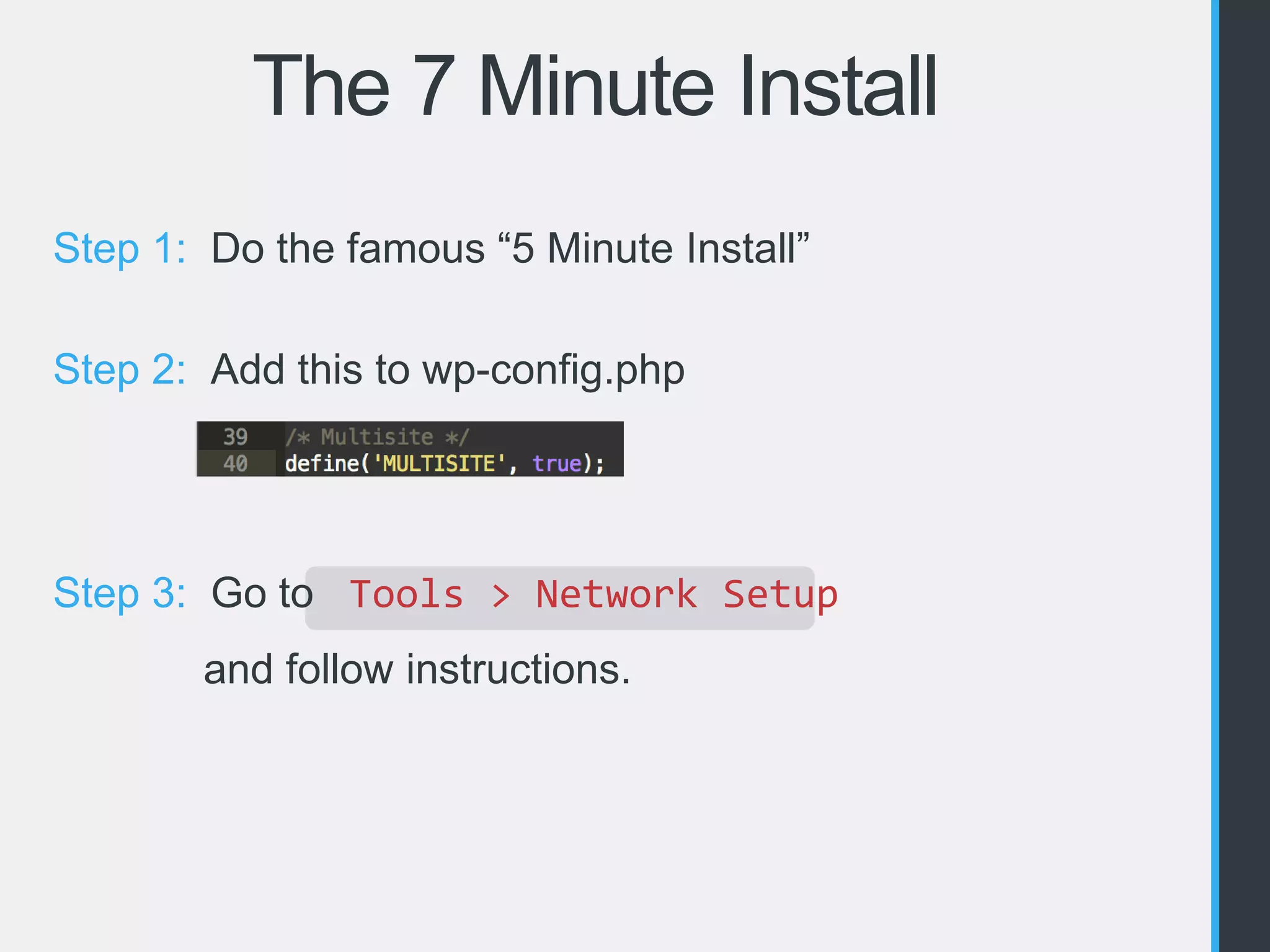
The 7 Minute Install 
Step 1: Do the famous “5 Minute Install” 
Step 2: Add this to wp-config.php 
Step 3: Go to Tools > Network Setup 
and follow instructions.
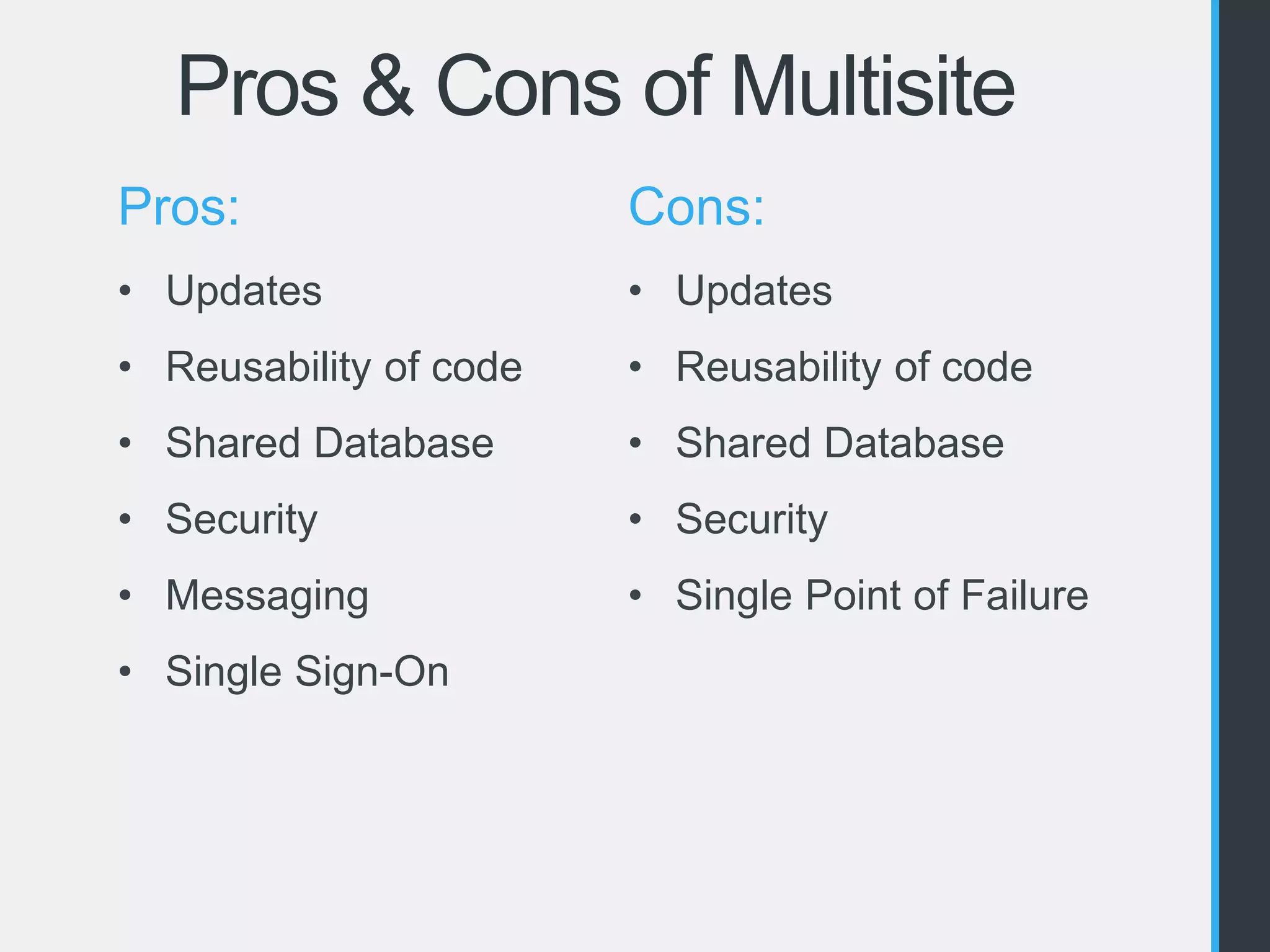
Pros & Cons of Multisite 
Pros: 
• Updates 
• Reusability of code 
• Shared Database 
• Security 
• Messaging 
• Single Sign-On 
Cons: 
• Updates 
• Reusability of code 
• Shared Database 
• Security 
• Single Point of Failure
Should You Use Multisite? 
Absolutely 
• A group of related sites 
• Need to allow users to create new sites 
Probably Not 
• Unrelated client sites
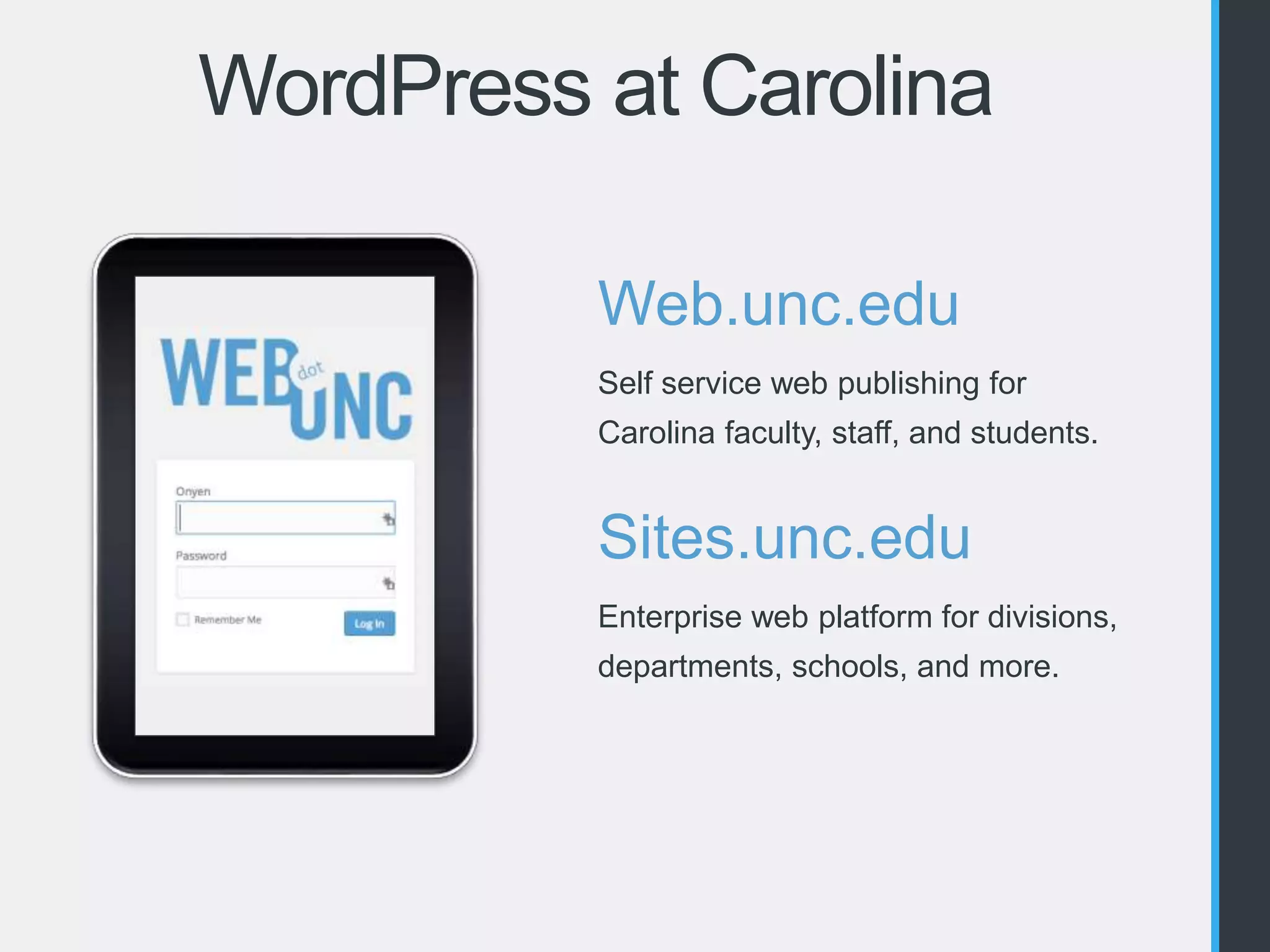
WordPress at Carolina 
Web.unc.edu 
Self service web publishing for 
Carolina faculty, staff, and students. 
Sites.unc.edu 
Enterprise web platform for divisions, 
departments, schools, and more.
What Kind of Sites? 
• www.unc.edu 
• Departments 
• Divisions 
• Schools 
• Campus Units 
• Centers 
• Institutes 
• Research Labs 
• Programs 
• Collaborations 
• Student Organizations 
• Greek Community 
• Instructional Resources 
• Services 
• Faculty CVs 
• Portfolios 
And Much, Much More!
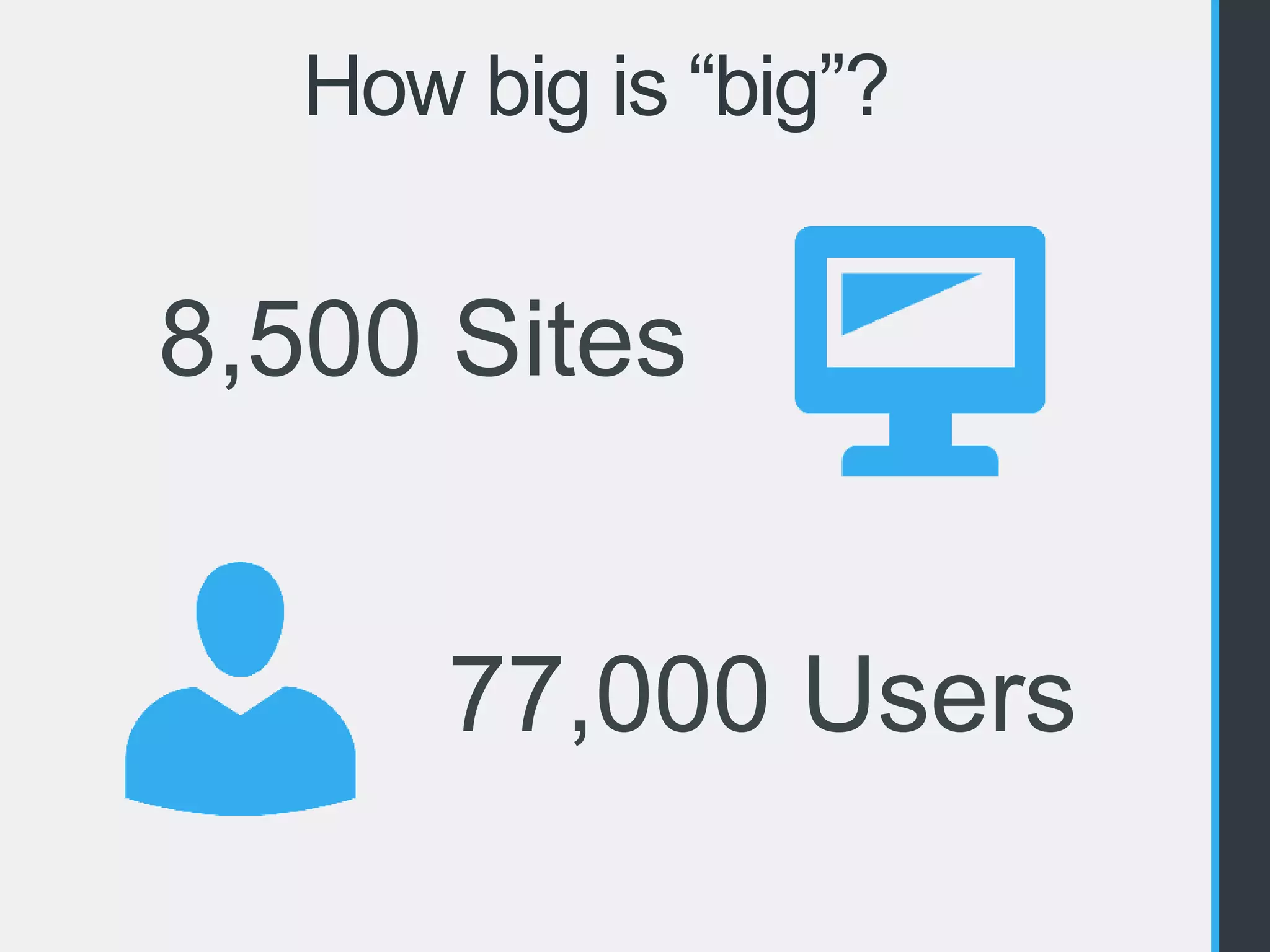
How big is “big”? 
8,500 Sites 
77,000 Users
How big is “big”? 
243 
Themes 
140 Plugins
Infrastructure 
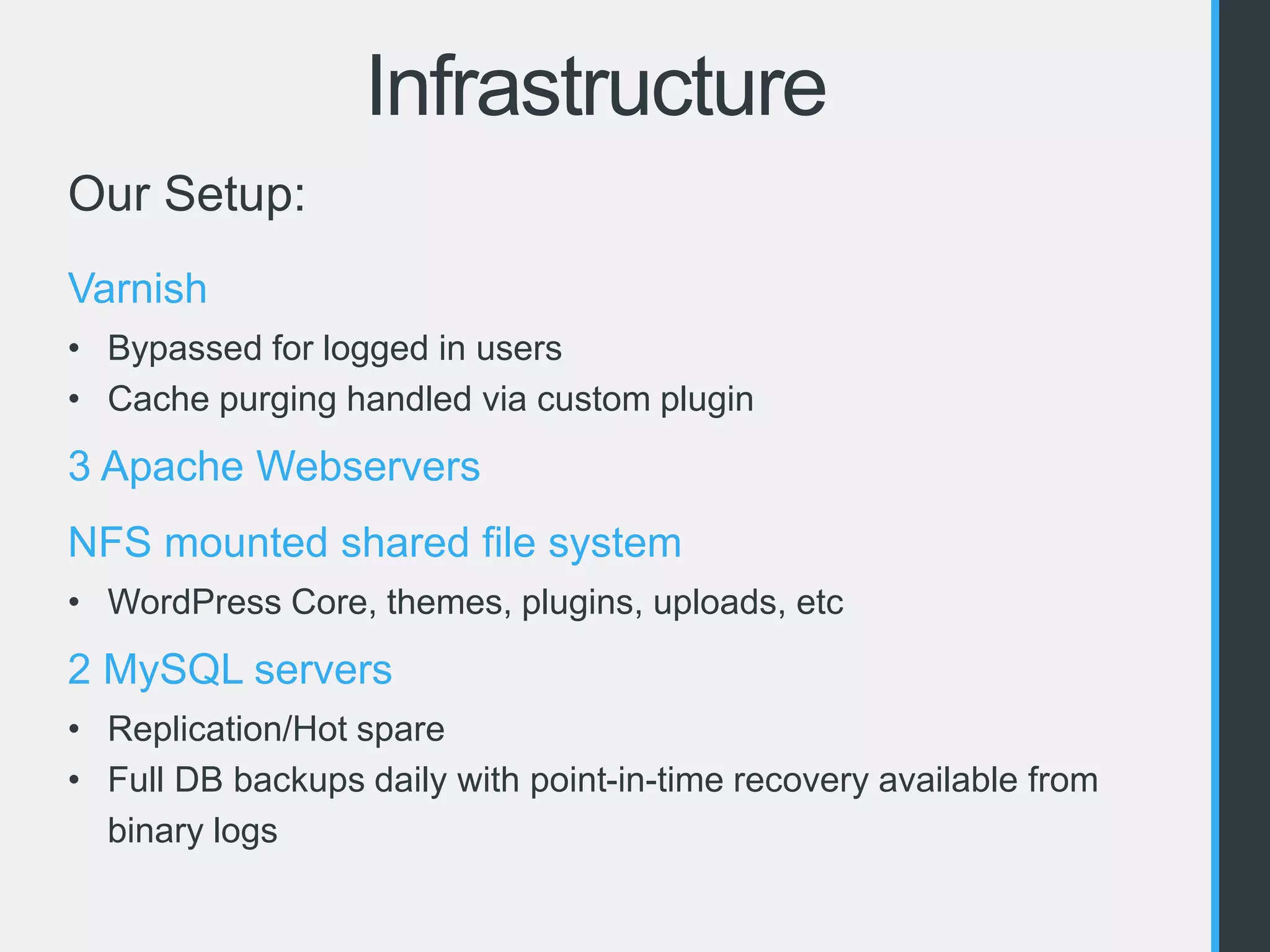
Our Setup: 
Varnish 
• Bypassed for logged in users 
• Cache purging handled via custom plugin 
3 Apache Webservers 
NFS mounted shared file system 
• WordPress Core, themes, plugins, uploads, etc 
2 MySQL servers 
• Replication/Hot spare 
• Full DB backups daily with point-in-time recovery available from 
binary logs
Infrastructure 
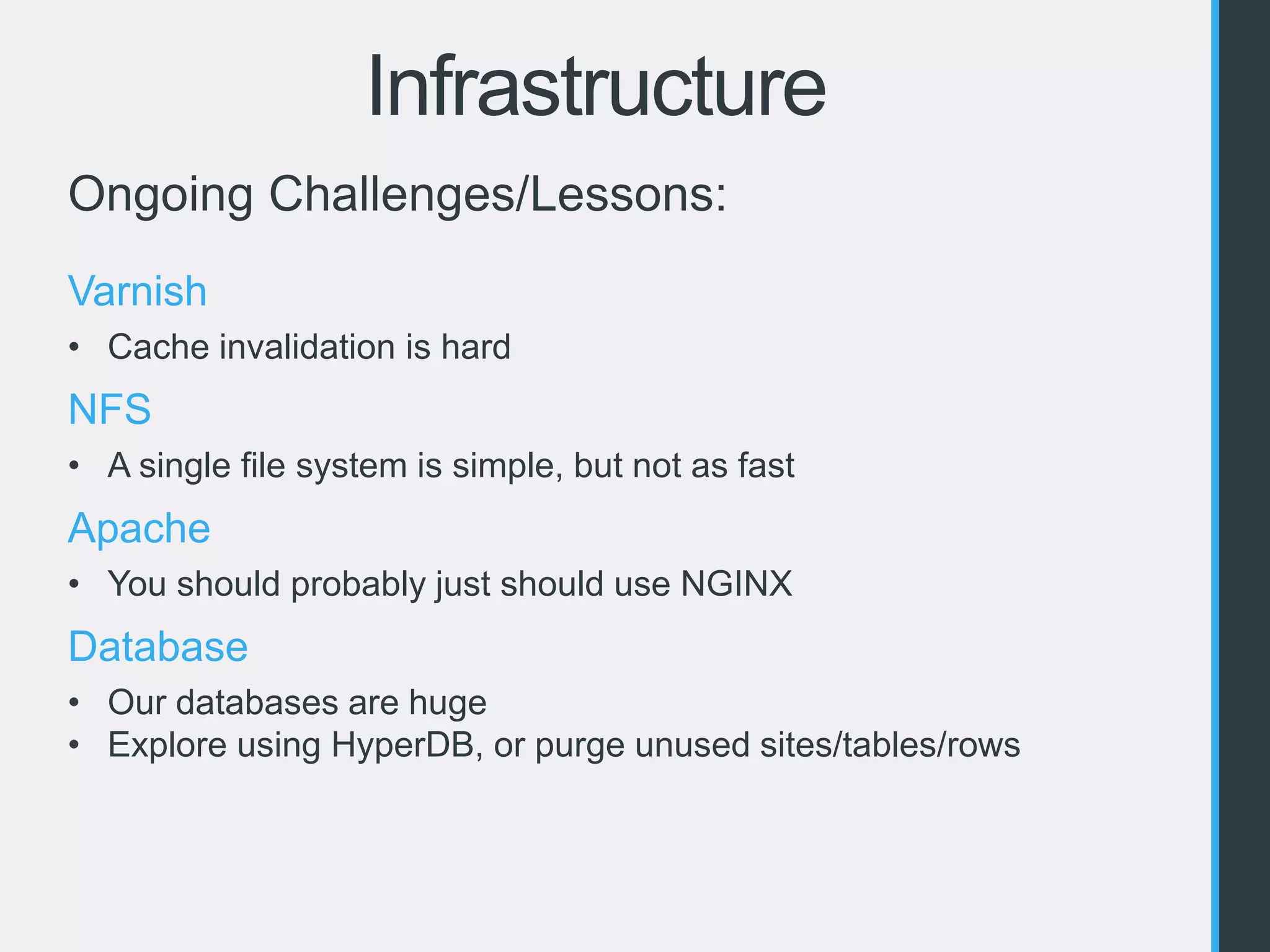
Ongoing Challenges/Lessons: 
Varnish 
• Cache invalidation is hard 
NFS 
• A single file system is simple, but not as fast 
Apache 
• You should probably just should use NGINX 
Database 
• Our databases are huge 
• Explore using HyperDB, or purge unused sites/tables/rows
Plugins & Themes 
“I’ll just use this plugin” 
http://devpractic.es/post/98877425141/ill-just-use-this-plugin
Selecting Themes & Plugins 
Licensing 
• GPLv2 or compatible? 
• Per Domain? 
Updates & Notifications 
• Wordpress.org vs External Repositories 
• Notifications only when activated 
Things to Watch Out For 
• SHOW TABLES LIKE 
• switch_to_blog() 
• get_plugins() 
• eval() 
WordPress.com VIP standards 
• http://vip.wordpress.com/documentation/code-review-what-we-look-for/
Selecting Themes & Plugins 
Ongoing Challenges/Lessons: 
Size of the codebase 
• Keep it simple 
• Only add what you truly need 
Deprecate old plugins and themes 
• Over 2 years since last update? Find a replacement 
Be picky about your plugins and themes 
• Thoroughly review the code 
• Is it in active development? 
• How is the support?
Security 
Single Site = Multisite 
No FTP 
Thoroughly Review Themes & Plugins 
Super Admins 
• Limit who/how many 
• Set them in code with an MU Plugin 
Update, Update, Update!
Security
Tools! 
Splunk 
• Insight into your logs 
• Reporting, Alerts, etc. 
• We use for PHP, Apache & ModSecurity 
• Free version lets you index up to 500MB of data per day
Tools! 
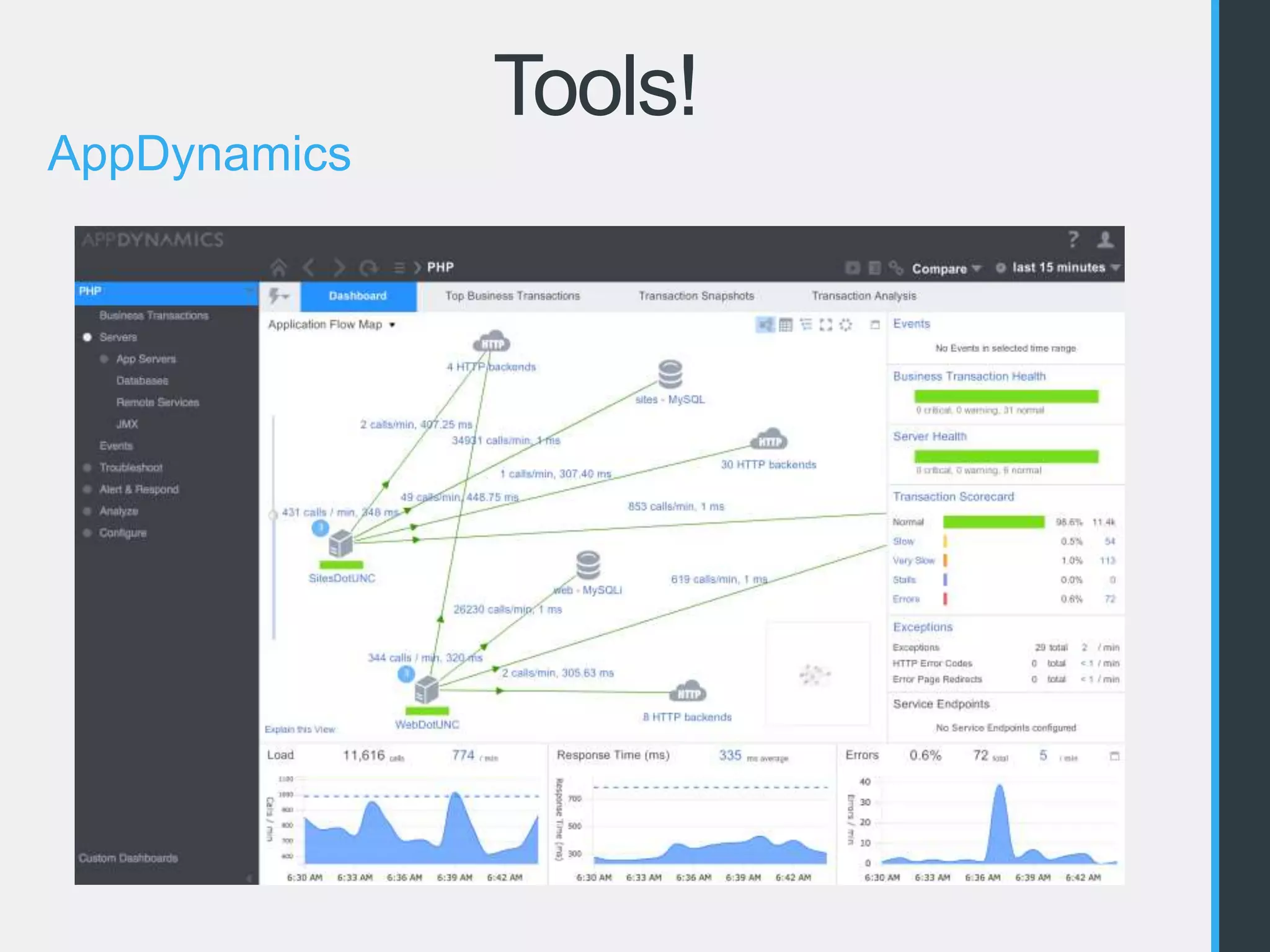
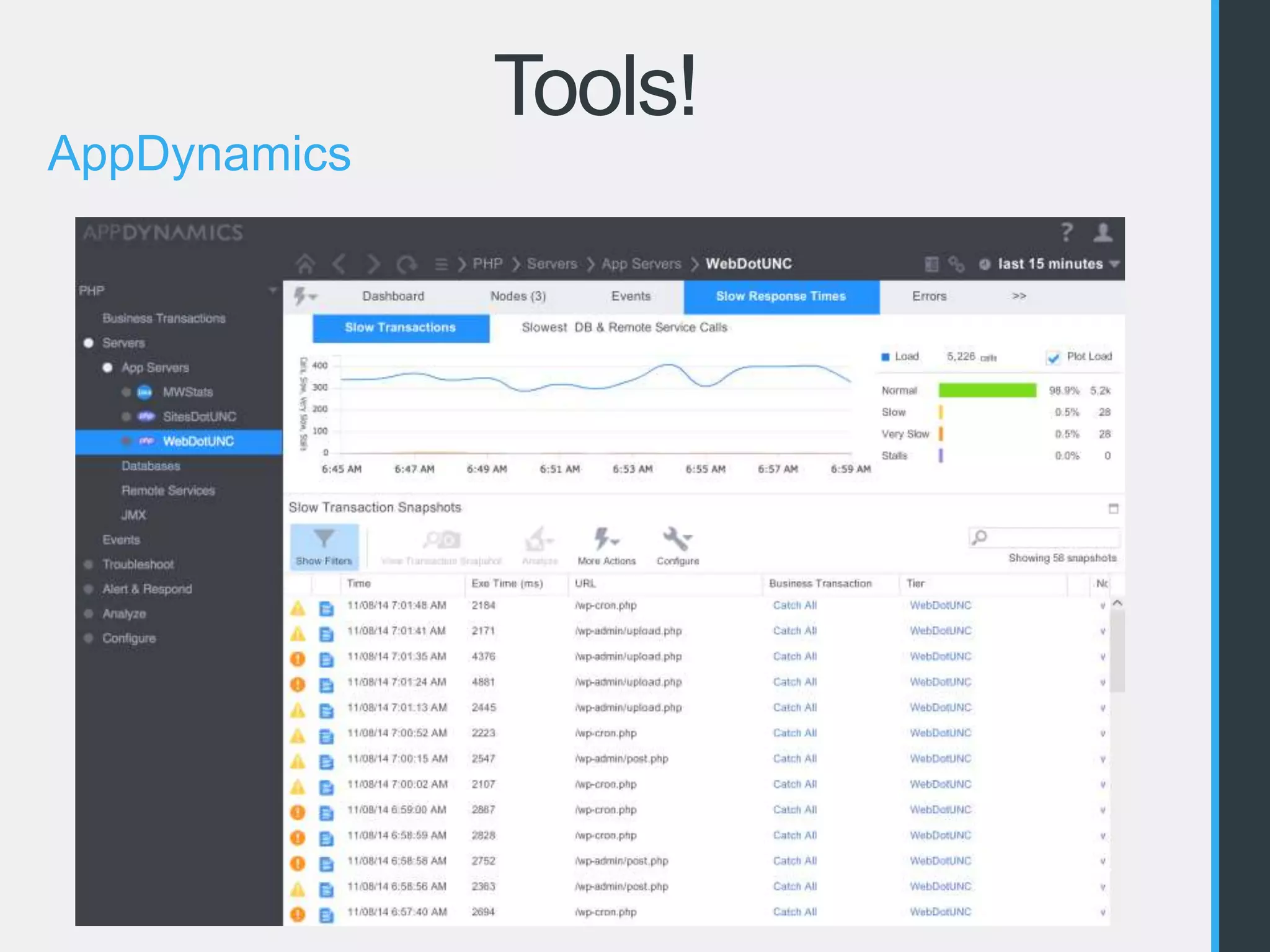
AppDynamics 
• Service monitoring 
• Average response times 
• Full call stack 
• Free version stores data for last 24 hours
Tools! 
AppDynamics
Tools! 
AppDynamics
Tools! 
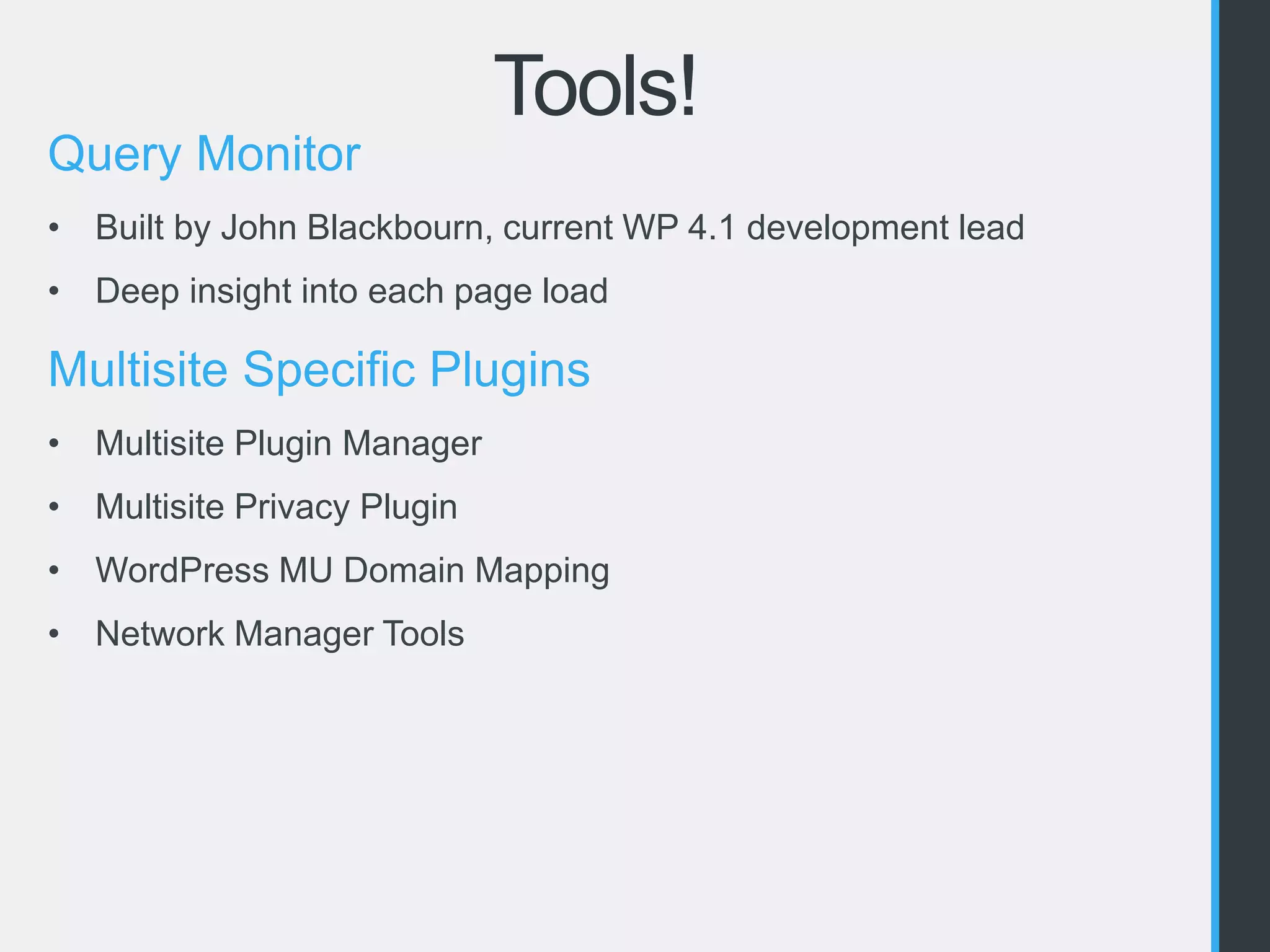
Query Monitor 
• Built by John Blackbourn, current WP 4.1 development lead 
• Deep insight into each page load 
Multisite Specific Plugins 
• Multisite Plugin Manager 
• Multisite Privacy Plugin 
• WordPress MU Domain Mapping 
• Network Manager Tools
Tools! 
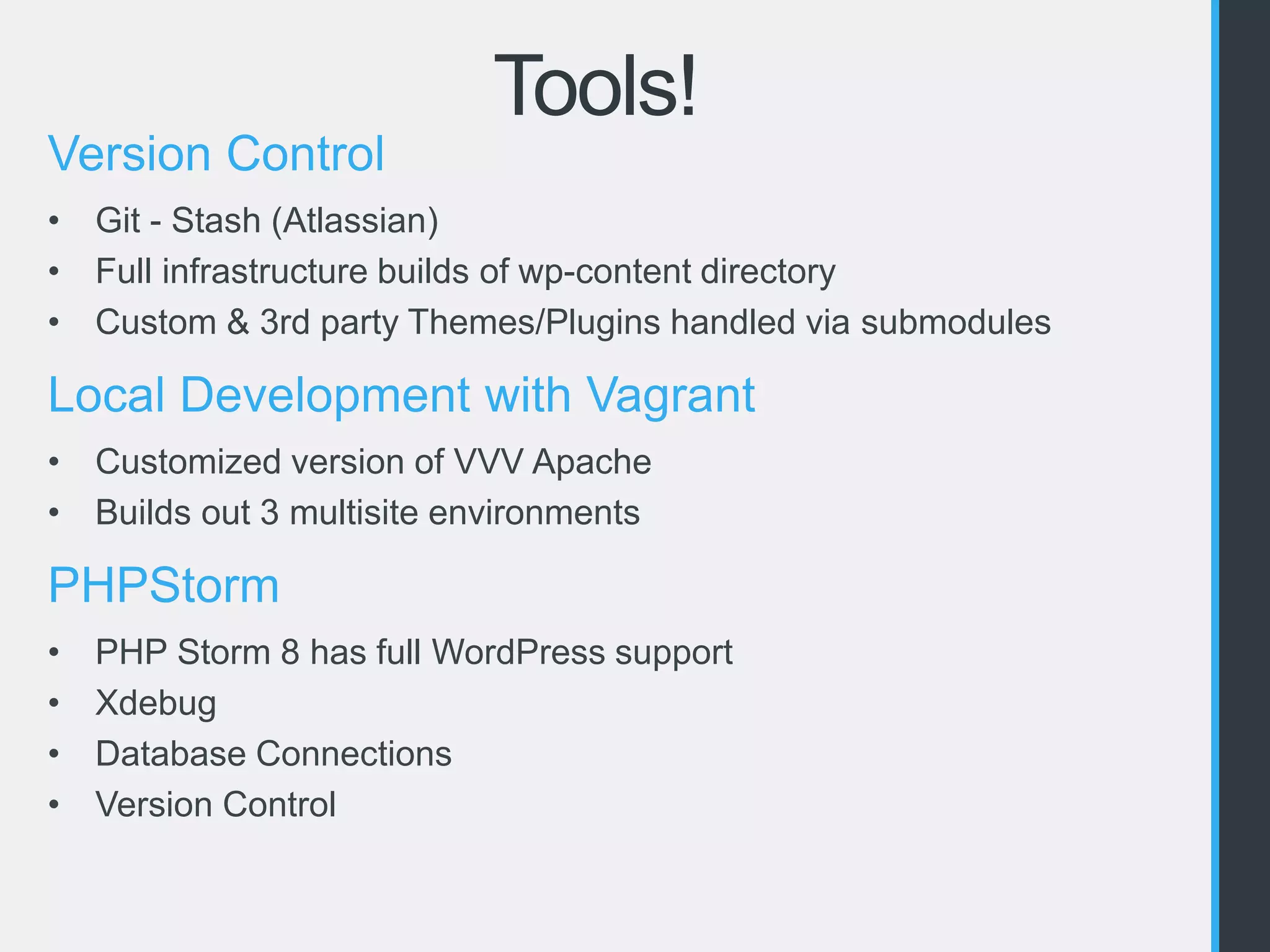
Version Control 
• Git - Stash (Atlassian) 
• Full infrastructure builds of wp-content directory 
• Custom & 3rd party Themes/Plugins handled via submodules 
Local Development with Vagrant 
• Customized version of VVV Apache 
• Builds out 3 multisite environments 
PHPStorm 
• PHP Storm 8 has full WordPress support 
• Xdebug 
• Database Connections 
• Version Control
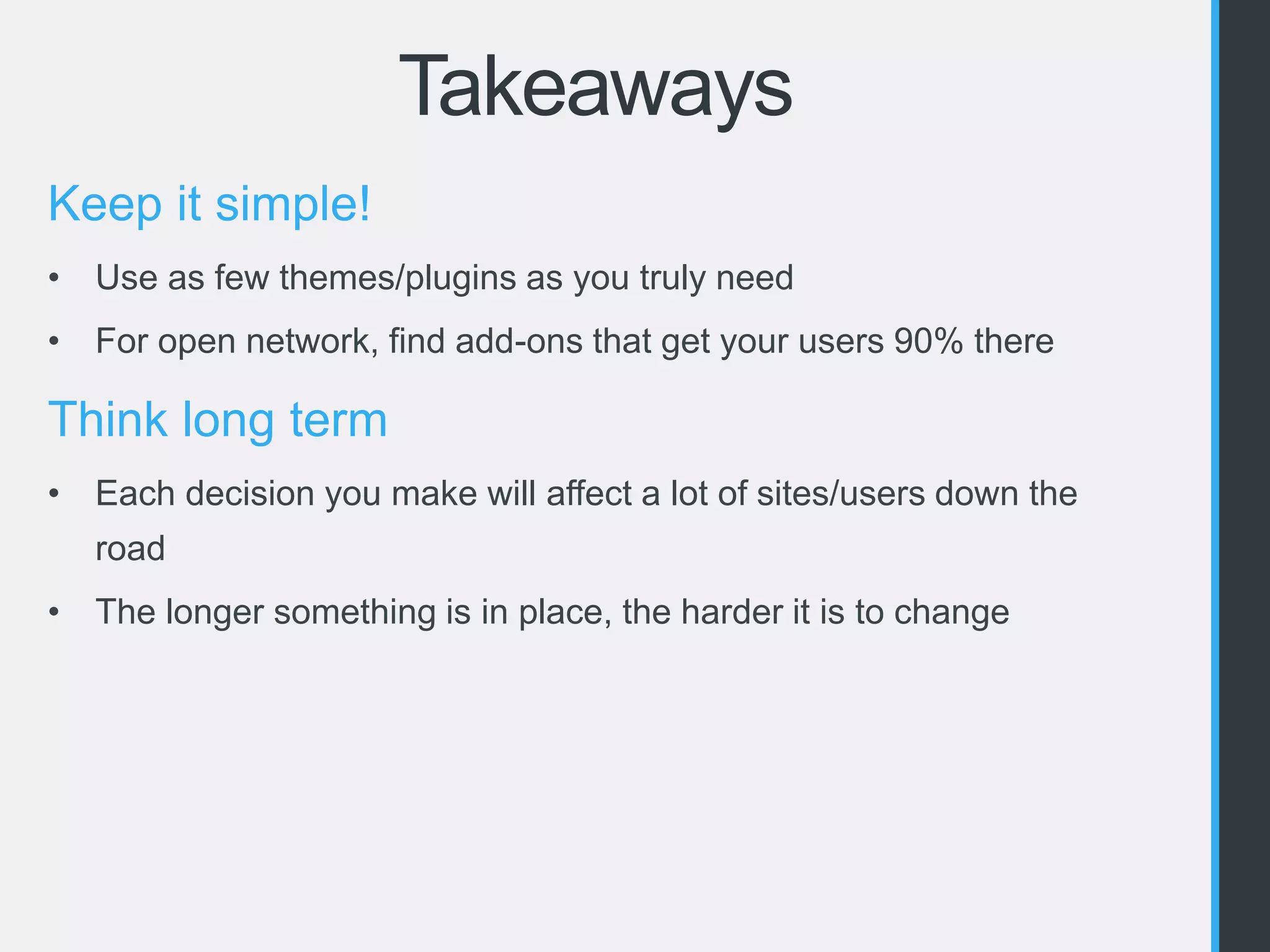
Takeaways 
Keep it simple! 
• Use as few themes/plugins as you truly need 
• For open network, find add-ons that get your users 90% there 
Think long term 
• Each decision you make will affect a lot of sites/users down the 
road 
• The longer something is in place, the harder it is to change
Questions?

Managing Multisite: Lessons from a Large Network

  • 1.
    Managing Multisite Lessonsfrom a Large Network WordCamp Raleigh November 9, 2014 William Earnhardt - @earnjam
  • 2.
    Single Site vsMultisite Single Site Multisite One WordPress Install ✓ ✓ One Database ✓ ✓ Supports Themes ✓ ✓ Supports Plugins ✓ ✓ Number of Websites 1 Unlimited* *Only limited by system resources
  • 3.
    The 7 MinuteInstall Step 1: Do the famous “5 Minute Install” Step 2: Add this to wp-config.php Step 3: Go to Tools > Network Setup and follow instructions.
  • 4.
    Pros & Consof Multisite Pros: • Updates • Reusability of code • Shared Database • Security • Messaging • Single Sign-On Cons: • Updates • Reusability of code • Shared Database • Security • Single Point of Failure
  • 5.
    Should You UseMultisite? Absolutely • A group of related sites • Need to allow users to create new sites Probably Not • Unrelated client sites
  • 6.
    WordPress at Carolina Web.unc.edu Self service web publishing for Carolina faculty, staff, and students. Sites.unc.edu Enterprise web platform for divisions, departments, schools, and more.
  • 7.
    What Kind ofSites? • www.unc.edu • Departments • Divisions • Schools • Campus Units • Centers • Institutes • Research Labs • Programs • Collaborations • Student Organizations • Greek Community • Instructional Resources • Services • Faculty CVs • Portfolios And Much, Much More!
  • 8.
    How big is“big”? 8,500 Sites 77,000 Users
  • 9.
    How big is“big”? 243 Themes 140 Plugins
  • 10.
    Infrastructure Our Setup: Varnish • Bypassed for logged in users • Cache purging handled via custom plugin 3 Apache Webservers NFS mounted shared file system • WordPress Core, themes, plugins, uploads, etc 2 MySQL servers • Replication/Hot spare • Full DB backups daily with point-in-time recovery available from binary logs
  • 11.
    Infrastructure Ongoing Challenges/Lessons: Varnish • Cache invalidation is hard NFS • A single file system is simple, but not as fast Apache • You should probably just should use NGINX Database • Our databases are huge • Explore using HyperDB, or purge unused sites/tables/rows
  • 12.
    Plugins & Themes “I’ll just use this plugin” http://devpractic.es/post/98877425141/ill-just-use-this-plugin
  • 13.
    Selecting Themes &Plugins Licensing • GPLv2 or compatible? • Per Domain? Updates & Notifications • Wordpress.org vs External Repositories • Notifications only when activated Things to Watch Out For • SHOW TABLES LIKE • switch_to_blog() • get_plugins() • eval() WordPress.com VIP standards • http://vip.wordpress.com/documentation/code-review-what-we-look-for/
  • 14.
    Selecting Themes &Plugins Ongoing Challenges/Lessons: Size of the codebase • Keep it simple • Only add what you truly need Deprecate old plugins and themes • Over 2 years since last update? Find a replacement Be picky about your plugins and themes • Thoroughly review the code • Is it in active development? • How is the support?
  • 15.
    Security Single Site= Multisite No FTP Thoroughly Review Themes & Plugins Super Admins • Limit who/how many • Set them in code with an MU Plugin Update, Update, Update!
  • 16.
  • 17.
    Tools! Splunk •Insight into your logs • Reporting, Alerts, etc. • We use for PHP, Apache & ModSecurity • Free version lets you index up to 500MB of data per day
  • 18.
    Tools! AppDynamics •Service monitoring • Average response times • Full call stack • Free version stores data for last 24 hours
  • 19.
  • 20.
  • 21.
    Tools! Query Monitor • Built by John Blackbourn, current WP 4.1 development lead • Deep insight into each page load Multisite Specific Plugins • Multisite Plugin Manager • Multisite Privacy Plugin • WordPress MU Domain Mapping • Network Manager Tools
  • 22.
    Tools! Version Control • Git - Stash (Atlassian) • Full infrastructure builds of wp-content directory • Custom & 3rd party Themes/Plugins handled via submodules Local Development with Vagrant • Customized version of VVV Apache • Builds out 3 multisite environments PHPStorm • PHP Storm 8 has full WordPress support • Xdebug • Database Connections • Version Control
  • 23.
    Takeaways Keep itsimple! • Use as few themes/plugins as you truly need • For open network, find add-ons that get your users 90% there Think long term • Each decision you make will affect a lot of sites/users down the road • The longer something is in place, the harder it is to change
  • 24.