Security Checklist for
WordPress Site
(Small steps make BIG impact)
By Sanjay Dabhoya
Surat WordPress Meetup
To protect your website from
● Virus / malware attacks
● Vulnerabilities
● Data loss / Data theft
● Hacking
● Redirection
Why ?
How to secure site before it get
hacked and reduce the risk?What?
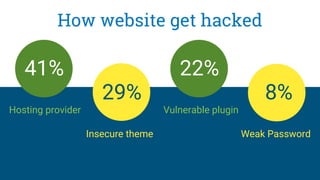
How website get hacked
Hosting provider
Insecure theme
Vulnerable plugin
Weak Password
41%
29%
22%
8%
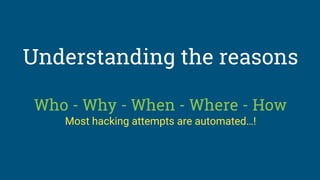
Understanding the reasons
Who - Why - When - Where - How
Most hacking attempts are automated…!
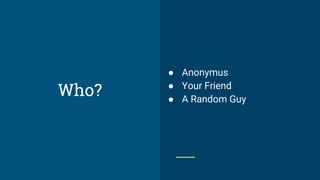
● Anonymus
● Your Friend
● A Random Guy
Who?
● Fun
● Revenge
● Profit
● Political
Why?
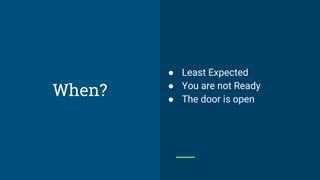
● Least Expected
● You are not Ready
● The door is open
When?
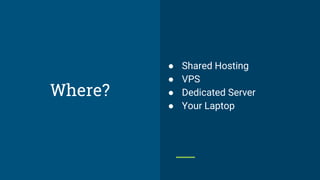
● Shared Hosting
● VPS
● Dedicated Server
● Your Laptop
Where?
● Defacement
● Spam links
● Backdoors
● SQL Injections
● Malicious Redirect
● Form Abuse
● Compromised Web Server
How?
What we can do ?
Project Manager Developer Tester Client
User Management
❏ Grant only as much access as is needed
❏ Review your user list frequently, deleting those that are
obsolete, downgrading roles where possible
❏ Do not create an account with username admin. If there
is any, create a new Administrator account and delete the
old one
❏ Create an Editor account and use it solely to publish
content
Administrative Panel
❏ Implement SSL for the WordPress admin section
❏ Install any plugins to check file changes (WP Security
Scan, Wordfence or iThemes Security)
❏ Scan the website for viruses, malware, and security
breaches
❏ Use plugins that logging activity on admin panel.
Authentication - Login Page
❏ Ideally use 2-factor authentication (Google Authenticator)
❏ Require strong passwords for all users
❏ Change the passwords regularly
❏ Make the login error messages more generical
(user/pass)
❏ Ensure that your login page is running on an https page
❏ Limit the rate of login attempts
Continue…...
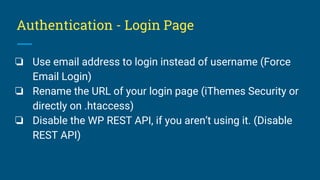
Authentication - Login Page
❏ Use email address to login instead of username (Force
Email Login)
❏ Rename the URL of your login page (iThemes Security or
directly on .htaccess)
❏ Disable the WP REST API, if you aren’t using it. (Disable
REST API)
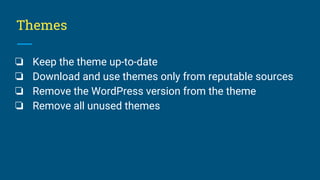
Themes
❏ Keep the theme up-to-date
❏ Download and use themes only from reputable sources
❏ Remove the WordPress version from the theme
❏ Remove all unused themes
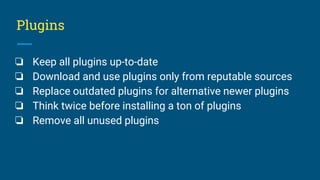
Plugins
❏ Keep all plugins up-to-date
❏ Download and use plugins only from reputable sources
❏ Replace outdated plugins for alternative newer plugins
❏ Think twice before installing a ton of plugins
❏ Remove all unused plugins
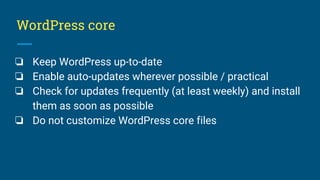
WordPress core
❏ Keep WordPress up-to-date
❏ Enable auto-updates wherever possible / practical
❏ Check for updates frequently (at least weekly) and install
them as soon as possible
❏ Do not customize WordPress core files
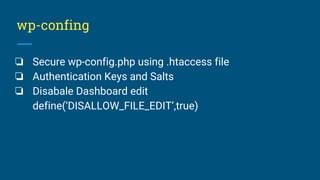
wp-confing
❏ Secure wp-config.php using .htaccess file
❏ Authentication Keys and Salts
❏ Disabale Dashboard edit
define(‘DISALLOW_FILE_EDIT’,true)
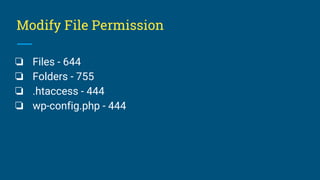
Modify File Permission
❏ Files - 644
❏ Folders - 755
❏ .htaccess - 444
❏ wp-config.php - 444
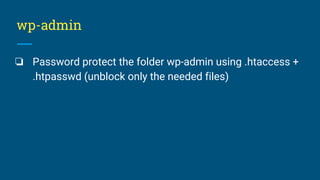
wp-admin
❏ Password protect the folder wp-admin using .htaccess +
.htpasswd (unblock only the needed files)
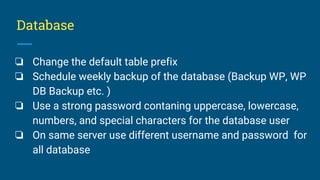
Database
❏ Change the default table prefix
❏ Schedule weekly backup of the database (Backup WP, WP
DB Backup etc. )
❏ Use a strong password contaning uppercase, lowercase,
numbers, and special characters for the database user
❏ On same server use different username and password for
all database
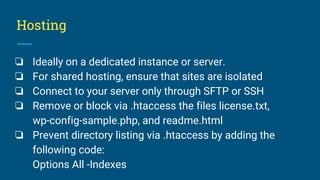
Hosting
❏ Ideally on a dedicated instance or server.
❏ For shared hosting, ensure that sites are isolated
❏ Connect to your server only through SFTP or SSH
❏ Remove or block via .htaccess the files license.txt,
wp-config-sample.php, and readme.html
❏ Prevent directory listing via .htaccess by adding the
following code:
Options All -Indexes
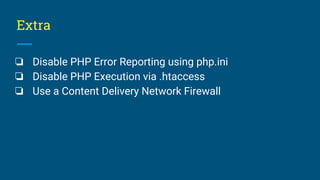
Extra
❏ Disable PHP Error Reporting using php.ini
❏ Disable PHP Execution via .htaccess
❏ Use a Content Delivery Network Firewall
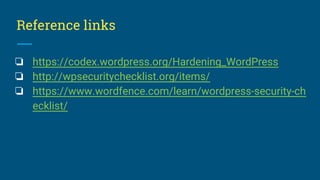
Reference links
❏ https://codex.wordpress.org/Hardening_WordPress
❏ http://wpsecuritychecklist.org/items/
❏ https://www.wordfence.com/learn/wordpress-security-ch
ecklist/
Thank you
Sanjay Dabhoya
Twitter : @sanjaydabhoya

Word press security checklist

  • 1.
    Security Checklist for WordPressSite (Small steps make BIG impact) By Sanjay Dabhoya Surat WordPress Meetup
  • 2.
    To protect yourwebsite from ● Virus / malware attacks ● Vulnerabilities ● Data loss / Data theft ● Hacking ● Redirection Why ?
  • 3.
    How to securesite before it get hacked and reduce the risk?What?
  • 4.
    How website gethacked Hosting provider Insecure theme Vulnerable plugin Weak Password 41% 29% 22% 8%
  • 5.
    Understanding the reasons Who- Why - When - Where - How Most hacking attempts are automated…!
  • 6.
    ● Anonymus ● YourFriend ● A Random Guy Who?
  • 7.
    ● Fun ● Revenge ●Profit ● Political Why?
  • 8.
    ● Least Expected ●You are not Ready ● The door is open When?
  • 9.
    ● Shared Hosting ●VPS ● Dedicated Server ● Your Laptop Where?
  • 10.
    ● Defacement ● Spamlinks ● Backdoors ● SQL Injections ● Malicious Redirect ● Form Abuse ● Compromised Web Server How?
  • 11.
    What we cando ? Project Manager Developer Tester Client
  • 12.
    User Management ❏ Grantonly as much access as is needed ❏ Review your user list frequently, deleting those that are obsolete, downgrading roles where possible ❏ Do not create an account with username admin. If there is any, create a new Administrator account and delete the old one ❏ Create an Editor account and use it solely to publish content
  • 13.
    Administrative Panel ❏ ImplementSSL for the WordPress admin section ❏ Install any plugins to check file changes (WP Security Scan, Wordfence or iThemes Security) ❏ Scan the website for viruses, malware, and security breaches ❏ Use plugins that logging activity on admin panel.
  • 14.
    Authentication - LoginPage ❏ Ideally use 2-factor authentication (Google Authenticator) ❏ Require strong passwords for all users ❏ Change the passwords regularly ❏ Make the login error messages more generical (user/pass) ❏ Ensure that your login page is running on an https page ❏ Limit the rate of login attempts Continue…...
  • 15.
    Authentication - LoginPage ❏ Use email address to login instead of username (Force Email Login) ❏ Rename the URL of your login page (iThemes Security or directly on .htaccess) ❏ Disable the WP REST API, if you aren’t using it. (Disable REST API)
  • 16.
    Themes ❏ Keep thetheme up-to-date ❏ Download and use themes only from reputable sources ❏ Remove the WordPress version from the theme ❏ Remove all unused themes
  • 17.
    Plugins ❏ Keep allplugins up-to-date ❏ Download and use plugins only from reputable sources ❏ Replace outdated plugins for alternative newer plugins ❏ Think twice before installing a ton of plugins ❏ Remove all unused plugins
  • 18.
    WordPress core ❏ KeepWordPress up-to-date ❏ Enable auto-updates wherever possible / practical ❏ Check for updates frequently (at least weekly) and install them as soon as possible ❏ Do not customize WordPress core files
  • 19.
    wp-confing ❏ Secure wp-config.phpusing .htaccess file ❏ Authentication Keys and Salts ❏ Disabale Dashboard edit define(‘DISALLOW_FILE_EDIT’,true)
  • 20.
    Modify File Permission ❏Files - 644 ❏ Folders - 755 ❏ .htaccess - 444 ❏ wp-config.php - 444
  • 21.
    wp-admin ❏ Password protectthe folder wp-admin using .htaccess + .htpasswd (unblock only the needed files)
  • 22.
    Database ❏ Change thedefault table prefix ❏ Schedule weekly backup of the database (Backup WP, WP DB Backup etc. ) ❏ Use a strong password contaning uppercase, lowercase, numbers, and special characters for the database user ❏ On same server use different username and password for all database
  • 23.
    Hosting ❏ Ideally ona dedicated instance or server. ❏ For shared hosting, ensure that sites are isolated ❏ Connect to your server only through SFTP or SSH ❏ Remove or block via .htaccess the files license.txt, wp-config-sample.php, and readme.html ❏ Prevent directory listing via .htaccess by adding the following code: Options All -Indexes
  • 24.
    Extra ❏ Disable PHPError Reporting using php.ini ❏ Disable PHP Execution via .htaccess ❏ Use a Content Delivery Network Firewall
  • 25.
    Reference links ❏ https://codex.wordpress.org/Hardening_WordPress ❏http://wpsecuritychecklist.org/items/ ❏ https://www.wordfence.com/learn/wordpress-security-ch ecklist/
  • 26.