Download to read offline
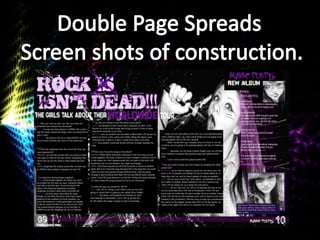
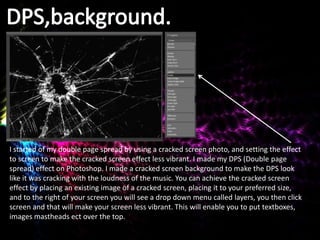
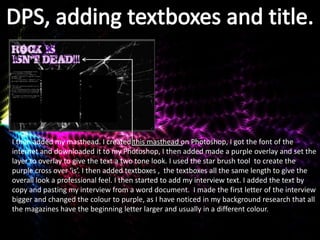
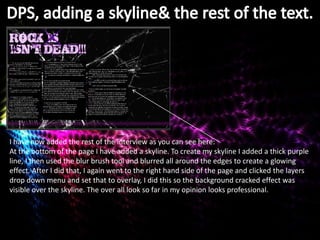
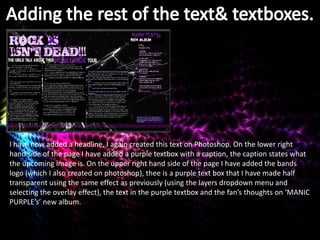
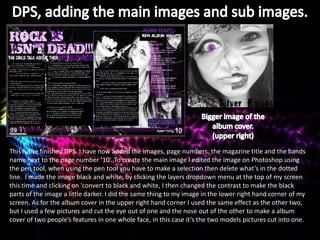

The document describes the process of creating a double page spread for a magazine on Photoshop. Key steps include: 1) Creating a cracked screen background effect to make the pages look like they are cracking from the music. 2) Adding a purple masthead with a two-tone effect using different layers and tools. 3) Adding text boxes of uniform length for the interview and changing the first letter. 4) Creating a skyline using a purple line, blur tool, and overlay layer. 5) Finishing with images, page numbers, title and adding effects like black and white, contrast and layers.


![Final%20 magazine%20–%20double%20page%20spread[2]](https://cdn.slidesharecdn.com/ss_thumbnails/final20magazine2020double20page20spread2-120511045804-phpapp02-thumbnail.jpg?width=640&height=640&fit=bounds)


