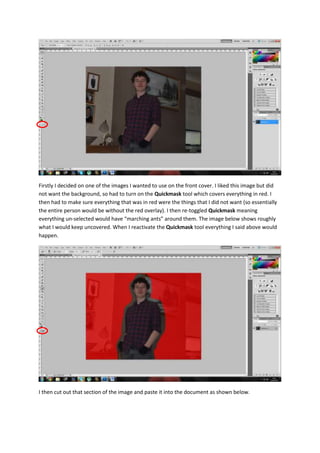
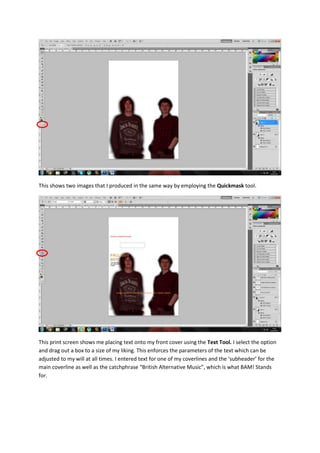
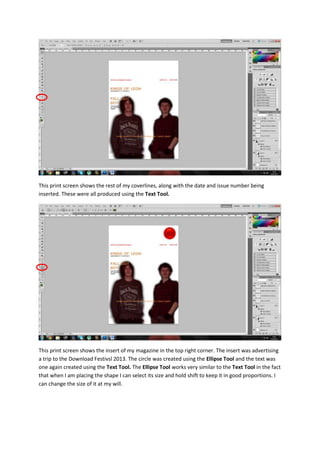
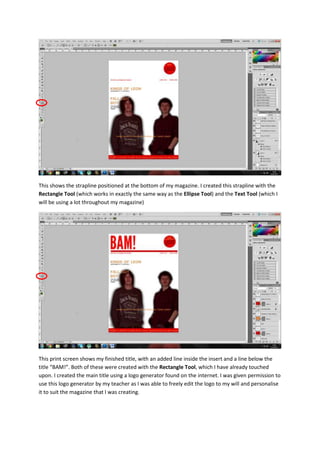
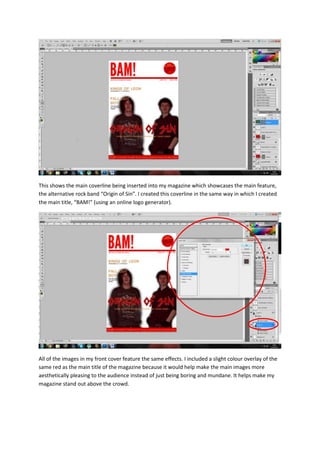
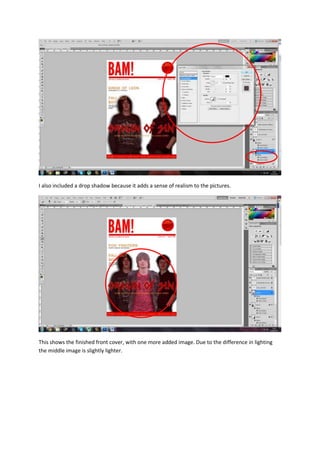
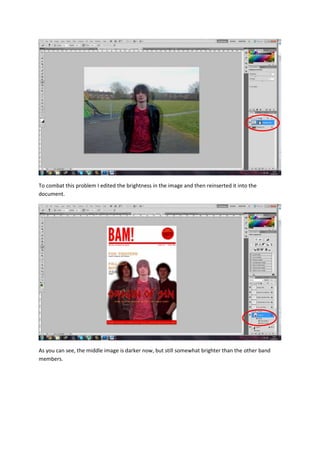
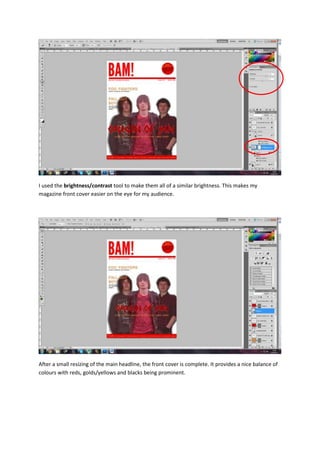
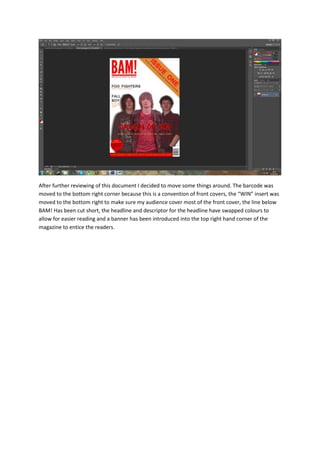
The document describes the steps taken to design the front cover of a magazine using Photoshop tools. These include using the Quickmask tool to isolate parts of an image for the cover, adding text with the Text tool, adjusting brightness and colors of images, and arranging the various elements. The final cover features band images and text describing the main feature article, with consistent effects and colors applied across elements. Minor adjustments were later made to positioning and colors for improved readability and design conventions.