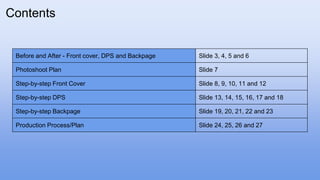
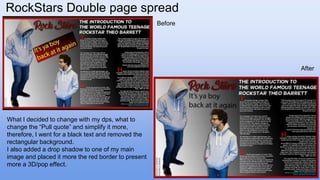
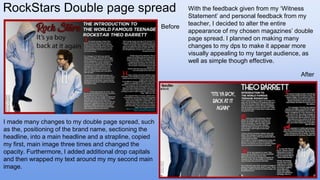
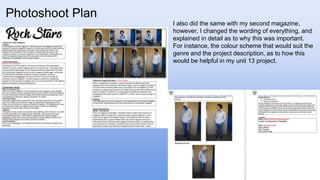
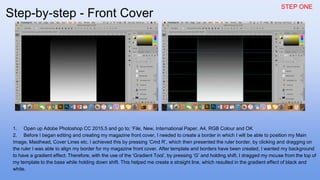
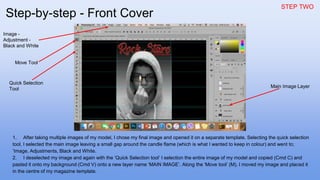
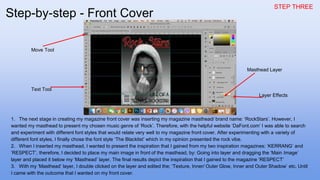
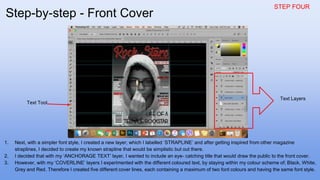
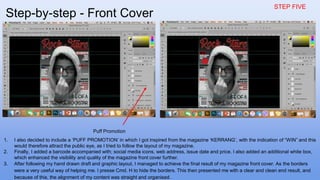
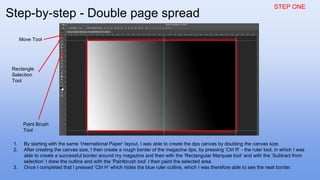
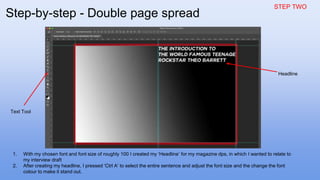
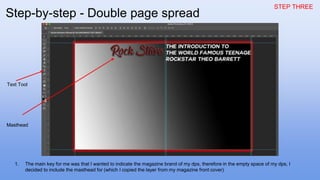
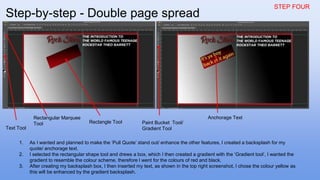
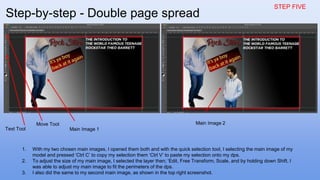
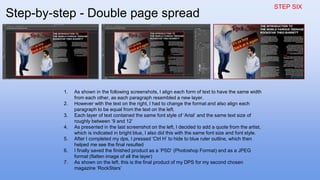
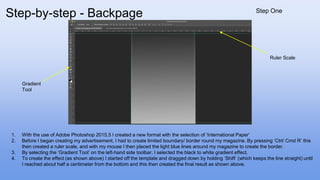
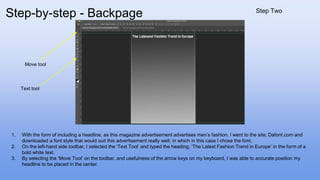
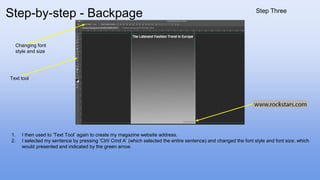
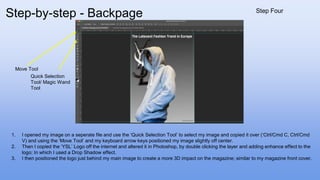
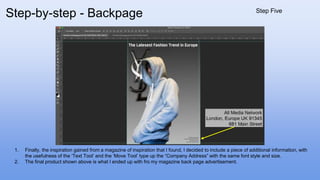
This document provides step-by-step instructions for editing magazine covers and spreads in Photoshop. For the front cover, it describes resizing images and text, adding layers and effects, and arranging elements. For the double-page spread, it outlines setting borders, inserting mastheads, images and quotes, and formatting text. The instructions are broken into clear steps with accompanying screenshots to illustrate each change.