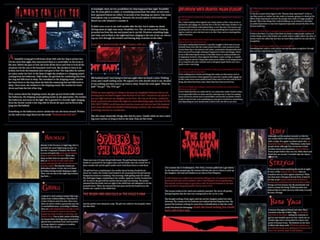
The document provides a detailed step-by-step account of creating covers and layouts for a horror fanzine using Adobe Photoshop and InDesign. Key steps include:
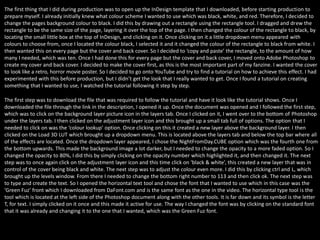
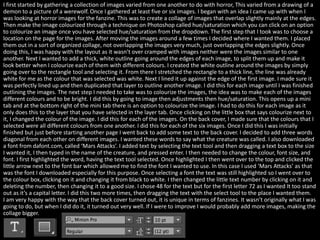
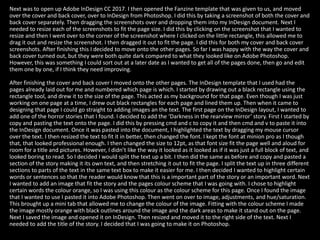
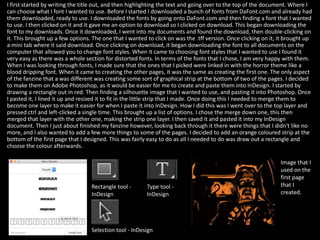
1) Creating a black background for pages in InDesign and setting up the template.
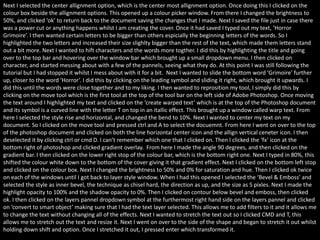
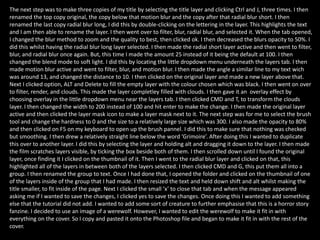
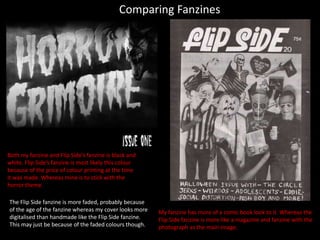
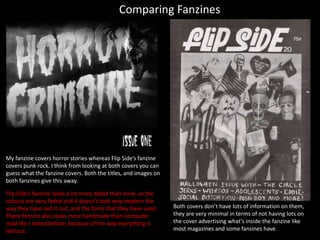
2) Following a tutorial to design a retro horror movie poster-style cover in Photoshop using effects like radial and motion blur on text.
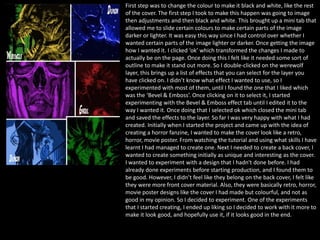
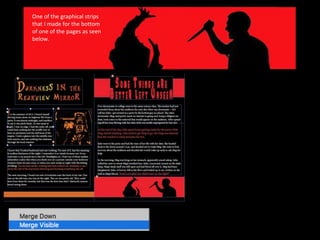
3) Designing the back cover by creating an overlapping collage of colored horror images and adding descriptive text labels.