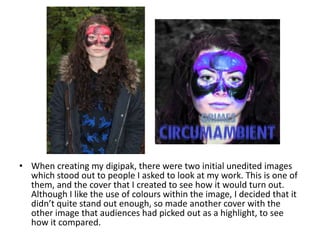
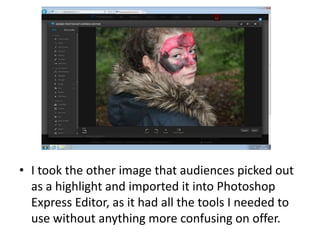
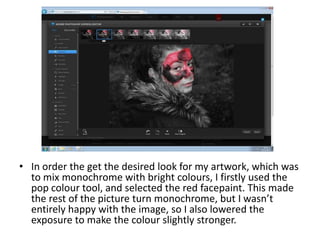
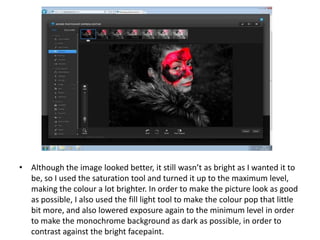
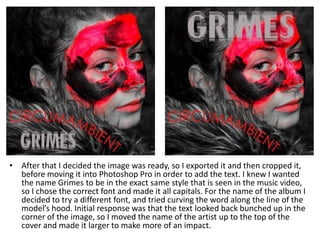
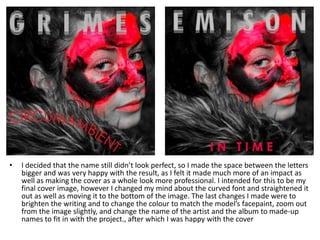
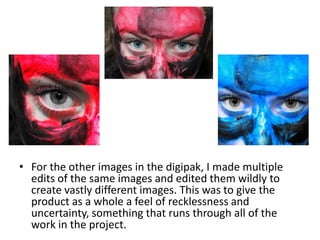
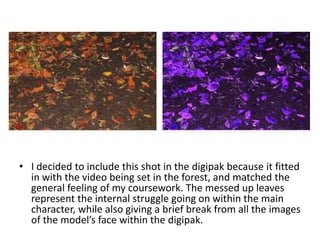
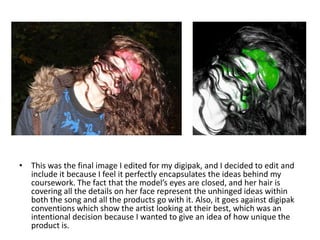
The document describes the process of editing images for a digipak cover. It discusses selecting two initial images, editing one in Photoshop Express to make the red facepaint pop against a monochrome background by increasing saturation and lowering exposure. Text was then added in Photoshop Pro and adjustments were made to positioning, spacing, sizing and colors until the designer was satisfied. Other images in the digipak were heavily edited to create variety and a feeling of recklessness. The final image chosen perfectly encapsulates the ideas behind the project by obscuring the model's face.