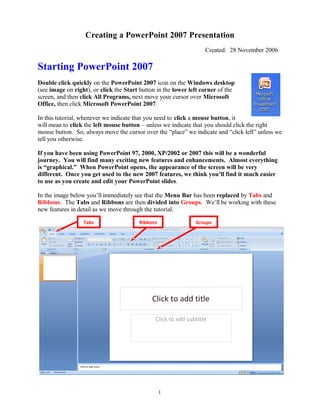
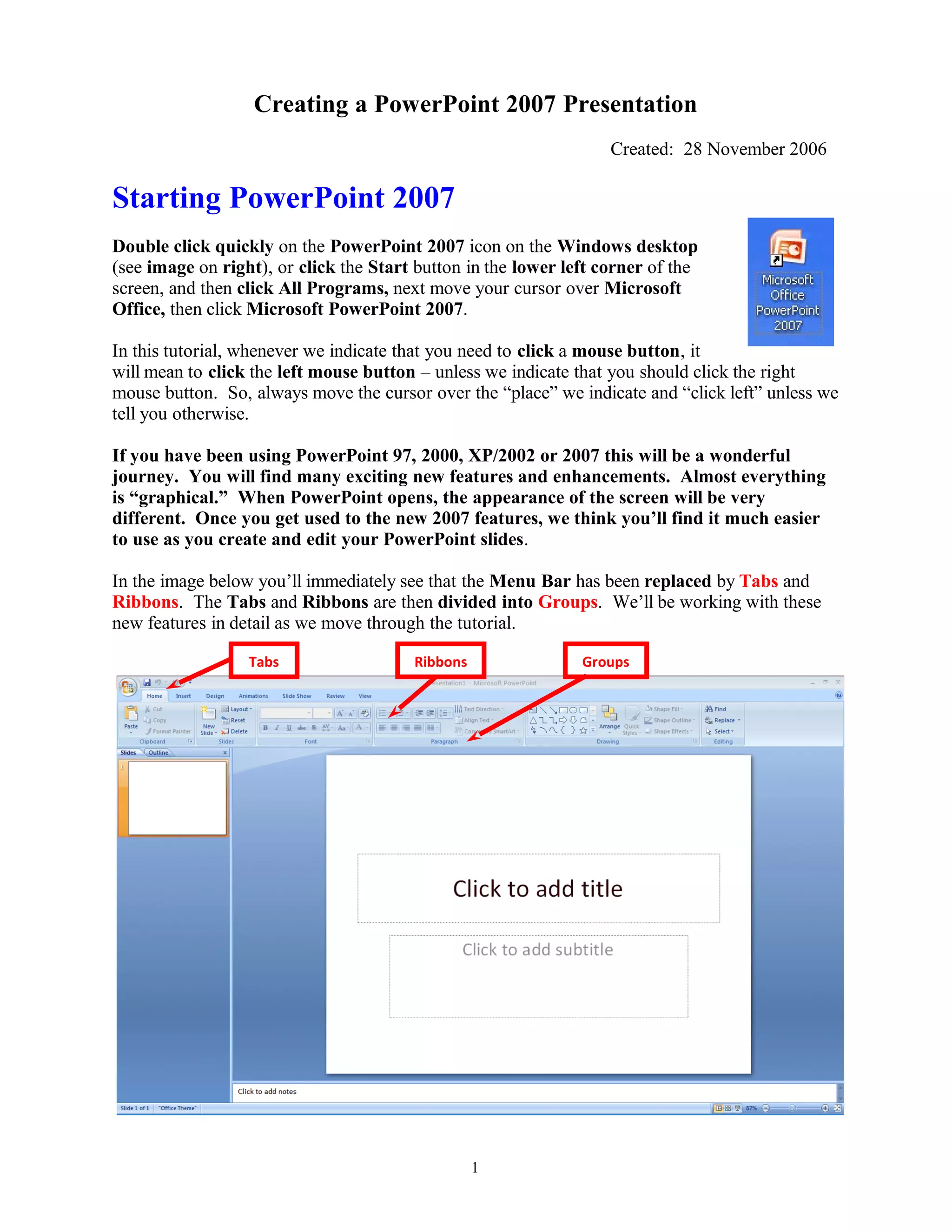
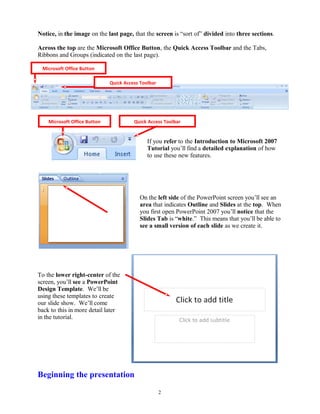
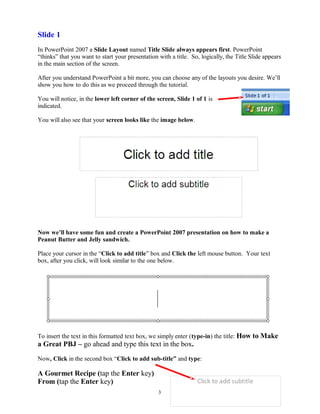
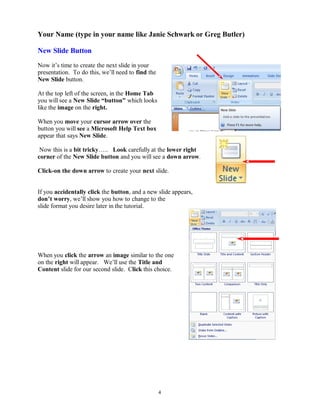
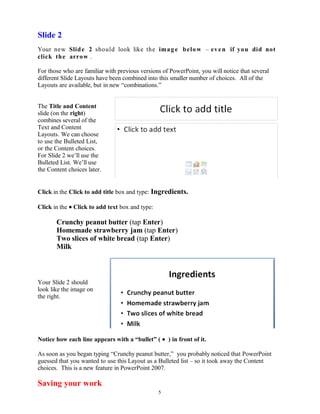
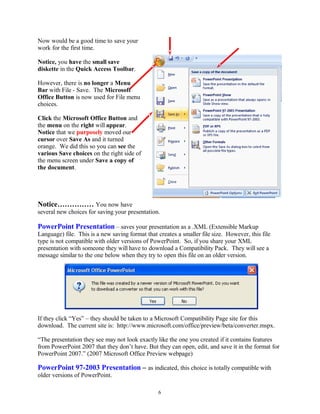
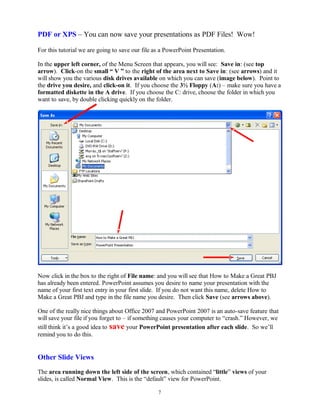
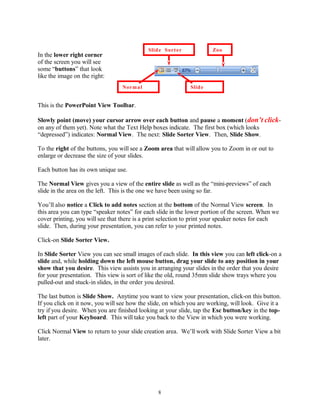
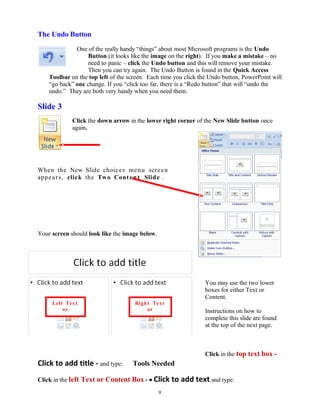
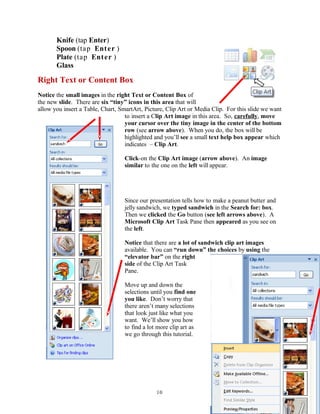
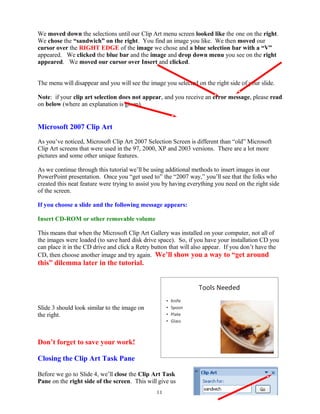
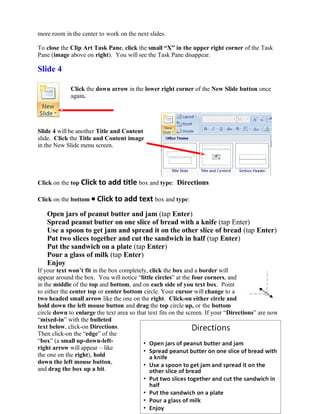
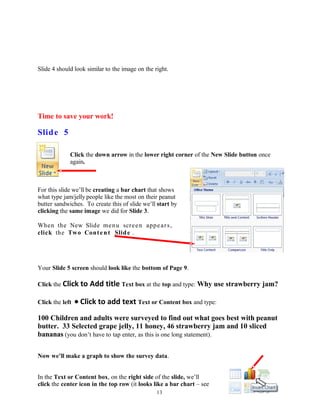
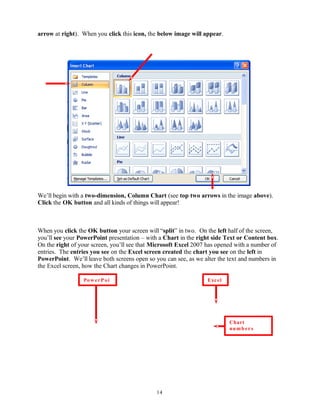
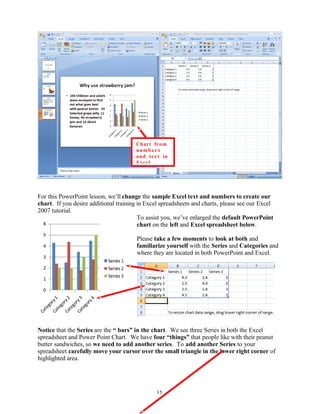
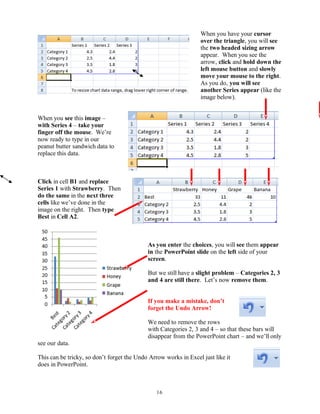
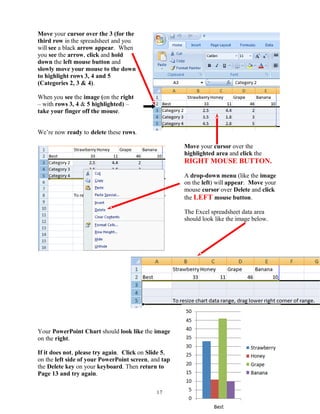
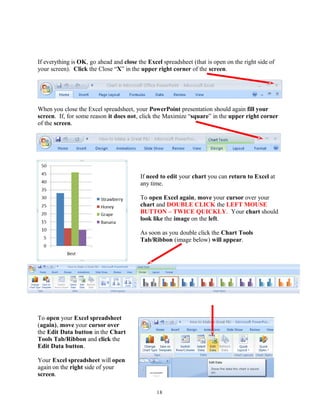
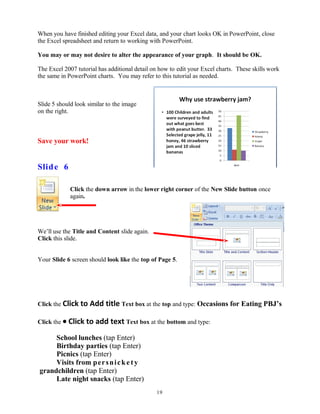
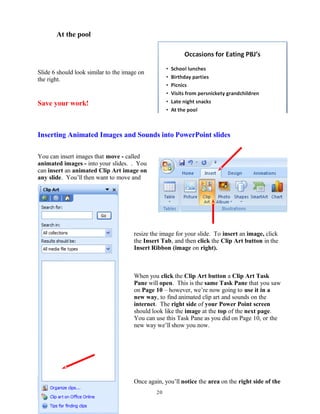
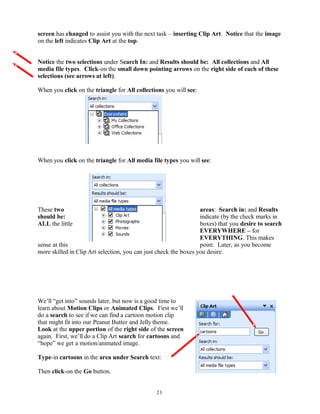
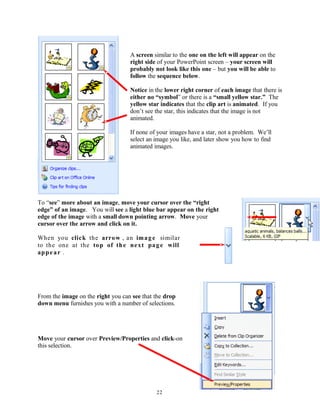
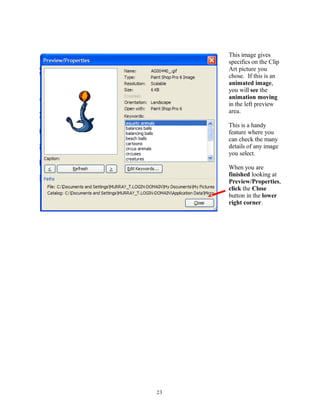
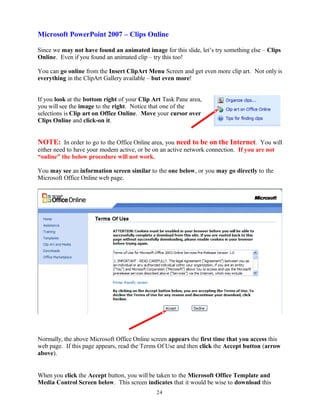
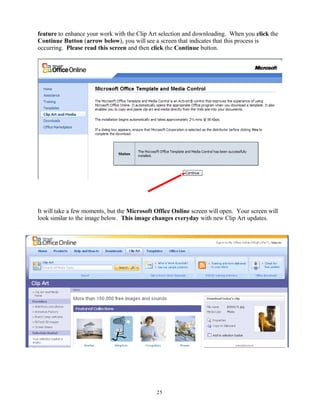
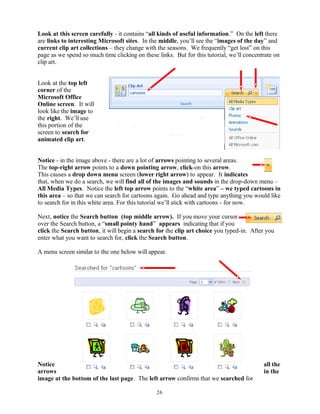
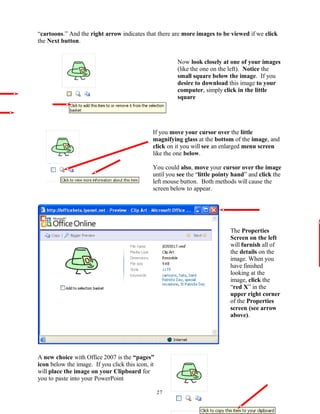
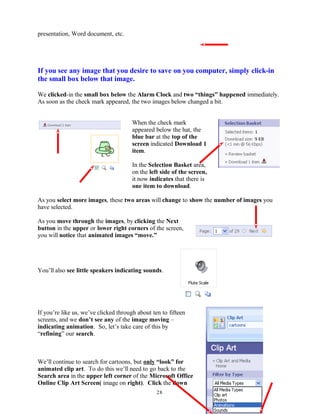
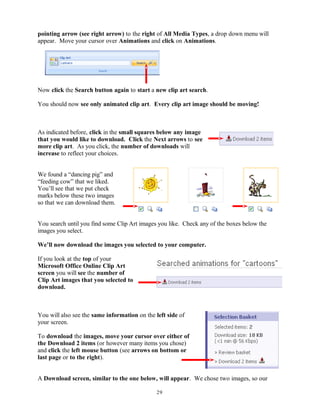
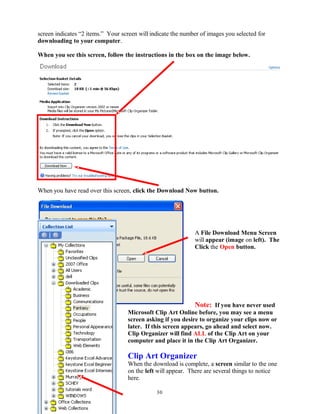
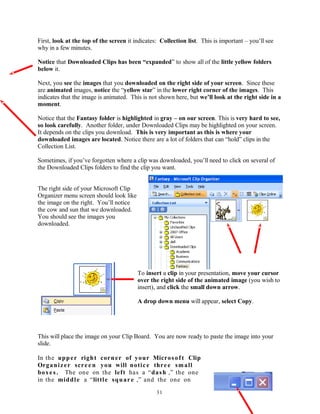
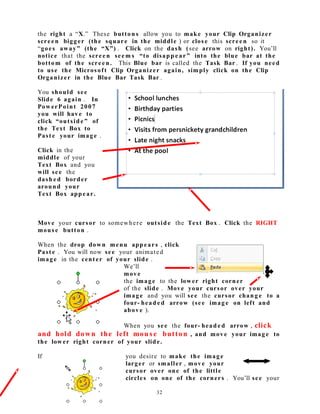
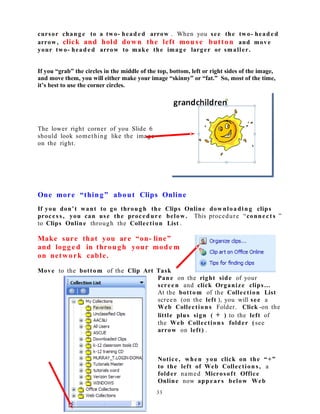
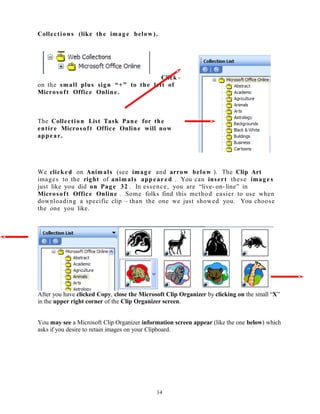
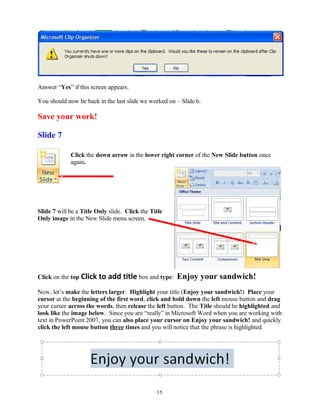
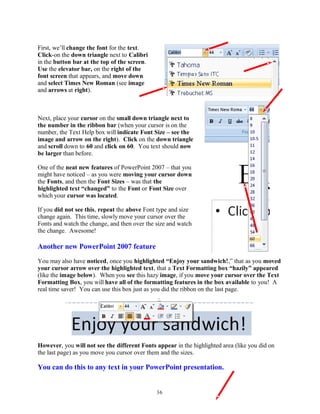
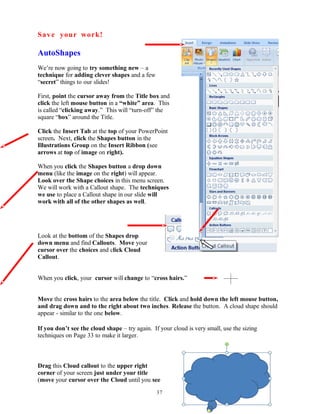
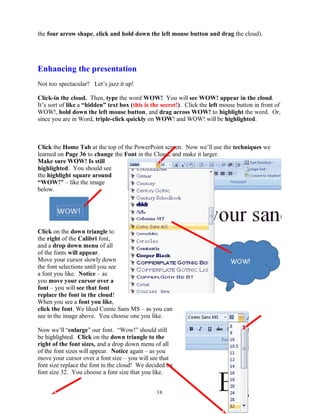
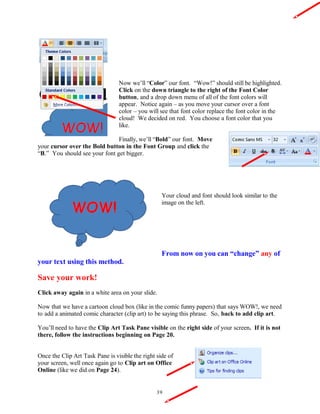
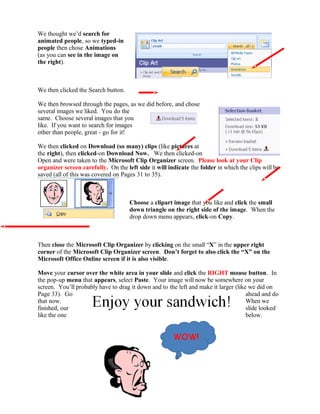
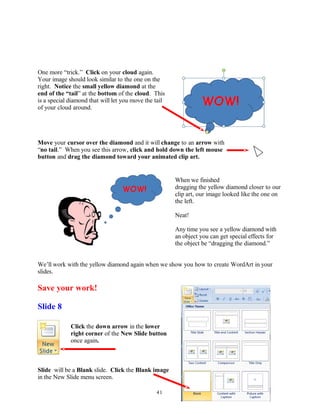
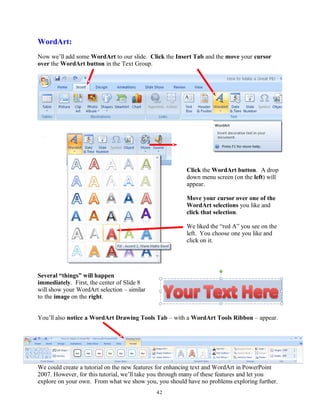
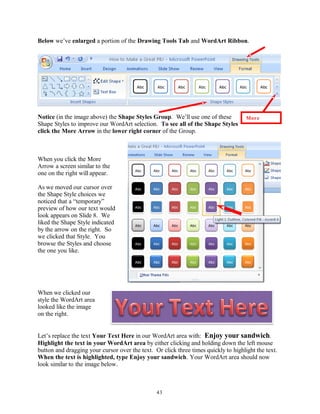
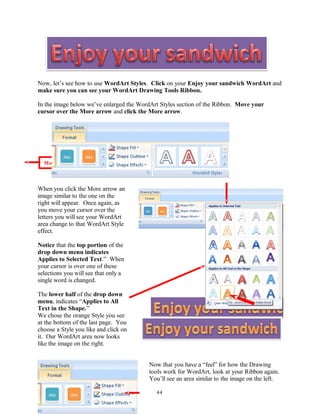
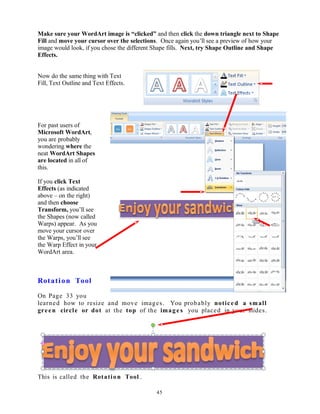
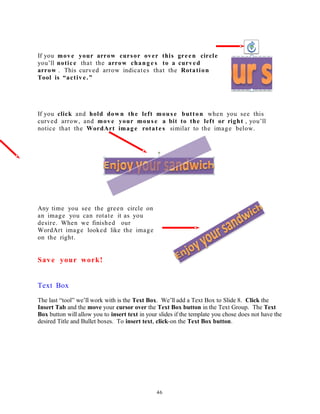
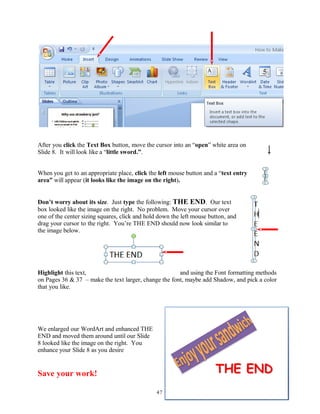
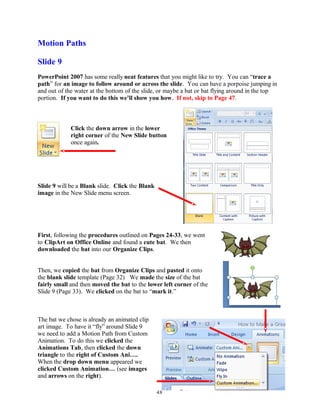
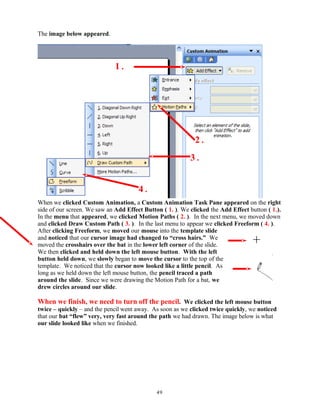
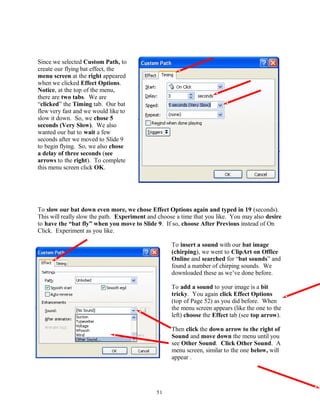
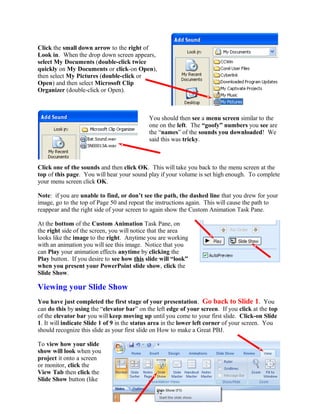
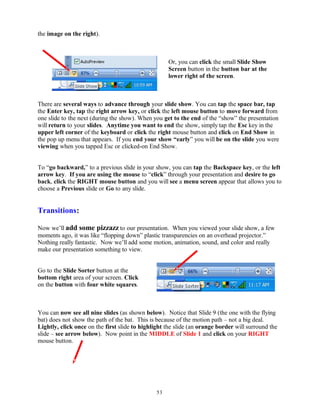
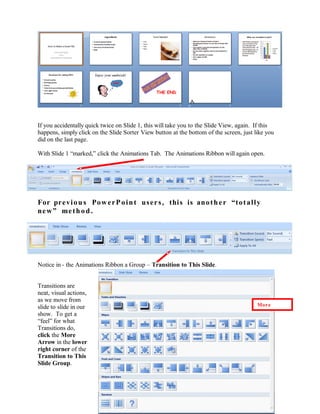
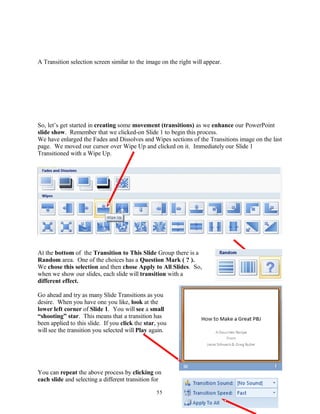
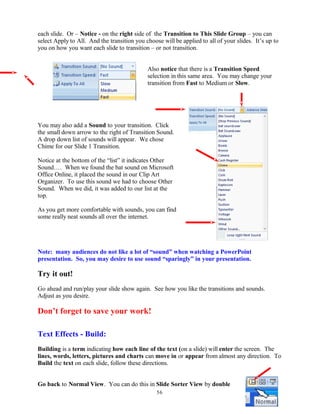
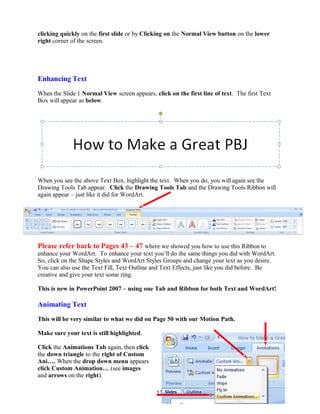
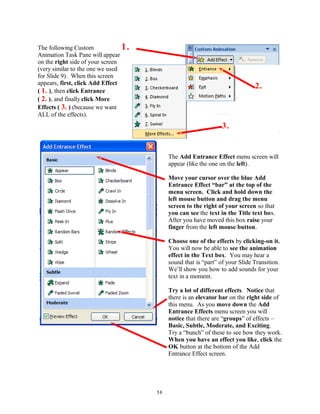
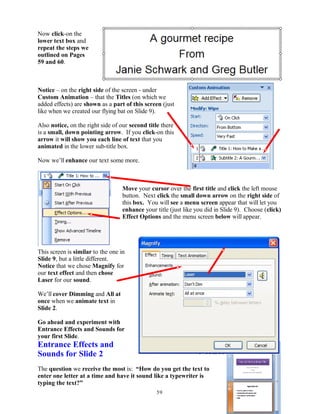
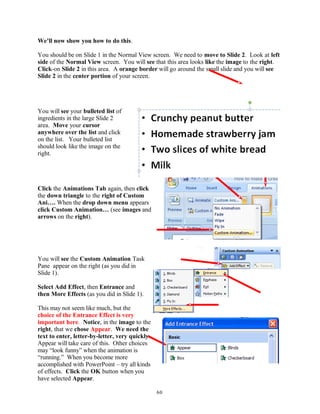
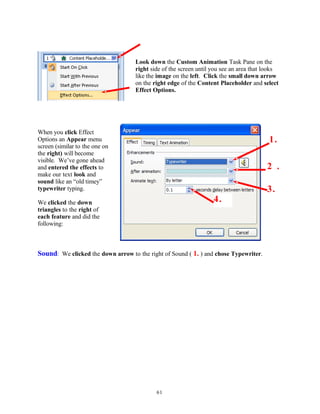
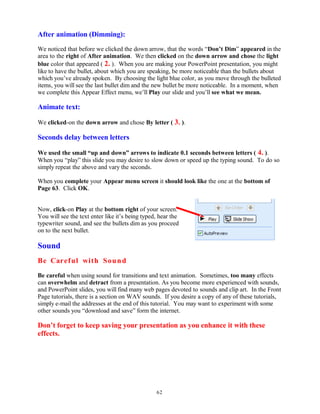
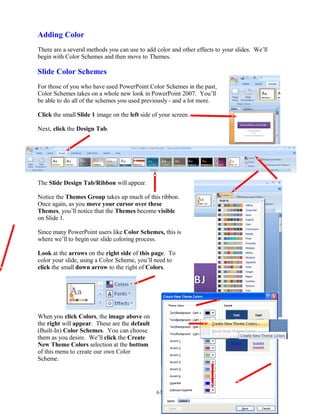
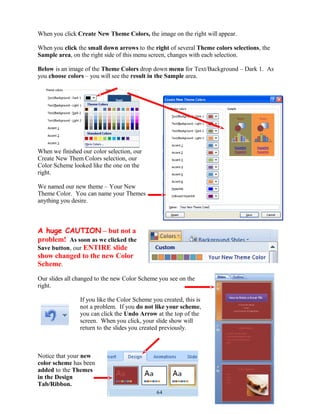
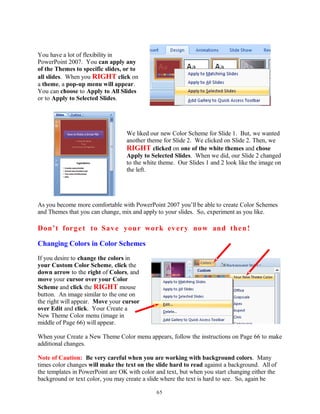
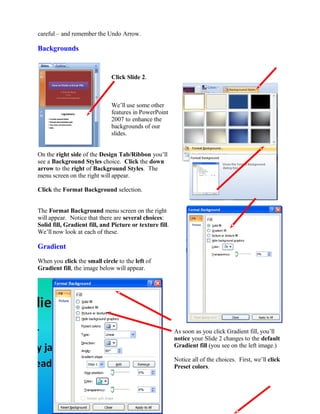
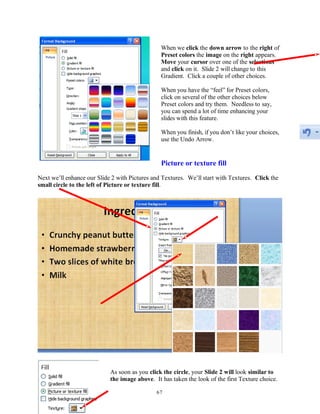
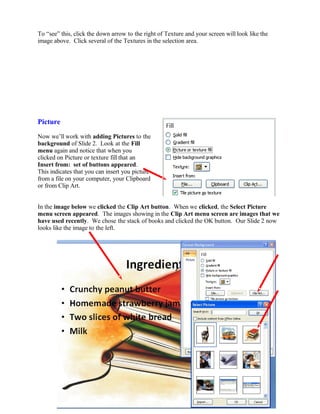
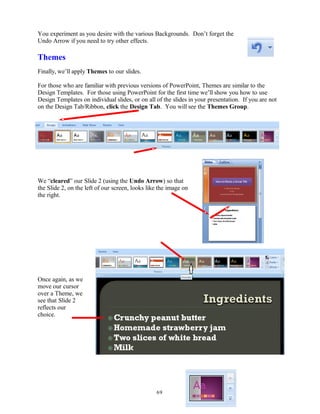
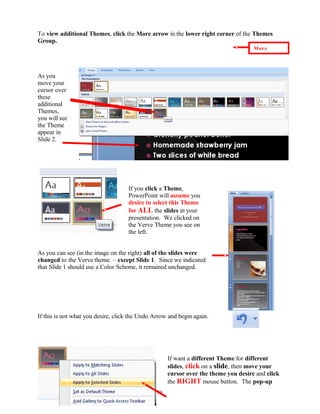
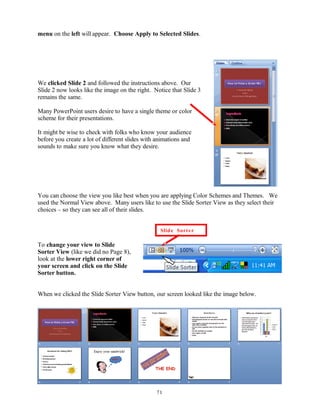
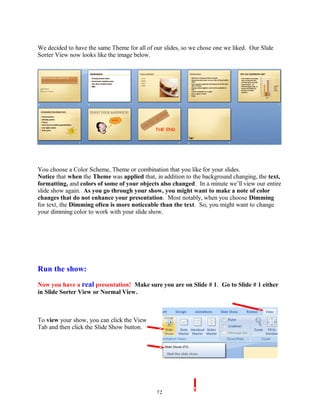
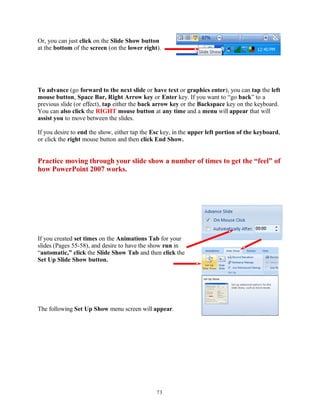
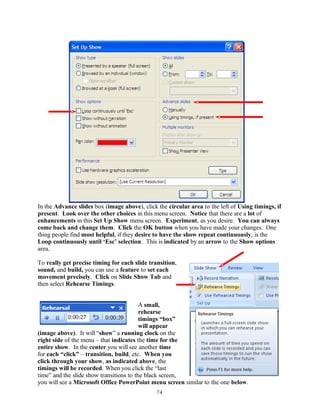
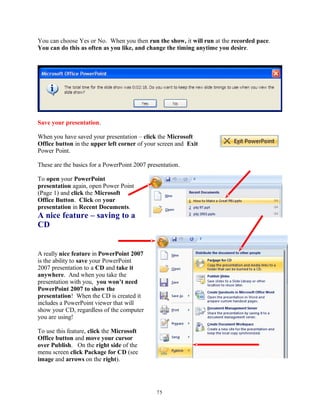
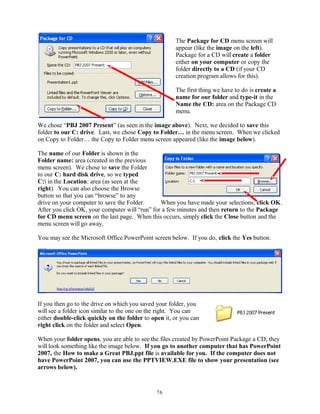
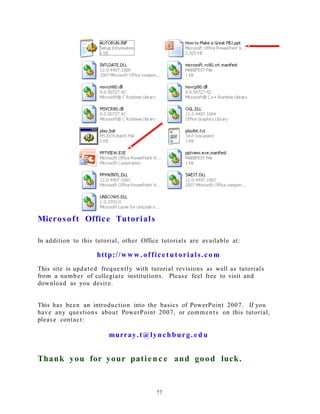
This document provides instructions for creating a PowerPoint 2007 presentation. It explains how to start PowerPoint 2007, open a new presentation, add and format slides, insert text and images, and save the presentation. The tutorial takes the user through each step, including choosing slide layouts, adding titles and bullet points, inserting clip art, and using different slide views. Users are guided on how to navigate the new PowerPoint 2007 interface which features tabs, ribbons, and groups instead of menus and toolbars.