Download to read offline
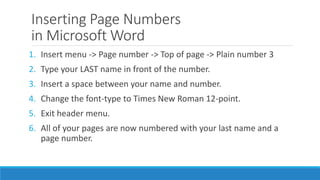


This document provides instructions for inserting page numbers and setting hanging indents in a Microsoft Word document. The page number instructions are to insert page numbers at the top of the page in Plain number 3 format with the author's last name followed by a space and the page number. The hanging indent instructions are to place the Works Cited section on its own page, remove extra spacing between citations, double space the citations, select the citations, drag the bottom triangle and square in the ruler to indent citations 1/2 inch, and add a centered title of "Works Cited" at the top.


