Download to read offline

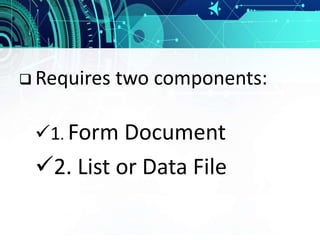
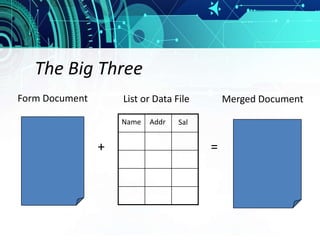
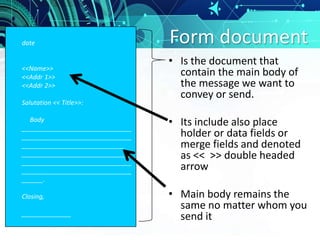
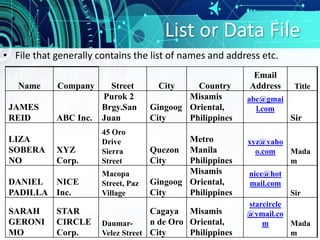
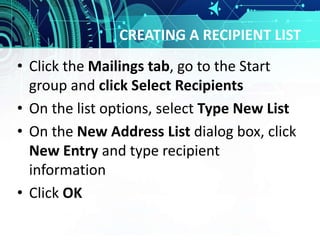
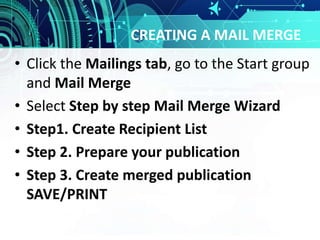

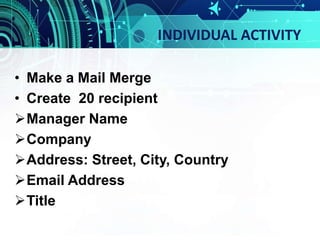
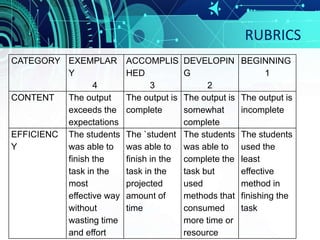

The document discusses using mail merge in Microsoft Word to send personalized letters or documents to multiple recipients. It explains that mail merge requires a form document, which contains placeholder fields, and a data file that contains contact information for each recipient. The data file is linked to the form document and Word automatically populates the fields for each contact, allowing an individualized document to be created for each person. Step-by-step instructions are provided for setting up the form document, creating a recipient list in the data file, and running the mail merge to generate individual documents.


![[EMPOWERMENT TECHNOLOGIES] - ADVANCED WORD PROCESSING SKILLS](https://cdn.slidesharecdn.com/ss_thumbnails/lesson3-advancedwordprocessingskills2-211128024207-thumbnail.jpg?width=640&height=640&fit=bounds)


