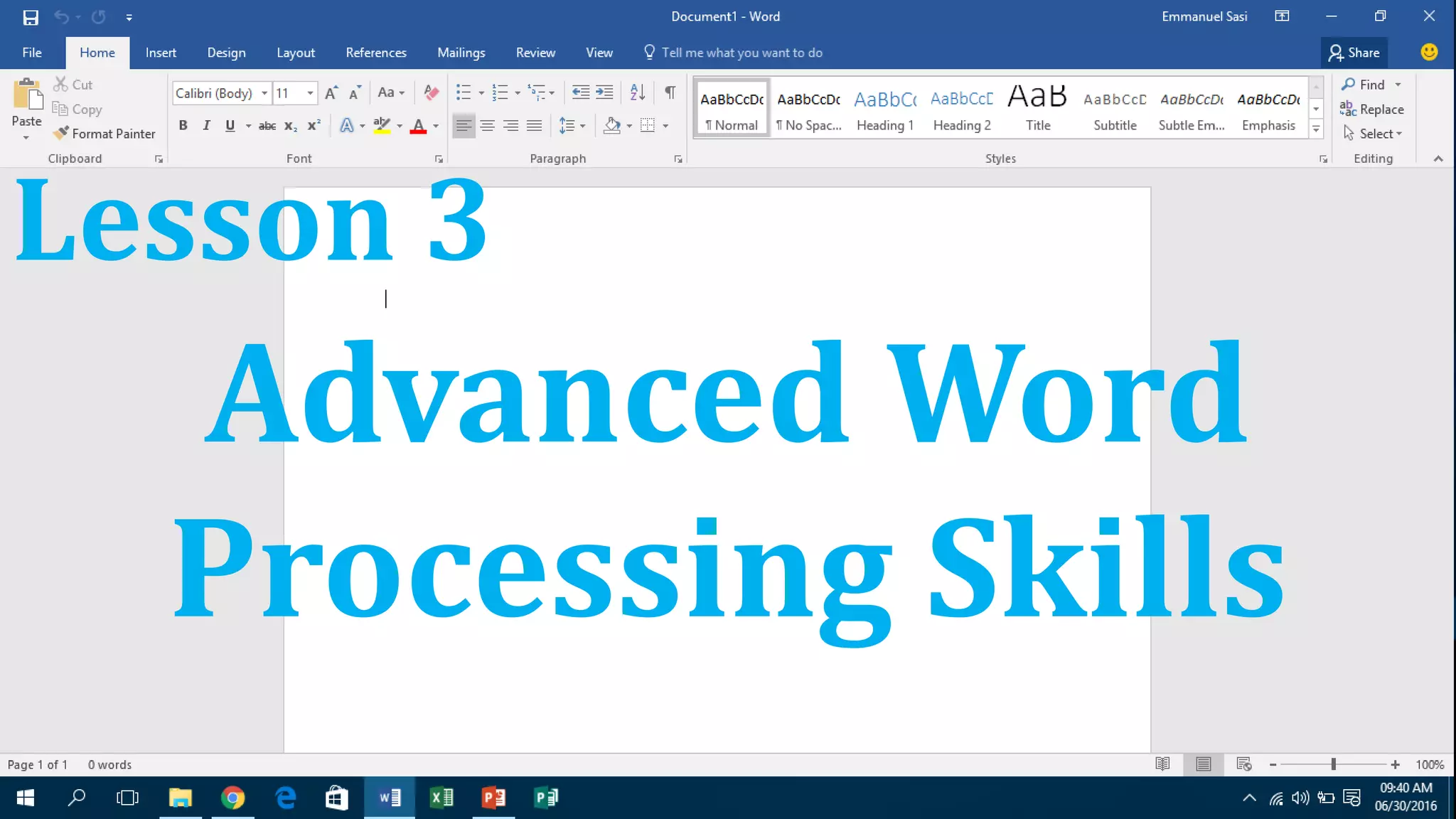
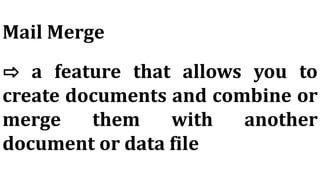
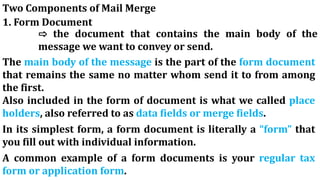
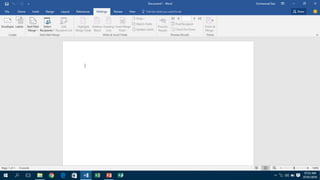
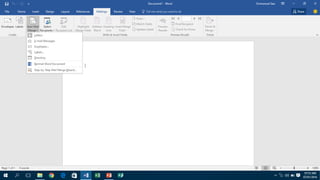
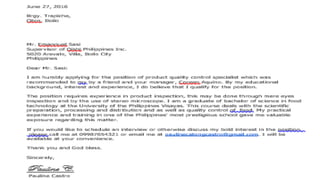
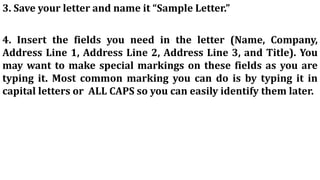
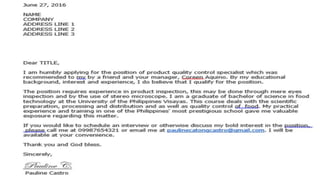
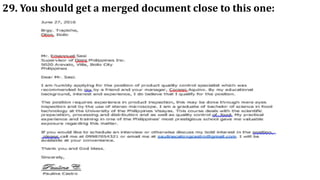
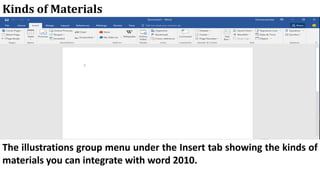
The document discusses advanced word processing skills related to mail merge and integrating images and external materials into documents. It provides 30 steps for creating a simple mail merge with two key components - a form document and a data file containing recipient information. It also describes different types of images that can be inserted, such as JPG, GIF and PNG files, as well as other materials like clip art, shapes, smart art and charts. Details are given on image placement, sizing and text wrapping options when integrating images into documents.


![[EMPOWERMENT TECHNOLOGIES] - ADVANCED WORD PROCESSING SKILLS](https://cdn.slidesharecdn.com/ss_thumbnails/lesson3-advancedwordprocessingskills2-211128024207-thumbnail.jpg?width=640&height=640&fit=bounds)


