P7 – Identify Potential
    security risks


      By James Bennett
Reason for the Installation of
       the Anti-Virus
• The reason we installed the anti-virus was to help protect our
  computer from being infected with viruses, Trojans, Worms
  etc. The anti-virus was scheduled to perform hourly checks for
  new updates for the software and a daily scan to determine if
  there are any threats and if so to delete them immediately.
• If you do not have anti-virus you are at a bigger threat to
  thousands of viruses compared to if you were protected and
  your computer got infected the anti-virus software would be
  able to detect the virus and delete it while performing it’s
  daily scan.
Trojans
• Trojans or Trojan horses are computer malware in which the
  victim downloads believing that it is a legitimate program but
  it is actually a Trojan which gives a hacker unauthorized access
  into the victims computer. They are not like Viruses because
  they do not embed themselves into files in the computer.
• Hackers use Trojans to steal Money, passwords, credit card
  information and watching the victims screen.
• Common Trojans are NetBus, Back Orifice, Zeus, Flashback
  Trojan, Subseven, Y3k Remote Administration tool, Beast and
  The Blackhole exploit kit.
• When downloading a file from the internet make sure your
  anti-virus scans the file you are downloading to check for
  Trojans.
Viruses
• A computer virus is a type of computer program which
  duplicates itself and then goes on to spread from one
  computer and then to many others. Viruses are not like
  Trojans because Trojans hide their harmful content whereas
  viruses make themselves known. Viruses mostly corrupt files
  on the target computer. Anti-virus can pick up and delete
  viruses easily, just by doing a scan it can trace and then delete
  viruses. A way to get rid of Viruses on Windows is to use
  System Restore which restores your computer back to a time
  when it was last backed up, which at that time you computer
  was not infected with the Virus.
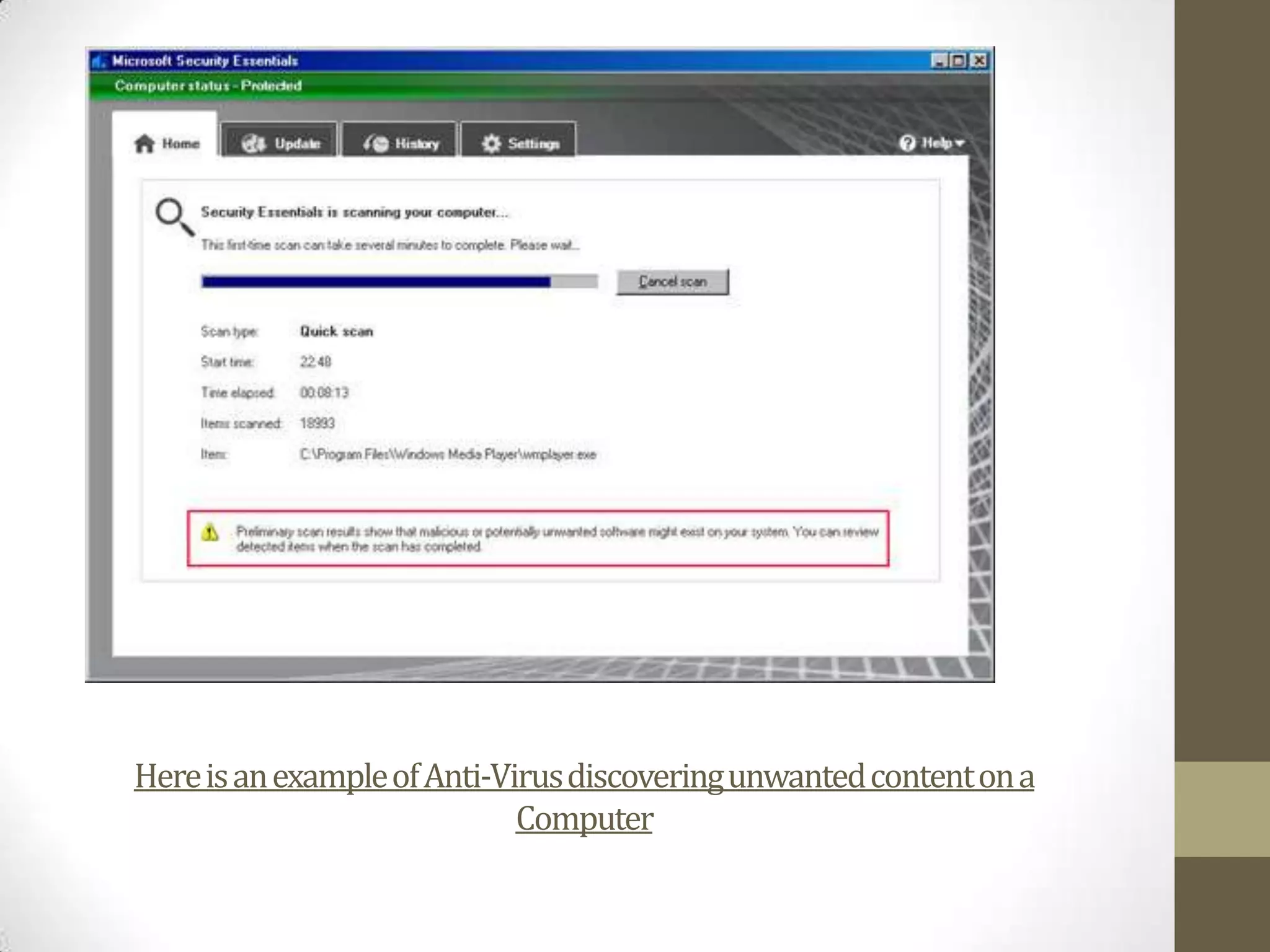
Here is an example of Anti-Virus discovering unwanted content on a
                             Computer
Worms
• A computer worm is another Malware computer program
  which only duplicates itself to then spread to other
  computers. Some computer worms purpose is to only
  replicate itself and then to spread through security breaches
  in the computers on a network. A Payload worm is a worm
  that increases Network Traffic, this type of worm has the
  capabilities to delete files. But there are good worms such as
  the Xerox PARC worm which was used to patch glitches in the
  Microsoft Website.
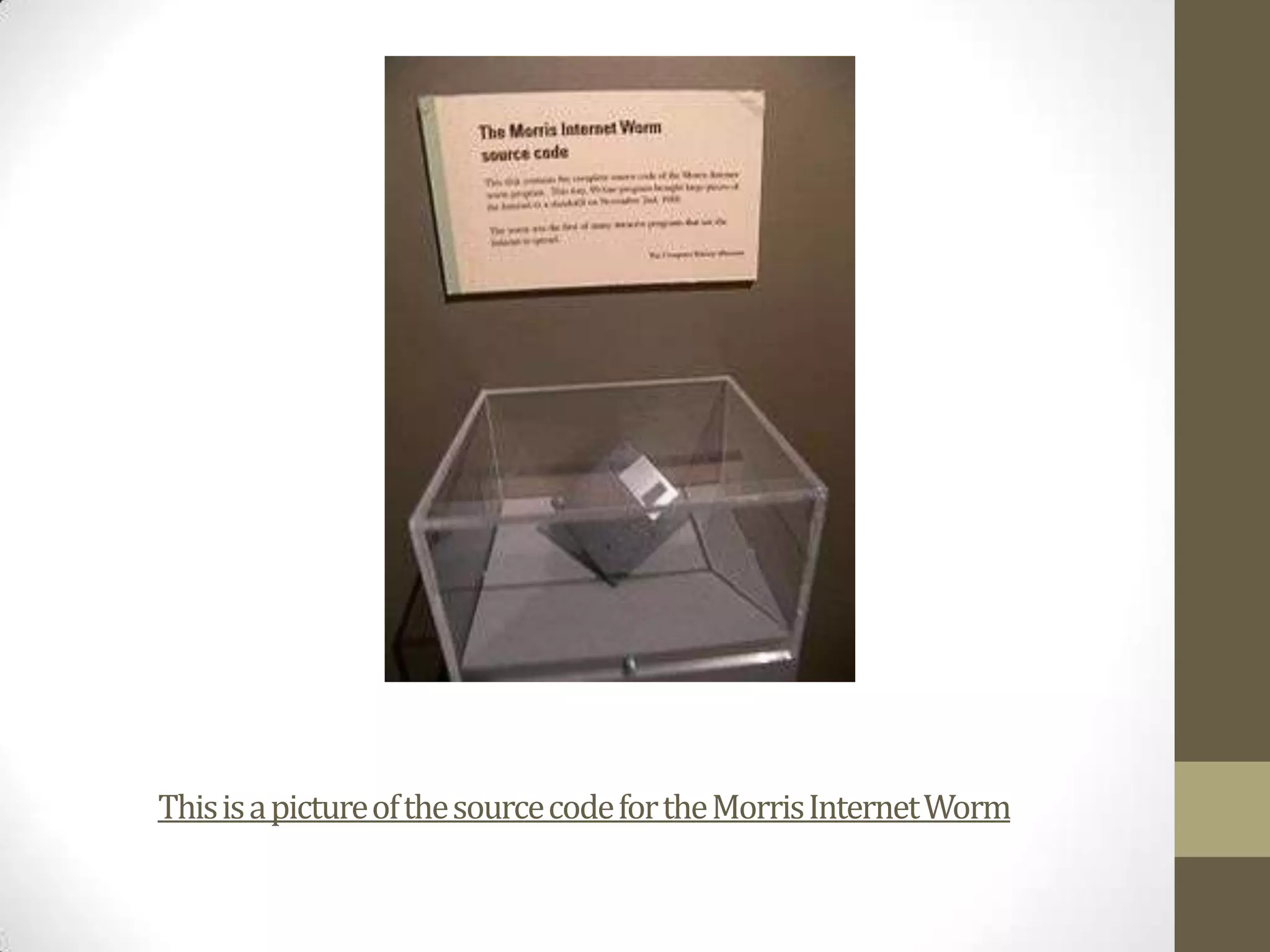
This is a picture of the source code for the Morris Internet Worm

P7 – Identify Potential Security Risks

  • 1.
    P7 – IdentifyPotential security risks By James Bennett
  • 2.
    Reason for theInstallation of the Anti-Virus • The reason we installed the anti-virus was to help protect our computer from being infected with viruses, Trojans, Worms etc. The anti-virus was scheduled to perform hourly checks for new updates for the software and a daily scan to determine if there are any threats and if so to delete them immediately. • If you do not have anti-virus you are at a bigger threat to thousands of viruses compared to if you were protected and your computer got infected the anti-virus software would be able to detect the virus and delete it while performing it’s daily scan.
  • 3.
    Trojans • Trojans orTrojan horses are computer malware in which the victim downloads believing that it is a legitimate program but it is actually a Trojan which gives a hacker unauthorized access into the victims computer. They are not like Viruses because they do not embed themselves into files in the computer. • Hackers use Trojans to steal Money, passwords, credit card information and watching the victims screen. • Common Trojans are NetBus, Back Orifice, Zeus, Flashback Trojan, Subseven, Y3k Remote Administration tool, Beast and The Blackhole exploit kit. • When downloading a file from the internet make sure your anti-virus scans the file you are downloading to check for Trojans.
  • 4.
    Viruses • A computervirus is a type of computer program which duplicates itself and then goes on to spread from one computer and then to many others. Viruses are not like Trojans because Trojans hide their harmful content whereas viruses make themselves known. Viruses mostly corrupt files on the target computer. Anti-virus can pick up and delete viruses easily, just by doing a scan it can trace and then delete viruses. A way to get rid of Viruses on Windows is to use System Restore which restores your computer back to a time when it was last backed up, which at that time you computer was not infected with the Virus.
  • 5.
    Here is anexample of Anti-Virus discovering unwanted content on a Computer
  • 6.
    Worms • A computerworm is another Malware computer program which only duplicates itself to then spread to other computers. Some computer worms purpose is to only replicate itself and then to spread through security breaches in the computers on a network. A Payload worm is a worm that increases Network Traffic, this type of worm has the capabilities to delete files. But there are good worms such as the Xerox PARC worm which was used to patch glitches in the Microsoft Website.
  • 7.
    This is apicture of the source code for the Morris Internet Worm