Malicious Software
MinhalAbbas 136
M. Zain 035
Adil Islam 101
Outline
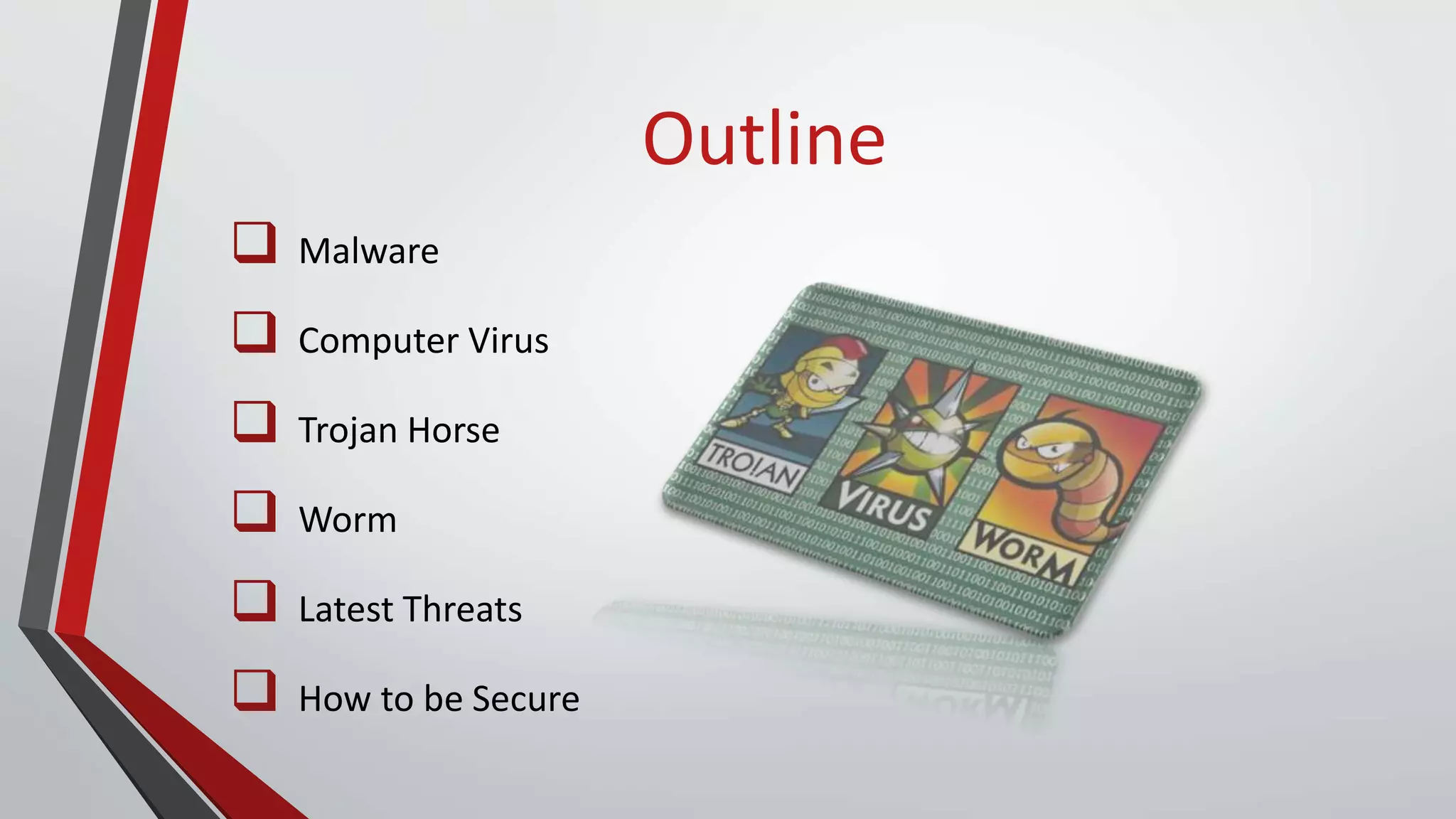
 Malware
 Computer Virus
 Trojan Horse
 Worm
 Latest Threats
 How to be Secure
Malware
What is Malware?
 Collective term for malicious software
 Secretly accesses device without user knowledge
 Makes system do something an attacker wants
o Disrupt operations
o Gather sensitive information
o Display unwanted advertising
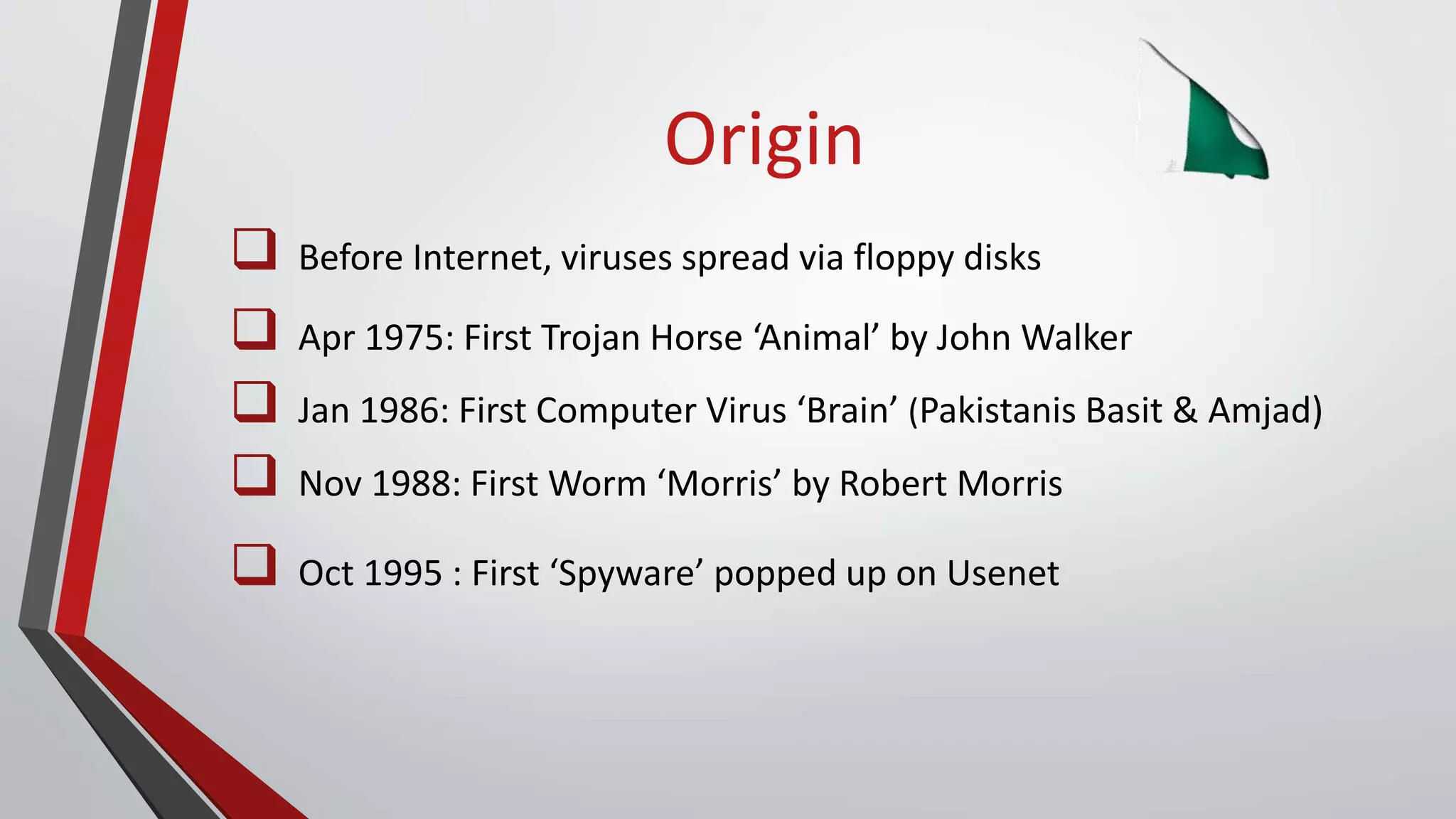
Origin
 Before Internet, viruses spread via floppy disks
 Apr 1975: First Trojan Horse ‘Animal’ by John Walker
 Jan 1986: First Computer Virus ‘Brain’ (Pakistanis Basit & Amjad)
 Nov 1988: First Worm ‘Morris’ by Robert Morris
 Oct 1995 : First ‘Spyware’ popped up on Usenet
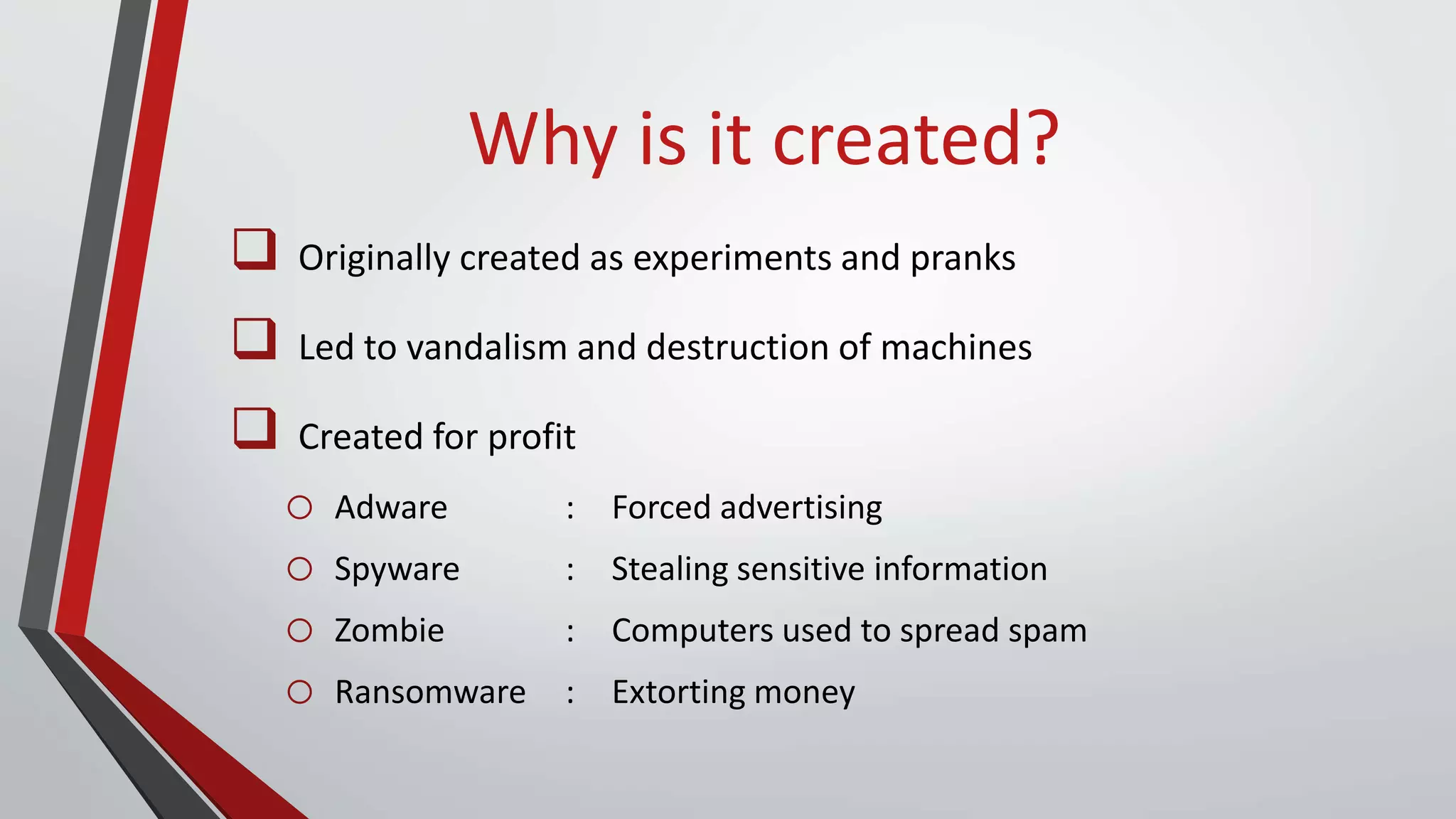
Why is it created?
 Originally created as experiments and pranks
 Led to vandalism and destruction of machines
 Created for profit
o Adware : Forced advertising
o Spyware : Stealing sensitive information
o Zombie : Computers used to spread spam
o Ransomware : Extorting money
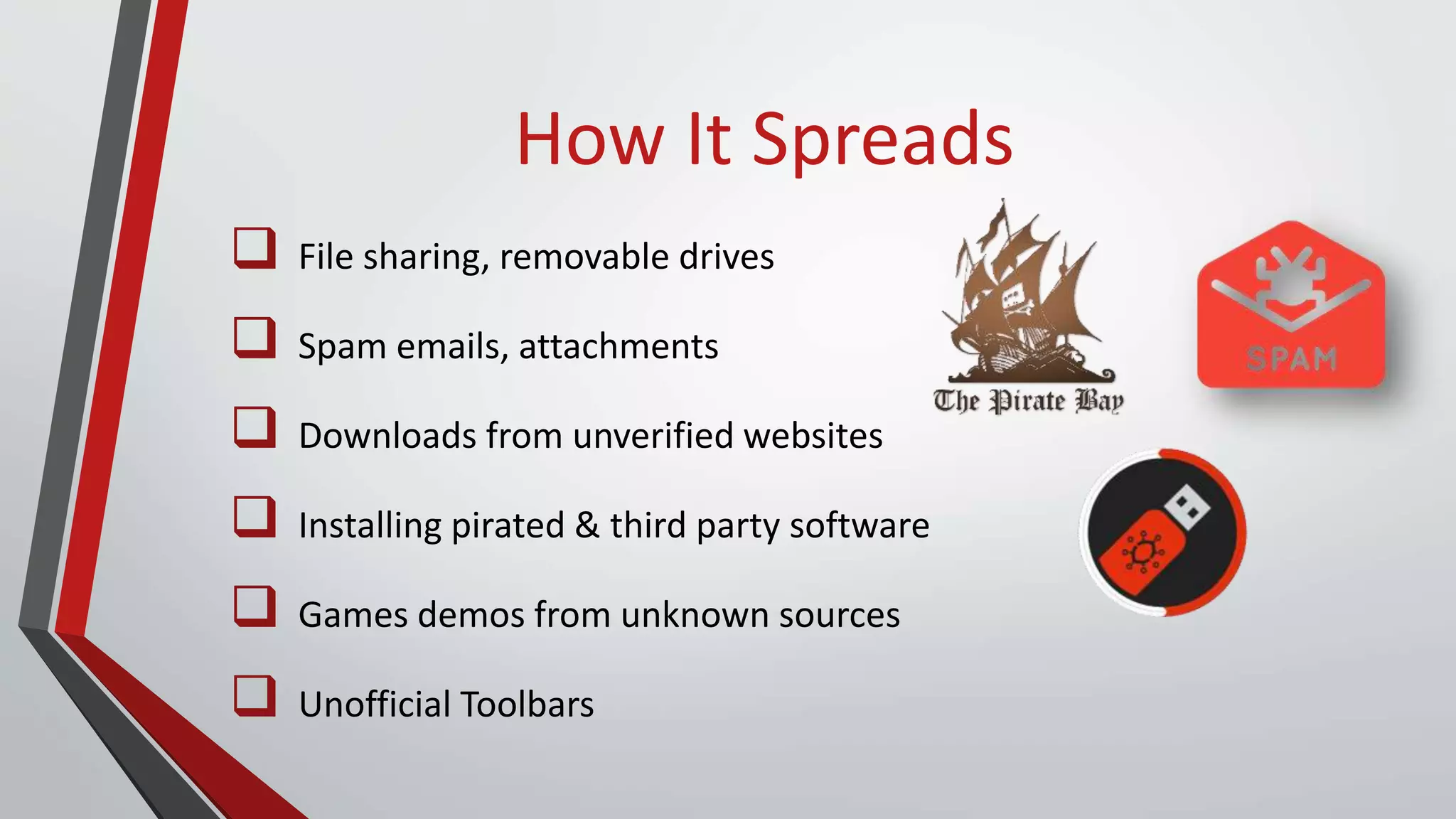
How It Spreads
 File sharing, removable drives
 Spam emails, attachments
 Downloads from unverified websites
 Installing pirated & third party software
 Games demos from unknown sources
 Unofficial Toolbars
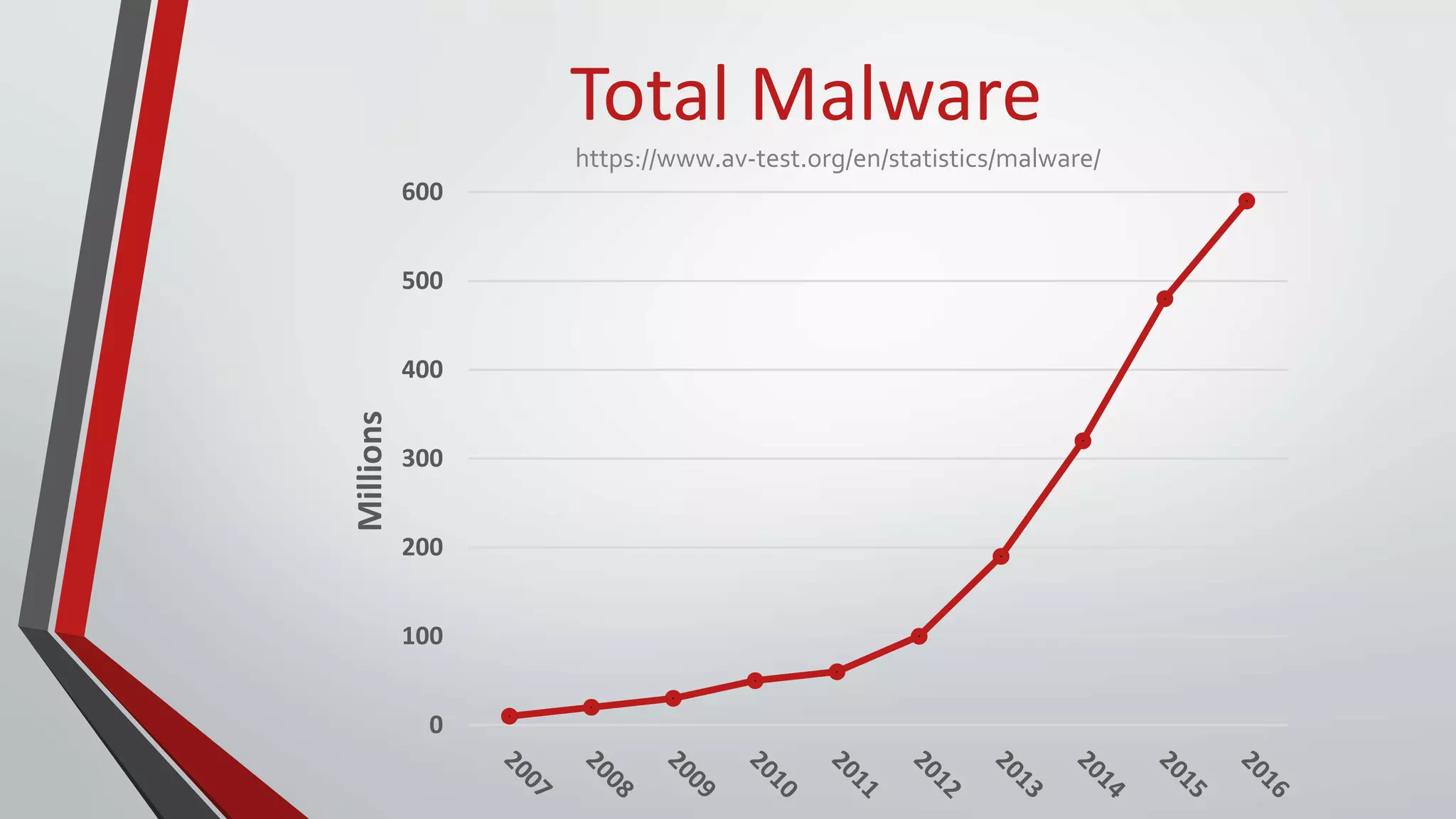
0
100
200
300
400
500
600
Millions
Total Malware
https://www.av-test.org/en/statistics/malware/
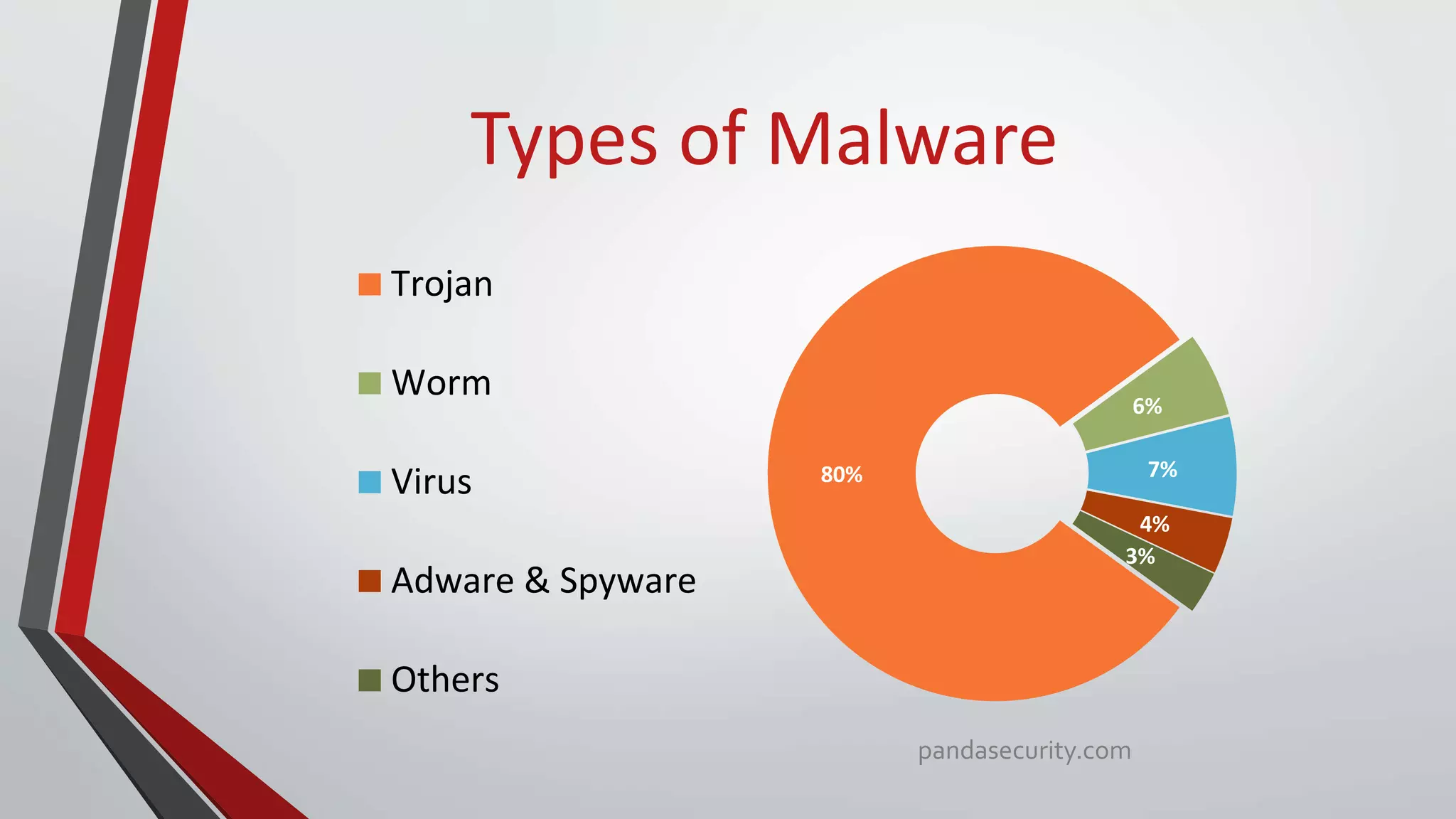
Types of Malware
80%
6%
7%
4%
3%
Trojan
Worm
Virus
Adware & Spyware
Others
pandasecurity.com
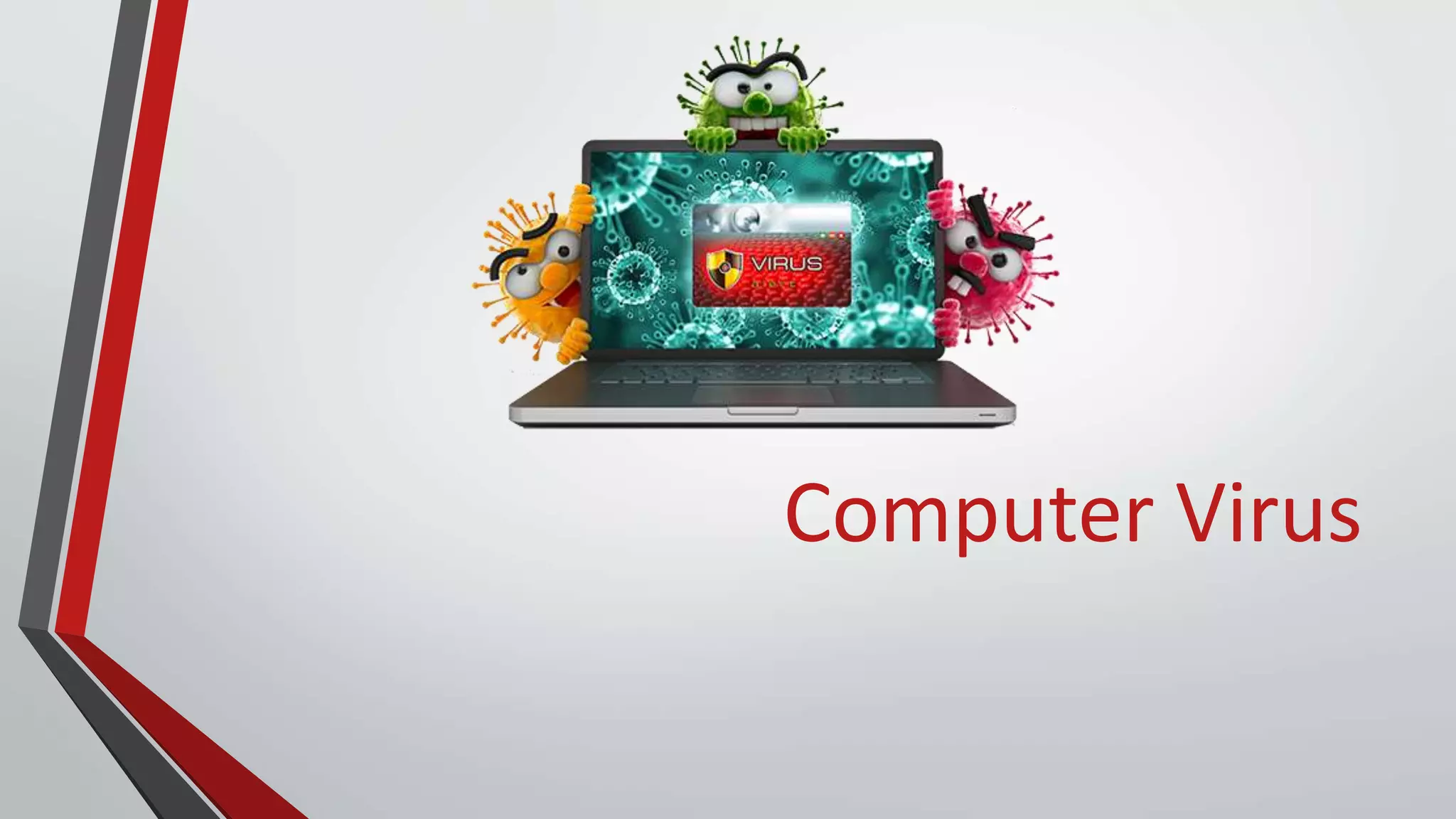
Computer Virus
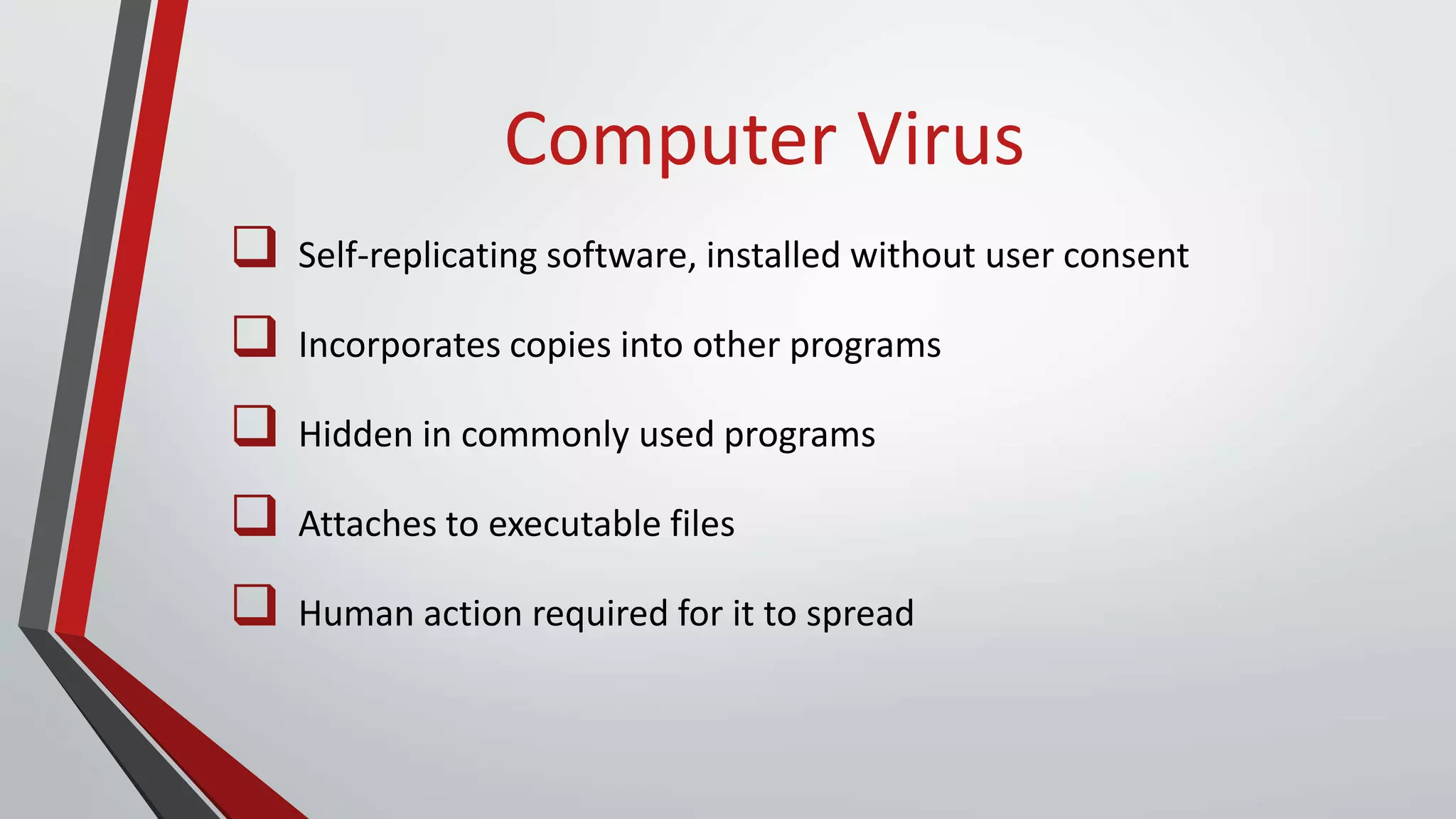
Computer Virus
 Self-replicating software, installed without user consent
 Incorporates copies into other programs
 Hidden in commonly used programs
 Attaches to executable files
 Human action required for it to spread
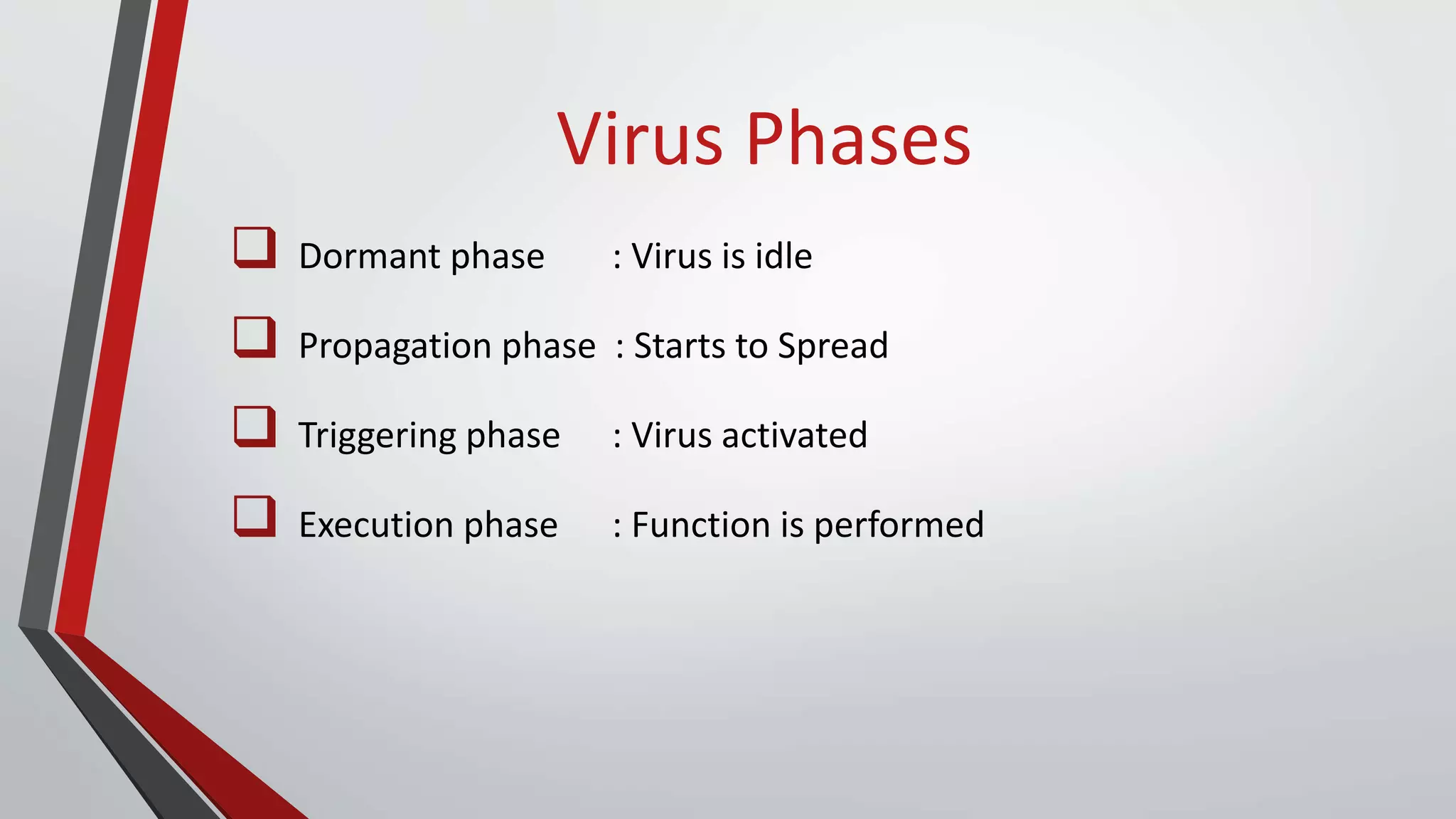
Virus Phases
 Dormant phase : Virus is idle
 Propagation phase : Starts to Spread
 Triggering phase : Virus activated
 Execution phase : Function is performed
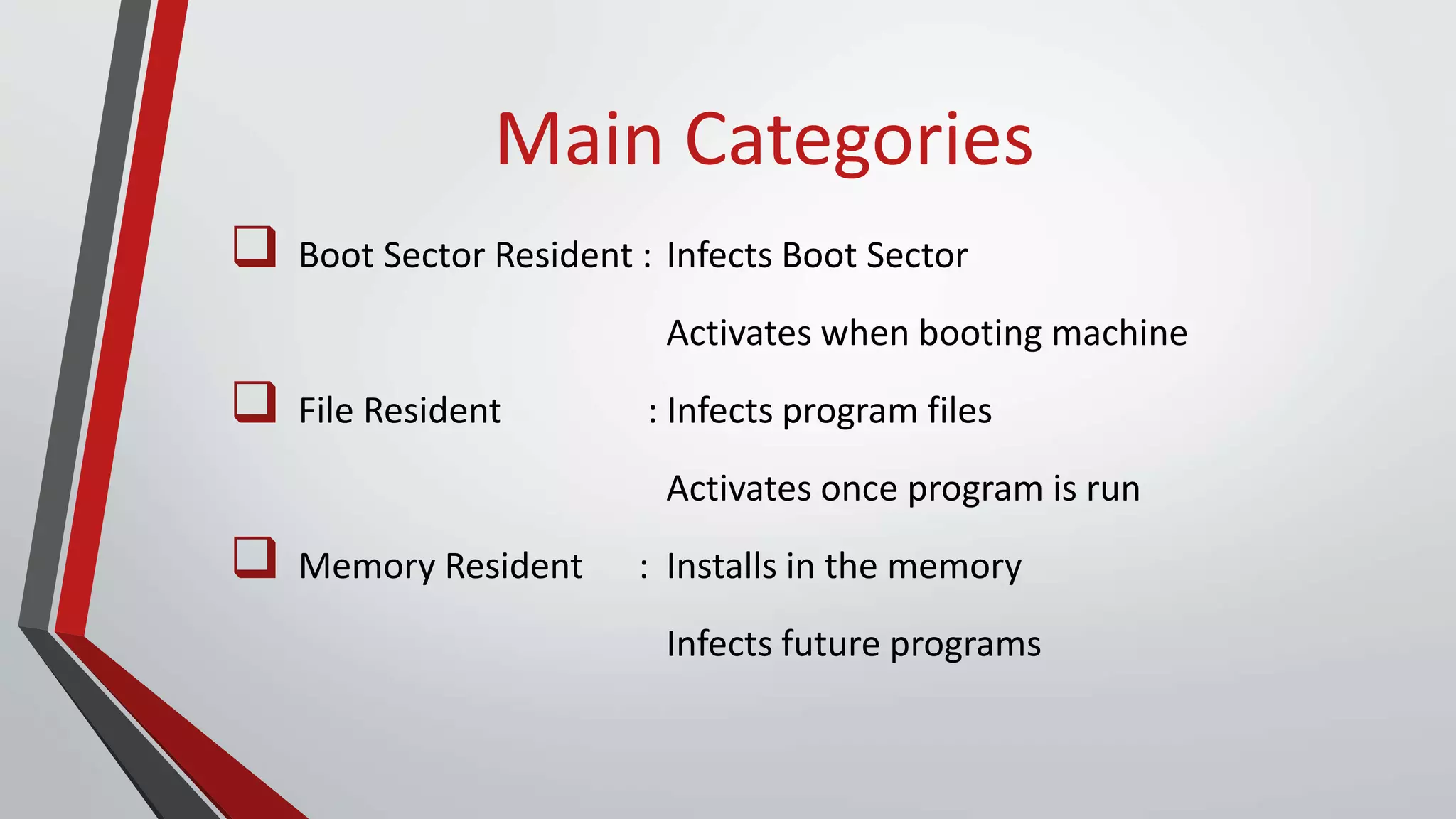
Main Categories
 Boot Sector Resident : Infects Boot Sector
Activates when booting machine
 File Resident : Infects program files
Activates once program is run
 Memory Resident : Installs in the memory
Infects future programs
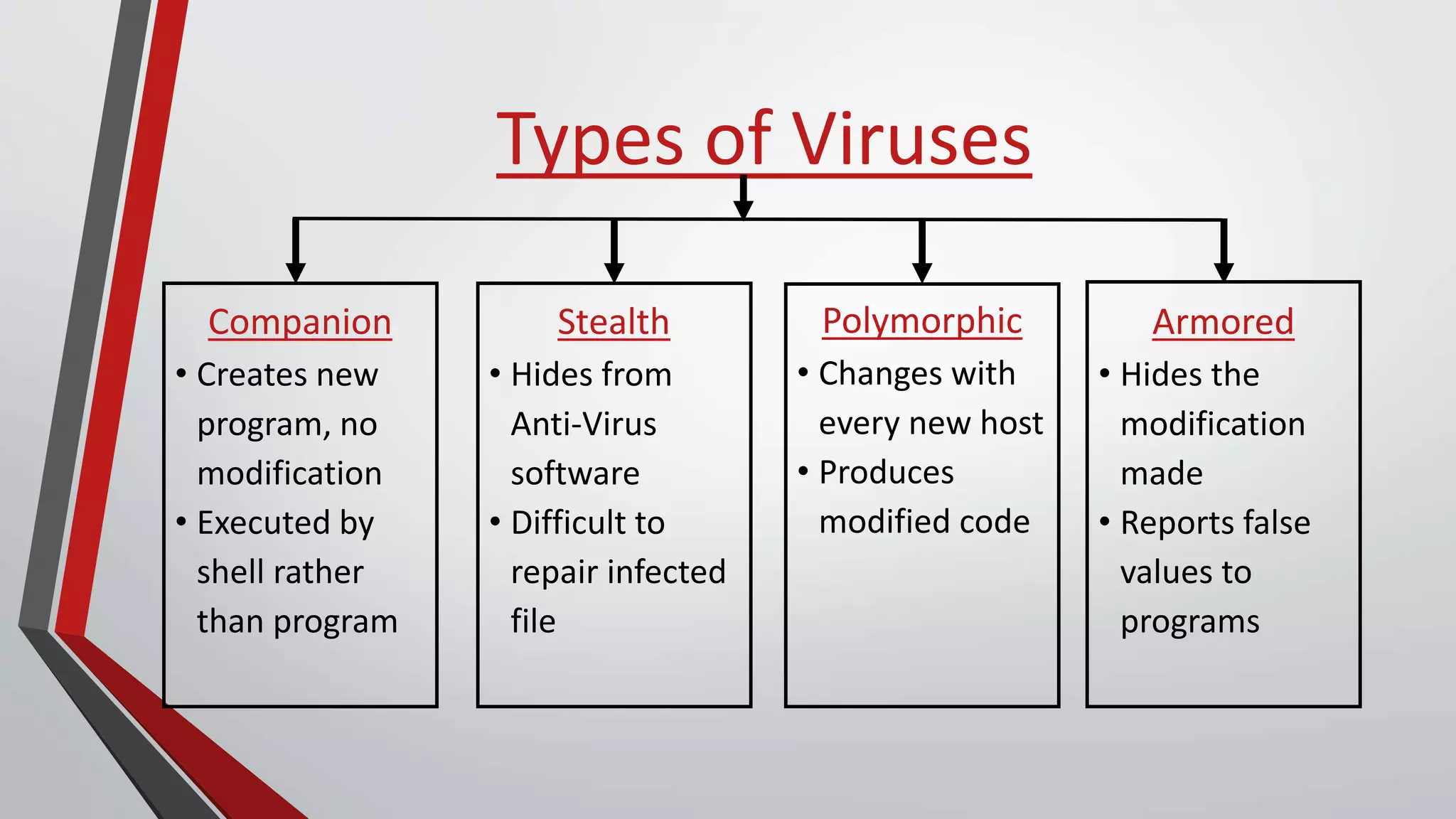
Types of Viruses
Companion
• Creates new
program, no
modification
• Executed by
shell rather
than program
Stealth
• Hides from
Anti-Virus
software
• Difficult to
repair infected
file
Polymorphic
• Changes with
every new host
• Produces
modified code
Armored
• Hides the
modification
made
• Reports false
values to
programs
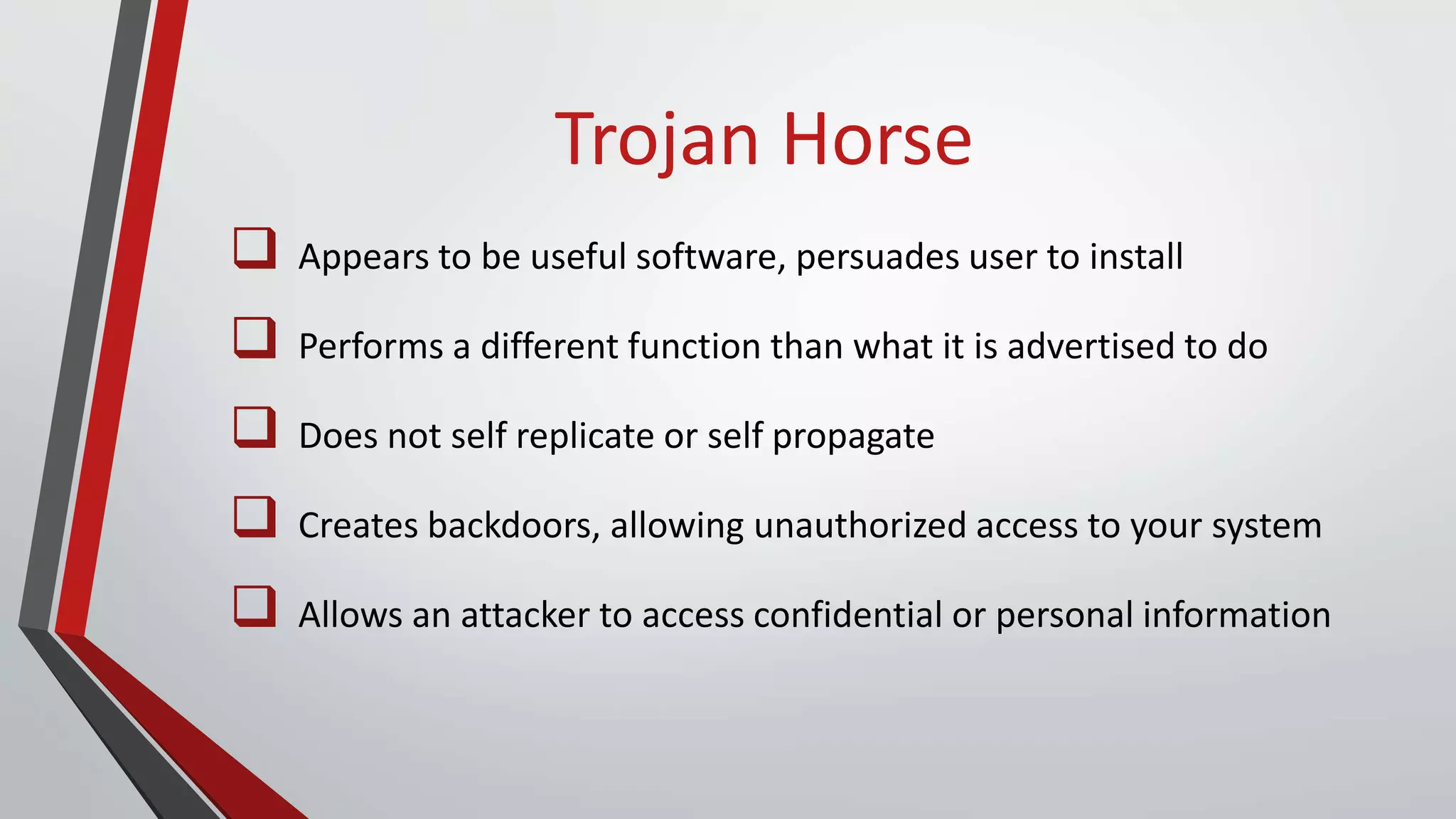
Trojan Horse
Trojan Horse
 Appears to be useful software, persuades user to install
 Performs a different function than what it is advertised to do
 Does not self replicate or self propagate
 Creates backdoors, allowing unauthorized access to your system
 Allows an attacker to access confidential or personal information
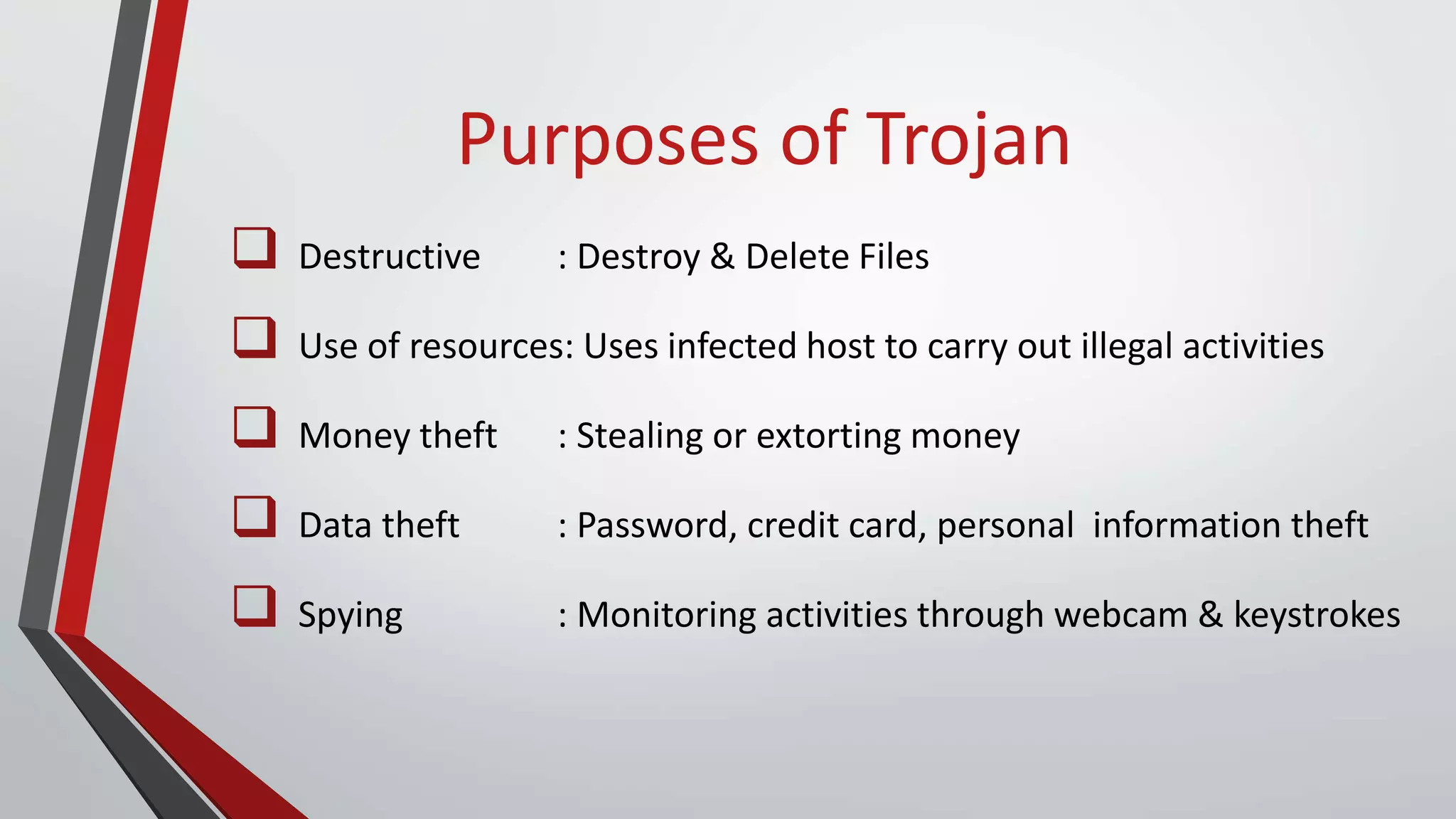
Purposes of Trojan
 Destructive : Destroy & Delete Files
 Use of resources: Uses infected host to carry out illegal activities
 Money theft : Stealing or extorting money
 Data theft : Password, credit card, personal information theft
 Spying : Monitoring activities through webcam & keystrokes
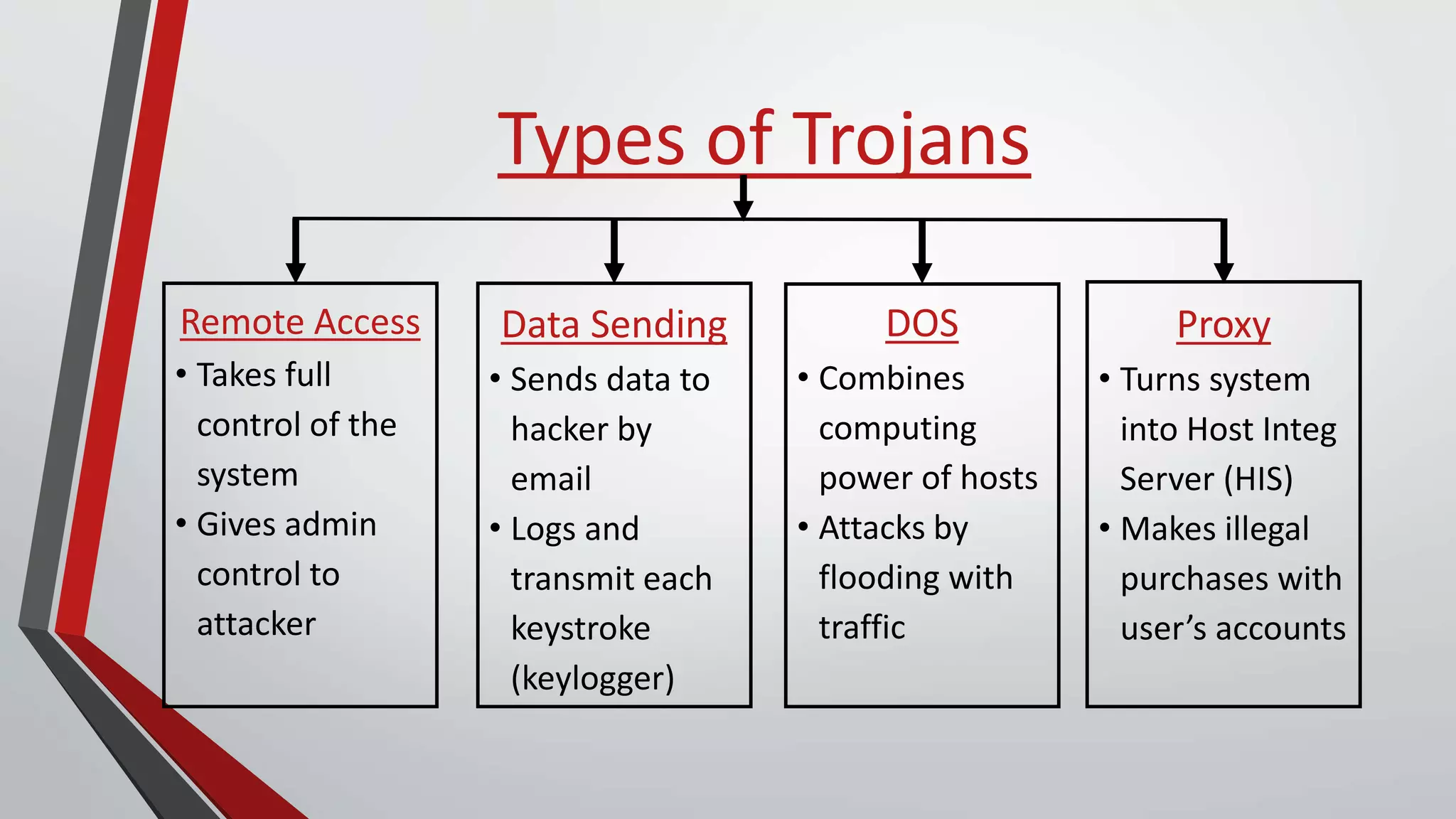
Types of Trojans
Remote Access
• Takes full
control of the
system
• Gives admin
control to
attacker
Data Sending
• Sends data to
hacker by
email
• Logs and
transmit each
keystroke
(keylogger)
DOS
• Combines
computing
power of hosts
• Attacks by
flooding with
traffic
Proxy
• Turns system
into Host Integ
Server (HIS)
• Makes illegal
purchases with
user’s accounts
Worm
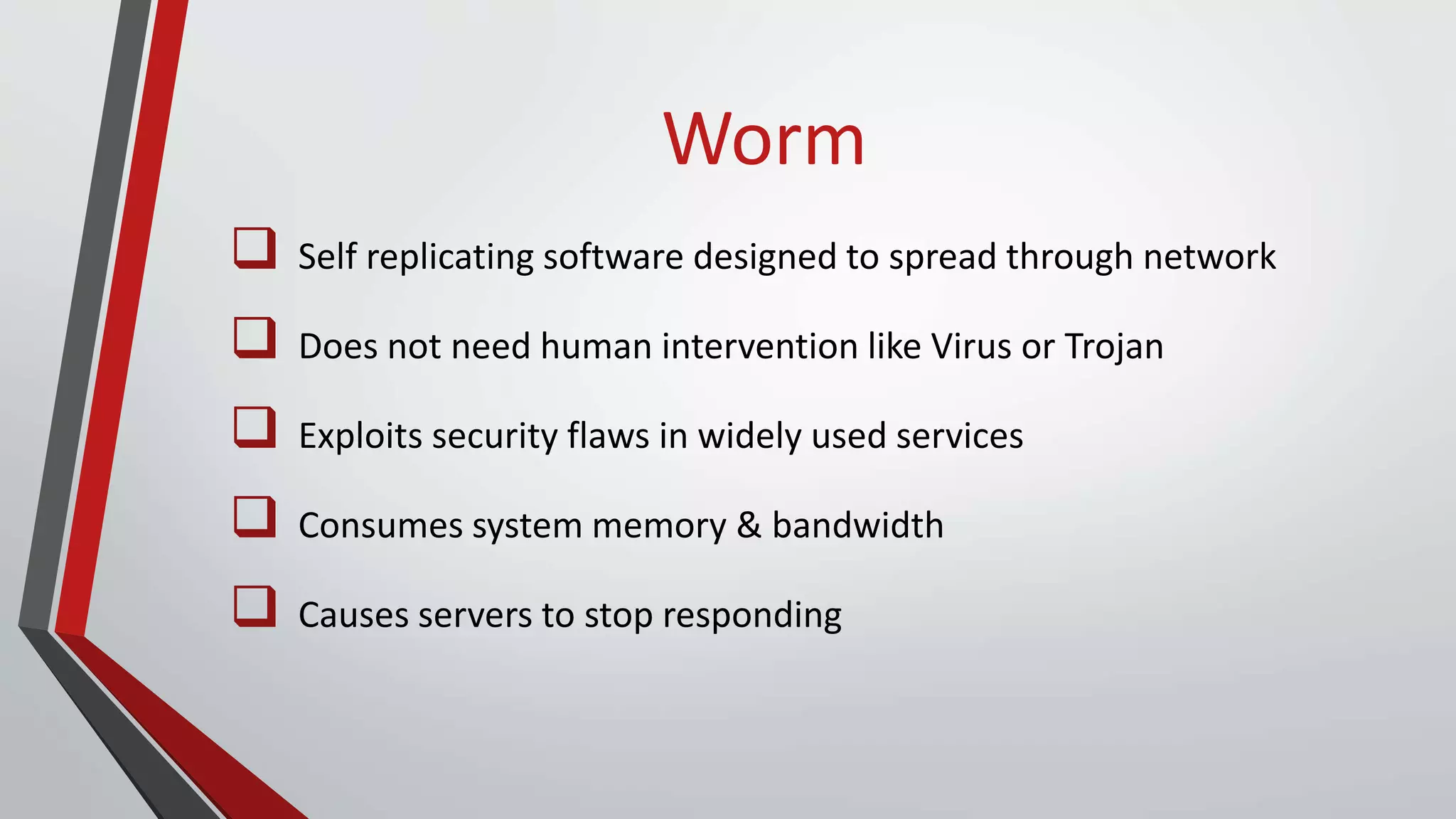
Worm
 Self replicating software designed to spread through network
 Does not need human intervention like Virus or Trojan
 Exploits security flaws in widely used services
 Consumes system memory & bandwidth
 Causes servers to stop responding
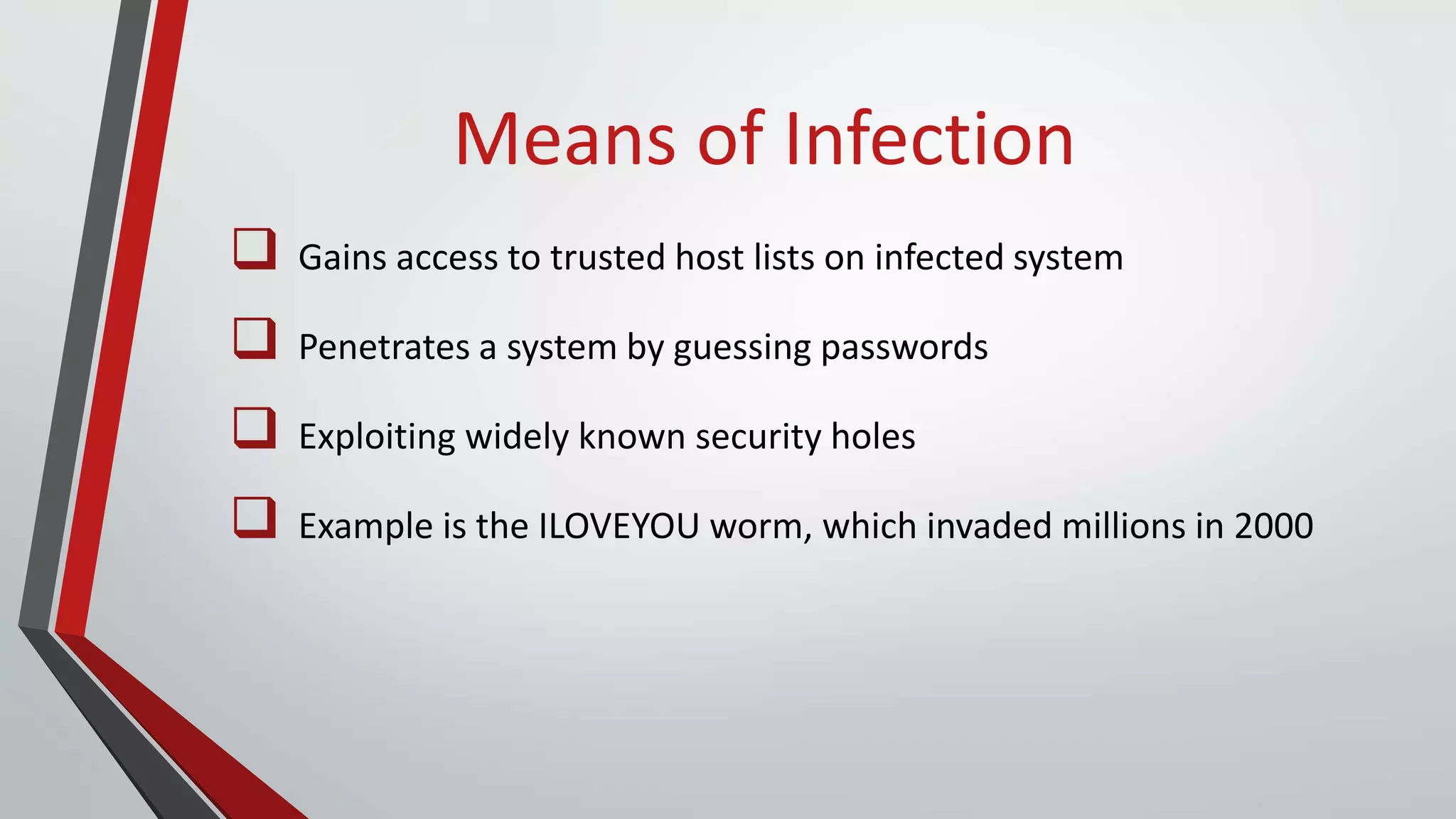
Means of Infection
 Gains access to trusted host lists on infected system
 Penetrates a system by guessing passwords
 Exploiting widely known security holes
 Example is the ILOVEYOU worm, which invaded millions in 2000
Types of Worms
 Scanning : Chooses “random” address
 Coordinated scan: Different instances scan different addresses
 Flash : Propagate along tree of vulnerable hosts
 Meta-server : Ask server for hosts to infect
 Topological : Use information from infected hosts
 Contagion : Propagates along normal communication
Latest Threats
 FBI Virus : Fake FBI alert, tricks user into paying $200
 Firefox Redirect : Redirects Firefox browser to unwanted sites
 Suspicious.Emit : Backdoor Trojan Horse in removable devices
 Serifef : In keygens & cracks, disables Windows Defender
 Loyphish : Fake banking webpage, steals login credentials
How to be Secure
 Use Antivirus software
 Use a Firewall
 Use a pop-up blocker
 Use complex and secure passwords
 Don't click on links within emails
THANK YOU!

Malicious software group 24

  • 1.
  • 2.
    Outline  Malware  ComputerVirus  Trojan Horse  Worm  Latest Threats  How to be Secure
  • 3.
  • 4.
    What is Malware? Collective term for malicious software  Secretly accesses device without user knowledge  Makes system do something an attacker wants o Disrupt operations o Gather sensitive information o Display unwanted advertising
  • 5.
    Origin  Before Internet,viruses spread via floppy disks  Apr 1975: First Trojan Horse ‘Animal’ by John Walker  Jan 1986: First Computer Virus ‘Brain’ (Pakistanis Basit & Amjad)  Nov 1988: First Worm ‘Morris’ by Robert Morris  Oct 1995 : First ‘Spyware’ popped up on Usenet
  • 6.
    Why is itcreated?  Originally created as experiments and pranks  Led to vandalism and destruction of machines  Created for profit o Adware : Forced advertising o Spyware : Stealing sensitive information o Zombie : Computers used to spread spam o Ransomware : Extorting money
  • 7.
    How It Spreads File sharing, removable drives  Spam emails, attachments  Downloads from unverified websites  Installing pirated & third party software  Games demos from unknown sources  Unofficial Toolbars
  • 8.
  • 9.
  • 10.
  • 11.
    Computer Virus  Self-replicatingsoftware, installed without user consent  Incorporates copies into other programs  Hidden in commonly used programs  Attaches to executable files  Human action required for it to spread
  • 12.
    Virus Phases  Dormantphase : Virus is idle  Propagation phase : Starts to Spread  Triggering phase : Virus activated  Execution phase : Function is performed
  • 13.
    Main Categories  BootSector Resident : Infects Boot Sector Activates when booting machine  File Resident : Infects program files Activates once program is run  Memory Resident : Installs in the memory Infects future programs
  • 14.
    Types of Viruses Companion •Creates new program, no modification • Executed by shell rather than program Stealth • Hides from Anti-Virus software • Difficult to repair infected file Polymorphic • Changes with every new host • Produces modified code Armored • Hides the modification made • Reports false values to programs
  • 15.
  • 16.
    Trojan Horse  Appearsto be useful software, persuades user to install  Performs a different function than what it is advertised to do  Does not self replicate or self propagate  Creates backdoors, allowing unauthorized access to your system  Allows an attacker to access confidential or personal information
  • 17.
    Purposes of Trojan Destructive : Destroy & Delete Files  Use of resources: Uses infected host to carry out illegal activities  Money theft : Stealing or extorting money  Data theft : Password, credit card, personal information theft  Spying : Monitoring activities through webcam & keystrokes
  • 18.
    Types of Trojans RemoteAccess • Takes full control of the system • Gives admin control to attacker Data Sending • Sends data to hacker by email • Logs and transmit each keystroke (keylogger) DOS • Combines computing power of hosts • Attacks by flooding with traffic Proxy • Turns system into Host Integ Server (HIS) • Makes illegal purchases with user’s accounts
  • 19.
  • 20.
    Worm  Self replicatingsoftware designed to spread through network  Does not need human intervention like Virus or Trojan  Exploits security flaws in widely used services  Consumes system memory & bandwidth  Causes servers to stop responding
  • 21.
    Means of Infection Gains access to trusted host lists on infected system  Penetrates a system by guessing passwords  Exploiting widely known security holes  Example is the ILOVEYOU worm, which invaded millions in 2000
  • 22.
    Types of Worms Scanning : Chooses “random” address  Coordinated scan: Different instances scan different addresses  Flash : Propagate along tree of vulnerable hosts  Meta-server : Ask server for hosts to infect  Topological : Use information from infected hosts  Contagion : Propagates along normal communication
  • 23.
    Latest Threats  FBIVirus : Fake FBI alert, tricks user into paying $200  Firefox Redirect : Redirects Firefox browser to unwanted sites  Suspicious.Emit : Backdoor Trojan Horse in removable devices  Serifef : In keygens & cracks, disables Windows Defender  Loyphish : Fake banking webpage, steals login credentials
  • 24.
    How to beSecure  Use Antivirus software  Use a Firewall  Use a pop-up blocker  Use complex and secure passwords  Don't click on links within emails
  • 25.