A presentation given Simon Pell
Director Wardour Secure Networks
Ltd at the BizGen Conference and
           Expo Lincoln
What is Malware?
   Are you protected?
All the various threats can be called


                     Malware
  The word malware comes from the
combination of Malicious and software.
  It refers to viruses, worms, spyware,
adware, hoaxes etc etc.
Did you know that over 90% of small
businesses have anti-virus solutions in place?

Yet almost half are still getting attacked by
e-threats!!
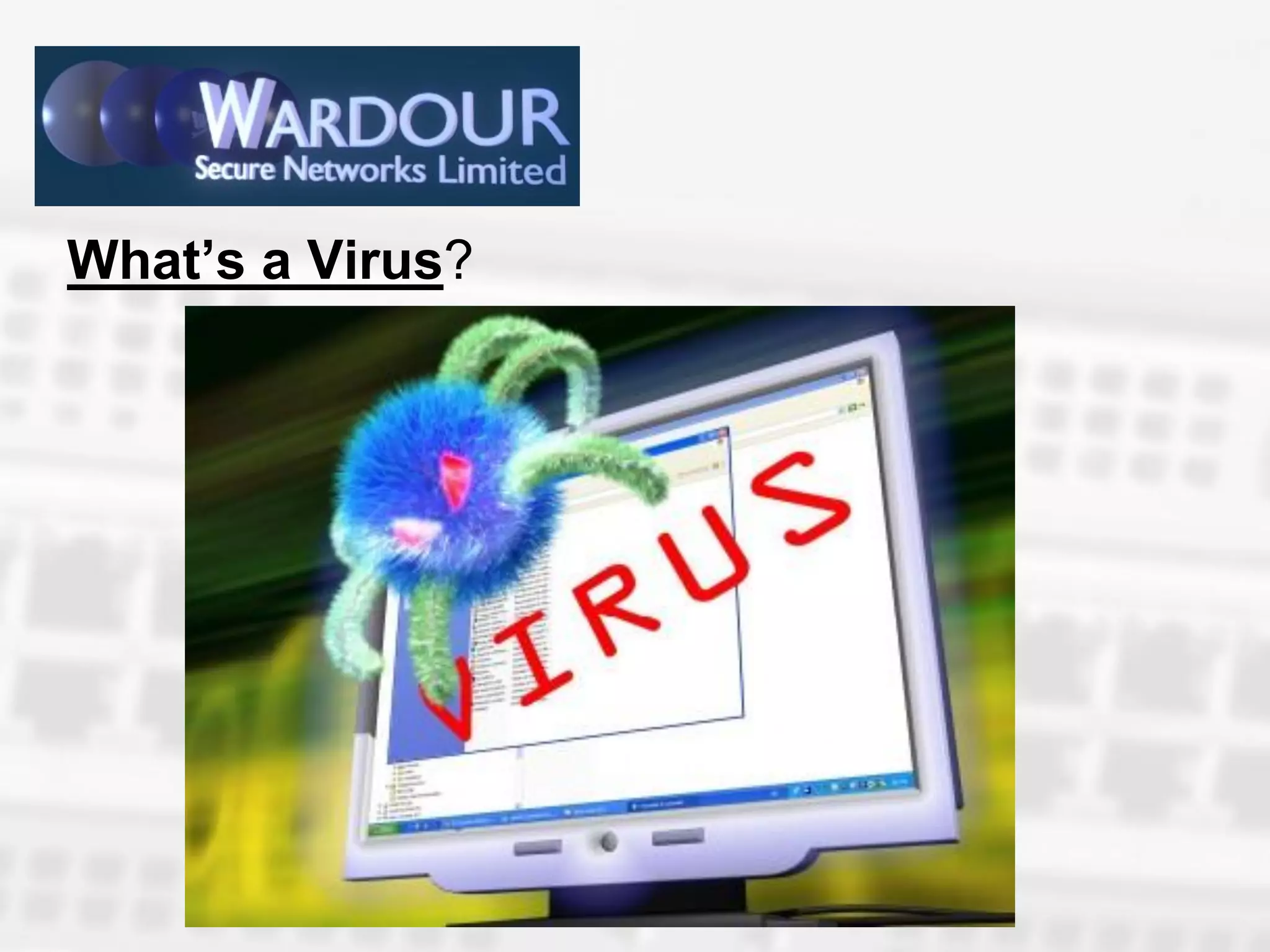
What’s a Virus?
A virus is a piece of code or software that
is designed to damage your files and
programs, they are designed to replicate and
spread to other computers via email or across
your local area network (LAN).
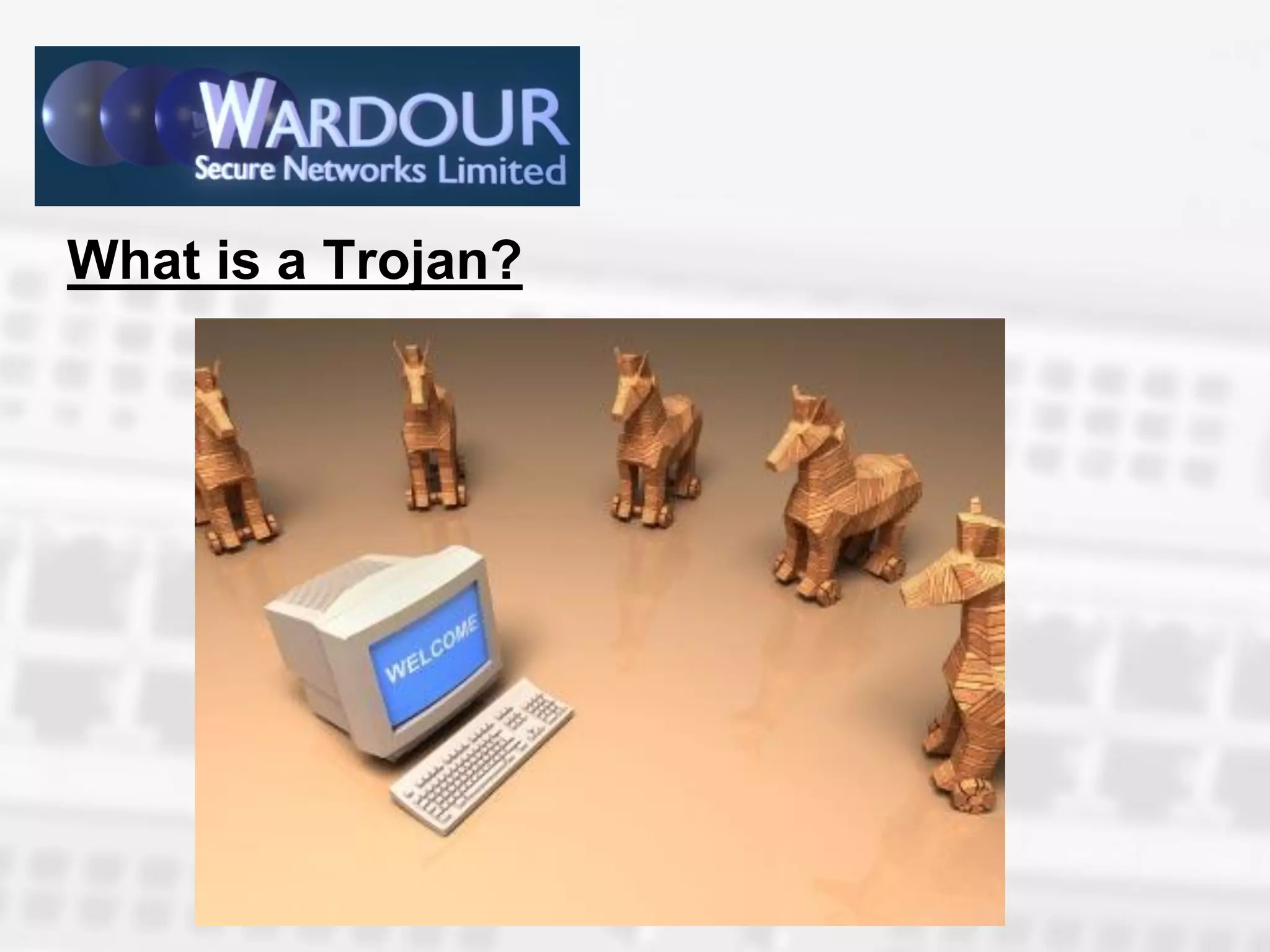
What is a Trojan?
What is a Trojan?

        As the name suggests a trojan is a piece of
malicious code disguised as an apparently harmless
program, which in many cases when run releases the
malicious code hidden in it.
   Unlike viruses trojans do not self replicate, but like
viruses they are designed to destroy files or programs. In
many cases they can capture and resend data to external
addresses or open the PC to be controlled by remote users,
referred to as @cyber-crooks', usually there to steal
passwords and banking information. Definitely not what a
small business needs.
What is a Worm?

    Worms are programs that make copies of themselves in
different places in your PC.
    The object of this is to slow your PC or network down to make it
unusable. Unlike viruses they do not infect files.
    Worms are usually spread using social engineering, they make
them to look attractive by use of attractive names to hide the files.
Most popular names relate to sex, famous people, free software
anything to make them seem appealing.
    Worms are more geared to make financial gain and bring
notoriety to the creator.
    Most recently reported in the press was the cornflicker virus.
What is a RootKit?
      These are programs designed to hide objects
      such as files, windows registry entries or
processes.
      A rootkit itself is not malicious but is used by
      writers of malware to cover their tracks in
      infected computers.
      The first examples of malware using rootkits
             to hide themselves appeared in 2005.
Spyware, Adware and Bots added these
characteristics    to     their own to try to avoid
detection.
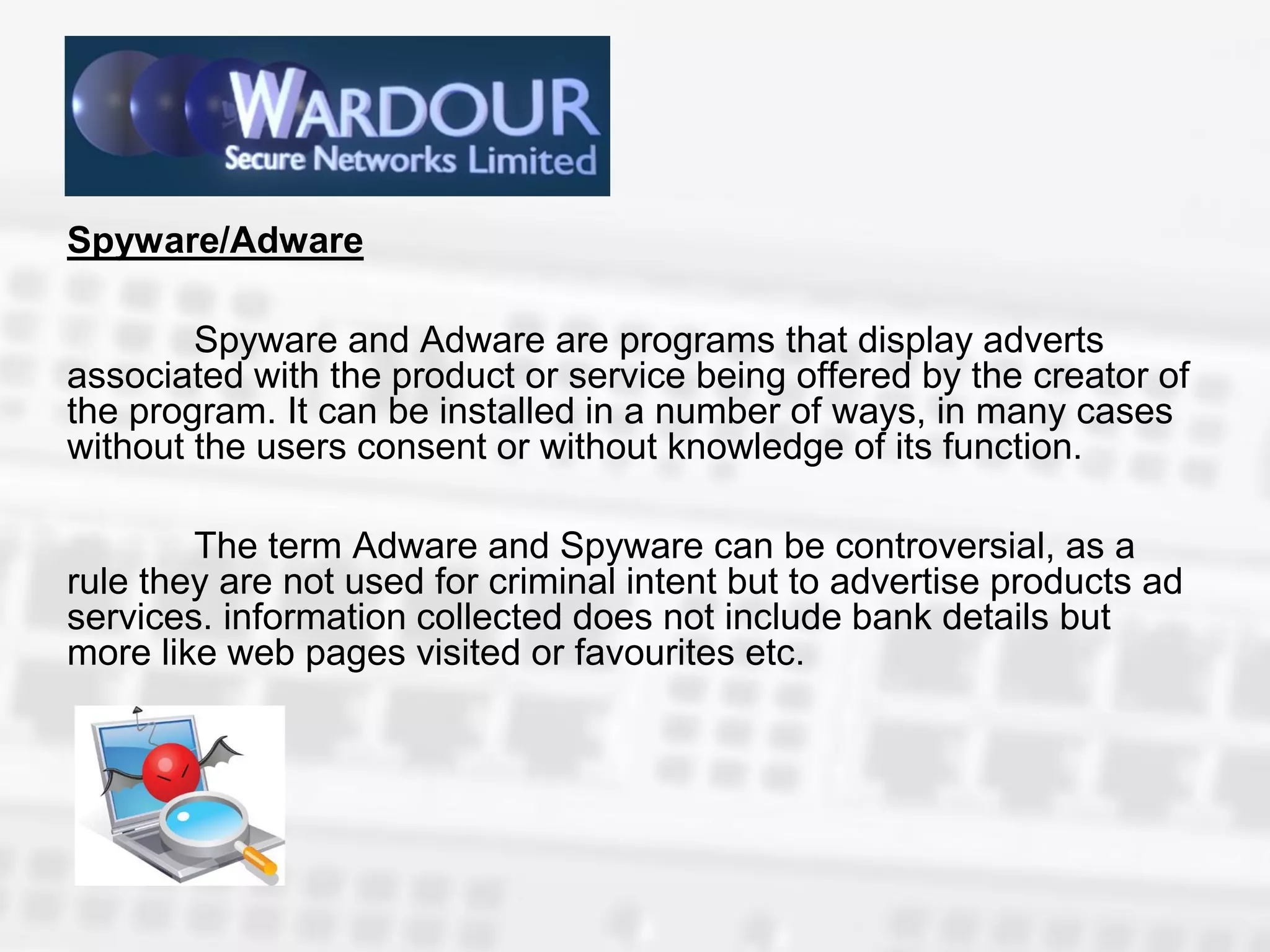
Spyware/Adware

        Spyware and Adware are programs that display adverts
associated with the product or service being offered by the creator of
the program. It can be installed in a number of ways, in many cases
without the users consent or without knowledge of its function.

        The term Adware and Spyware can be controversial, as a
rule they are not used for criminal intent but to advertise products ad
services. information collected does not include bank details but
more like web pages visited or favourites etc.
What are Cookies
What are Cookies

        Cookies are small text files stored on a computer by your
web browser after visiting a web page. The information stored by the
cookies has a number of uses. It can be used to personalise a web
page for the next time you visit, to collect demographic information
about the visitors to the page or to monitor banner clicks.

      A good example is when you revisit a page and it says
"Welcome back <your name>" such as Ebay or Amazon etc.

         While a cookie in itself is not malicious it could be used by
malicious code to affect a users privacy as it can create a users
profile of browsing activity and send it to third parties.
Summary
Virus- Self replicates and infects
Trojan – Does NOT Self Replicate and infects
Worm – Copies itself to various parts of a computer , DOES
NOT infect.
Rootkit – Does not replicate and does not itself infect.
Cookies – Text File that stores information.
Spyware/ Adware – Advertise products to the user based on
sites visited.
Protection
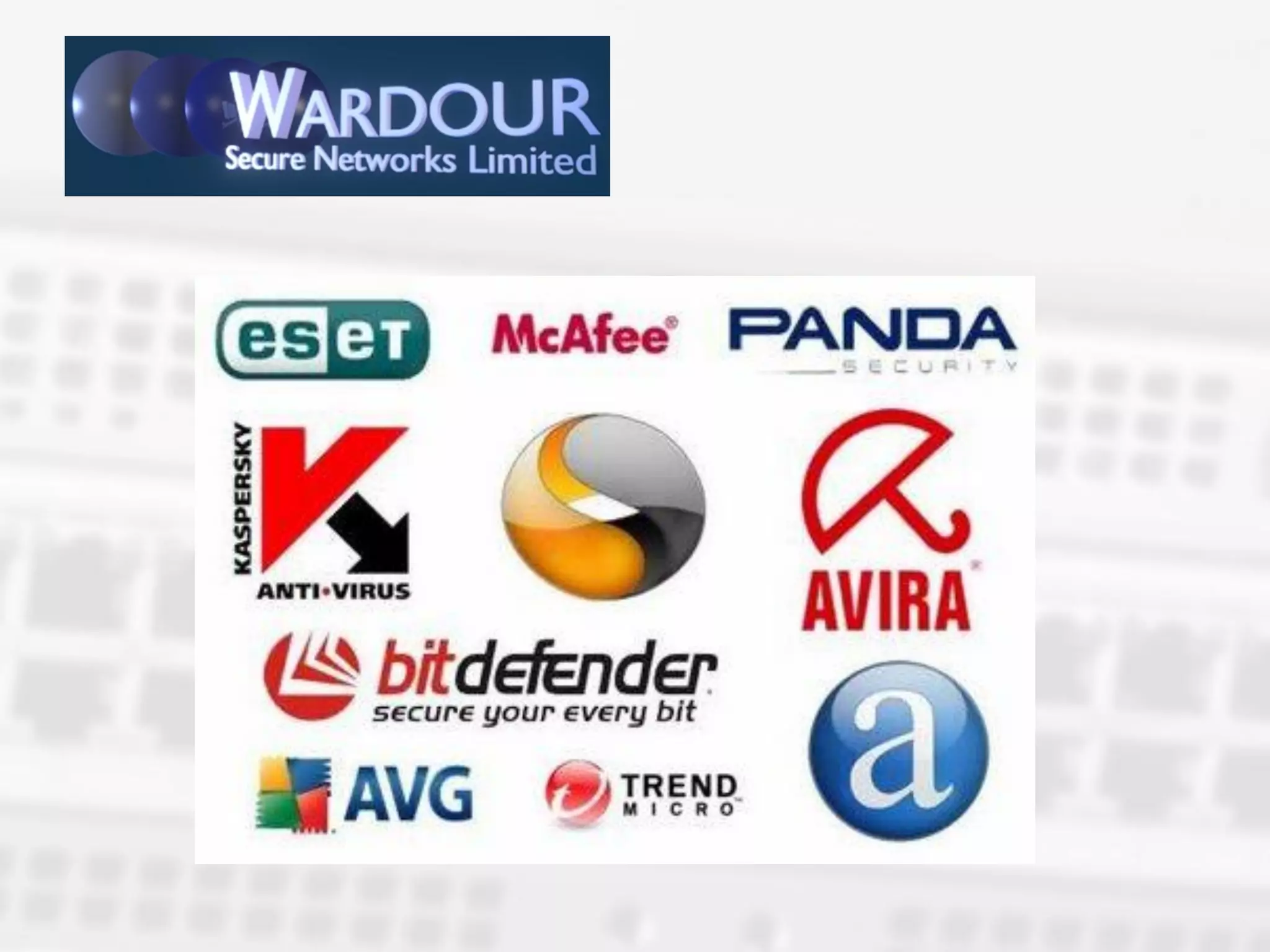
      Always use a reliable security program or
regime
                   KEEP IT UPTO DATE
       Don't download content from pages unless you
are confident of their reliability.
  Keep a close eye on all downloads made within
your network, as a small business you are liable for
the employees use of the internet.
  Use a good firewall.
  If you are unsure seek advise and
                           DON'T PANIC!!!
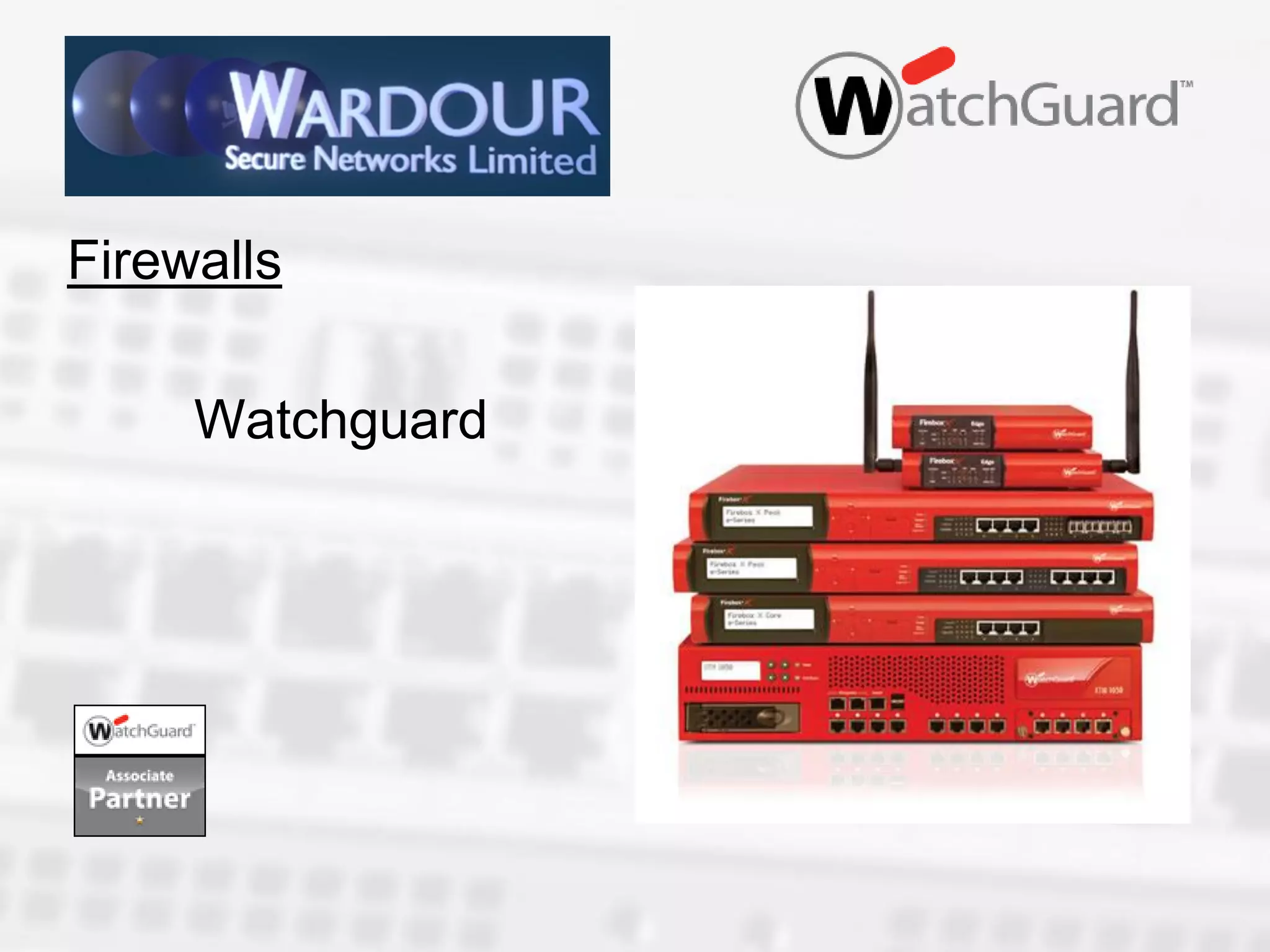
Firewalls
Firewalls

     Watchguard
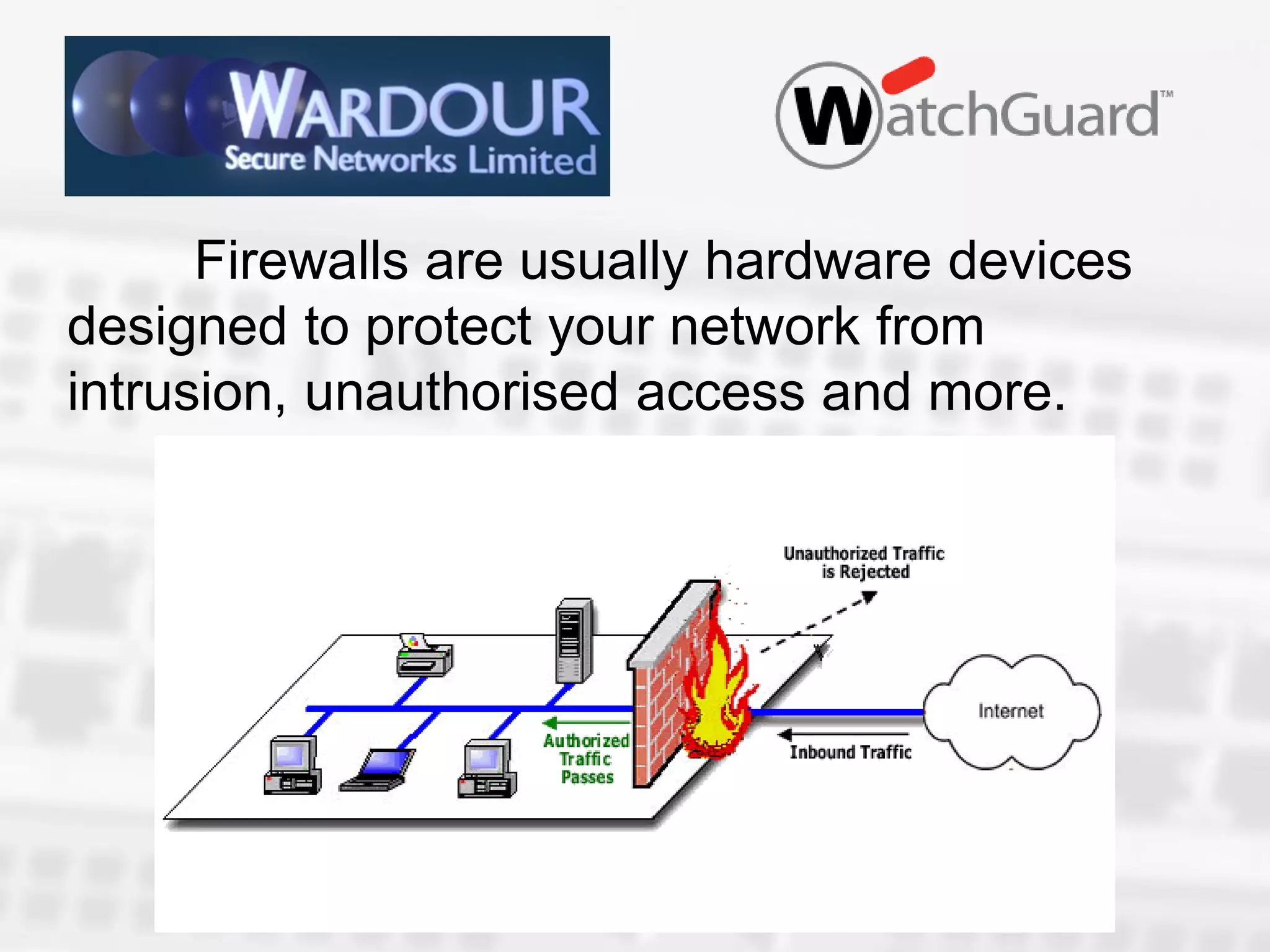
Firewalls are usually hardware devices
designed to protect your network from
intrusion, unauthorised access and more.
FAQ

1.Will it slow my connection to the internet?
2.Can I still access websites?
3.Can I still send and receive emails?
4.Can I still watch YouTube or access
  facebook/Twitter?
Slowness: with the right firewall configuration
you shouldn’t notice any change to
performance.
Websites: can still be accessed but you can
control what employees look at.
Emails: are still sent and received but you can
reduce spam.
Social Media: can still be accessed but you
can control it better.
UTM Suite
UTM is unified threat management.
Application Control
Reputation Enabled Defence
WebBlocker
SpamBlocker
Gateway AntiVirus
Intrusion Prevention
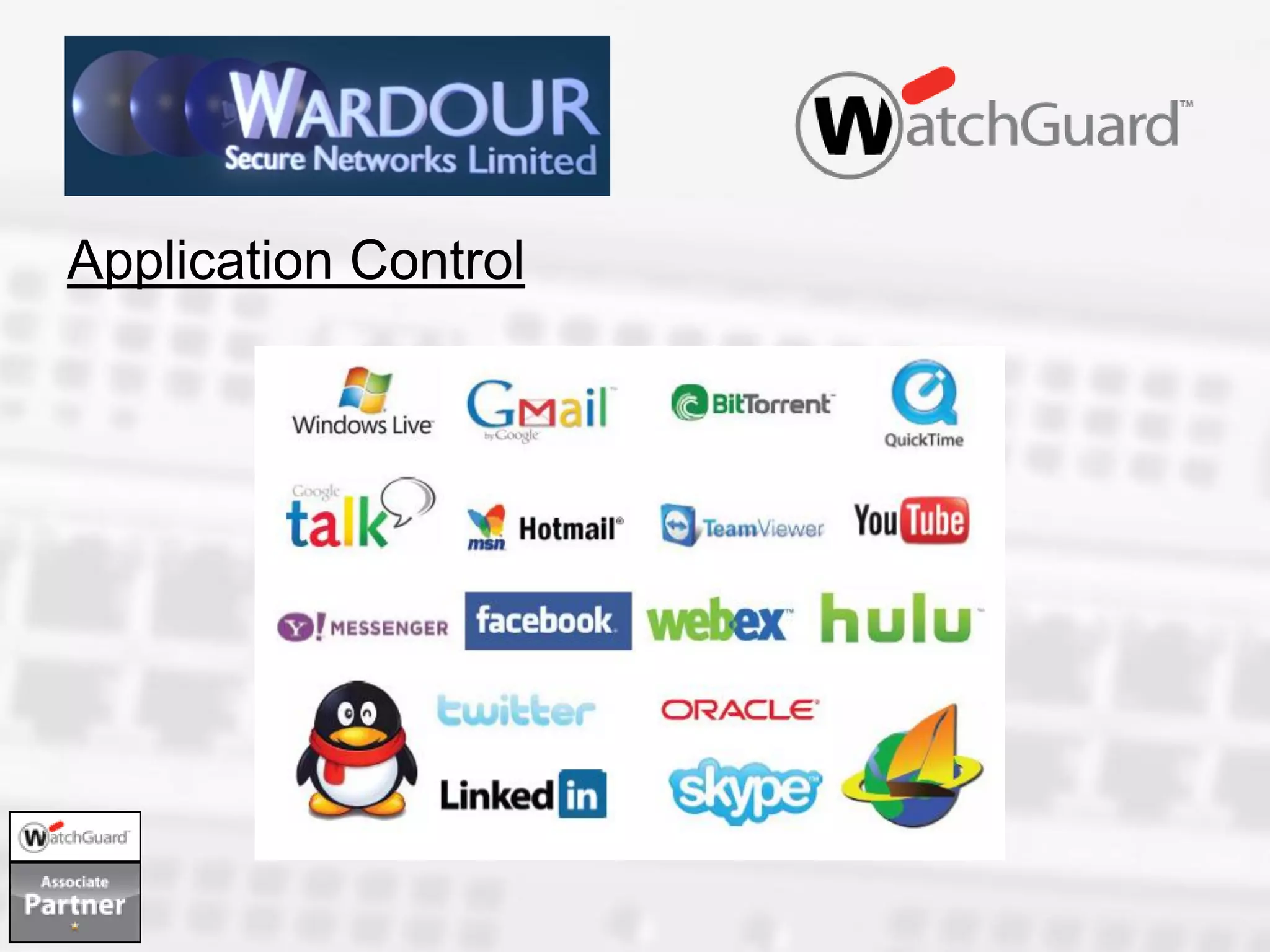
Application Control
With XTM application control you can
block more than 1800 web and business
applications.
     More precisely you can control access to
more than 1800 web and business
applications.
     You can BLOCK, ALLOW and REPORT
on who has access to what.
How will a firewall benefit a company

Reduces time wasted by workers
Improved productivity
Prevent malware or illegal downloads
BizMidlands.co.uk

What is malware

  • 1.
    A presentation givenSimon Pell Director Wardour Secure Networks Ltd at the BizGen Conference and Expo Lincoln
  • 2.
    What is Malware? Are you protected?
  • 3.
    All the variousthreats can be called Malware The word malware comes from the combination of Malicious and software. It refers to viruses, worms, spyware, adware, hoaxes etc etc.
  • 4.
    Did you knowthat over 90% of small businesses have anti-virus solutions in place? Yet almost half are still getting attacked by e-threats!!
  • 5.
  • 6.
    A virus isa piece of code or software that is designed to damage your files and programs, they are designed to replicate and spread to other computers via email or across your local area network (LAN).
  • 7.
    What is aTrojan?
  • 8.
    What is aTrojan? As the name suggests a trojan is a piece of malicious code disguised as an apparently harmless program, which in many cases when run releases the malicious code hidden in it. Unlike viruses trojans do not self replicate, but like viruses they are designed to destroy files or programs. In many cases they can capture and resend data to external addresses or open the PC to be controlled by remote users, referred to as @cyber-crooks', usually there to steal passwords and banking information. Definitely not what a small business needs.
  • 9.
    What is aWorm? Worms are programs that make copies of themselves in different places in your PC. The object of this is to slow your PC or network down to make it unusable. Unlike viruses they do not infect files. Worms are usually spread using social engineering, they make them to look attractive by use of attractive names to hide the files. Most popular names relate to sex, famous people, free software anything to make them seem appealing. Worms are more geared to make financial gain and bring notoriety to the creator. Most recently reported in the press was the cornflicker virus.
  • 10.
    What is aRootKit? These are programs designed to hide objects such as files, windows registry entries or processes. A rootkit itself is not malicious but is used by writers of malware to cover their tracks in infected computers. The first examples of malware using rootkits to hide themselves appeared in 2005. Spyware, Adware and Bots added these characteristics to their own to try to avoid detection.
  • 11.
    Spyware/Adware Spyware and Adware are programs that display adverts associated with the product or service being offered by the creator of the program. It can be installed in a number of ways, in many cases without the users consent or without knowledge of its function. The term Adware and Spyware can be controversial, as a rule they are not used for criminal intent but to advertise products ad services. information collected does not include bank details but more like web pages visited or favourites etc.
  • 12.
  • 13.
    What are Cookies Cookies are small text files stored on a computer by your web browser after visiting a web page. The information stored by the cookies has a number of uses. It can be used to personalise a web page for the next time you visit, to collect demographic information about the visitors to the page or to monitor banner clicks. A good example is when you revisit a page and it says "Welcome back <your name>" such as Ebay or Amazon etc. While a cookie in itself is not malicious it could be used by malicious code to affect a users privacy as it can create a users profile of browsing activity and send it to third parties.
  • 14.
    Summary Virus- Self replicatesand infects Trojan – Does NOT Self Replicate and infects Worm – Copies itself to various parts of a computer , DOES NOT infect. Rootkit – Does not replicate and does not itself infect. Cookies – Text File that stores information. Spyware/ Adware – Advertise products to the user based on sites visited.
  • 15.
    Protection Always use a reliable security program or regime KEEP IT UPTO DATE Don't download content from pages unless you are confident of their reliability. Keep a close eye on all downloads made within your network, as a small business you are liable for the employees use of the internet. Use a good firewall. If you are unsure seek advise and DON'T PANIC!!!
  • 17.
  • 18.
    Firewalls Watchguard
  • 19.
    Firewalls are usuallyhardware devices designed to protect your network from intrusion, unauthorised access and more.
  • 20.
    FAQ 1.Will it slowmy connection to the internet? 2.Can I still access websites? 3.Can I still send and receive emails? 4.Can I still watch YouTube or access facebook/Twitter?
  • 21.
    Slowness: with theright firewall configuration you shouldn’t notice any change to performance. Websites: can still be accessed but you can control what employees look at. Emails: are still sent and received but you can reduce spam. Social Media: can still be accessed but you can control it better.
  • 22.
    UTM Suite UTM isunified threat management. Application Control Reputation Enabled Defence WebBlocker SpamBlocker Gateway AntiVirus Intrusion Prevention
  • 23.
  • 24.
    With XTM applicationcontrol you can block more than 1800 web and business applications. More precisely you can control access to more than 1800 web and business applications. You can BLOCK, ALLOW and REPORT on who has access to what.
  • 25.
    How will afirewall benefit a company Reduces time wasted by workers Improved productivity Prevent malware or illegal downloads
  • 26.