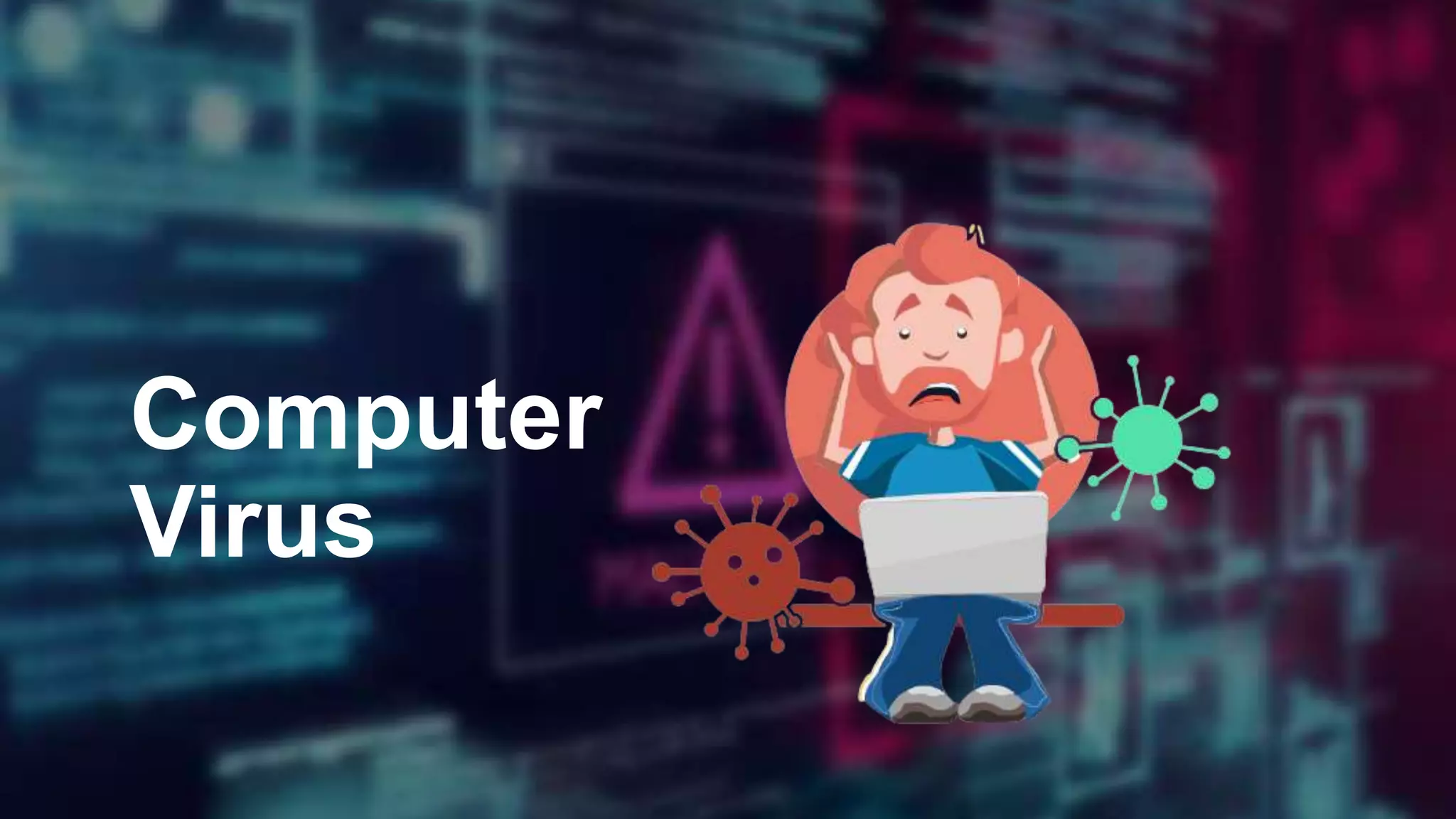
Computer
Virus
A computer virus is a malicious piece of computer code designed to spread from
device to device. A subset of malware, these self-copying threats are usually
designed to damage a device or steal data
Think of a biological virus
The kind that makes you sick. It’s persistently nasty,
keeps you from functioning normally, and often requires
something powerful to get rid of it.
A computer virus is very similar
Designed to replicate relentlessly, computer viruses infect
your programs and files, alter the way your computer
operates or stop it from working altogether.
What is Virus?
What does a computer virus do?
Some computer viruses are programmed to harm your
computer by damaging programs, deleting files, or
reformatting the hard drive. Others simply replicate
themselves or flood a network with traffic, making it
impossible to perform any internet activity. Even less
harmful computer viruses can significantly disrupt your
system’s performance, sapping computer memory and
causing frequent computer crashes.
Do You Know?
First PC virus was created by two Pakistani brothers Amjad Farooq Alvi and Basit Farooq Alvi in 1986. This virus
was called Brain and It was the first PC virus that began infecting floppy disks.
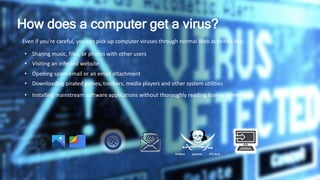
How does a computer get a virus?
Even if you’re careful, you can pick up computer viruses through normal Web activities like:
• Sharing music, files, or photos with other users
• Visiting an infected website
• Opening spam email or an email attachment
• Downloading pirated games, toolbars, media players and other system utilities
• Installing mainstream software applications without thoroughly reading license agreements
How do computer viruses spread?
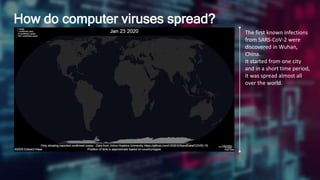
The first known infections
from SARS-CoV-2 were
discovered in Wuhan,
China.
It started from one city
and in a short time period,
it was spread almost all
over the world.
How do computer viruses spread?
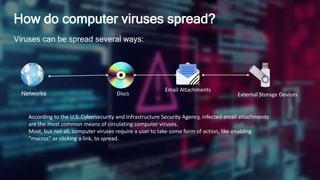
Viruses can be spread several ways:
Networks Discs
Email Attachments
External Storage Devices
According to the U.S. Cybersecurity and Infrastructure Security Agency, infected email attachments
are the most common means of circulating computer viruses.
Most, but not all, computer viruses require a user to take some form of action, like enabling
“macros” or clicking a link, to spread.
What are the symptoms of a computer virus?
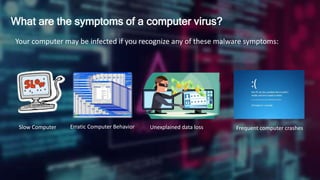
Your computer may be infected if you recognize any of these malware symptoms:
Slow Computer Erratic Computer Behavior Unexplained data loss Frequent computer crashes
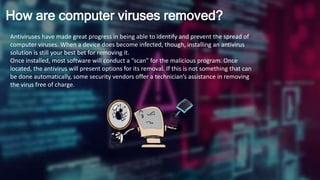
How are computer viruses removed?
Antiviruses have made great progress in being able to identify and prevent the spread of
computer viruses. When a device does become infected, though, installing an antivirus
solution is still your best bet for removing it.
Once installed, most software will conduct a “scan” for the malicious program. Once
located, the antivirus will present options for its removal. If this is not something that can
be done automatically, some security vendors offer a technician’s assistance in removing
the virus free of charge.
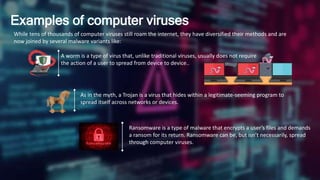
Examples of computer viruses
While tens of thousands of computer viruses still roam the internet, they have diversified their methods and are
now joined by several malware variants like:
A worm is a type of virus that, unlike traditional viruses, usually does not require
the action of a user to spread from device to device..
As in the myth, a Trojan is a virus that hides within a legitimate-seeming program to
spread itself across networks or devices.
Ransomware is a type of malware that encrypts a user’s files and demands
a ransom for its return. Ransomware can be, but isn’t necessarily, spread
through computer viruses.
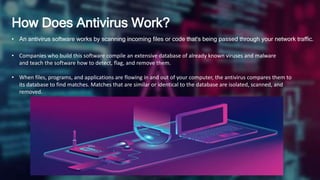
How Does Antivirus Work?
• An antivirus software works by scanning incoming files or code that's being passed through your network traffic.
• Companies who build this software compile an extensive database of already known viruses and malware
and teach the software how to detect, flag, and remove them.
• When files, programs, and applications are flowing in and out of your computer, the antivirus compares them to
its database to find matches. Matches that are similar or identical to the database are isolated, scanned, and
removed.
Computer virus protection
• Use antivirus protection and a firewall
• Get antispyware software
• Always keep your antivirus protection and antispyware software up-to-date
• Update your operating system regularly
• Increase your browser security settings
• Avoid questionable Websites
• Only download software from sites you trust.
• Carefully evaluate free software and file-sharing applications before downloading
them.
• Don't open messages from unknown senders
• Immediately delete messages you suspect to be spam

Computer Virus

  • 1.
  • 2.
    A computer virusis a malicious piece of computer code designed to spread from device to device. A subset of malware, these self-copying threats are usually designed to damage a device or steal data Think of a biological virus The kind that makes you sick. It’s persistently nasty, keeps you from functioning normally, and often requires something powerful to get rid of it. A computer virus is very similar Designed to replicate relentlessly, computer viruses infect your programs and files, alter the way your computer operates or stop it from working altogether. What is Virus?
  • 3.
    What does acomputer virus do? Some computer viruses are programmed to harm your computer by damaging programs, deleting files, or reformatting the hard drive. Others simply replicate themselves or flood a network with traffic, making it impossible to perform any internet activity. Even less harmful computer viruses can significantly disrupt your system’s performance, sapping computer memory and causing frequent computer crashes. Do You Know? First PC virus was created by two Pakistani brothers Amjad Farooq Alvi and Basit Farooq Alvi in 1986. This virus was called Brain and It was the first PC virus that began infecting floppy disks.
  • 4.
    How does acomputer get a virus? Even if you’re careful, you can pick up computer viruses through normal Web activities like: • Sharing music, files, or photos with other users • Visiting an infected website • Opening spam email or an email attachment • Downloading pirated games, toolbars, media players and other system utilities • Installing mainstream software applications without thoroughly reading license agreements
  • 5.
    How do computerviruses spread? The first known infections from SARS-CoV-2 were discovered in Wuhan, China. It started from one city and in a short time period, it was spread almost all over the world.
  • 6.
    How do computerviruses spread? Viruses can be spread several ways: Networks Discs Email Attachments External Storage Devices According to the U.S. Cybersecurity and Infrastructure Security Agency, infected email attachments are the most common means of circulating computer viruses. Most, but not all, computer viruses require a user to take some form of action, like enabling “macros” or clicking a link, to spread.
  • 7.
    What are thesymptoms of a computer virus? Your computer may be infected if you recognize any of these malware symptoms: Slow Computer Erratic Computer Behavior Unexplained data loss Frequent computer crashes
  • 8.
    How are computerviruses removed? Antiviruses have made great progress in being able to identify and prevent the spread of computer viruses. When a device does become infected, though, installing an antivirus solution is still your best bet for removing it. Once installed, most software will conduct a “scan” for the malicious program. Once located, the antivirus will present options for its removal. If this is not something that can be done automatically, some security vendors offer a technician’s assistance in removing the virus free of charge.
  • 9.
    Examples of computerviruses While tens of thousands of computer viruses still roam the internet, they have diversified their methods and are now joined by several malware variants like: A worm is a type of virus that, unlike traditional viruses, usually does not require the action of a user to spread from device to device.. As in the myth, a Trojan is a virus that hides within a legitimate-seeming program to spread itself across networks or devices. Ransomware is a type of malware that encrypts a user’s files and demands a ransom for its return. Ransomware can be, but isn’t necessarily, spread through computer viruses.
  • 10.
    How Does AntivirusWork? • An antivirus software works by scanning incoming files or code that's being passed through your network traffic. • Companies who build this software compile an extensive database of already known viruses and malware and teach the software how to detect, flag, and remove them. • When files, programs, and applications are flowing in and out of your computer, the antivirus compares them to its database to find matches. Matches that are similar or identical to the database are isolated, scanned, and removed.
  • 11.
    Computer virus protection •Use antivirus protection and a firewall • Get antispyware software • Always keep your antivirus protection and antispyware software up-to-date • Update your operating system regularly • Increase your browser security settings • Avoid questionable Websites • Only download software from sites you trust. • Carefully evaluate free software and file-sharing applications before downloading them. • Don't open messages from unknown senders • Immediately delete messages you suspect to be spam