








Introduction
 Computer Networks play an increasingly
  important role in today’s technological
  age
 But before the transfer of any
  information between the computers it is
  essential to know if this transfer can
  actually take place
 For this, it is important to check if the
  computers ready for data transfer are up
  in the network or not
Network connection
diagram
Fundamentals of Network
Monitoring
   The purpose of network monitoring is the
    collecting of useful information from various
    parts of the network so that the network can
    be managed and controlled using the collected
    information
   Network monitoring techniques are developed
    to allow network management applications to
    check the states of their network devices
   As more and more network devices are used
    to build bigger networks, network monitoring
    techniques are expanded to monitoring
    networks as a whole
Three basic goals of network
monitoring:
 Performance monitoring
 Fault monitoring
 Account monitoring
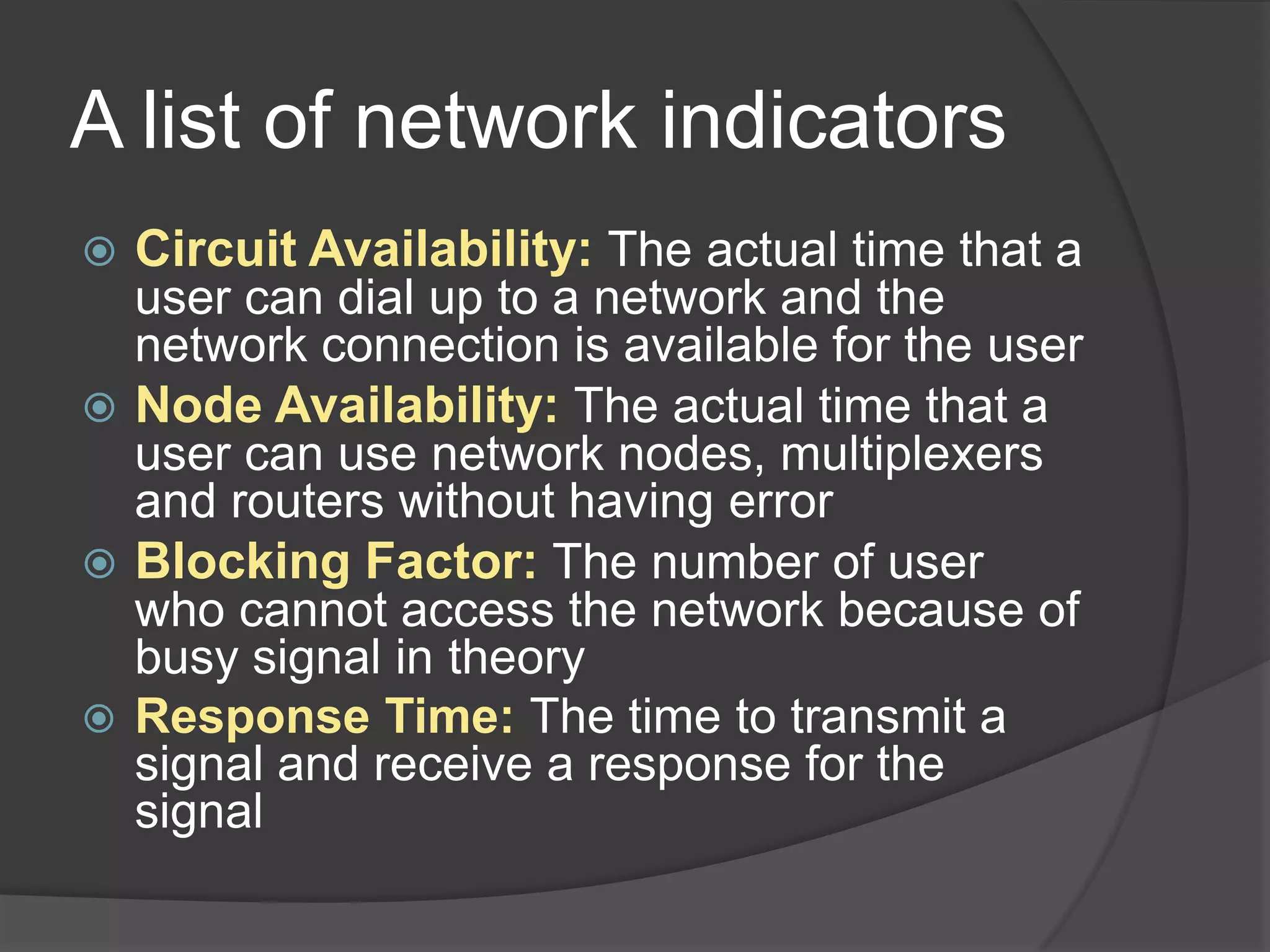
A list of network indicators
   Circuit Availability: The actual time that a
    user can dial up to a network and the
    network connection is available for the user
   Node Availability: The actual time that a
    user can use network nodes, multiplexers
    and routers without having error
   Blocking Factor: The number of user
    who cannot access the network because of
    busy signal in theory
   Response Time: The time to transmit a
    signal and receive a response for the
    signal
Ideal network monitoring
system
 Integration
 Productivity
 Efficiency
Sources of data
   Measurement of metrics
     This refers to the method of obtaining
      network data by measuring certain metrics
      regarding Network performance
     An example might be the measurement of
      packet round trip times and packet loss
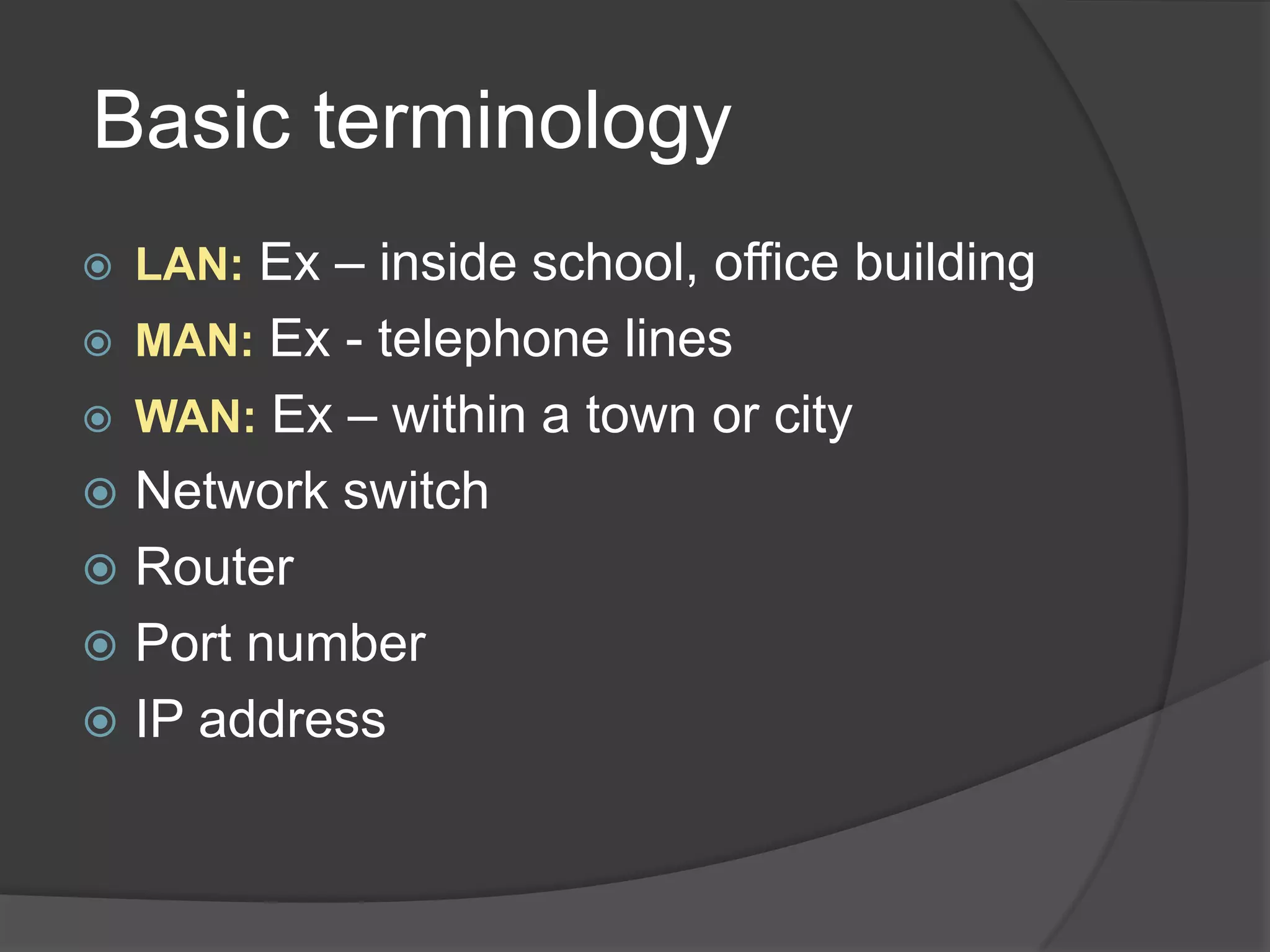
Basic terminology
   LAN: Ex – inside school, office building
   MAN: Ex - telephone lines
   WAN: Ex – within a town or city
 Network switch
 Router
 Port number
 IP address
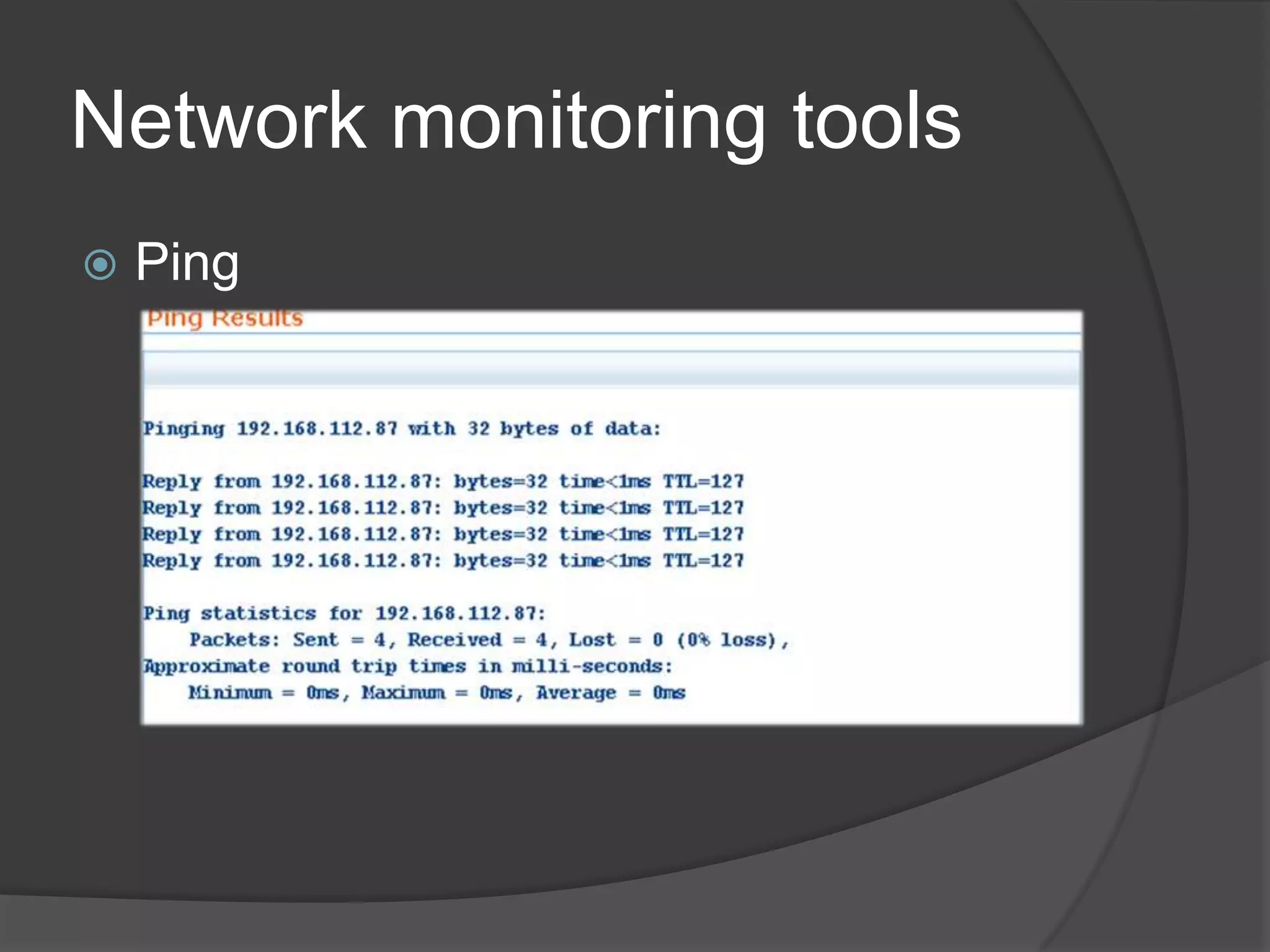
Network monitoring tools
   Ping
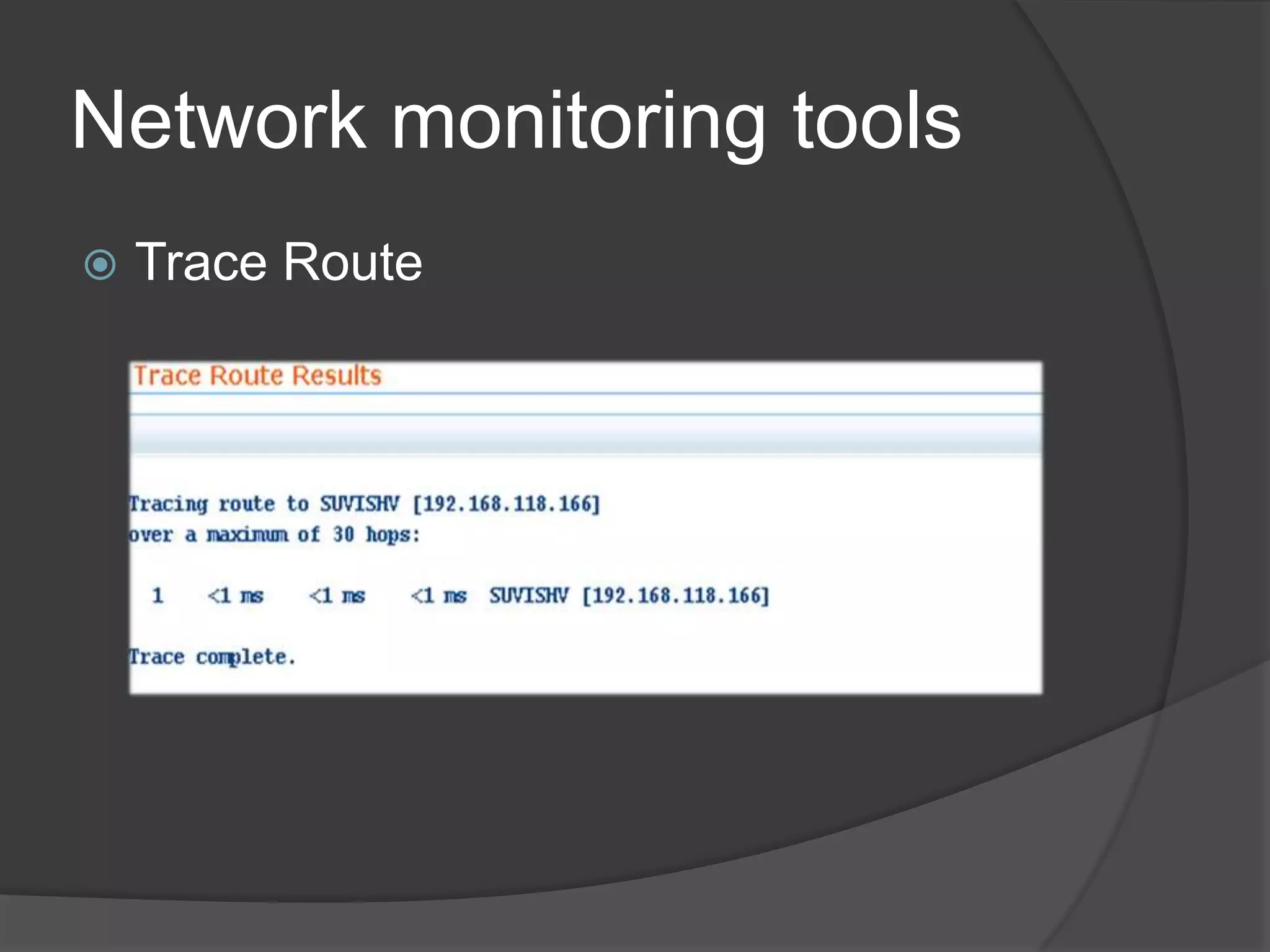
Network monitoring tools
   Trace Route
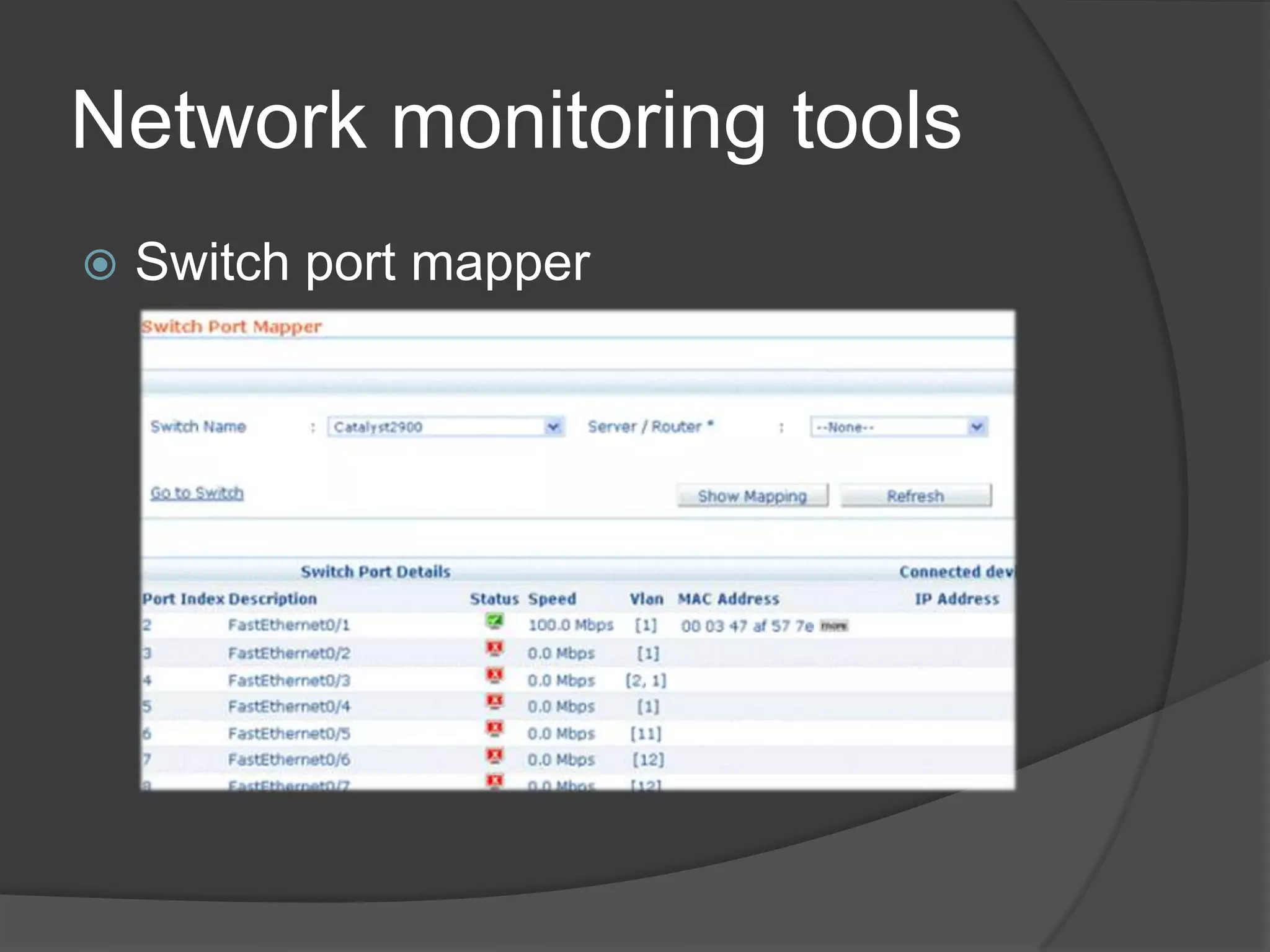
Network monitoring tools
   Switch port mapper
Introduction to ping
 What is PING?
 How does ping helps?
 Why should we use ping?
Using the ping command
   Syntax: xxx: xxx: xxx: xxx
   To check connectivity by using the ping
    command, at the command prompt, type
    ping and the IP address you want to
    reach
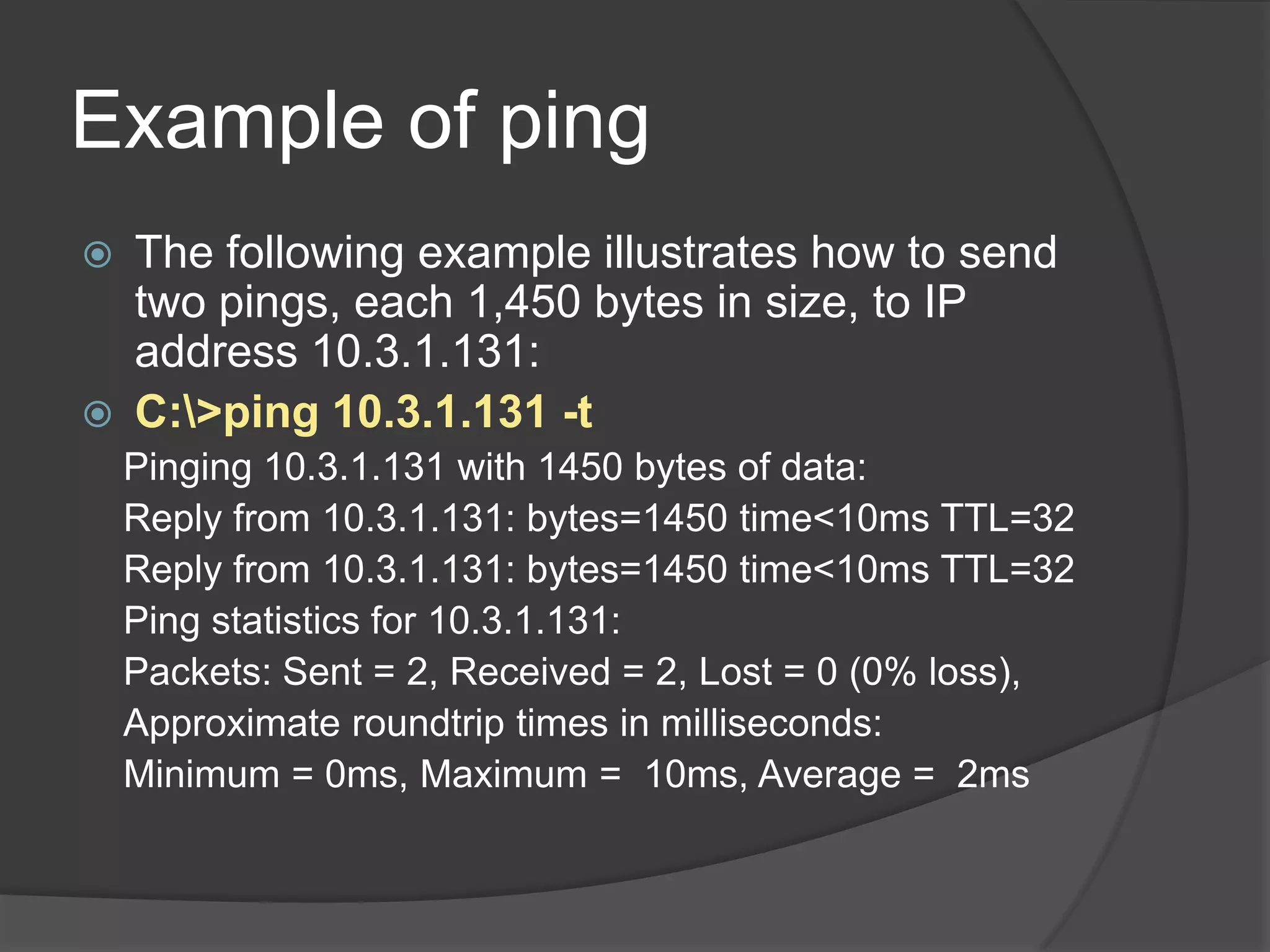
Example of ping
   The following example illustrates how to send
    two pings, each 1,450 bytes in size, to IP
    address 10.3.1.131:
   C:>ping 10.3.1.131 -t
    Pinging 10.3.1.131 with 1450 bytes of data:
    Reply from 10.3.1.131: bytes=1450 time<10ms TTL=32
    Reply from 10.3.1.131: bytes=1450 time<10ms TTL=32
    Ping statistics for 10.3.1.131:
    Packets: Sent = 2, Received = 2, Lost = 0 (0% loss),
    Approximate roundtrip times in milliseconds:
    Minimum = 0ms, Maximum = 10ms, Average = 2ms
Conclusion
   Network Monitoring System is the system
    which monitors the system which is connected
    in LAN. In case our server, networks are
    crashed due to overload of other devices.
   It is easy to understand for user that if color
    changes to Green it means that the system is
    up in a network, if color changes to Red then it
    means that system is down in a network
   For justifying the system is present or not in
    network there are some tools of network
    monitoring system like PING, Trace route,
    switch port mapper
Reference
   Books
     Computer Networking by author James
      Kurose and Keith Ross
     Computer network and interface by author
      Furrosion
   Links
     www.wikipedia.org
     http://www.devdaily.com/java/java-ping-class
Network monitoring system

Network monitoring system

  • 2.
    Introduction  Computer Networksplay an increasingly important role in today’s technological age  But before the transfer of any information between the computers it is essential to know if this transfer can actually take place  For this, it is important to check if the computers ready for data transfer are up in the network or not
  • 3.
  • 4.
    Fundamentals of Network Monitoring  The purpose of network monitoring is the collecting of useful information from various parts of the network so that the network can be managed and controlled using the collected information  Network monitoring techniques are developed to allow network management applications to check the states of their network devices  As more and more network devices are used to build bigger networks, network monitoring techniques are expanded to monitoring networks as a whole
  • 5.
    Three basic goalsof network monitoring:  Performance monitoring  Fault monitoring  Account monitoring
  • 6.
    A list ofnetwork indicators  Circuit Availability: The actual time that a user can dial up to a network and the network connection is available for the user  Node Availability: The actual time that a user can use network nodes, multiplexers and routers without having error  Blocking Factor: The number of user who cannot access the network because of busy signal in theory  Response Time: The time to transmit a signal and receive a response for the signal
  • 7.
    Ideal network monitoring system Integration  Productivity  Efficiency
  • 8.
    Sources of data  Measurement of metrics  This refers to the method of obtaining network data by measuring certain metrics regarding Network performance  An example might be the measurement of packet round trip times and packet loss
  • 10.
    Basic terminology  LAN: Ex – inside school, office building  MAN: Ex - telephone lines  WAN: Ex – within a town or city  Network switch  Router  Port number  IP address
  • 11.
  • 12.
  • 13.
    Network monitoring tools  Switch port mapper
  • 15.
    Introduction to ping What is PING?  How does ping helps?  Why should we use ping?
  • 16.
    Using the pingcommand  Syntax: xxx: xxx: xxx: xxx  To check connectivity by using the ping command, at the command prompt, type ping and the IP address you want to reach
  • 17.
    Example of ping  The following example illustrates how to send two pings, each 1,450 bytes in size, to IP address 10.3.1.131:  C:>ping 10.3.1.131 -t Pinging 10.3.1.131 with 1450 bytes of data: Reply from 10.3.1.131: bytes=1450 time<10ms TTL=32 Reply from 10.3.1.131: bytes=1450 time<10ms TTL=32 Ping statistics for 10.3.1.131: Packets: Sent = 2, Received = 2, Lost = 0 (0% loss), Approximate roundtrip times in milliseconds: Minimum = 0ms, Maximum = 10ms, Average = 2ms
  • 18.
    Conclusion  Network Monitoring System is the system which monitors the system which is connected in LAN. In case our server, networks are crashed due to overload of other devices.  It is easy to understand for user that if color changes to Green it means that the system is up in a network, if color changes to Red then it means that system is down in a network  For justifying the system is present or not in network there are some tools of network monitoring system like PING, Trace route, switch port mapper
  • 19.
    Reference  Books  Computer Networking by author James Kurose and Keith Ross  Computer network and interface by author Furrosion  Links  www.wikipedia.org  http://www.devdaily.com/java/java-ping-class