COMPONENT
OF
MOTHERBOARD

ICT
FORM 4
CPU







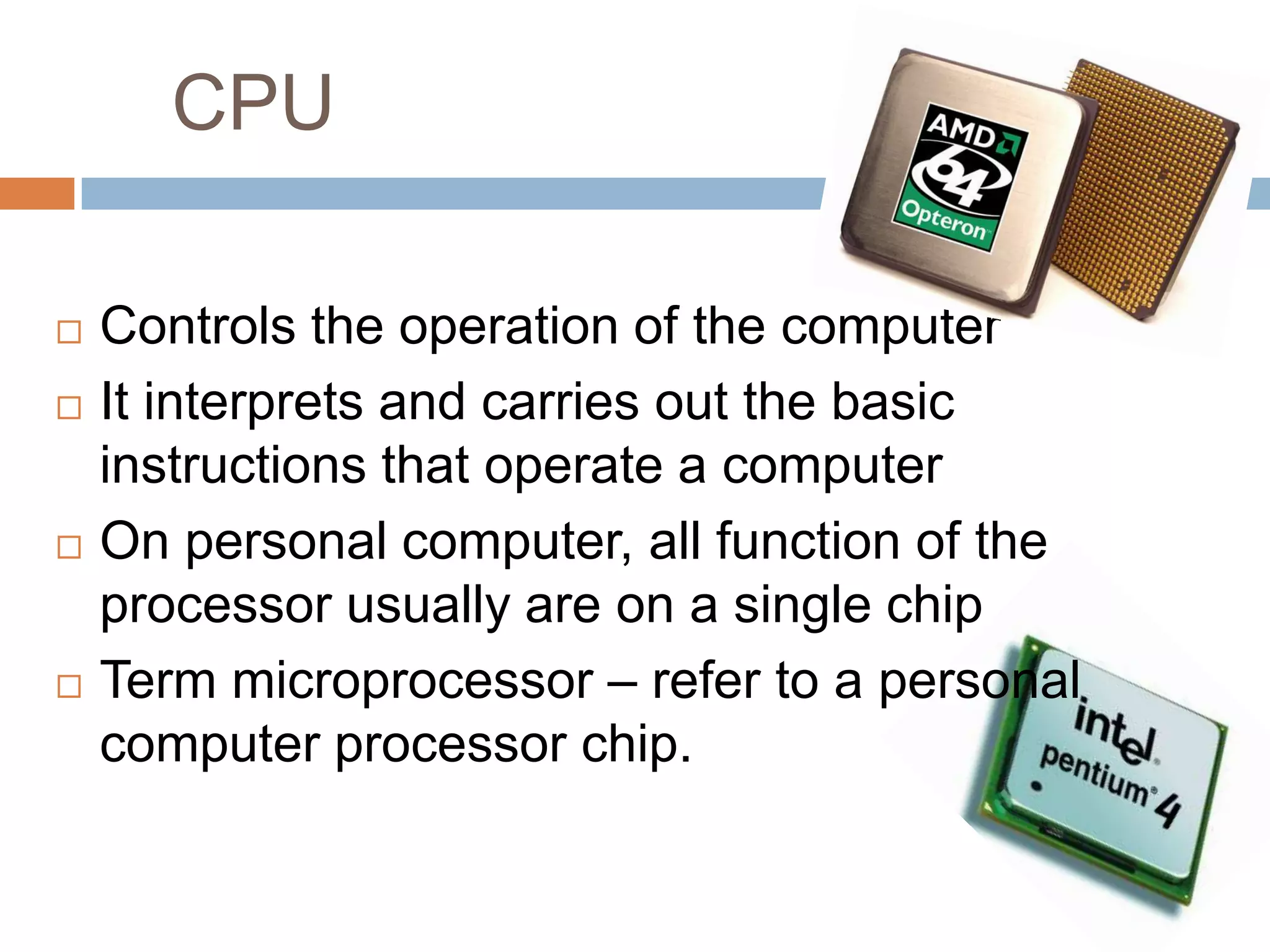
Controls the operation of the computer
It interprets and carries out the basic
instructions that operate a computer
On personal computer, all function of the
processor usually are on a single chip
Term microprocessor – refer to a personal
computer processor chip.
EXPANSION SLOT






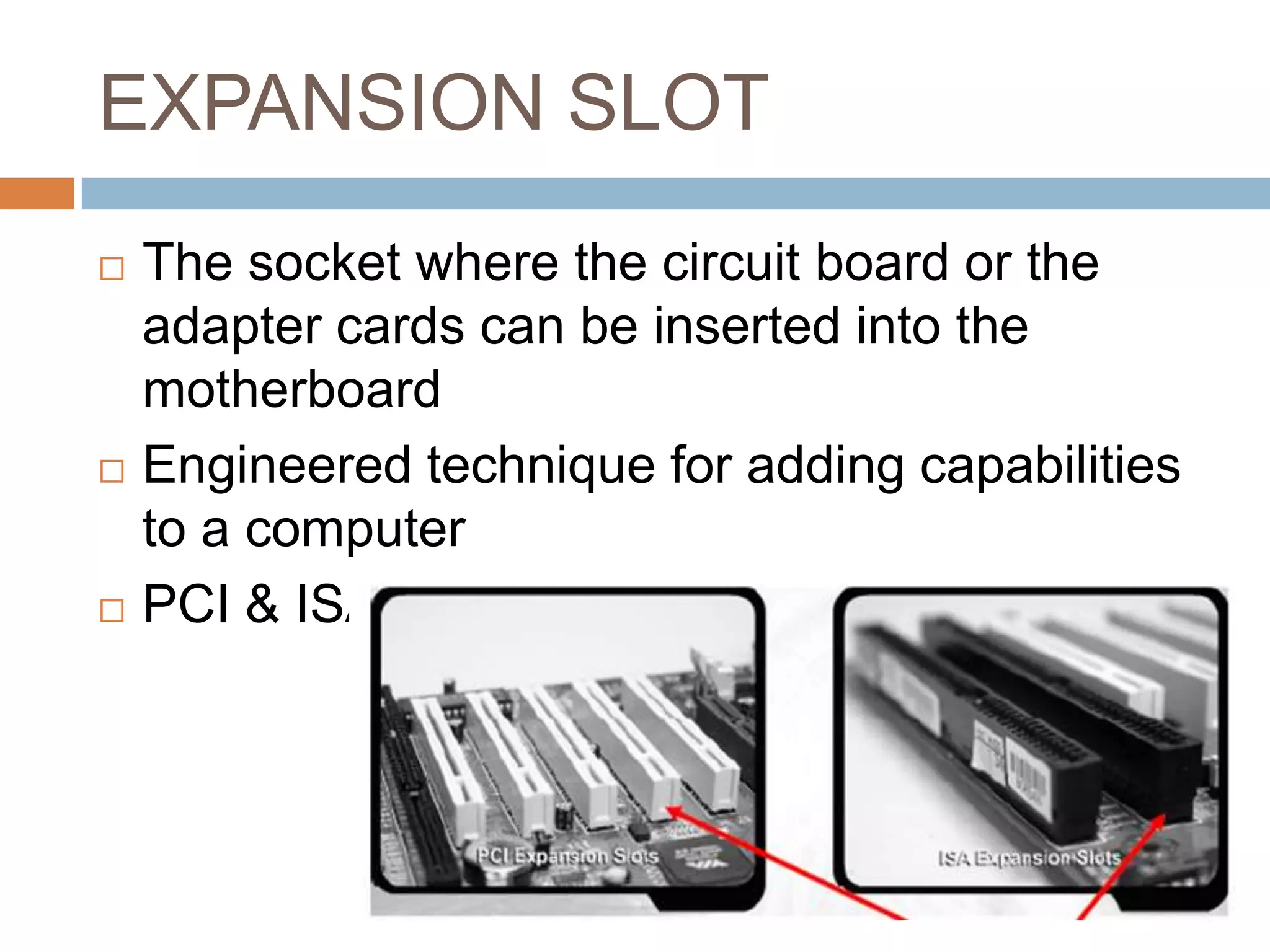
The socket where the circuit board or the
adapter cards can be inserted into the
motherboard
Engineered technique for adding capabilities
to a computer
PCI & ISA
EXPANSION CARD






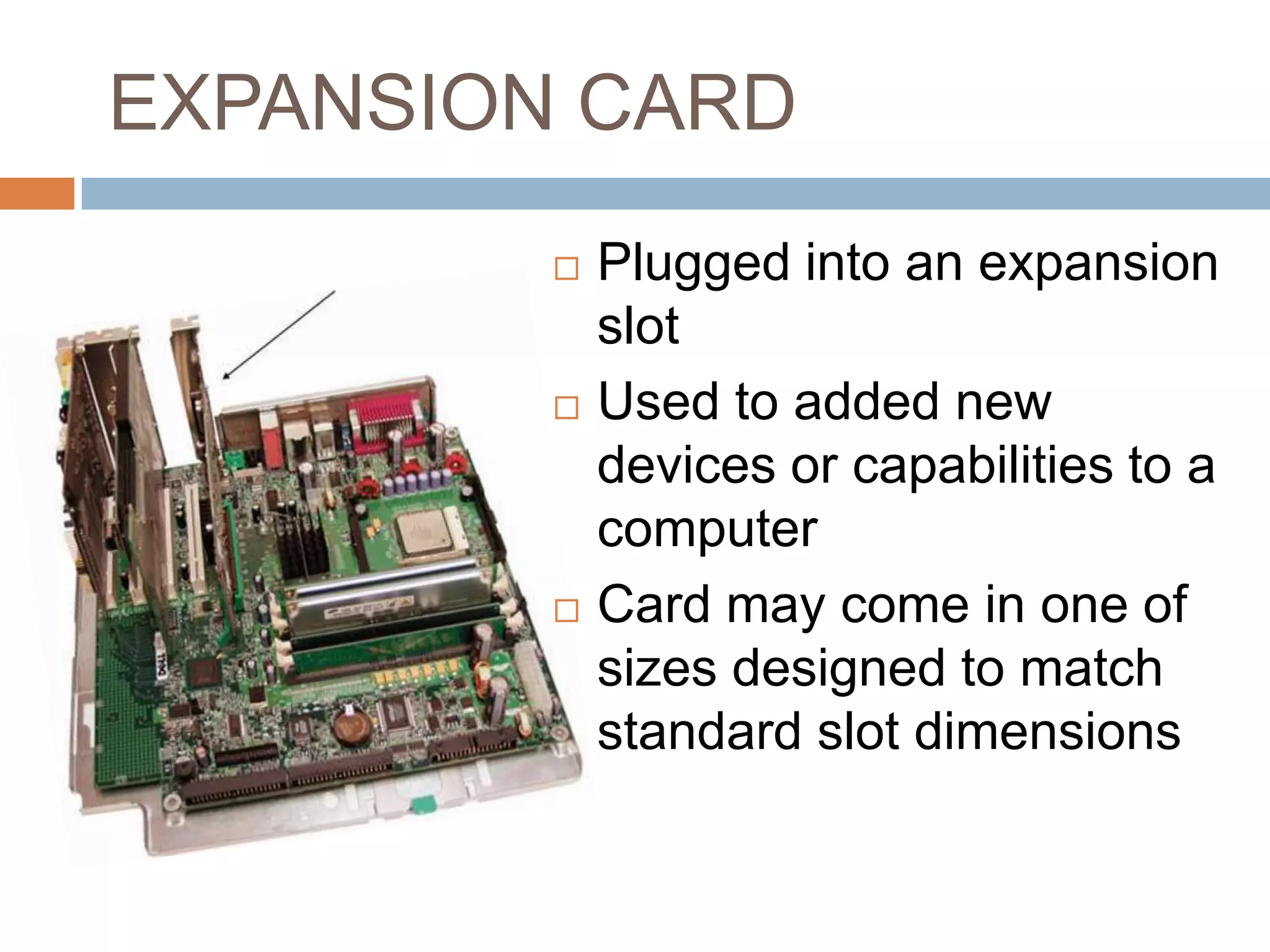
Plugged into an expansion
slot
Used to added new
devices or capabilities to a
computer
Card may come in one of
sizes designed to match
standard slot dimensions
RAM SLOT



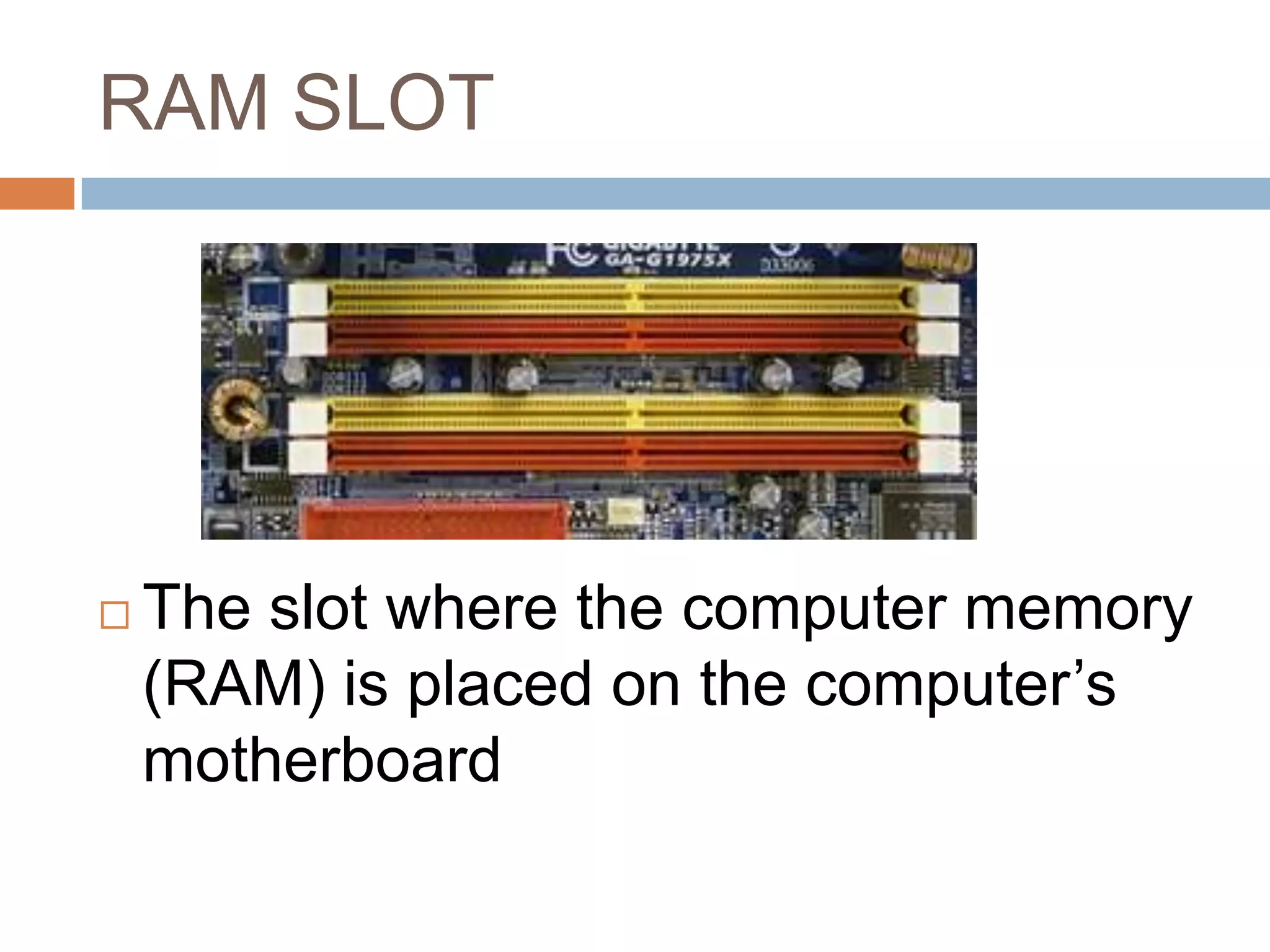
The slot where the computer memory
(RAM) is placed on the computer’s
motherboard
PORTS & CONNECTORS






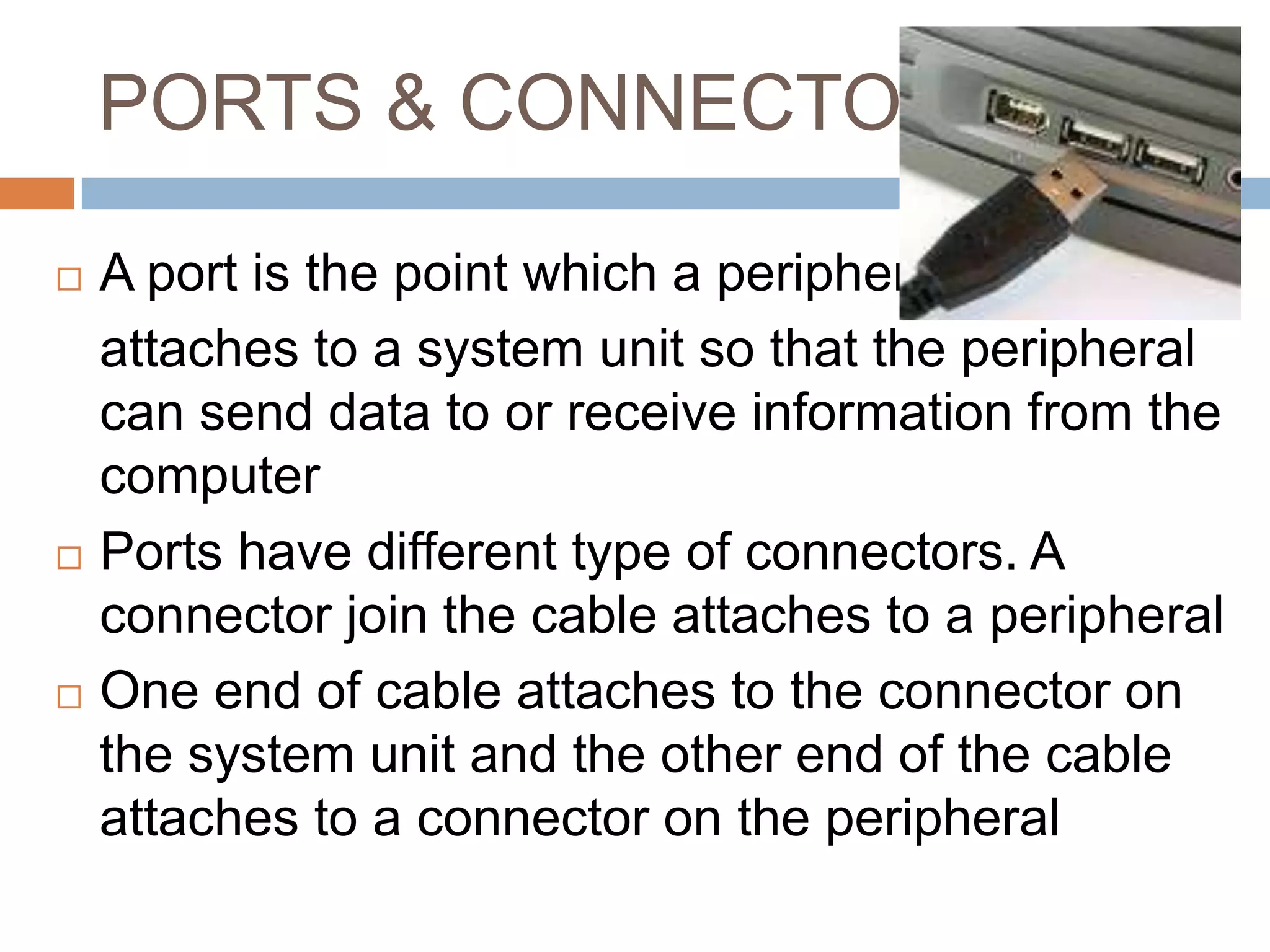
A port is the point which a peripheral
attaches to a system unit so that the peripheral
can send data to or receive information from the
computer
Ports have different type of connectors. A
connector join the cable attaches to a peripheral
One end of cable attaches to the connector on
the system unit and the other end of the cable
attaches to a connector on the peripheral
PORTS & CONNECTOR
ICT
FORM 4
1. Serial Port
1. Serial Port





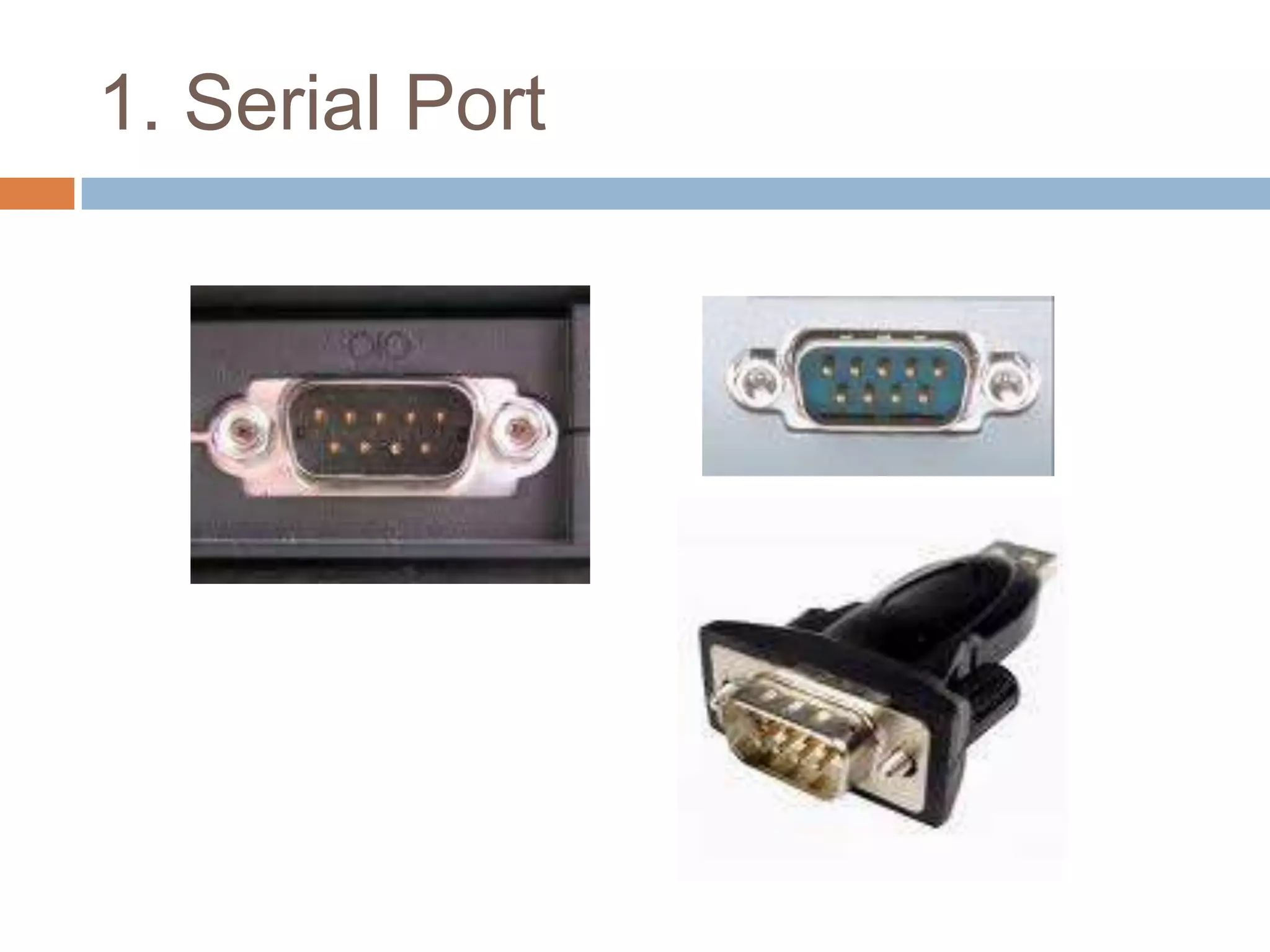
Used to connect a modem, data
acquisition terminal or other serial devices
via slow-speed serial interface
transmitting data a bit a time
2. Parallel Port
2. Parallel Port








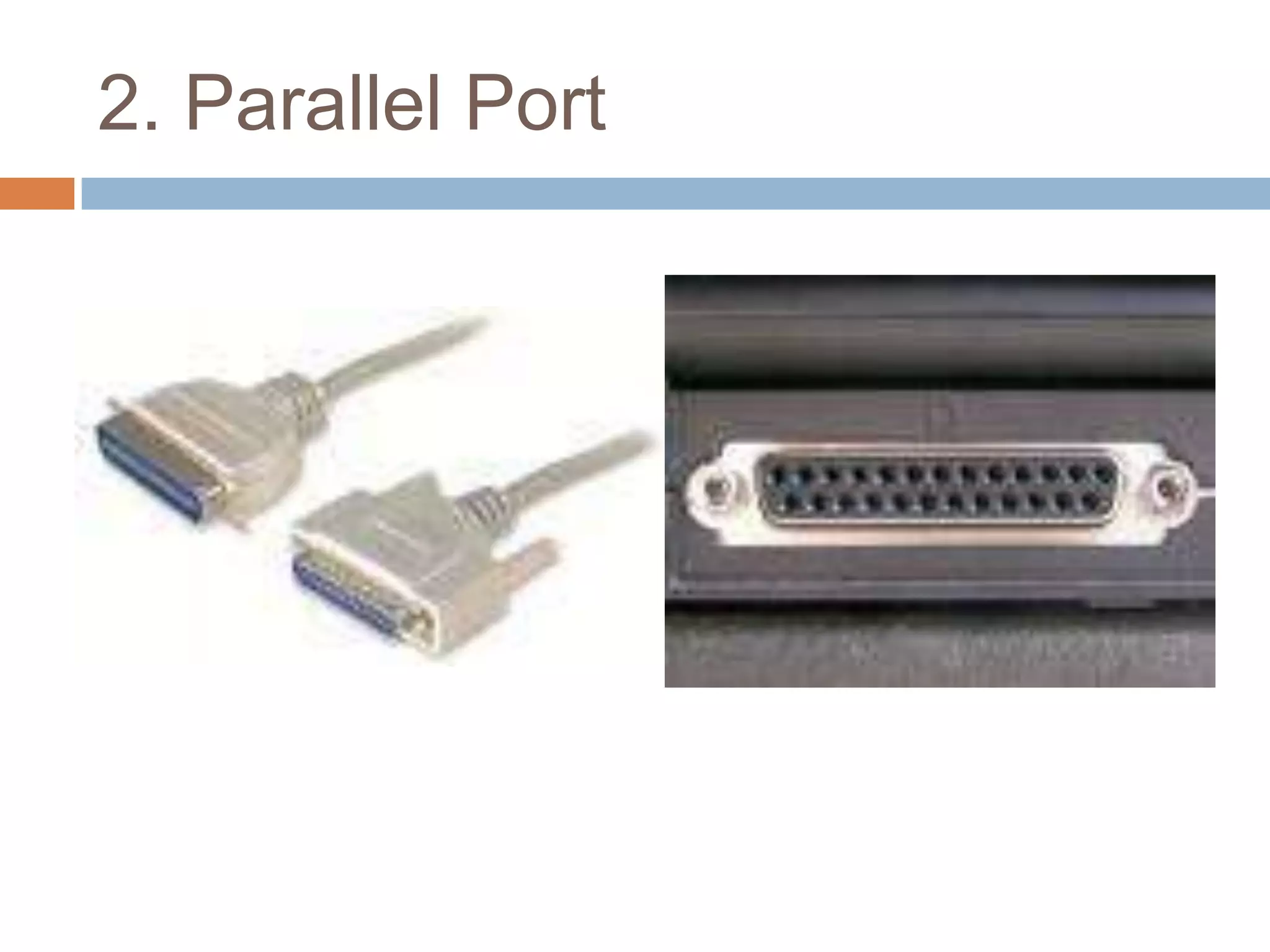
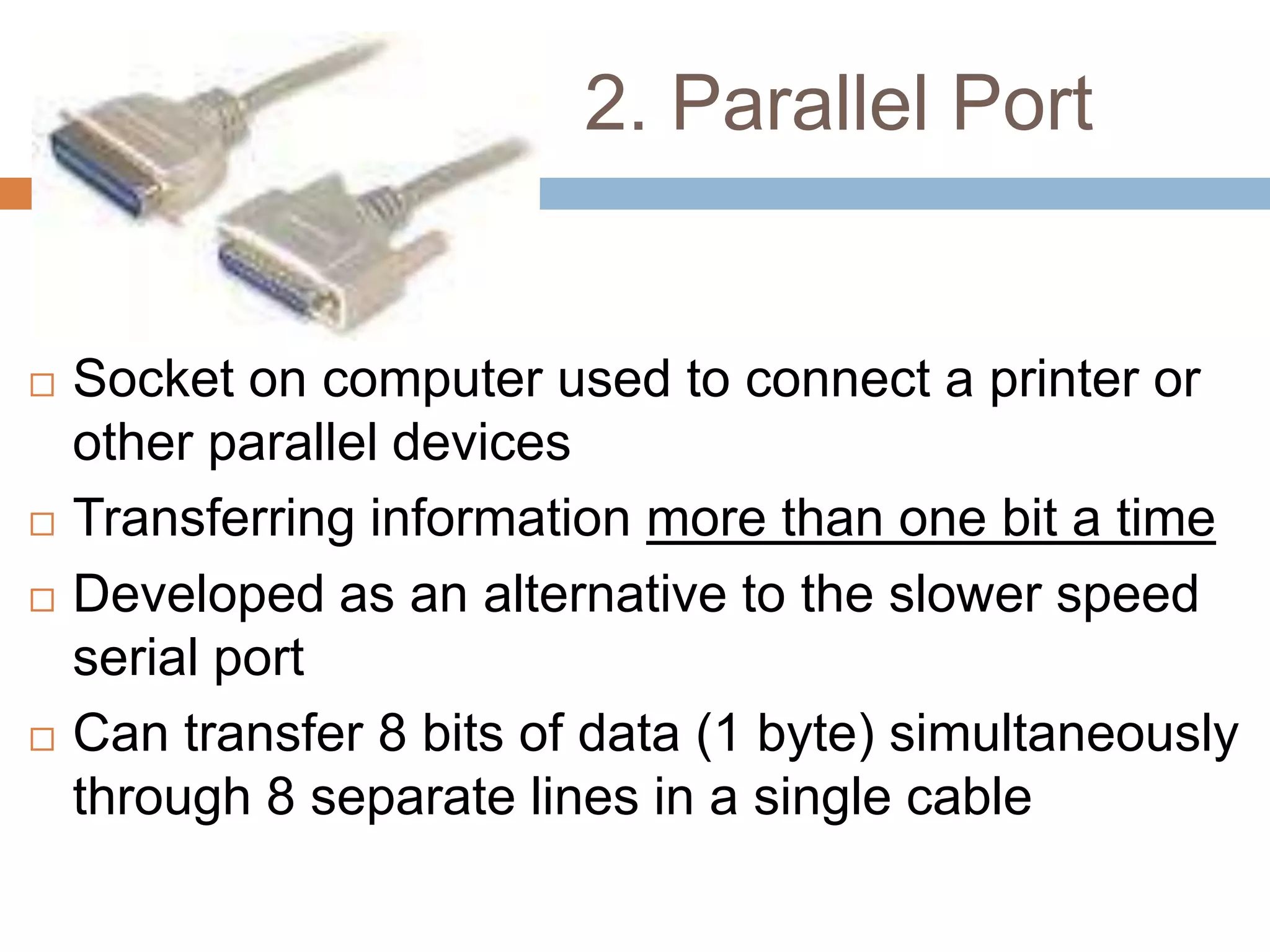
Socket on computer used to connect a printer or
other parallel devices
Transferring information more than one bit a time
Developed as an alternative to the slower speed
serial port
Can transfer 8 bits of data (1 byte) simultaneously
through 8 separate lines in a single cable
3. USB Port
3. USB Port






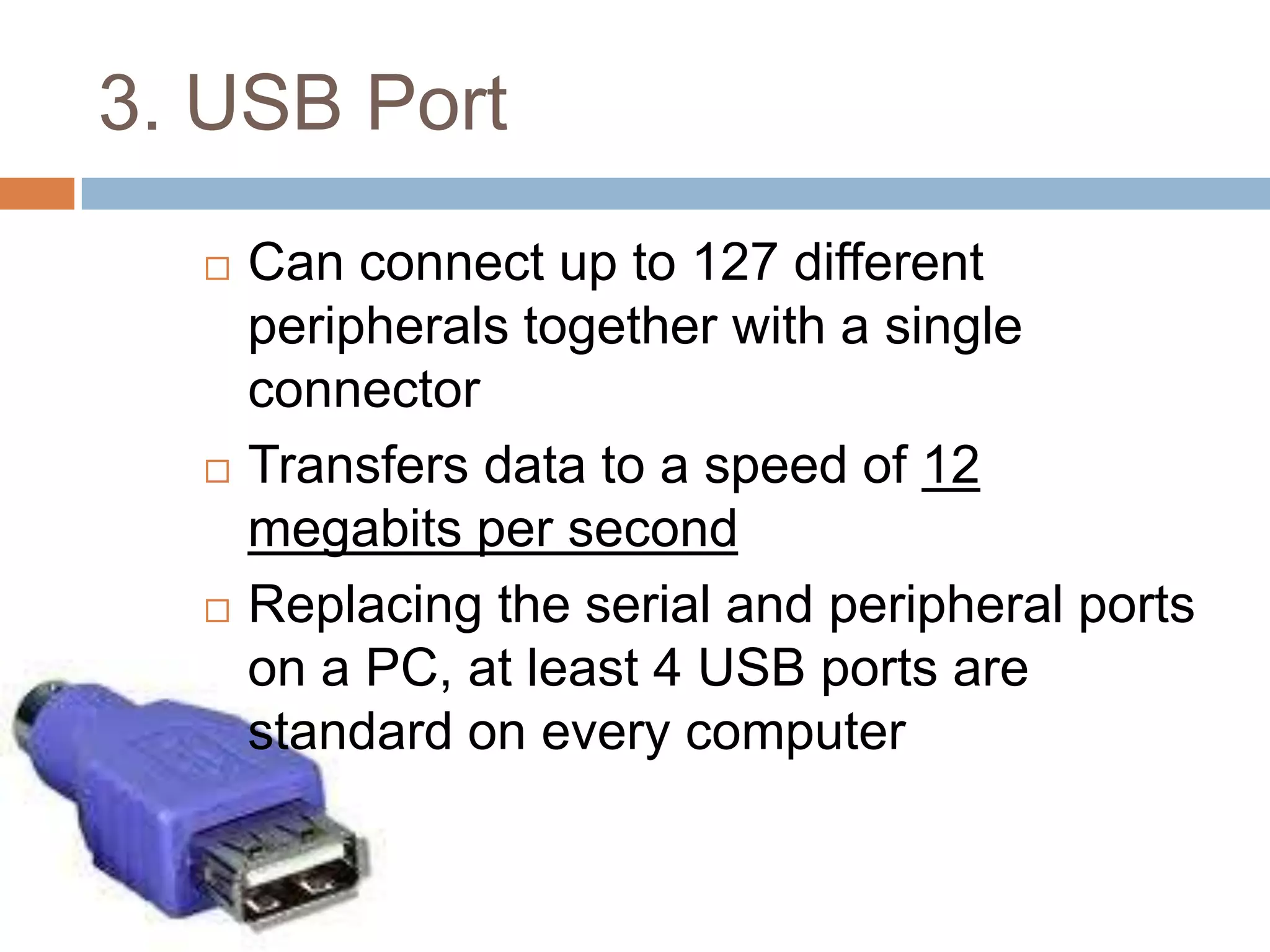
Can connect up to 127 different
peripherals together with a single
connector
Transfers data to a speed of 12
megabits per second
Replacing the serial and peripheral ports
on a PC, at least 4 USB ports are
standard on every computer
4. FireWire port
4. FireWire port









Similar to USB port : can connect multiple
types of device that require faster data
transmission speeds
Cam-coders & other video equipment use this
port to transmit data
Transmit data 400 Megabits per second
Up to 63 devices can be daisy-chained to one
Fire-Wire port
Special purpose ports
1.

2.

3.

4.

MIDI port : design to connect the system
unit to a musical instrument such as
electronic keyboard
SCSI port : special high-speed parallel-port
used to attach peripheral devices such as
disk drives and printer
IrDA port : transmit data via infrared light
waves. Both computer must have a IrDA
port
BlueTooth port : use radio wave to transmit
data between two devices
Sound port

Motherboard + ports & connector

  • 1.
  • 2.
    CPU     Controls the operationof the computer It interprets and carries out the basic instructions that operate a computer On personal computer, all function of the processor usually are on a single chip Term microprocessor – refer to a personal computer processor chip.
  • 3.
    EXPANSION SLOT    The socketwhere the circuit board or the adapter cards can be inserted into the motherboard Engineered technique for adding capabilities to a computer PCI & ISA
  • 4.
    EXPANSION CARD    Plugged intoan expansion slot Used to added new devices or capabilities to a computer Card may come in one of sizes designed to match standard slot dimensions
  • 5.
    RAM SLOT  The slotwhere the computer memory (RAM) is placed on the computer’s motherboard
  • 6.
    PORTS & CONNECTORS    Aport is the point which a peripheral attaches to a system unit so that the peripheral can send data to or receive information from the computer Ports have different type of connectors. A connector join the cable attaches to a peripheral One end of cable attaches to the connector on the system unit and the other end of the cable attaches to a connector on the peripheral
  • 7.
  • 8.
  • 9.
    1. Serial Port   Usedto connect a modem, data acquisition terminal or other serial devices via slow-speed serial interface transmitting data a bit a time
  • 10.
  • 11.
    2. Parallel Port     Socketon computer used to connect a printer or other parallel devices Transferring information more than one bit a time Developed as an alternative to the slower speed serial port Can transfer 8 bits of data (1 byte) simultaneously through 8 separate lines in a single cable
  • 12.
  • 13.
    3. USB Port    Canconnect up to 127 different peripherals together with a single connector Transfers data to a speed of 12 megabits per second Replacing the serial and peripheral ports on a PC, at least 4 USB ports are standard on every computer
  • 14.
  • 15.
    4. FireWire port     Similarto USB port : can connect multiple types of device that require faster data transmission speeds Cam-coders & other video equipment use this port to transmit data Transmit data 400 Megabits per second Up to 63 devices can be daisy-chained to one Fire-Wire port
  • 16.
    Special purpose ports 1. 2. 3. 4. MIDIport : design to connect the system unit to a musical instrument such as electronic keyboard SCSI port : special high-speed parallel-port used to attach peripheral devices such as disk drives and printer IrDA port : transmit data via infrared light waves. Both computer must have a IrDA port BlueTooth port : use radio wave to transmit data between two devices
  • 17.