F O R M 4
COMPUTER SOFTWARE
DEFINITION OF SOFTWARE
• Also called a computer program
• It consists of a series of instructions that tells the
hardware of a computer what to do or how to
do it
• For example :
• Some instruction direct the computer to allow you to
input data from a keyboard and store it in the memory
• Other instructions cause data stored in memory to be
used in calculations
USAGE OF SOFTWARE
• Interact with the program through its
user interface
• This user interface controls how you
enter data, instructions and how
information is displayed on the screen
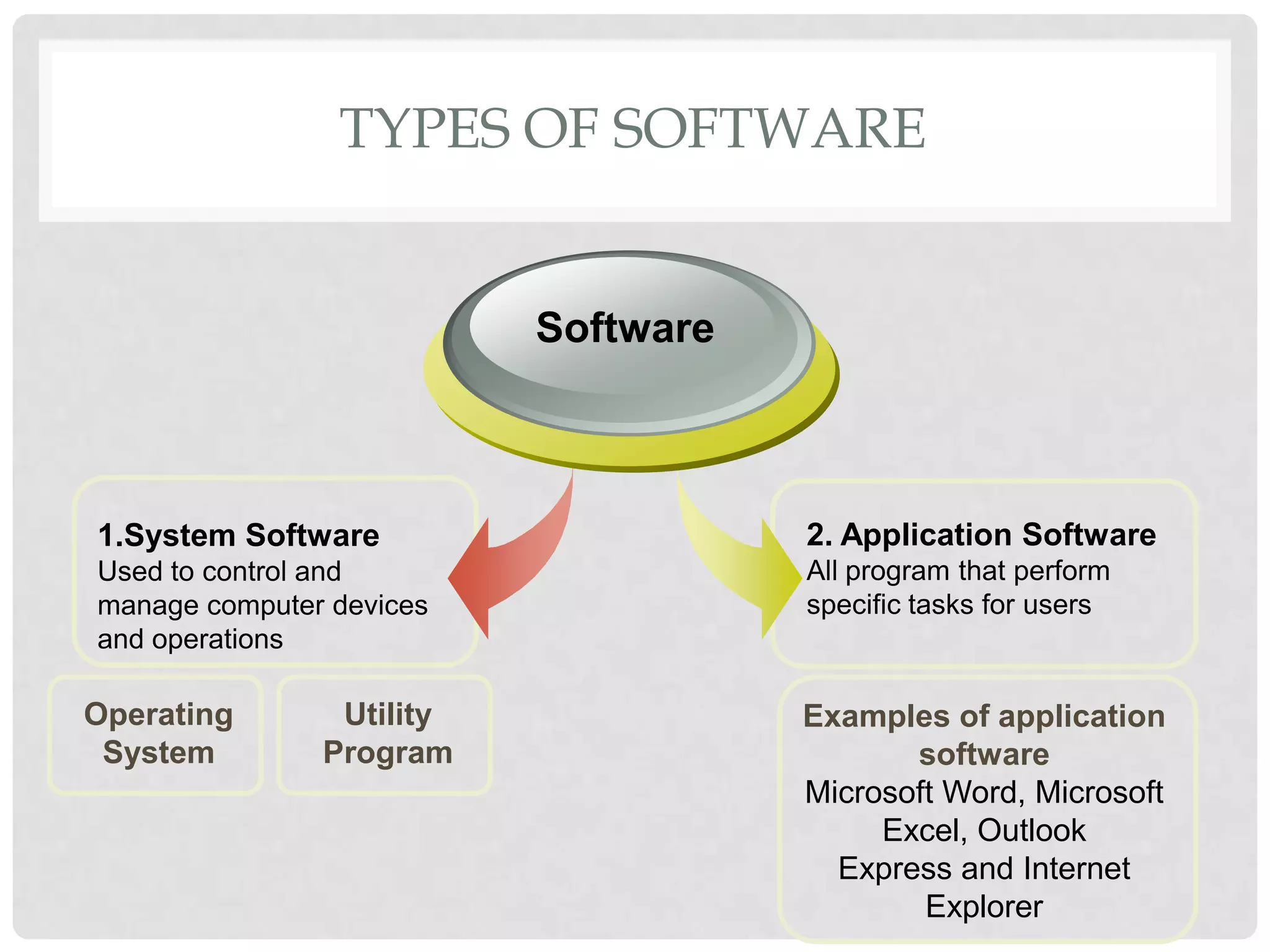
TYPES OF SOFTWARE
2. Application Software
All program that perform
specific tasks for users
1.System Software
Used to control and
manage computer devices
and operations
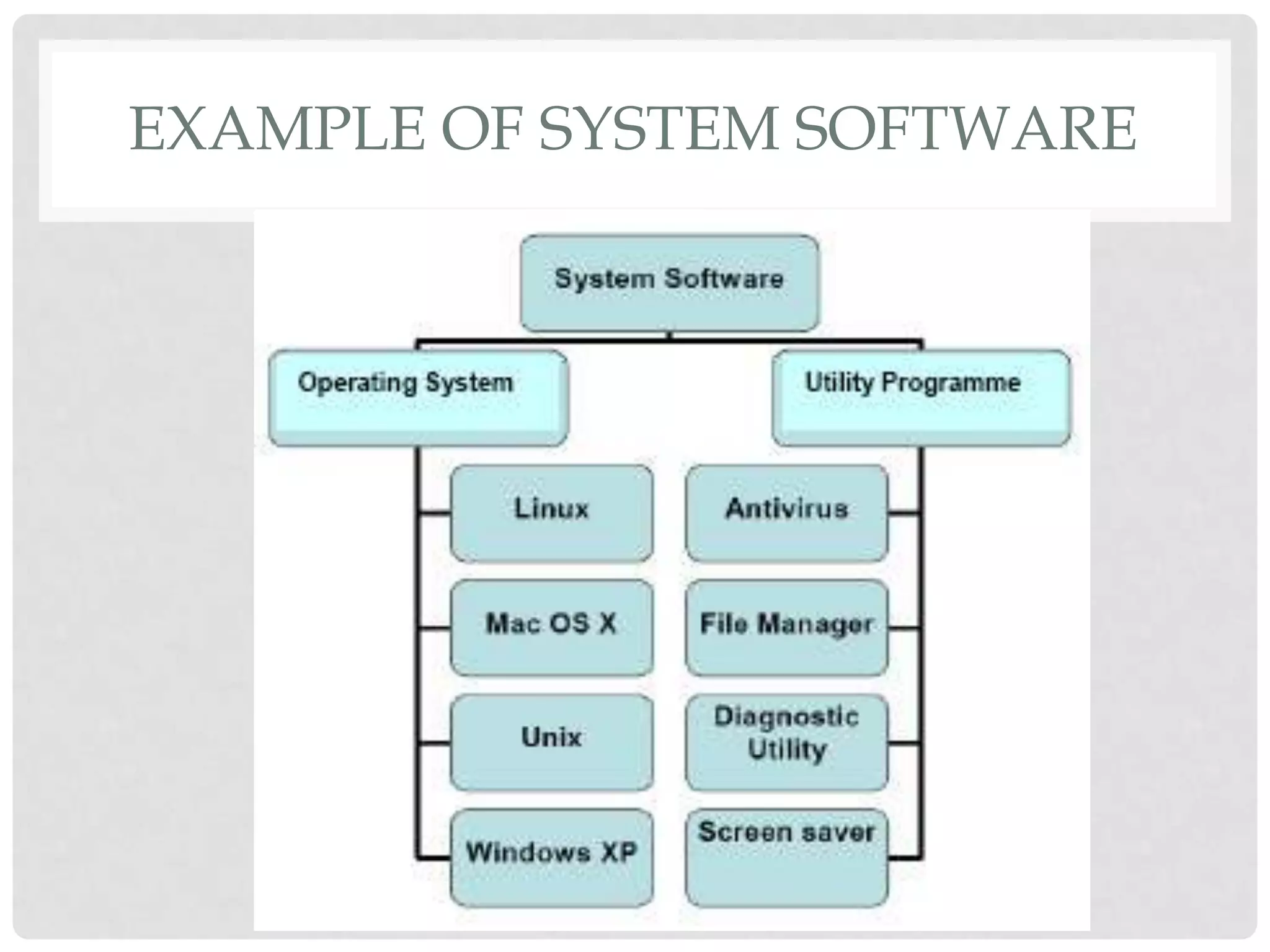
Software
Operating
System
Utility
Program
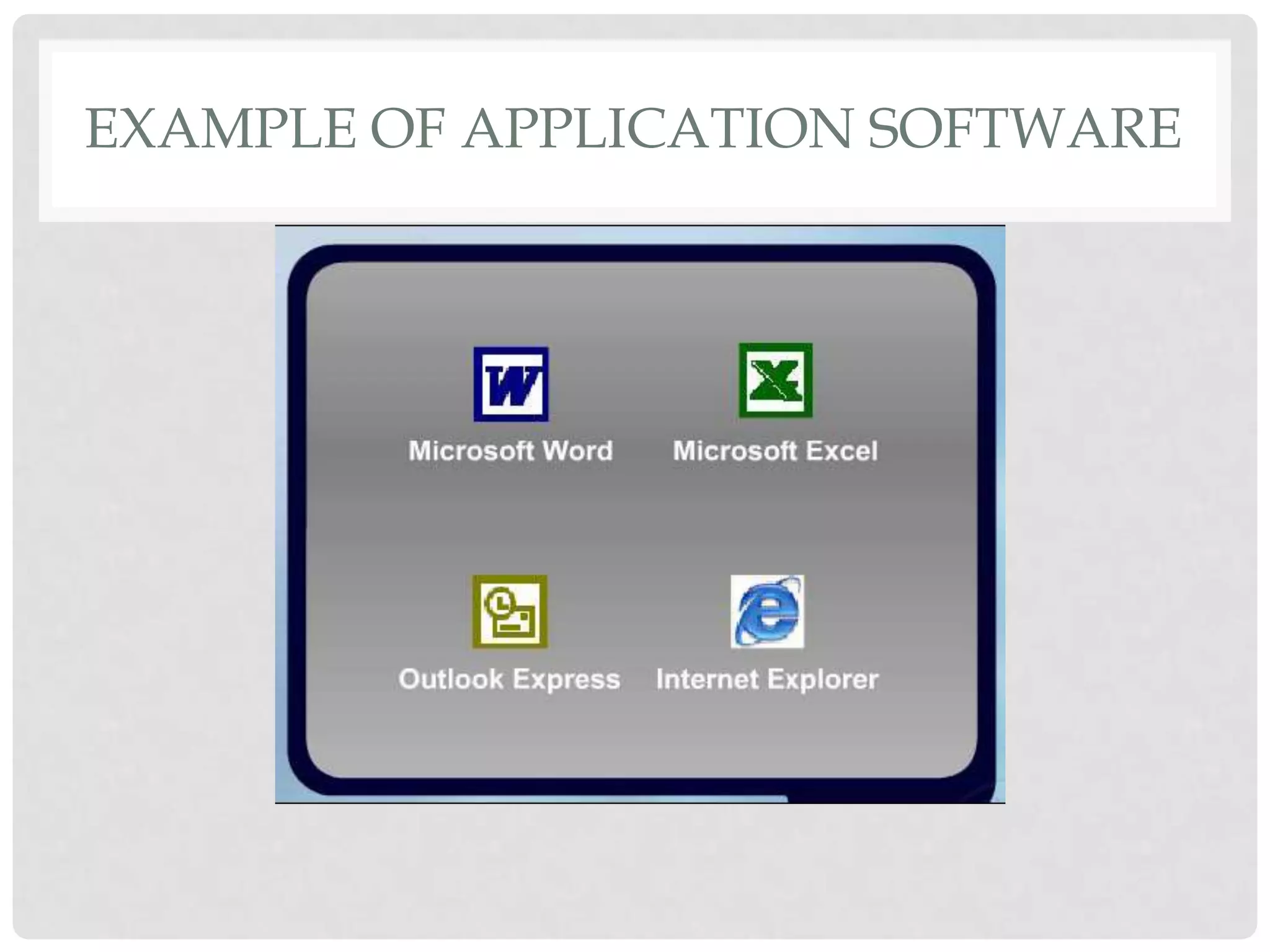
Examples of application
software
Microsoft Word, Microsoft
Excel, Outlook
Express and Internet
Explorer
SYSTEM SOFTWARE
• Operating System
• program that is loaded into the computer and coordinates
all the activities among computer hardware devices
• controls the hardware in the computer , peripherals,
manages memory and files
• enables the user to communicate with the computer and
other software
• examples of operating system are Microsoft Windows,
Macintosh OS X, Linux , Unix and also DOS
SYSTEM SOFTWARE
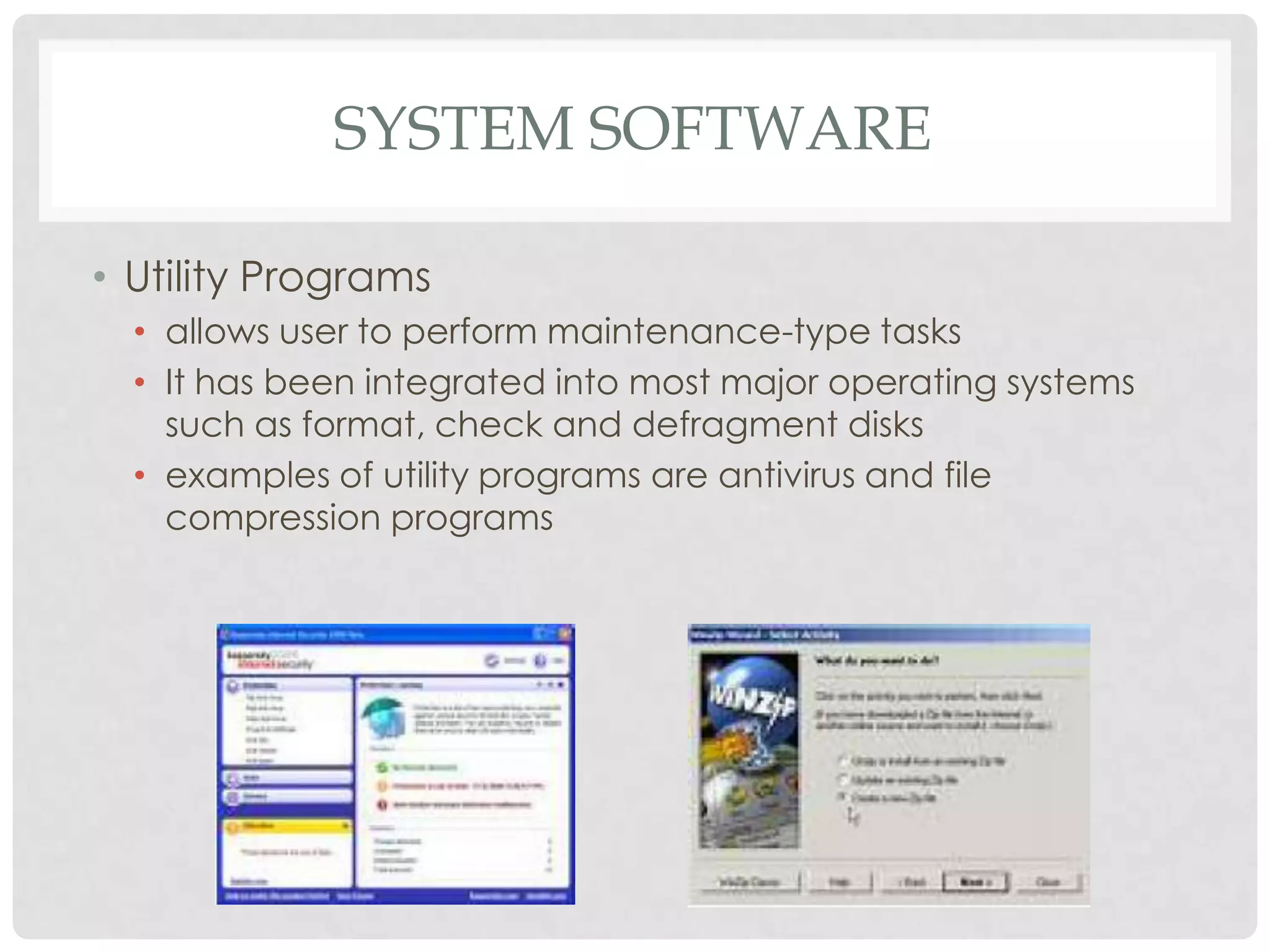
• Utility Programs
• allows user to perform maintenance-type tasks
• It has been integrated into most major operating systems
such as format, check and defragment disks
• examples of utility programs are antivirus and file
compression programs
EXAMPLE OF SYSTEM SOFTWARE
EXAMPLE OF APPLICATION SOFTWARE
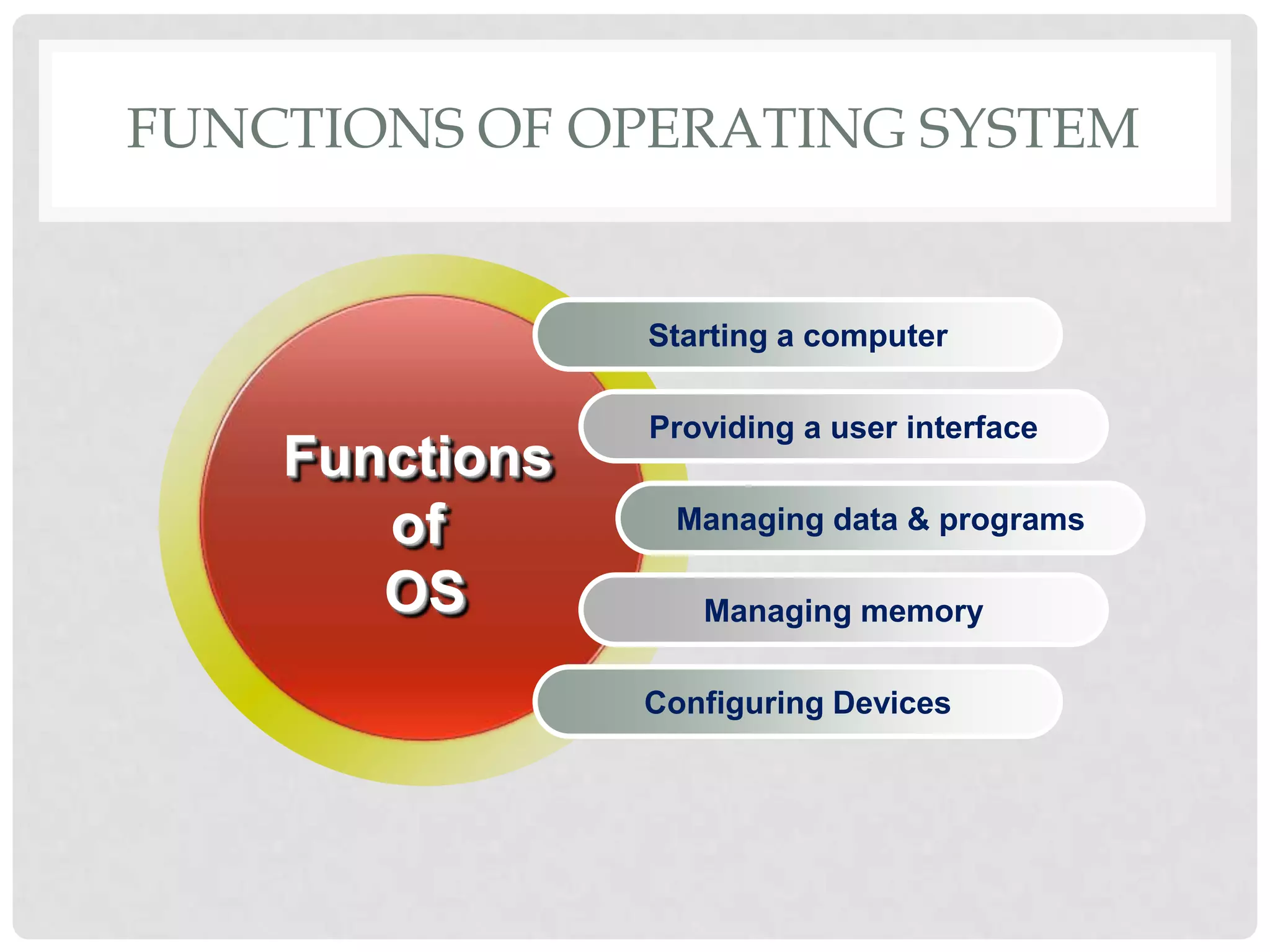
FUNCTIONS OF OPERATING SYSTEM
Starting a computer
Providing a user interface
Managing data & programs
Managing memory
Configuring Devices
Functions
of
OS
FUNCTIONS OF OPERATING SYSTEM
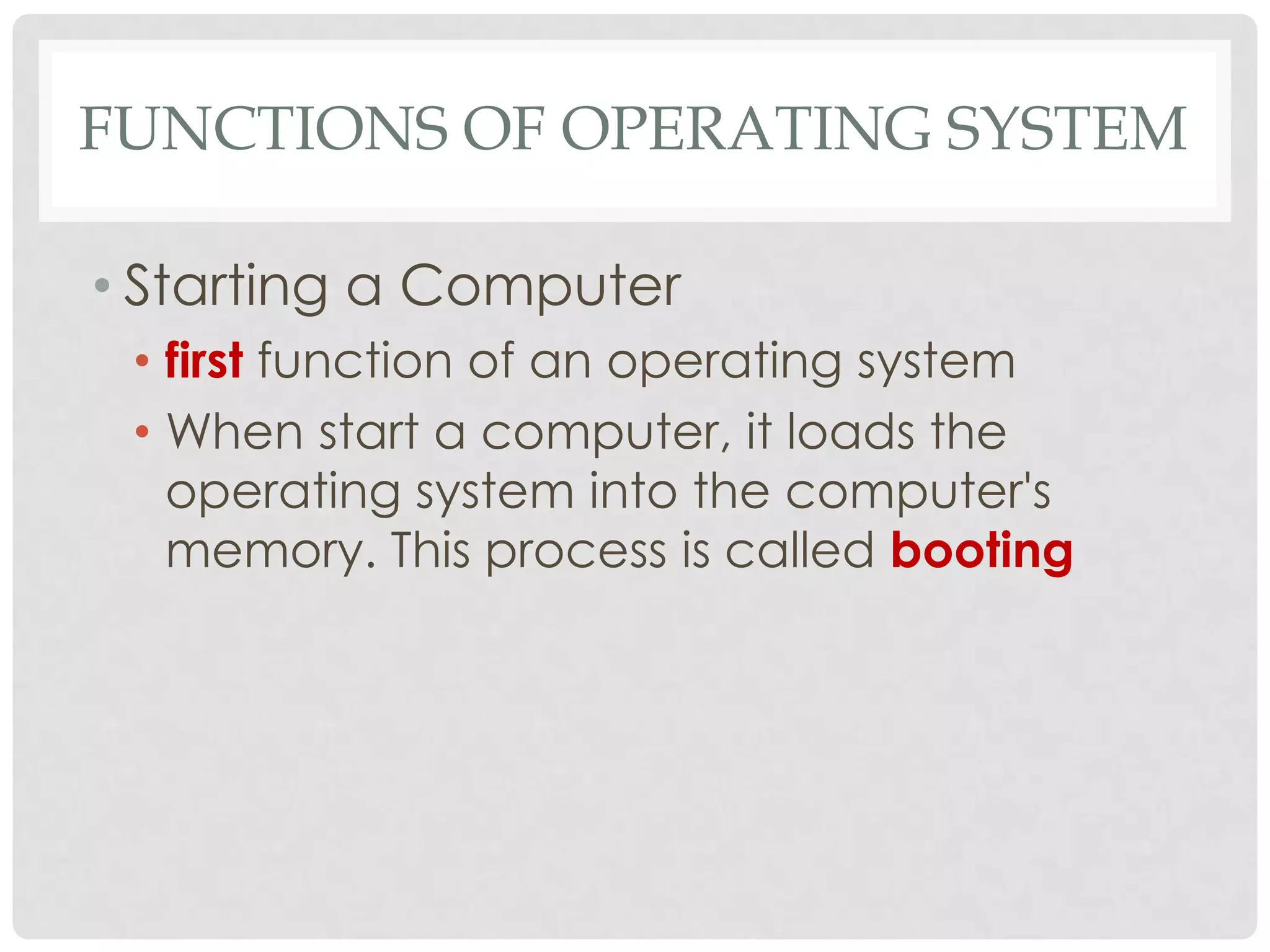
• Starting a Computer
• first function of an operating system
• When start a computer, it loads the
operating system into the computer's
memory. This process is called booting
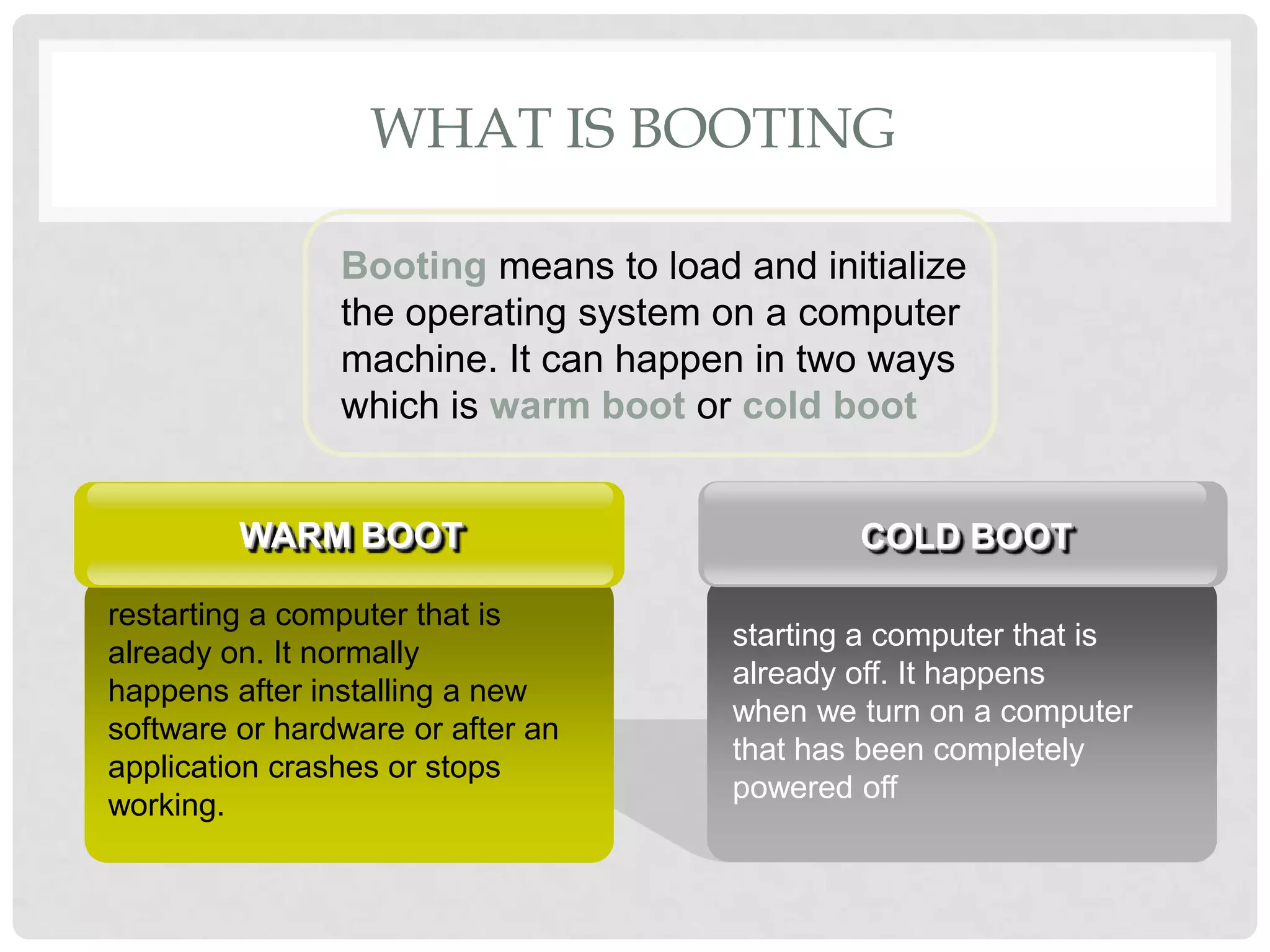
WHAT IS BOOTING
Booting means to load and initialize
the operating system on a computer
machine. It can happen in two ways
which is warm boot or cold boot
starting a computer that is
already off. It happens
when we turn on a computer
that has been completely
powered off
COLD BOOT
restarting a computer that is
already on. It normally
happens after installing a new
software or hardware or after an
application crashes or stops
working.
WARM BOOT
FUNCTIONS OF OPERATING SYSTEM
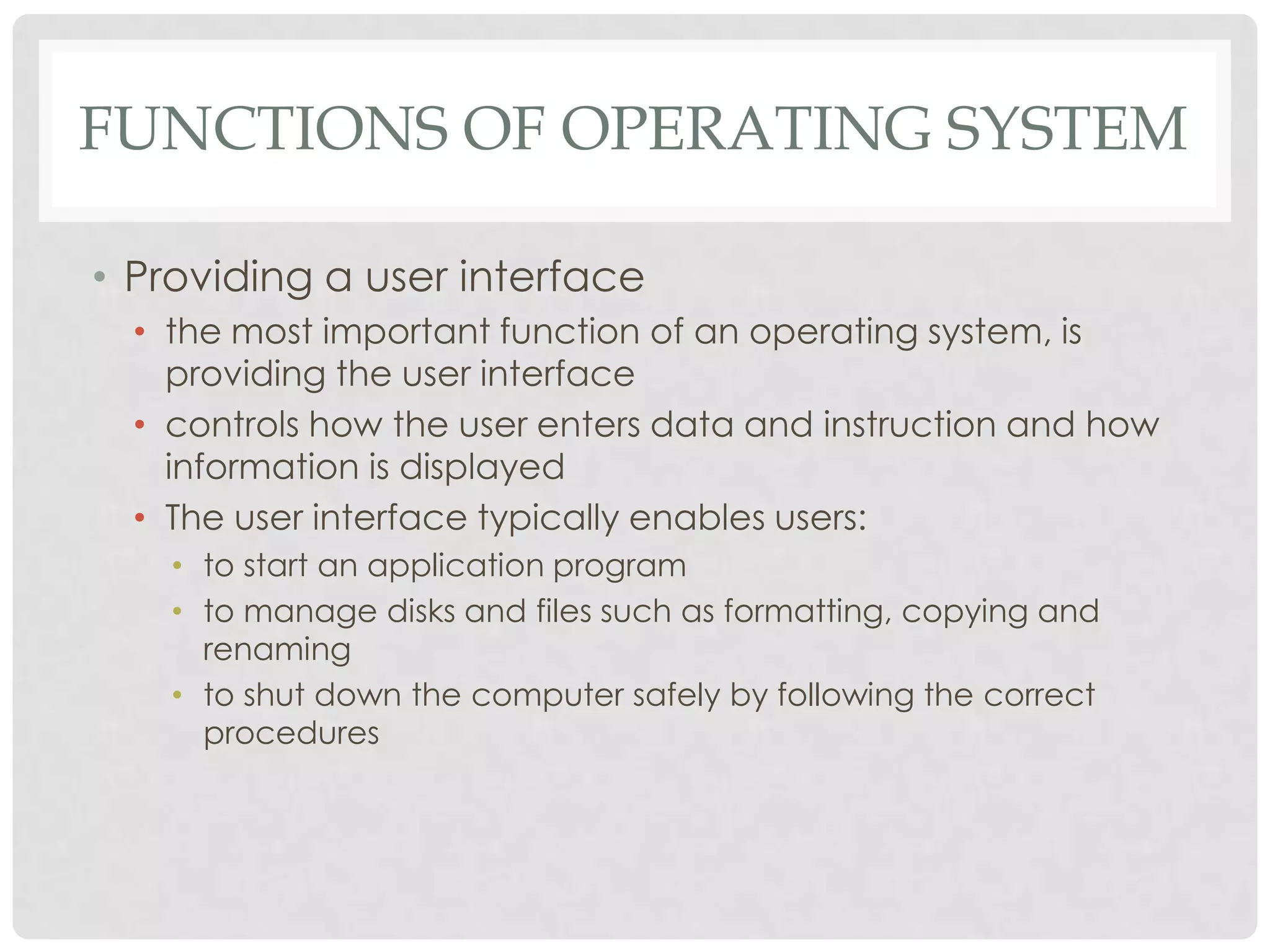
• Providing a user interface
• the most important function of an operating system, is
providing the user interface
• controls how the user enters data and instruction and how
information is displayed
• The user interface typically enables users:
• to start an application program
• to manage disks and files such as formatting, copying and
renaming
• to shut down the computer safely by following the correct
procedures
FUNCTIONS OF OPERATING SYSTEM
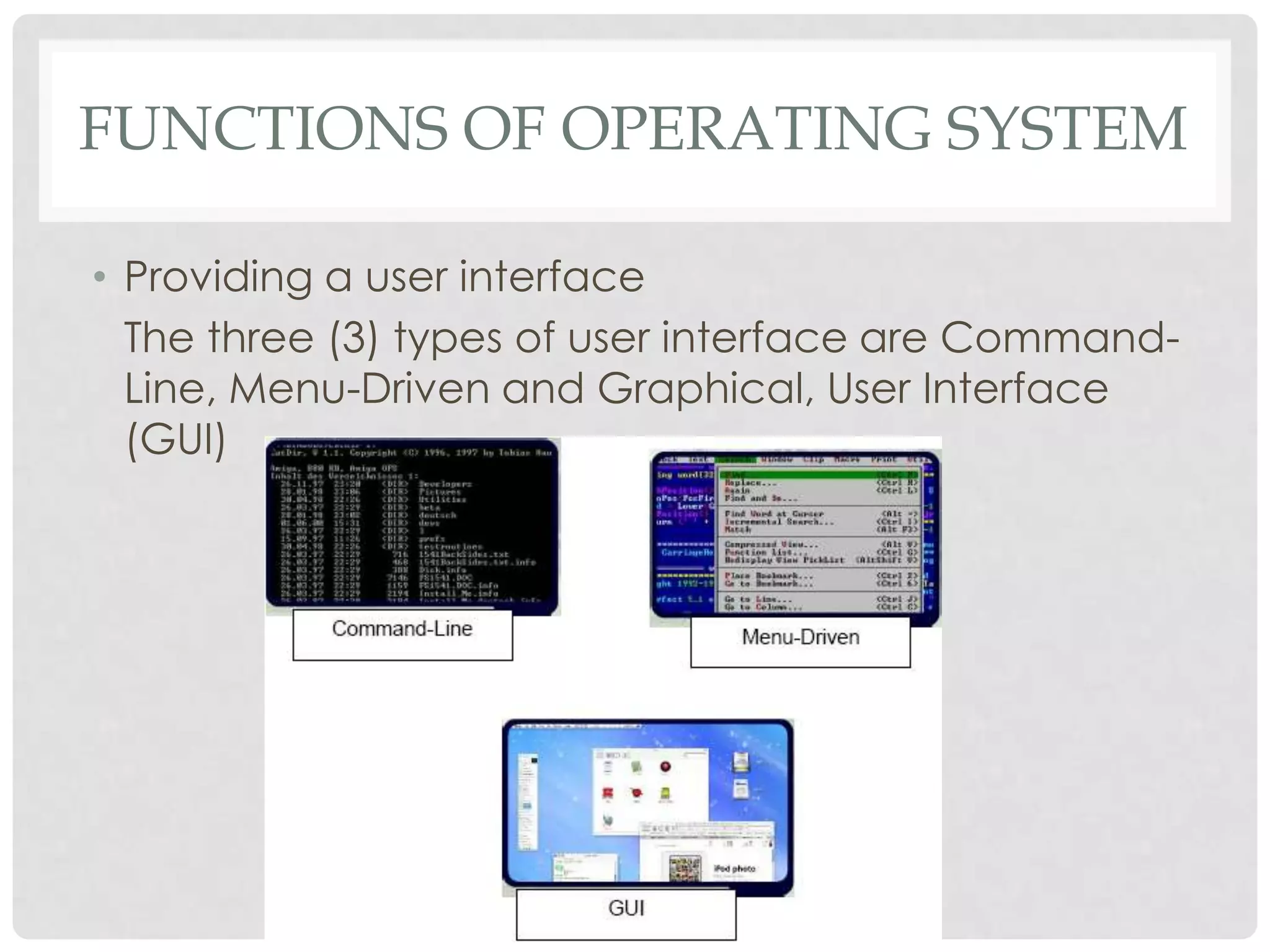
• Providing a user interface
The three (3) types of user interface are Command-
Line, Menu-Driven and Graphical, User Interface
(GUI)
FUNCTIONS OF OPERATING SYSTEM
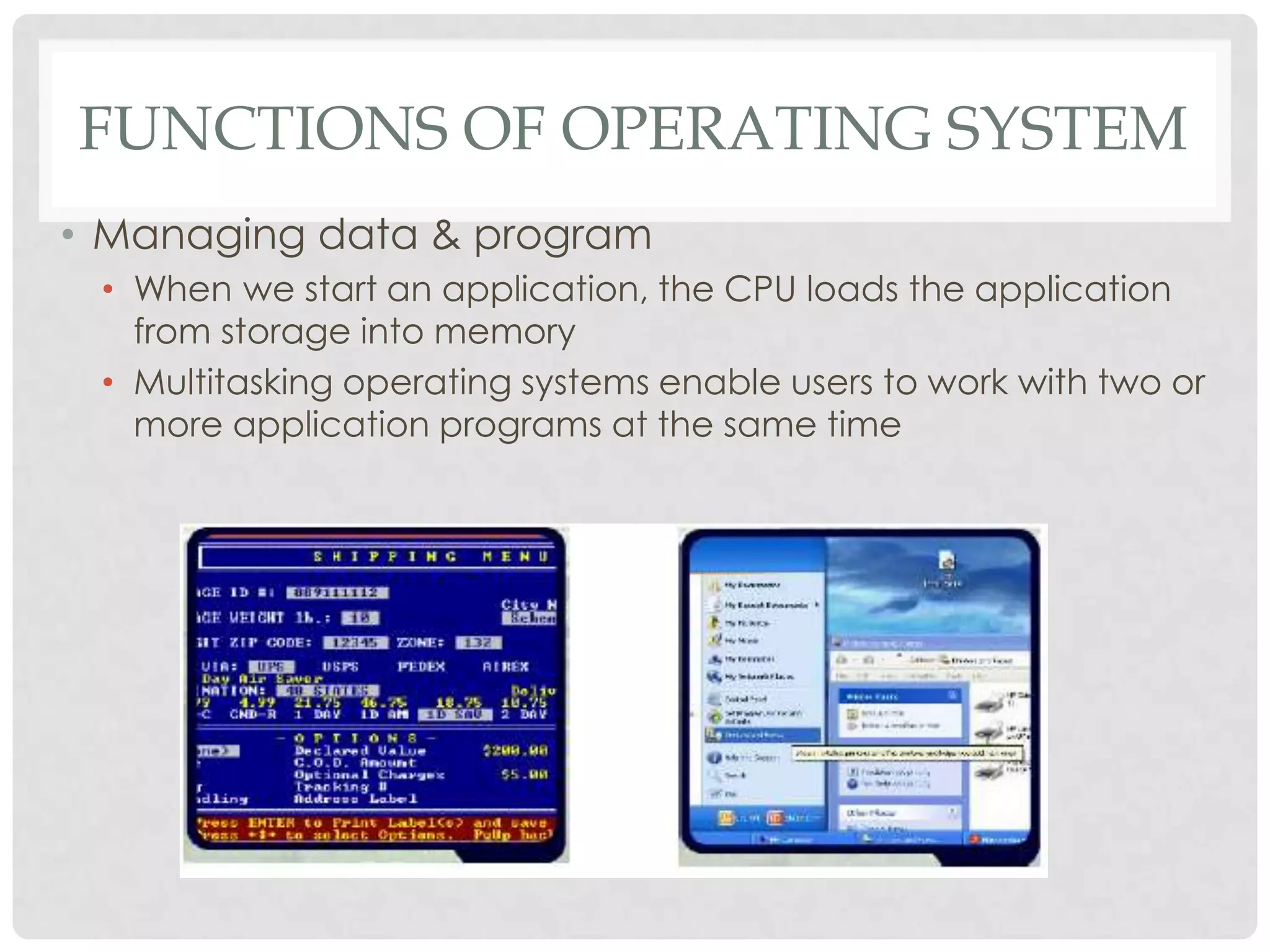
• Managing data & program
• When we start an application, the CPU loads the application
from storage into memory
• Multitasking operating systems enable users to work with two or
more application programs at the same time
FUNCTIONS OF OPERATING SYSTEM
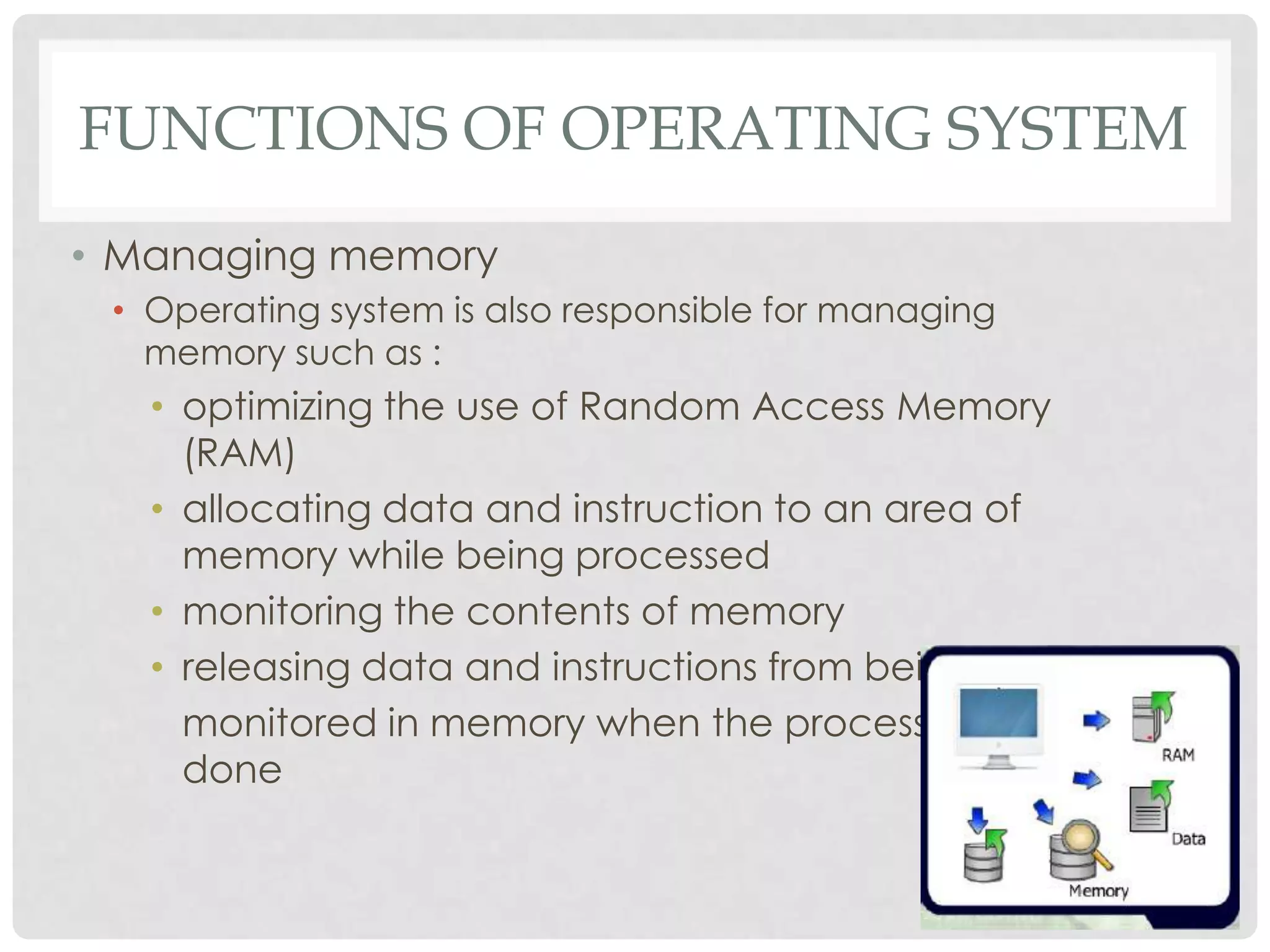
• Managing memory
• Operating system is also responsible for managing
memory such as :
• optimizing the use of Random Access Memory
(RAM)
• allocating data and instruction to an area of
memory while being processed
• monitoring the contents of memory
• releasing data and instructions from being
monitored in memory when the process is
done
FUNCTIONS OF OPERATING SYSTEM
• Configuring Devices
• Handling input and output, as well as enabling
communication with input and output devices
• Most operating systems come with drivers for popular input
and output devices
• These drivers install new devices and check whenever there
is conflict with these devices
TYPES OF APPLICATION SOFTWARE
• Word Processing
• Spreadsheet
• Presentation
• Graphics Editing
WORD PROCESSING
• Example : Microsoft Word, Corel Word Perfect,
EasyWord, Celframe Word, Kword, OpenOffice Write
• Allows users to create and manipulate documents
containing mostly text and sometimes graphics
• Can be used to produce documents such as letters,
memos, reports, fax cover, sheets, mailing labels,
news letters and web pages
SPREADSHEET
• Example : Microsoft Excel, Corel Quattro Pro,
EasySpreadsheet, Celframe Spreadsheet, Kspread,
openOffice Calc
• Allows users to organize and manipulate data in rows
and columns. Contains cell on which you can insert
formula, labels, perform automatic recalculation
• Produce worksheets that require repetitive
recalculation
• Features : containing formula, making charts, what-if
analysis function, making query
PRESENTATION
• Example : Microsoft PowerPoint, Corel Presentations,
EasyPresentation, Celframe PowerPresentation,
Kpresenter, OpenOffice Impress
• Allows users to create visual aids for presentations to
communicate ideas, messages and other information
to an audience
• Also can insert audio in our presentation; but editing
the audio using audio editing software such as Sony
Sound 7.0
GRAPHICS EDITING
• Example : Adobe Photoshop, Adobe Illustrator,
Corel Draw, Jasc Paint Shop Pro, Inkscape
• Allows users to work with drawings, photos and
pictures
• Provide users the ability of creating, manipulating
and printing graphics
TYPES OF APPLICATION SOFTWARE
• Software Suite
• Collection of individual program sold as single package
• Designed to enhance the performance our work. It typically
includes Word Processing, Spreadsheet, Presentation, E-mail
• Currently, Microsoft Office is a very popular example of
software suite being used
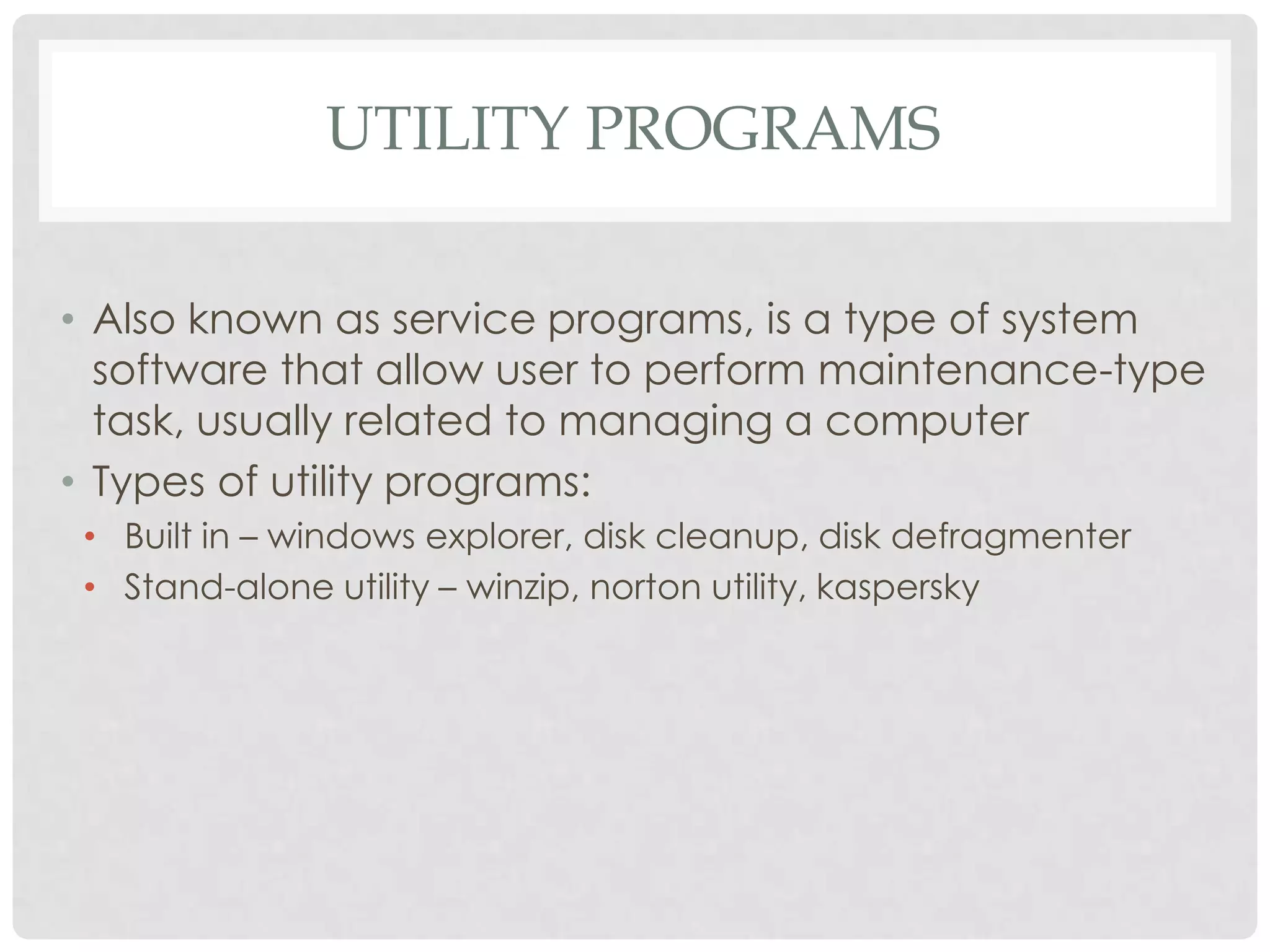
UTILITY PROGRAMS
• Also known as service programs, is a type of system
software that allow user to perform maintenance-type
task, usually related to managing a computer
• Types of utility programs:
• Built in – windows explorer, disk cleanup, disk defragmenter
• Stand-alone utility – winzip, norton utility, kaspersky
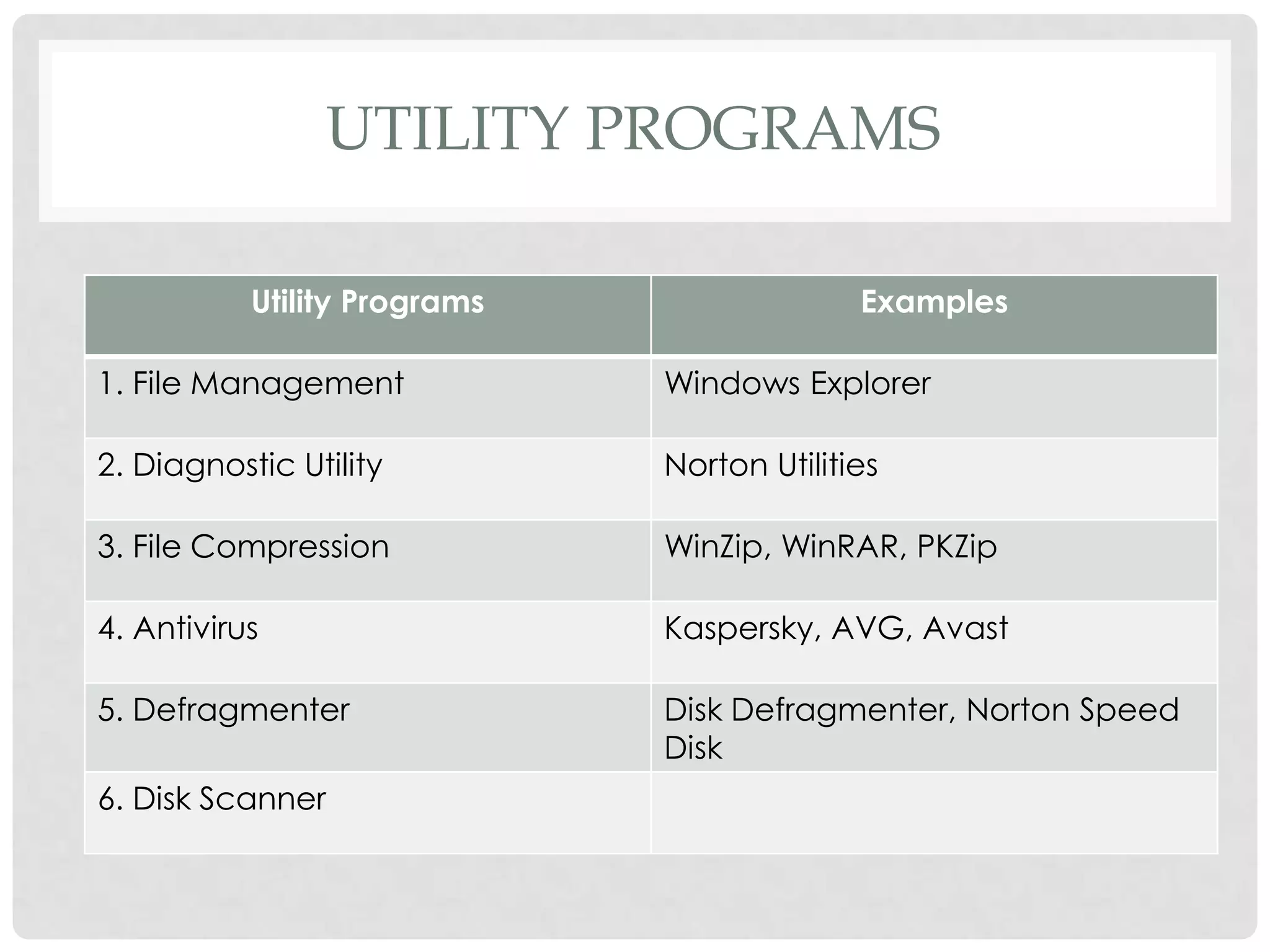
UTILITY PROGRAMS
Utility Programs Examples
1. File Management Windows Explorer
2. Diagnostic Utility Norton Utilities
3. File Compression WinZip, WinRAR, PKZip
4. Antivirus Kaspersky, AVG, Avast
5. Defragmenter Disk Defragmenter, Norton Speed
Disk
6. Disk Scanner
PROPRIETARY & OPEN SOURCE
SOFTWARE
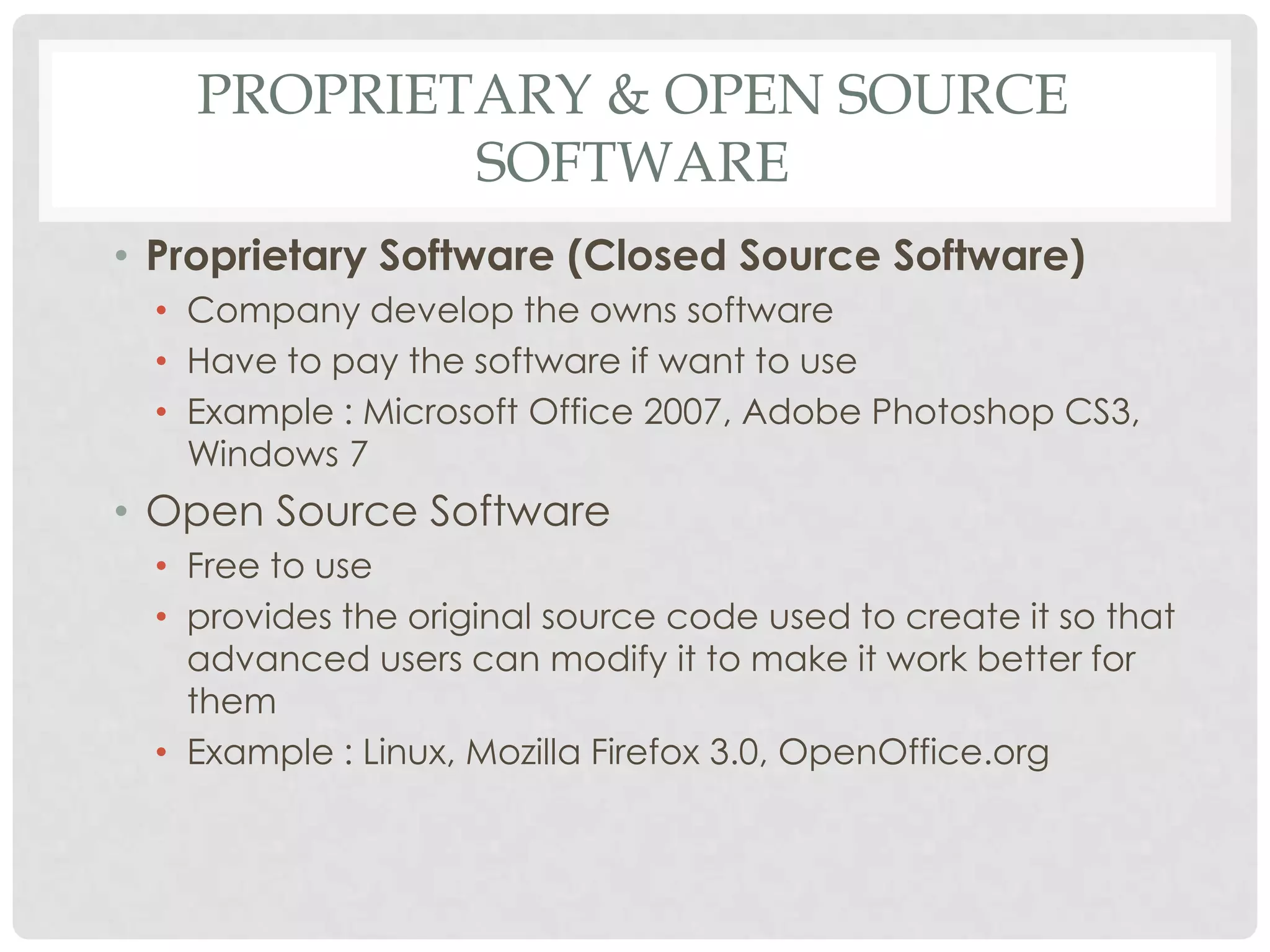
• Proprietary Software (Closed Source Software)
• Company develop the owns software
• Have to pay the software if want to use
• Example : Microsoft Office 2007, Adobe Photoshop CS3,
Windows 7
• Open Source Software
• Free to use
• provides the original source code used to create it so that
advanced users can modify it to make it work better for
them
• Example : Linux, Mozilla Firefox 3.0, OpenOffice.org
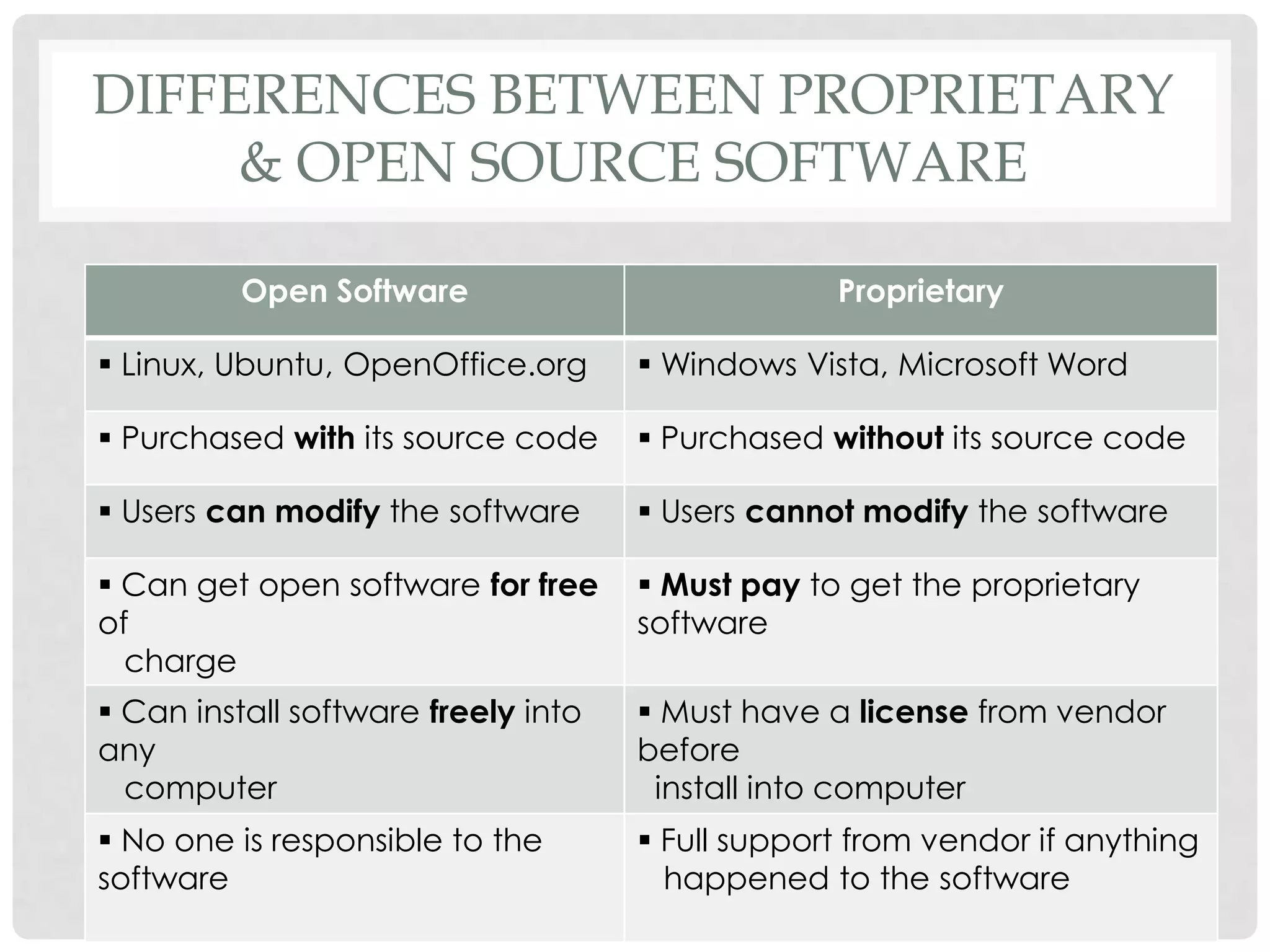
DIFFERENCES BETWEEN PROPRIETARY
& OPEN SOURCE SOFTWARE
Open Software Proprietary
 Linux, Ubuntu, OpenOffice.org  Windows Vista, Microsoft Word
 Purchased with its source code  Purchased without its source code
 Users can modify the software  Users cannot modify the software
 Can get open software for free
of
charge
 Must pay to get the proprietary
software
 Can install software freely into
any
computer
 Must have a license from vendor
before
install into computer
 No one is responsible to the
software
 Full support from vendor if anything
happened to the software
Computer software

Computer software

  • 1.
    F O RM 4 COMPUTER SOFTWARE
  • 2.
    DEFINITION OF SOFTWARE •Also called a computer program • It consists of a series of instructions that tells the hardware of a computer what to do or how to do it • For example : • Some instruction direct the computer to allow you to input data from a keyboard and store it in the memory • Other instructions cause data stored in memory to be used in calculations
  • 3.
    USAGE OF SOFTWARE •Interact with the program through its user interface • This user interface controls how you enter data, instructions and how information is displayed on the screen
  • 4.
    TYPES OF SOFTWARE 2.Application Software All program that perform specific tasks for users 1.System Software Used to control and manage computer devices and operations Software Operating System Utility Program Examples of application software Microsoft Word, Microsoft Excel, Outlook Express and Internet Explorer
  • 5.
    SYSTEM SOFTWARE • OperatingSystem • program that is loaded into the computer and coordinates all the activities among computer hardware devices • controls the hardware in the computer , peripherals, manages memory and files • enables the user to communicate with the computer and other software • examples of operating system are Microsoft Windows, Macintosh OS X, Linux , Unix and also DOS
  • 6.
    SYSTEM SOFTWARE • UtilityPrograms • allows user to perform maintenance-type tasks • It has been integrated into most major operating systems such as format, check and defragment disks • examples of utility programs are antivirus and file compression programs
  • 7.
  • 8.
  • 9.
    FUNCTIONS OF OPERATINGSYSTEM Starting a computer Providing a user interface Managing data & programs Managing memory Configuring Devices Functions of OS
  • 10.
    FUNCTIONS OF OPERATINGSYSTEM • Starting a Computer • first function of an operating system • When start a computer, it loads the operating system into the computer's memory. This process is called booting
  • 11.
    WHAT IS BOOTING Bootingmeans to load and initialize the operating system on a computer machine. It can happen in two ways which is warm boot or cold boot starting a computer that is already off. It happens when we turn on a computer that has been completely powered off COLD BOOT restarting a computer that is already on. It normally happens after installing a new software or hardware or after an application crashes or stops working. WARM BOOT
  • 12.
    FUNCTIONS OF OPERATINGSYSTEM • Providing a user interface • the most important function of an operating system, is providing the user interface • controls how the user enters data and instruction and how information is displayed • The user interface typically enables users: • to start an application program • to manage disks and files such as formatting, copying and renaming • to shut down the computer safely by following the correct procedures
  • 13.
    FUNCTIONS OF OPERATINGSYSTEM • Providing a user interface The three (3) types of user interface are Command- Line, Menu-Driven and Graphical, User Interface (GUI)
  • 14.
    FUNCTIONS OF OPERATINGSYSTEM • Managing data & program • When we start an application, the CPU loads the application from storage into memory • Multitasking operating systems enable users to work with two or more application programs at the same time
  • 15.
    FUNCTIONS OF OPERATINGSYSTEM • Managing memory • Operating system is also responsible for managing memory such as : • optimizing the use of Random Access Memory (RAM) • allocating data and instruction to an area of memory while being processed • monitoring the contents of memory • releasing data and instructions from being monitored in memory when the process is done
  • 16.
    FUNCTIONS OF OPERATINGSYSTEM • Configuring Devices • Handling input and output, as well as enabling communication with input and output devices • Most operating systems come with drivers for popular input and output devices • These drivers install new devices and check whenever there is conflict with these devices
  • 17.
    TYPES OF APPLICATIONSOFTWARE • Word Processing • Spreadsheet • Presentation • Graphics Editing
  • 18.
    WORD PROCESSING • Example: Microsoft Word, Corel Word Perfect, EasyWord, Celframe Word, Kword, OpenOffice Write • Allows users to create and manipulate documents containing mostly text and sometimes graphics • Can be used to produce documents such as letters, memos, reports, fax cover, sheets, mailing labels, news letters and web pages
  • 19.
    SPREADSHEET • Example :Microsoft Excel, Corel Quattro Pro, EasySpreadsheet, Celframe Spreadsheet, Kspread, openOffice Calc • Allows users to organize and manipulate data in rows and columns. Contains cell on which you can insert formula, labels, perform automatic recalculation • Produce worksheets that require repetitive recalculation • Features : containing formula, making charts, what-if analysis function, making query
  • 20.
    PRESENTATION • Example :Microsoft PowerPoint, Corel Presentations, EasyPresentation, Celframe PowerPresentation, Kpresenter, OpenOffice Impress • Allows users to create visual aids for presentations to communicate ideas, messages and other information to an audience • Also can insert audio in our presentation; but editing the audio using audio editing software such as Sony Sound 7.0
  • 21.
    GRAPHICS EDITING • Example: Adobe Photoshop, Adobe Illustrator, Corel Draw, Jasc Paint Shop Pro, Inkscape • Allows users to work with drawings, photos and pictures • Provide users the ability of creating, manipulating and printing graphics
  • 22.
    TYPES OF APPLICATIONSOFTWARE • Software Suite • Collection of individual program sold as single package • Designed to enhance the performance our work. It typically includes Word Processing, Spreadsheet, Presentation, E-mail • Currently, Microsoft Office is a very popular example of software suite being used
  • 23.
    UTILITY PROGRAMS • Alsoknown as service programs, is a type of system software that allow user to perform maintenance-type task, usually related to managing a computer • Types of utility programs: • Built in – windows explorer, disk cleanup, disk defragmenter • Stand-alone utility – winzip, norton utility, kaspersky
  • 24.
    UTILITY PROGRAMS Utility ProgramsExamples 1. File Management Windows Explorer 2. Diagnostic Utility Norton Utilities 3. File Compression WinZip, WinRAR, PKZip 4. Antivirus Kaspersky, AVG, Avast 5. Defragmenter Disk Defragmenter, Norton Speed Disk 6. Disk Scanner
  • 25.
    PROPRIETARY & OPENSOURCE SOFTWARE • Proprietary Software (Closed Source Software) • Company develop the owns software • Have to pay the software if want to use • Example : Microsoft Office 2007, Adobe Photoshop CS3, Windows 7 • Open Source Software • Free to use • provides the original source code used to create it so that advanced users can modify it to make it work better for them • Example : Linux, Mozilla Firefox 3.0, OpenOffice.org
  • 26.
    DIFFERENCES BETWEEN PROPRIETARY &OPEN SOURCE SOFTWARE Open Software Proprietary  Linux, Ubuntu, OpenOffice.org  Windows Vista, Microsoft Word  Purchased with its source code  Purchased without its source code  Users can modify the software  Users cannot modify the software  Can get open software for free of charge  Must pay to get the proprietary software  Can install software freely into any computer  Must have a license from vendor before install into computer  No one is responsible to the software  Full support from vendor if anything happened to the software