In-Brief: mobile devices and learning
  Lyn Lall and Steve Saffhill
  support@rsc-em.ac.uk


Go to View > Header & Footer to edit
www.jiscrsc.ac.uk/eastmidlands                                   December 12, 2012 | slide 1
                                       RSCs – Stimulating and supporting innovation in learning
December 12, 2012 | slide 2
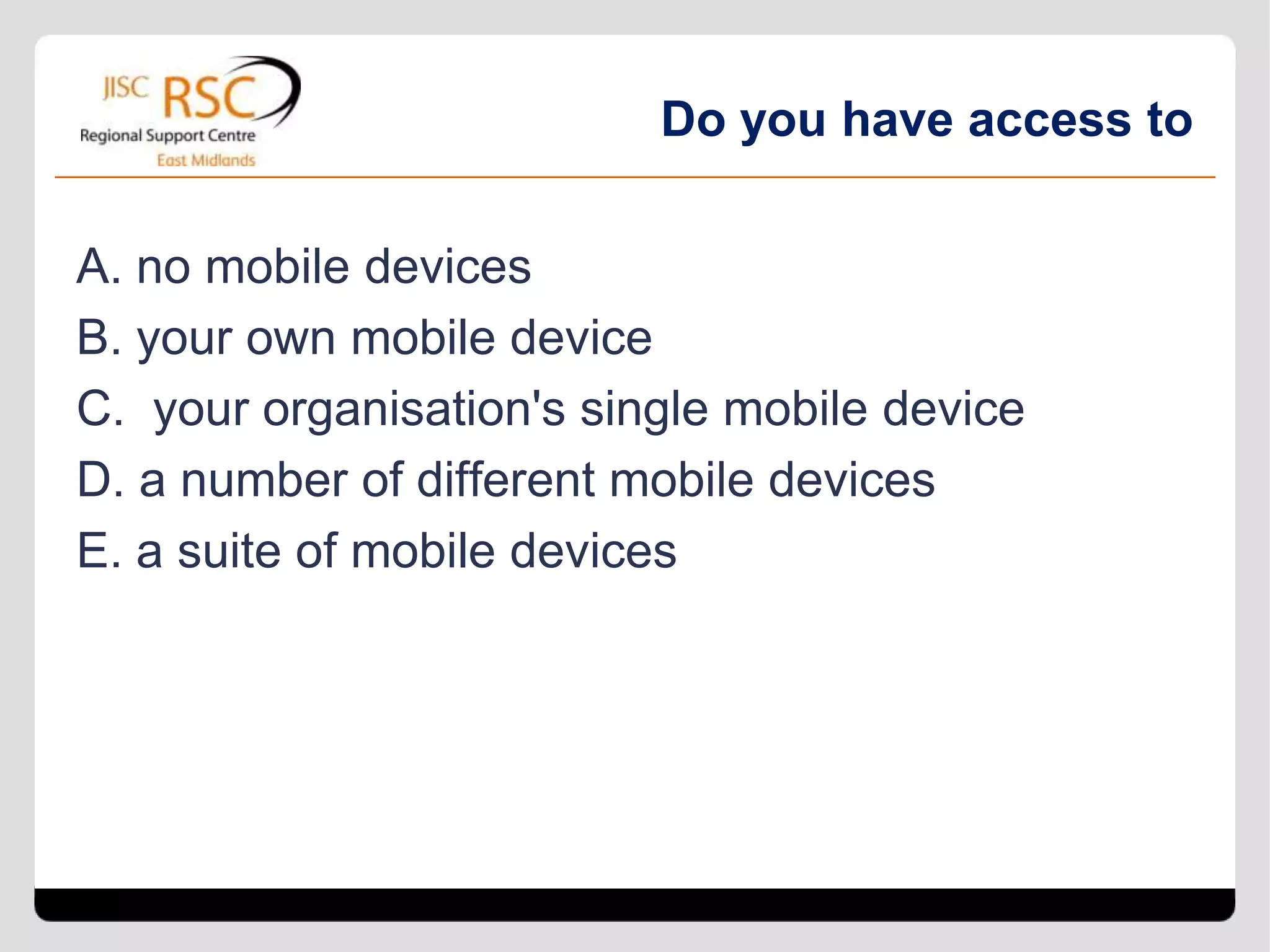
Do you have access to

A. no mobile devices
B. your own mobile device
C. your organisation's single mobile device
D. a number of different mobile devices
E. a suite of mobile devices
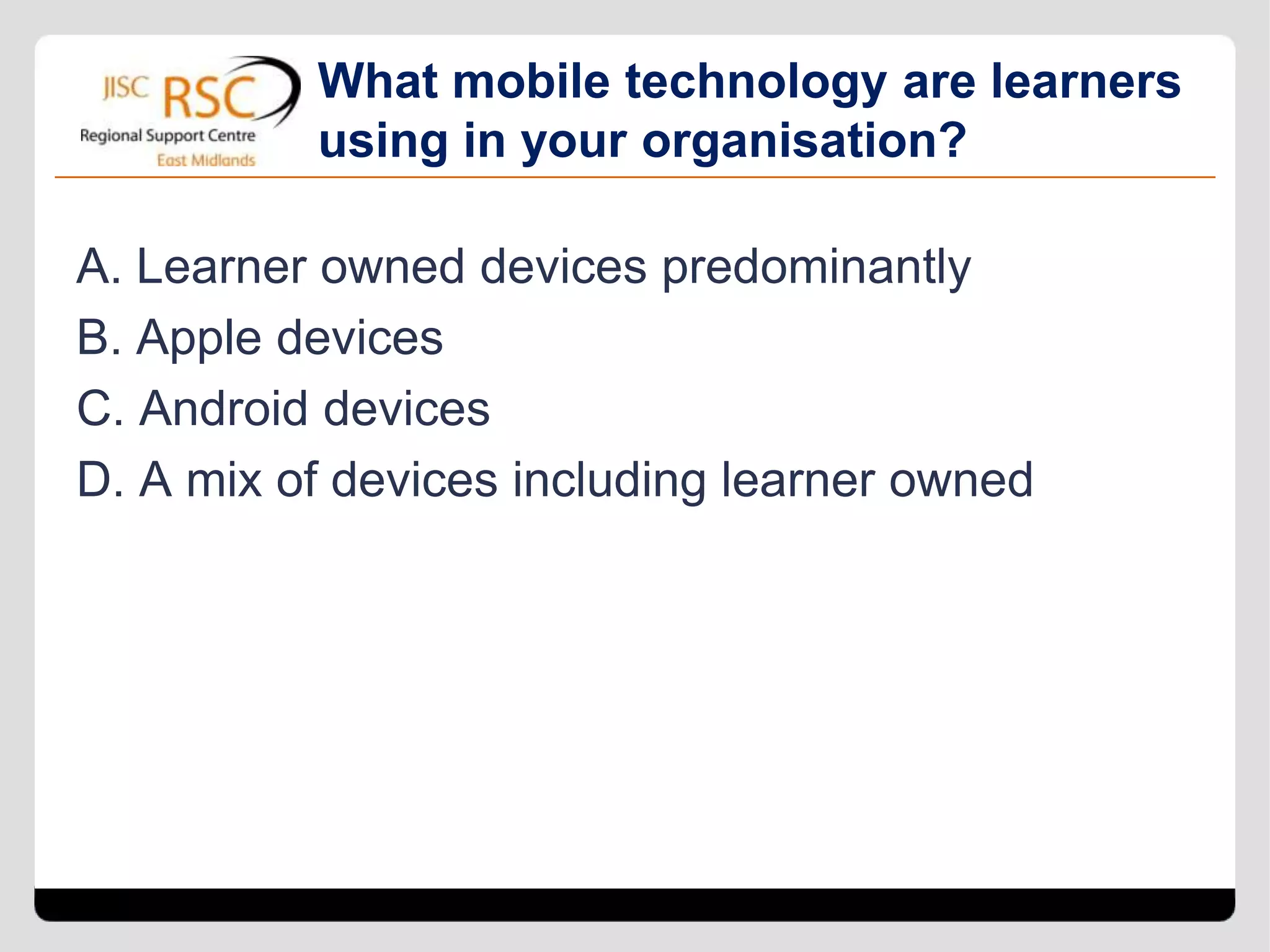
What mobile technology are learners
          using in your organisation?

A. Learner owned devices predominantly
B. Apple devices
C. Android devices
D. A mix of devices including learner owned
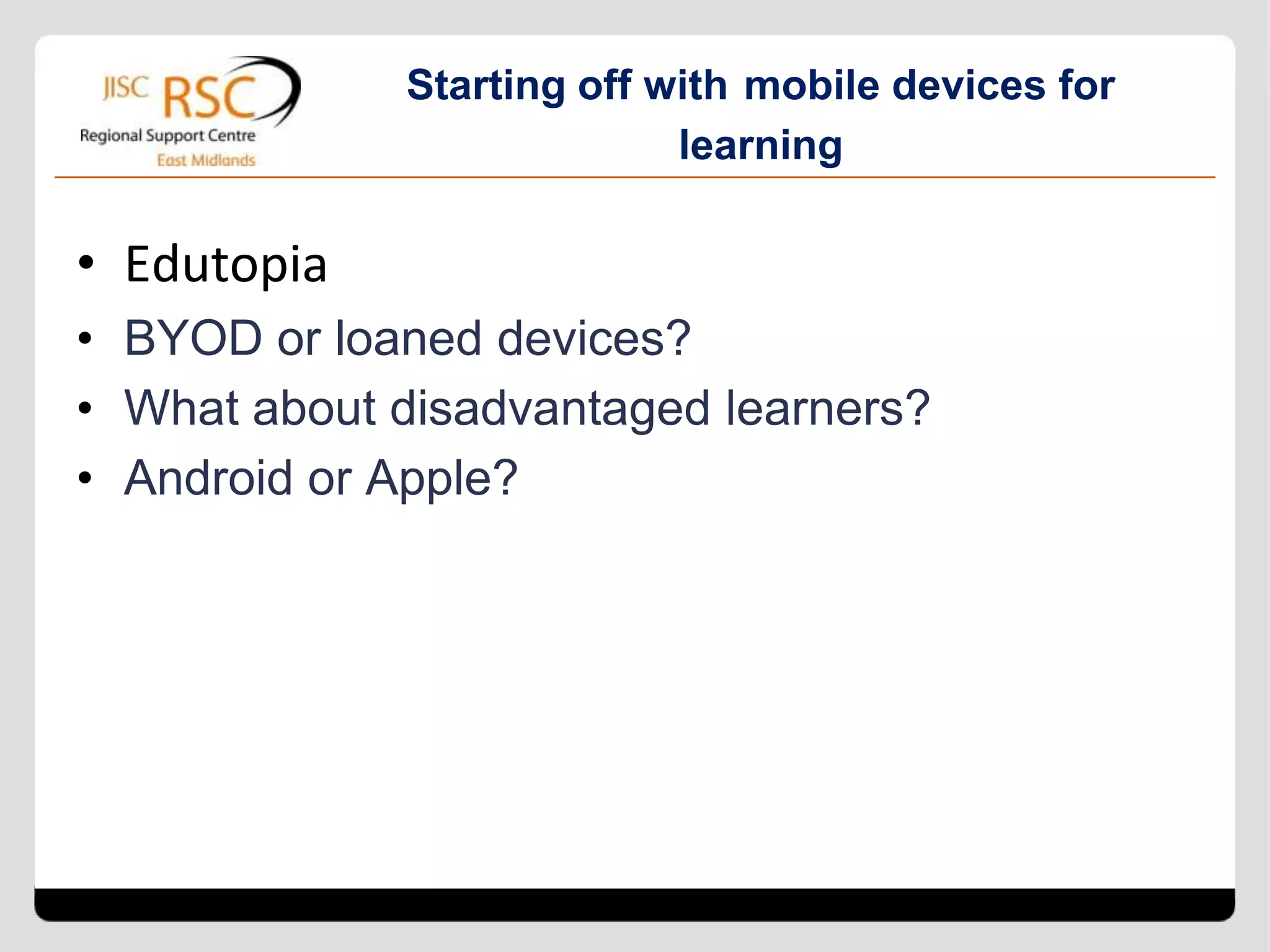
Starting off with mobile devices for
                           learning

• Edutopia
• BYOD or loaned devices?
• What about disadvantaged learners?
• Android or Apple?
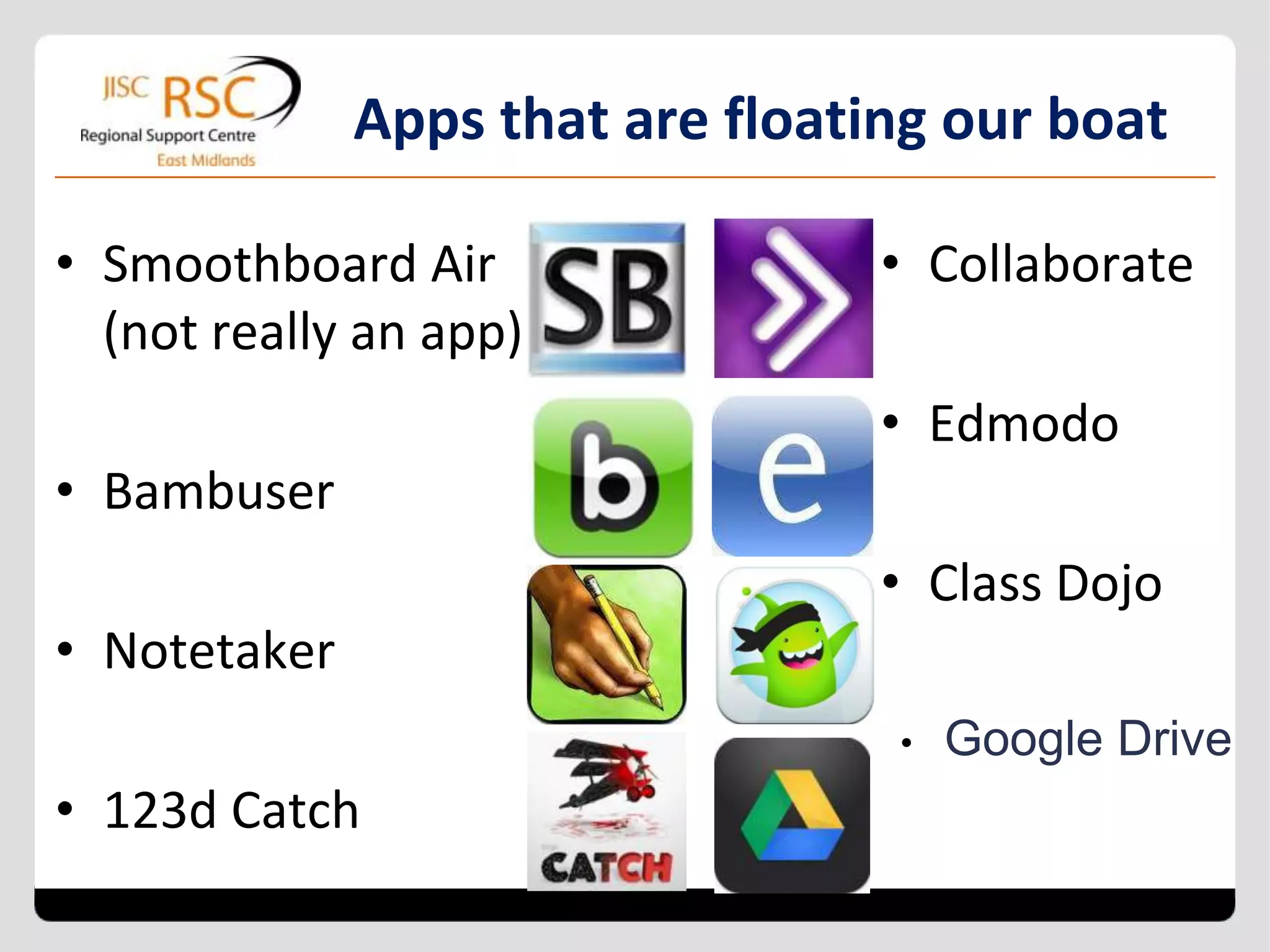
Apps that are floating our boat

• Smoothboard Air                 • Collaborate
  (not really an app)
                                  • Edmodo
• Bambuser
                                  • Class Dojo
• Notetaker
                                  •   Google Drive
• 123d Catch
What are some of your favourite apps?


http://tinyurl.com/rscemmobile
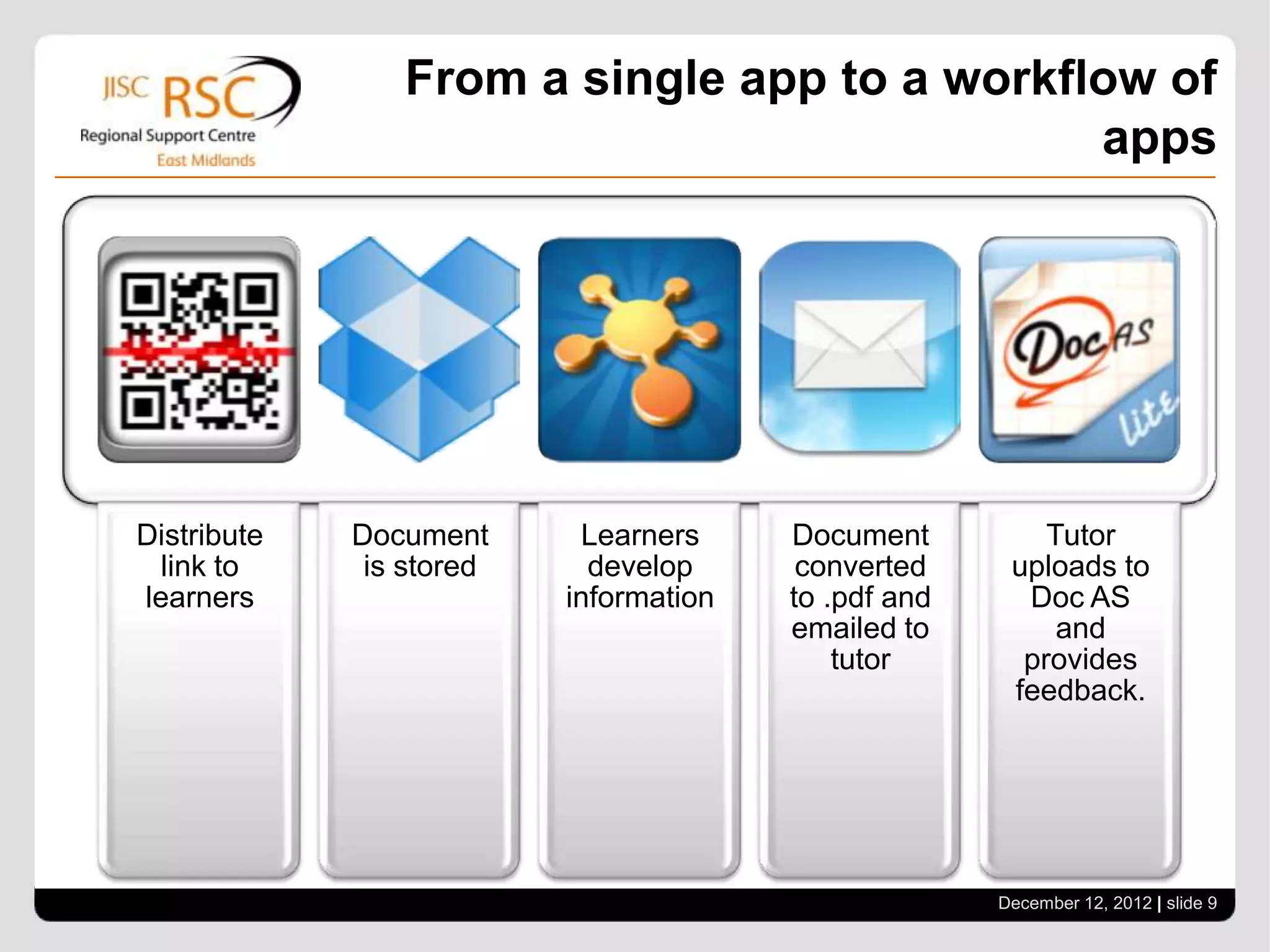
From a single app to a workflow of
                                             apps


Distribute   Document      Learners     Document          Tutor
  link to     is stored     develop      converted     uploads to
learners                  information   to .pdf and     Doc AS
                                        emailed to         and
                                            tutor       provides
                                                       feedback.


                                                      December 12, 2012 | slide 8
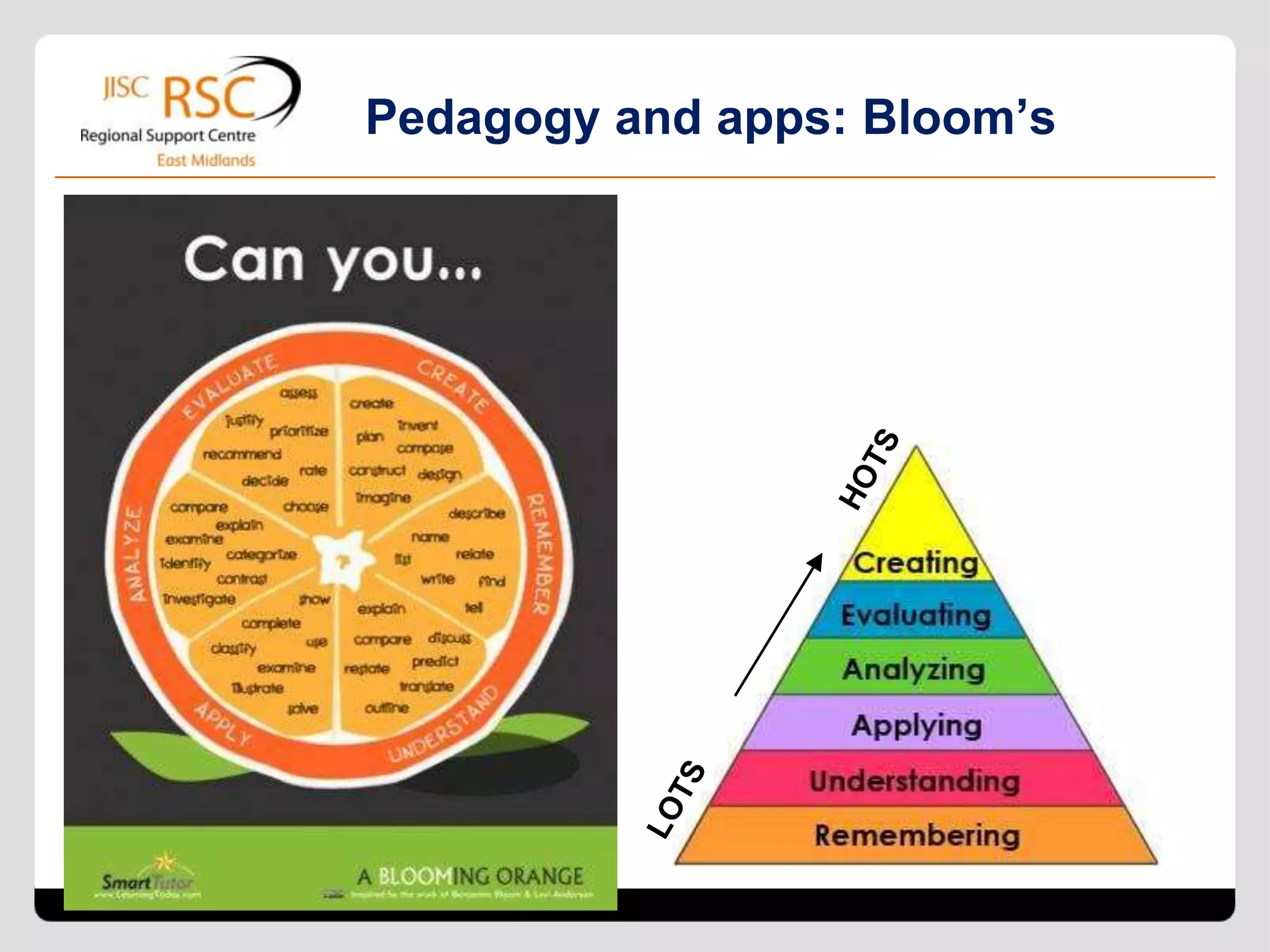
Pedagogy and apps: Bloom’s
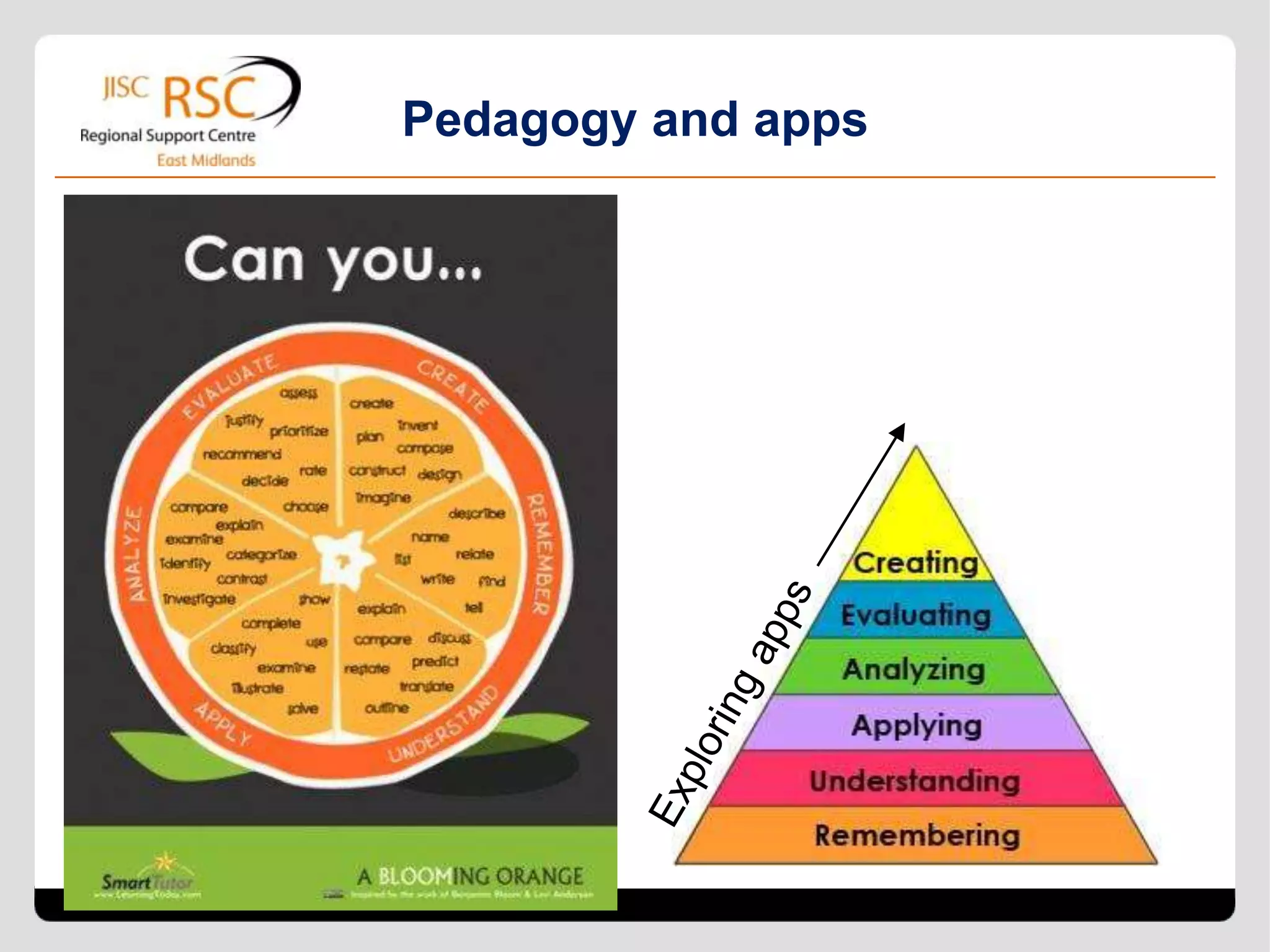
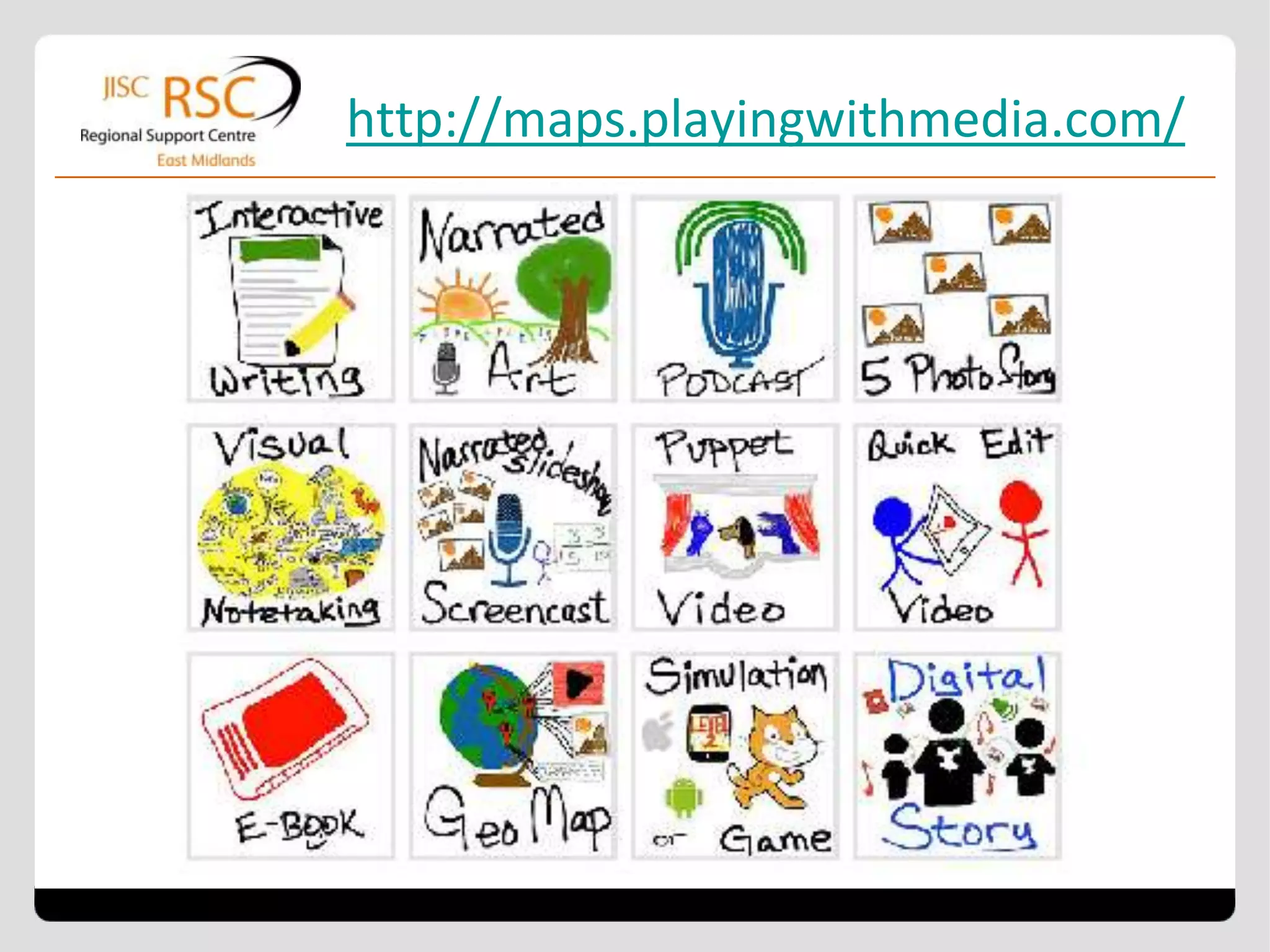
Pedagogy and apps
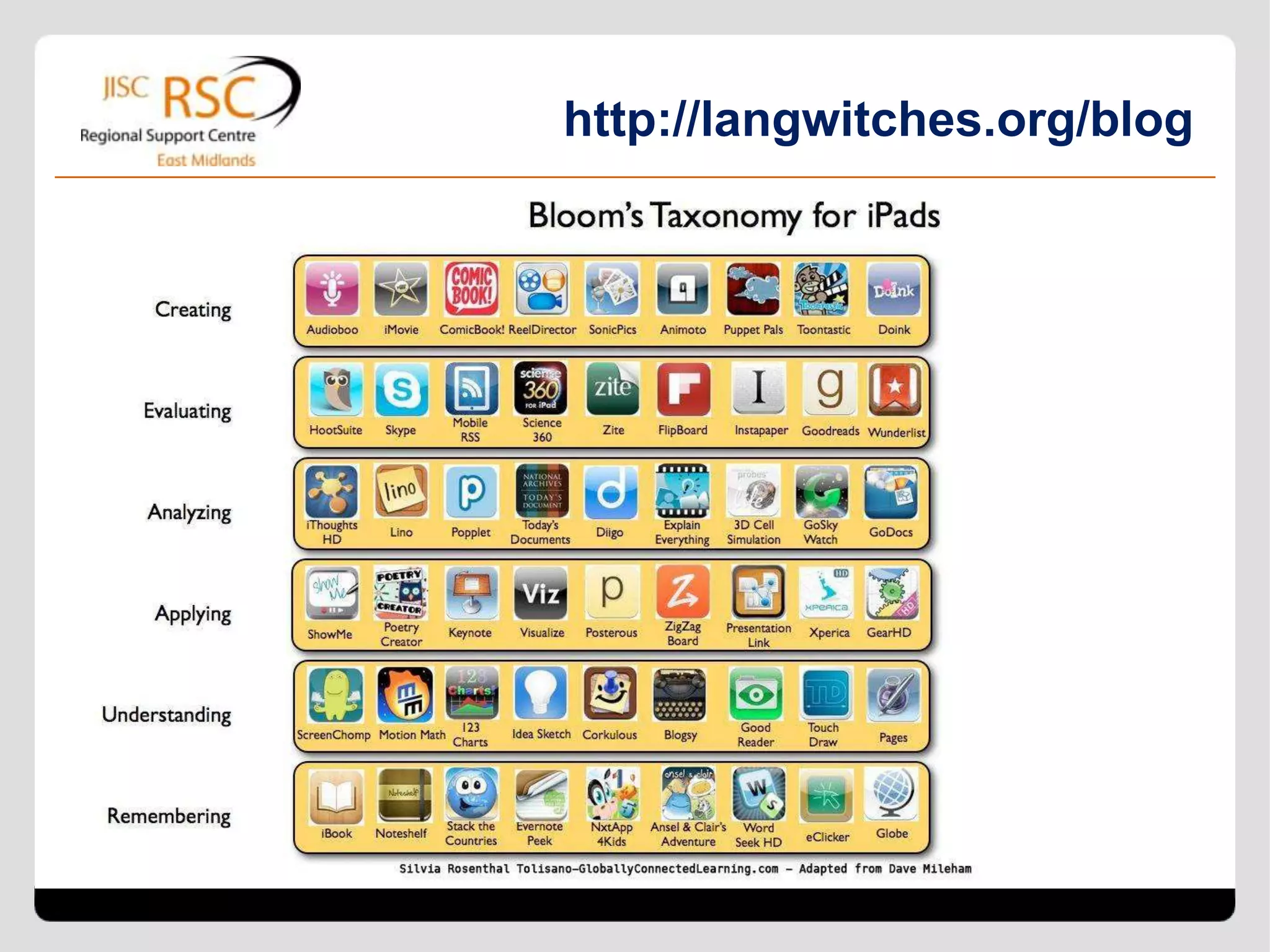
http://langwitches.org/blog
http://maps.playingwithmedia.com/
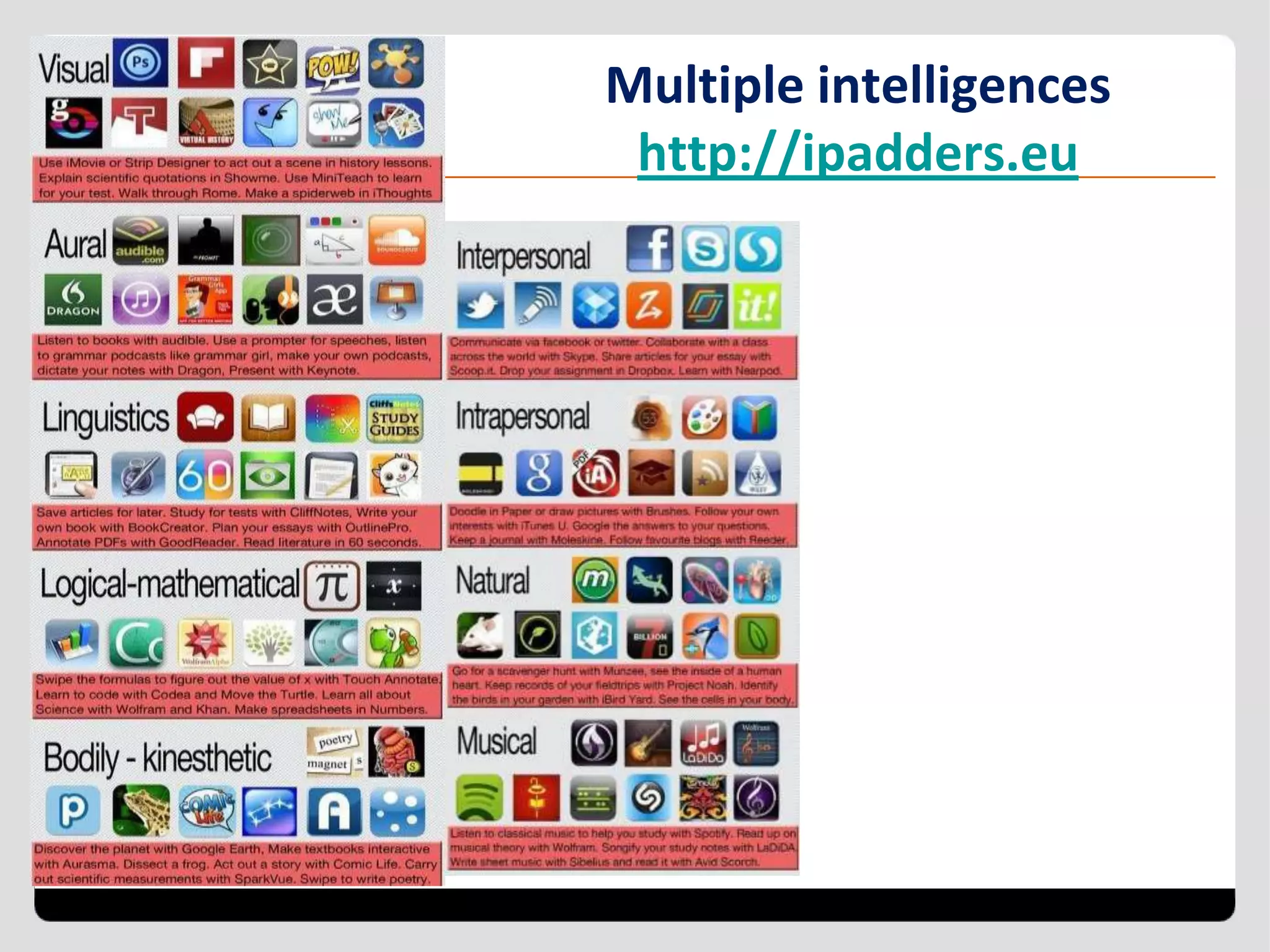
Multiple intelligences
 http://ipadders.eu
Managing multiple devices
• storage
• charging
• managing content and apps
• wi-fi issues
• support from JISC Legal
• staff development
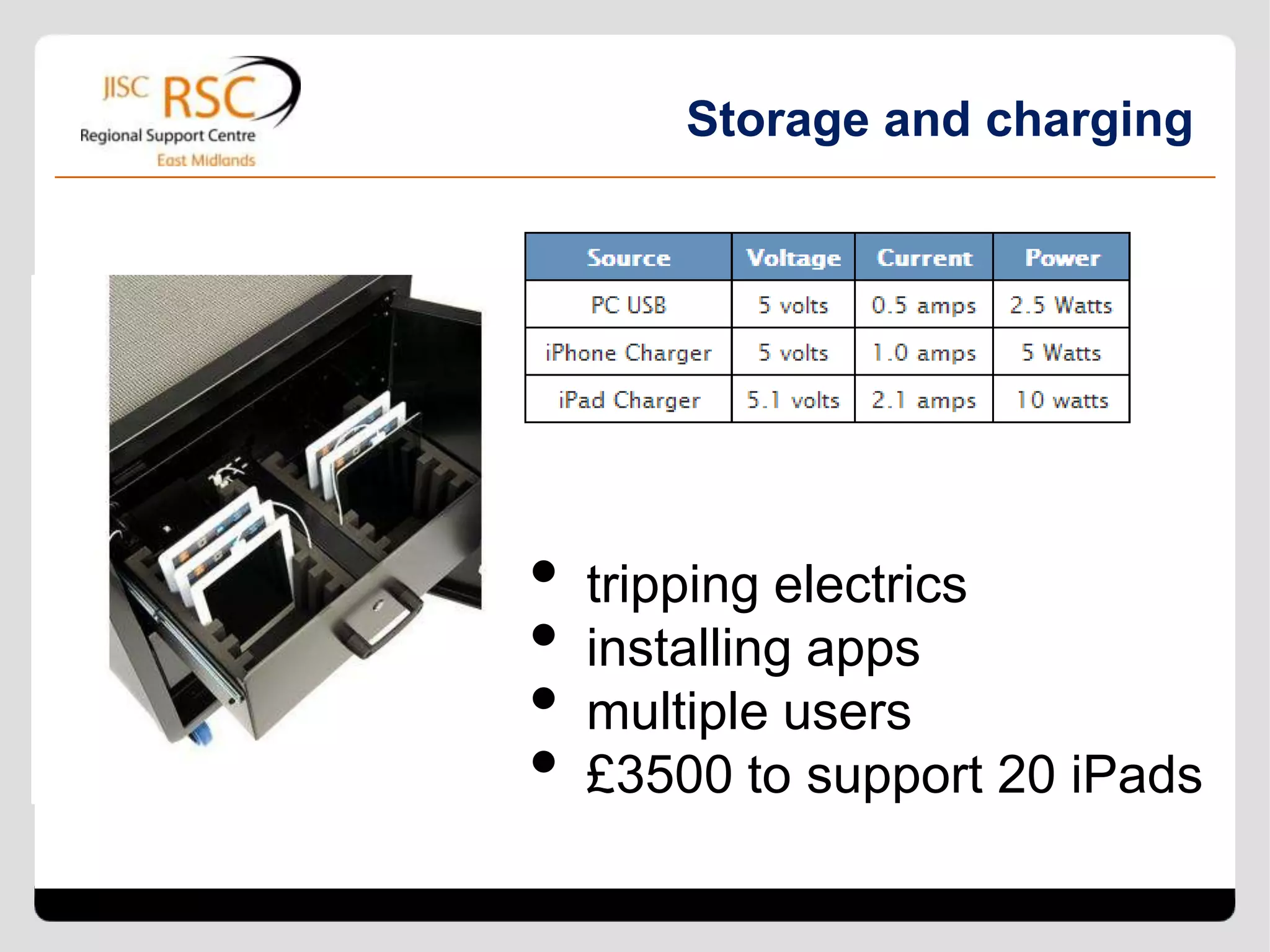
Storage and charging


•   tripping electrics
•   installing apps
•   multiple users
•   £3500 to support 20 iPads
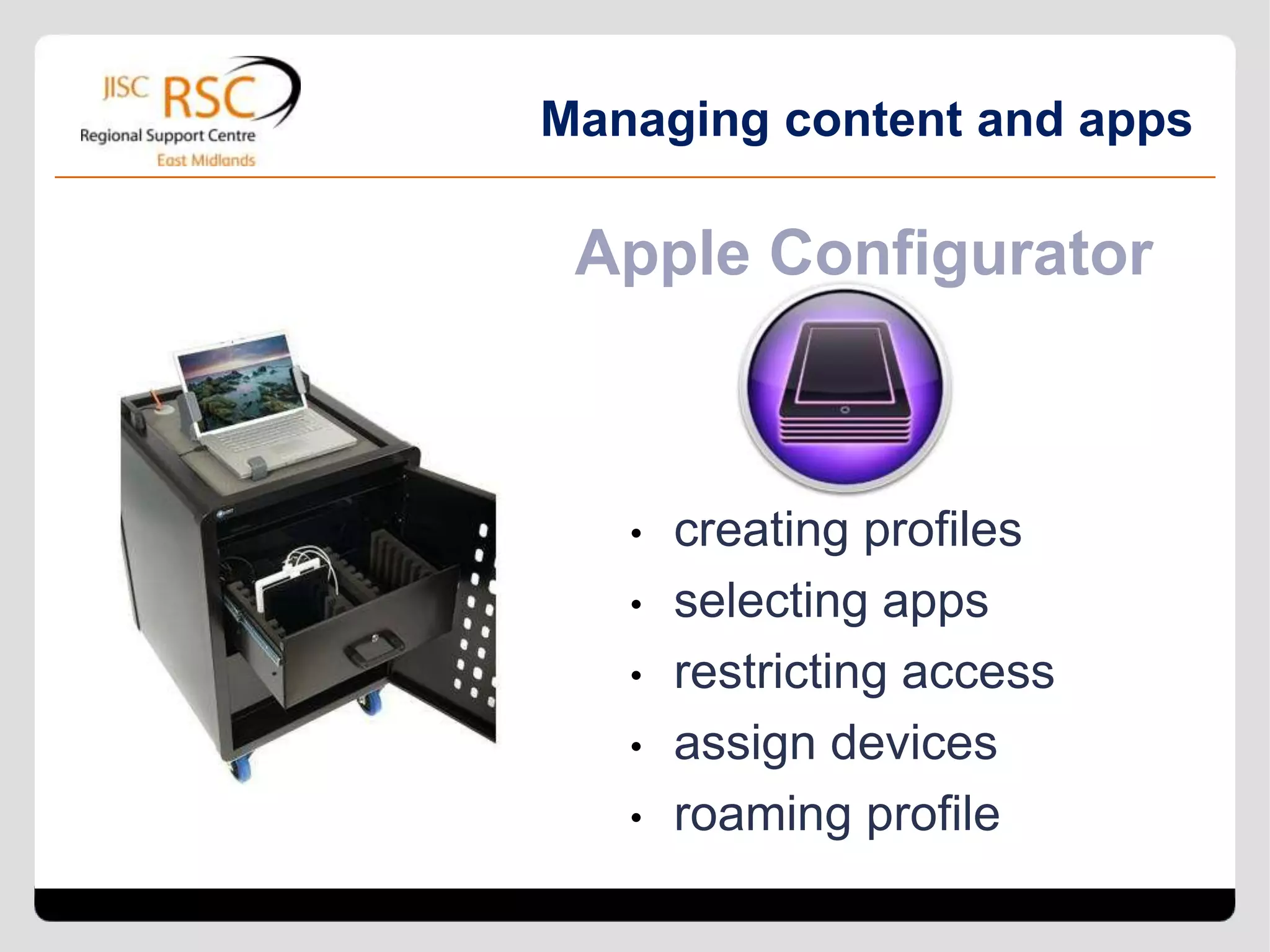
Managing content and apps

 Apple Configurator


   •   creating profiles
   •   selecting apps
   •   restricting access
   •   assign devices
   •   roaming profile
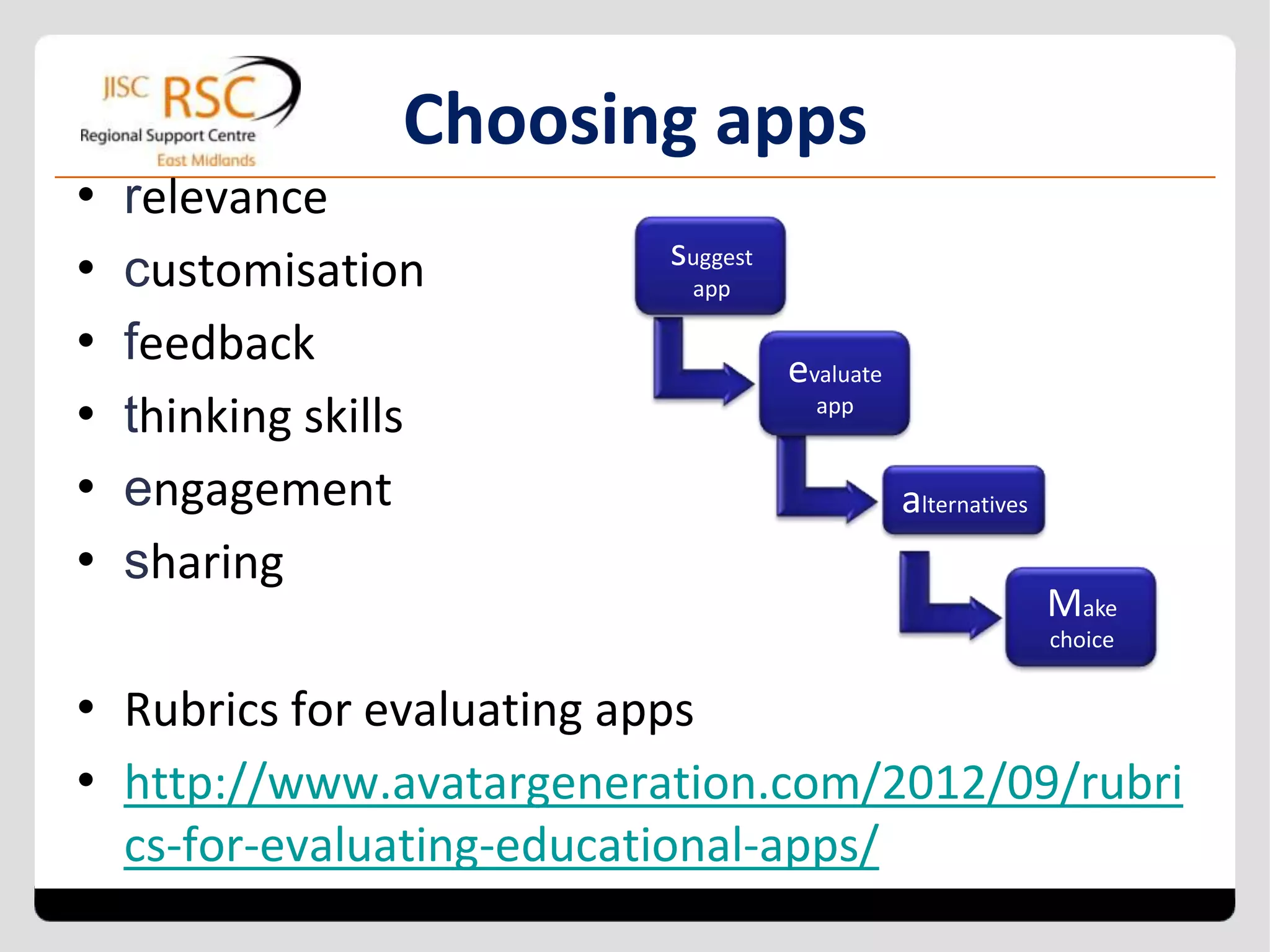
Choosing apps
•   relevance
•   customisation            suggest
                              app

•   feedback                           evaluate
•   thinking skills                      app


•   engagement                                    alternatives
•   sharing
                                                                 Make
                                                                 choice


• Rubrics for evaluating apps
• http://www.avatargeneration.com/2012/09/rubri
    cs-for-evaluating-educational-apps/
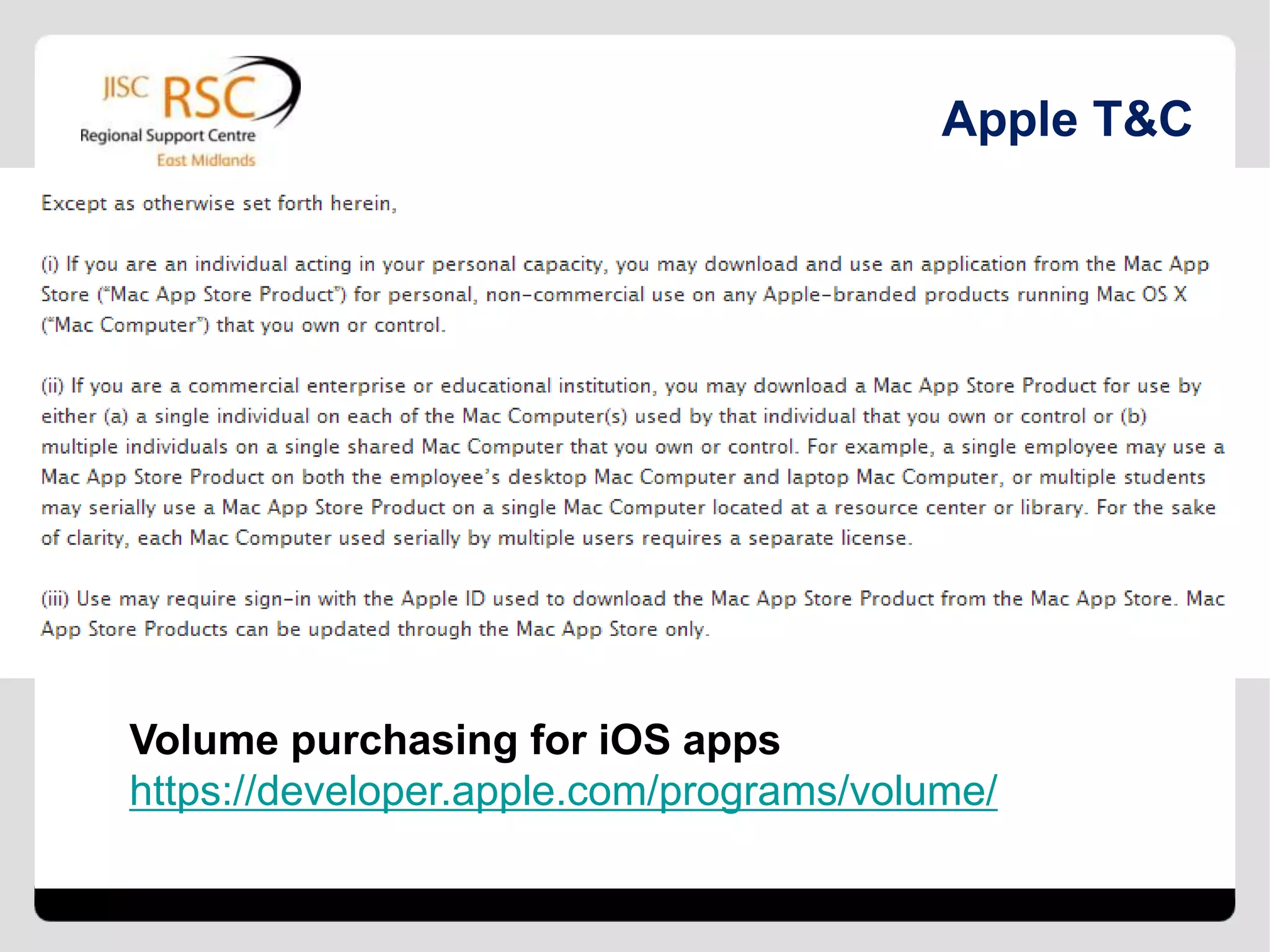
Apple T&C


Volume purchasing for iOS apps
https://developer.apple.com/programs/volume/
Resources and next In-Brief

 http://bit.ly/rscem-inbrief

 Moodle – tomorrow
 Mindmaps - Thursday
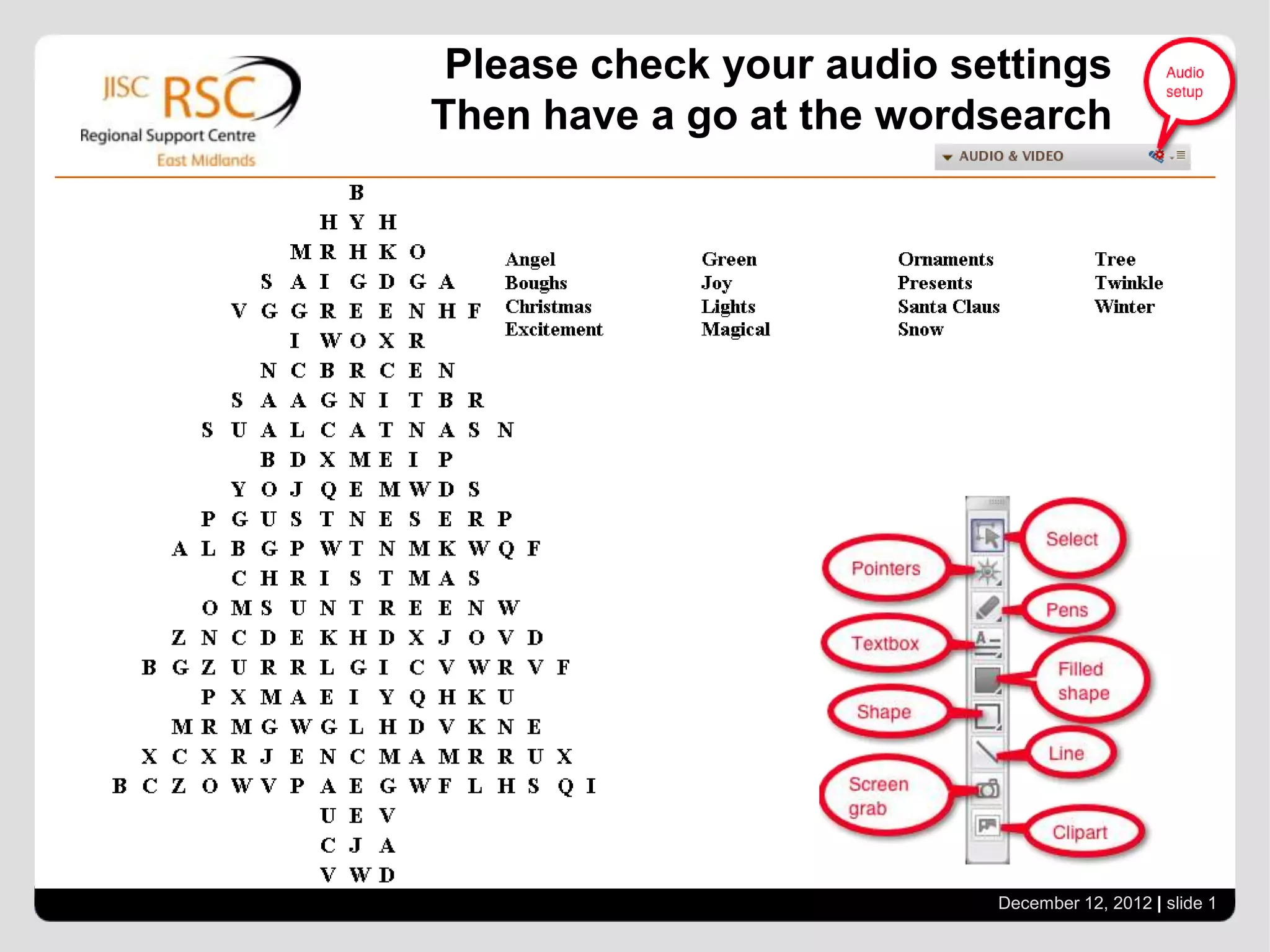
Please check your audio settings
Then have a go at the wordsearch


                          December 12, 2012 | slide 20

Mobile devices and learning

  • 1.
    In-Brief: mobile devicesand learning Lyn Lall and Steve Saffhill support@rsc-em.ac.uk Go to View > Header & Footer to edit www.jiscrsc.ac.uk/eastmidlands December 12, 2012 | slide 1 RSCs – Stimulating and supporting innovation in learning
  • 2.
  • 3.
    Do you haveaccess to A. no mobile devices B. your own mobile device C. your organisation's single mobile device D. a number of different mobile devices E. a suite of mobile devices
  • 4.
    What mobile technologyare learners using in your organisation? A. Learner owned devices predominantly B. Apple devices C. Android devices D. A mix of devices including learner owned
  • 5.
    Starting off withmobile devices for learning • Edutopia • BYOD or loaned devices? • What about disadvantaged learners? • Android or Apple?
  • 6.
    Apps that arefloating our boat • Smoothboard Air • Collaborate (not really an app) • Edmodo • Bambuser • Class Dojo • Notetaker • Google Drive • 123d Catch
  • 7.
    What are someof your favourite apps? http://tinyurl.com/rscemmobile
  • 8.
    From a singleapp to a workflow of apps Distribute Document Learners Document Tutor link to is stored develop converted uploads to learners information to .pdf and Doc AS emailed to and tutor provides feedback. December 12, 2012 | slide 8
  • 9.
  • 10.
  • 11.
  • 12.
  • 13.
  • 14.
    Managing multiple devices •storage • charging • managing content and apps • wi-fi issues • support from JISC Legal • staff development
  • 15.
    Storage and charging • tripping electrics • installing apps • multiple users • £3500 to support 20 iPads
  • 16.
    Managing content andapps Apple Configurator • creating profiles • selecting apps • restricting access • assign devices • roaming profile
  • 17.
    Choosing apps • relevance • customisation suggest app • feedback evaluate • thinking skills app • engagement alternatives • sharing Make choice • Rubrics for evaluating apps • http://www.avatargeneration.com/2012/09/rubri cs-for-evaluating-educational-apps/
  • 18.
    Apple T&C Volume purchasingfor iOS apps https://developer.apple.com/programs/volume/
  • 19.
    Resources and nextIn-Brief  http://bit.ly/rscem-inbrief  Moodle – tomorrow  Mindmaps - Thursday
  • 20.
    Please check youraudio settings Then have a go at the wordsearch December 12, 2012 | slide 20