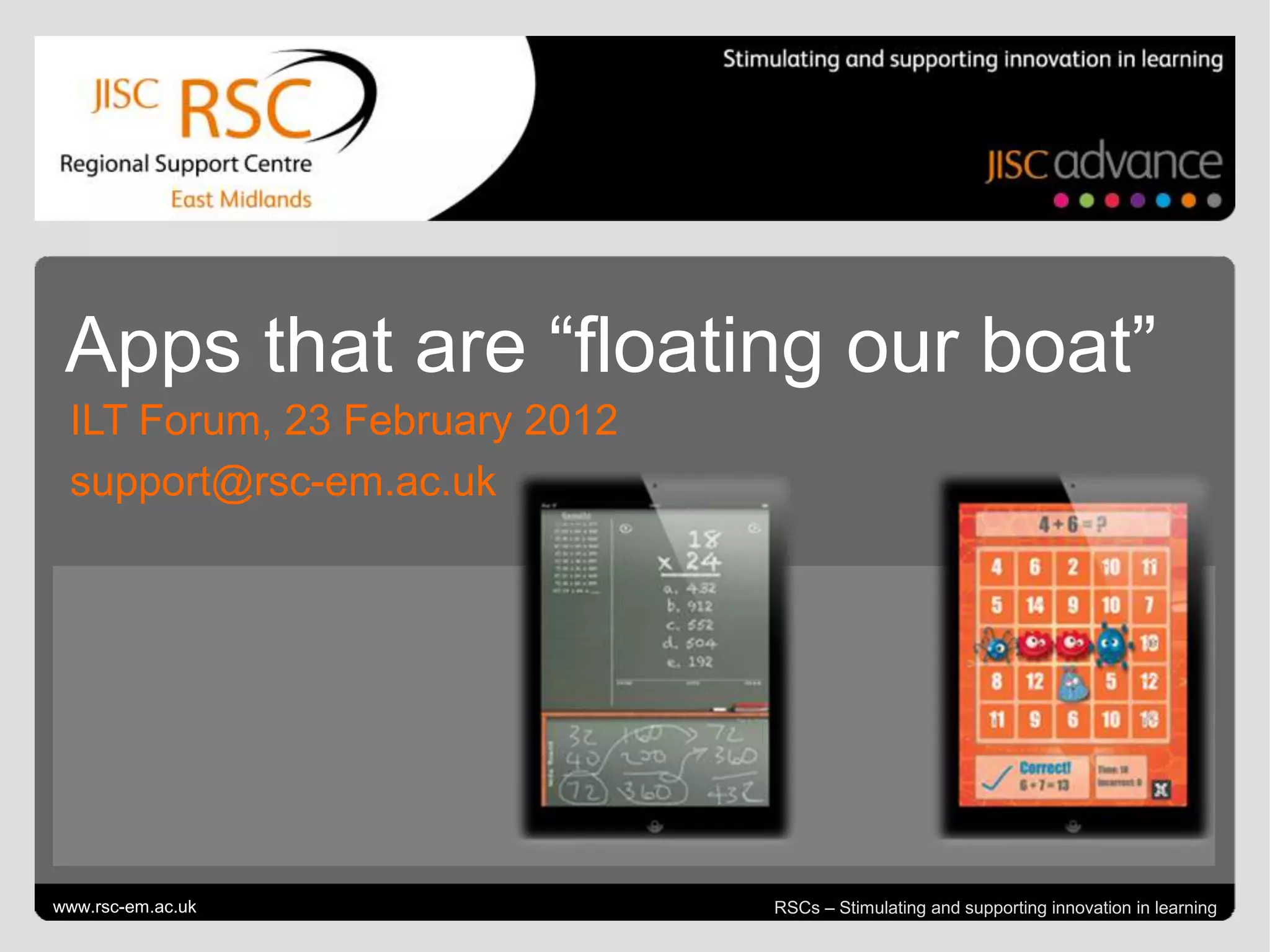
Apps that are “floating our boat”
  ILT Forum, 23 February 2012
  support@rsc-em.ac.uk


Go to View > Header & Footer to edit
www.rsc-em.ac.uk                                                   February 24, 2012 | slide 1
                                       RSCs – Stimulating and supporting innovation in learning
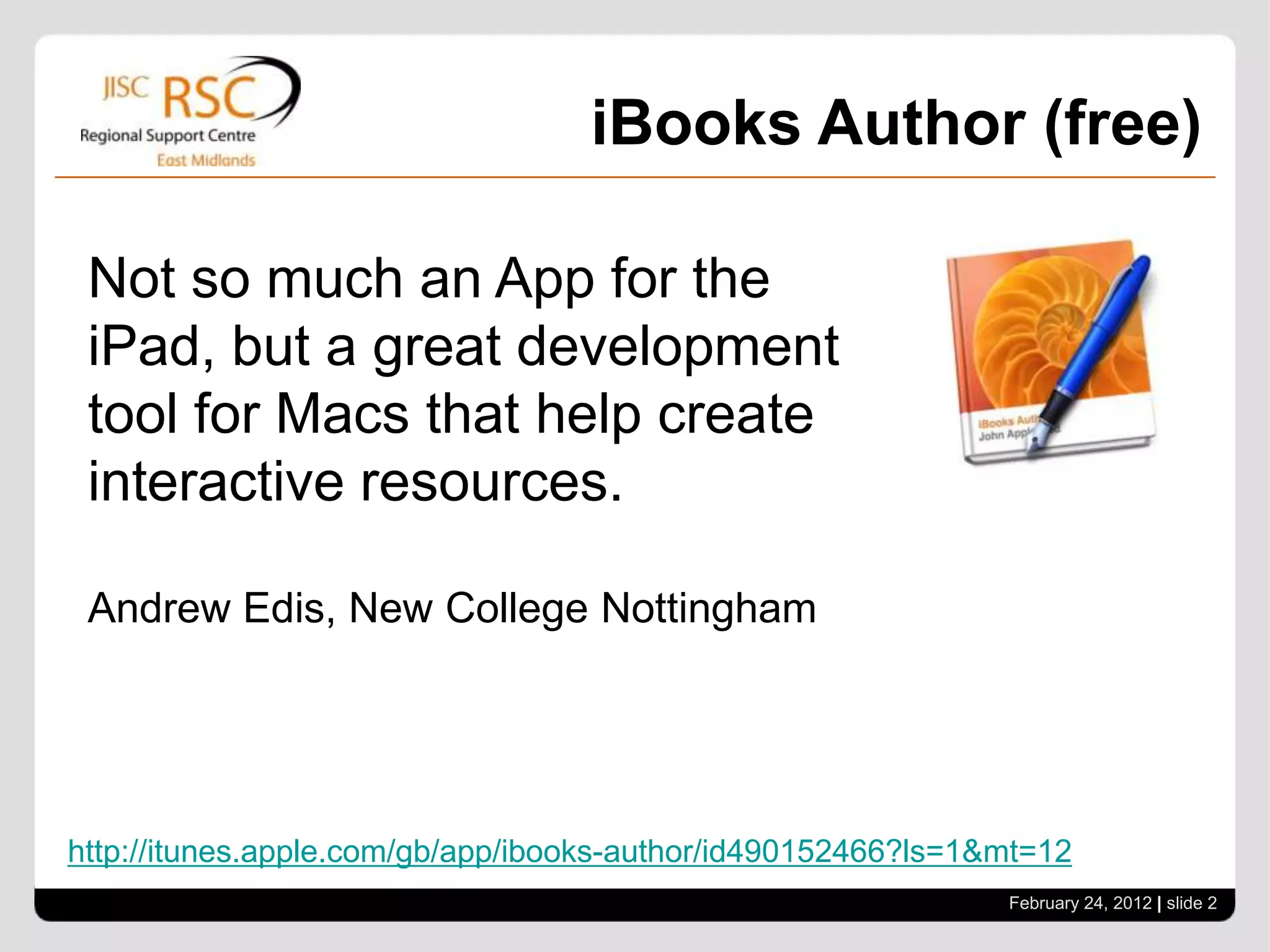
iBooks Author (free)

 Not so much an App for the
 iPad, but a great development
 tool for Macs that help create
 interactive resources.

 Andrew Edis, New College Nottingham


http://itunes.apple.com/gb/app/ibooks-author/id490152466?ls=1&mt=12
                                                              February 24, 2012 | slide 2
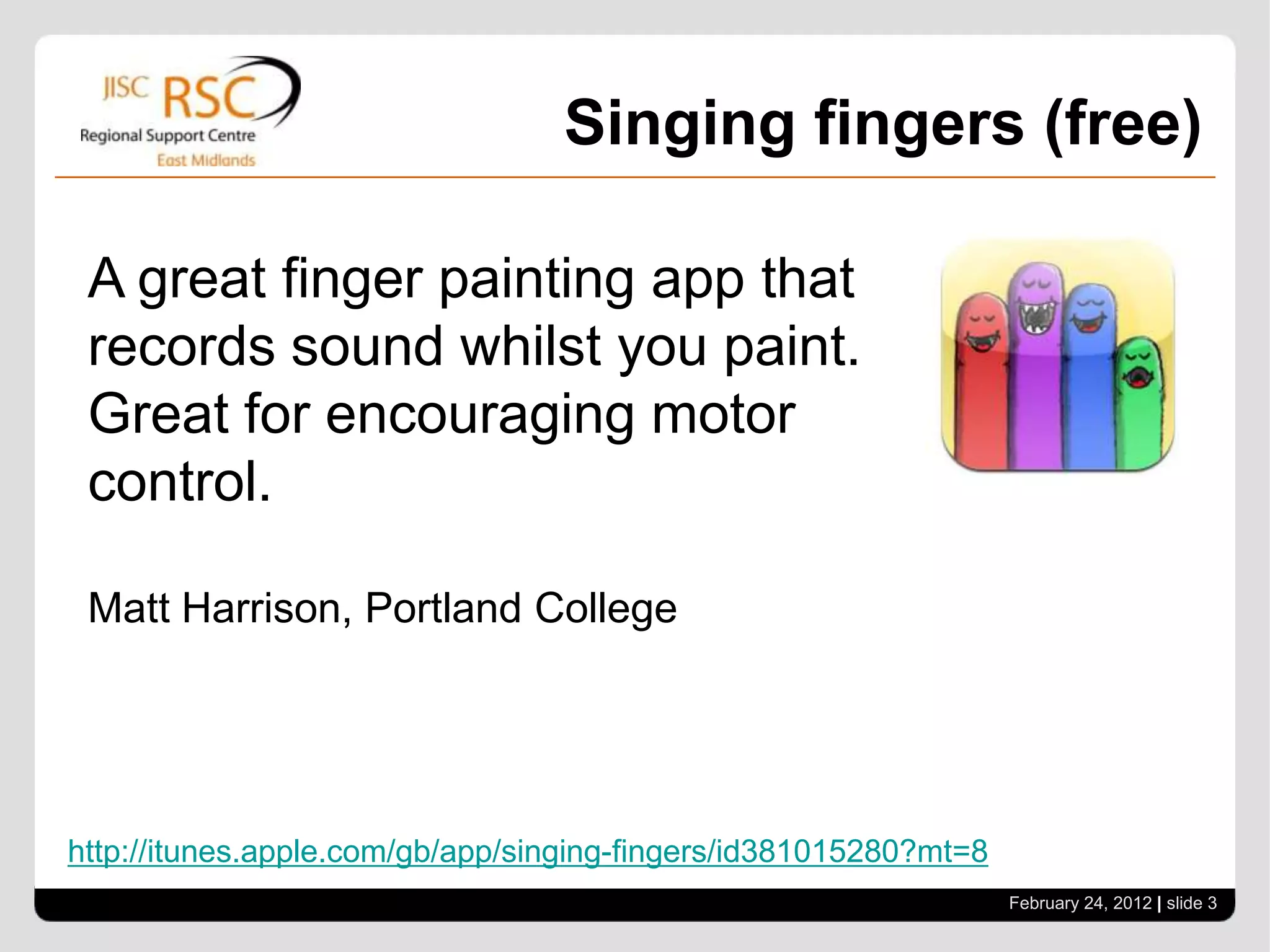
Singing fingers (free)

 A great finger painting app that
 records sound whilst you paint.
 Great for encouraging motor
 control.

 Matt Harrison, Portland College


http://itunes.apple.com/gb/app/singing-fingers/id381015280?mt=8
                                                                  February 24, 2012 | slide 3
Prezi Viewer (free)

 Upgrade your presentation skills
 and show them from your iPad.

 You will need a VGA adapter.

 Chang Ge, Lincoln College


http://itunes.apple.com/gb/app/prezi-viewer/id407759942?mt=8
                                                               February 24, 2012 | slide 4
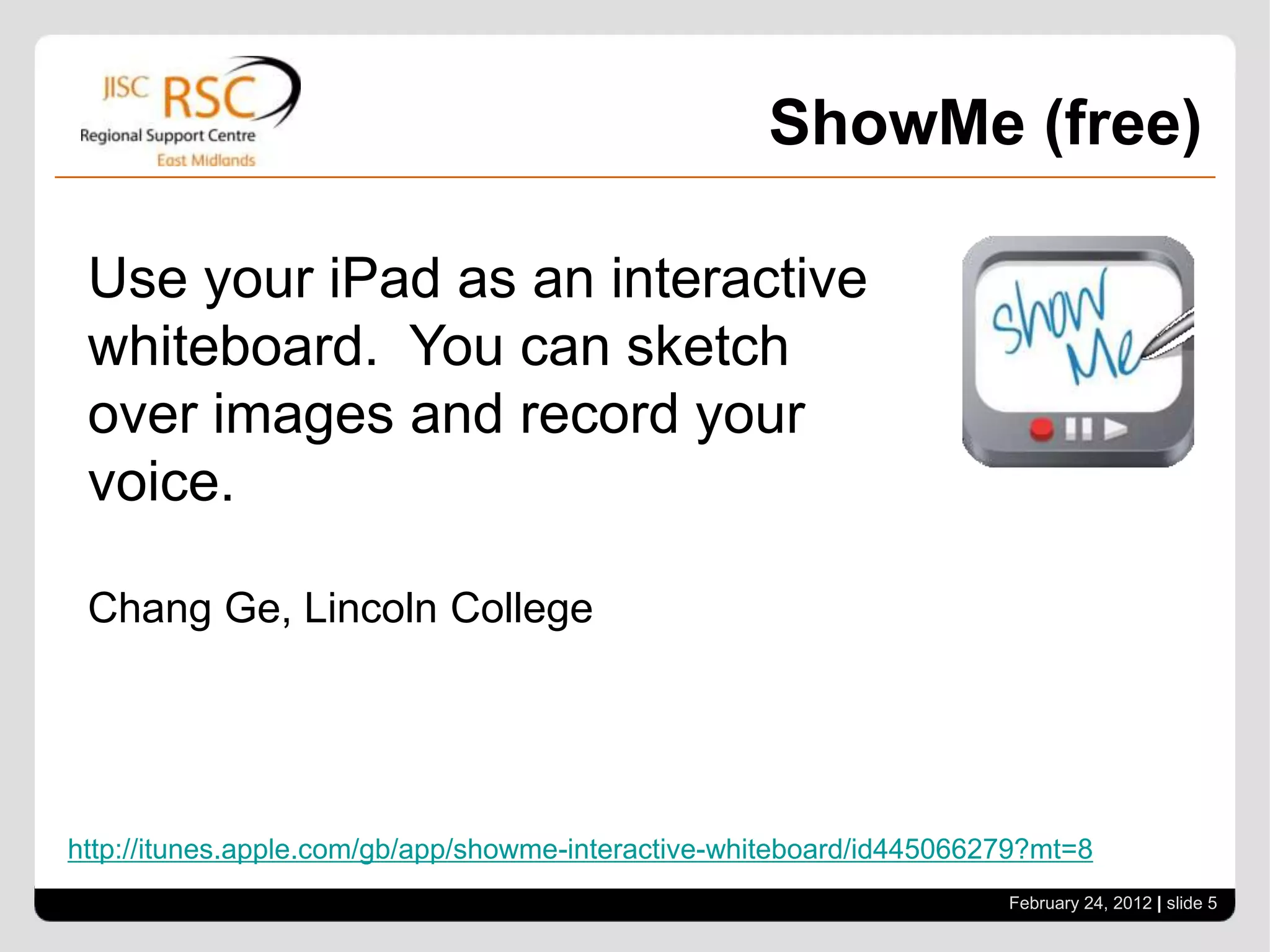
ShowMe (free)

 Use your iPad as an interactive
 whiteboard. You can sketch
 over images and record your
 voice.

 Chang Ge, Lincoln College


http://itunes.apple.com/gb/app/showme-interactive-whiteboard/id445066279?mt=8
                                                                      February 24, 2012 | slide 5
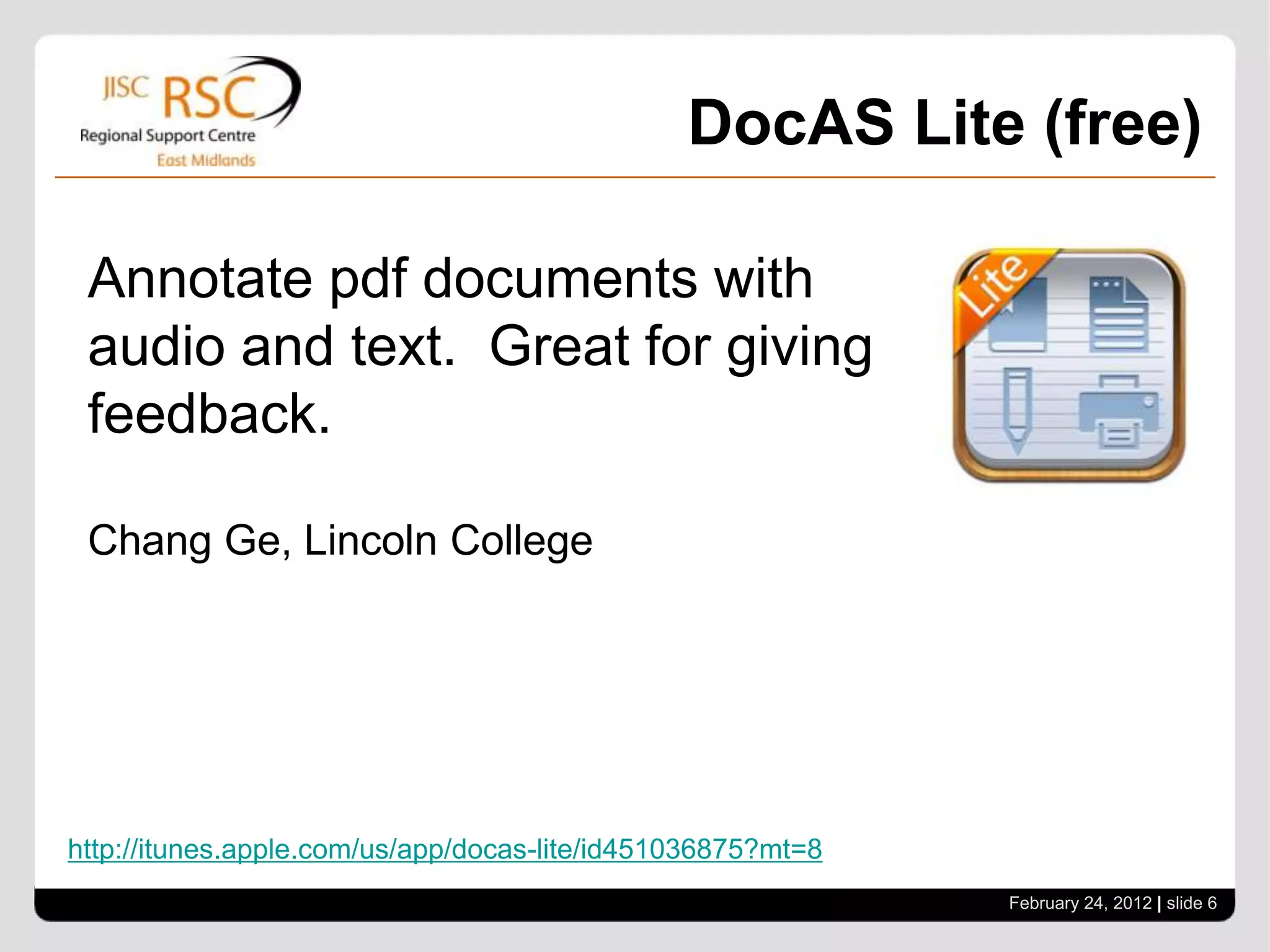
DocAS Lite (free)

 Annotate pdf documents with
 audio and text. Great for giving
 feedback.

 Chang Ge, Lincoln College


http://itunes.apple.com/us/app/docas-lite/id451036875?mt=8
                                                             February 24, 2012 | slide 6
DocsToGo (£11.99)

 A suite of office tools to mobilise
 your documents

 Tanya Kesterton , Leicestershire ALS


http://itunes.apple.com/gb/app/documents-to-go-premium-office/id317107309?mt=8
                                                                      February 24, 2012 | slide 7
iBrainstorm (free)

 Collaborate ideas where
 individuals add their thoughts
 and suggestions on their iOS
 device and send it to a central
 iPad. You can then organise the
 ideas to help analysis.

 Mike Mason, Pearson

http://itunes.apple.com/gb/app/ibrainstorm/id382252825?mt=8
                                                              February 24, 2012 | slide 8
StoryKit (free)

 Create your own digital story
 books or even gather evidence
 for assessment

 Lyn Lall, JISC RSC East Midlands


http://itunes.apple.com/gb/app/storykit/id329374595?mt=8
                                                              February 24, 2012 | slide 9
North Nottinghamshire College (free)


 Why not create your own app?
 NNC’s app helps learners keep
 up to date and find out about
 other services or courses

 Adam Elce, North Nottinghamshire College


http://itunes.apple.com/gb/app/north-nottinghamshire-college/id400873829?mt=8
                                                                       February 24, 2012 | slide 10
Socrative (free)

 Get rid of voting pads and start
 using the learners’ devices as a
 clicker. It can be used on all
 internet enabled mobile devices.

 Steve Saffhill, JISC RSC East Midlands


http://itunes.apple.com/gb/app/student-clicker-socrative/id477618130?mt=8
                                                                        February 24, 2012 | slide 11
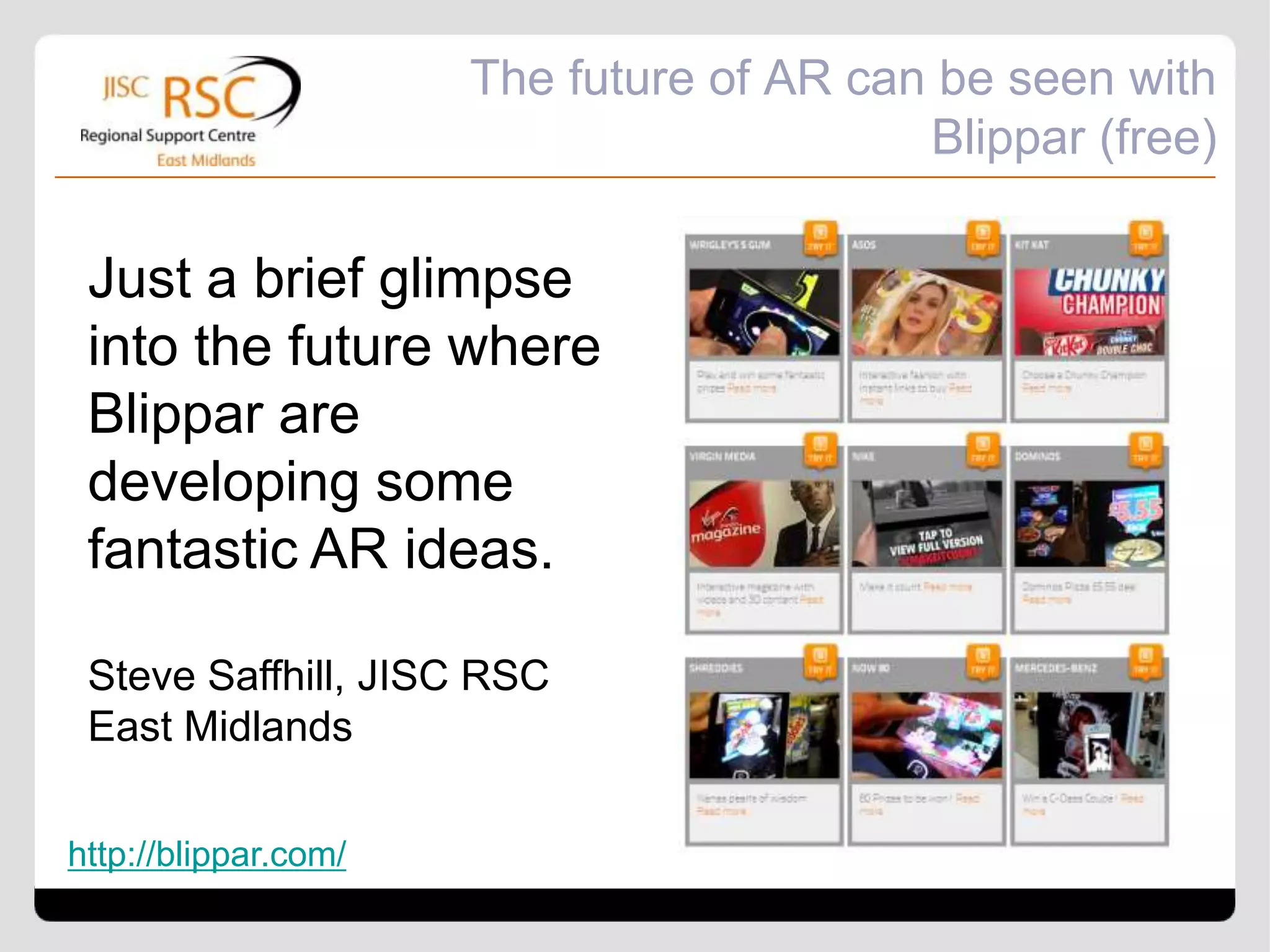
The future of AR can be seen with
                                          Blippar (free)

 Just a brief glimpse
 into the future where
 Blippar are
 developing some
 fantastic AR ideas.

 Steve Saffhill, JISC RSC
 East Midlands

http://blippar.com/
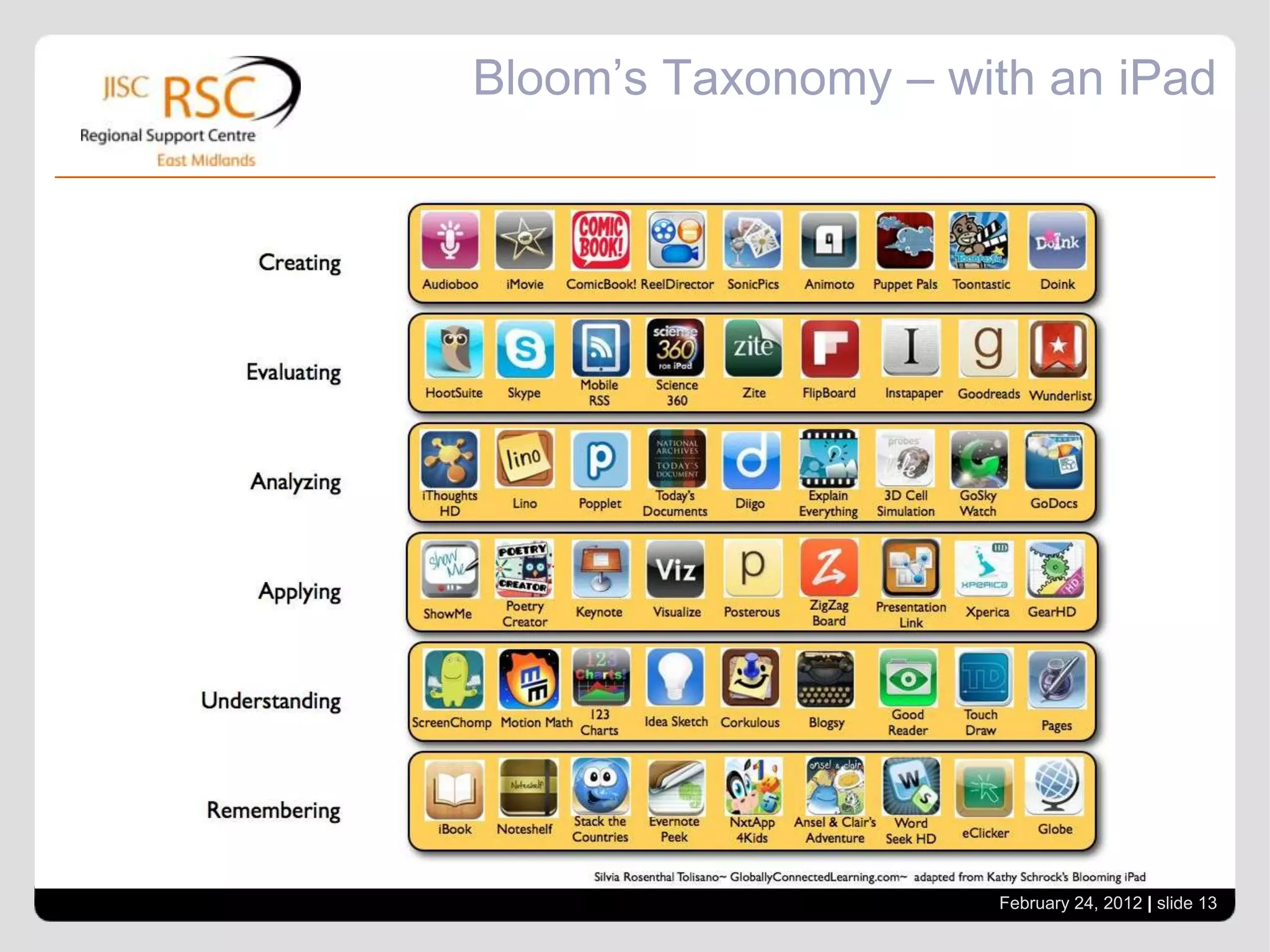
Bloom’s Taxonomy – with an iPad


                     February 24, 2012 | slide 13
Apps that are floating our boat

Apps that are floating our boat

  • 1.
    Apps that are“floating our boat” ILT Forum, 23 February 2012 support@rsc-em.ac.uk Go to View > Header & Footer to edit www.rsc-em.ac.uk February 24, 2012 | slide 1 RSCs – Stimulating and supporting innovation in learning
  • 2.
    iBooks Author (free) Not so much an App for the iPad, but a great development tool for Macs that help create interactive resources. Andrew Edis, New College Nottingham http://itunes.apple.com/gb/app/ibooks-author/id490152466?ls=1&mt=12 February 24, 2012 | slide 2
  • 3.
    Singing fingers (free) A great finger painting app that records sound whilst you paint. Great for encouraging motor control. Matt Harrison, Portland College http://itunes.apple.com/gb/app/singing-fingers/id381015280?mt=8 February 24, 2012 | slide 3
  • 4.
    Prezi Viewer (free) Upgrade your presentation skills and show them from your iPad. You will need a VGA adapter. Chang Ge, Lincoln College http://itunes.apple.com/gb/app/prezi-viewer/id407759942?mt=8 February 24, 2012 | slide 4
  • 5.
    ShowMe (free) Useyour iPad as an interactive whiteboard. You can sketch over images and record your voice. Chang Ge, Lincoln College http://itunes.apple.com/gb/app/showme-interactive-whiteboard/id445066279?mt=8 February 24, 2012 | slide 5
  • 6.
    DocAS Lite (free) Annotate pdf documents with audio and text. Great for giving feedback. Chang Ge, Lincoln College http://itunes.apple.com/us/app/docas-lite/id451036875?mt=8 February 24, 2012 | slide 6
  • 7.
    DocsToGo (£11.99) Asuite of office tools to mobilise your documents Tanya Kesterton , Leicestershire ALS http://itunes.apple.com/gb/app/documents-to-go-premium-office/id317107309?mt=8 February 24, 2012 | slide 7
  • 8.
    iBrainstorm (free) Collaborateideas where individuals add their thoughts and suggestions on their iOS device and send it to a central iPad. You can then organise the ideas to help analysis. Mike Mason, Pearson http://itunes.apple.com/gb/app/ibrainstorm/id382252825?mt=8 February 24, 2012 | slide 8
  • 9.
    StoryKit (free) Createyour own digital story books or even gather evidence for assessment Lyn Lall, JISC RSC East Midlands http://itunes.apple.com/gb/app/storykit/id329374595?mt=8 February 24, 2012 | slide 9
  • 10.
    North Nottinghamshire College(free) Why not create your own app? NNC’s app helps learners keep up to date and find out about other services or courses Adam Elce, North Nottinghamshire College http://itunes.apple.com/gb/app/north-nottinghamshire-college/id400873829?mt=8 February 24, 2012 | slide 10
  • 11.
    Socrative (free) Getrid of voting pads and start using the learners’ devices as a clicker. It can be used on all internet enabled mobile devices. Steve Saffhill, JISC RSC East Midlands http://itunes.apple.com/gb/app/student-clicker-socrative/id477618130?mt=8 February 24, 2012 | slide 11
  • 12.
    The future ofAR can be seen with Blippar (free) Just a brief glimpse into the future where Blippar are developing some fantastic AR ideas. Steve Saffhill, JISC RSC East Midlands http://blippar.com/
  • 13.
    Bloom’s Taxonomy –with an iPad February 24, 2012 | slide 13