Mobile
   Computing
Integrating Mobile Devices
     in the Classroom
 Presented by Christina
 Ostroff & Marie Octobre
Mobile Computing

 "Mobilecomputing is a form of human–
 computer interaction by which a
 computer is expected to be transported
 during normal usage. Mobile computing
 has three aspects: mobile
 communication, mobile hardware, and
 mobile software." (Wikipedia)
Questions
 Do    you own a mobile phone? 

 Is   it a smartphone? 

 Is   it a Blackberry, Android, or iPhone?

 What     is an app? 

 Where     do you find them?
Why Mobile?
   Go where the students are!
       According the recent ECAR survey, 62.7% of students
        own an internet capable handheld device (Smith)
       99.8% of students own a cell phone and 49% of those
        are smartphones (Truong)

   Make content accessible anywhere
       Read e-mail 
       Text messages 
       RSS feeds 
       Search the internet 
       Take/review notes
Benefits of Mobile Learning
   Improves literacy and numeracy skills
   Recognize existing abilities
   Encourage independent and collaborative learning
   Identify areas where assistance and support is needed
   Bridge the gap between mobile phone and Information and
    Communication Technology (ICT) literacy
   Engages reluctant learners
   Helps learners remain focused for longer periods
   Raises self-esteem and self-confidence
                  (Attewell cited in Shih)
Goals
   Familiarize students with mobile devices in

    learning

   Empower students

   Enhance participation, engagement, and

    student ownership of learning

   Improve student confidence and test-taking

    strategy
Note-Taking Apps
                              Create notes

                              Bookmarks

                              Save pictures

                              Images
http://www.evernote.com/
                              Organize folders and tags
Note-Taking Apps
                                 Create notes
                                 Tasks
                                 Checklists
                                 Bookmarks

http://springpadit.com/home
                                 Images
                                 Organize folders, tags, and
                                  board
Student Activities
                (APPS & Social Media)
   Class Notes (Note-Taking Apps)
   Collecting Related Content (Note-Taking
    Apps)
   Respond to readings using micro-blogging
    (Twitter)
   Group assignment to create test questions
    from notes (Note-Taking Apps)
   Share test questions with class (Twitter)
Technology Considerations
   Platform compatibility and device access
       Select apps and tools available for:
           Android
           iOS (iPhone, iPad)
           BlackBerry
           Desktops/Laptops

   Learning Curve
       Focus on 1-2 tools at a time
       Assign specific, structured tasks to introduce the
        tool
       Provide rubric in advance to guide student work
Assessment
                   (rubric)

 Track   participation via Twitter

 Grade questions created through group
 work (rubric)

 Class   survey of opinions on apps usefulness
Other Apps for the Classroom
   Google Apps for Education-
    http://www.google.com/apps/intl/en/edu/more.html

   8 Android Apps for Education-
    http://mashable.com/2011/05/12/android-education-apps/

   Wolfram Alpha- http://www.wolframalpha.com/

   10 iPhone Apps to Get You Back to School-
    http://mashable.com/2010/08/24/back-to-school-iphone-apps/
Further Reading
   Educause: Mobile Learning - 132 resources for M-Learning from
    Educause

   Carlucci, Lisa, and Thomas. "Gone Mobile?" Library Journal 135.17
    (2010): 30-4. <
    https://login.ezproxy.cnr.edu/login?url=http://search.ebscohost.com/login.aspx?di
    >.
 
   EISELE-DYRLI, KURT. "Mobile Goes Mainstream." District Administration
    47.2 (2011): 46-55. <
    https://login.ezproxy.cnr.edu/login?url=http://search.ebscohost.com/login.aspx?di
    >.

   El-Hussein, Mohamed Osman,M., and Johannes C. Cronje. "Defining
    Mobile Learning in the Higher Education Landscape." Journal of
    Educational Technology & Society 13.3 (2010): 12-21. <
    https://login.ezproxy.cnr.edu/login?url=http://search.ebscohost.com/login.aspx?di
    >.
Further Reading Continued
   Gebauer, Judith. "User Requirements of Mobile Technology: A Summary
    of Research Results." Information Knowledge Systems Management 7.1
    (2008): 101-19. <
    https://login.ezproxy.cnr.edu/login?url=http://search.ebscohost.com/login.aspx?di
    >.
 
   Hyo-Jeong So, Peter Seow, and Chee Kit Looi. "Location Matters:
    Leveraging Knowledge Building with Mobile Devices and Web 2.0
    Technology." Interactive Learning Environments 17.4 (2009): 367-82. <
    https://login.ezproxy.cnr.edu/login?url=http://search.ebscohost.com/login.aspx?di
    >.
 
   Keller, Josh. "The Slow-Motion Mobile Campus." Chronicle of Higher
    Education 57.36 (2011): B4-6. <
    https://login.ezproxy.cnr.edu/login?url=http://search.ebscohost.com/login.aspx?di
    >.
 
References
Shih,Yuhsun Edward and Dennis Mills. "Setting the New Standard
   with Mobile Computing in Online Learning." International Review
   of Research in Open and Distance Learning. 8.2 (2007). Web. 15
   June 2011.
 
Smith, Shannon D and Judith Borreson Caruso. The ECAR Study of
   Undergraduate Students and Information Technology, 2010—Key
   Findings (Key Findings). Boulder, CO: EDUCAUSE Center for
   Applied Research. (2010). Web. 16 June 2011.

Truong, Kelly. "Student Smartphone Use Doubles; Instant Messaging
   Loses Favor."  The Chronicle of Higher Education. 17 June 2010.
   Web. 16 June 2011.
 
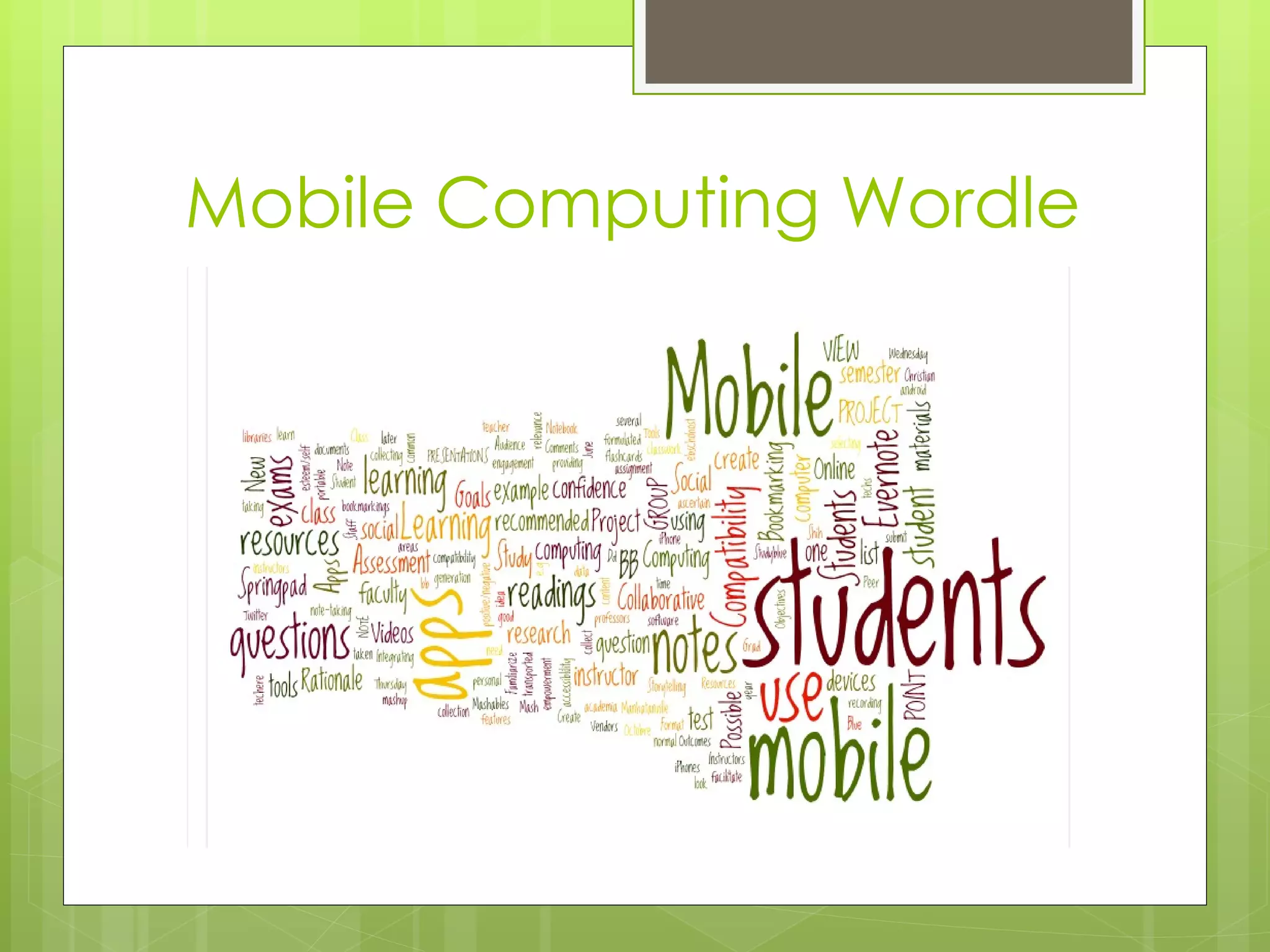
Mobile Computing Wordle

FRN - Faculty Resource Network Mobile Computing 2011 PPT Revised June 2012

  • 1.
    Mobile Computing Integrating Mobile Devices in the Classroom Presented by Christina Ostroff & Marie Octobre
  • 2.
    Mobile Computing  "Mobilecomputingis a form of human– computer interaction by which a computer is expected to be transported during normal usage. Mobile computing has three aspects: mobile communication, mobile hardware, and mobile software." (Wikipedia)
  • 3.
    Questions  Do you own a mobile phone?   Is it a smartphone?   Is it a Blackberry, Android, or iPhone?  What is an app?   Where do you find them?
  • 4.
    Why Mobile?  Go where the students are!  According the recent ECAR survey, 62.7% of students own an internet capable handheld device (Smith)  99.8% of students own a cell phone and 49% of those are smartphones (Truong)  Make content accessible anywhere  Read e-mail   Text messages   RSS feeds   Search the internet   Take/review notes
  • 5.
    Benefits of MobileLearning  Improves literacy and numeracy skills  Recognize existing abilities  Encourage independent and collaborative learning  Identify areas where assistance and support is needed  Bridge the gap between mobile phone and Information and Communication Technology (ICT) literacy  Engages reluctant learners  Helps learners remain focused for longer periods  Raises self-esteem and self-confidence (Attewell cited in Shih)
  • 6.
    Goals  Familiarize students with mobile devices in learning  Empower students  Enhance participation, engagement, and student ownership of learning  Improve student confidence and test-taking strategy
  • 7.
    Note-Taking Apps  Create notes  Bookmarks  Save pictures  Images http://www.evernote.com/  Organize folders and tags
  • 8.
    Note-Taking Apps  Create notes  Tasks  Checklists  Bookmarks http://springpadit.com/home  Images  Organize folders, tags, and board
  • 9.
    Student Activities (APPS & Social Media)  Class Notes (Note-Taking Apps)  Collecting Related Content (Note-Taking Apps)  Respond to readings using micro-blogging (Twitter)  Group assignment to create test questions from notes (Note-Taking Apps)  Share test questions with class (Twitter)
  • 10.
    Technology Considerations  Platform compatibility and device access  Select apps and tools available for:  Android  iOS (iPhone, iPad)  BlackBerry  Desktops/Laptops  Learning Curve  Focus on 1-2 tools at a time  Assign specific, structured tasks to introduce the tool  Provide rubric in advance to guide student work
  • 11.
    Assessment (rubric)  Track participation via Twitter  Grade questions created through group work (rubric)  Class survey of opinions on apps usefulness
  • 12.
    Other Apps forthe Classroom  Google Apps for Education- http://www.google.com/apps/intl/en/edu/more.html  8 Android Apps for Education- http://mashable.com/2011/05/12/android-education-apps/  Wolfram Alpha- http://www.wolframalpha.com/  10 iPhone Apps to Get You Back to School- http://mashable.com/2010/08/24/back-to-school-iphone-apps/
  • 13.
    Further Reading  Educause: Mobile Learning - 132 resources for M-Learning from Educause  Carlucci, Lisa, and Thomas. "Gone Mobile?" Library Journal 135.17 (2010): 30-4. < https://login.ezproxy.cnr.edu/login?url=http://search.ebscohost.com/login.aspx?di >.    EISELE-DYRLI, KURT. "Mobile Goes Mainstream." District Administration 47.2 (2011): 46-55. < https://login.ezproxy.cnr.edu/login?url=http://search.ebscohost.com/login.aspx?di >.  El-Hussein, Mohamed Osman,M., and Johannes C. Cronje. "Defining Mobile Learning in the Higher Education Landscape." Journal of Educational Technology & Society 13.3 (2010): 12-21. < https://login.ezproxy.cnr.edu/login?url=http://search.ebscohost.com/login.aspx?di >.
  • 14.
    Further Reading Continued  Gebauer, Judith. "User Requirements of Mobile Technology: A Summary of Research Results." Information Knowledge Systems Management 7.1 (2008): 101-19. < https://login.ezproxy.cnr.edu/login?url=http://search.ebscohost.com/login.aspx?di >.    Hyo-Jeong So, Peter Seow, and Chee Kit Looi. "Location Matters: Leveraging Knowledge Building with Mobile Devices and Web 2.0 Technology." Interactive Learning Environments 17.4 (2009): 367-82. < https://login.ezproxy.cnr.edu/login?url=http://search.ebscohost.com/login.aspx?di >.    Keller, Josh. "The Slow-Motion Mobile Campus." Chronicle of Higher Education 57.36 (2011): B4-6. < https://login.ezproxy.cnr.edu/login?url=http://search.ebscohost.com/login.aspx?di >.  
  • 15.
    References Shih,Yuhsun Edward andDennis Mills. "Setting the New Standard with Mobile Computing in Online Learning." International Review of Research in Open and Distance Learning. 8.2 (2007). Web. 15 June 2011.   Smith, Shannon D and Judith Borreson Caruso. The ECAR Study of Undergraduate Students and Information Technology, 2010—Key Findings (Key Findings). Boulder, CO: EDUCAUSE Center for Applied Research. (2010). Web. 16 June 2011. Truong, Kelly. "Student Smartphone Use Doubles; Instant Messaging Loses Favor."  The Chronicle of Higher Education. 17 June 2010. Web. 16 June 2011.  
  • 16.

Editor's Notes

  • #4 Find them everywhere. See Wikepedia for Mobile apps , software made for mobile. CLICKERS – TO GET STATISTICS
  • #5 Repeat COMSCORE’s stats.
  • #10 Use Notes from COMSCORE’S.
  • #11 Platform and Rubric