Synchronous
Learning Tools


    Danielle C. Lamotte
    EDTL506-Fall 2012
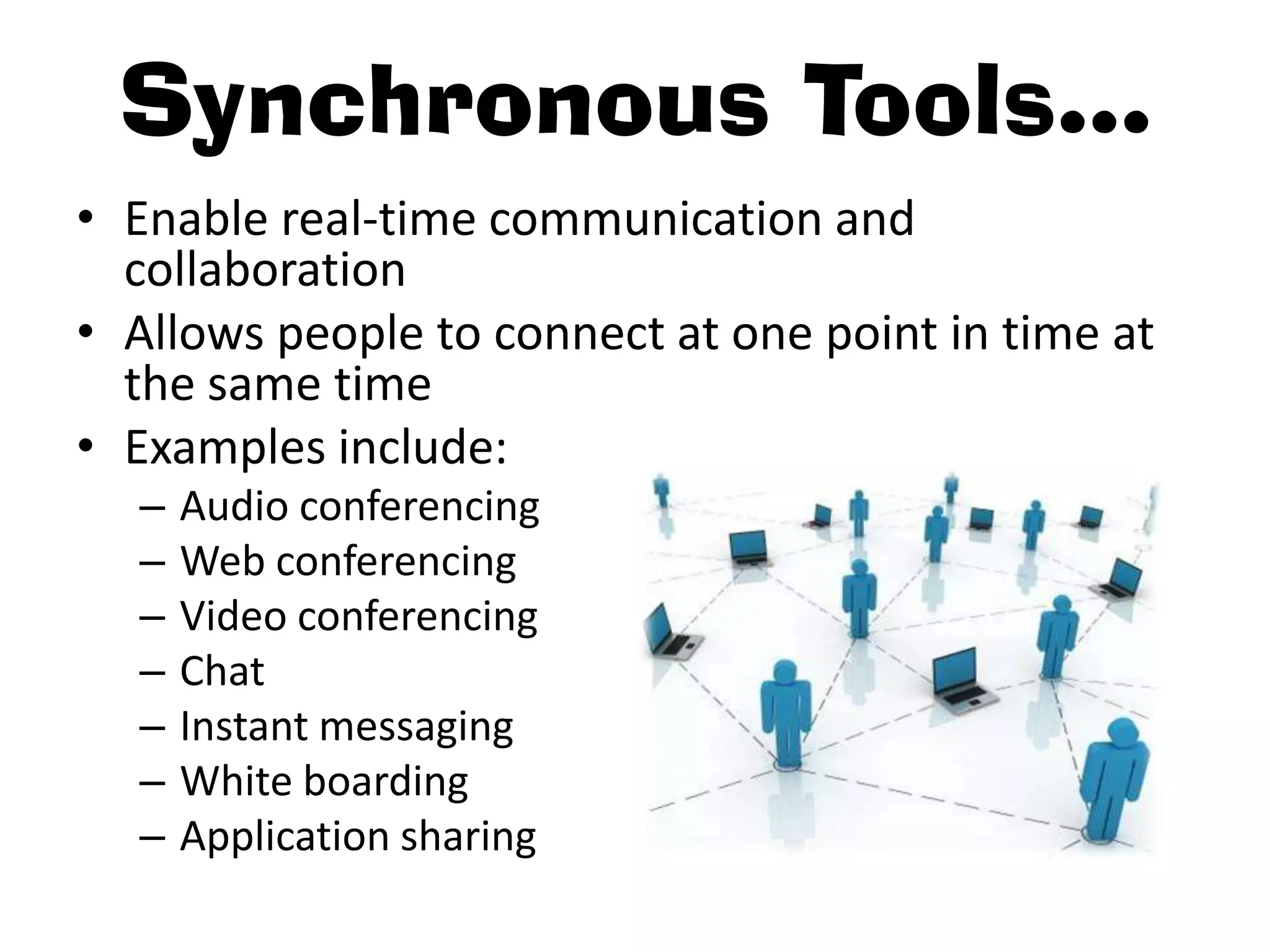
Synchronous Tools…
• Enable real-time communication and
  collaboration
• Allows people to connect at one point in time at
  the same time
• Examples include:
  –   Audio conferencing
  –   Web conferencing
  –   Video conferencing
  –   Chat
  –   Instant messaging
  –   White boarding
  –   Application sharing
• I’ve used all of the following synchronous
  learning tools in my classroom and graduate
  courses.

• Although there are some disadvantages to
  using synchronous learning tools, I believe the
  advantages outweigh them.
Voki
• Create your own speaking avatar, with your
  voice
• Elicits participation
• Makes using technology FUN!
• Can be posted to any:
  – Blog
  – Website
  – Profile

              My favorite is Blabberize!
Second Life
• 3D virtual world where you can connect and
  collaborate
• WBR Island
  – Professional Development
  – Resources on one “island”
Blackboard Collaborate
• Wimba and Elluminate capabilities combined
• Creates virtual classrooms, offices, and
  meeting spaces
• Comprehensive learning platforms:
  – Online
  – Blended
  – Mobile
Google
• More than just a web search engine
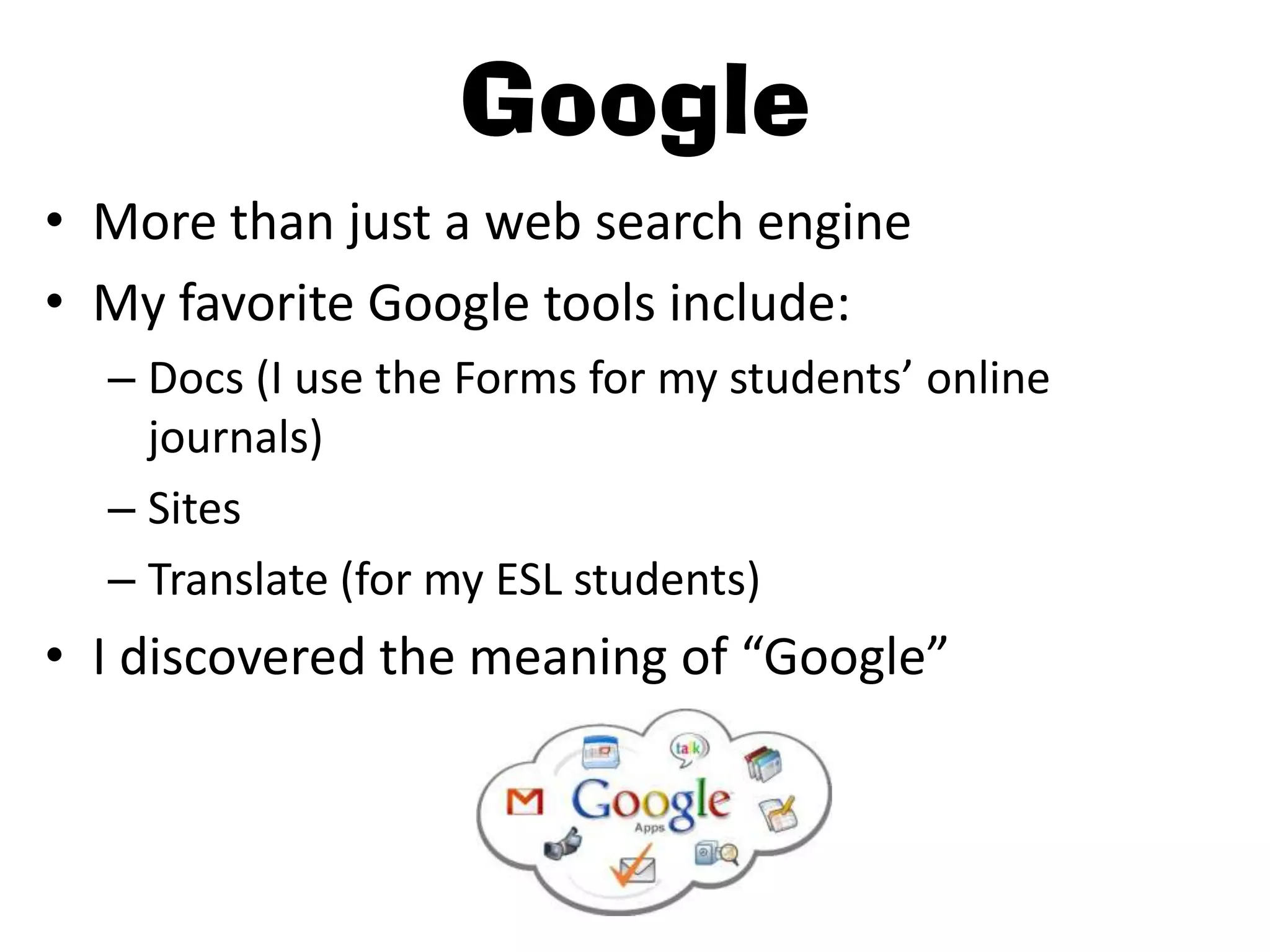
• My favorite Google tools include:
  – Docs (I use the Forms for my students’ online
    journals)
  – Sites
  – Translate (for my ESL students)
• I discovered the meaning of “Google”
Skype

•   Video calling
•   Instant messaging
•   Call landlines and mobile phones
•   My students read “The Cat in the Hat” to a
    class at a local elementary school via Skype
Adobe Connect
• Web conferencing software
  – Web meetings
  – eLearning
  – webinars
• Easy to use
• I would like to use this software for some
  “distance learning” in my own classroom
Moodle
• I use Moodle EVERYDAY!
• Student and parent friendly
• Virtually, my classroom online:
  – Online textbook
  – Online quizzes
  – Notes/handouts/worksheets
  – Graphic Organizers
  – Videos
  – Calendar

      Have you checked out Schoology?!

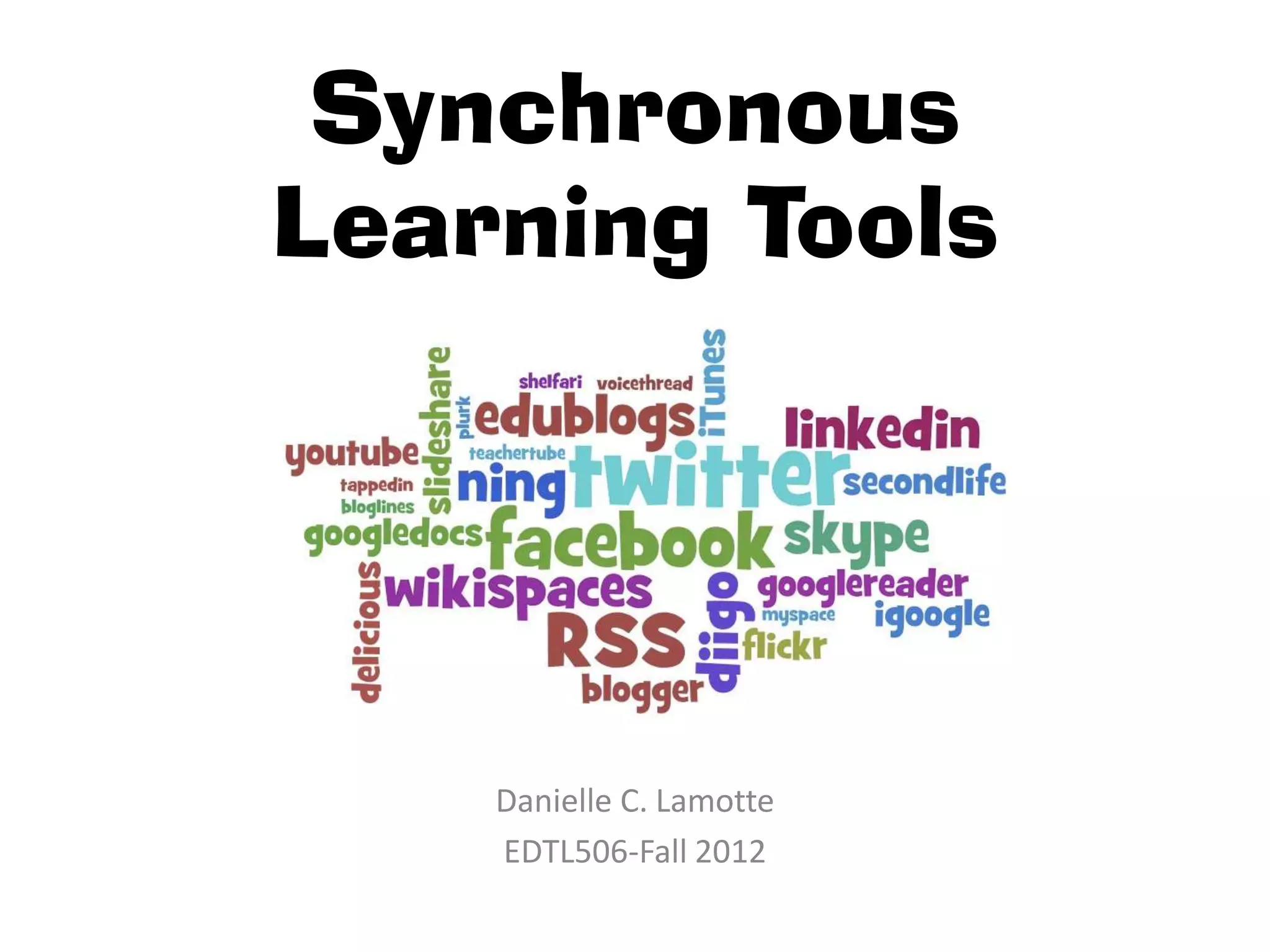
Synchronous Learning Tools

  • 1.
    Synchronous Learning Tools Danielle C. Lamotte EDTL506-Fall 2012
  • 2.
    Synchronous Tools… • Enablereal-time communication and collaboration • Allows people to connect at one point in time at the same time • Examples include: – Audio conferencing – Web conferencing – Video conferencing – Chat – Instant messaging – White boarding – Application sharing
  • 3.
    • I’ve usedall of the following synchronous learning tools in my classroom and graduate courses. • Although there are some disadvantages to using synchronous learning tools, I believe the advantages outweigh them.
  • 4.
    Voki • Create yourown speaking avatar, with your voice • Elicits participation • Makes using technology FUN! • Can be posted to any: – Blog – Website – Profile My favorite is Blabberize!
  • 5.
    Second Life • 3Dvirtual world where you can connect and collaborate • WBR Island – Professional Development – Resources on one “island”
  • 6.
    Blackboard Collaborate • Wimbaand Elluminate capabilities combined • Creates virtual classrooms, offices, and meeting spaces • Comprehensive learning platforms: – Online – Blended – Mobile
  • 7.
    Google • More thanjust a web search engine • My favorite Google tools include: – Docs (I use the Forms for my students’ online journals) – Sites – Translate (for my ESL students) • I discovered the meaning of “Google”
  • 8.
    Skype • Video calling • Instant messaging • Call landlines and mobile phones • My students read “The Cat in the Hat” to a class at a local elementary school via Skype
  • 9.
    Adobe Connect • Webconferencing software – Web meetings – eLearning – webinars • Easy to use • I would like to use this software for some “distance learning” in my own classroom
  • 10.
    Moodle • I useMoodle EVERYDAY! • Student and parent friendly • Virtually, my classroom online: – Online textbook – Online quizzes – Notes/handouts/worksheets – Graphic Organizers – Videos – Calendar Have you checked out Schoology?!