Unit 4 – Text in HTML Presentation   2 Web Programming
Objectives At the end of this presentation, you will be able to Change the size,  colour  and font face of a text
Big, Small and Font tags The size of the text can be made bigger or smaller. <BIG> ,  <SMALL>  and  <FONT>  tags can be used to modify the size of the text.
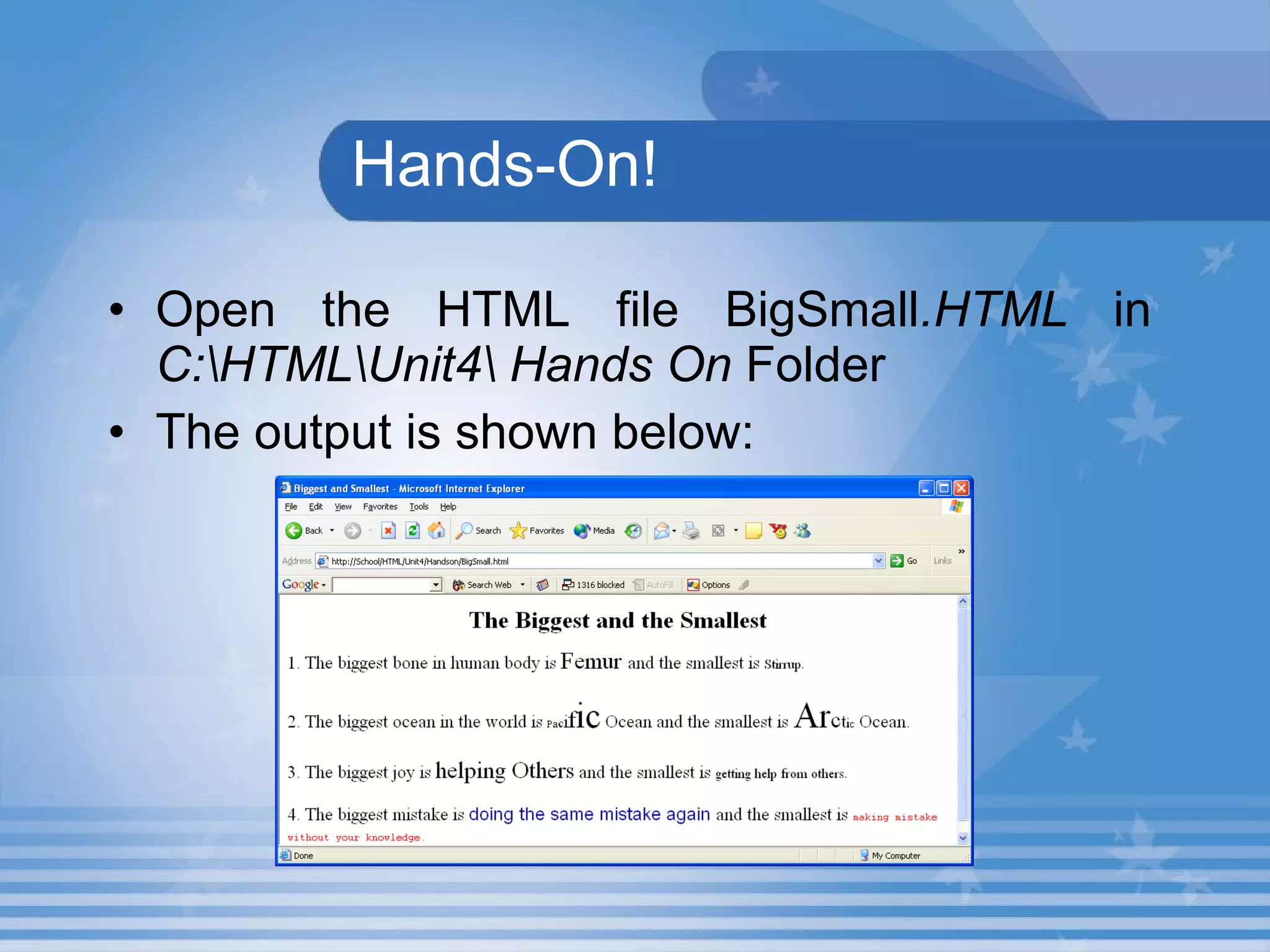
Hands-On! Open the HTML file BigSmall .HTML  in  C:\HTML\Unit4\ Hands On  Folder The output is shown below:
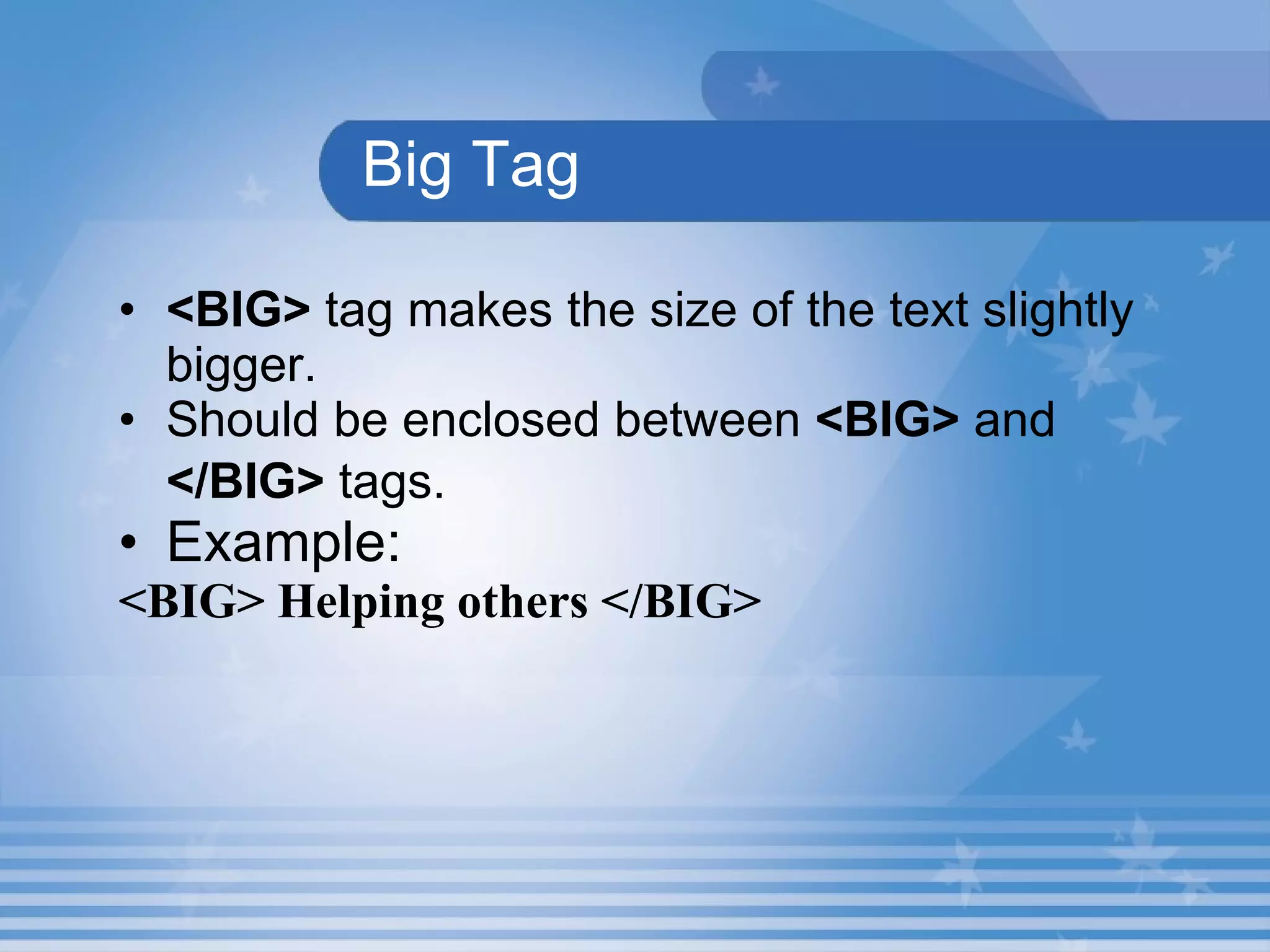
Big Tag <BIG>  tag makes the size of the text slightly bigger. Should be enclosed between  <BIG>  and  </BIG>  tags.   Example: <BIG> Helping others </BIG>
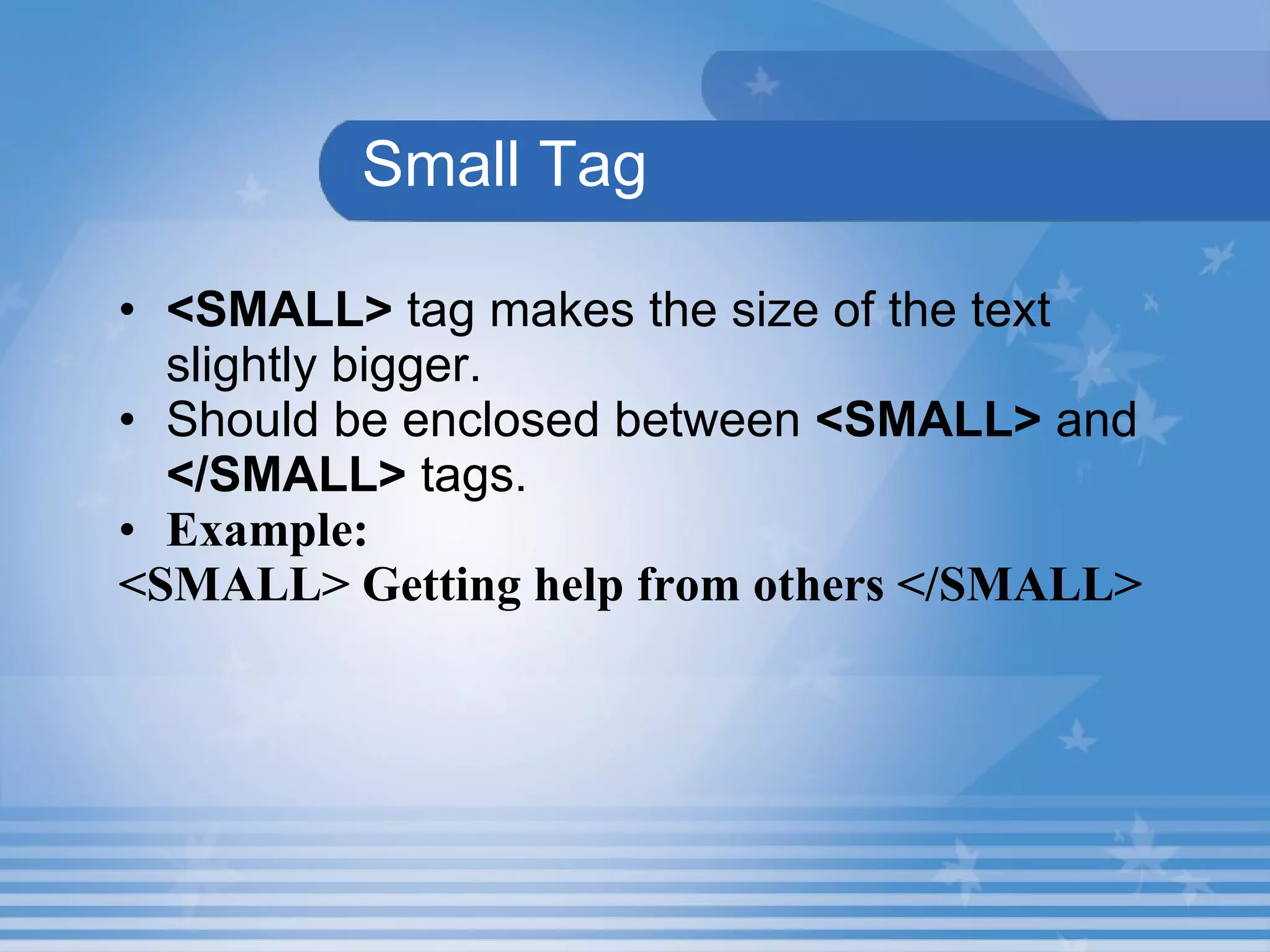
Small Tag <SMALL>  tag makes the size of the text slightly bigger. Should be enclosed between  <SMALL>   and  </SMALL>   tags. Example: <SMALL> Getting help from others </SMALL>
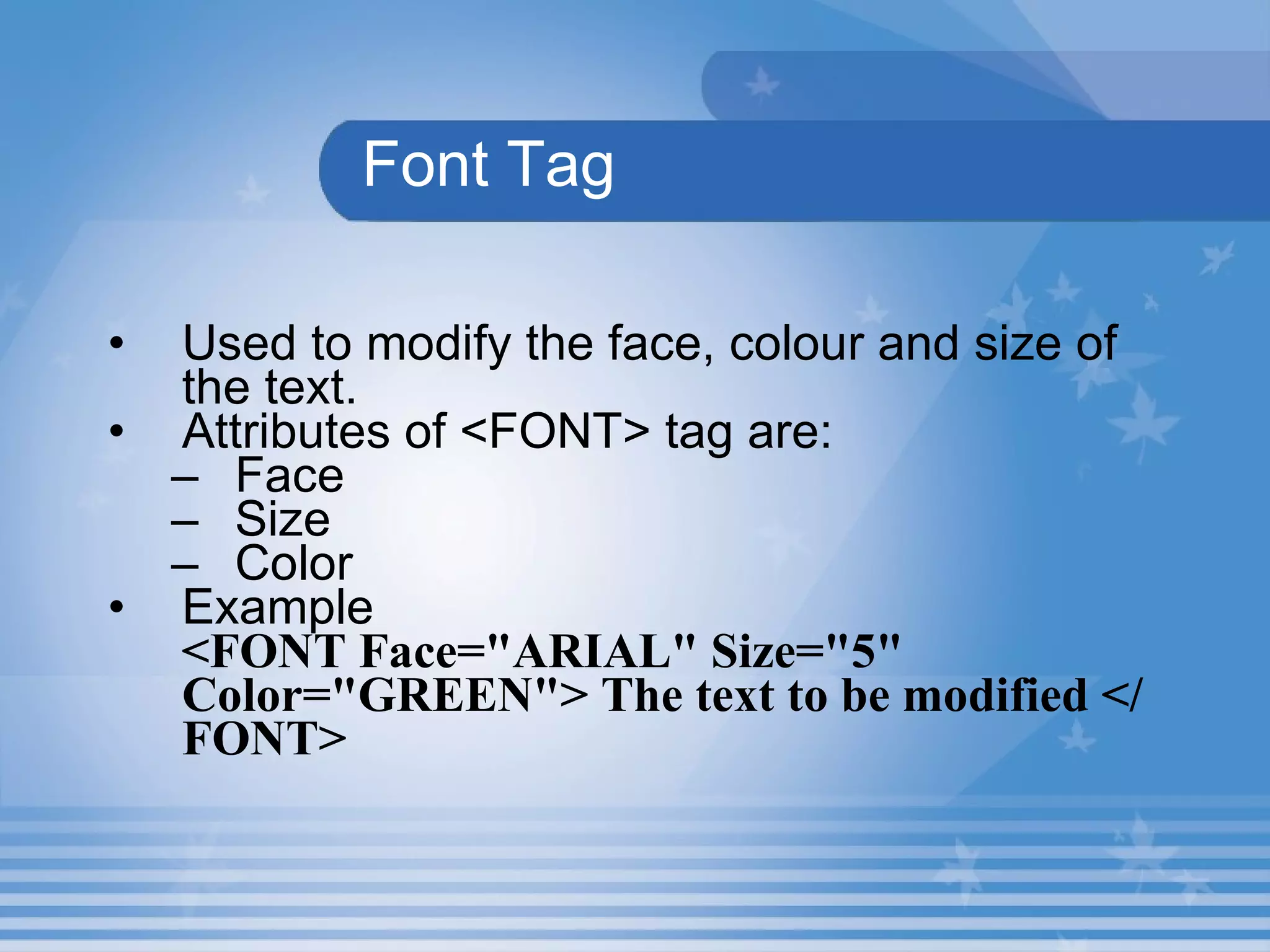
Font Tag Used to modify the face, colour and size of the text.   Attributes of <FONT> tag are: Face Size Color Example <FONT Face=&quot;ARIAL&quot; Size=&quot;5&quot; Color=&quot;GREEN&quot;> The text to be modified </FONT>
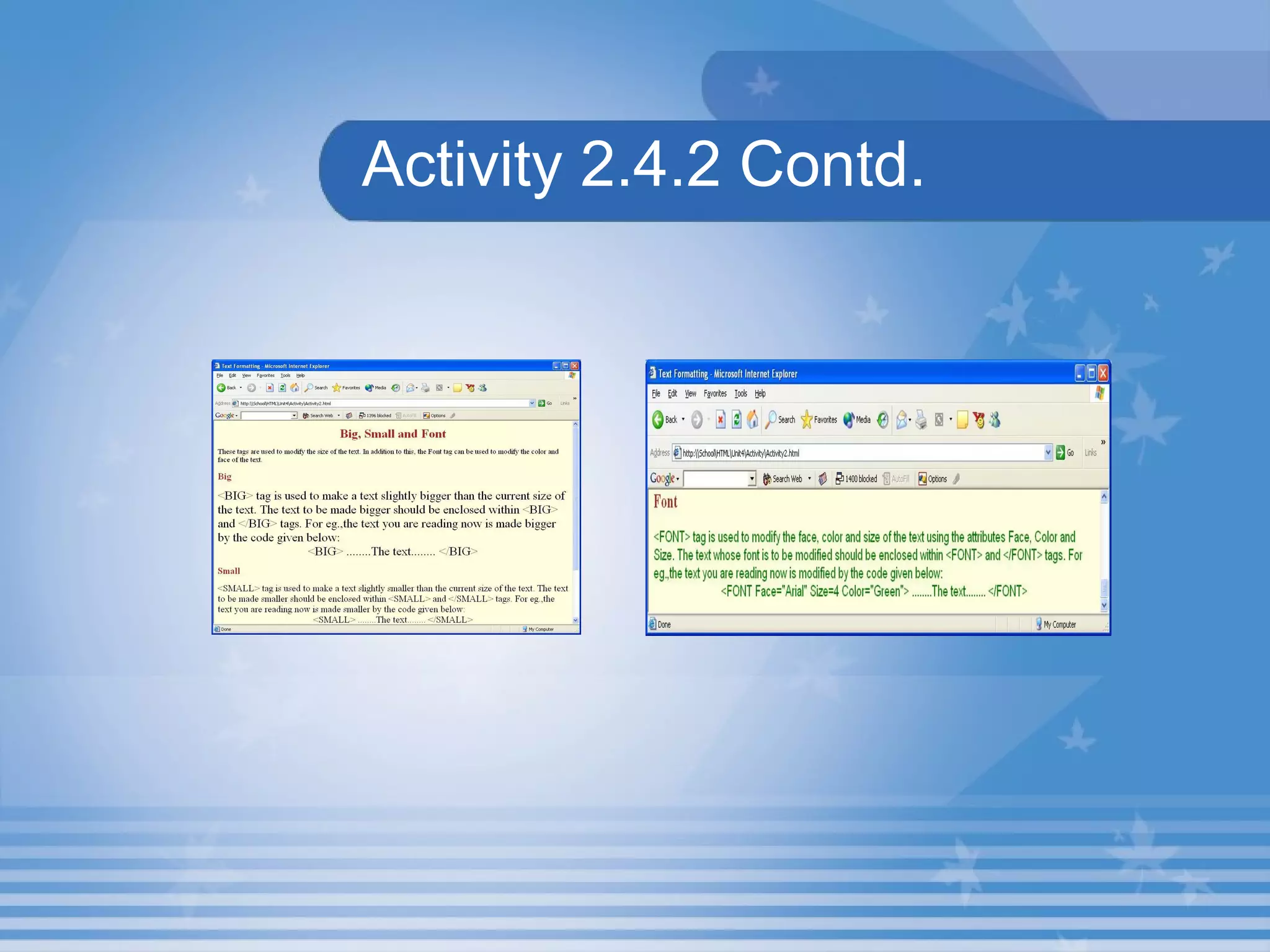
Activity 2.4.2 1. Create a web page that explains the  <BIG> ,  <SMALL>  and  <FONT>  tags as shown in the Figure.  2. Save the HTML file as  Activity2.HTML  in  C:\HTML\Unit4\Activity  folder.
Activity 2.4.2 Contd.
Lab Exercise 2. Open D4_2.html in Internet Explorer.  View the source code in Notepad. Identify the attribute which is used for    changing font name? Identify the attributes in <FONT> tag? Identify the attribute which is used for   changing font colour?
Lab Exercise 3. Open D4_3.html in Internet Explorer.  View the source code in Notepad. Identify the attribute which is used for    change the size of the text? c. Identify the tag which is used to make  the size of the text slightly bigger than the current size of the text? d. Identify the tag which is used to make the size of the text slightly smaller than the current size of the text?
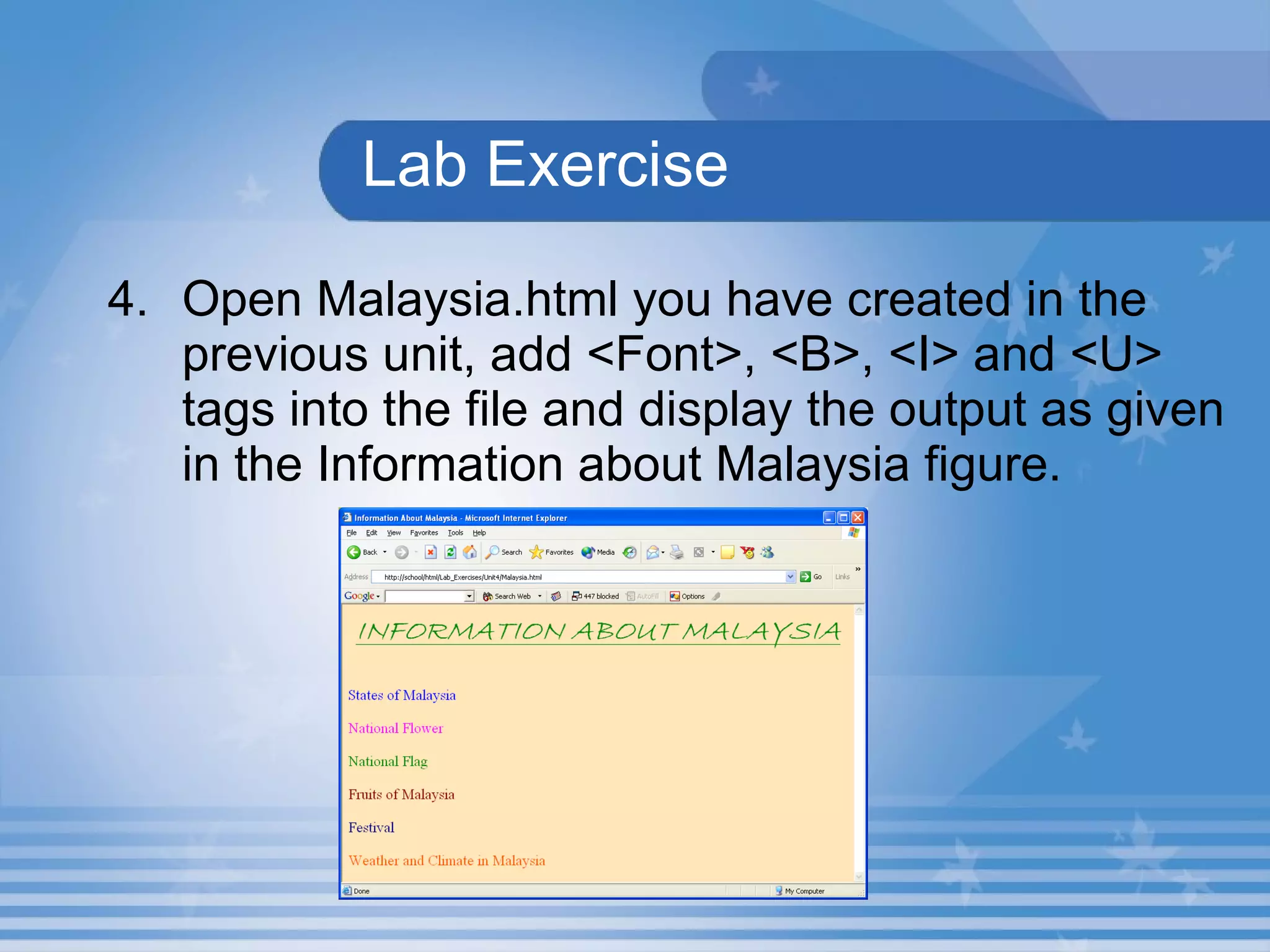
Lab Exercise 4. Open Malaysia.html you have created in the previous unit, add <Font>, <B>, <I> and <U> tags into the file and display the output as given in the Information about Malaysia figure.
Summary In this presentation, you learnt the following: The  <BIG>  tag is used to make the size of the text slightly bigger than the current size of the text. The  <SMALL>  tag is used to make the size of the text slightly smaller than the current size of the text. The attributes that can be used with the  <FONT>  tag are Face, Size and Color.
Assignment Write the use of <BIG>, <SMALL> and <FONT> tags. Name the attributes used along with <FONT> tag.

M02 un04 p02

  • 1.
    Unit 4 –Text in HTML Presentation 2 Web Programming
  • 2.
    Objectives At theend of this presentation, you will be able to Change the size, colour and font face of a text
  • 3.
    Big, Small andFont tags The size of the text can be made bigger or smaller. <BIG> , <SMALL> and <FONT> tags can be used to modify the size of the text.
  • 4.
    Hands-On! Open theHTML file BigSmall .HTML in C:\HTML\Unit4\ Hands On Folder The output is shown below:
  • 5.
    Big Tag <BIG> tag makes the size of the text slightly bigger. Should be enclosed between <BIG> and </BIG> tags. Example: <BIG> Helping others </BIG>
  • 6.
    Small Tag <SMALL> tag makes the size of the text slightly bigger. Should be enclosed between <SMALL> and </SMALL> tags. Example: <SMALL> Getting help from others </SMALL>
  • 7.
    Font Tag Usedto modify the face, colour and size of the text. Attributes of <FONT> tag are: Face Size Color Example <FONT Face=&quot;ARIAL&quot; Size=&quot;5&quot; Color=&quot;GREEN&quot;> The text to be modified </FONT>
  • 8.
    Activity 2.4.2 1.Create a web page that explains the <BIG> , <SMALL> and <FONT> tags as shown in the Figure. 2. Save the HTML file as Activity2.HTML in C:\HTML\Unit4\Activity folder.
  • 9.
  • 10.
    Lab Exercise 2.Open D4_2.html in Internet Explorer. View the source code in Notepad. Identify the attribute which is used for changing font name? Identify the attributes in <FONT> tag? Identify the attribute which is used for changing font colour?
  • 11.
    Lab Exercise 3.Open D4_3.html in Internet Explorer. View the source code in Notepad. Identify the attribute which is used for change the size of the text? c. Identify the tag which is used to make the size of the text slightly bigger than the current size of the text? d. Identify the tag which is used to make the size of the text slightly smaller than the current size of the text?
  • 12.
    Lab Exercise 4.Open Malaysia.html you have created in the previous unit, add <Font>, <B>, <I> and <U> tags into the file and display the output as given in the Information about Malaysia figure.
  • 13.
    Summary In thispresentation, you learnt the following: The <BIG> tag is used to make the size of the text slightly bigger than the current size of the text. The <SMALL> tag is used to make the size of the text slightly smaller than the current size of the text. The attributes that can be used with the <FONT> tag are Face, Size and Color.
  • 14.
    Assignment Write theuse of <BIG>, <SMALL> and <FONT> tags. Name the attributes used along with <FONT> tag.