Unit 4 – Text in HTML Presentation   3 Web Programming
Objectives At the end of this presentation, you will be able to Display the text as superscript and subscript Align the text to the centre of a page Pre-Format a text Strike out a text
Subscript and Superscript x 2 +2x+12=0 Superscript H 2 O Subscript
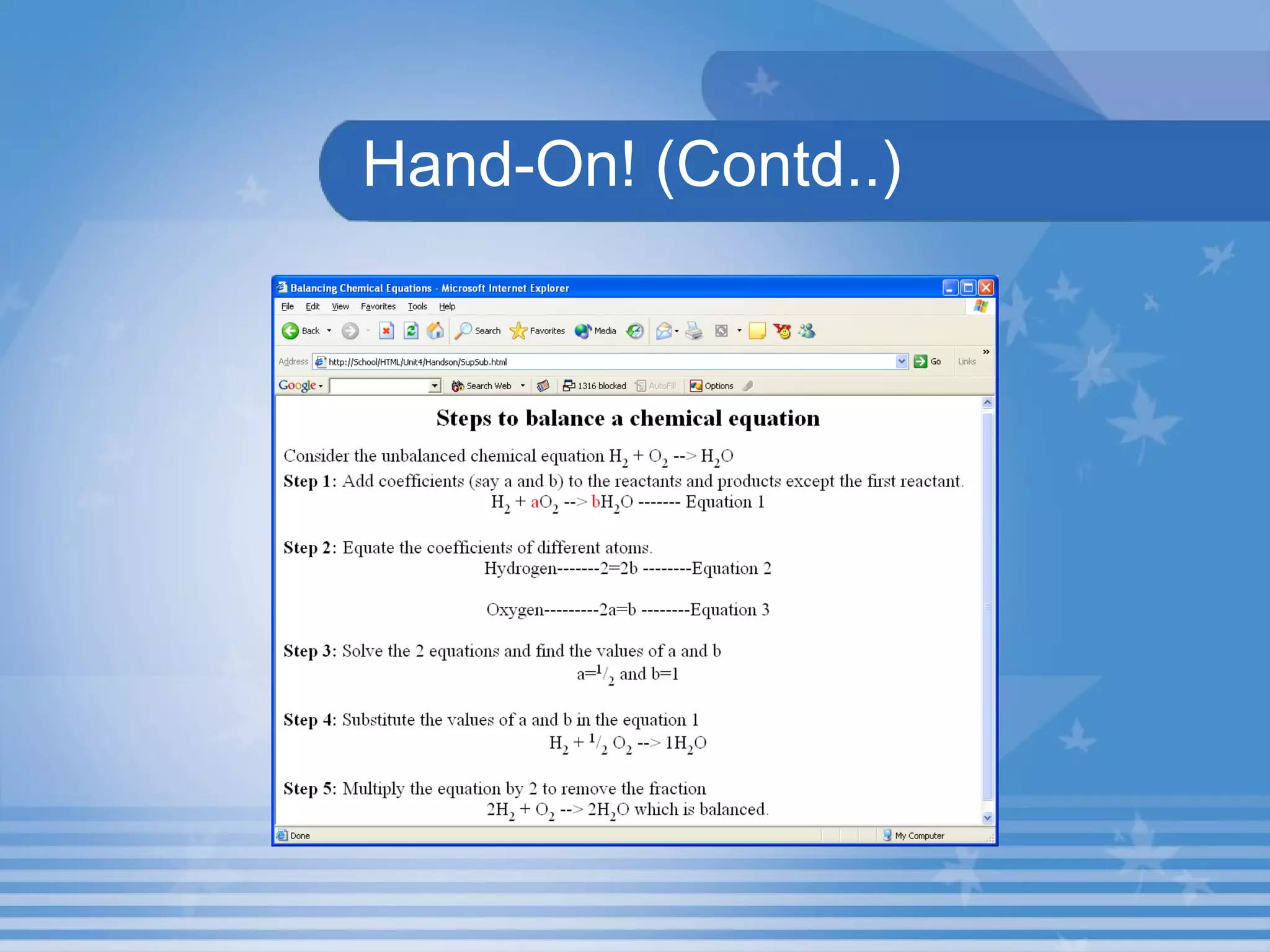
Hand-On! Open the HTML file  SupSub.HTML  in  C:\HTML\Unit4\ Hands On  Folder This HTML document display the Subscript and Superscript in a Webpage. The output is shown in the next slide:
Hand-On! (Contd..)
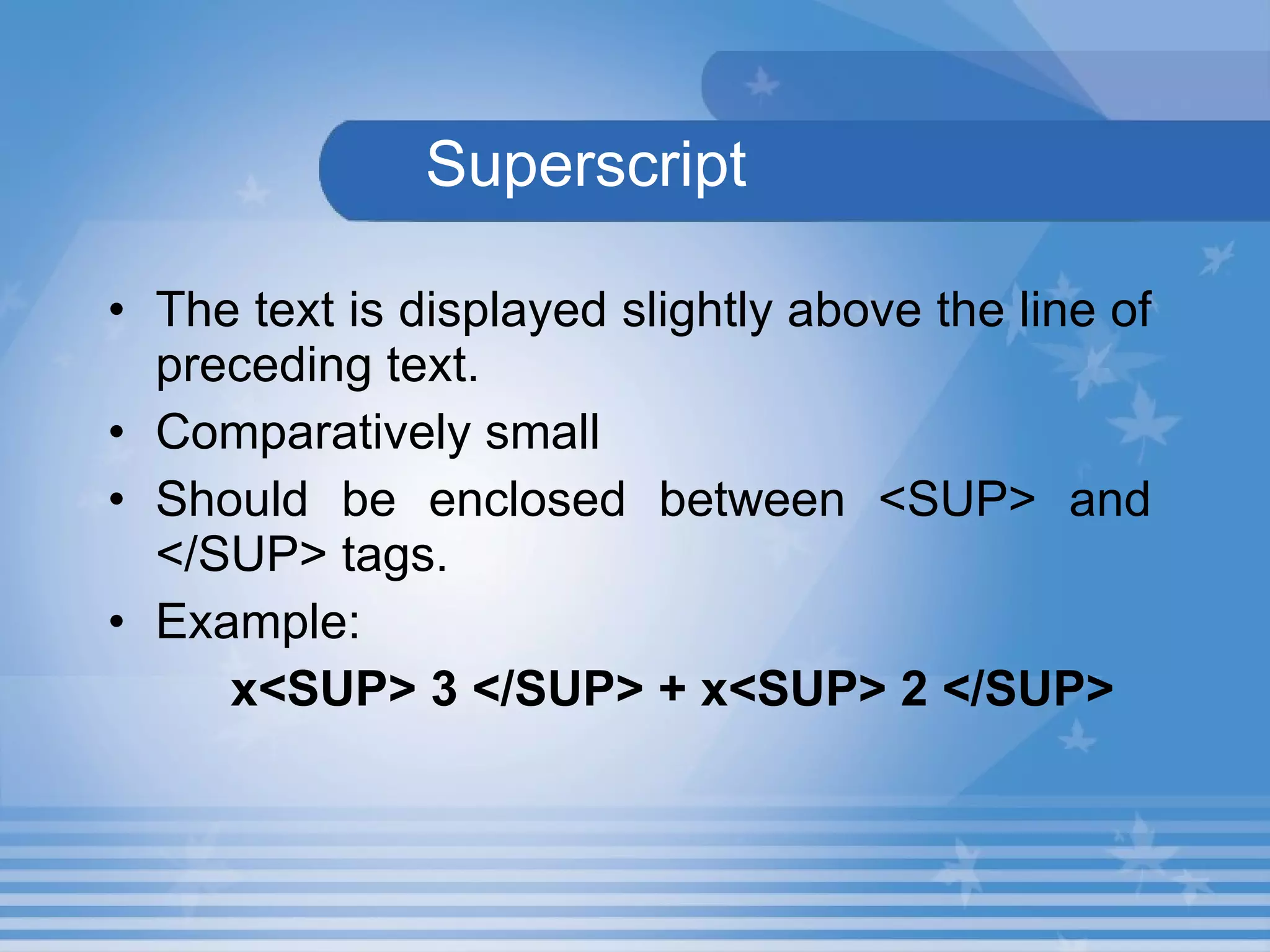
Superscript The text is displayed slightly above the line of preceding text. Comparatively small Should be enclosed between <SUP> and </SUP> tags. Example: x<SUP> 3 </SUP> + x<SUP> 2 </SUP>
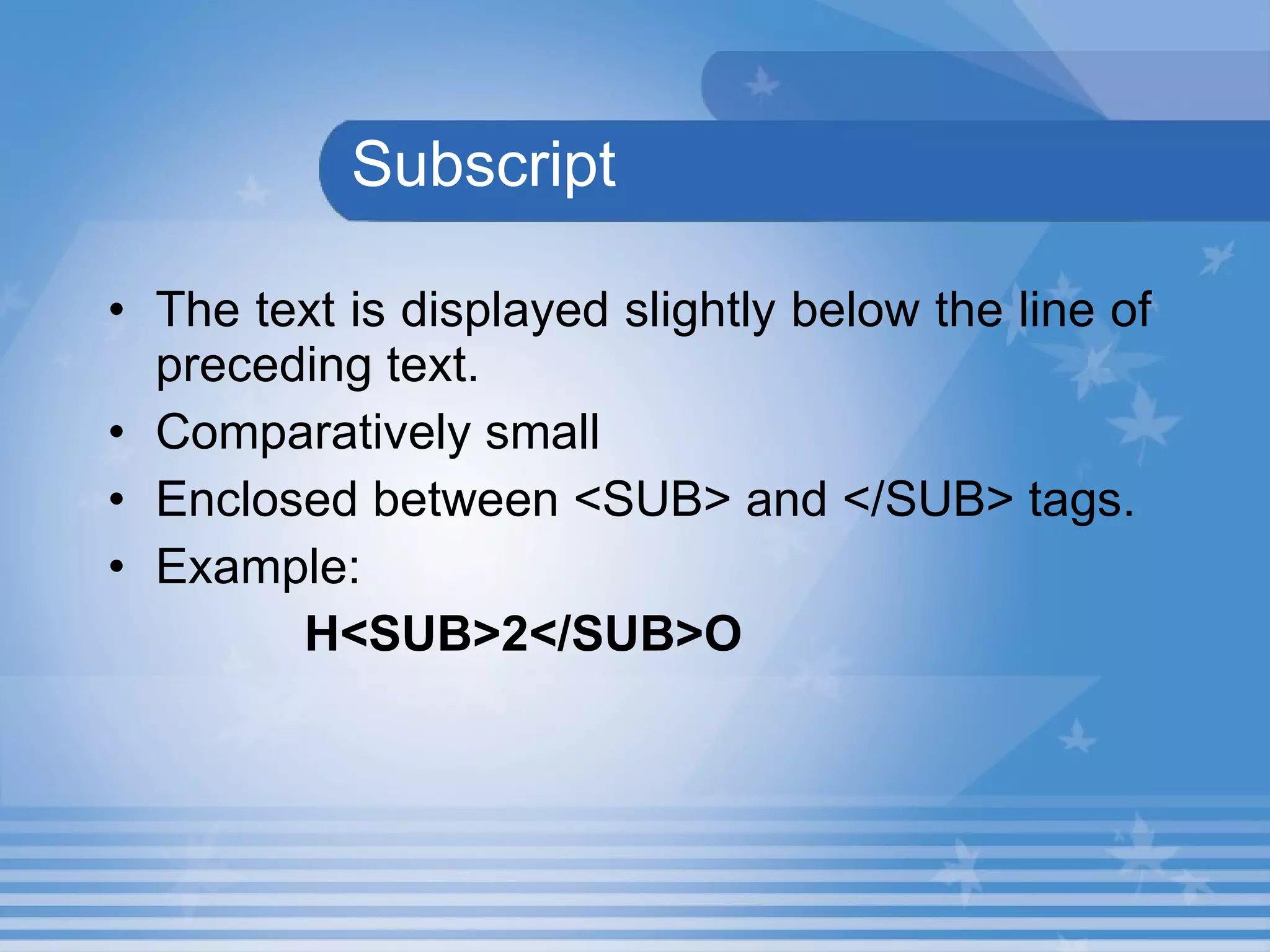
Subscript The text is displayed slightly below the line of preceding text. Comparatively small Enclosed between <SUB> and </SUB> tags. Example: H<SUB>2</SUB>O
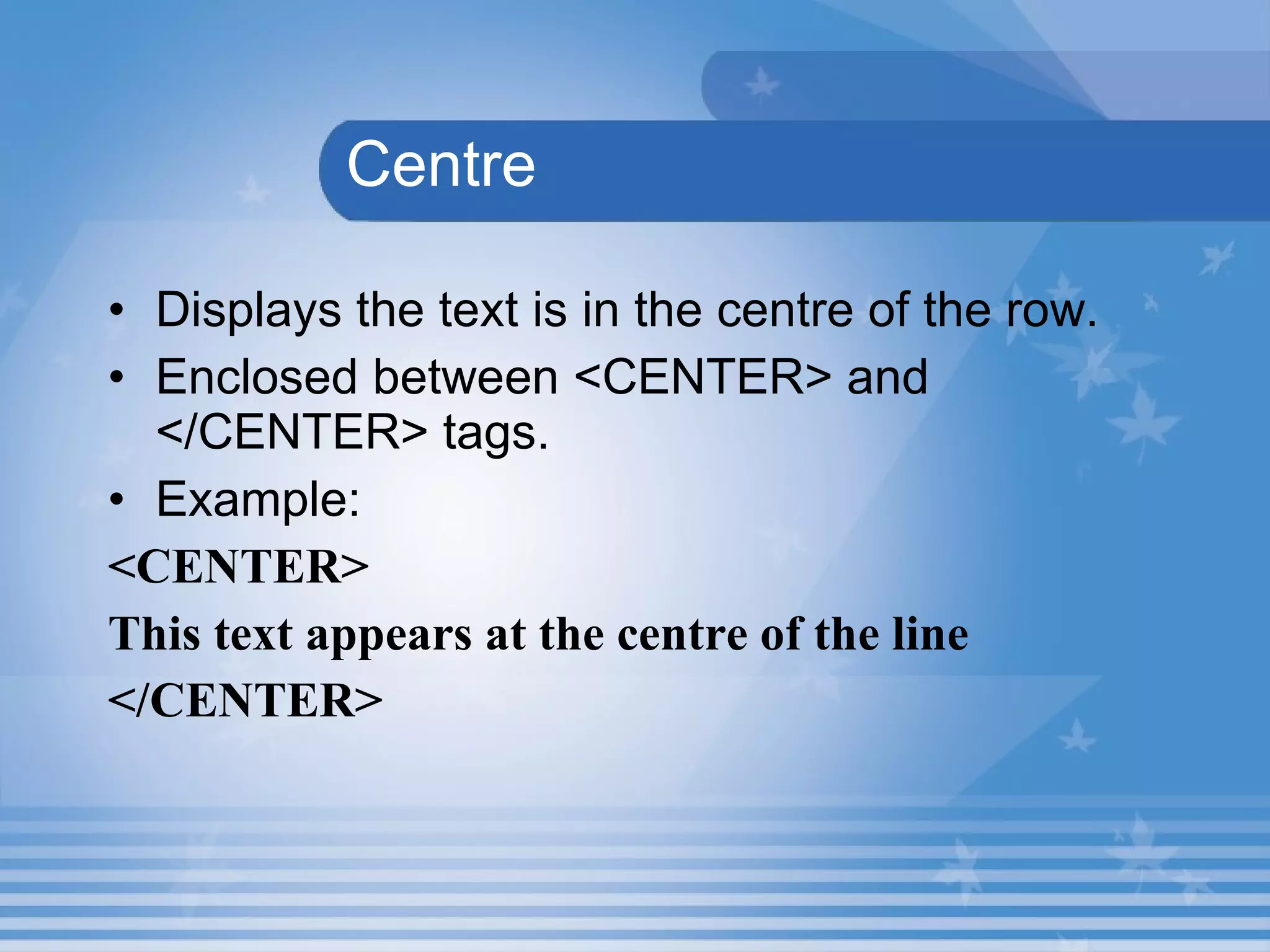
  Centre Displays the text is in the centre of the row. Enclosed between <CENTER> and </CENTER> tags. Example: <CENTER>  This text appears at the centre of the line </CENTER>
Pre-Formatted Text and Strikeout   The text within the  <PRE>  tag will be displayed in the browser window in the same format as it is presented in the HTML document.  A text can be stroked out using the  <STRIKE>  tag.
Hands-On! Open the HTML file  Strike.HTML  in  C:\HTML\Unit4\ Hands On  Folder . This HTML document describe the use of the  <PRE>  and  <STRIKE>  tags
Lab Exercise 5. Open D4_5.html in Internet Explorer.  Identify the tag, which is used for display the output in superscript? Underline the tag, which is used for display the output in subscript? Name the tag which is used displays the text the same as it is typed in the HTML document?
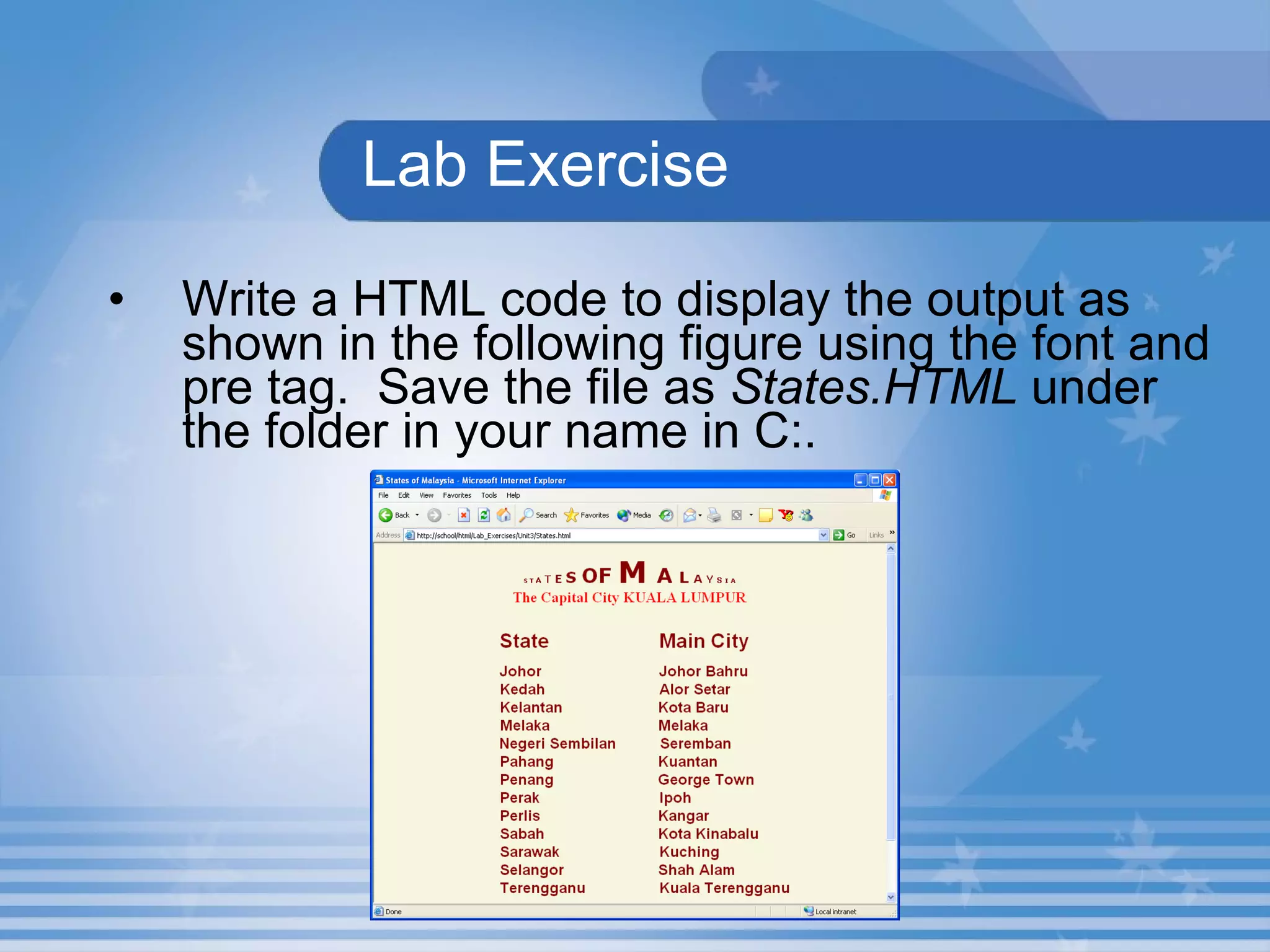
Lab Exercise Write a HTML code to display the output as shown in the following figure using the font and pre tag.  Save the file as  States.HTML  under the folder in your name in C:.
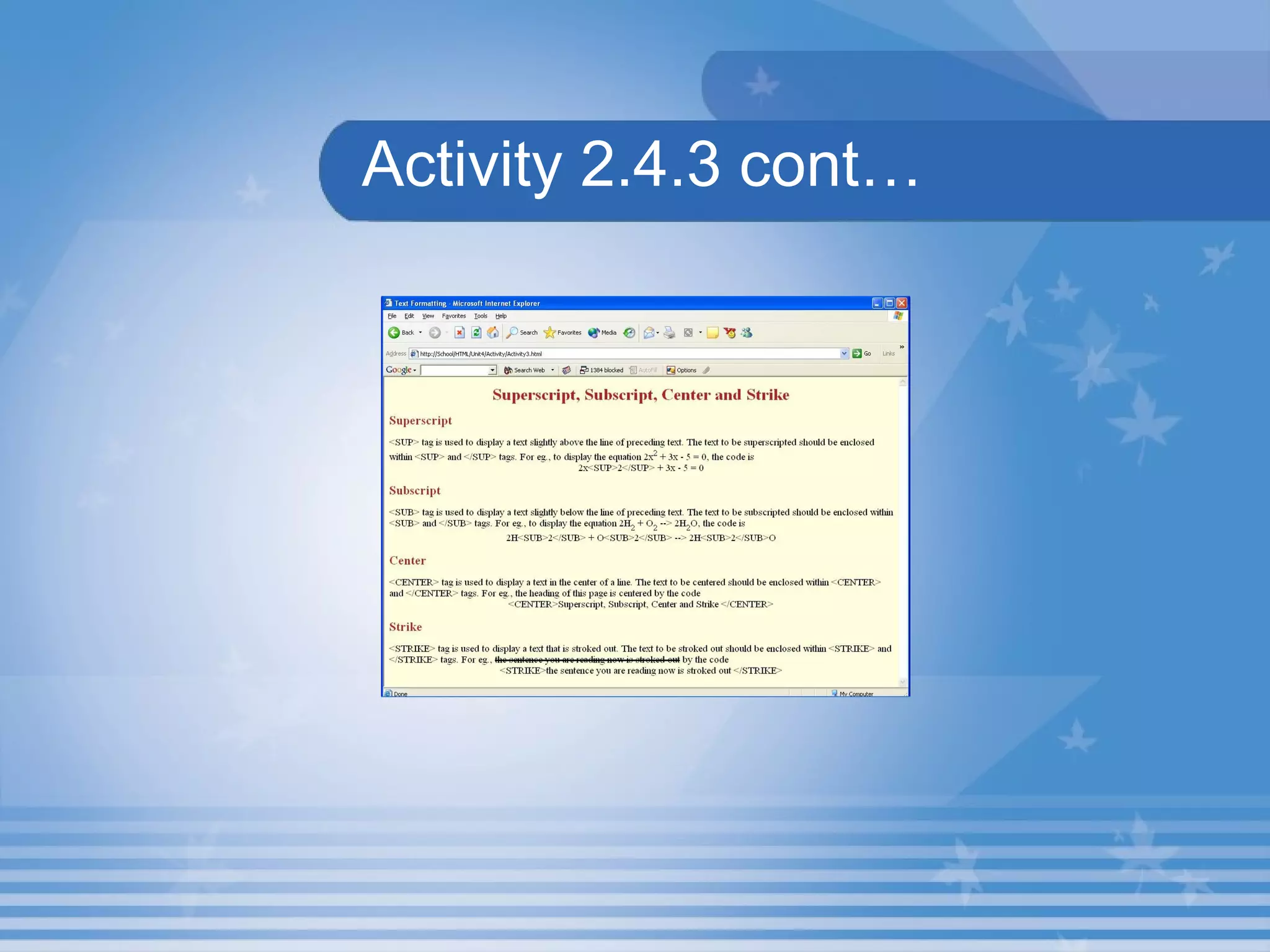
Activity 2.4.3 Create a web page that explains the  <SUP> ,  <SUB> ,  <CENTER>  and  <STRIKE>  tags as shown in Figure.  Save the HTML file as Activity3.HTML in C:\HTML\Unit4\Activity folder.
Activity 2.4.3 cont…
Summary In this presentation, you learnt the following: Superscript is the text that is displayed slightly above the line of text. Subscript is the text that is displayed slightly below the line of text. The  <CENTER>  tag is used to display the text in the centre of a row.
Summary The text within the  <PRE>  tag will be displayed in the browser window in the same format as it is presented in the HTML document.  A text can be stroked out using the  <STRIKE>  tag.
Assignment Name the tag is used to strike out a text? Write the use of < Centre>  tag.

M02 un04 p03

  • 1.
    Unit 4 –Text in HTML Presentation 3 Web Programming
  • 2.
    Objectives At theend of this presentation, you will be able to Display the text as superscript and subscript Align the text to the centre of a page Pre-Format a text Strike out a text
  • 3.
    Subscript and Superscriptx 2 +2x+12=0 Superscript H 2 O Subscript
  • 4.
    Hand-On! Open theHTML file SupSub.HTML in C:\HTML\Unit4\ Hands On Folder This HTML document display the Subscript and Superscript in a Webpage. The output is shown in the next slide:
  • 5.
  • 6.
    Superscript The textis displayed slightly above the line of preceding text. Comparatively small Should be enclosed between <SUP> and </SUP> tags. Example: x<SUP> 3 </SUP> + x<SUP> 2 </SUP>
  • 7.
    Subscript The textis displayed slightly below the line of preceding text. Comparatively small Enclosed between <SUB> and </SUB> tags. Example: H<SUB>2</SUB>O
  • 8.
    CentreDisplays the text is in the centre of the row. Enclosed between <CENTER> and </CENTER> tags. Example: <CENTER> This text appears at the centre of the line </CENTER>
  • 9.
    Pre-Formatted Text andStrikeout The text within the <PRE> tag will be displayed in the browser window in the same format as it is presented in the HTML document. A text can be stroked out using the <STRIKE> tag.
  • 10.
    Hands-On! Open theHTML file Strike.HTML in C:\HTML\Unit4\ Hands On Folder . This HTML document describe the use of the <PRE> and <STRIKE> tags
  • 11.
    Lab Exercise 5.Open D4_5.html in Internet Explorer. Identify the tag, which is used for display the output in superscript? Underline the tag, which is used for display the output in subscript? Name the tag which is used displays the text the same as it is typed in the HTML document?
  • 12.
    Lab Exercise Writea HTML code to display the output as shown in the following figure using the font and pre tag. Save the file as States.HTML under the folder in your name in C:.
  • 13.
    Activity 2.4.3 Createa web page that explains the <SUP> , <SUB> , <CENTER> and <STRIKE> tags as shown in Figure. Save the HTML file as Activity3.HTML in C:\HTML\Unit4\Activity folder.
  • 14.
  • 15.
    Summary In thispresentation, you learnt the following: Superscript is the text that is displayed slightly above the line of text. Subscript is the text that is displayed slightly below the line of text. The <CENTER> tag is used to display the text in the centre of a row.
  • 16.
    Summary The textwithin the <PRE> tag will be displayed in the browser window in the same format as it is presented in the HTML document. A text can be stroked out using the <STRIKE> tag.
  • 17.
    Assignment Name thetag is used to strike out a text? Write the use of < Centre> tag.