ADDING FONT TAGS AND FORMATTING IN WEB DESIGN.pptx
3.
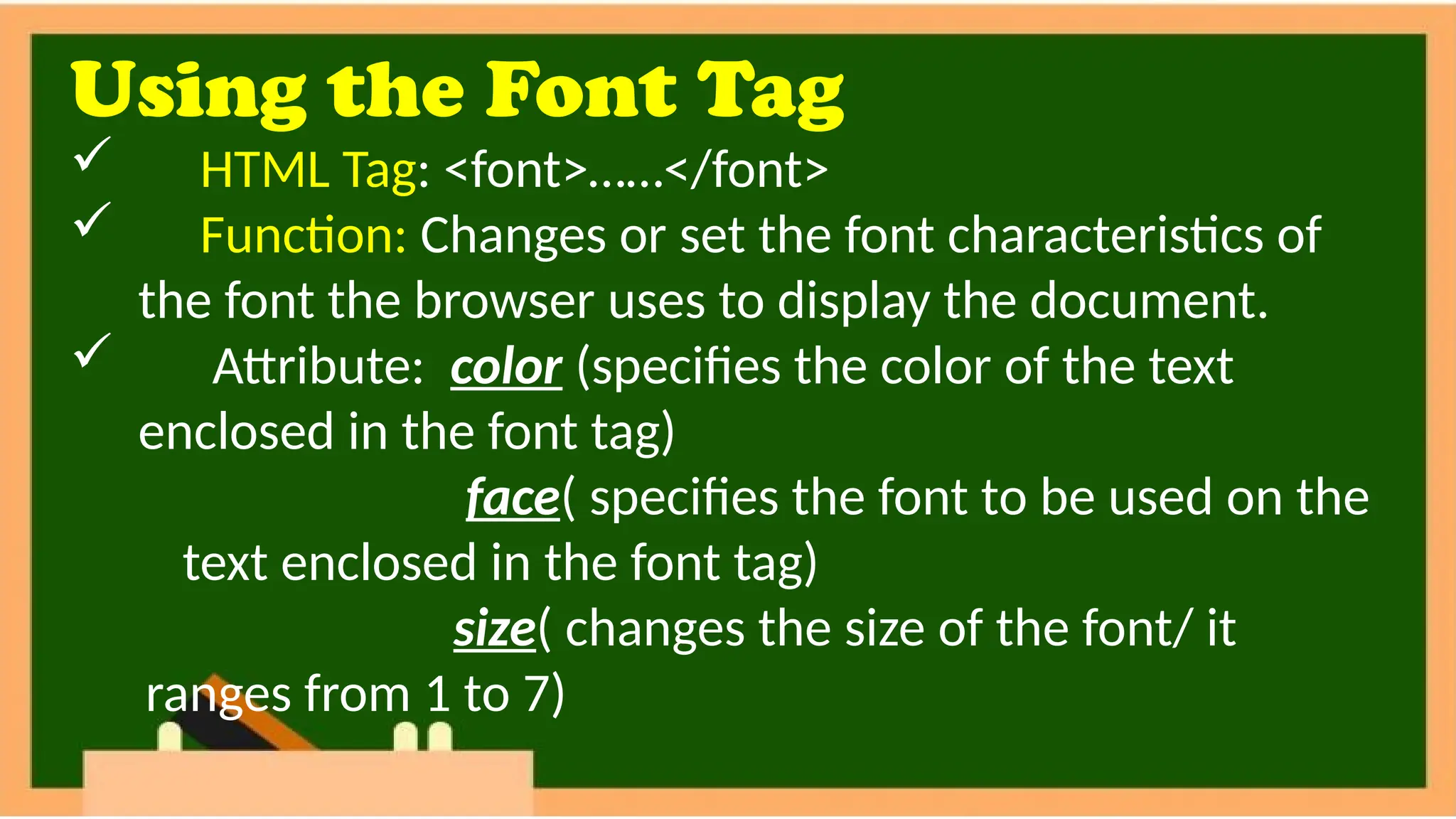
Using the FontTag
HTML Tag: <font>……</font>
Function: Changes or set the font characteristics of
the font the browser uses to display the document.
Attribute: color (specifies the color of the text
enclosed in the font tag)
face( specifies the font to be used on the
text enclosed in the font tag)
size( changes the size of the font/ it
ranges from 1 to 7)
4.
Practice Exercise 2.4.
<html>
<head><title>FontTag</title></head>
<body>
This example illustrates effect of the FONT tag and its
attributes: </br>
<font color=“brown”> Does this text appear brown on your
browser?</font></br>
<font color=“FF0000” face=“Monotype Corsiva”>This blue
text uses Monotype Corsiva.</font></br></body></html>
5.
HANDS-ON ACTIVITY 2.3.Direction:
1. Open the animal.html
2. Format the text using
the formatting given
below.
The Animal Kingdom-
font face= Jungle Fever,
bold, italic and
underlined
Amphians, Reptiles-font
face=Flounder,
underlined
6.
HANDS-ON ACTIVITY 2.3.Direction:
Contents- font
face=Hobo Medium
NOTE: if you cannot find
the required font names in
your computer, you can
use a different font name.
7.
HANDS-ON ACTIVITY 2.3.(Marking Guide)
CRITERIA POINTS SCORE
Used the specified formatting for the text “Animal
Kingdom”
5
Used the required fonts and font styles 5
Changed the fonts to “Hobo Medium” 5
Saved the modifications 5
TOTAL 20
Time allotted: 5 minutes