





File System.
We’re Windows user at one point
Remember C:/Program
      Files?
Right. Let’s forget that.
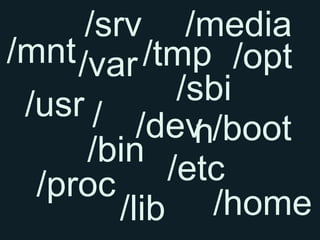
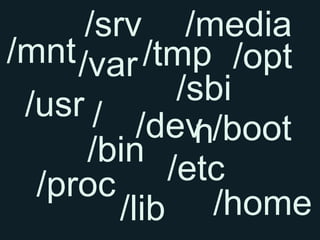
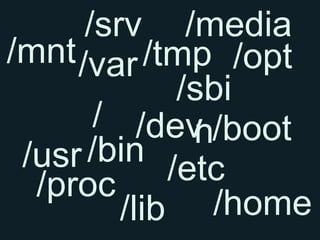
/srv /media
/mnt /var /tmp /opt
 /usr /       /sbi
           /dev /boot
               n
      /bin
  /proc      /etc
         /lib /home
Looks like a mess
But you can’t make an
  omelette without
 breaking any eggs
So let me explain
the file system is the
 organs of operating
        system
To understand file
system means you
 understand how to
operate & “heal” the
  operating system
But it’s up to you,
       actually,
You can still use Linux
 without knowing File
       System.
So back to this again.
/srv /media
/mnt /var /tmp /opt
 /usr /       /sbi
           /dev /boot
               n
      /bin
  /proc      /etc
         /lib /home
Can we make
something out of that?
/srv /media
/mnt /var /tmp /opt
             /sbi
       / /dev /boot
              n
 /usr /bin /etc
  /proc
         /lib /home
It’s a mess. But not
        really.
Let’s take it one by one.
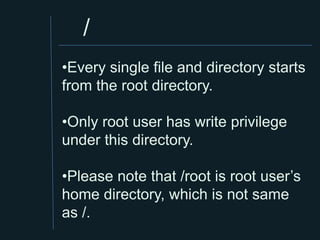
/
•Every single file and directory starts
from the root directory.

•Only root user has write privilege
under this directory.

•Please note that /root is root user’s
home directory, which is not same
as /.
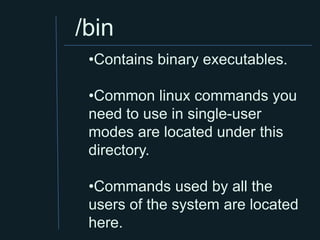
/bin
 •Contains binary executables.

 •Common linux commands you
 need to use in single-user
 modes are located under this
 directory.

 •Commands used by all the
 users of the system are located
 here.
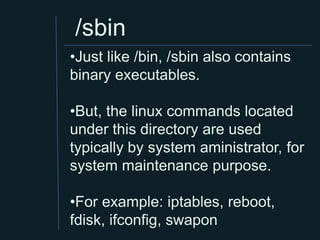
/sbin
•Just like /bin, /sbin also contains
binary executables.

•But, the linux commands located
under this directory are used
typically by system aministrator, for
system maintenance purpose.

•For example: iptables, reboot,
fdisk, ifconfig, swapon
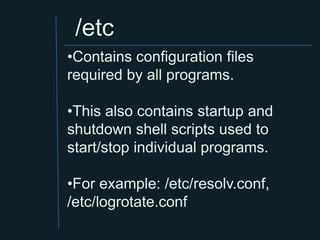
/etc
•Contains configuration files
required by all programs.

•This also contains startup and
shutdown shell scripts used to
start/stop individual programs.

•For example: /etc/resolv.conf,
/etc/logrotate.conf
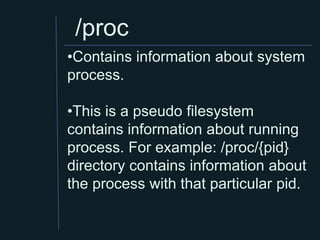
/proc
•Contains information about system
process.

•This is a pseudo filesystem
contains information about running
process. For example: /proc/{pid}
directory contains information about
the process with that particular pid.
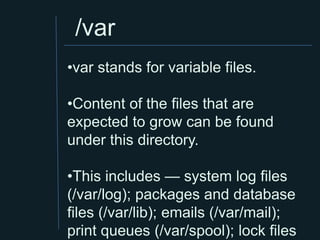
/var
•var stands for variable files.

•Content of the files that are
expected to grow can be found
under this directory.

•This includes — system log files
(/var/log); packages and database
files (/var/lib); emails (/var/mail);
print queues (/var/spool); lock files
/tmp
•Directory that contains temporary
files created by system and users.
•Files under this directory are
deleted when system is rebooted.
/usr
•Contains binaries, libraries, documentation, and
source-code for second level programs.
•/usr/bin contains binary files for user programs. If
you can’t find a user binary under /bin, look under
/usr/bin. For example: at, awk, cc, less, scp
•/usr/sbin contains binary files for system
administrators. If you can’t find a system binary
under /sbin, look under /usr/sbin. For example: atd,
cron, sshd, useradd, userdel
•/usr/lib contains libraries for /usr/bin and /usr/sbin
•/usr/local contains users programs that you install
from source. For example, when you install apache
from source, it goes under /usr/local/apache2
/home
•Home directories for all users to
store their personal files.
•For example: /home/john,
/home/nikita
/boot
•Contains boot loader related files.

•Kernel initrd, vmlinux, grub files are
located under /boot

•For example: initrd.img-2.6.32-24-
generic, vmlinuz-2.6.32-24-generic
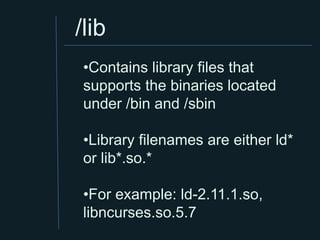
/lib
 •Contains library files that
 supports the binaries located
 under /bin and /sbin

 •Library filenames are either ld*
 or lib*.so.*

 •For example: ld-2.11.1.so,
 libncurses.so.5.7
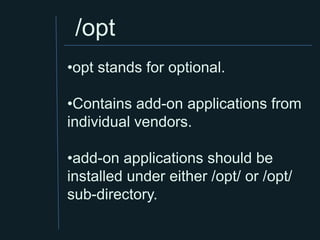
/opt
•opt stands for optional.

•Contains add-on applications from
individual vendors.

•add-on applications should be
installed under either /opt/ or /opt/
sub-directory.
/mnt
•Temporary mount directory where
sysadmins can mount filesystems.
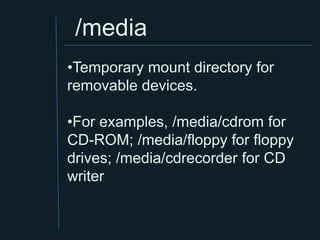
/media
•Temporary mount directory for
removable devices.

•For examples, /media/cdrom for
CD-ROM; /media/floppy for floppy
drives; /media/cdrecorder for CD
writer
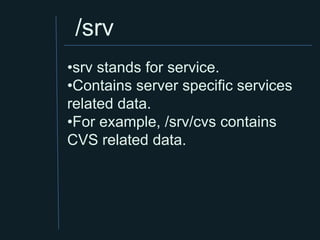
/srv
•srv stands for service.
•Contains server specific services
related data.
•For example, /srv/cvs contains
CVS related data.
There’s a guy who
  famously said
" A lot of us have been
working for ten years to
get rid of the traditional
       file system”
His name is Steve Jobs
Whether you like it or
         not,
File System still exist.
Thank you.

Week6 filesystem

  • 1.
  • 2.
  • 3.
  • 4.
  • 5.
    /srv /media /mnt /var/tmp /opt /usr / /sbi /dev /boot n /bin /proc /etc /lib /home
  • 6.
  • 7.
    But you can’tmake an omelette without breaking any eggs
  • 8.
    So let meexplain
  • 9.
    the file systemis the organs of operating system
  • 10.
    To understand file systemmeans you understand how to operate & “heal” the operating system
  • 11.
    But it’s upto you, actually, You can still use Linux without knowing File System.
  • 12.
    So back tothis again.
  • 13.
    /srv /media /mnt /var/tmp /opt /usr / /sbi /dev /boot n /bin /proc /etc /lib /home
  • 14.
  • 15.
    /srv /media /mnt /var/tmp /opt /sbi / /dev /boot n /usr /bin /etc /proc /lib /home
  • 16.
    It’s a mess.But not really.
  • 17.
    Let’s take itone by one.
  • 18.
    / •Every single fileand directory starts from the root directory. •Only root user has write privilege under this directory. •Please note that /root is root user’s home directory, which is not same as /.
  • 19.
    /bin •Contains binaryexecutables. •Common linux commands you need to use in single-user modes are located under this directory. •Commands used by all the users of the system are located here.
  • 20.
    /sbin •Just like /bin,/sbin also contains binary executables. •But, the linux commands located under this directory are used typically by system aministrator, for system maintenance purpose. •For example: iptables, reboot, fdisk, ifconfig, swapon
  • 21.
    /etc •Contains configuration files requiredby all programs. •This also contains startup and shutdown shell scripts used to start/stop individual programs. •For example: /etc/resolv.conf, /etc/logrotate.conf
  • 22.
    /proc •Contains information aboutsystem process. •This is a pseudo filesystem contains information about running process. For example: /proc/{pid} directory contains information about the process with that particular pid.
  • 23.
    /var •var stands forvariable files. •Content of the files that are expected to grow can be found under this directory. •This includes — system log files (/var/log); packages and database files (/var/lib); emails (/var/mail); print queues (/var/spool); lock files
  • 24.
    /tmp •Directory that containstemporary files created by system and users. •Files under this directory are deleted when system is rebooted.
  • 25.
    /usr •Contains binaries, libraries,documentation, and source-code for second level programs. •/usr/bin contains binary files for user programs. If you can’t find a user binary under /bin, look under /usr/bin. For example: at, awk, cc, less, scp •/usr/sbin contains binary files for system administrators. If you can’t find a system binary under /sbin, look under /usr/sbin. For example: atd, cron, sshd, useradd, userdel •/usr/lib contains libraries for /usr/bin and /usr/sbin •/usr/local contains users programs that you install from source. For example, when you install apache from source, it goes under /usr/local/apache2
  • 26.
    /home •Home directories forall users to store their personal files. •For example: /home/john, /home/nikita
  • 27.
    /boot •Contains boot loaderrelated files. •Kernel initrd, vmlinux, grub files are located under /boot •For example: initrd.img-2.6.32-24- generic, vmlinuz-2.6.32-24-generic
  • 28.
    /lib •Contains libraryfiles that supports the binaries located under /bin and /sbin •Library filenames are either ld* or lib*.so.* •For example: ld-2.11.1.so, libncurses.so.5.7
  • 29.
    /opt •opt stands foroptional. •Contains add-on applications from individual vendors. •add-on applications should be installed under either /opt/ or /opt/ sub-directory.
  • 30.
    /mnt •Temporary mount directorywhere sysadmins can mount filesystems.
  • 31.
    /media •Temporary mount directoryfor removable devices. •For examples, /media/cdrom for CD-ROM; /media/floppy for floppy drives; /media/cdrecorder for CD writer
  • 32.
    /srv •srv stands forservice. •Contains server specific services related data. •For example, /srv/cvs contains CVS related data.
  • 33.
    There’s a guywho famously said
  • 34.
    " A lotof us have been working for ten years to get rid of the traditional file system”
  • 35.
    His name isSteve Jobs
  • 36.
    Whether you likeit or not, File System still exist.
  • 37.