WEB 2.0 (SOCIAL MEDIA) TECHNOLOGIES
     FOR TEACHING & LEARNING
                        Jamalludin Harun
     Department of Educational Multimedia, Faculty of Education
                   Universiti Teknologi Malaysia
THE FUTURE OF EDUCATION

We know

• People work with each other
• They learn from each other
• They are capable of determining what they want
  to learn


                                                   2
THE FUTURE OF EDUCATION

Ask yourself...

•   Where have all the students gone?
•   Who are Generation X & Y?
•   What are their characteristics?
•   How were they brought up?
•   Where have they come from?
•   How might this affect their approach to learning?


                                                        3
THE FUTURE OF EDUCATION

Ask yourself...

•   What are their tools?
•   Where do they communicate?
•   How do they network?
•   Where do they network?
•   How do they learn?
•   Where do they research?


                                          4
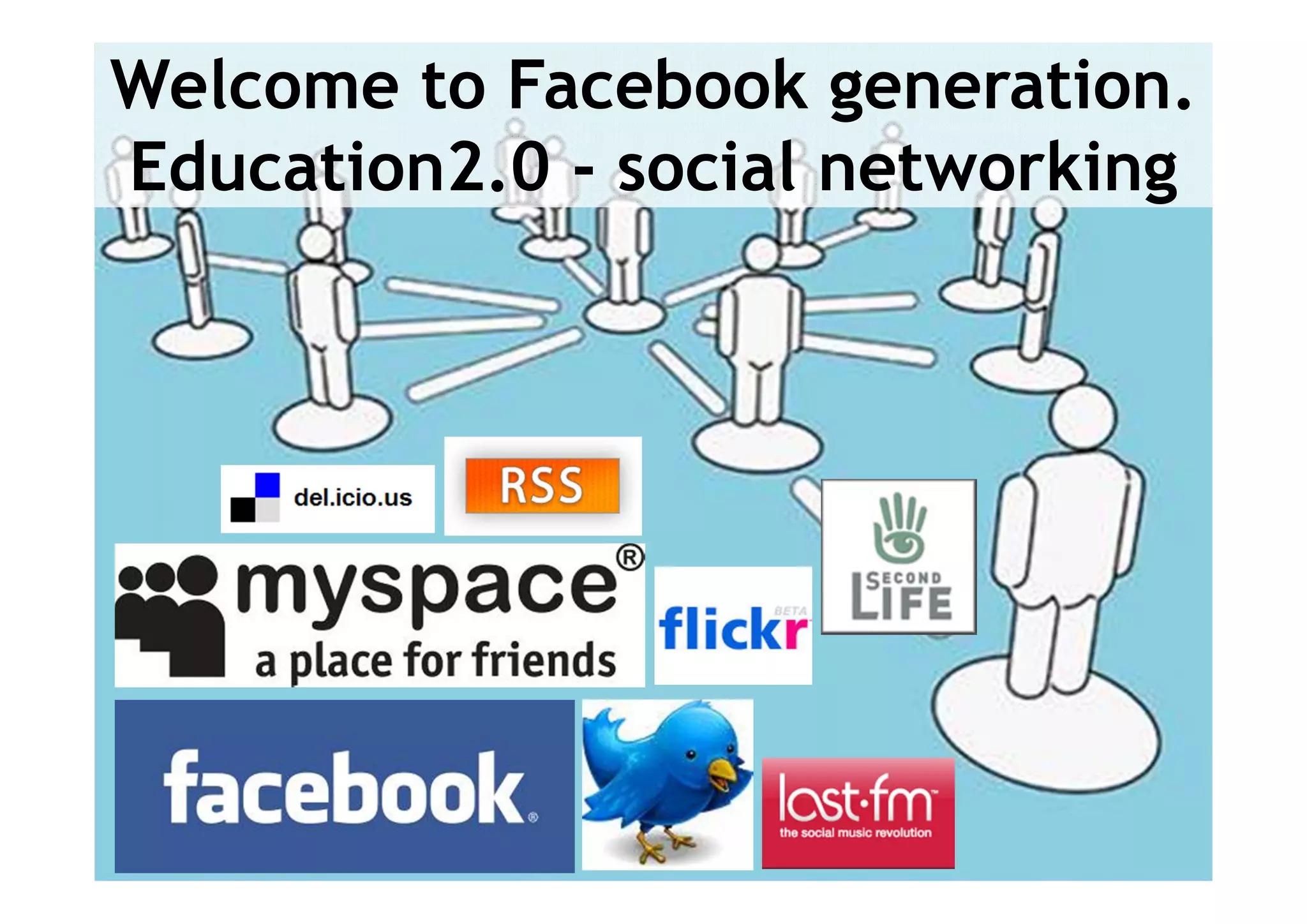
Welcome to Facebook generation.
Education2.0 - social networking


                               5
THE FUTURE OF EDUCATION

Now....Ask yourself...

•   How do you teach?
•   How do you engage them?
•   What tools do you use?
•   What tools can you use?
•   Do you encourage them to innovate and create?


                                                    6
THE FUTURE OF EDUCATION

The Future of Education...

• Information is changing.
• WHERE and HOW we learn is changing.
• If we don’t integrate the tools effectively…
  Formal education will become increasingly
  irrelevant


                                                 7
8
INTRODUCTON TO SOCIAL MEDIA


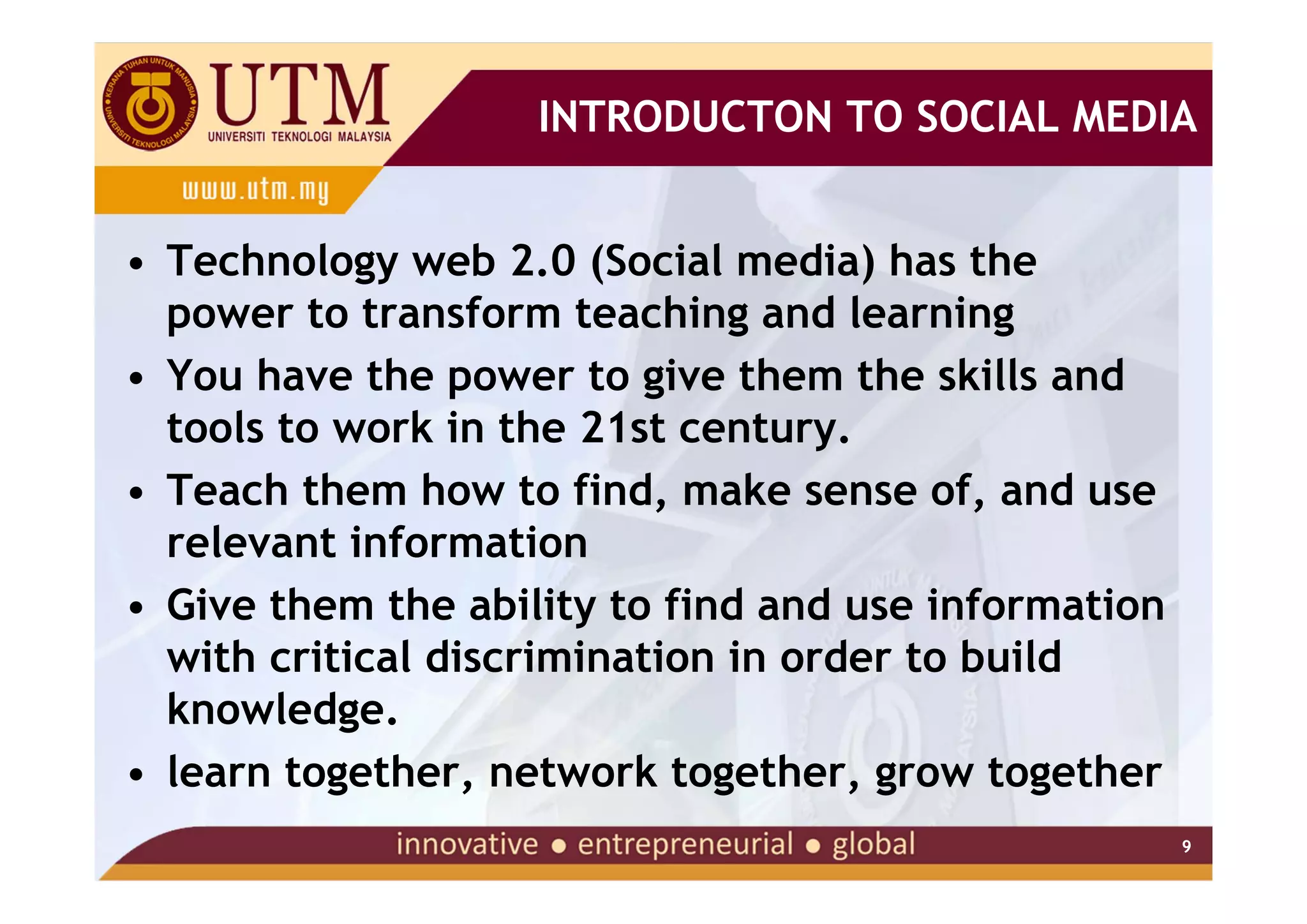
• Technology web 2.0 (Social media) has the
  power to transform teaching and learning
• You have the power to give them the skills and
  tools to work in the 21st century.
• Teach them how to find, make sense of, and use
  relevant information
• Give them the ability to find and use information
  with critical discrimination in order to build
  knowledge.

• learn together, network together, grow together
                                                      9
INTRODUCTION


           10
INTRODUCTON TO SOCIAL MEDIA


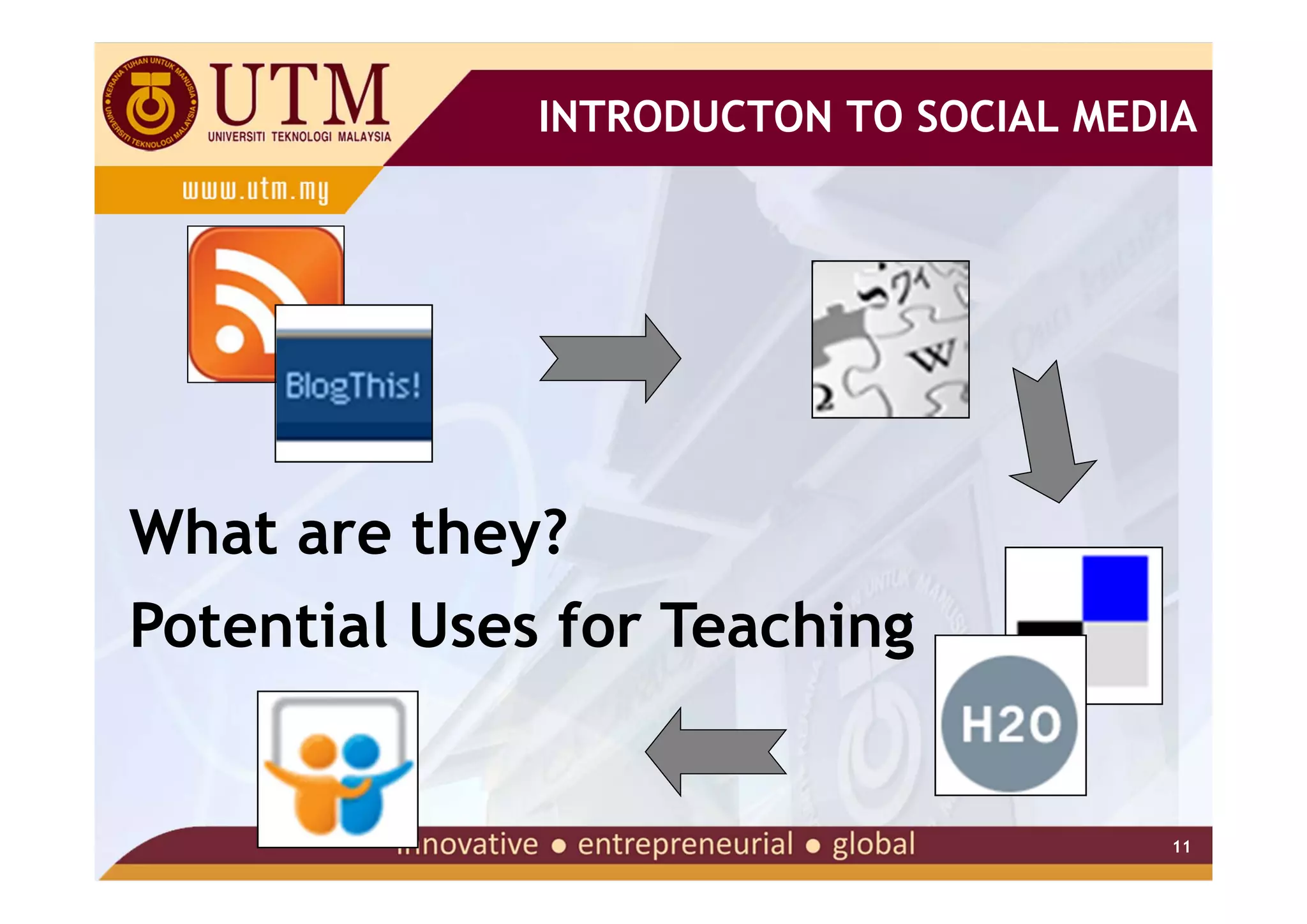
What are they?
Potential Uses for Teaching


                                       11
WEB 2.0 TECHNOLOGIES

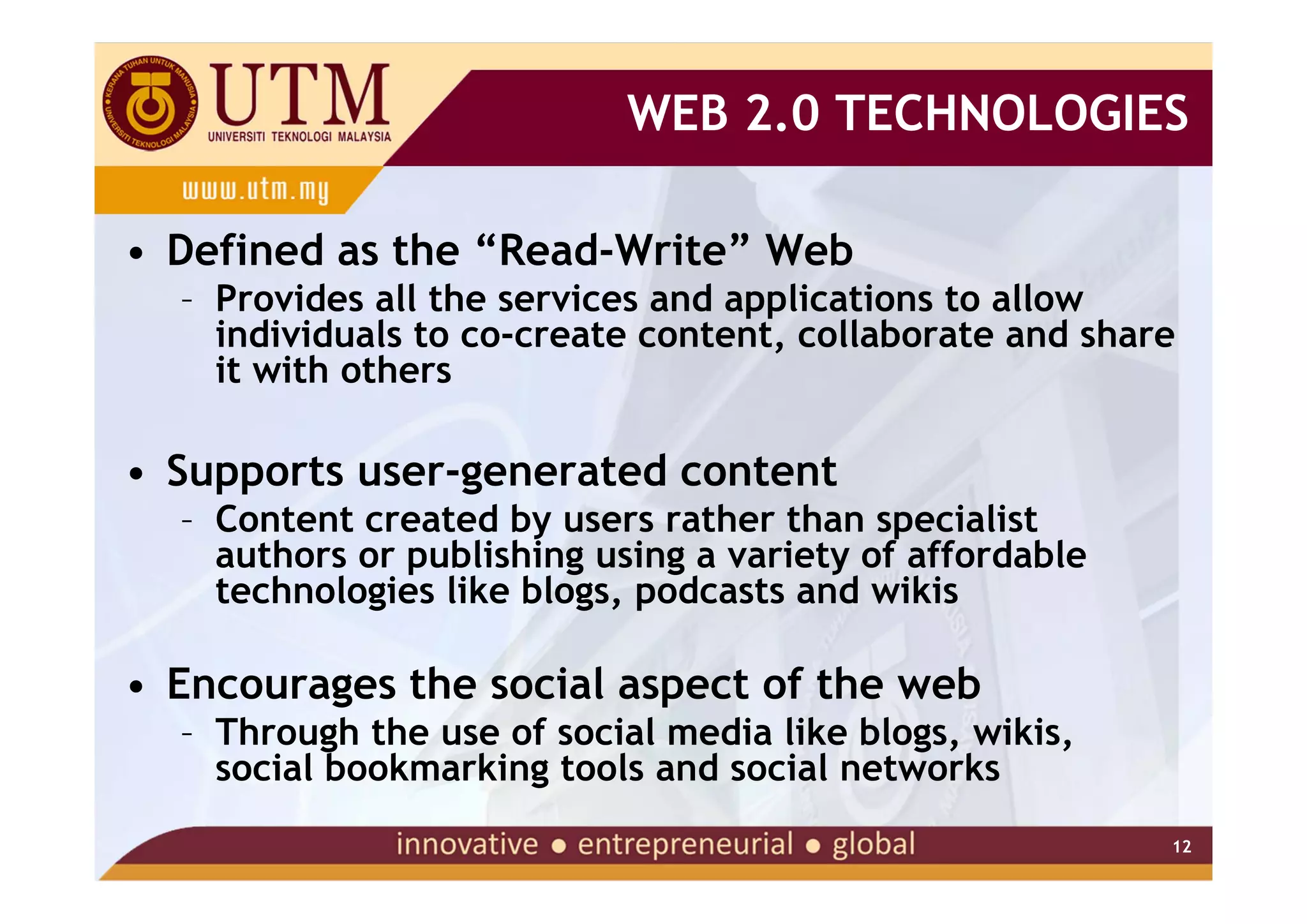
• Defined as the “Read-Write” Web
  – Provides all the services and applications to allow
    individuals to co-create content, collaborate and share
    it with others

• Supports user-generated content
  – Content created by users rather than specialist
    authors or publishing using a variety of affordable
    technologies like blogs, podcasts and wikis

• Encourages the social aspect of the web
  – Through the use of social media like blogs, wikis,
    social bookmarking tools and social networks
                                                          12
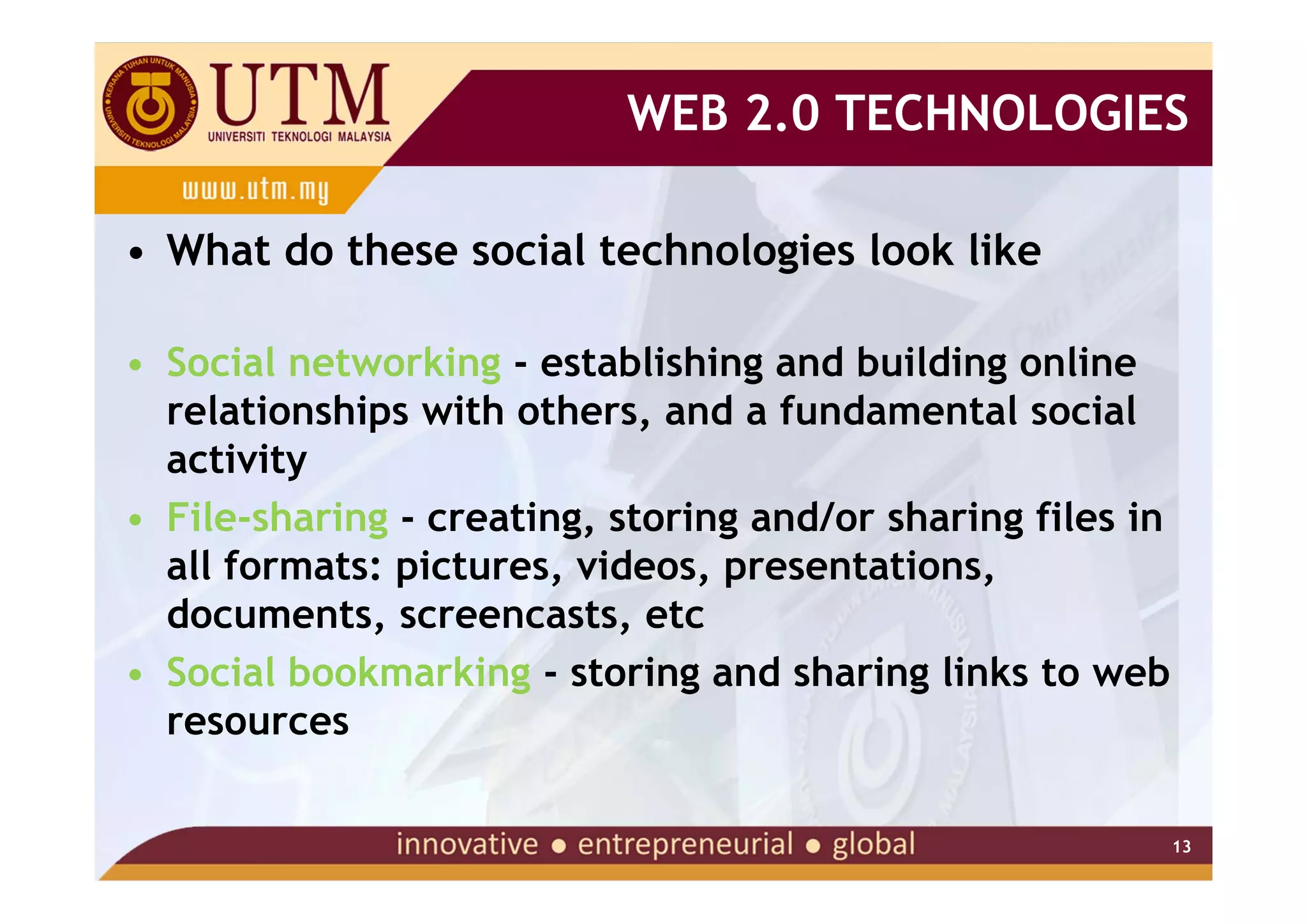
WEB 2.0 TECHNOLOGIES

• What do these social technologies look like

• Social networking - establishing and building online
  relationships with others, and a fundamental social
  activity
• File-sharing - creating, storing and/or sharing files in
  all formats: pictures, videos, presentations,
  documents, screencasts, etc
• Social bookmarking - storing and sharing links to web
  resources

                                                             13
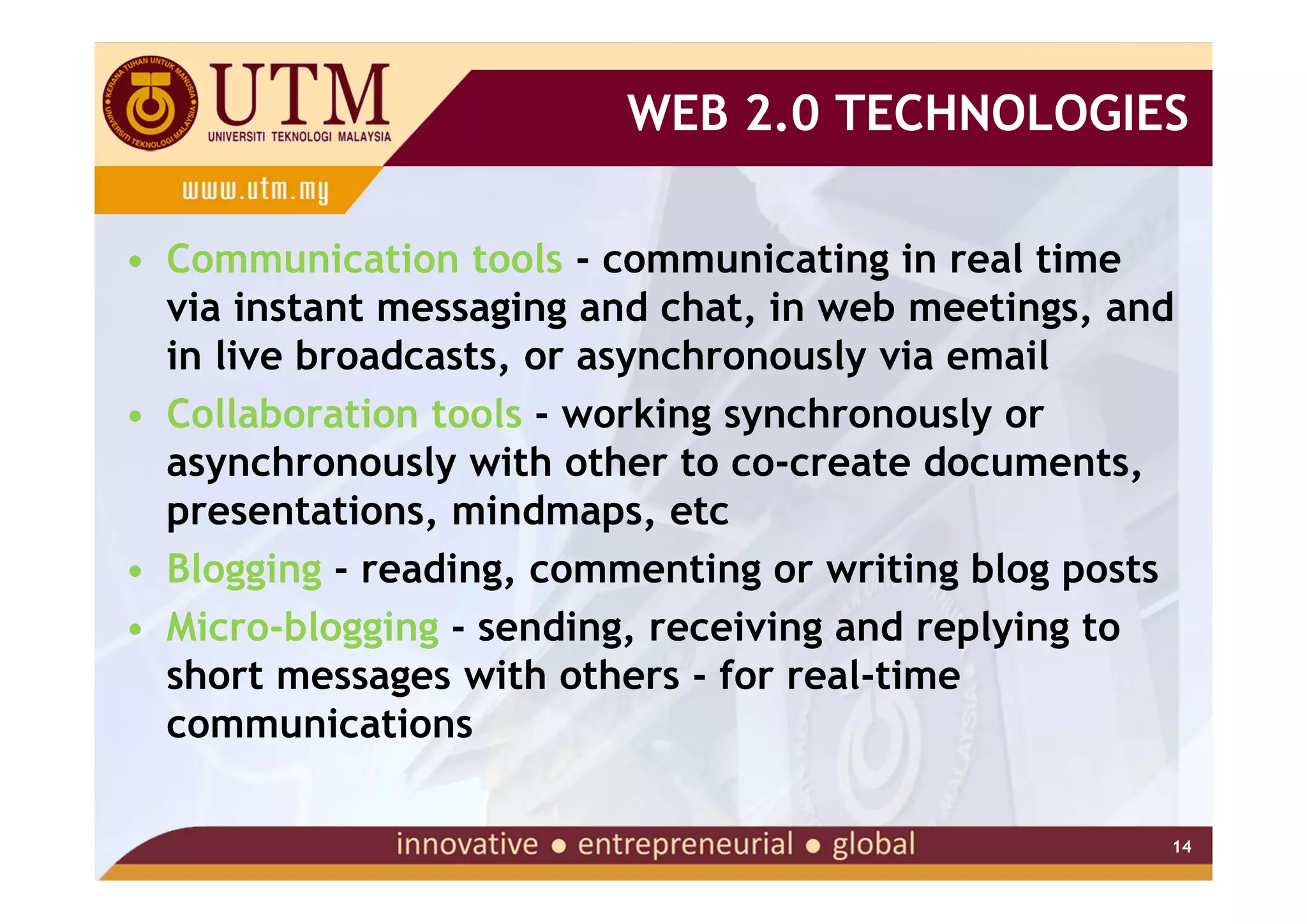
WEB 2.0 TECHNOLOGIES

• Communication tools - communicating in real time
  via instant messaging and chat, in web meetings, and
  in live broadcasts, or asynchronously via email
• Collaboration tools - working synchronously or
  asynchronously with other to co-create documents,
  presentations, mindmaps, etc
• Blogging - reading, commenting or writing blog posts
• Micro-blogging - sending, receiving and replying to
  short messages with others - for real-time
  communications

                                                     14
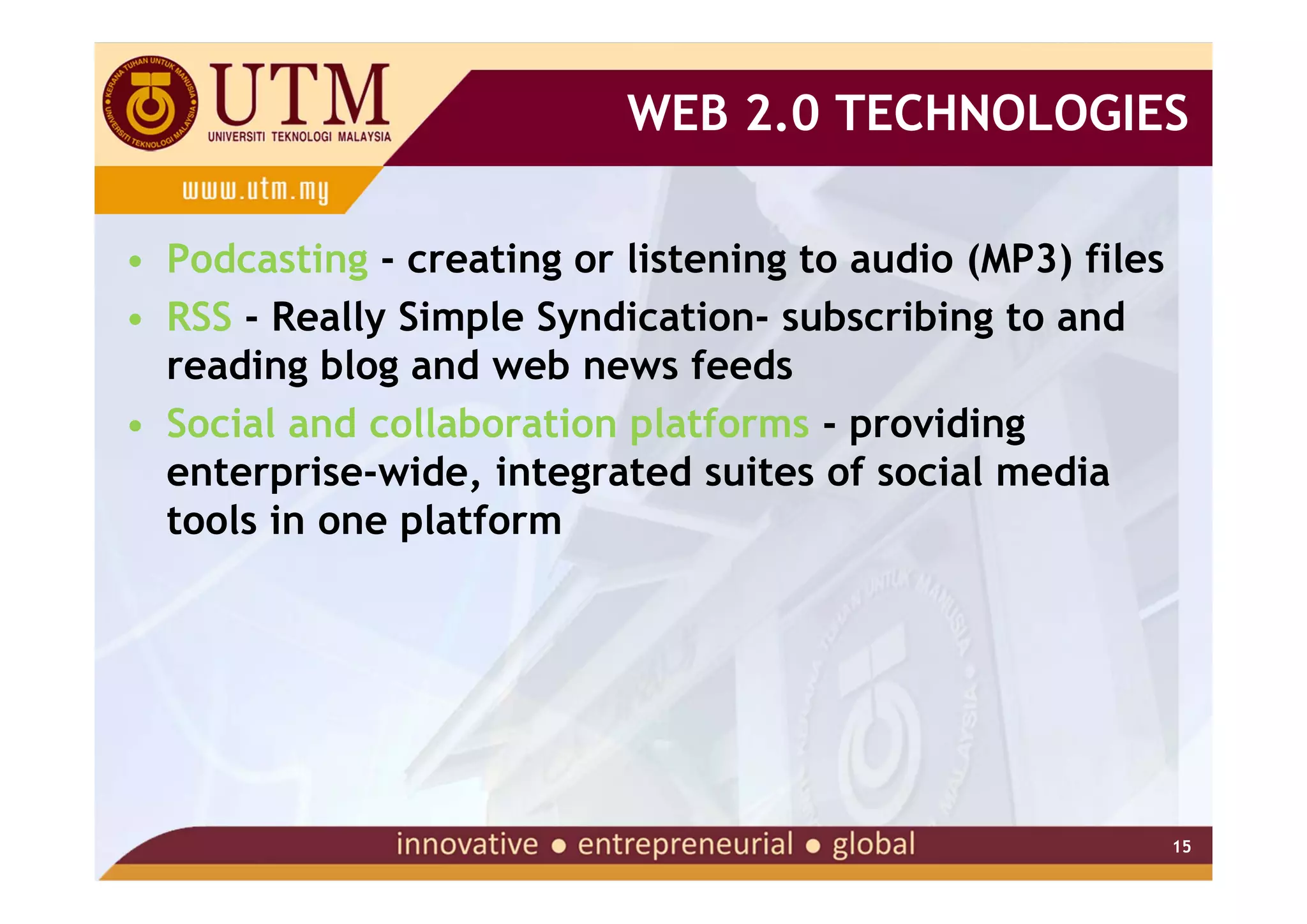
WEB 2.0 TECHNOLOGIES

• Podcasting - creating or listening to audio (MP3) files
• RSS - Really Simple Syndication- subscribing to and
  reading blog and web news feeds
• Social and collaboration platforms - providing
  enterprise-wide, integrated suites of social media
  tools in one platform


                                                            15
WEB 2.0 TECHNOLOGIES

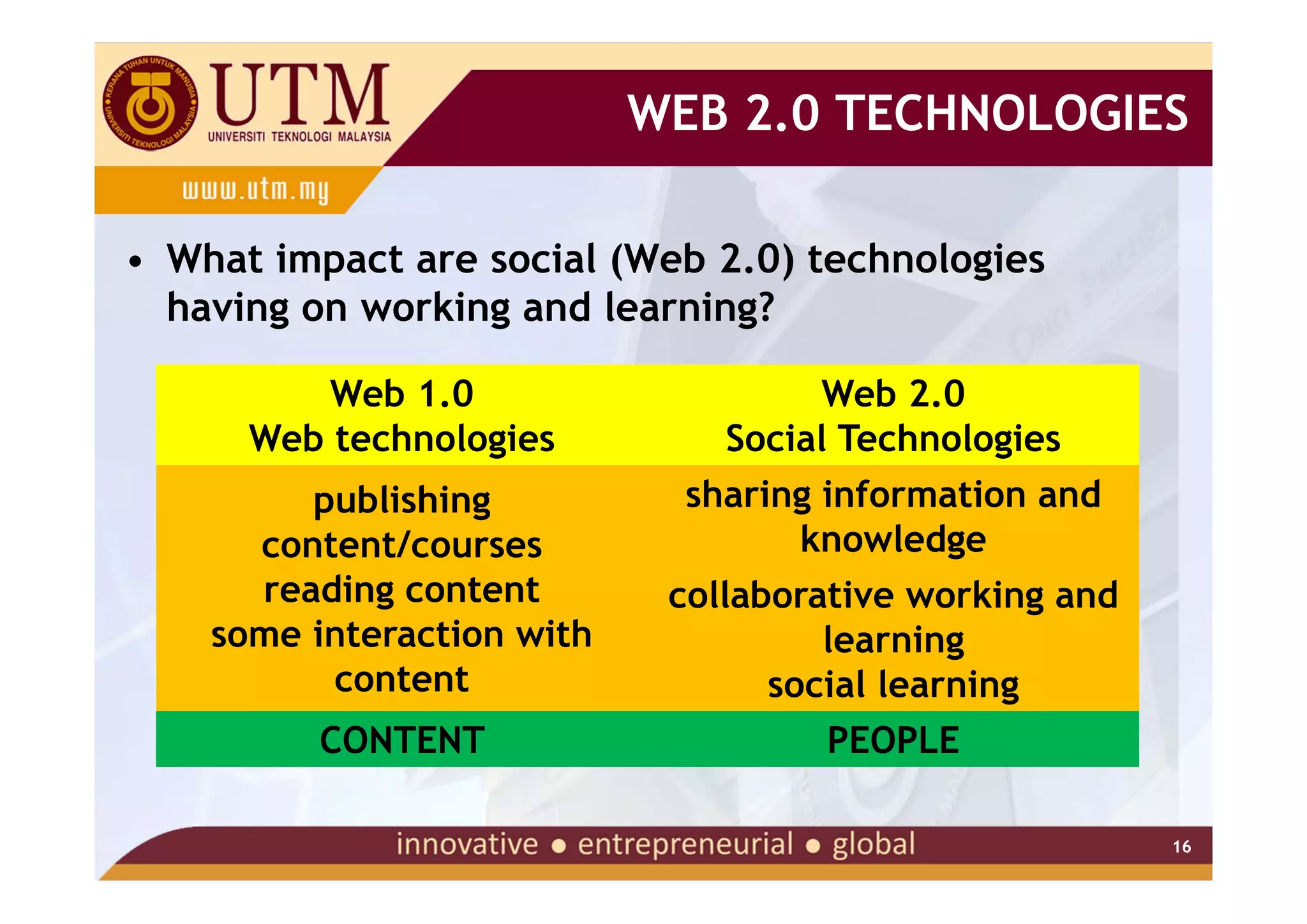
• What impact are social (Web 2.0) technologies
  having on working and learning?

          Web 1.0                     Web 2.0
      Web technologies          Social Technologies
         publishing           sharing information and
      content/courses               knowledge
      reading content        collaborative working and
    some interaction with             learning
          content                  social learning
         CONTENT                      PEOPLE

                                                         16
WEB 2.0 TECHNOLOGIES

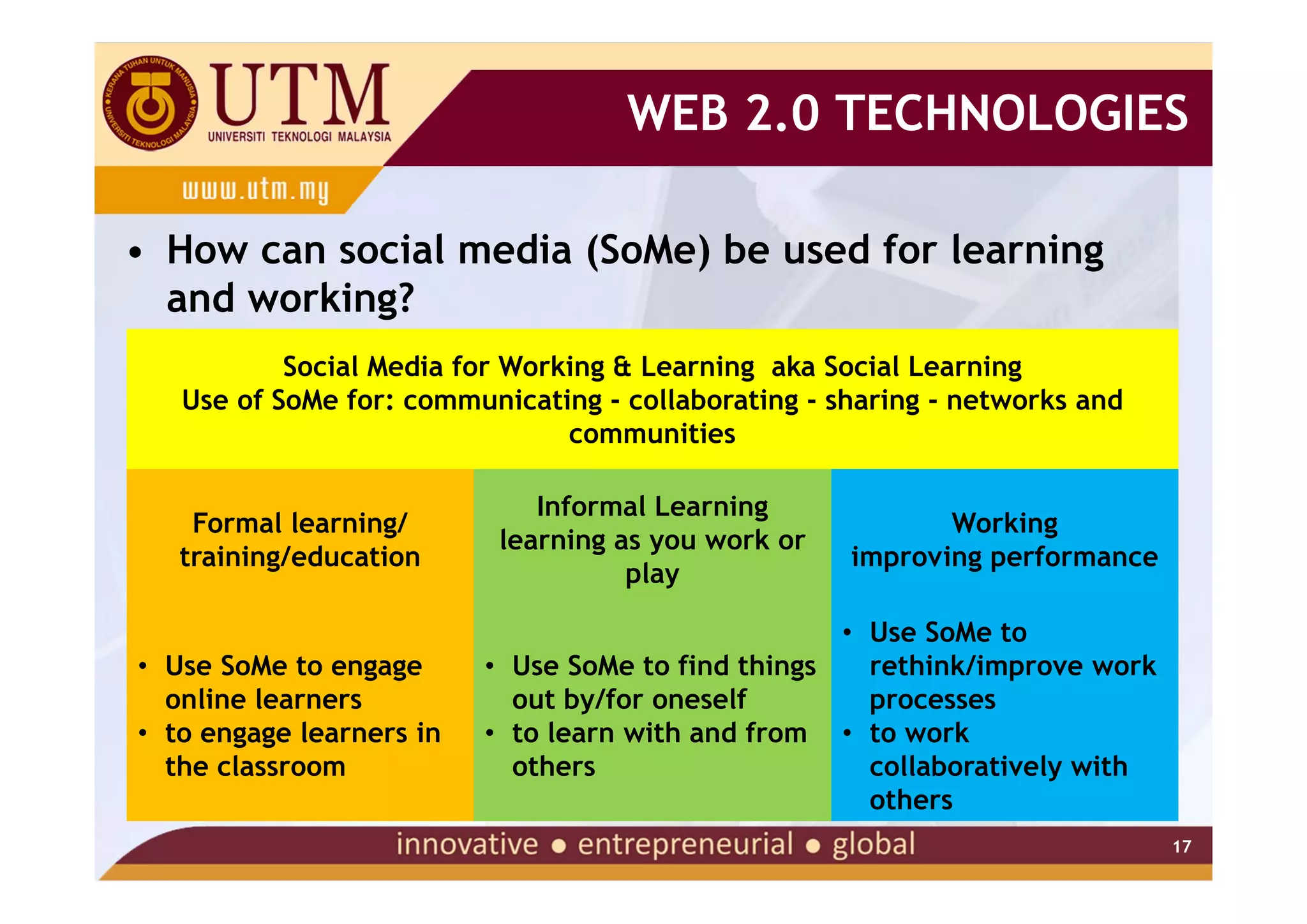
• How can social media (SoMe) be used for learning
  and working?
           Social Media for Working & Learning aka Social Learning
   Use of SoMe for: communicating - collaborating - sharing - networks and
                                communities

                              Informal Learning
    Formal learning/                                        Working
                           learning as you work or
   training/education                                improving performance
                                     play

                                                    • Use SoMe to
• Use SoMe to engage      • Use SoMe to find things   rethink/improve work
  online learners           out by/for oneself        processes
• to engage learners in   • to learn with and from • to work
  the classroom             others                    collaboratively with
                                                      others
                                                                             17
TEACHING WITH TECHNOLOGY
TEACHING WITH SOCIAL MEDIA (TOOLS)
            - WEB 2.0 -
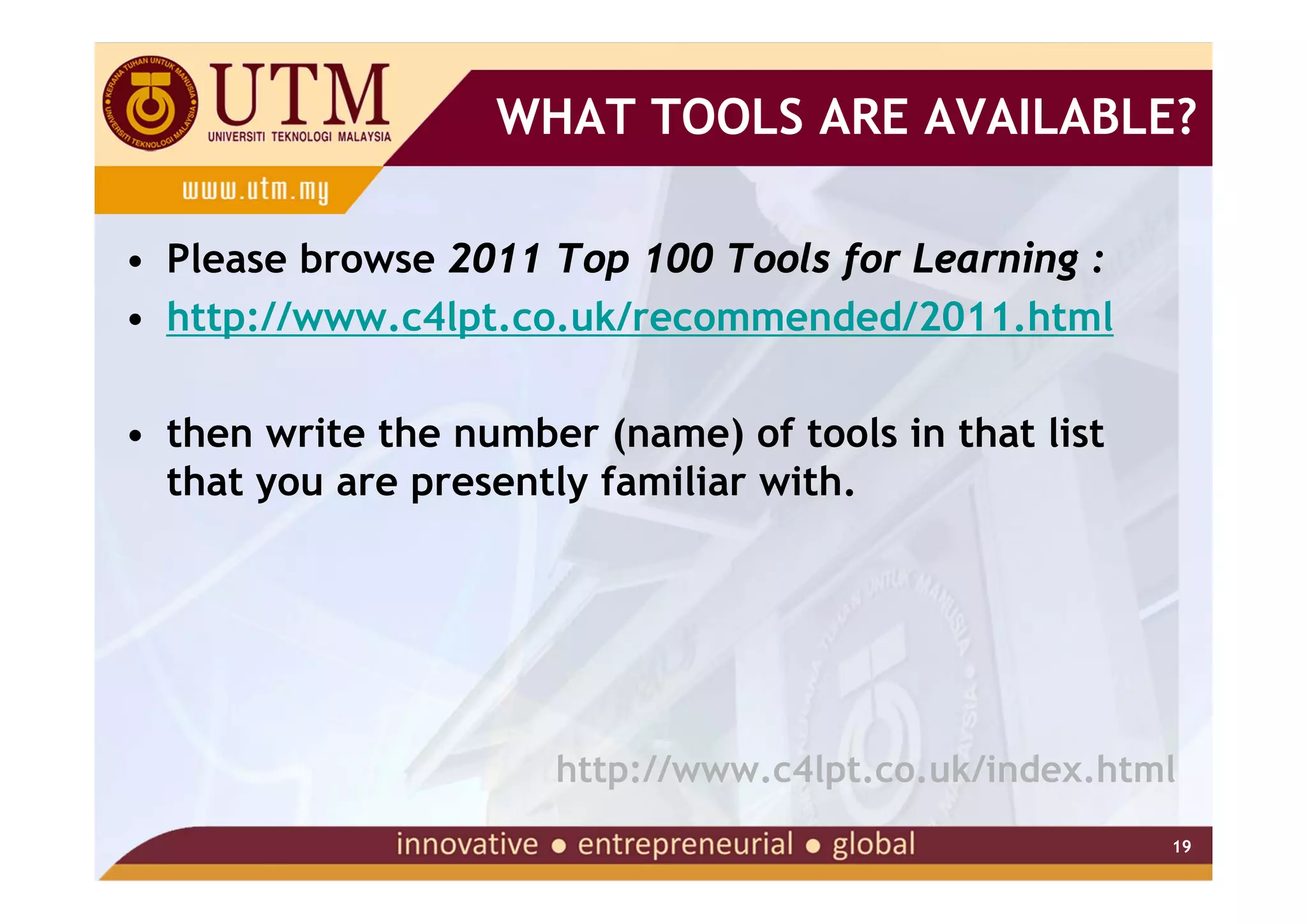
WHAT TOOLS ARE AVAILABLE?

• Please browse 2011 Top 100 Tools for Learning :
• http://www.c4lpt.co.uk/recommended/2011.html

• then write the number (name) of tools in that list
  that you are presently familiar with.


                      http://www.c4lpt.co.uk/index.html
                                                       19
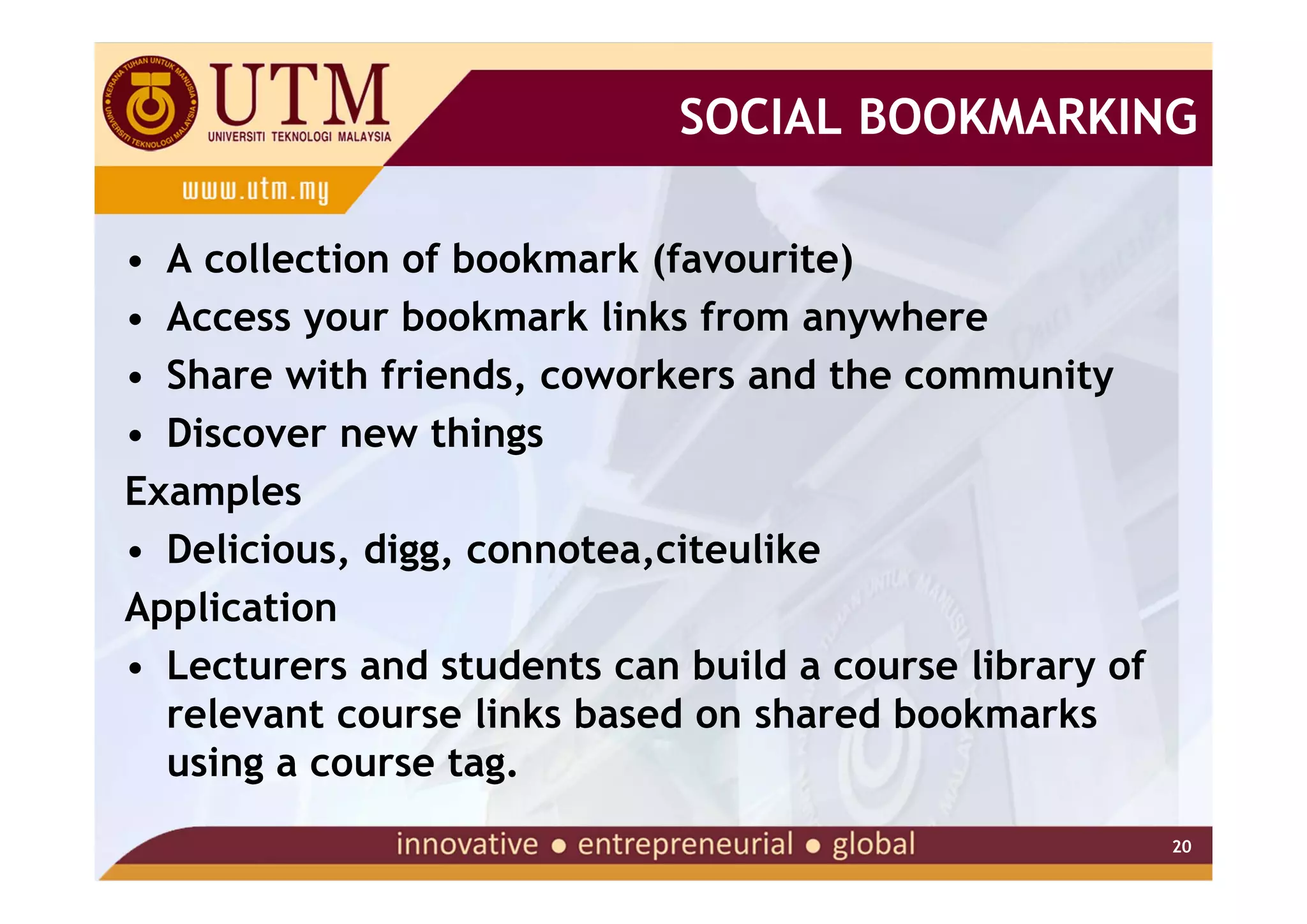
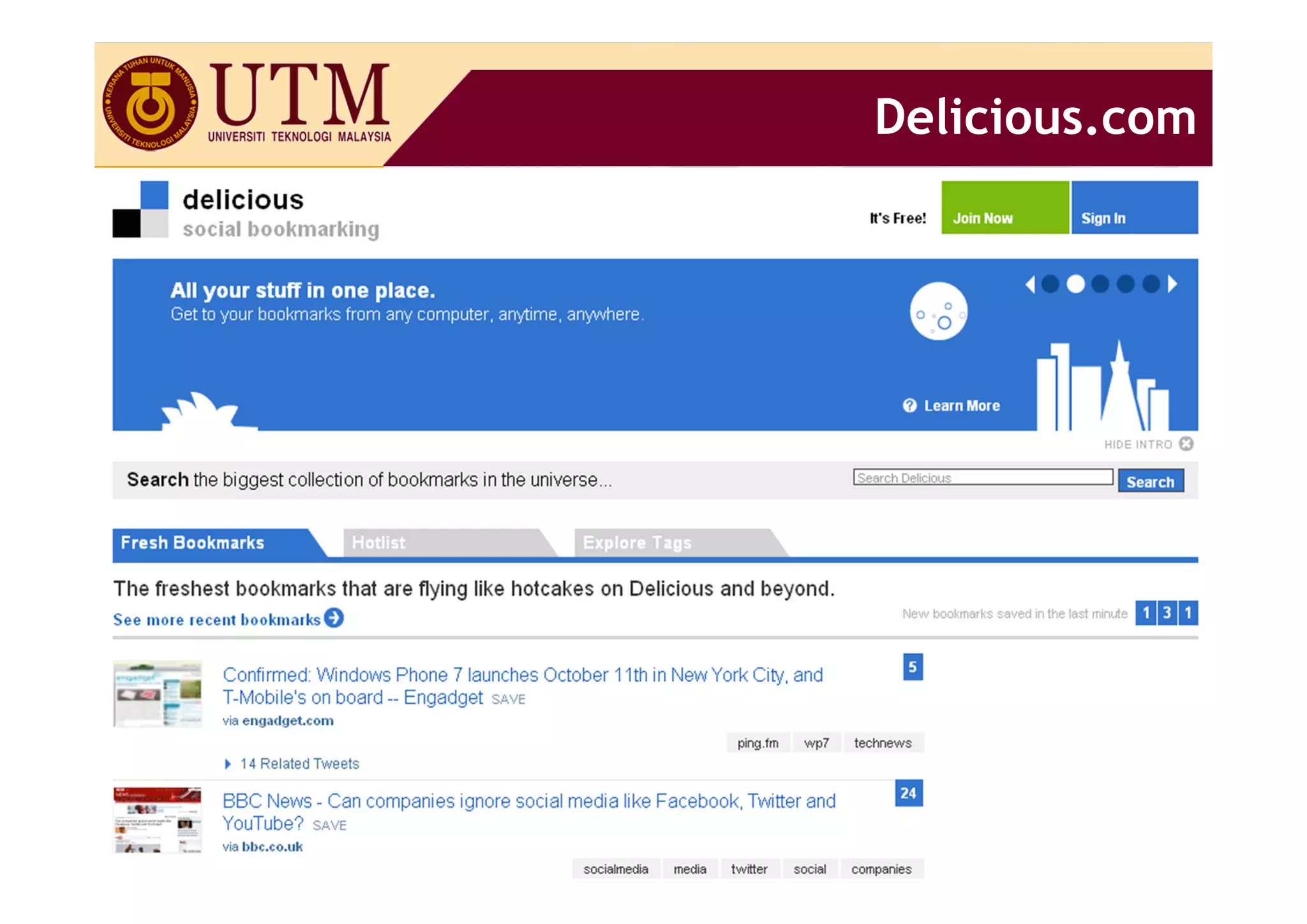
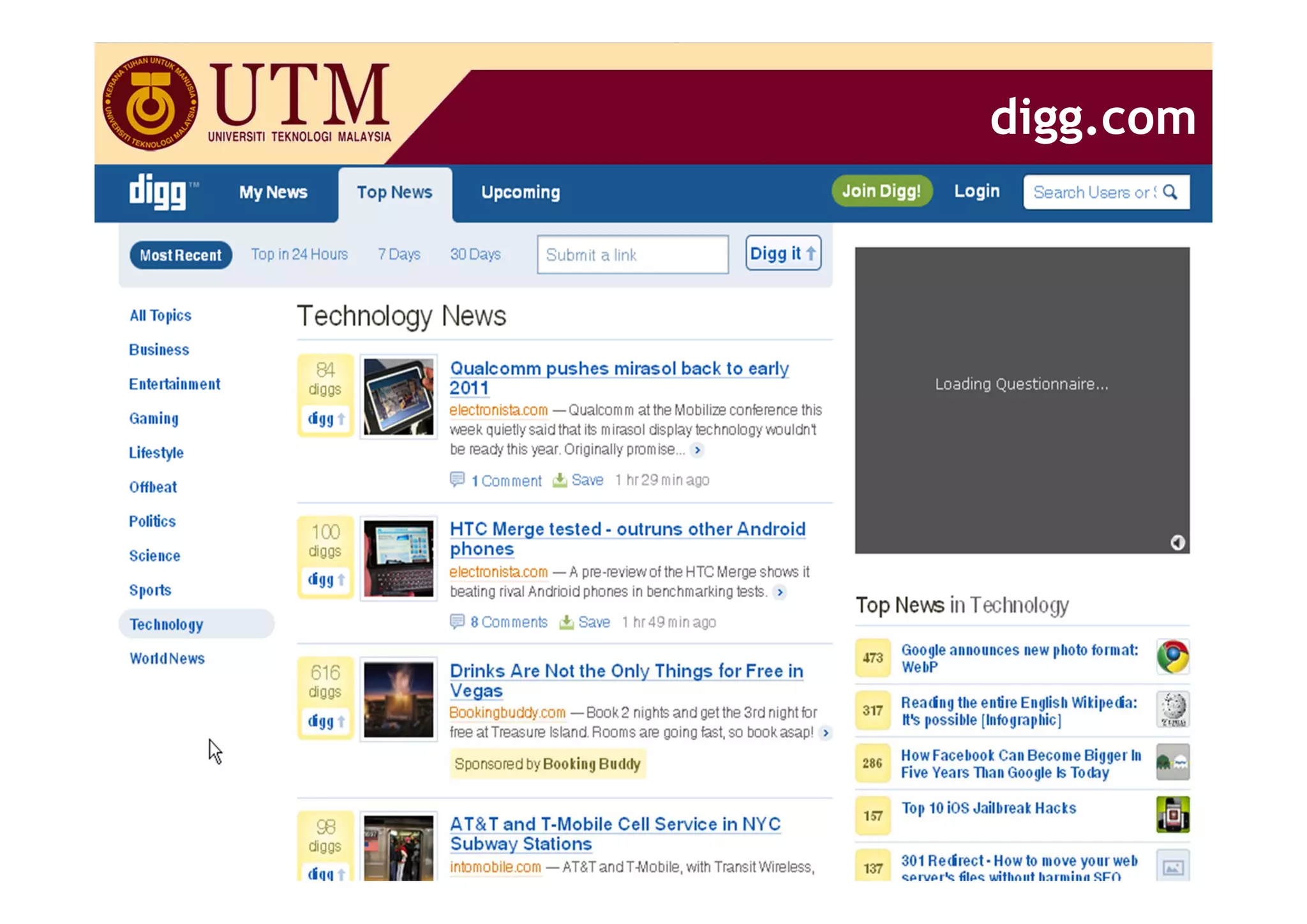
SOCIAL BOOKMARKING

• A collection of bookmark (favourite)
• Access your bookmark links from anywhere
• Share with friends, coworkers and the community
• Discover new things
Examples
• Delicious, digg, connotea,citeulike
Application
• Lecturers and students can build a course library of
  relevant course links based on shared bookmarks
  using a course tag.
                                                         20
Delicious.com


           21
digg.com


       22
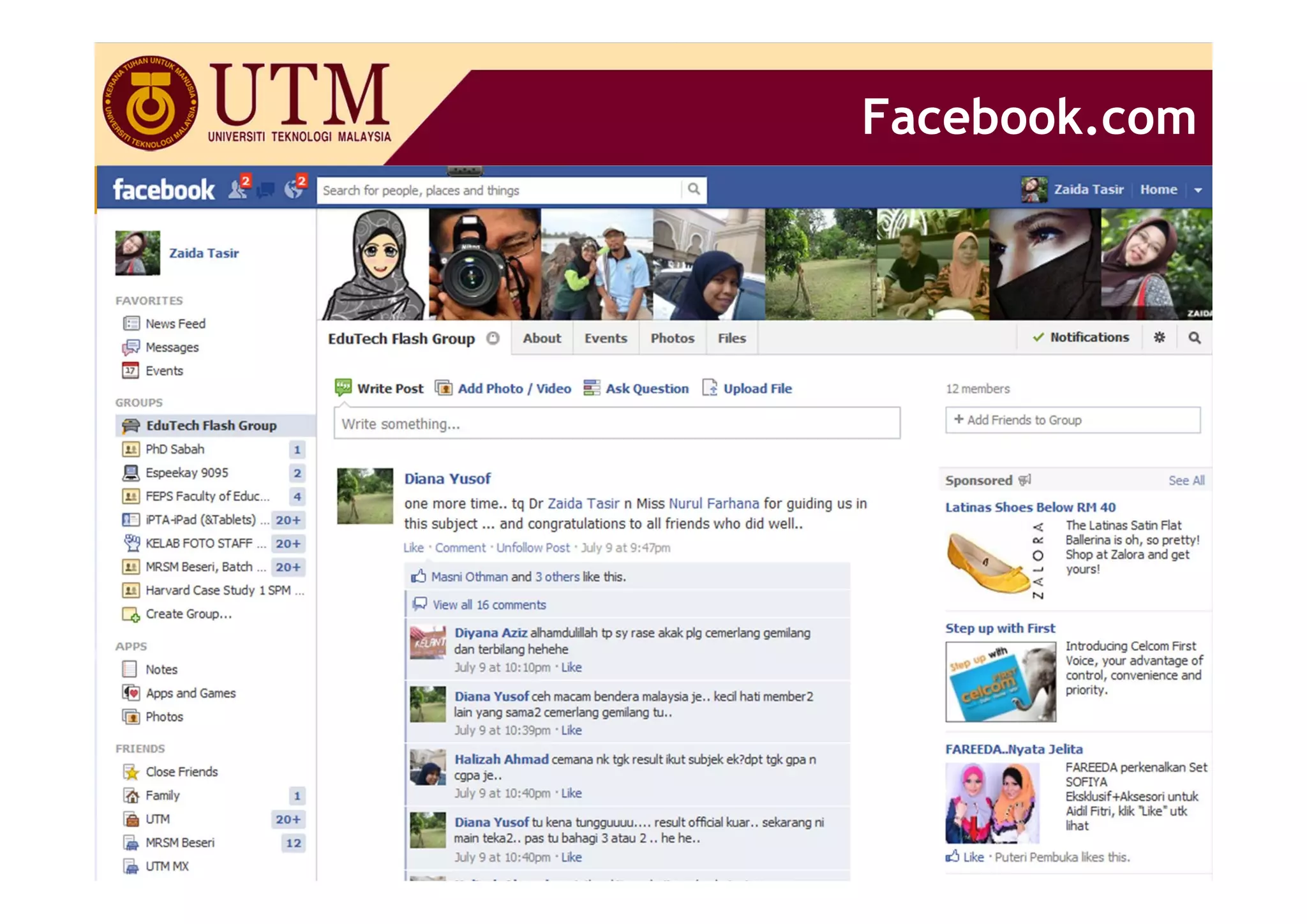
SOCIAL NETWORKING

• Used for self-expression, personalization and the
  building of communities
Examples
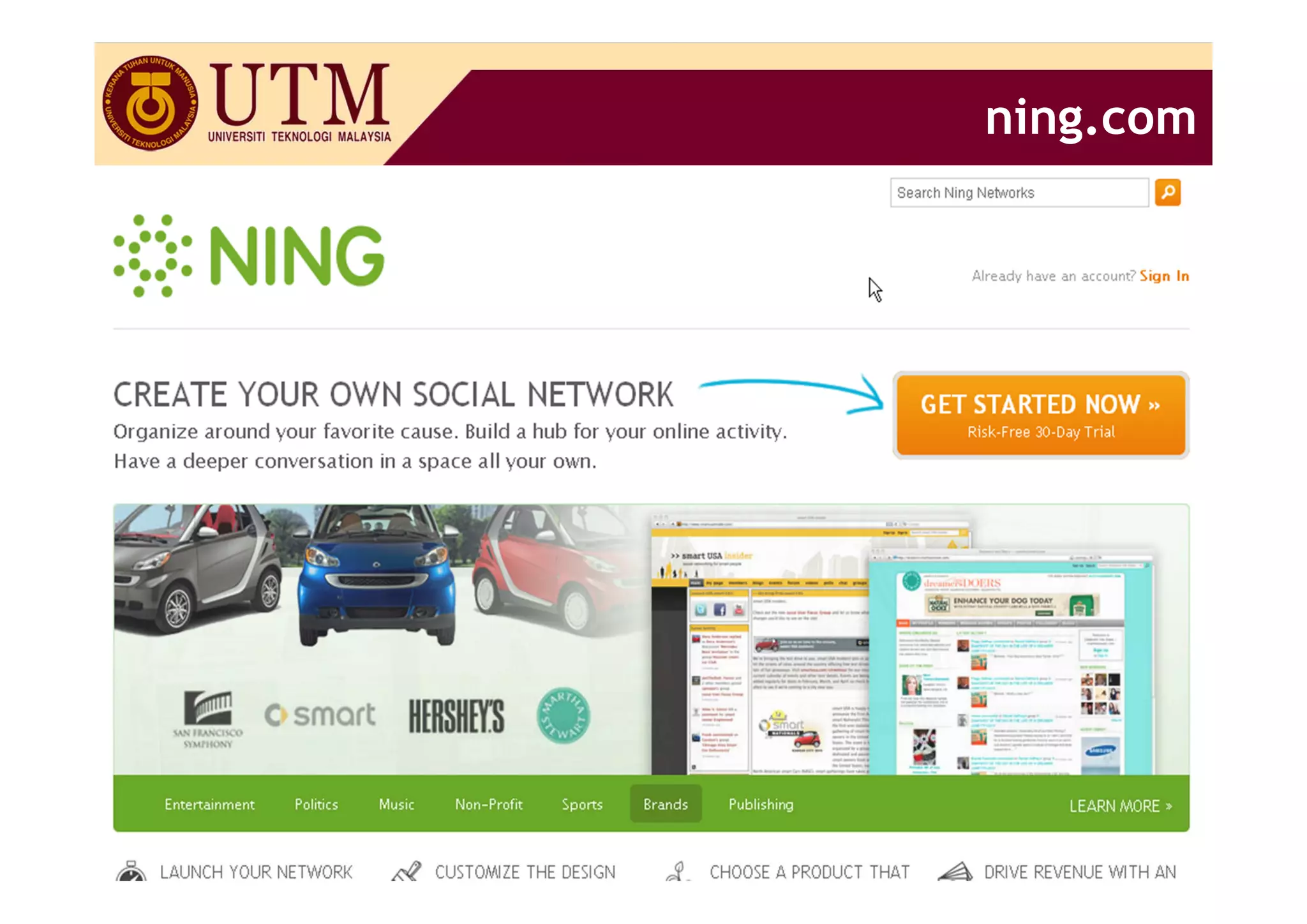
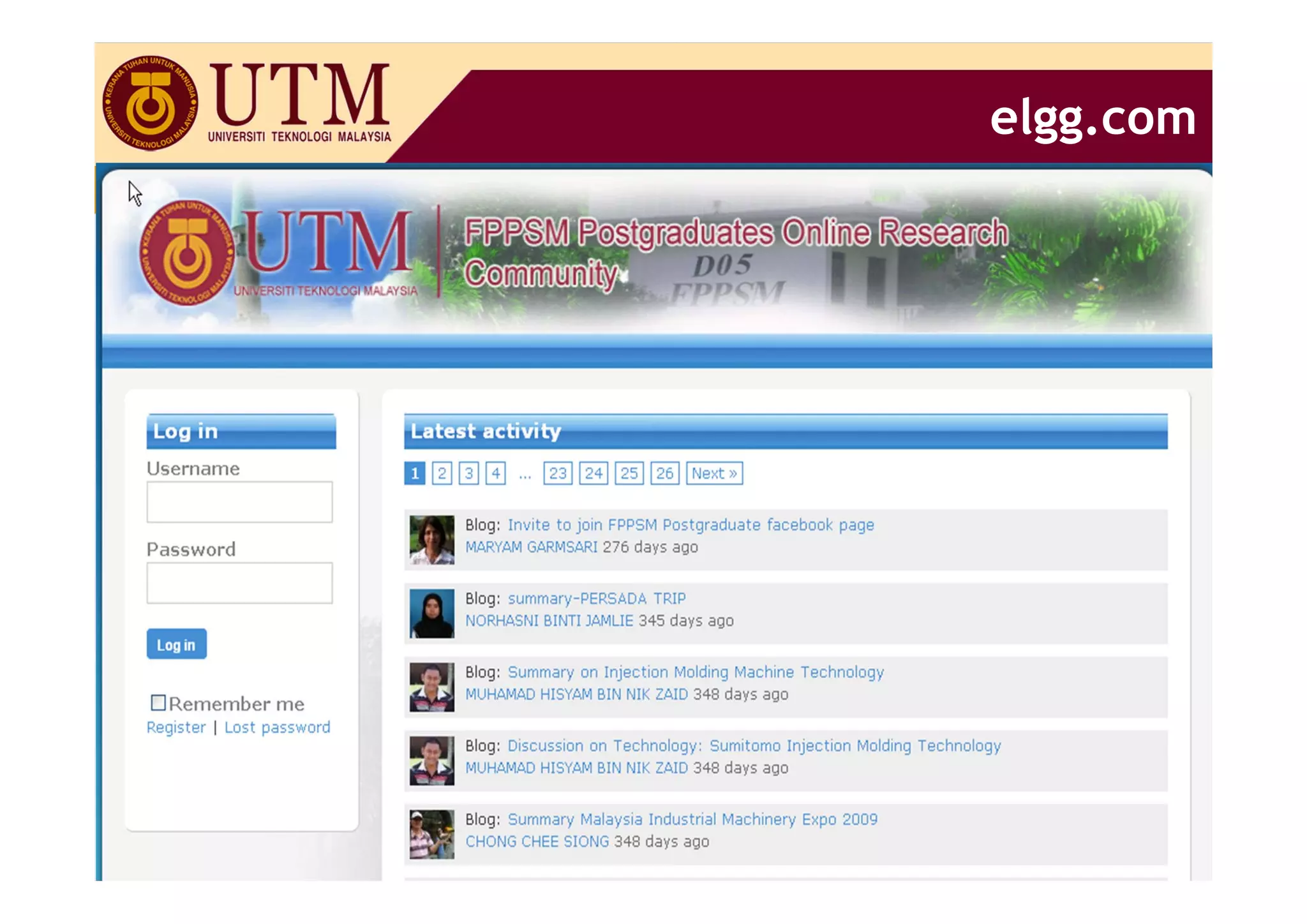
• Facebook, ning, elgg
Application
• Lecturers can set up a class “social network” or
  learning community for students to meet and
  communicate with one another – before, during and
  after the course
• Students can have group discussions and group chat

                                                       23
Facebook.com


           24
ning.com


       25
elgg.com


       26
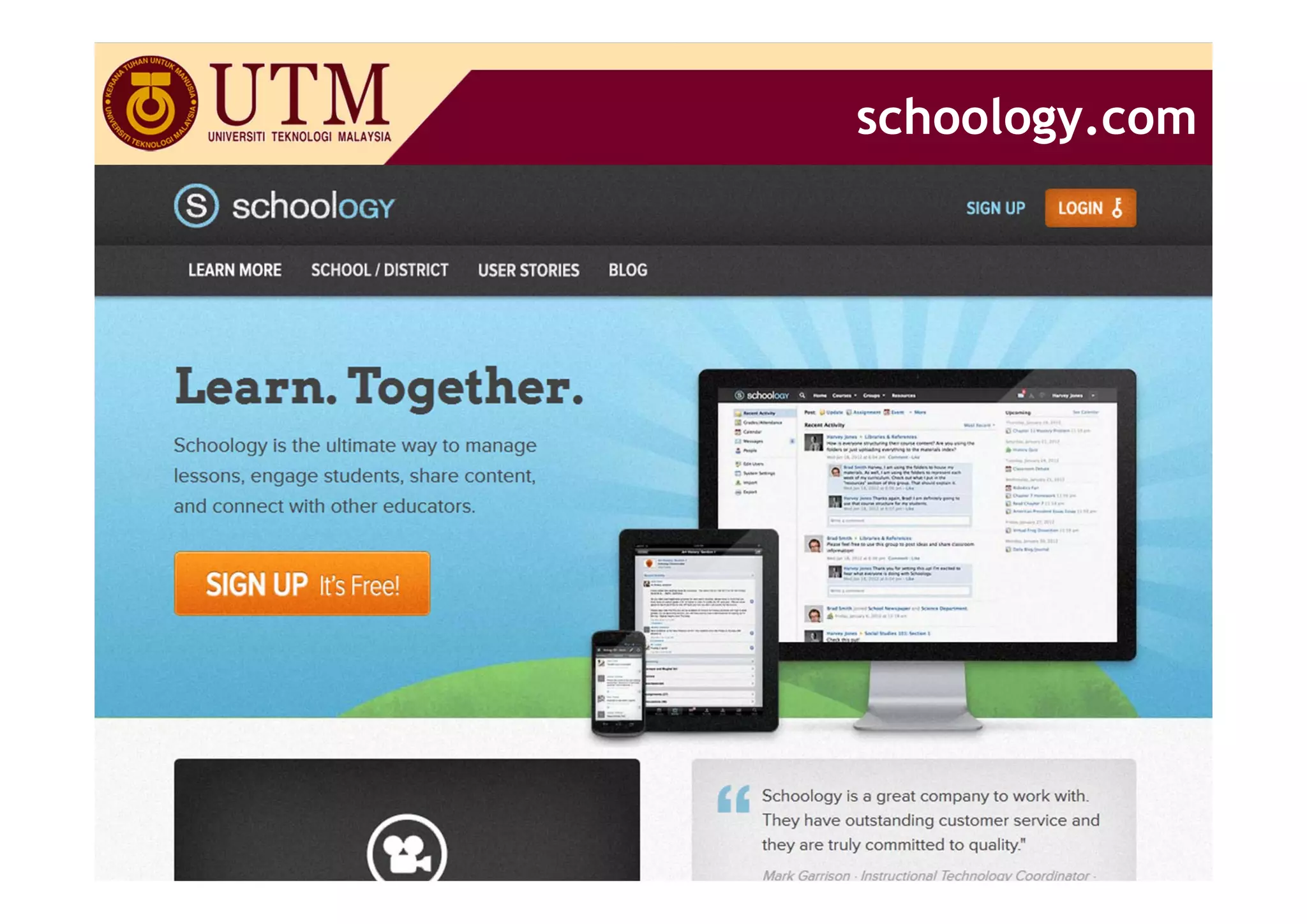
schoology.com


            27
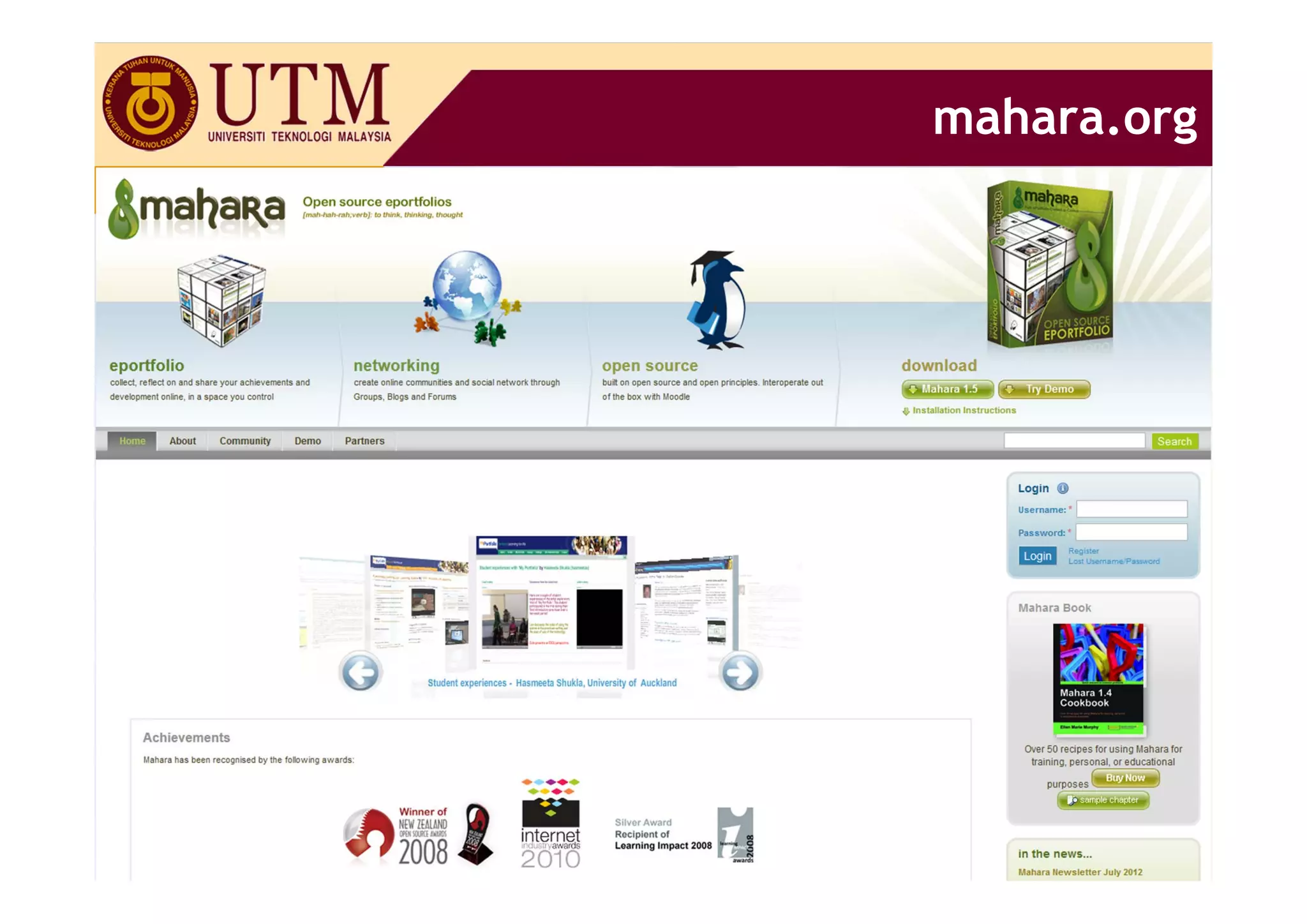
mahara.org


         28
MEDIA SHARING

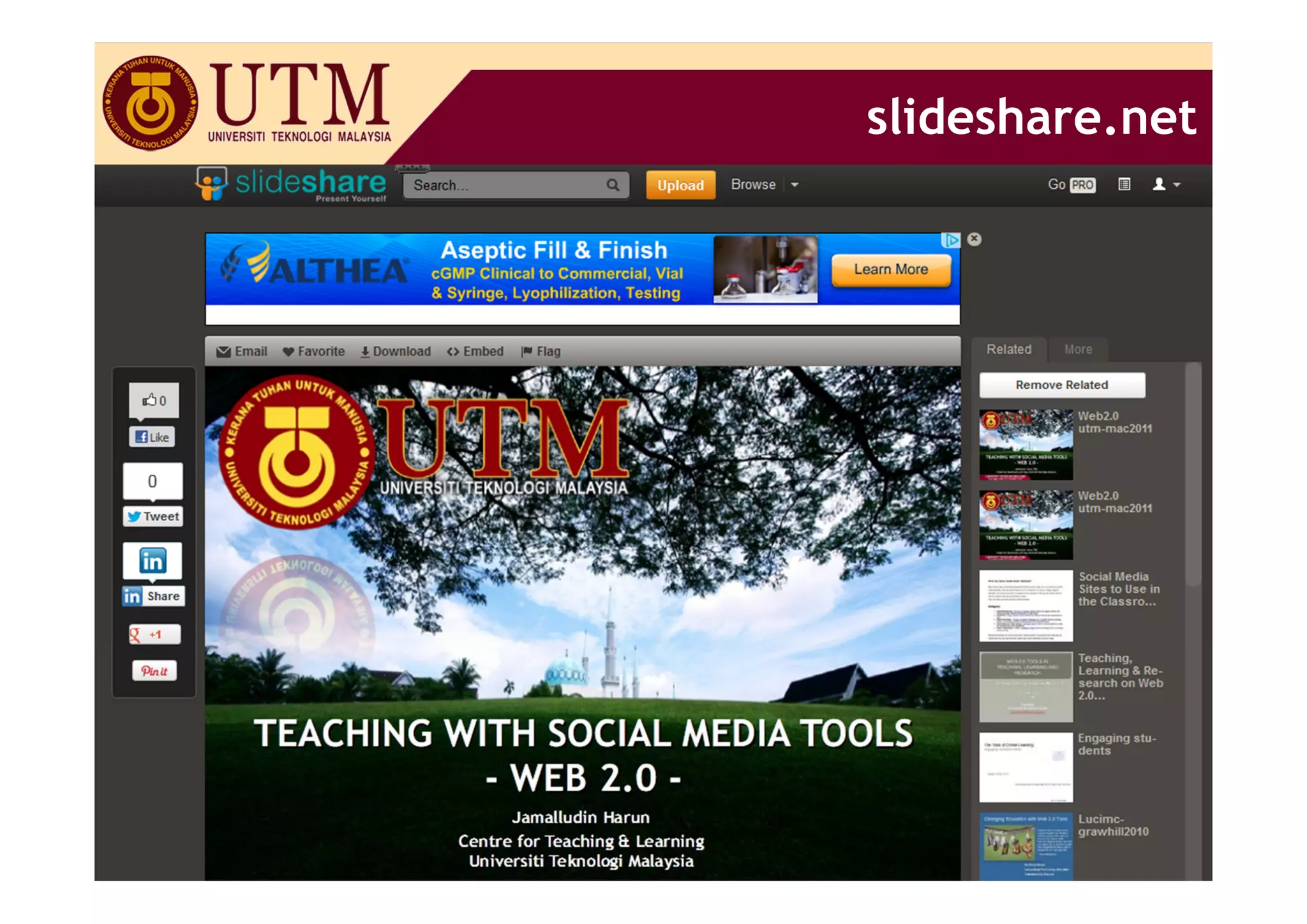
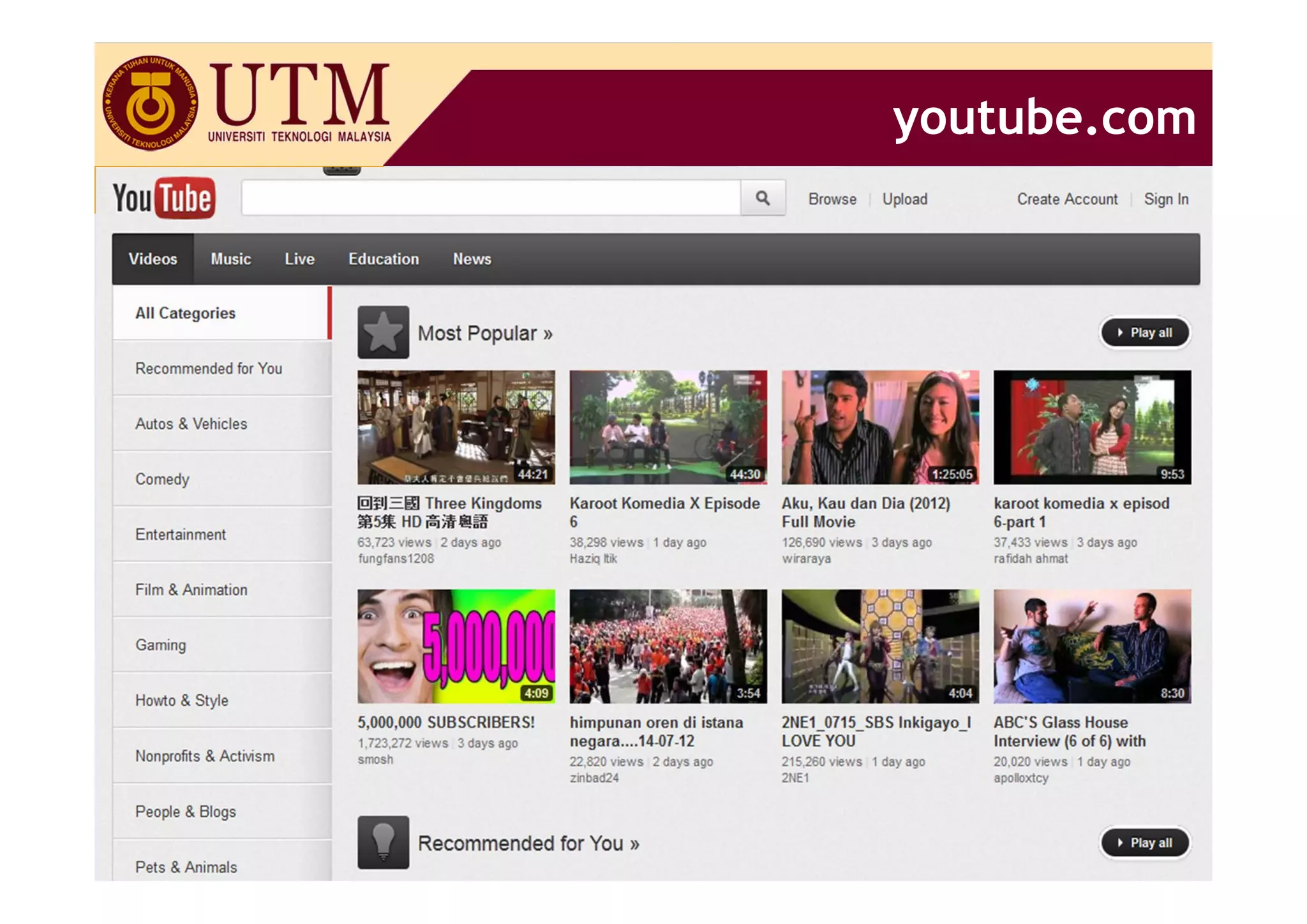
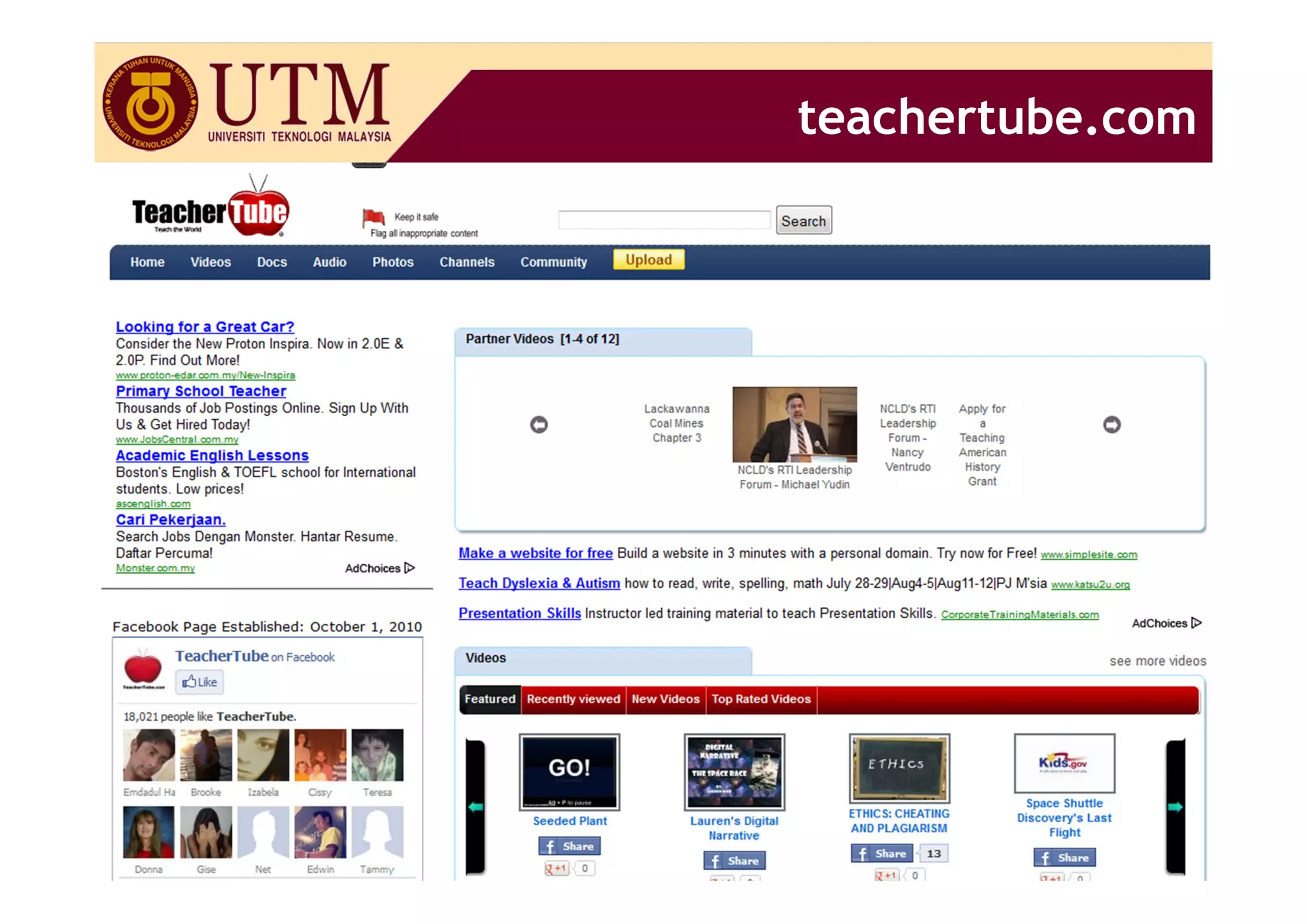
• Sharing of slides, videos, pictures, audio…
• True user generated contents
• Some available for download
Examples
• Slideshare, Scribd, Youtube, TeacherTube, FlickR
Application
• Educators and students can share their own as well
  as other user-generated podcasts, presentations,
  screencast, videos, etc and embed them in blogs,
  websites, etc, and comment on each other
  resources.
                                                       29
slideshare.net


            30
youtube.com


          31
teachertube.com


              32
WIKI

• A "wiki" is a collaborative website which can be
  directly edited by anyone with access to it.
• “Wiki-wiki " is the Hawaiian for "quick.”
Examples
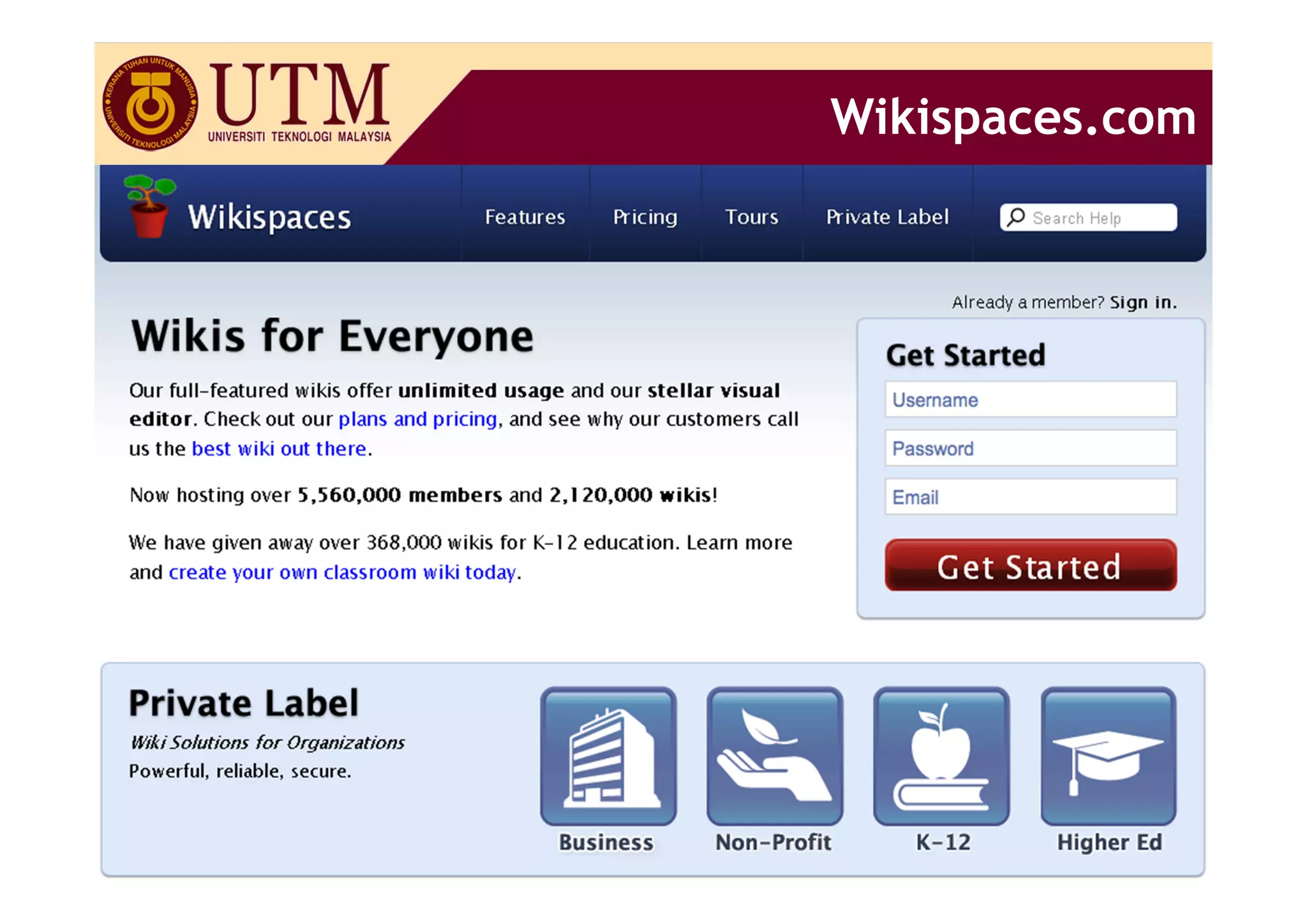
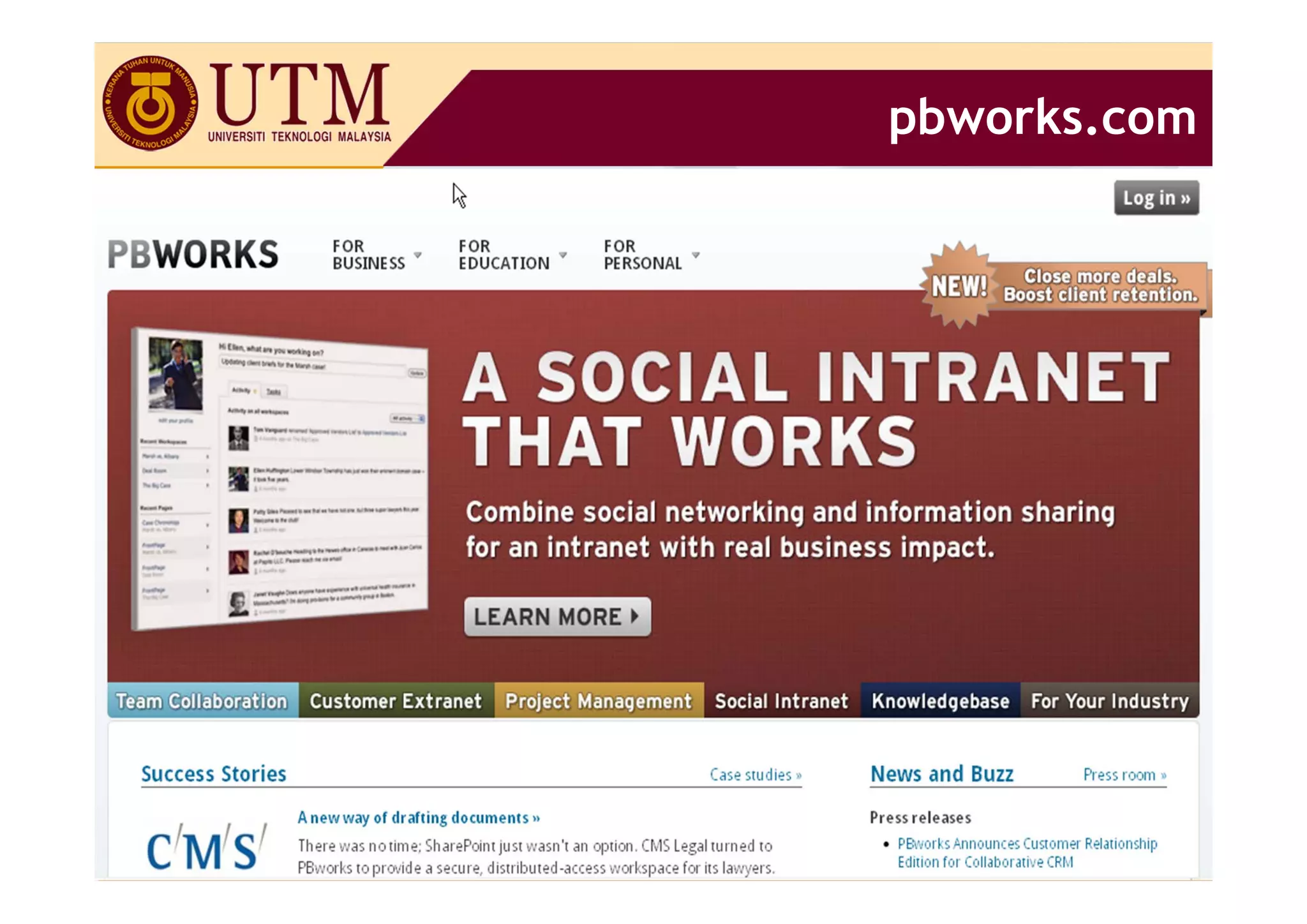
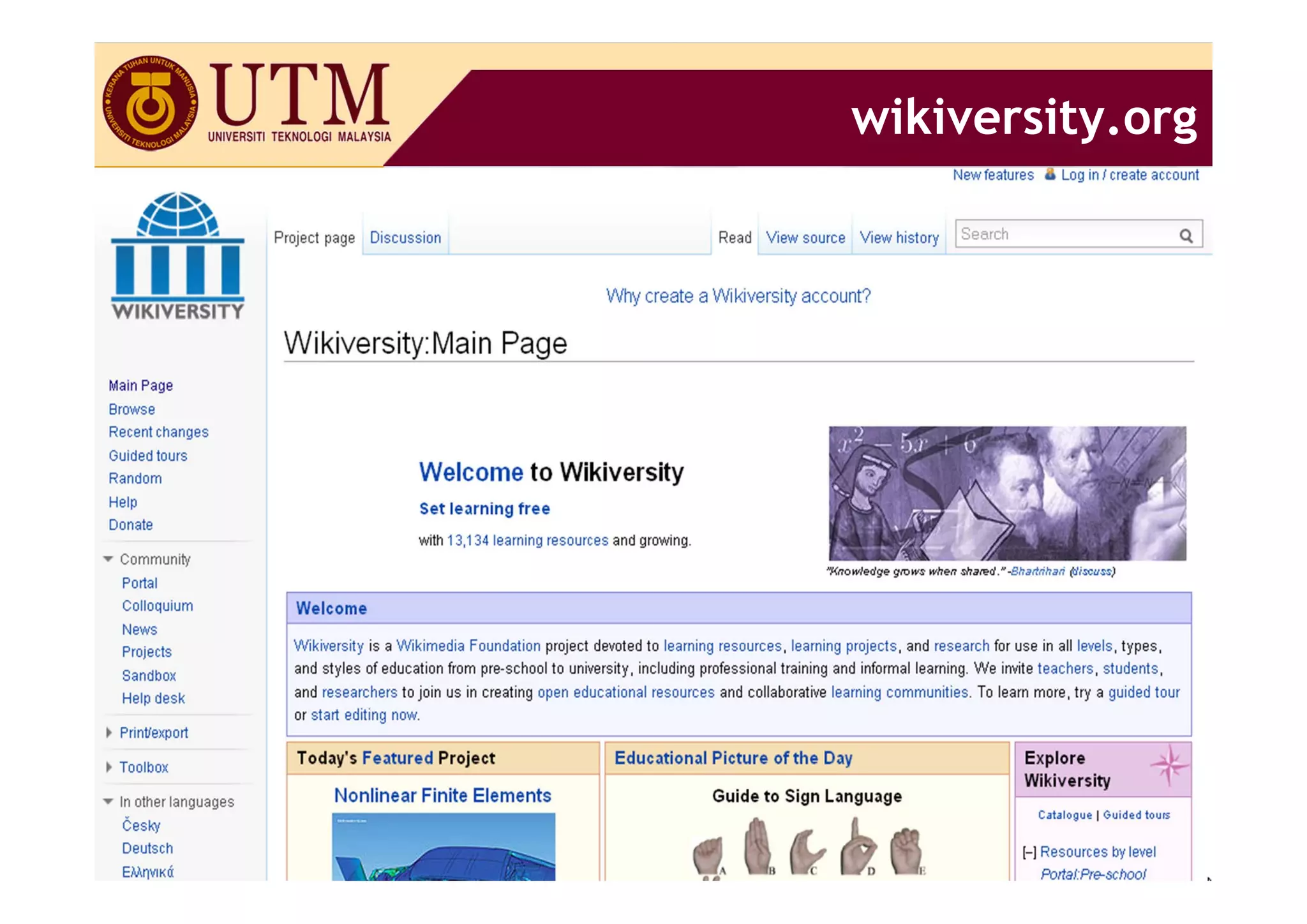
• Wikispaces, pbwiki, wikiversity
Applications
• A group of students can collaboratively create
  documents related to class projects
• Lectures can use wikis to collaborate on projects,
  whether editing a textbook, preparing a journal
  article, or assembling a syllabus or reading list.
                                                       33
Wikispaces.com


             34
pbworks.com


          35
wikiversity.org


             36
BLOG

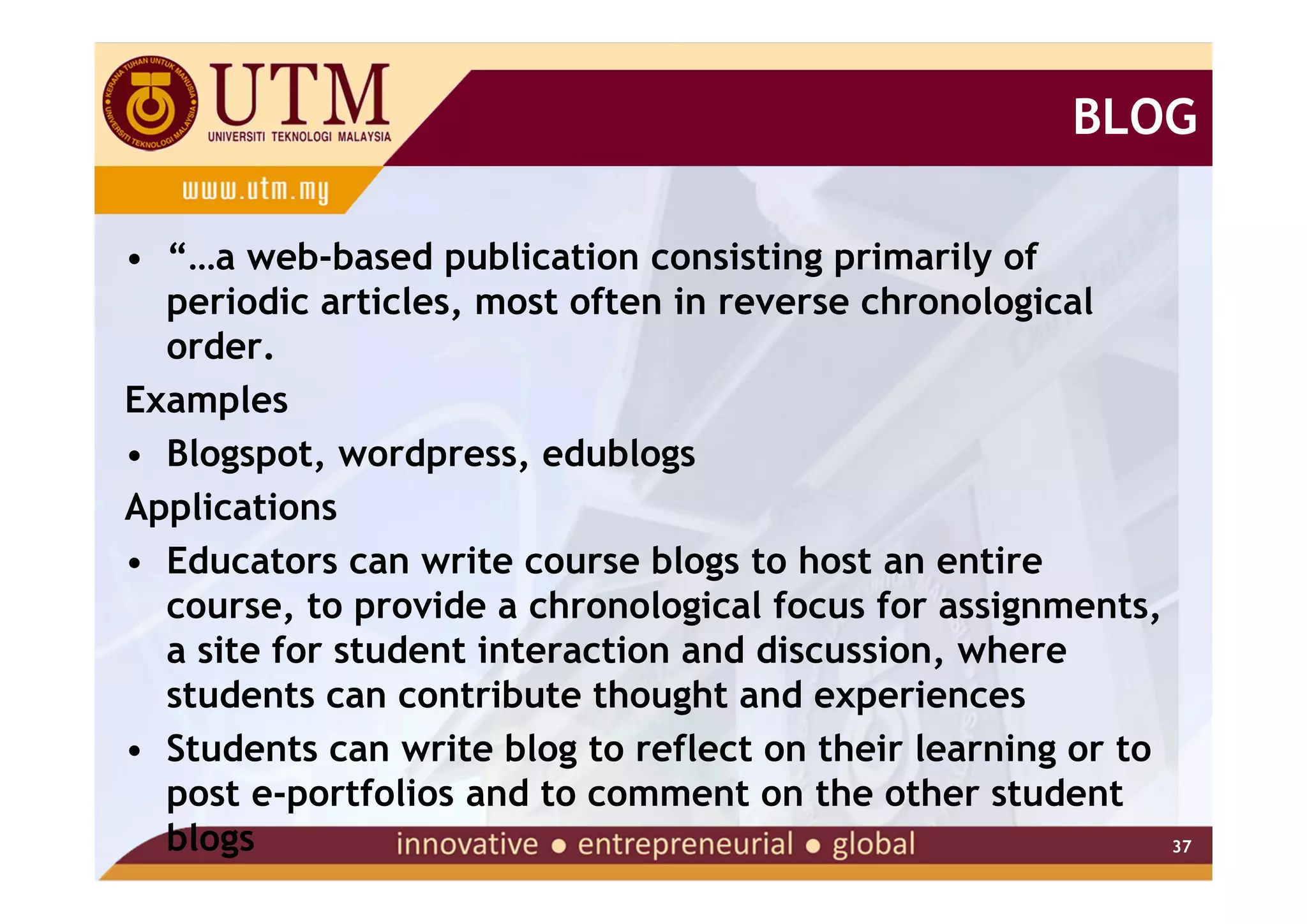
• “…a web-based publication consisting primarily of
  periodic articles, most often in reverse chronological
  order.
Examples
• Blogspot, wordpress, edublogs
Applications
• Educators can write course blogs to host an entire
  course, to provide a chronological focus for assignments,
  a site for student interaction and discussion, where
  students can contribute thought and experiences
• Students can write blog to reflect on their learning or to
  post e-portfolios and to comment on the other student
  blogs                                                      37
blogger.com


          38
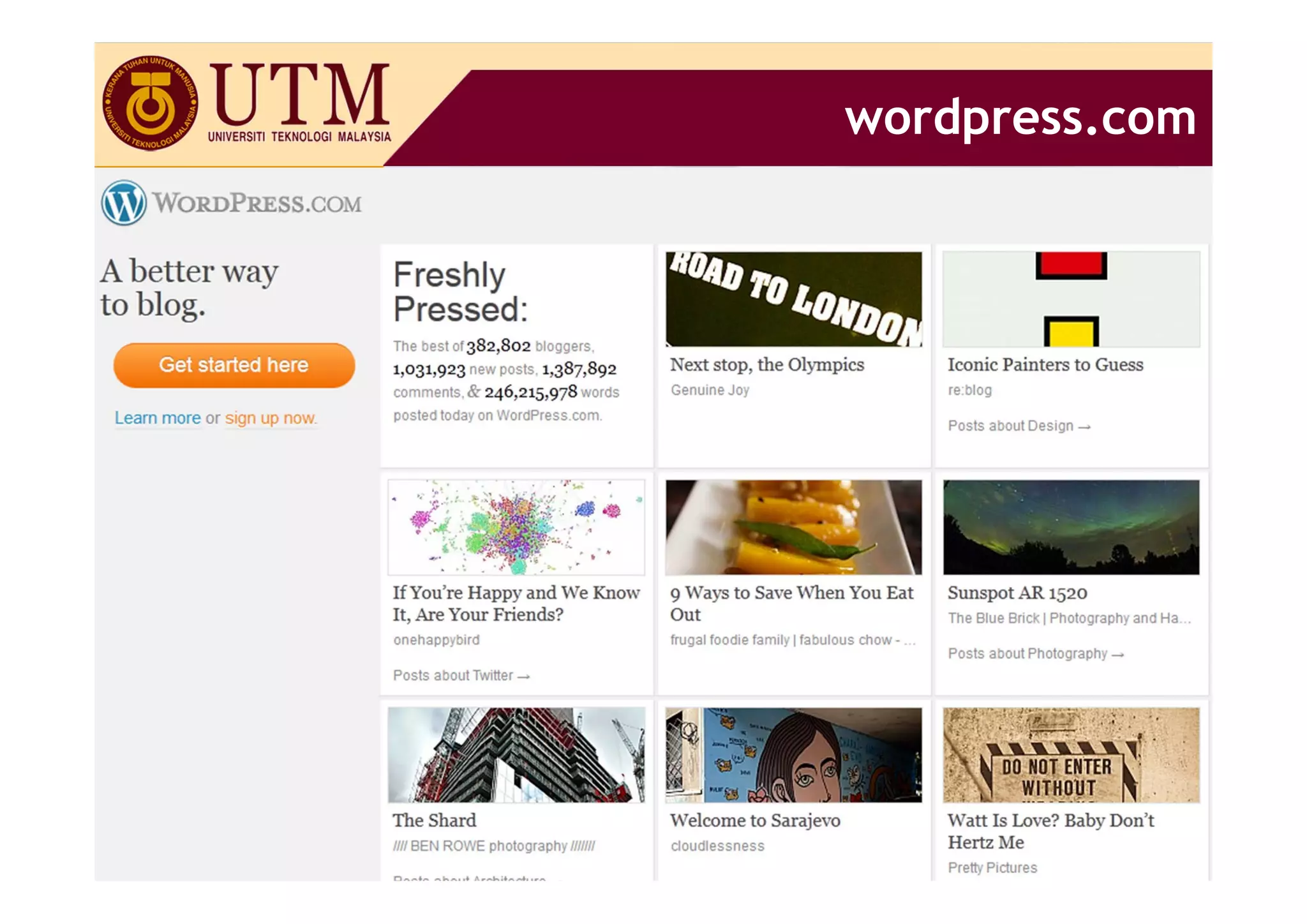
wordpress.com


            39
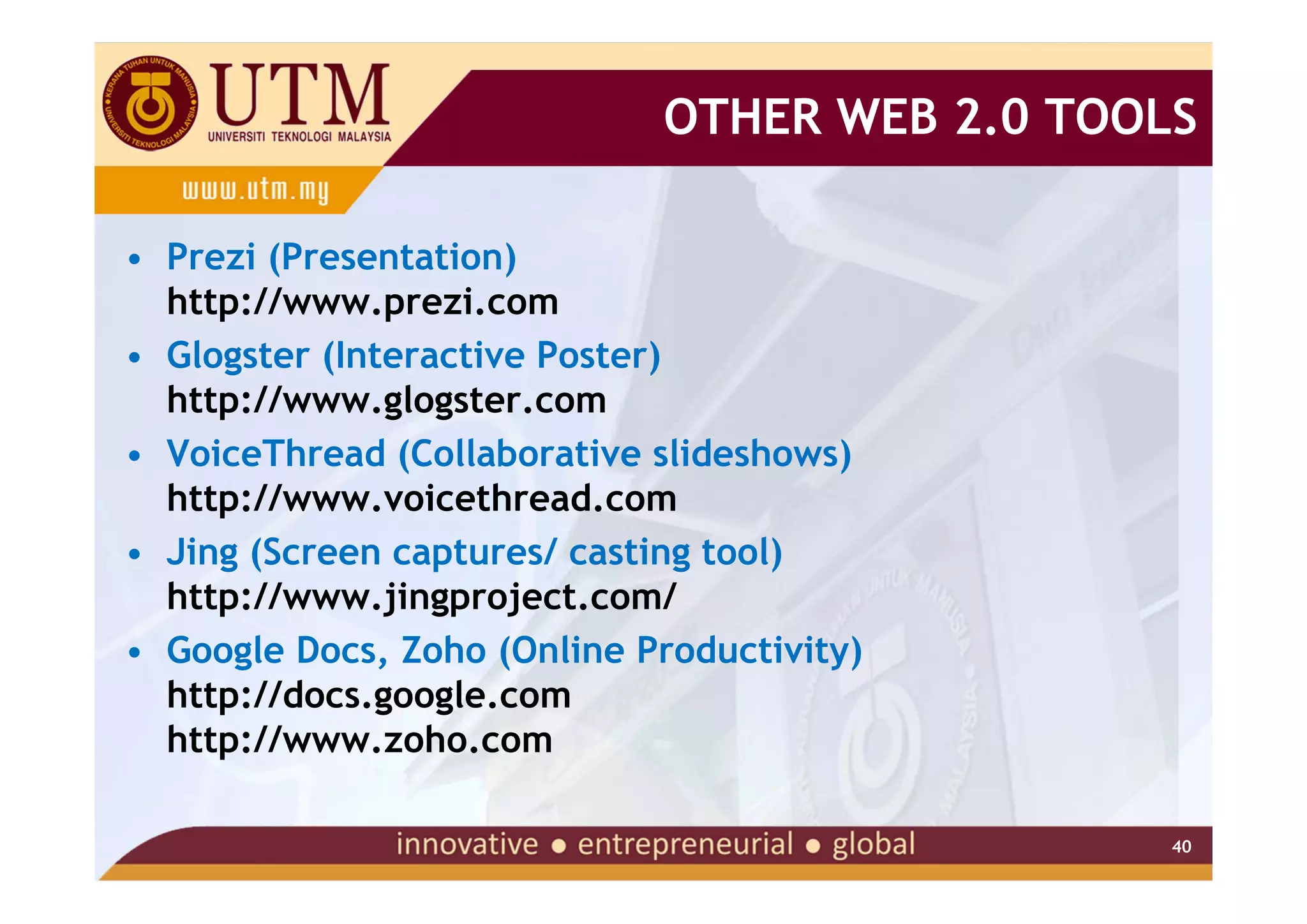
OTHER WEB 2.0 TOOLS

• Prezi (Presentation)
  http://www.prezi.com
• Glogster (Interactive Poster)
  http://www.glogster.com
• VoiceThread (Collaborative slideshows)
  http://www.voicethread.com
• Jing (Screen captures/ casting tool)
  http://www.jingproject.com/
• Google Docs, Zoho (Online Productivity)
  http://docs.google.com
  http://www.zoho.com

                                               40
Web 2.0 in Teaching & Learning

Web 2.0 in Teaching & Learning

  • 1.
    WEB 2.0 (SOCIALMEDIA) TECHNOLOGIES FOR TEACHING & LEARNING Jamalludin Harun Department of Educational Multimedia, Faculty of Education Universiti Teknologi Malaysia
  • 2.
    THE FUTURE OFEDUCATION We know • People work with each other • They learn from each other • They are capable of determining what they want to learn 2
  • 3.
    THE FUTURE OFEDUCATION Ask yourself... • Where have all the students gone? • Who are Generation X & Y? • What are their characteristics? • How were they brought up? • Where have they come from? • How might this affect their approach to learning? 3
  • 4.
    THE FUTURE OFEDUCATION Ask yourself... • What are their tools? • Where do they communicate? • How do they network? • Where do they network? • How do they learn? • Where do they research? 4
  • 5.
    Welcome to Facebookgeneration. Education2.0 - social networking 5
  • 6.
    THE FUTURE OFEDUCATION Now....Ask yourself... • How do you teach? • How do you engage them? • What tools do you use? • What tools can you use? • Do you encourage them to innovate and create? 6
  • 7.
    THE FUTURE OFEDUCATION The Future of Education... • Information is changing. • WHERE and HOW we learn is changing. • If we don’t integrate the tools effectively… Formal education will become increasingly irrelevant 7
  • 8.
  • 9.
    INTRODUCTON TO SOCIALMEDIA • Technology web 2.0 (Social media) has the power to transform teaching and learning • You have the power to give them the skills and tools to work in the 21st century. • Teach them how to find, make sense of, and use relevant information • Give them the ability to find and use information with critical discrimination in order to build knowledge. • learn together, network together, grow together 9
  • 10.
  • 11.
    INTRODUCTON TO SOCIALMEDIA What are they? Potential Uses for Teaching 11
  • 12.
    WEB 2.0 TECHNOLOGIES •Defined as the “Read-Write” Web – Provides all the services and applications to allow individuals to co-create content, collaborate and share it with others • Supports user-generated content – Content created by users rather than specialist authors or publishing using a variety of affordable technologies like blogs, podcasts and wikis • Encourages the social aspect of the web – Through the use of social media like blogs, wikis, social bookmarking tools and social networks 12
  • 13.
    WEB 2.0 TECHNOLOGIES •What do these social technologies look like • Social networking - establishing and building online relationships with others, and a fundamental social activity • File-sharing - creating, storing and/or sharing files in all formats: pictures, videos, presentations, documents, screencasts, etc • Social bookmarking - storing and sharing links to web resources 13
  • 14.
    WEB 2.0 TECHNOLOGIES •Communication tools - communicating in real time via instant messaging and chat, in web meetings, and in live broadcasts, or asynchronously via email • Collaboration tools - working synchronously or asynchronously with other to co-create documents, presentations, mindmaps, etc • Blogging - reading, commenting or writing blog posts • Micro-blogging - sending, receiving and replying to short messages with others - for real-time communications 14
  • 15.
    WEB 2.0 TECHNOLOGIES •Podcasting - creating or listening to audio (MP3) files • RSS - Really Simple Syndication- subscribing to and reading blog and web news feeds • Social and collaboration platforms - providing enterprise-wide, integrated suites of social media tools in one platform 15
  • 16.
    WEB 2.0 TECHNOLOGIES •What impact are social (Web 2.0) technologies having on working and learning? Web 1.0 Web 2.0 Web technologies Social Technologies publishing sharing information and content/courses knowledge reading content collaborative working and some interaction with learning content social learning CONTENT PEOPLE 16
  • 17.
    WEB 2.0 TECHNOLOGIES •How can social media (SoMe) be used for learning and working? Social Media for Working & Learning aka Social Learning Use of SoMe for: communicating - collaborating - sharing - networks and communities Informal Learning Formal learning/ Working learning as you work or training/education improving performance play • Use SoMe to • Use SoMe to engage • Use SoMe to find things rethink/improve work online learners out by/for oneself processes • to engage learners in • to learn with and from • to work the classroom others collaboratively with others 17
  • 18.
    TEACHING WITH TECHNOLOGY TEACHINGWITH SOCIAL MEDIA (TOOLS) - WEB 2.0 -
  • 19.
    WHAT TOOLS AREAVAILABLE? • Please browse 2011 Top 100 Tools for Learning : • http://www.c4lpt.co.uk/recommended/2011.html • then write the number (name) of tools in that list that you are presently familiar with. http://www.c4lpt.co.uk/index.html 19
  • 20.
    SOCIAL BOOKMARKING • Acollection of bookmark (favourite) • Access your bookmark links from anywhere • Share with friends, coworkers and the community • Discover new things Examples • Delicious, digg, connotea,citeulike Application • Lecturers and students can build a course library of relevant course links based on shared bookmarks using a course tag. 20
  • 21.
  • 22.
  • 23.
    SOCIAL NETWORKING • Usedfor self-expression, personalization and the building of communities Examples • Facebook, ning, elgg Application • Lecturers can set up a class “social network” or learning community for students to meet and communicate with one another – before, during and after the course • Students can have group discussions and group chat 23
  • 24.
  • 25.
  • 26.
  • 27.
  • 28.
  • 29.
    MEDIA SHARING • Sharingof slides, videos, pictures, audio… • True user generated contents • Some available for download Examples • Slideshare, Scribd, Youtube, TeacherTube, FlickR Application • Educators and students can share their own as well as other user-generated podcasts, presentations, screencast, videos, etc and embed them in blogs, websites, etc, and comment on each other resources. 29
  • 30.
  • 31.
  • 32.
  • 33.
    WIKI • A "wiki"is a collaborative website which can be directly edited by anyone with access to it. • “Wiki-wiki " is the Hawaiian for "quick.” Examples • Wikispaces, pbwiki, wikiversity Applications • A group of students can collaboratively create documents related to class projects • Lectures can use wikis to collaborate on projects, whether editing a textbook, preparing a journal article, or assembling a syllabus or reading list. 33
  • 34.
  • 35.
  • 36.
  • 37.
    BLOG • “…a web-basedpublication consisting primarily of periodic articles, most often in reverse chronological order. Examples • Blogspot, wordpress, edublogs Applications • Educators can write course blogs to host an entire course, to provide a chronological focus for assignments, a site for student interaction and discussion, where students can contribute thought and experiences • Students can write blog to reflect on their learning or to post e-portfolios and to comment on the other student blogs 37
  • 38.
  • 39.
  • 40.
    OTHER WEB 2.0TOOLS • Prezi (Presentation) http://www.prezi.com • Glogster (Interactive Poster) http://www.glogster.com • VoiceThread (Collaborative slideshows) http://www.voicethread.com • Jing (Screen captures/ casting tool) http://www.jingproject.com/ • Google Docs, Zoho (Online Productivity) http://docs.google.com http://www.zoho.com 40