Download to read offline
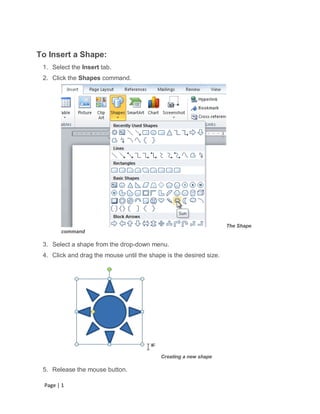
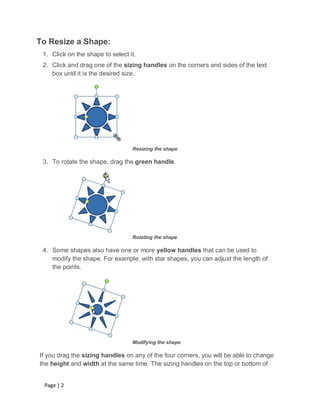


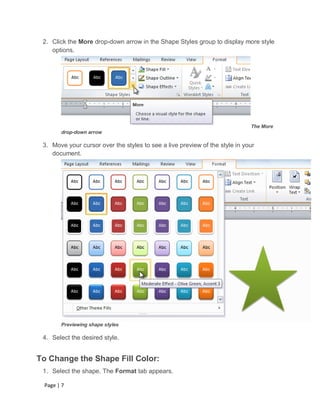

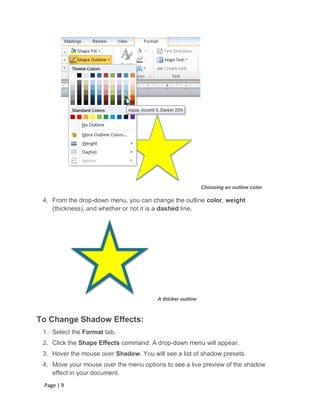


This document provides instructions for inserting, resizing, reordering, and modifying shapes in a document. Key steps include selecting the Insert tab to add a shape, clicking and dragging sizing handles to resize, right-clicking and using ordering options to reorder, and using the Format tab to change a shape's style, color, effects, and appearance. 3D effects like rotation and bevel can also be applied.


