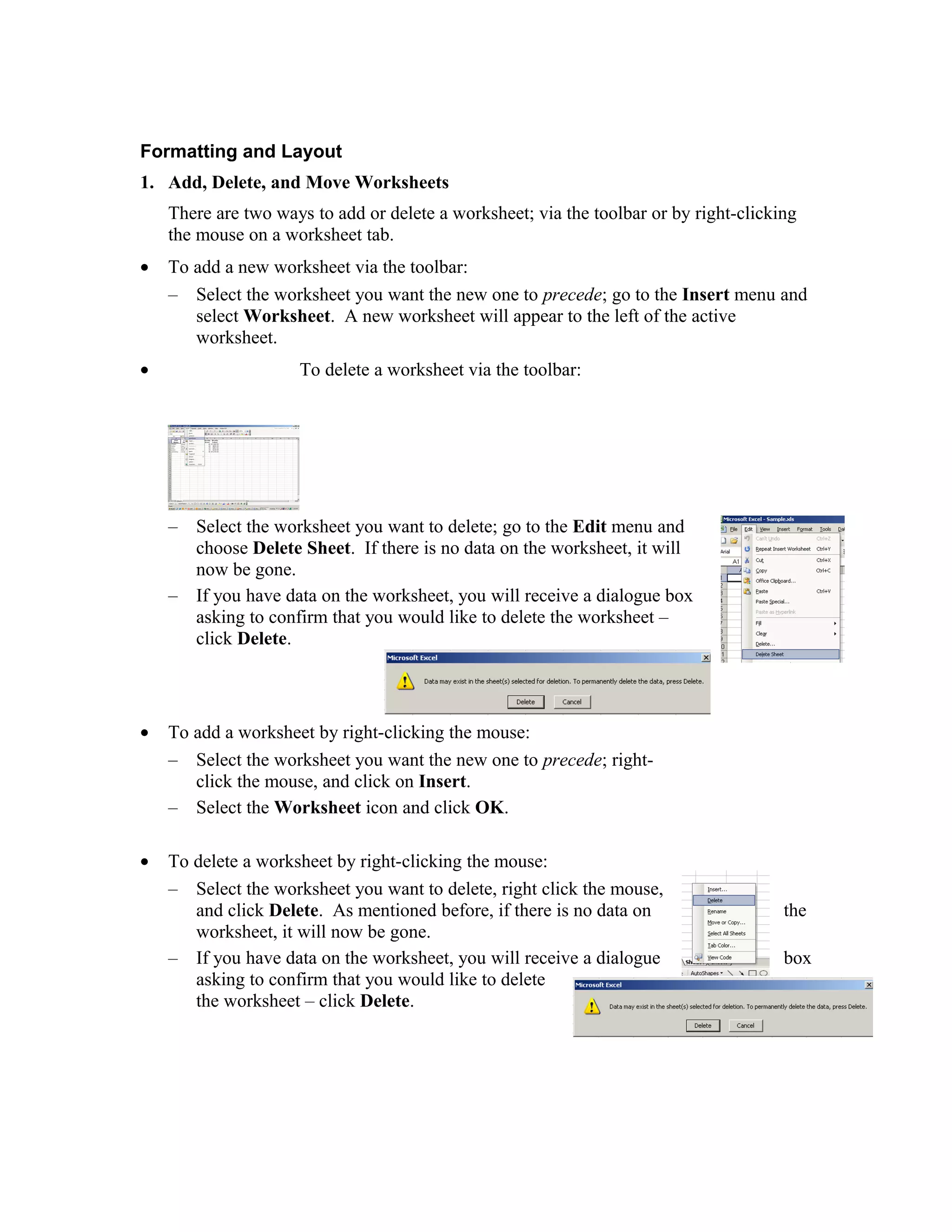
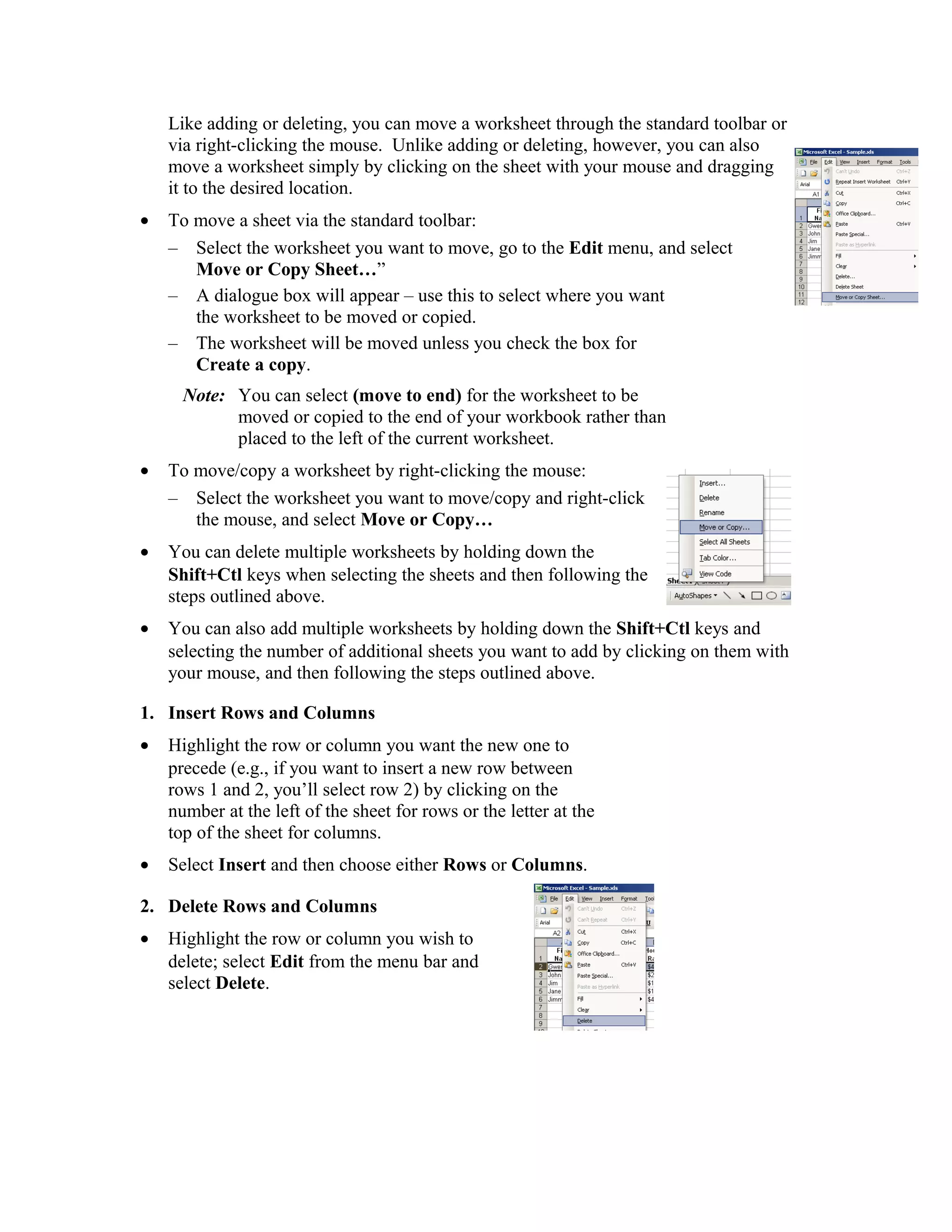
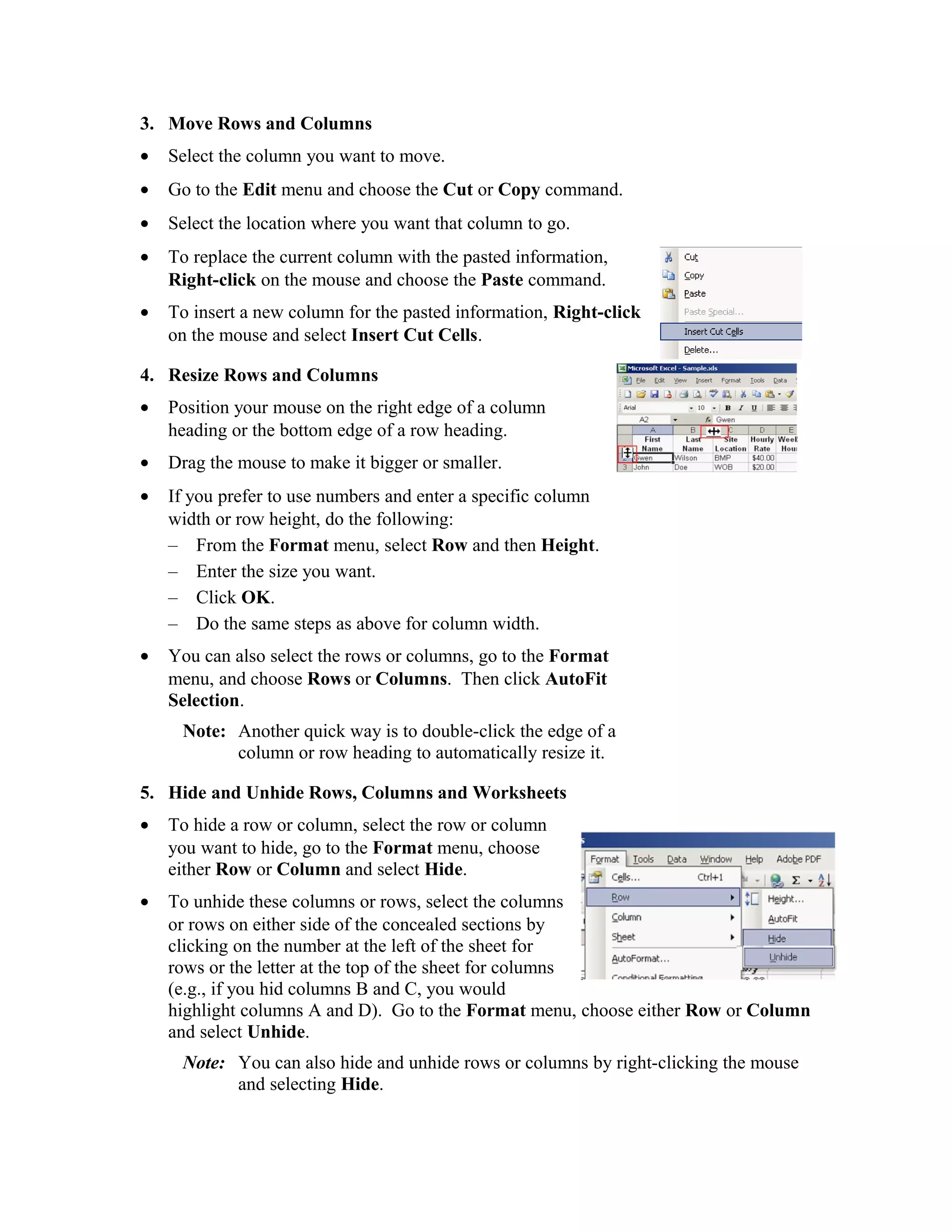
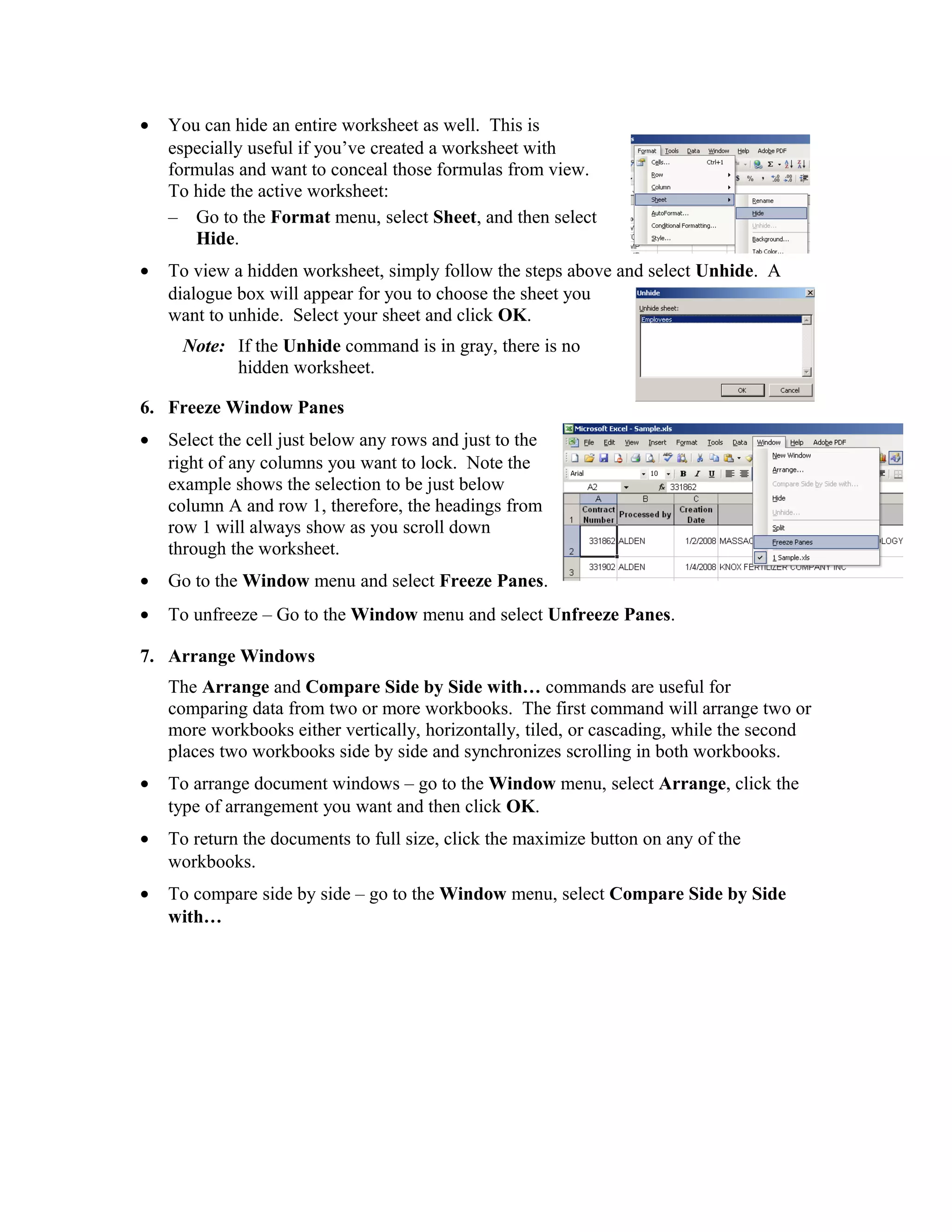
This document provides instructions for formatting and layout functions in Excel worksheets, including adding, deleting, moving, and hiding rows and columns. It also describes how to insert and delete entire worksheets, resize rows and columns, freeze panes to lock headers in place, and arrange multiple workbook windows for comparison. The formatting and layout functions can be accessed through toolbars, right-click menus, and menu options to organize and present data in Excel worksheets.