This training document covers positioning, stacking, and grouping shapes in Microsoft Visio. It includes three lessons:
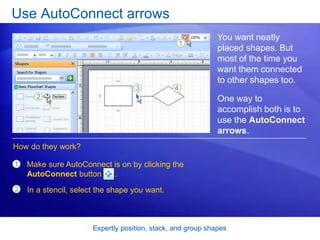
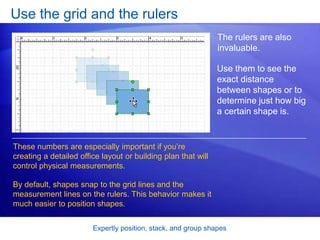
1. Expertly positioning shapes using tools like autoconnect arrows, grids, rulers, guides, and the size and position window.
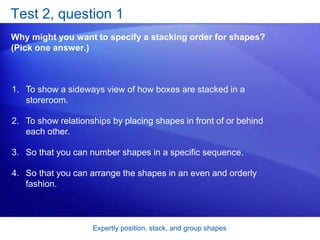
2. Stacking shapes to show relationships by changing their stacking order using commands like bring to front and send to back.
3. Grouping shapes so they can be moved and edited as a single object, as well as techniques for editing individual shapes within a group.
![Microsoft®
Office
Visio®
2007 Training
Expertly position, stack, and
group shapes
[Your company name] presents:](https://image.slidesharecdn.com/pptsamplebluesimple-150405214736-conversion-gate01/85/Ppt-sample-blue-simple-1-320.jpg)