GAMIFICATION AND
GAME-BASED LEARNING
Gamification and Game-based Learning by Caitlin Cahill / Orono Public Schools is licensed
under a Creative Commons Attribution-NonCommercial-ShareAlike 3.0 Unported License.
Gamification
“Applying game-design thinking
to non-game applications to
make them more fun and
engaging."
Gamification Wiki
Why gamify your classroom?
 Motivation

 Assessment of/for Learning
 Backwards Design
 Fun!
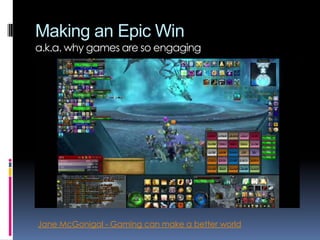
Making an Epic Win
a.k.a. why games are so engaging

Jane McGonigal - Gaming can make a better world
Game Mechanics
 Achievements

(Points & Badges)

 Blissful Productivity
 Bonuses
 Cascading

Information

 Challenges /

Quests

 Discovery
 Leaderboards
 Levels & Status

 Progress

Indicators
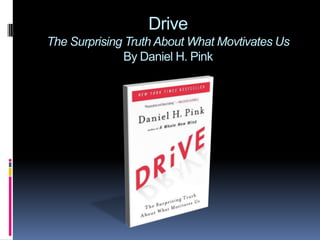
Drive
The Surprising Truth About What Movtivates Us
By Daniel H. Pink
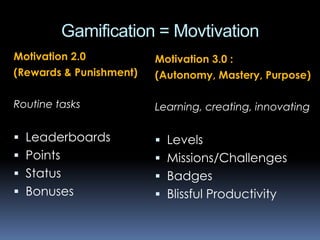
Gamification = Movtivation
Motivation 2.0
(Rewards & Punishment)

Motivation 3.0 :
(Autonomy, Mastery, Purpose)

Routine tasks

Learning, creating, innovating

 Leaderboards

 Levels

 Points

 Missions/Challenges

 Status

 Badges

 Bonuses

 Blissful Productivity
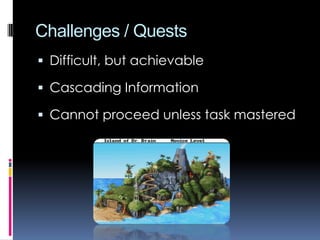
Challenges / Quests
 Difficult, but achievable

 Cascading Information
 Cannot proceed unless task mastered
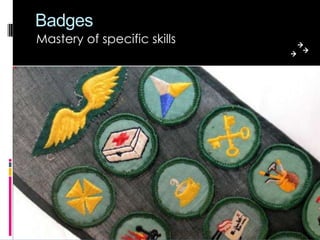
Badges
Mastery of specific skills
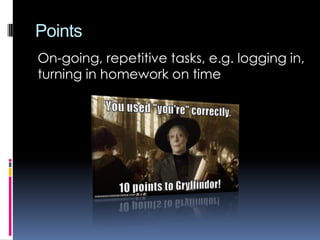
Points
On-going, repetitive tasks, e.g. logging
in, turning in homework on time
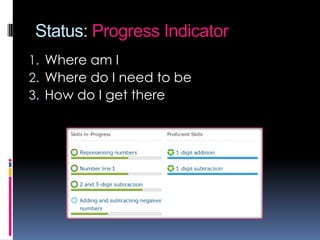
Status: Progress Indicator
1. Where am I
2. Where do I need to be
3. How do I get there
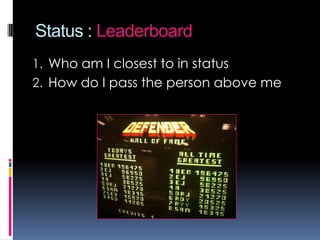
Status : Leaderboard
1. Who am I closest to in status

2. How do I pass the person above me
The Unknown
Exploration & Discovery
Don’t give students the answers,
make them find it themselves.
Bonuses
Use unexpected rewards as
motivation.
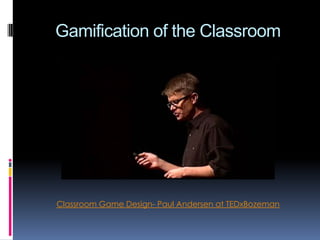
Gamification of the Classroom

Classroom Game Design- Paul Andersen at TEDxBozeman
Gamified Classroom Example
Design Dojo by Kevin McMahon
Gamify Your Classroom
 Assign points for tasks and students "level

up" when the reach certain point totals

 Use leaderboards to encourage groups to

work together better

 Give out badges for special

accomplishments

From 3 Easy Ways to Gamify Your Classroom and Gamification Wiki
Gamify Your Classroom
 Allow students to repeat tasks until

mastered

 Show visual progress toward goals

 Require constant effort/participation to

maintain level status

From 3 Easy Ways to Gamify Your Classroom and Gamification Wiki
Learning by Designing
Game creation as education
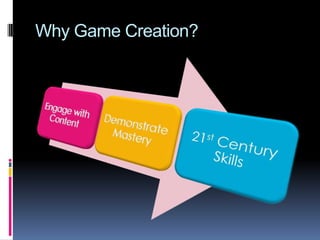
Why Game Creation?
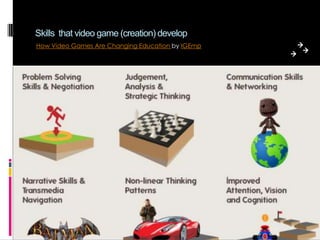
Skills that video game (creation) develop
How Video Games Are Changing Education by IGEmp
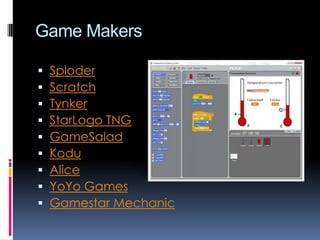
Game Makers










Sploder
Scratch
Tynker
StarLogo TNG
GameSalad
Kodu
Alice
YoYo Games
Gamestar Mechanic
Not ready to have kids program
their own games?
• Learn with the students
• Make it an option
• Use familiar, non-game tools
• Interdisciplinary project
Gaming in Education
Tell me, I’ll forget
Show me, I’ll remember
Involve me, I’ll Understand
Edutainment

“Kids can smell that [stuff] a mile away.“
– Gabe Zichermann

Content presented in a game-like
format with actual games given
as a reward for completing a
level, e.g. Fast Math
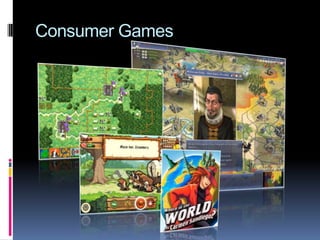
Consumer Games
Example Games
 Civilization

 iCivics.org

 SimCity

 Oregon Trail

 Minecraft

 Wolf Quest

 Spore

 Where in the

 Rollercoaster

Tycoon
 Second Life
 RPGs

World is Carmen
Sandiego
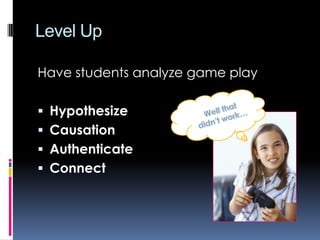
Level Up
Have students analyze game play
 Hypothesize
 Causation
 Authenticate

 Connect
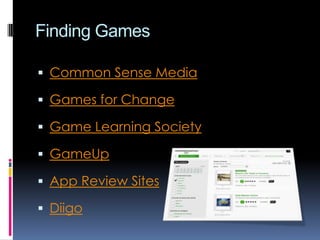
Finding Games
 Common Sense Media
 Games for Change
 Game Learning Society
 GameUp
 App Review Sites
 Diigo
Presentation and resources available at

http://learn.caitlincahill.com

QUESTIONS?

Gamification and Game-based Learning

Editor's Notes

  • #9 Cascading InformationReveal information in nuggetsBreak down challenges into smaller tasks
  • #10 Fits well with standards-based gradingAdvantage: easier to grade mastered/not mastered versus a subjective scale, e.g. a letter gradeTools: Moodle (badges and/or conditional activities http://goo.gl/g7j3j), ClassBadges
  • #11 Do NOT tie points to grades.
  • #12 Tools: Moodle Checklist, Google spreadsheet, sticker chart
  • #13 Tools: Google forms
  • #14 Moodle badges, Moodle conditional activities (http://goo.gl/g7j3j)
  • #16 Design Dojo (http://thedesigndojo.org/) by Kevin McMahon (kmcmahon@bcp.org)
  • #23 Non-game tools: PPT with hyperlinks