WHAT IS GAMIFICATION?
• Simply put, the definition of gamification is
the use of game-design elements and game
principles in non-game contexts.
• This is exactly like “Ludology” in which the
study of games and gaming
• For example, in-game principals and themes such
as acquiring virtual ‘points’ or other
currency, and completing a series of tasks or
activities to advance to the next level, may be
used in contexts other than gaming to provide
fun and stimulation for the learner.
GAMIFICATION
• Gamification can also be defined as a set of
activities and processes to solve problems by
using the characteristics of game elements.
• Whilst typical game elements are by no means
new, they have indeed become increasingly
common in non-game contexts such as websites,
digital marketing, enterprise applications, and
even virtual to-do lists and productivity
tools.
• One huge area where gamification is highly
prevalent, however, is in education.
GAMIFICATION IN EDUCATION
• Gamification is becoming increasingly used in educational settings for
a number of reasons. In short, it ‘makes the hard stuff more fun’,
helping to motivate students and make them more engaged with the
subject matter.
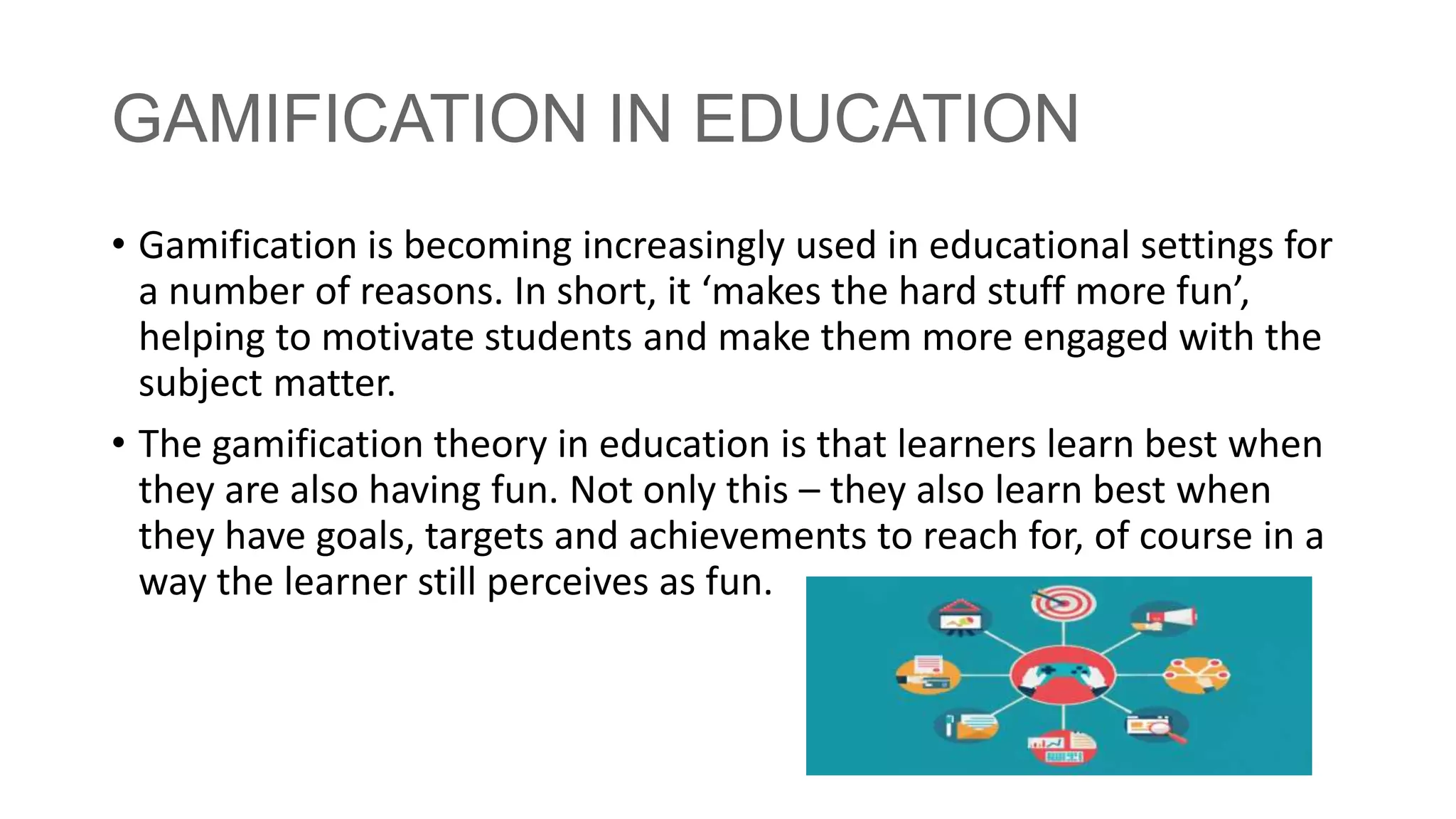
• The gamification theory in education is that learners learn best when
they are also having fun. Not only this – they also learn best when
they have goals, targets and achievements to reach for, of course in a
way the learner still perceives as fun.
Gamification in learning
• involves using game-based elements
• such as point scoring
• peer competition
• teamwork
• score tables to drive engagement
• help students assimilate new information
• and test their knowledge
Gamification in learning
• It can apply to school-based subjects but is also used widely in
self-teaching apps and courses, showing that the effects of
gamification do not stop when we are adults.
• Technology permeates a lot of our day-to-day lives – has
changed the way we live, shop, work, play, eat, meet people
and socialize. Policy-makers are starting to explore the potential
benefits of using technology to streamline teacher workload in
earnest. We’ve also already known for some time that taking
something many children love – games – and using some of the
features to support learning has great benefits.
GAMIFICATION EXAMPLES
• Teachers and parents can implement gamification in various
ways across countless subject areas. Though many schools
already utilise apps and educational games via computers and
tablets, it doesn’t all have to be about technology.
• Unlike game-based learning, which involves students making
their own games or playing commercially-made video games,
gamification is simply bringing game-based elements that make
these platforms popular, and integrating them into other
activities within the (home) classroom.
Some examples of game elements that can
be used to engage and motivate learners
include:
• Narrative
• Immediate feedback
• Fun
• “Scaffolded learning” with challenges that increase
• Mastery (for example, in the form of leveling up)
• Progress indicators (for example, through
points/badges/leaderboards, also called PBLs)
• Social connection
• Player control.
BENEFITS OF GAMIFICATION IN THE
CLASSROOM
• Students feel like they have ownership over their learning
• A more relaxed atmosphere in regard to failure, since learners
can simply try again
• More fun in the classroom
• Learning becomes visible through progress indicators
• Students may uncover an intrinsic motivation for learning
• Students can explore different identities through different
avatars or characters
• Students often are more comfortable in gaming environments,
so are more proactive and open to making mistakes
• Scratch has a great community that encourages sharing of projects and allows one to "remix" any project that is shared to the public. And there are many other
advanced games available on Scratch to learn from. The challenge though, is that without proper comments in their code, it can at times be tedious to decipher.
• With that in mind, we decided to focus this Instructable on describing steps to code different elements of our game in a general nature, and focus on features we
would expect more advanced game developers will be interested in discovering.
• The steps of this Instructable are generally sequential, however they are also written to be independent allowing you to focus on a particular feature you are trying
to add to your game. So feel free to jump down to a specific step which describes what you're currently working on. Also note that there are many other resources
available online. Scratch has a comprehensive list of coding techniques with tutorials which we found helpful and can be found at the Scratch Wiki.
• Step 1: Planning the Game
• Step 2: Adding Sprites and Backdrops
• Step 3: Making Sprites Move - Using the keyboard
• Step 4: Making Sprites Move - Shooting projectiles (laser)
• Step 5: Making Sprites Move - Objects falling at random (asteroids)
• Step 6: Making Sprites Move - Objects moving in a pattern
• Using the glide to... block
• Using a sine wave function
• Rotating around another moving sprite
• Step 7: Using Costumes to Create Animations
• Step 8: Advanced Sprite Clones with List Variables
• Step 9: Debugging Tips and Techniques for Scratch

Gamification.pptx

  • 2.
    WHAT IS GAMIFICATION? •Simply put, the definition of gamification is the use of game-design elements and game principles in non-game contexts. • This is exactly like “Ludology” in which the study of games and gaming • For example, in-game principals and themes such as acquiring virtual ‘points’ or other currency, and completing a series of tasks or activities to advance to the next level, may be used in contexts other than gaming to provide fun and stimulation for the learner.
  • 3.
    GAMIFICATION • Gamification canalso be defined as a set of activities and processes to solve problems by using the characteristics of game elements. • Whilst typical game elements are by no means new, they have indeed become increasingly common in non-game contexts such as websites, digital marketing, enterprise applications, and even virtual to-do lists and productivity tools. • One huge area where gamification is highly prevalent, however, is in education.
  • 4.
    GAMIFICATION IN EDUCATION •Gamification is becoming increasingly used in educational settings for a number of reasons. In short, it ‘makes the hard stuff more fun’, helping to motivate students and make them more engaged with the subject matter. • The gamification theory in education is that learners learn best when they are also having fun. Not only this – they also learn best when they have goals, targets and achievements to reach for, of course in a way the learner still perceives as fun.
  • 5.
    Gamification in learning •involves using game-based elements • such as point scoring • peer competition • teamwork • score tables to drive engagement • help students assimilate new information • and test their knowledge
  • 6.
    Gamification in learning •It can apply to school-based subjects but is also used widely in self-teaching apps and courses, showing that the effects of gamification do not stop when we are adults. • Technology permeates a lot of our day-to-day lives – has changed the way we live, shop, work, play, eat, meet people and socialize. Policy-makers are starting to explore the potential benefits of using technology to streamline teacher workload in earnest. We’ve also already known for some time that taking something many children love – games – and using some of the features to support learning has great benefits.
  • 7.
    GAMIFICATION EXAMPLES • Teachersand parents can implement gamification in various ways across countless subject areas. Though many schools already utilise apps and educational games via computers and tablets, it doesn’t all have to be about technology. • Unlike game-based learning, which involves students making their own games or playing commercially-made video games, gamification is simply bringing game-based elements that make these platforms popular, and integrating them into other activities within the (home) classroom.
  • 8.
    Some examples ofgame elements that can be used to engage and motivate learners include: • Narrative • Immediate feedback • Fun • “Scaffolded learning” with challenges that increase • Mastery (for example, in the form of leveling up) • Progress indicators (for example, through points/badges/leaderboards, also called PBLs) • Social connection • Player control.
  • 9.
    BENEFITS OF GAMIFICATIONIN THE CLASSROOM • Students feel like they have ownership over their learning • A more relaxed atmosphere in regard to failure, since learners can simply try again • More fun in the classroom • Learning becomes visible through progress indicators • Students may uncover an intrinsic motivation for learning • Students can explore different identities through different avatars or characters • Students often are more comfortable in gaming environments, so are more proactive and open to making mistakes
  • 10.
    • Scratch hasa great community that encourages sharing of projects and allows one to "remix" any project that is shared to the public. And there are many other advanced games available on Scratch to learn from. The challenge though, is that without proper comments in their code, it can at times be tedious to decipher. • With that in mind, we decided to focus this Instructable on describing steps to code different elements of our game in a general nature, and focus on features we would expect more advanced game developers will be interested in discovering. • The steps of this Instructable are generally sequential, however they are also written to be independent allowing you to focus on a particular feature you are trying to add to your game. So feel free to jump down to a specific step which describes what you're currently working on. Also note that there are many other resources available online. Scratch has a comprehensive list of coding techniques with tutorials which we found helpful and can be found at the Scratch Wiki. • Step 1: Planning the Game • Step 2: Adding Sprites and Backdrops • Step 3: Making Sprites Move - Using the keyboard • Step 4: Making Sprites Move - Shooting projectiles (laser) • Step 5: Making Sprites Move - Objects falling at random (asteroids) • Step 6: Making Sprites Move - Objects moving in a pattern • Using the glide to... block • Using a sine wave function • Rotating around another moving sprite • Step 7: Using Costumes to Create Animations • Step 8: Advanced Sprite Clones with List Variables • Step 9: Debugging Tips and Techniques for Scratch