

Factor Analysis
in AMOS
STATISTICAL ANALYSIS
Dr. Hina Jalal
@AKsEAina; @EduTainment; hinansari23@gmail.com
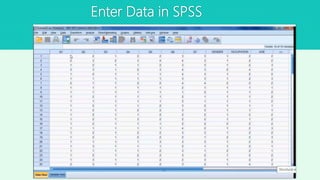
Enter Data in SPSS
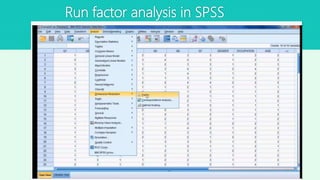
Run factor analysis in SPSS
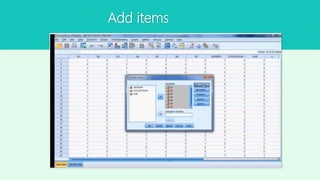
Add items
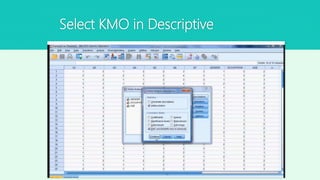
Select KMO in Descriptive
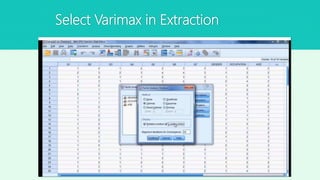
Select Varimax in Extraction
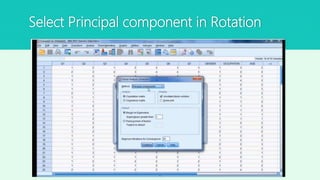
Select Principal component in Rotation
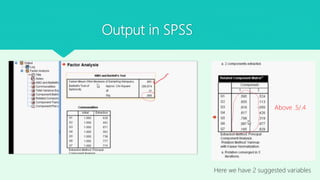
Output in SPSS
Above .5/.4
Here we have 2 suggested variables
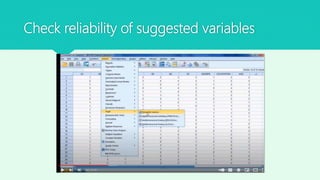
Check reliability of suggested variables
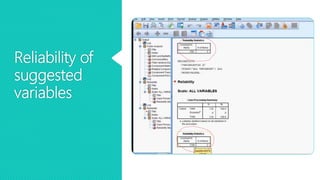
Reliability of
suggested
variables
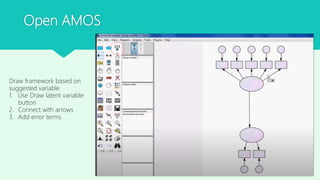
Open AMOS
Draw framework based on
suggested variable
1. Use Draw latent variable
button
2. Connect with arrows
3. Add error terms
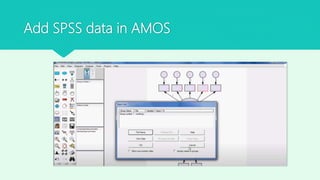
Add SPSS data in AMOS
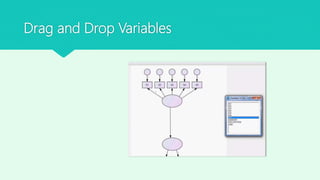
Drag and Drop Variables
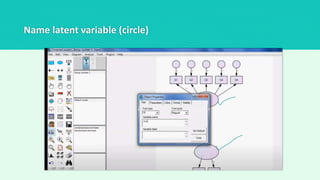
Name latent variable (circle)
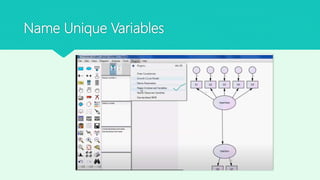
Name Unique Variables
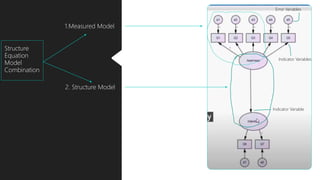
Structure Equation Model
 In structure equation model has two types of models
1. Measured Model (relationship between unique variables to latent variable)
2. Structural Model (between latent variables)
1.Measured Model
2. Structure Model
Structure
Equation
Model
Combination
Indicator Variables
Error Variables
Indicator Variable
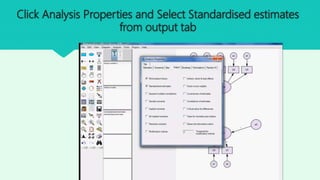
Click Analysis Properties and Select Standardised estimates
from output tab
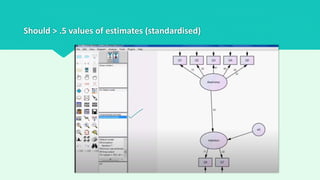
Should > .5 values of estimates (standardised)
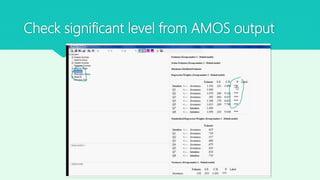
Check significant level from AMOS output
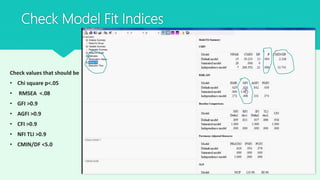
Check Model Fit Indices
Check values that should be
• Chi square p<.05
• RMSEA <.08
• GFI >0.9
• AGFI >0.9
• CFI >0.9
• NFI TLI >0.9
• CMIN/DF <5.0
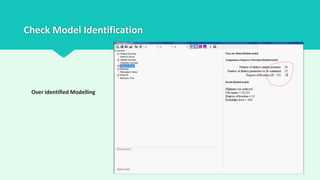
Check Model Identification
Over identified Modelling
Dr. Hina Jalal
@AksEAina (hinansari23@gmail.com)

Factor analysis in AMOS