 Provide meaningful title
 Organize fields logically
 Use appealing form layout
 Include familiar field labels
 Be consistent with terminology and
  abbreviations
 Allow for convenient cursor movement
 Prevent and correct errors
 Include explanatory messages for fields
 Bound   form has a Record Source
    Displays data from fields in record source
 Unbound    forms
    Do not have record source
    Designed to help users navigate through database
 Subform  is a form embedded in another form
 Primary form (called main form)
    Usually has one-to-many relationship with data in
     subform
 Main   form and subform linked
    Subform displays only records that related to
     current record in main form
 Command     buttons
    Users click to perform common tasks
    Can contain Text, Icons, Graphics
 Create
    Using Command Button Wizard
    By adding button to form then setting properties
 Beconsistent when creating command
 buttons
    Location on form
    Order
 Formcreated with form tool or Form
 Wizard
    Places fields in order they appear in table
     design
 After fields are rearranged for more
  logical data entry, correct tab order
 Test each form!
 Way to change query „on the fly‟
 Can use prompt for user
 Can get information from form controls
    Forms!FormName!ControlName
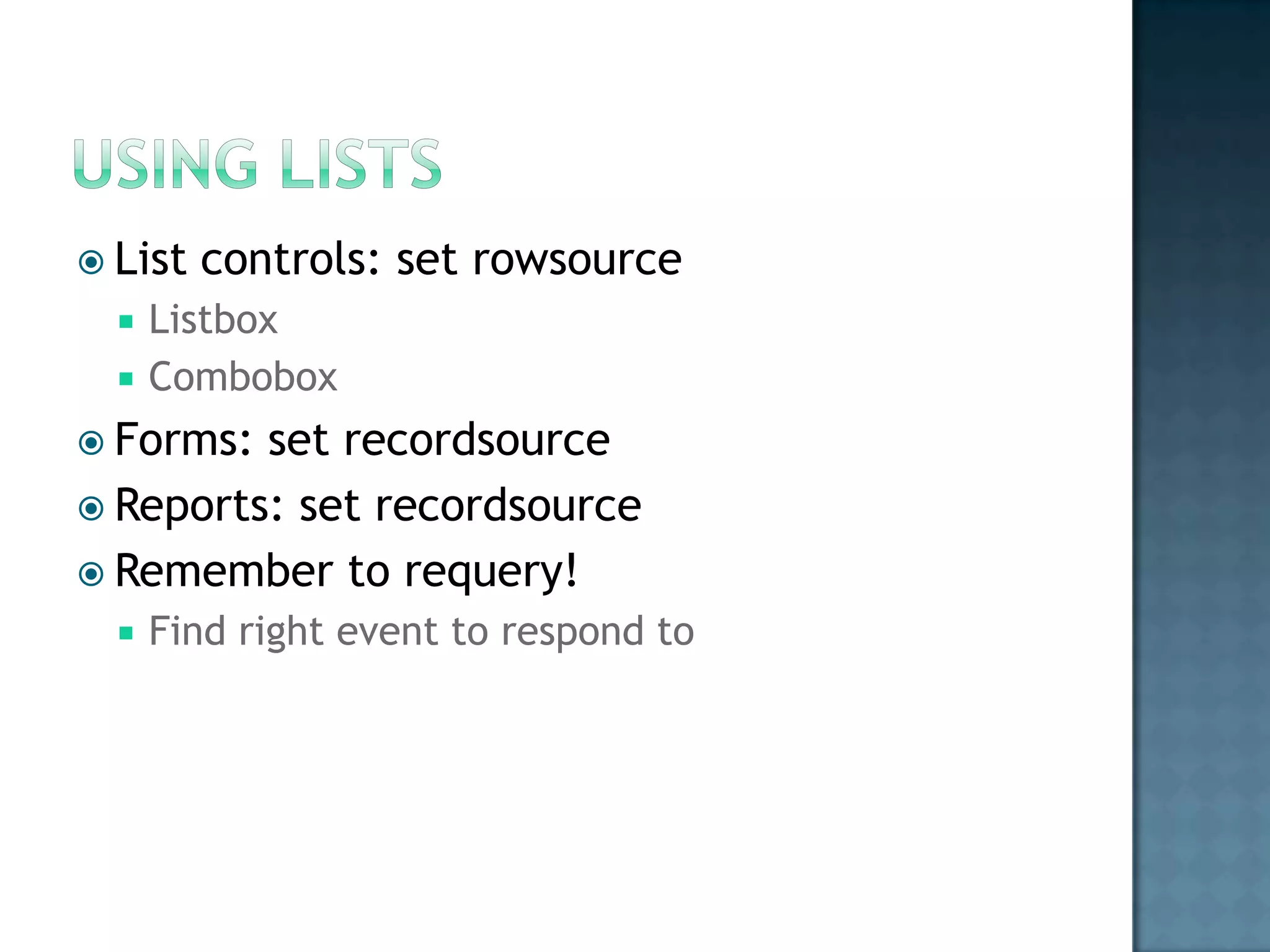
 List   controls: set rowsource
     Listbox
     Combobox
 Forms: set recordsource
 Reports: set recordsource
 Remember to requery!
     Find right event to respond to
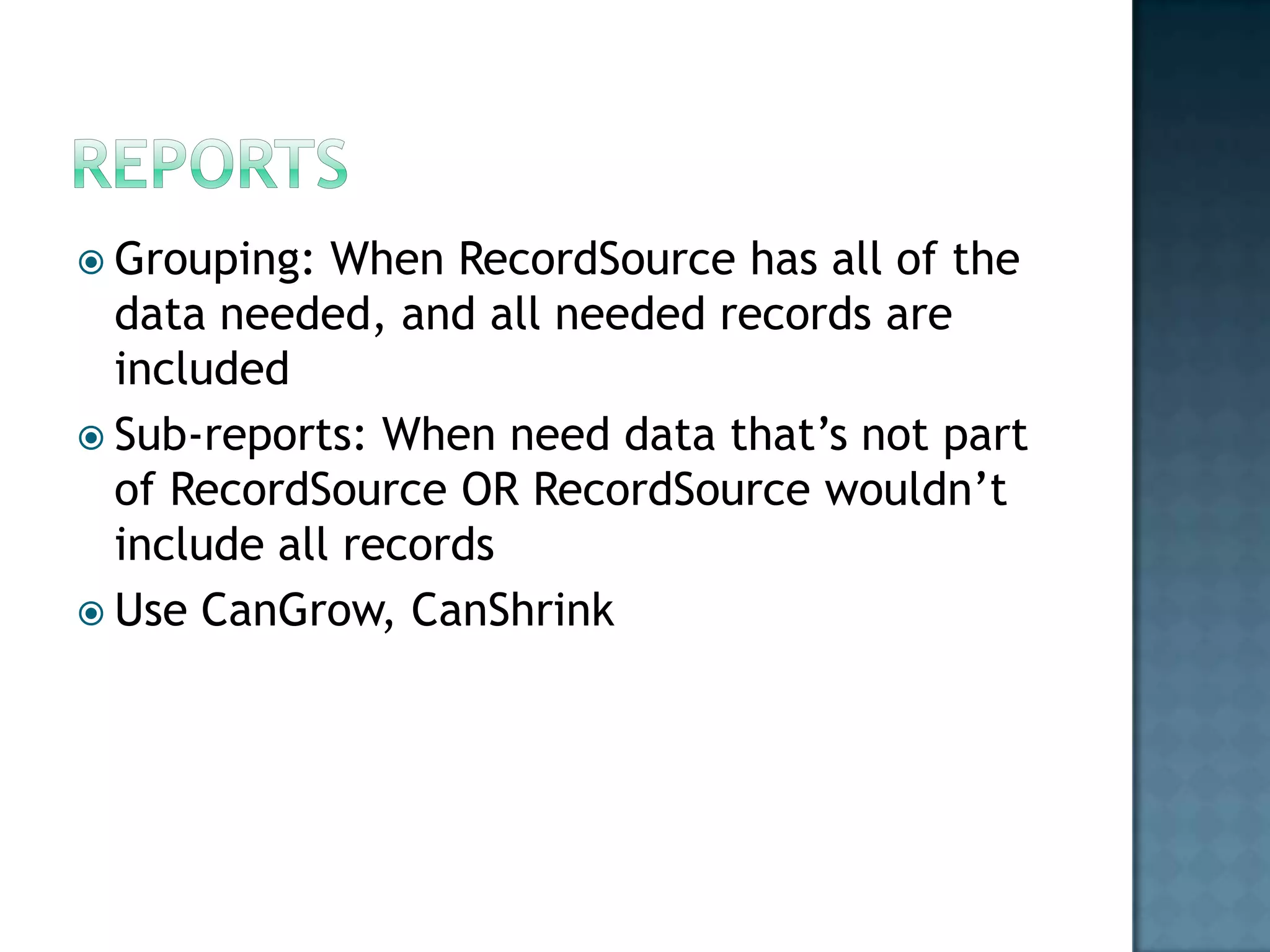
 Grouping:  When RecordSource has all of the
  data needed, and all needed records are
  included
 Sub-reports: When need data that‟s not part
  of RecordSource OR RecordSource wouldn‟t
  include all records
 Use CanGrow, CanShrink
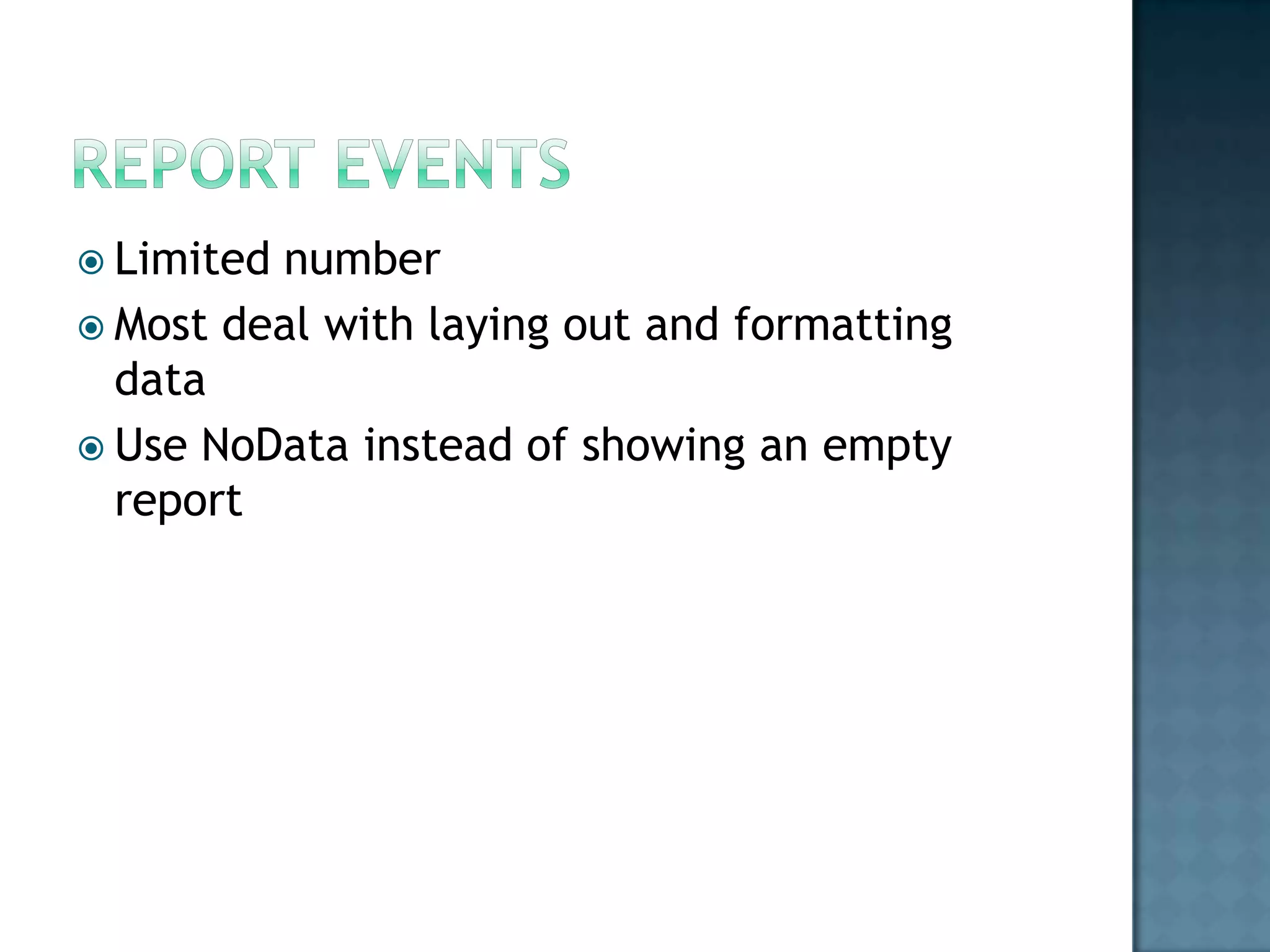
 Limitednumber
 Most deal with laying out and formatting
  data
 Use NoData instead of showing an empty
  report
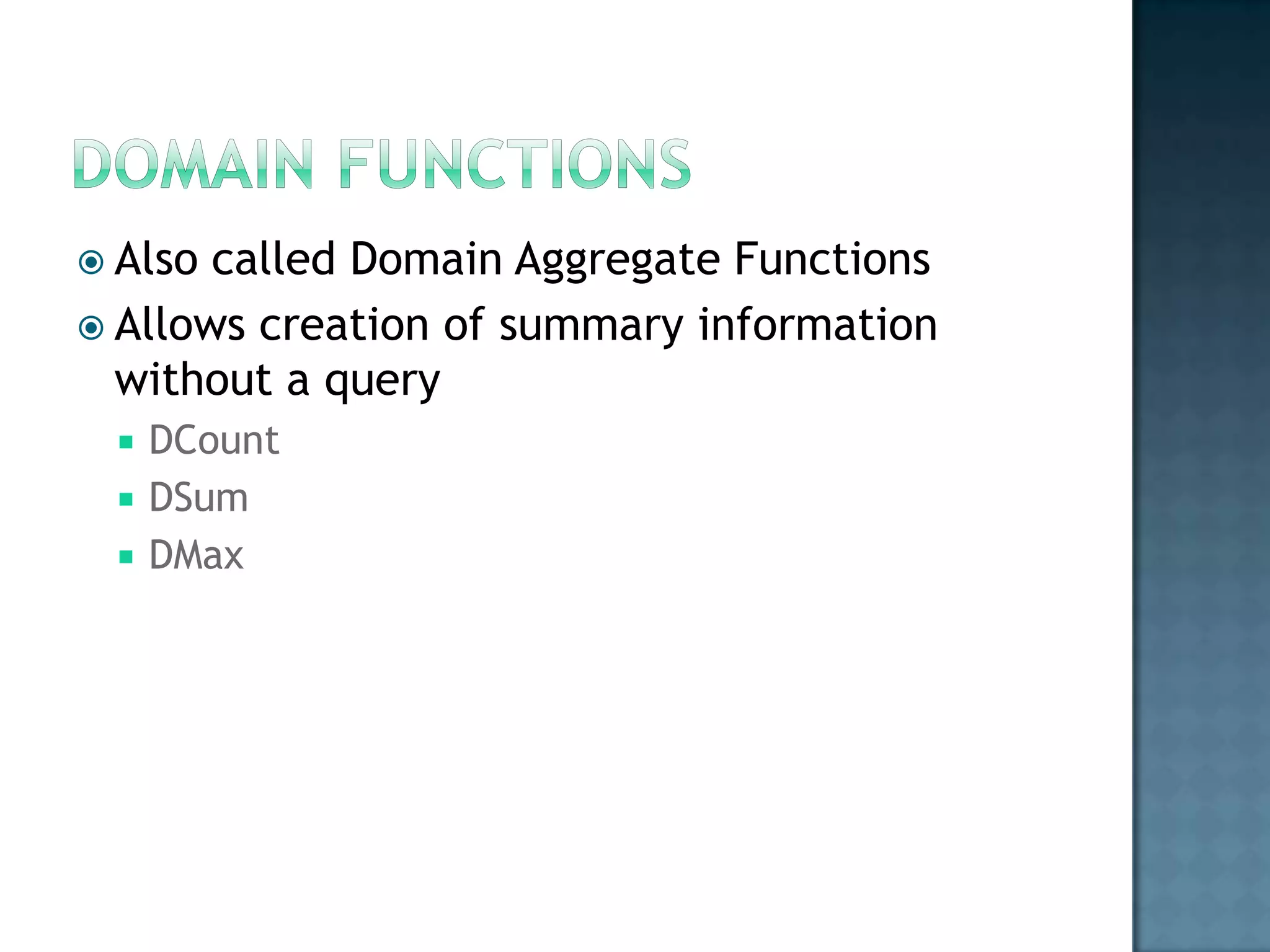
 Also called Domain Aggregate Functions
 Allows creation of summary information
  without a query
    DCount
    DSum
    DMax
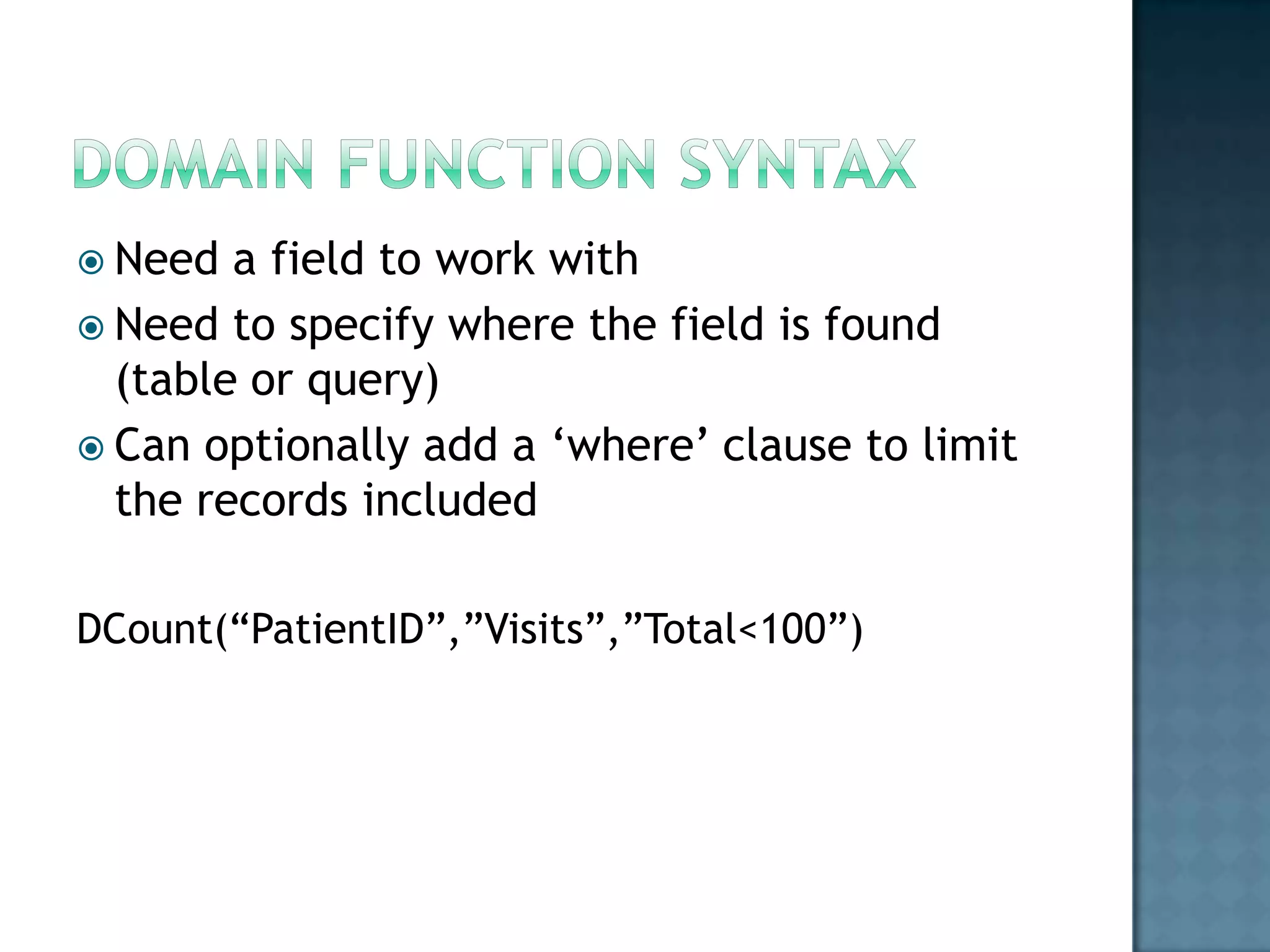
 Need  a field to work with
 Need to specify where the field is found
  (table or query)
 Can optionally add a „where‟ clause to limit
  the records included

DCount(“PatientID”,”Visits”,”Total<100”)
 Have to choose which event to respond to
 Events can be generated by the user or
  changes in data or objects
 Many commands start with „DoCmd‟
 Code is organized into procedures
    Property Procedures
    Functions
    Subroutines
 Procedures can use arguments to pass data
 Use With … End With when referring to an object
  several times
 Two  methods to reference “owned” objects
 Use ! (bang) if referring to a control in a
  query
 In code, can use both ! (bang) and . (dot)
    If referring to fields in a recordsource, use !
    If referring to controls can use either
 Scope: How long a variable lasts and where it
  can be accessed
 Forcing declaration: Option Explicit
 Objects: Can represent more than just basic
  data, can create object variables
    Need to create an instance – New keyword
    Use Set to make an assignment
 Most  objects are members of some group
 A collection is a group of like objects
    Forms collection holds all forms
    A form‟s controls collection holds all controls
     that belong to that form
 Branching    (what‟s next?)
    If-Then
    Select Case
 Loops   (repeating a task)
    For … Next
    For .. Each
    Do While
    Do Until
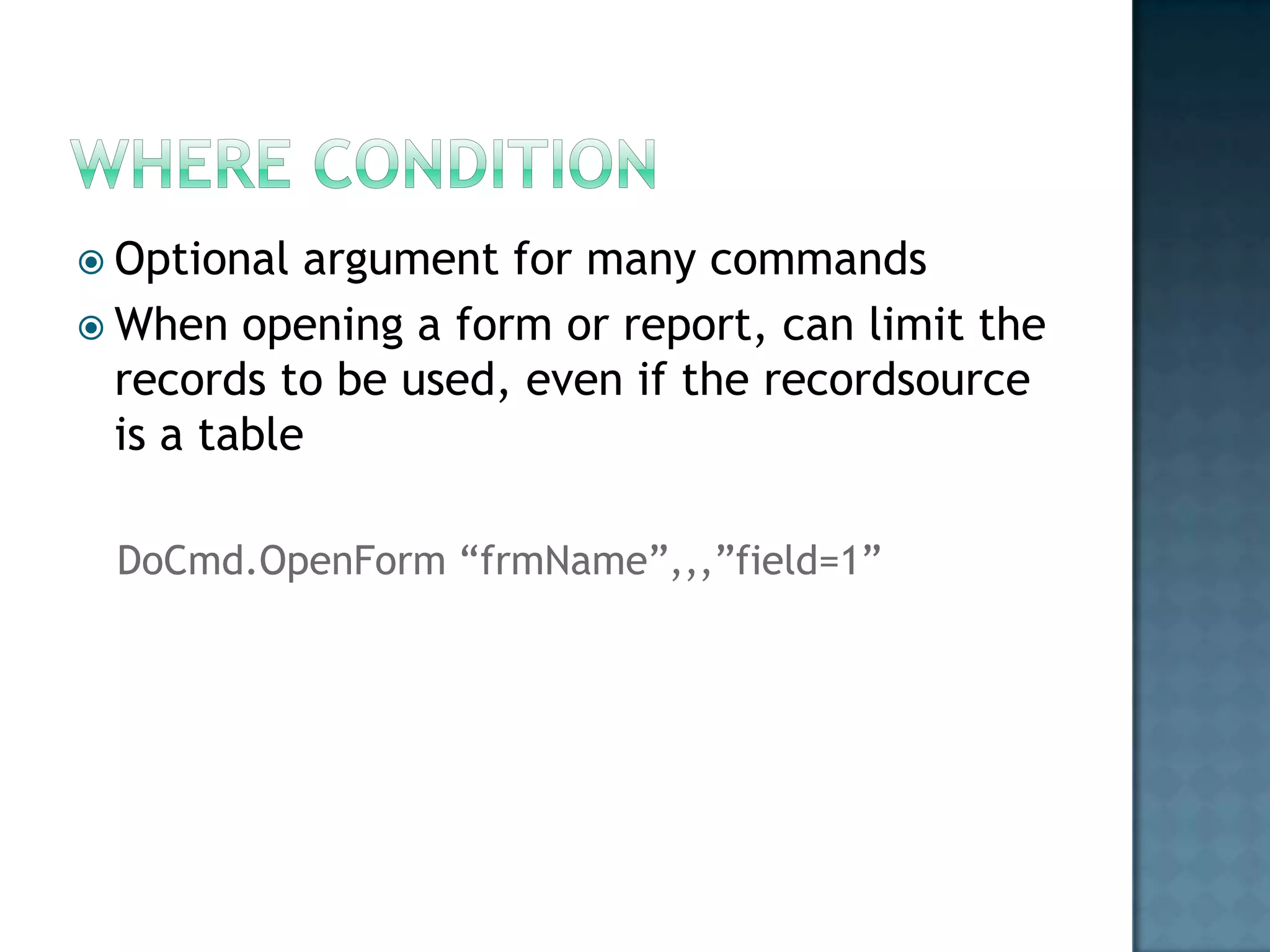
 Optional  argument for many commands
 When opening a form or report, can limit the
  records to be used, even if the recordsource
  is a table

 DoCmd.OpenForm “frmName”,,,”field=1”
 Logic   errors
    Runs but doesn‟t give the right results
 Syntax   errors
    Compiler can‟t process your code
 Run-time    errors
    Problem happens during execution
    Use On Error to respond to
 ADO:   ActiveX Data Objects
    For working with data
    Not hierarchical
 ADOX:   ADO Extensions
    For working with database
    For security and database
 DAO:   Data Access Objects
    For working with data
    Used in Forms, Reports by Access
    Hierarchical (must know how each item fits in
     relation to others)
 Connection:  „pipe‟ for moving data
 Command: what data to work with
 Recordset: local copy of data from a table or
  query

CIS 245 Final Review

  • 2.
     Provide meaningfultitle  Organize fields logically  Use appealing form layout  Include familiar field labels  Be consistent with terminology and abbreviations
  • 3.
     Allow forconvenient cursor movement  Prevent and correct errors  Include explanatory messages for fields
  • 4.
     Bound form has a Record Source  Displays data from fields in record source  Unbound forms  Do not have record source  Designed to help users navigate through database
  • 5.
     Subform is a form embedded in another form  Primary form (called main form)  Usually has one-to-many relationship with data in subform  Main form and subform linked  Subform displays only records that related to current record in main form
  • 6.
     Command buttons  Users click to perform common tasks  Can contain Text, Icons, Graphics  Create  Using Command Button Wizard  By adding button to form then setting properties  Beconsistent when creating command buttons  Location on form  Order
  • 7.
     Formcreated withform tool or Form Wizard  Places fields in order they appear in table design  After fields are rearranged for more logical data entry, correct tab order  Test each form!
  • 8.
     Way tochange query „on the fly‟  Can use prompt for user  Can get information from form controls  Forms!FormName!ControlName
  • 9.
     List controls: set rowsource  Listbox  Combobox  Forms: set recordsource  Reports: set recordsource  Remember to requery!  Find right event to respond to
  • 10.
     Grouping: When RecordSource has all of the data needed, and all needed records are included  Sub-reports: When need data that‟s not part of RecordSource OR RecordSource wouldn‟t include all records  Use CanGrow, CanShrink
  • 11.
     Limitednumber  Mostdeal with laying out and formatting data  Use NoData instead of showing an empty report
  • 12.
     Also calledDomain Aggregate Functions  Allows creation of summary information without a query  DCount  DSum  DMax
  • 13.
     Need a field to work with  Need to specify where the field is found (table or query)  Can optionally add a „where‟ clause to limit the records included DCount(“PatientID”,”Visits”,”Total<100”)
  • 14.
     Have tochoose which event to respond to  Events can be generated by the user or changes in data or objects
  • 15.
     Many commandsstart with „DoCmd‟  Code is organized into procedures  Property Procedures  Functions  Subroutines  Procedures can use arguments to pass data  Use With … End With when referring to an object several times
  • 16.
     Two methods to reference “owned” objects  Use ! (bang) if referring to a control in a query  In code, can use both ! (bang) and . (dot)  If referring to fields in a recordsource, use !  If referring to controls can use either
  • 17.
     Scope: Howlong a variable lasts and where it can be accessed  Forcing declaration: Option Explicit  Objects: Can represent more than just basic data, can create object variables  Need to create an instance – New keyword  Use Set to make an assignment
  • 18.
     Most objects are members of some group  A collection is a group of like objects  Forms collection holds all forms  A form‟s controls collection holds all controls that belong to that form
  • 19.
     Branching (what‟s next?)  If-Then  Select Case  Loops (repeating a task)  For … Next  For .. Each  Do While  Do Until
  • 20.
     Optional argument for many commands  When opening a form or report, can limit the records to be used, even if the recordsource is a table DoCmd.OpenForm “frmName”,,,”field=1”
  • 21.
     Logic errors  Runs but doesn‟t give the right results  Syntax errors  Compiler can‟t process your code  Run-time errors  Problem happens during execution  Use On Error to respond to
  • 22.
     ADO: ActiveX Data Objects  For working with data  Not hierarchical  ADOX: ADO Extensions  For working with database  For security and database  DAO: Data Access Objects  For working with data  Used in Forms, Reports by Access  Hierarchical (must know how each item fits in relation to others)
  • 23.
     Connection: „pipe‟ for moving data  Command: what data to work with  Recordset: local copy of data from a table or query