CIS282
Database Server
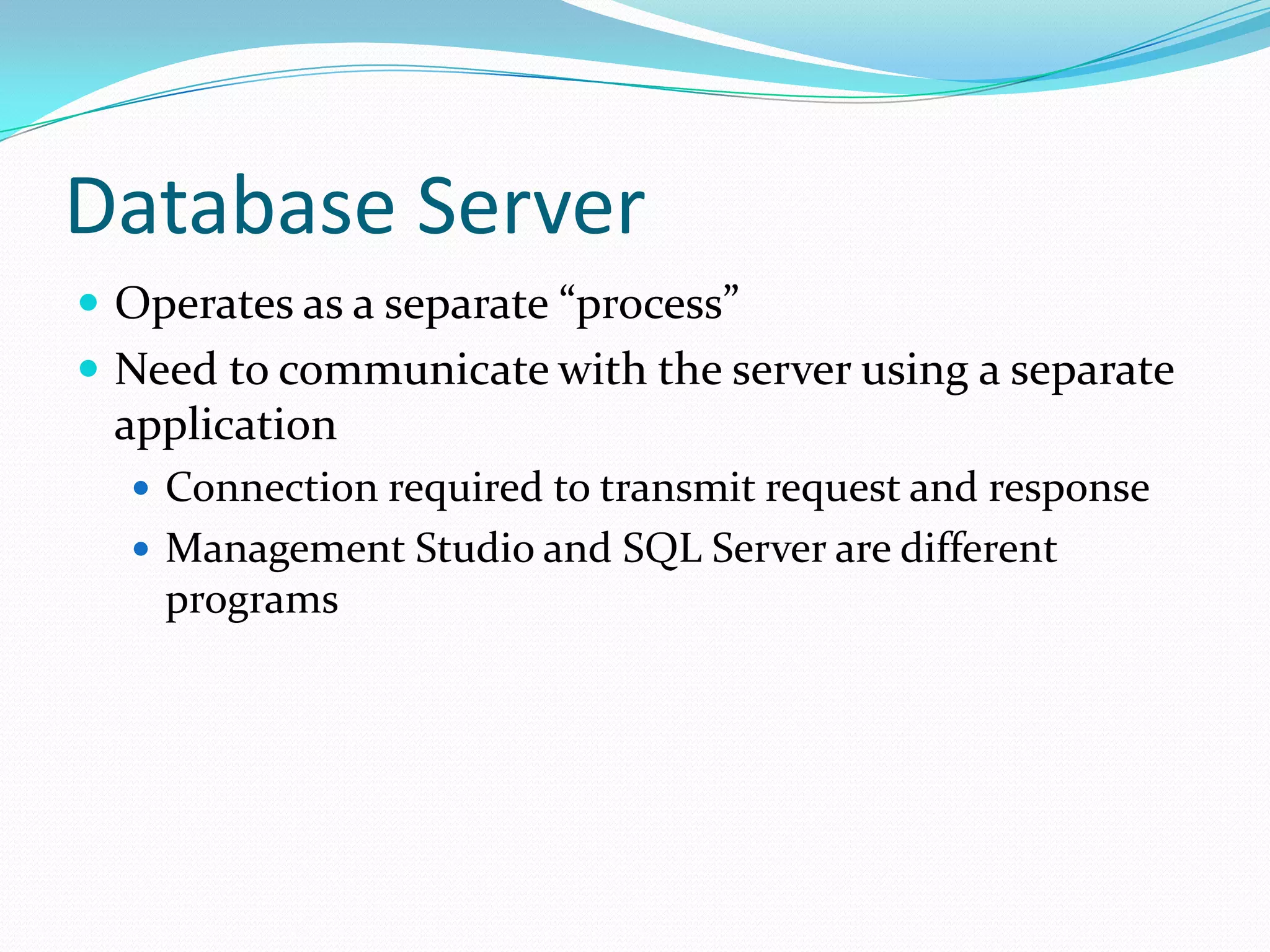
 Operates as a separate “process”
 Need to communicate with the server using a separate
 application
   Connection required to transmit request and response
   Management Studio and SQL Server are different
    programs
Managing SQL Server
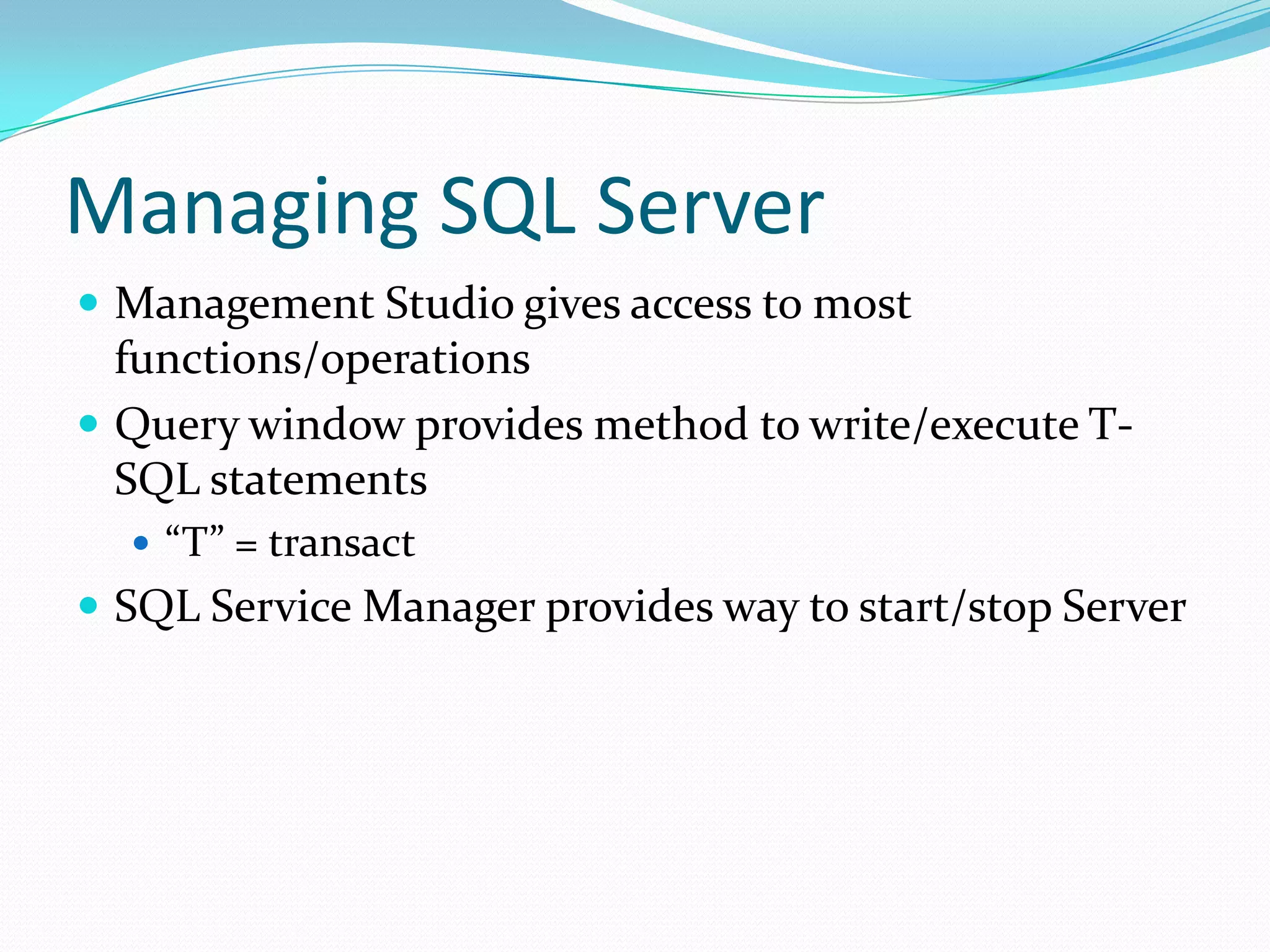
 Management Studio gives access to most
  functions/operations
 Query window provides method to write/execute T-
  SQL statements
   “T” = transact
 SQL Service Manager provides way to start/stop Server
SQL Server Databases
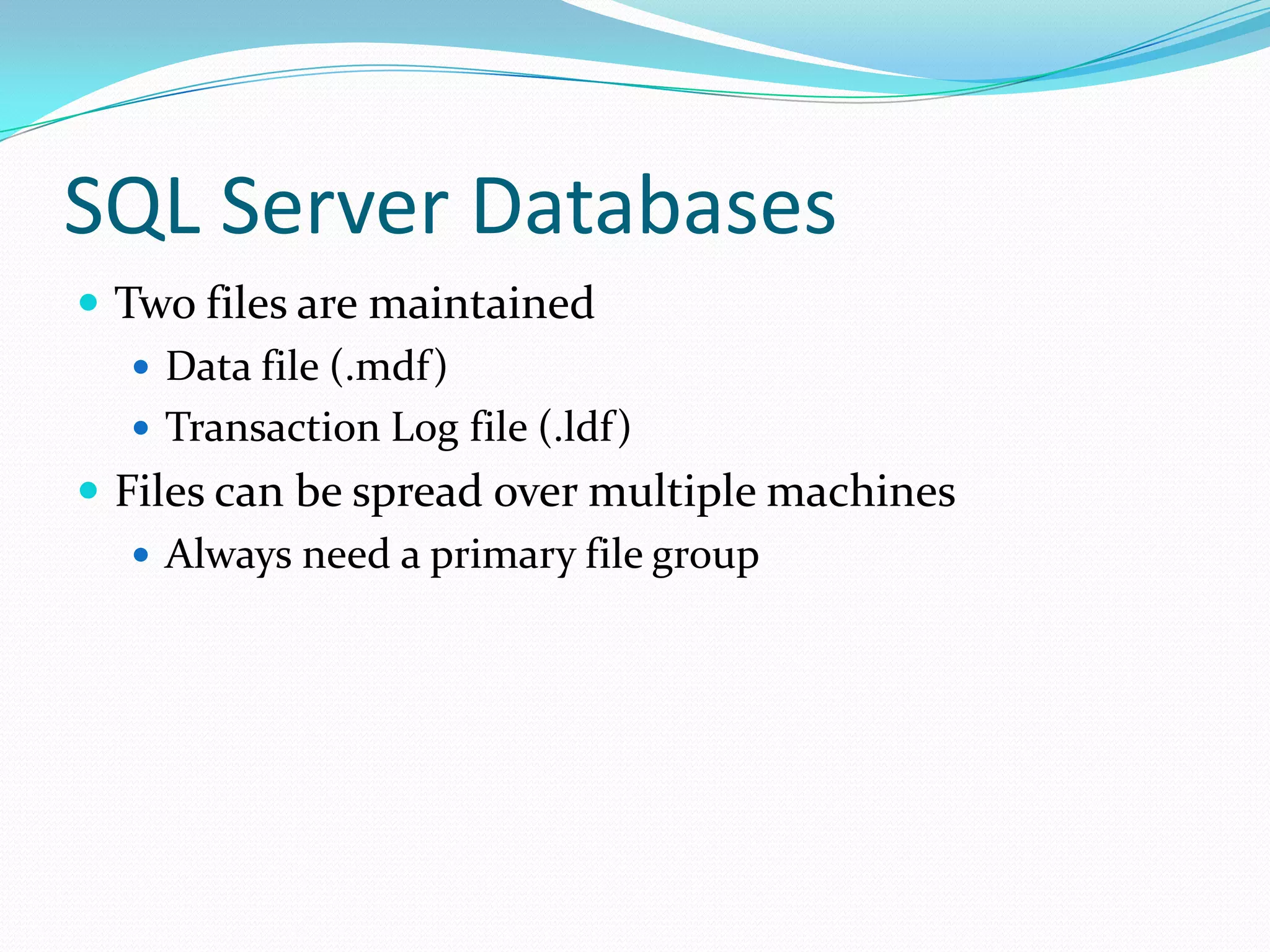
 Two files are maintained
    Data file (.mdf)
    Transaction Log file (.ldf)
 Files can be spread over multiple machines
    Always need a primary file group
Database Contents
 Tables
    User tables hold data
    System tables hold data about the database
 Stored Procedures, User Defined Functions
 Views
 Indexes
Default Databases
 Master: Logins/User roles; system configuration;
  names/locations of databases; SQL Server startup
 Tempdb: Lasts duration of SQL Server session;
  temporary holding space
 Model: Sets characteristics of new databases
 MSDB: Holds information about jobs SQL Server
  Agent runs
Security
 Windows Authentication: Windows network logins
    used
   Mixed-mode: Windows OR SQL Server logins used
   Login: To access server
   User: To access a database
   Network security trumps all….
Roles
 Server – administrative functions
    Task based:
     Backup
     Create database
   Roles are fixed
 Database/Application – groups of users with common
 activities
   Read/write all data
   Read/write select data
   Read data only
Normalization
 Process for reducing duplicate and redundant data
 1st Normal Form: eliminate repeating groups
 2nd Normal Form: each column in a table depends on
  the primary key
    can’t get information with only part of the key
 3rd Normal Form: A column cannot be dependent on
  another column that isn’t the primary key
Relationships
 Types
    One-to-one
    One-to-many
    Many-to-many
 Requires a primary key on the ‘one’ side, foreign key on
  the ‘many’ side
 Referential Integrity defines how values work across
  tables
Table Definition
 Fields need a name and datatype
    SQL Server datatypes are different from Access and
     procedural programming language datatypes
 Fieldnames can include spaces – but poor practice
 Identity – create unique number for each row
Constraints
 Allow Null – value not required to add record
 Check Constraints – test field or row values
 Default value – if no data is entered into a field
 Unique – values must be different for each row
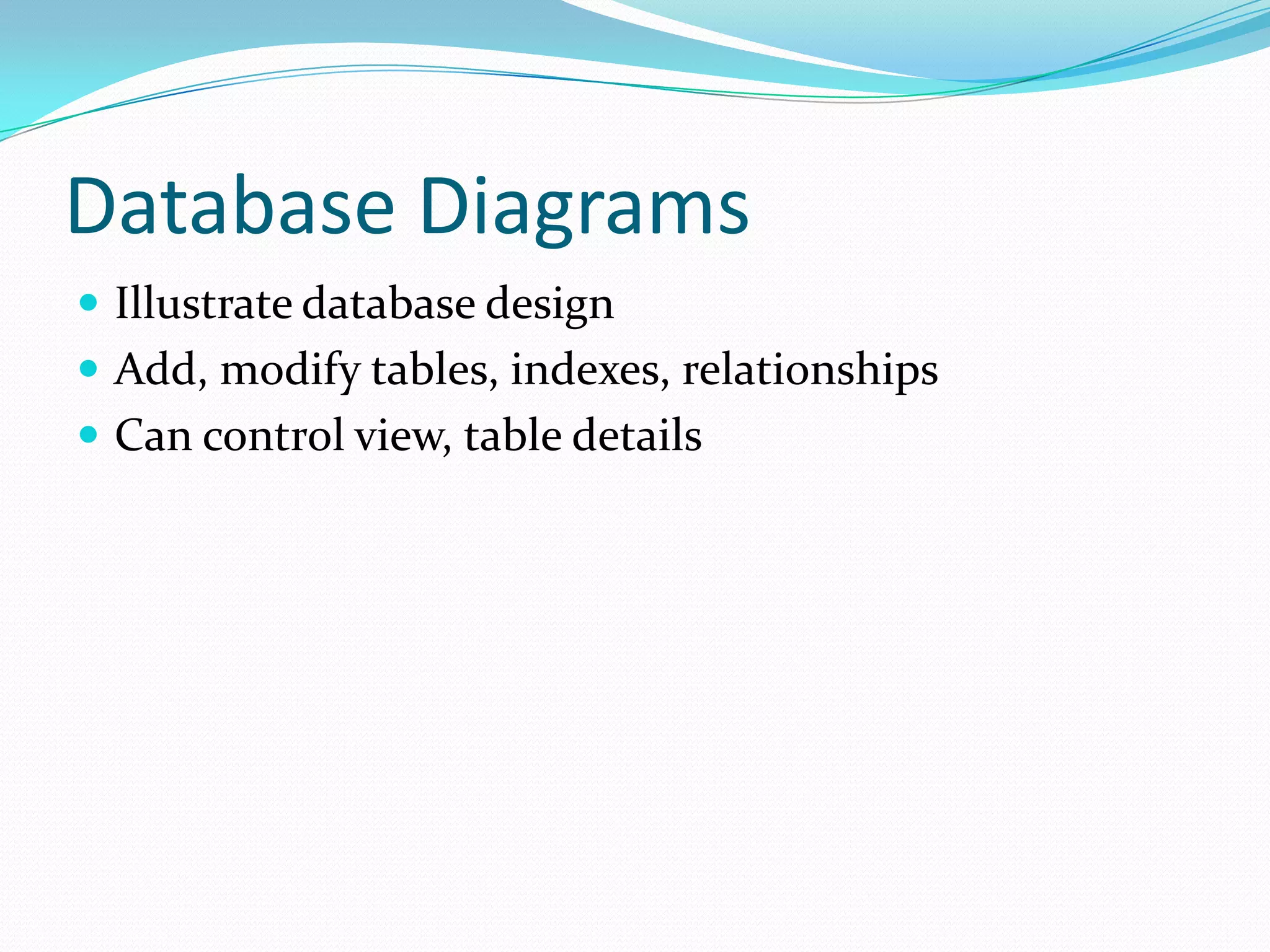
Database Diagrams
 Illustrate database design
 Add, modify tables, indexes, relationships
 Can control view, table details
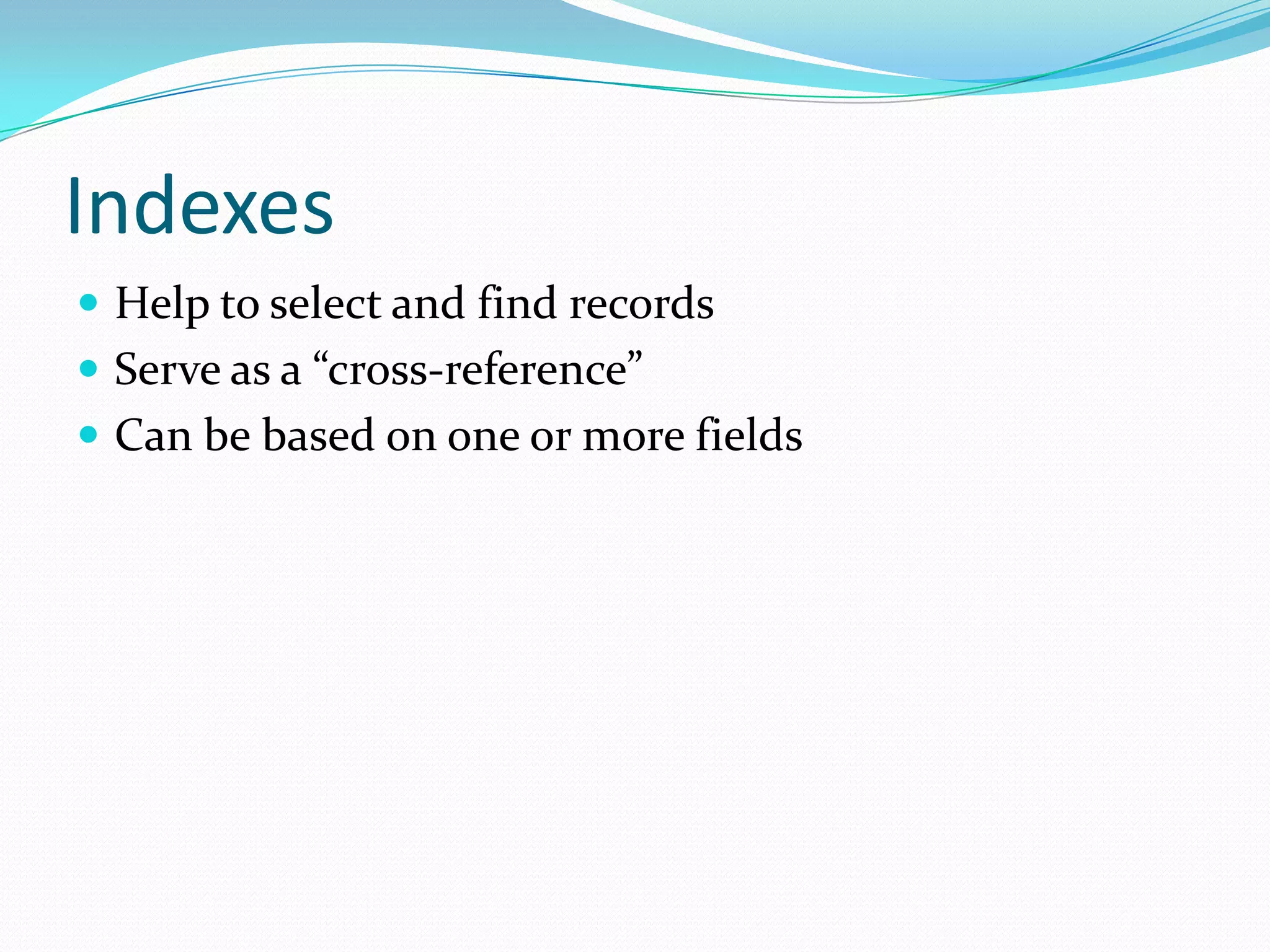
Indexes
 Help to select and find records
 Serve as a “cross-reference”
 Can be based on one or more fields
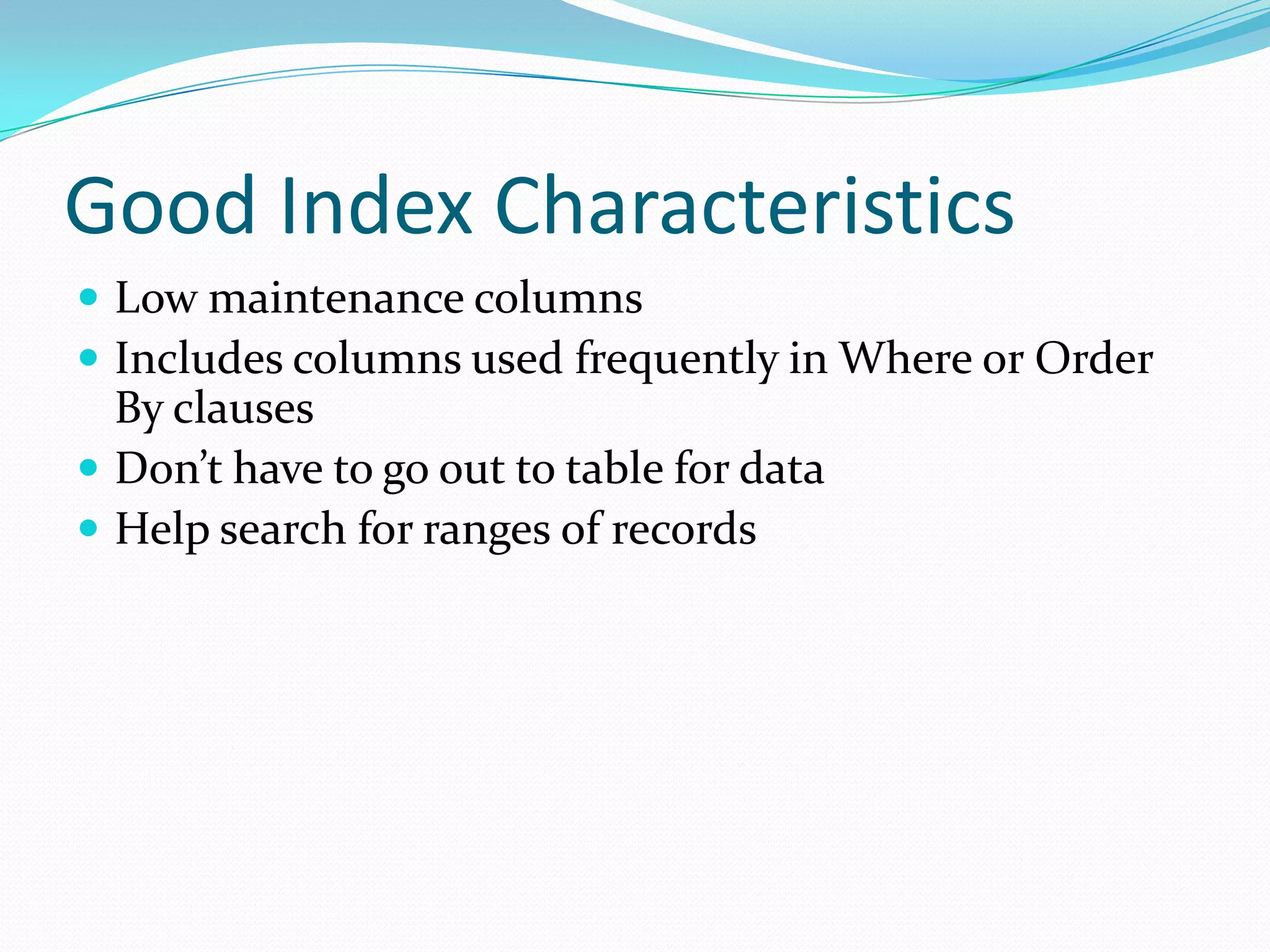
Good Index Characteristics
 Low maintenance columns
 Includes columns used frequently in Where or Order
  By clauses
 Don’t have to go out to table for data
 Help search for ranges of records
Action Queries
 Insert: insert into tablename(fieldlist) values(valuelist)
 Update: update tablename set
  field1=value1, field2=value2
 Delete: delete from tablename [where condition]
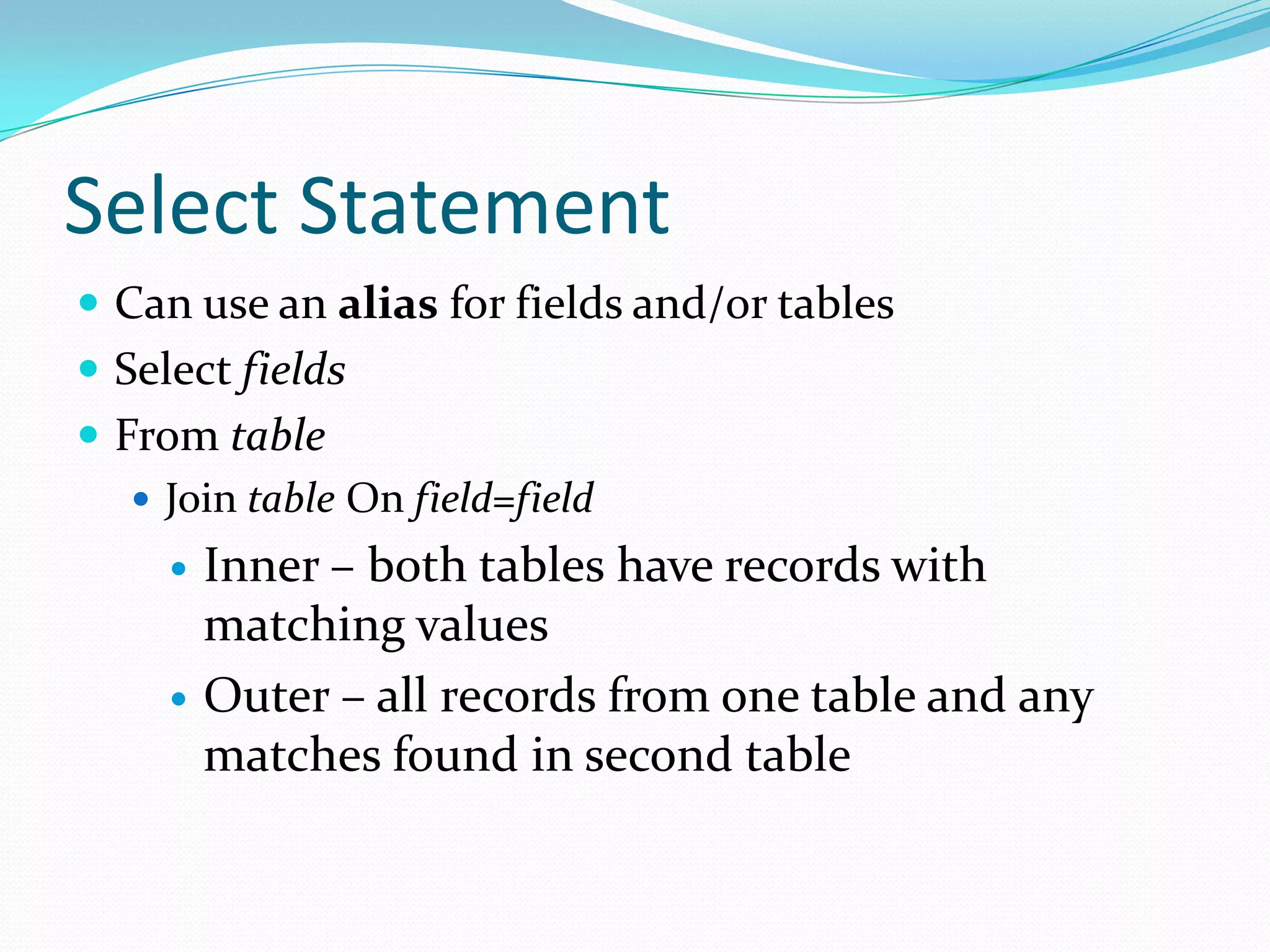
Select Statement
 Can use an alias for fields and/or tables
 Select fields
 From table
    Join table On field=field
        Inner – both tables have records with
         matching values
        Outer – all records from one table and any
         matches found in second table
Where
 Conditions to determine records returned
 Multiple conditions require And … Or
 Can use where clause to implement join between
  tables
 Sub-queries allow tables to be limited by values in a
  second table without using a join
Views
 Pre-defined select statement
 Used like a virtual table

SELECT * FROM v_CurrentEmployees
View Performance
 By default views run just as a query processed from
  command line
   Adds second step to execution:
       select from view
       execute view itself
 Can add an index to speed execution
    Specific requirements when creating an index on a view

CIS282 Midterm review

  • 1.
  • 2.
    Database Server  Operatesas a separate “process”  Need to communicate with the server using a separate application  Connection required to transmit request and response  Management Studio and SQL Server are different programs
  • 3.
    Managing SQL Server Management Studio gives access to most functions/operations  Query window provides method to write/execute T- SQL statements  “T” = transact  SQL Service Manager provides way to start/stop Server
  • 4.
    SQL Server Databases Two files are maintained  Data file (.mdf)  Transaction Log file (.ldf)  Files can be spread over multiple machines  Always need a primary file group
  • 5.
    Database Contents  Tables  User tables hold data  System tables hold data about the database  Stored Procedures, User Defined Functions  Views  Indexes
  • 6.
    Default Databases  Master:Logins/User roles; system configuration; names/locations of databases; SQL Server startup  Tempdb: Lasts duration of SQL Server session; temporary holding space  Model: Sets characteristics of new databases  MSDB: Holds information about jobs SQL Server Agent runs
  • 7.
    Security  Windows Authentication:Windows network logins used  Mixed-mode: Windows OR SQL Server logins used  Login: To access server  User: To access a database  Network security trumps all….
  • 8.
    Roles  Server –administrative functions  Task based:  Backup  Create database  Roles are fixed  Database/Application – groups of users with common activities  Read/write all data  Read/write select data  Read data only
  • 9.
    Normalization  Process forreducing duplicate and redundant data  1st Normal Form: eliminate repeating groups  2nd Normal Form: each column in a table depends on the primary key  can’t get information with only part of the key  3rd Normal Form: A column cannot be dependent on another column that isn’t the primary key
  • 10.
    Relationships  Types  One-to-one  One-to-many  Many-to-many  Requires a primary key on the ‘one’ side, foreign key on the ‘many’ side  Referential Integrity defines how values work across tables
  • 11.
    Table Definition  Fieldsneed a name and datatype  SQL Server datatypes are different from Access and procedural programming language datatypes  Fieldnames can include spaces – but poor practice  Identity – create unique number for each row
  • 12.
    Constraints  Allow Null– value not required to add record  Check Constraints – test field or row values  Default value – if no data is entered into a field  Unique – values must be different for each row
  • 13.
    Database Diagrams  Illustratedatabase design  Add, modify tables, indexes, relationships  Can control view, table details
  • 14.
    Indexes  Help toselect and find records  Serve as a “cross-reference”  Can be based on one or more fields
  • 15.
    Good Index Characteristics Low maintenance columns  Includes columns used frequently in Where or Order By clauses  Don’t have to go out to table for data  Help search for ranges of records
  • 16.
    Action Queries  Insert:insert into tablename(fieldlist) values(valuelist)  Update: update tablename set field1=value1, field2=value2  Delete: delete from tablename [where condition]
  • 17.
    Select Statement  Canuse an alias for fields and/or tables  Select fields  From table  Join table On field=field  Inner – both tables have records with matching values  Outer – all records from one table and any matches found in second table
  • 18.
    Where  Conditions todetermine records returned  Multiple conditions require And … Or  Can use where clause to implement join between tables  Sub-queries allow tables to be limited by values in a second table without using a join
  • 19.
    Views  Pre-defined selectstatement  Used like a virtual table SELECT * FROM v_CurrentEmployees
  • 20.
    View Performance  Bydefault views run just as a query processed from command line  Adds second step to execution:  select from view  execute view itself  Can add an index to speed execution  Specific requirements when creating an index on a view