Stored Procedures
CIS-182
BATCH
• Batch is a logical group of SQL statements
– Run-time error will halt execution only of FURTHER
steps
– Can break up work
• Stored procedures
• User-defined functions
• Views
Scripts v. Stored Procedures
• Script: Text file of SQL commands
• Stored Procedure: SQL commands stored in
database itself
– SPROC’s have more capabilities than a script
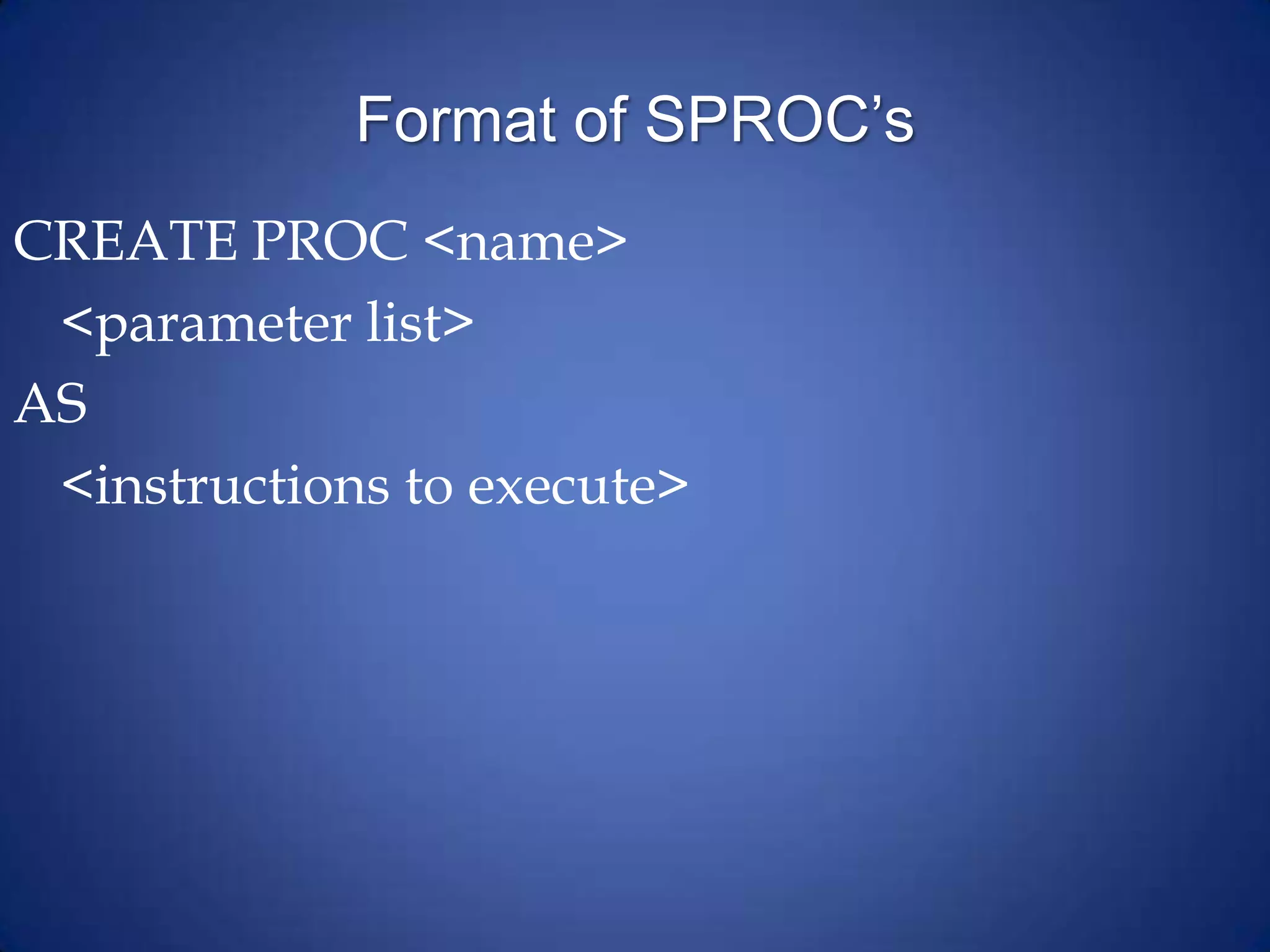
Format of SPROC’s
CREATE PROC <name>
<parameter list>
AS
<instructions to execute>
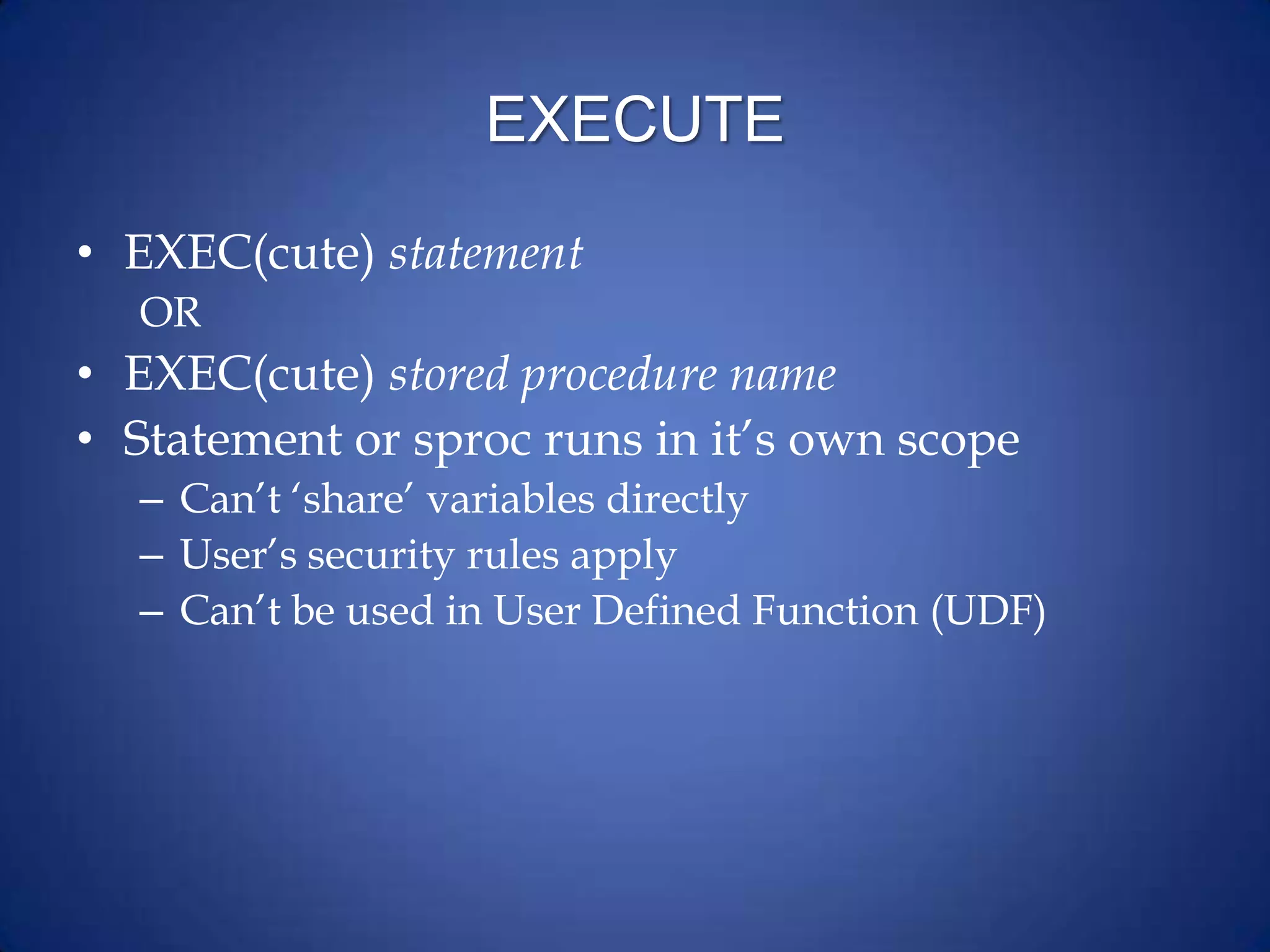
EXECUTE
• EXEC(cute) statement
OR
• EXEC(cute) stored procedure name
• Statement or sproc runs in it’s own scope
– Can’t ‘share’ variables directly
– User’s security rules apply
– Can’t be used in User Defined Function (UDF)
Uses of Stored Procedures
• For returning data
• For editing data
• For calculations
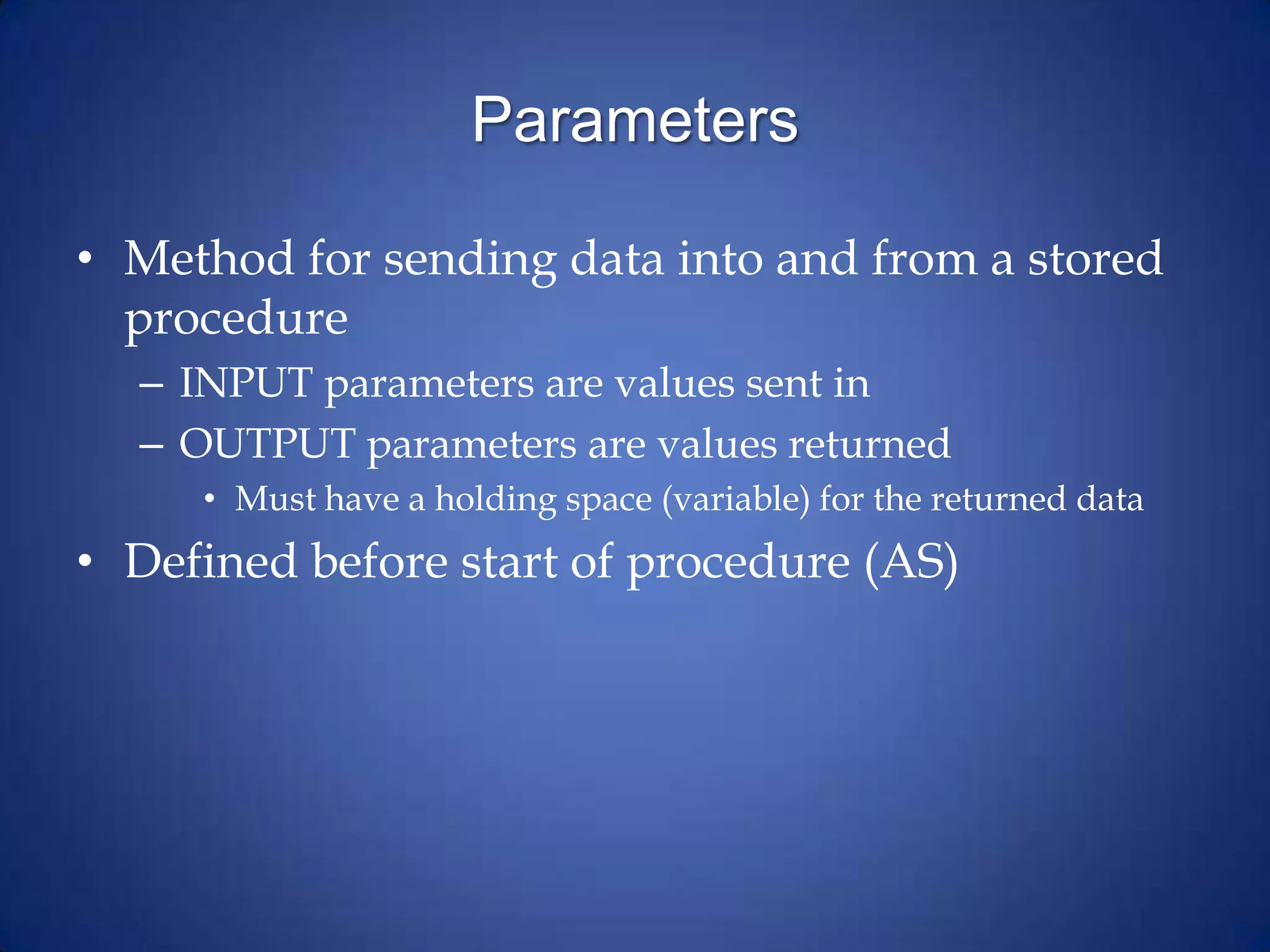
Parameters
• Method for sending data into and from a stored
procedure
– INPUT parameters are values sent in
– OUTPUT parameters are values returned
• Must have a holding space (variable) for the returned data
• Defined before start of procedure (AS)
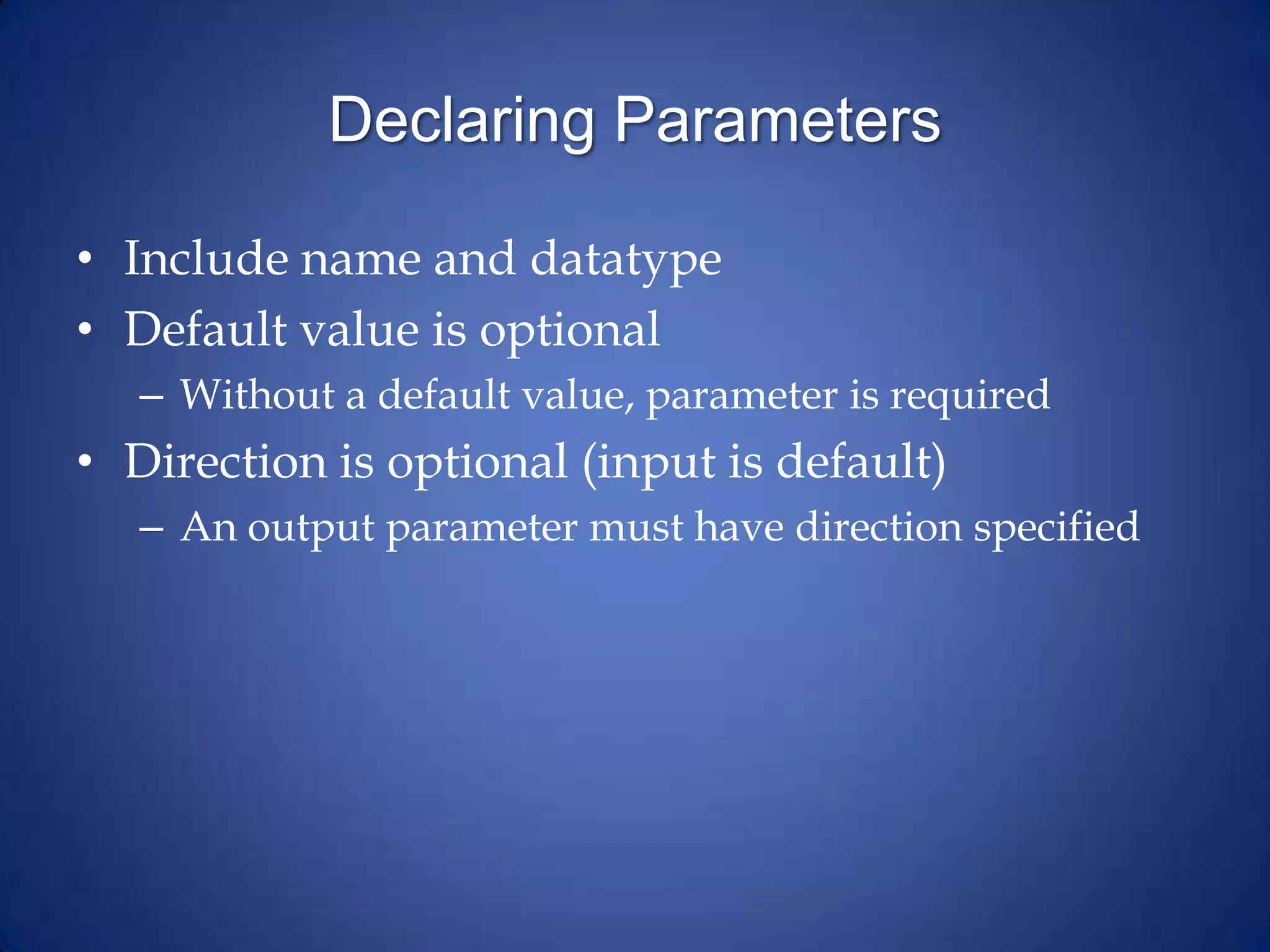
Declaring Parameters
• Include name and datatype
• Default value is optional
– Without a default value, parameter is required
• Direction is optional (input is default)
– An output parameter must have direction specified
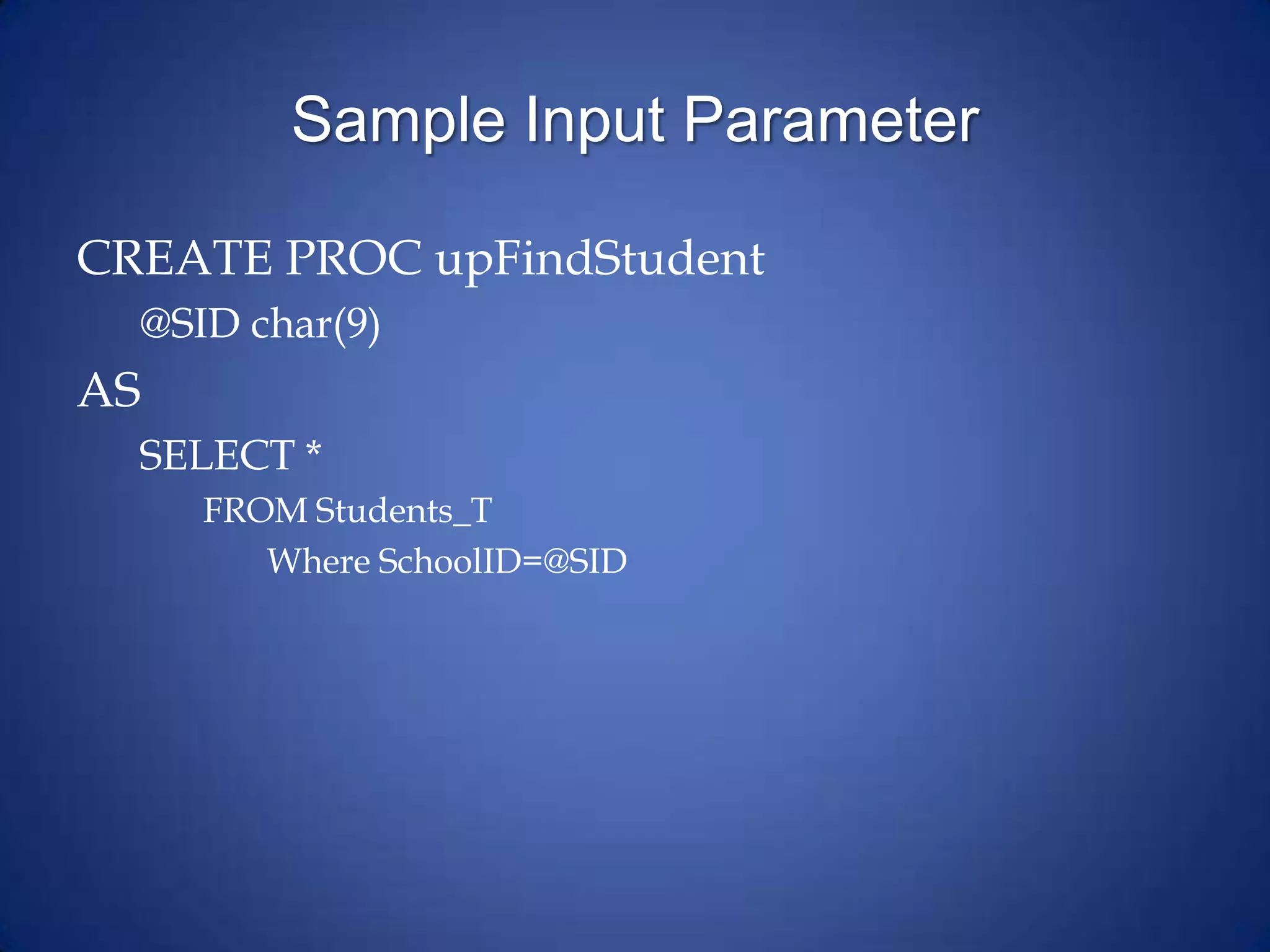
Sample Input Parameter
CREATE PROC upFindStudent
@SID char(9)
AS
SELECT *
FROM Students_T
Where SchoolID=@SID
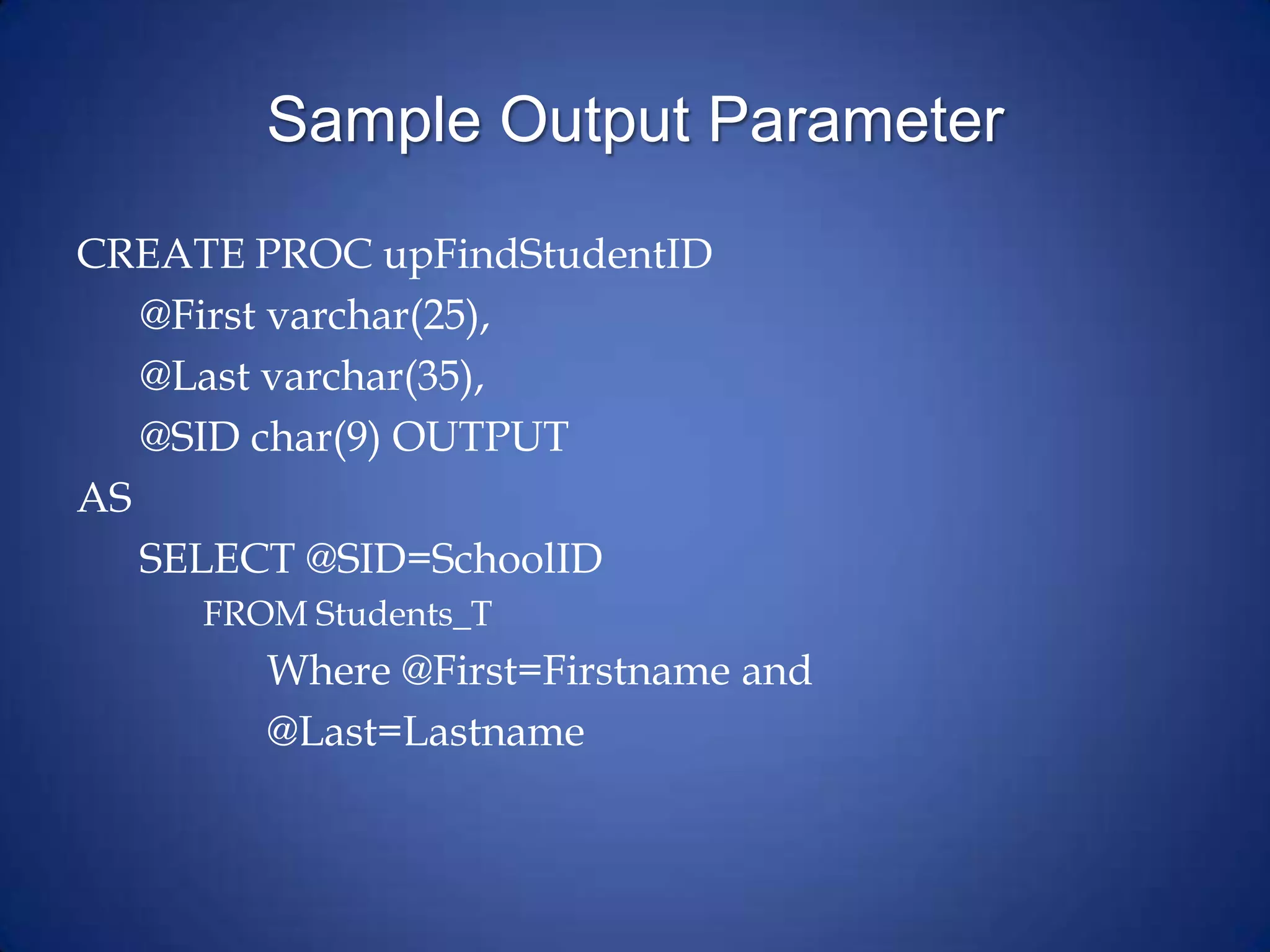
Sample Output Parameter
CREATE PROC upFindStudentID
@First varchar(25),
@Last varchar(35),
@SID char(9) OUTPUT
AS
SELECT @SID=SchoolID
FROM Students_T
Where @First=Firstname and
@Last=Lastname
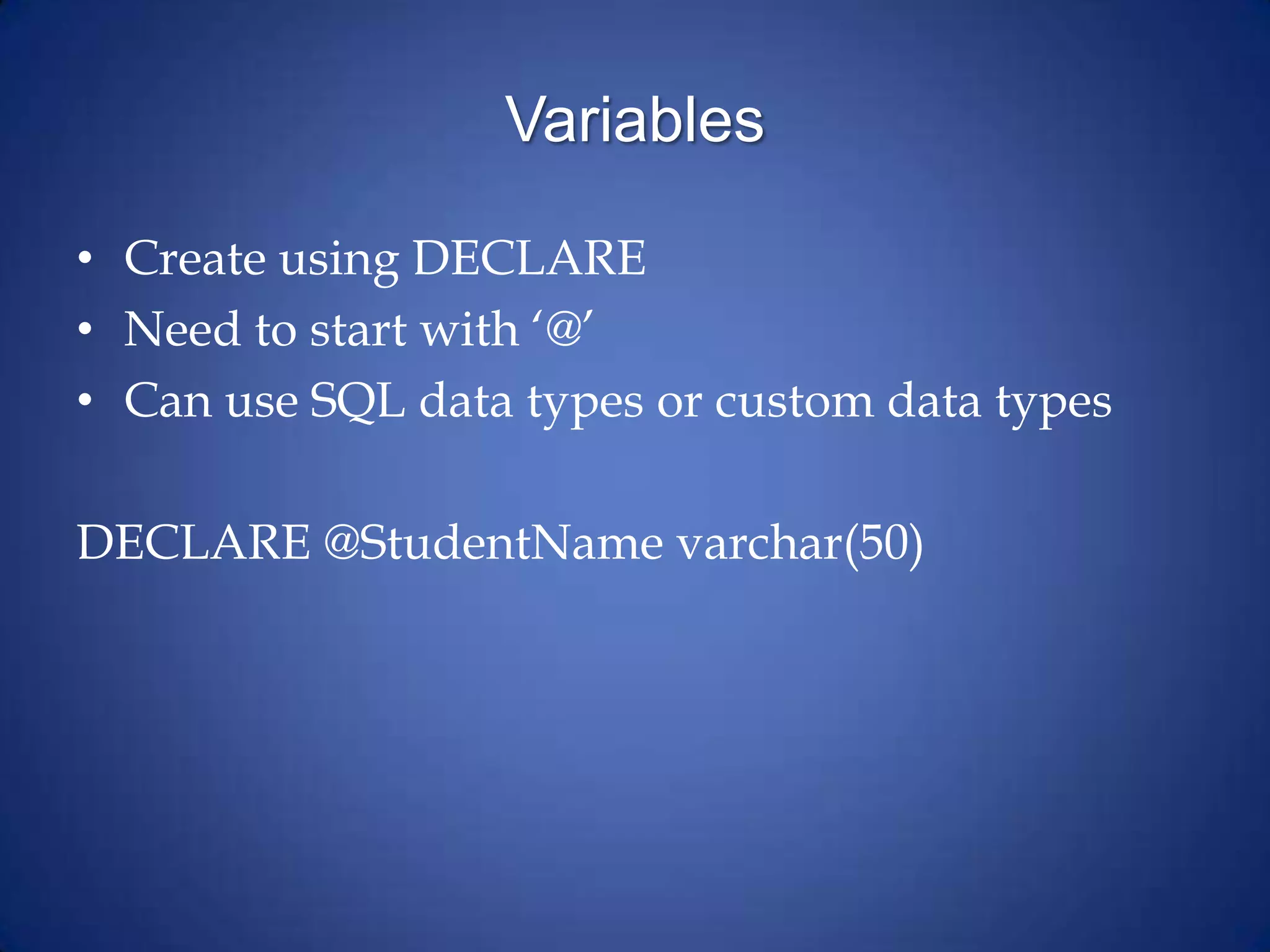
Variables
• Create using DECLARE
• Need to start with ‘@’
• Can use SQL data types or custom data types
DECLARE @StudentName varchar(50)
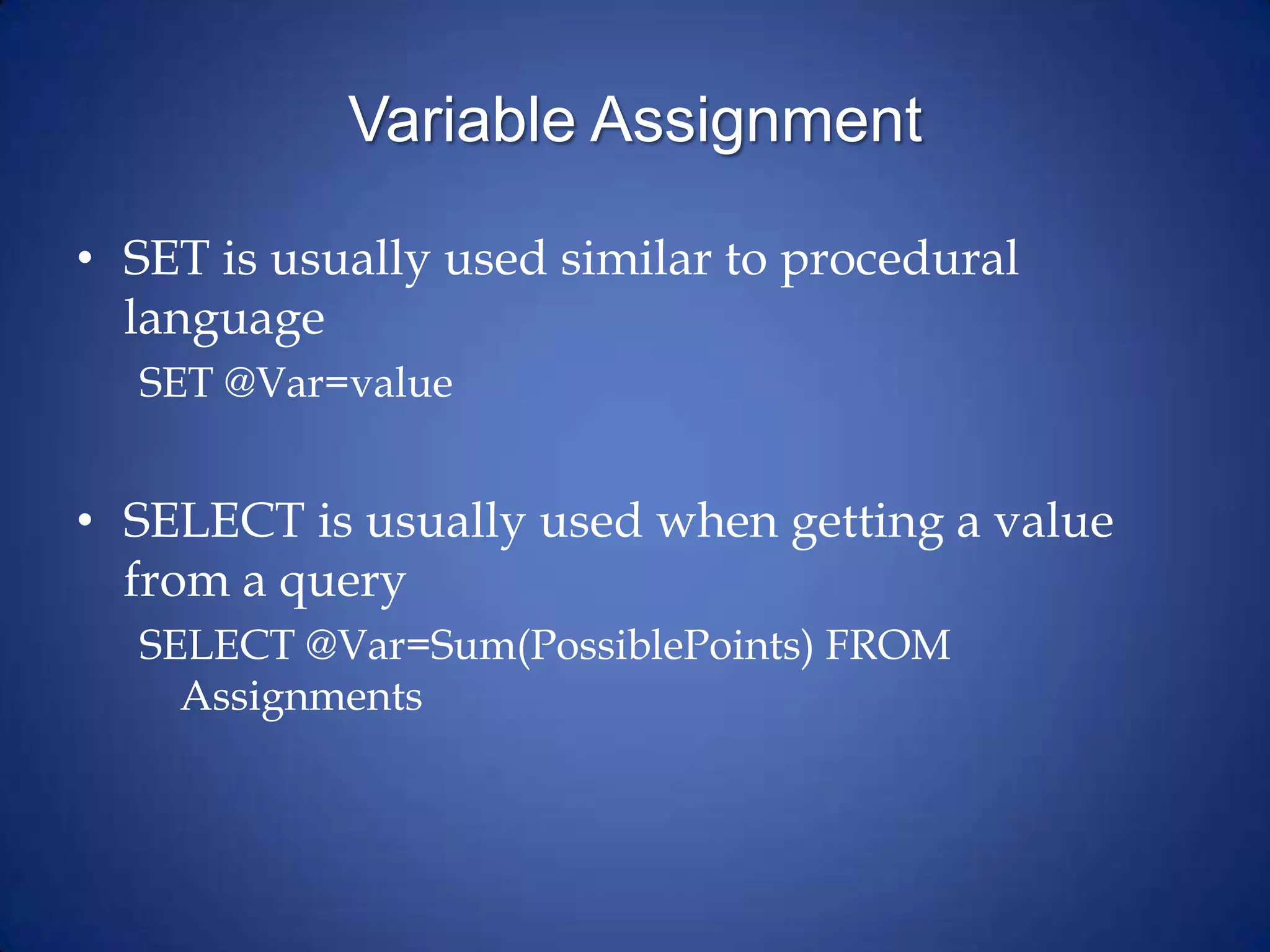
Variable Assignment
• SET is usually used similar to procedural
language
SET @Var=value
• SELECT is usually used when getting a value
from a query
SELECT @Var=Sum(PossiblePoints) FROM
Assignments
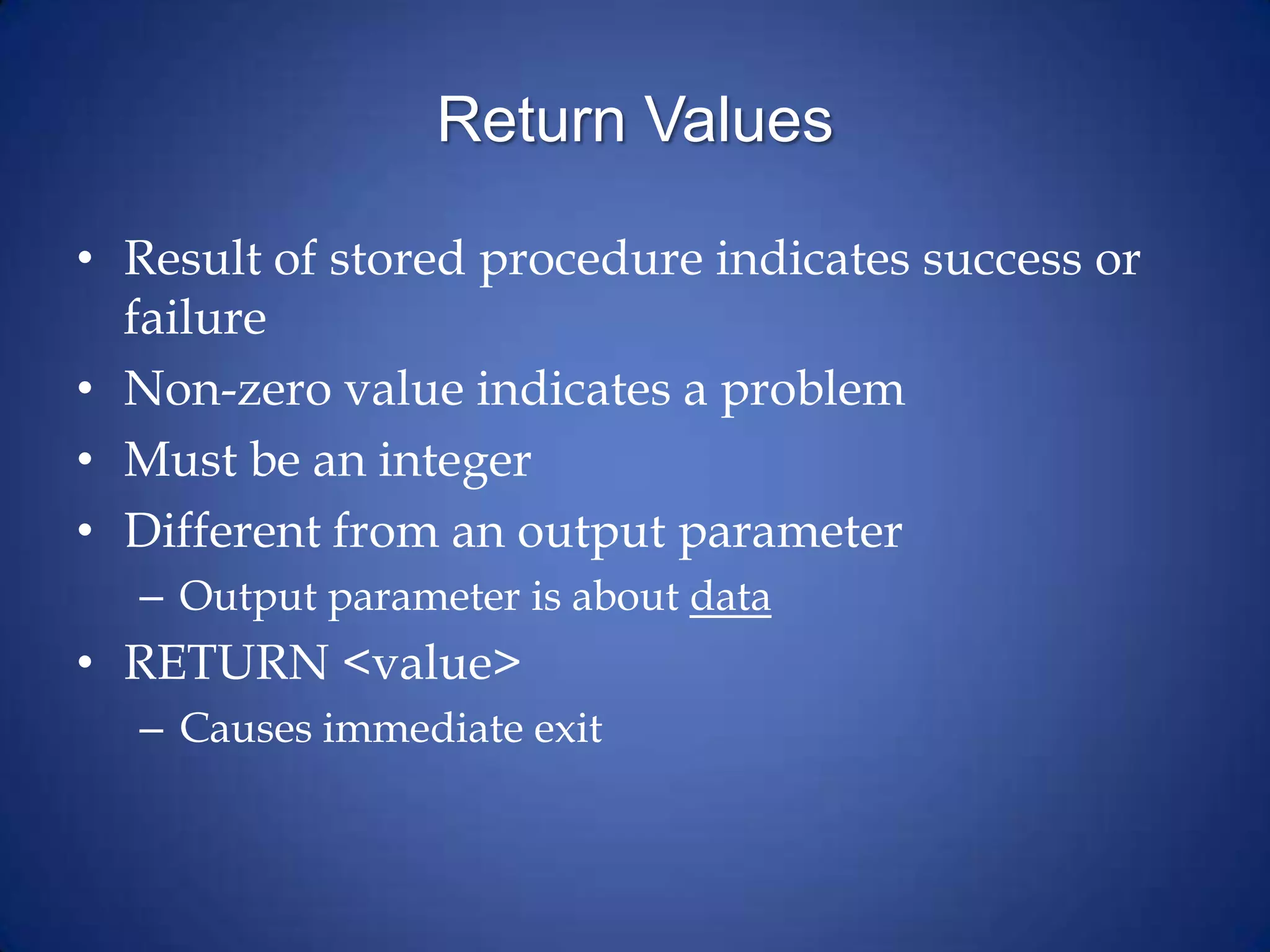
Return Values
• Result of stored procedure indicates success or
failure
• Non-zero value indicates a problem
• Must be an integer
• Different from an output parameter
– Output parameter is about data
• RETURN <value>
– Causes immediate exit
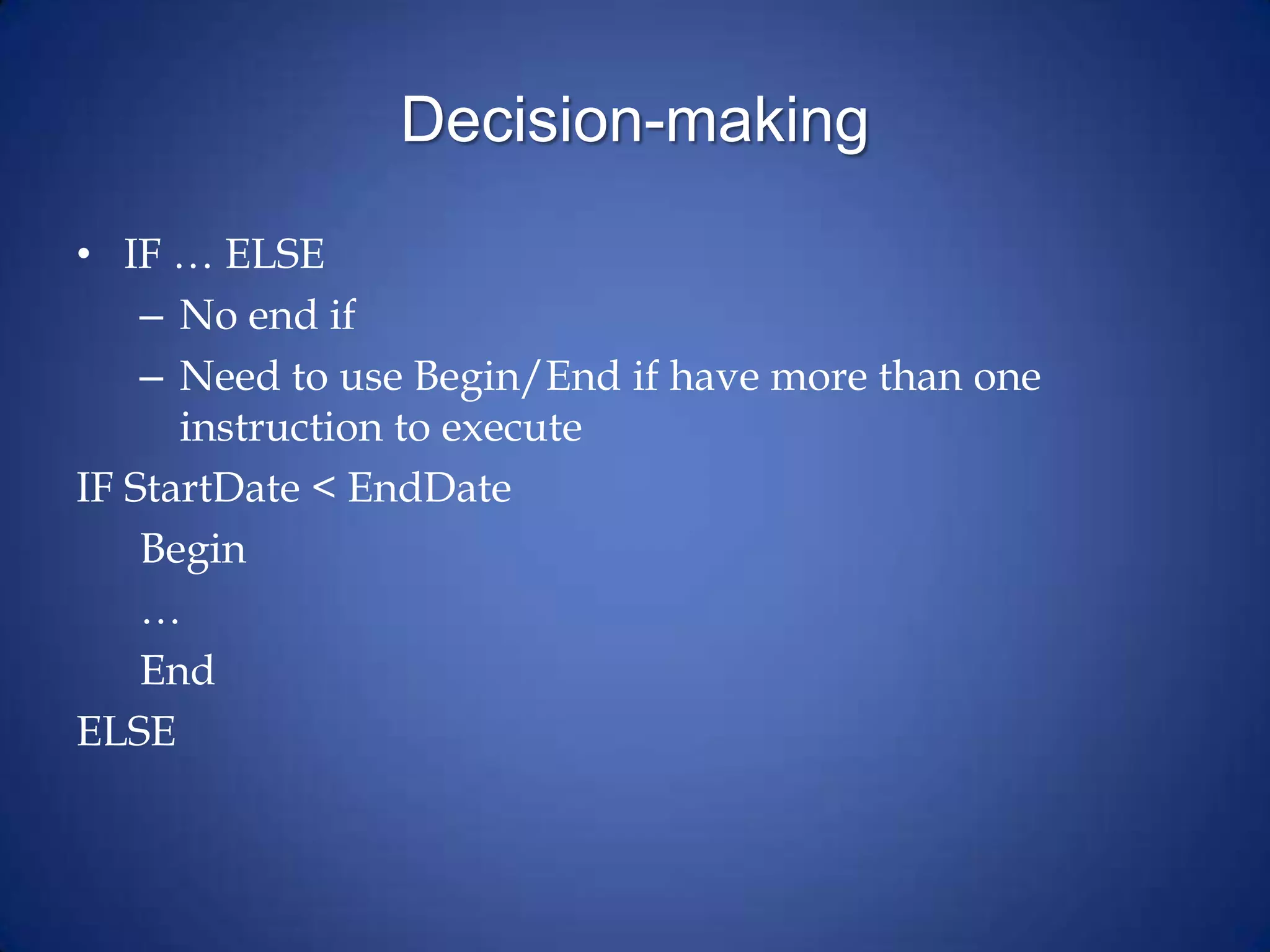
Decision-making
• IF … ELSE
– No end if
– Need to use Begin/End if have more than one
instruction to execute
IF StartDate < EndDate
Begin
…
End
ELSE
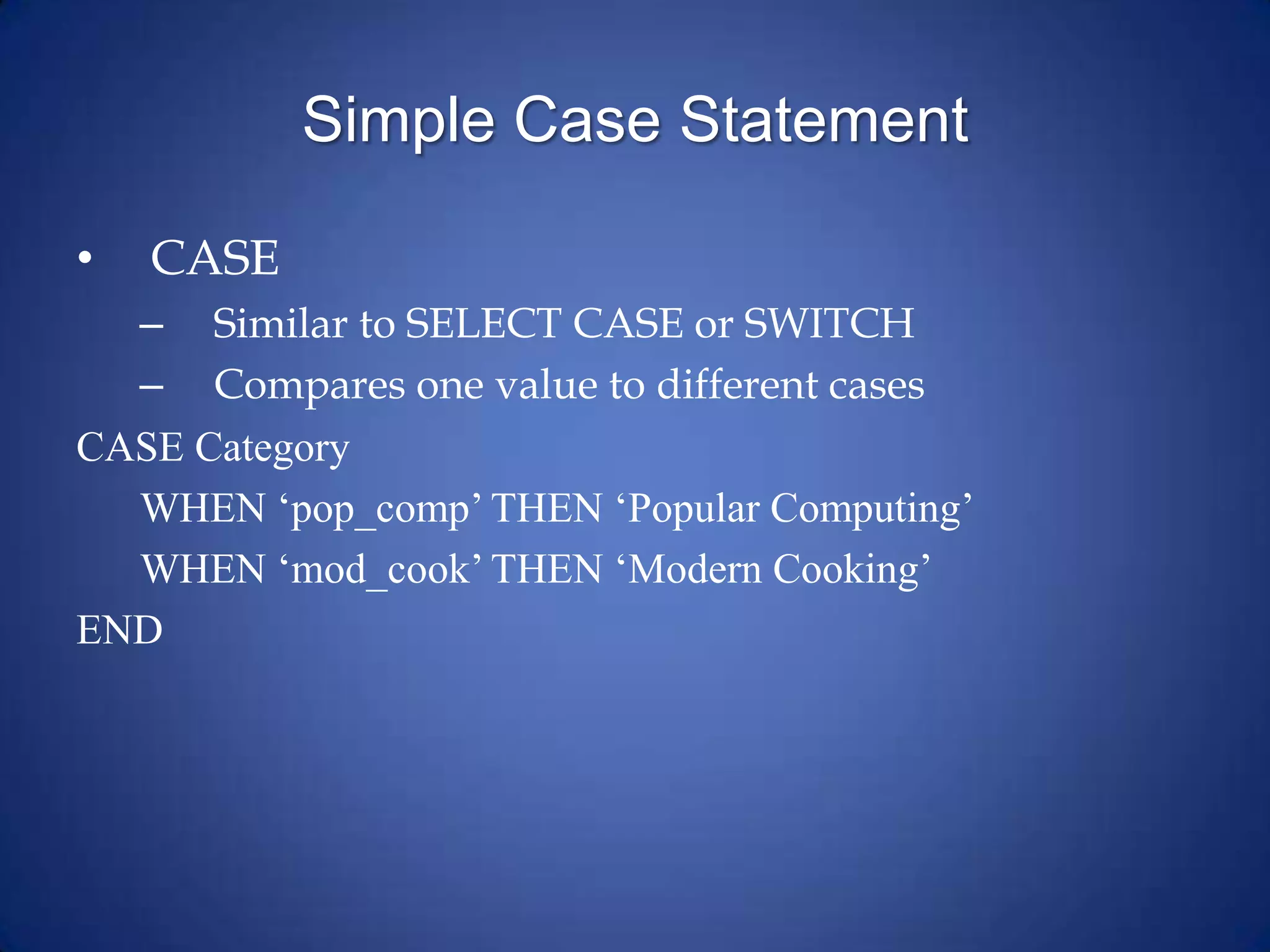
Simple Case Statement
• CASE
– Similar to SELECT CASE or SWITCH
– Compares one value to different cases
CASE Category
WHEN ‘pop_comp’ THEN ‘Popular Computing’
WHEN ‘mod_cook’ THEN ‘Modern Cooking’
END
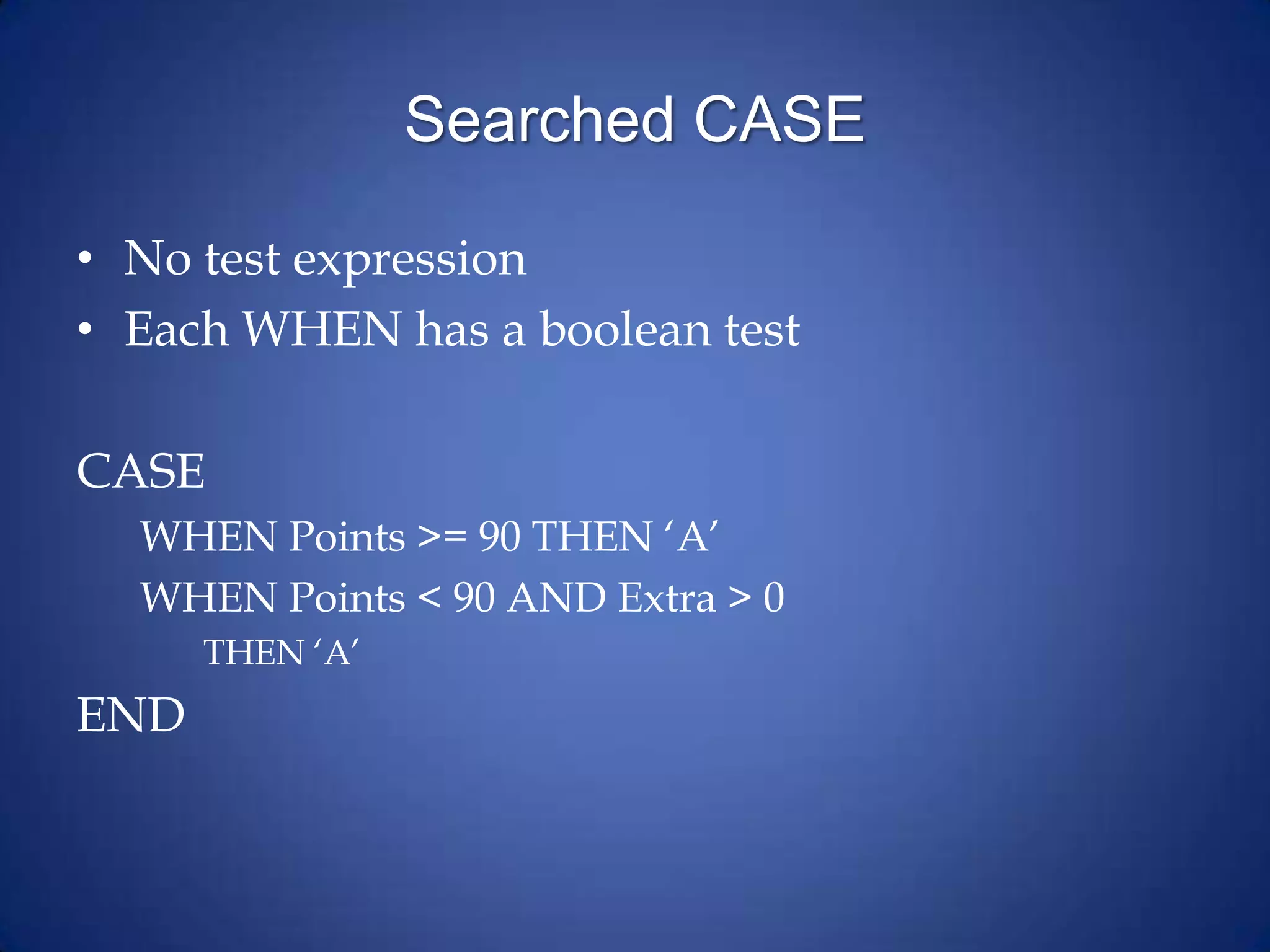
Searched CASE
• No test expression
• Each WHEN has a boolean test
CASE
WHEN Points >= 90 THEN ‘A’
WHEN Points < 90 AND Extra > 0
THEN ‘A’
END
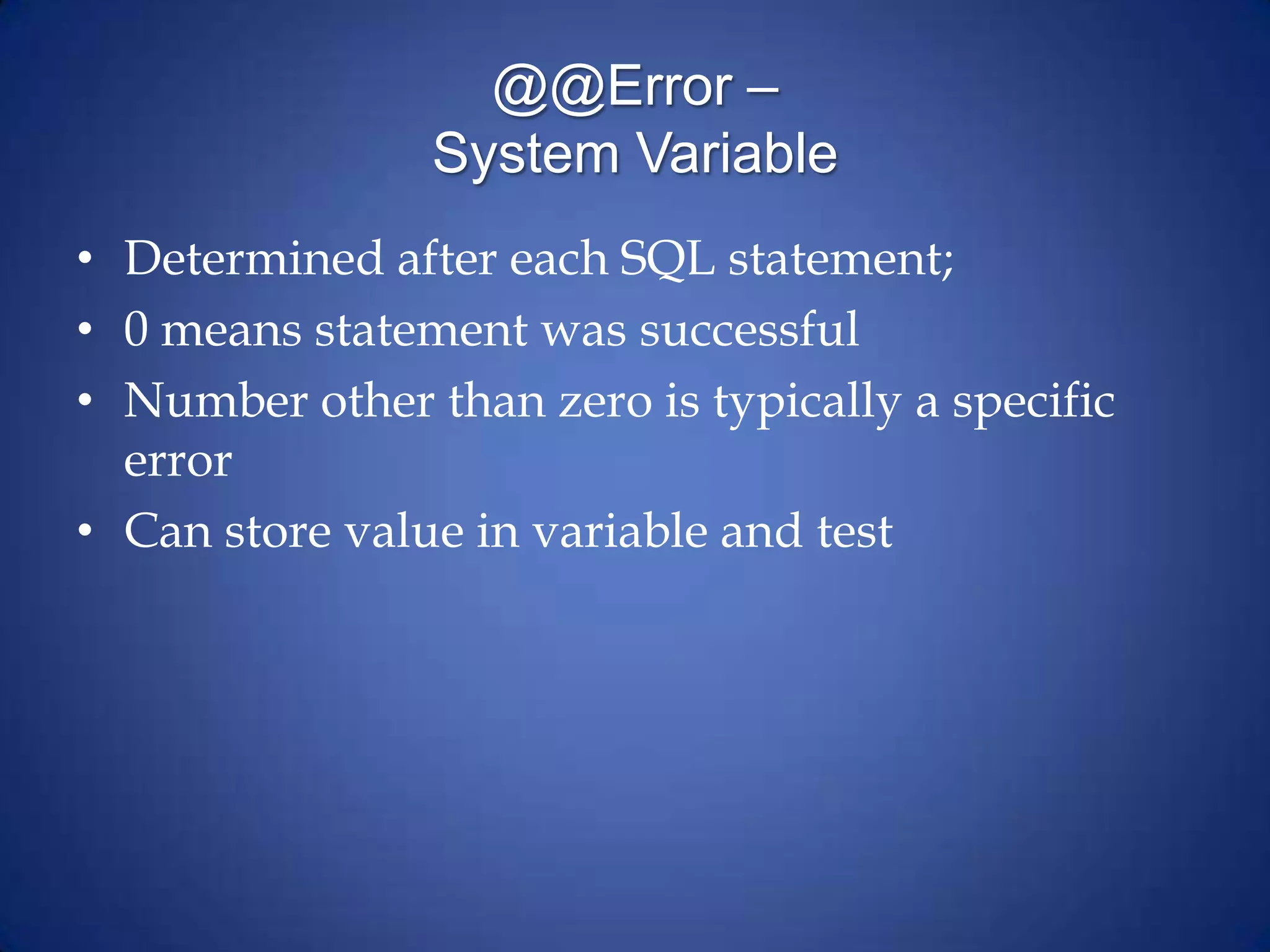
@@Error –
System Variable
• Determined after each SQL statement;
• 0 means statement was successful
• Number other than zero is typically a specific
error
• Can store value in variable and test
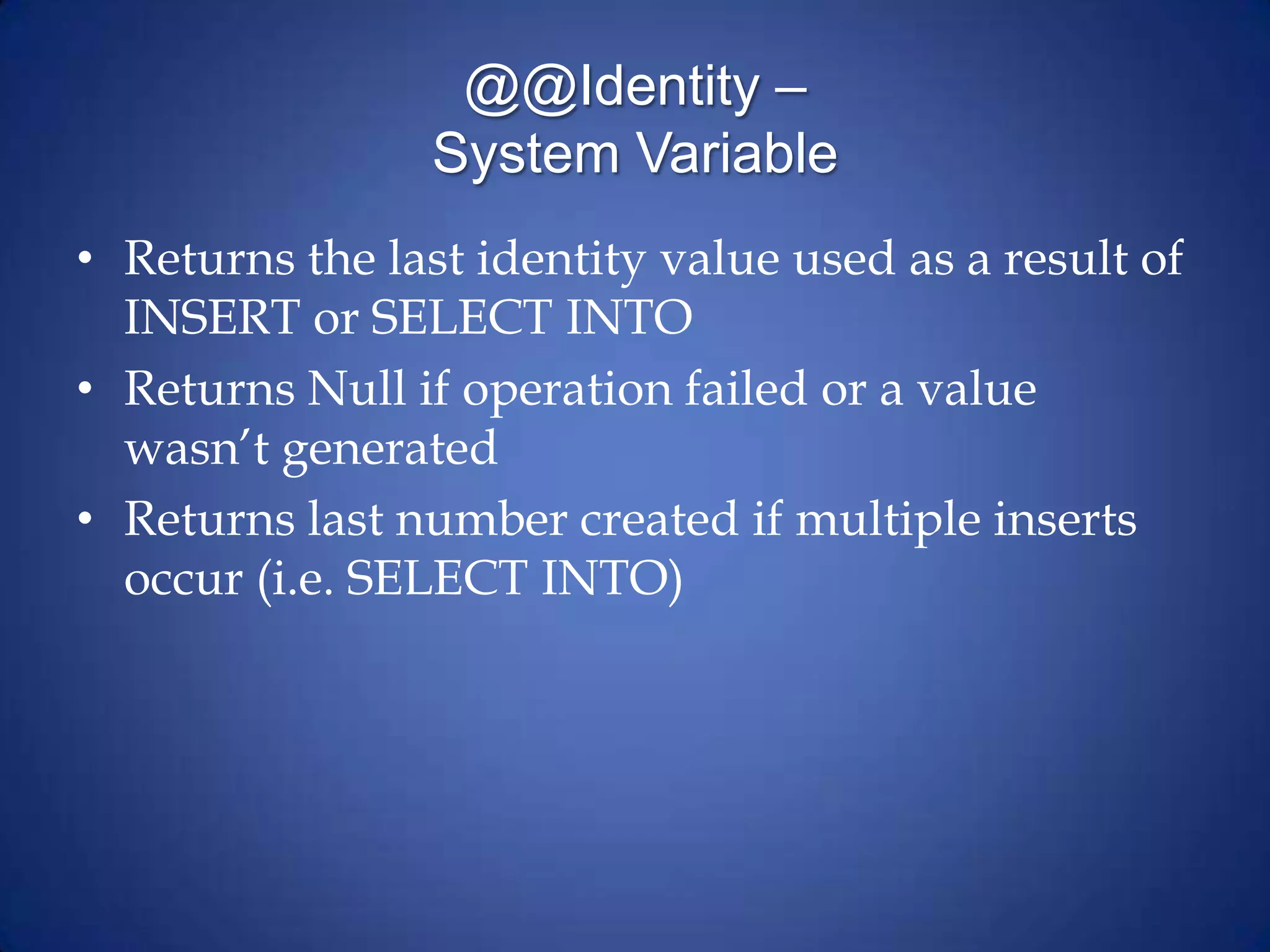
@@Identity –
System Variable
• Returns the last identity value used as a result of
INSERT or SELECT INTO
• Returns Null if operation failed or a value
wasn’t generated
• Returns last number created if multiple inserts
occur (i.e. SELECT INTO)
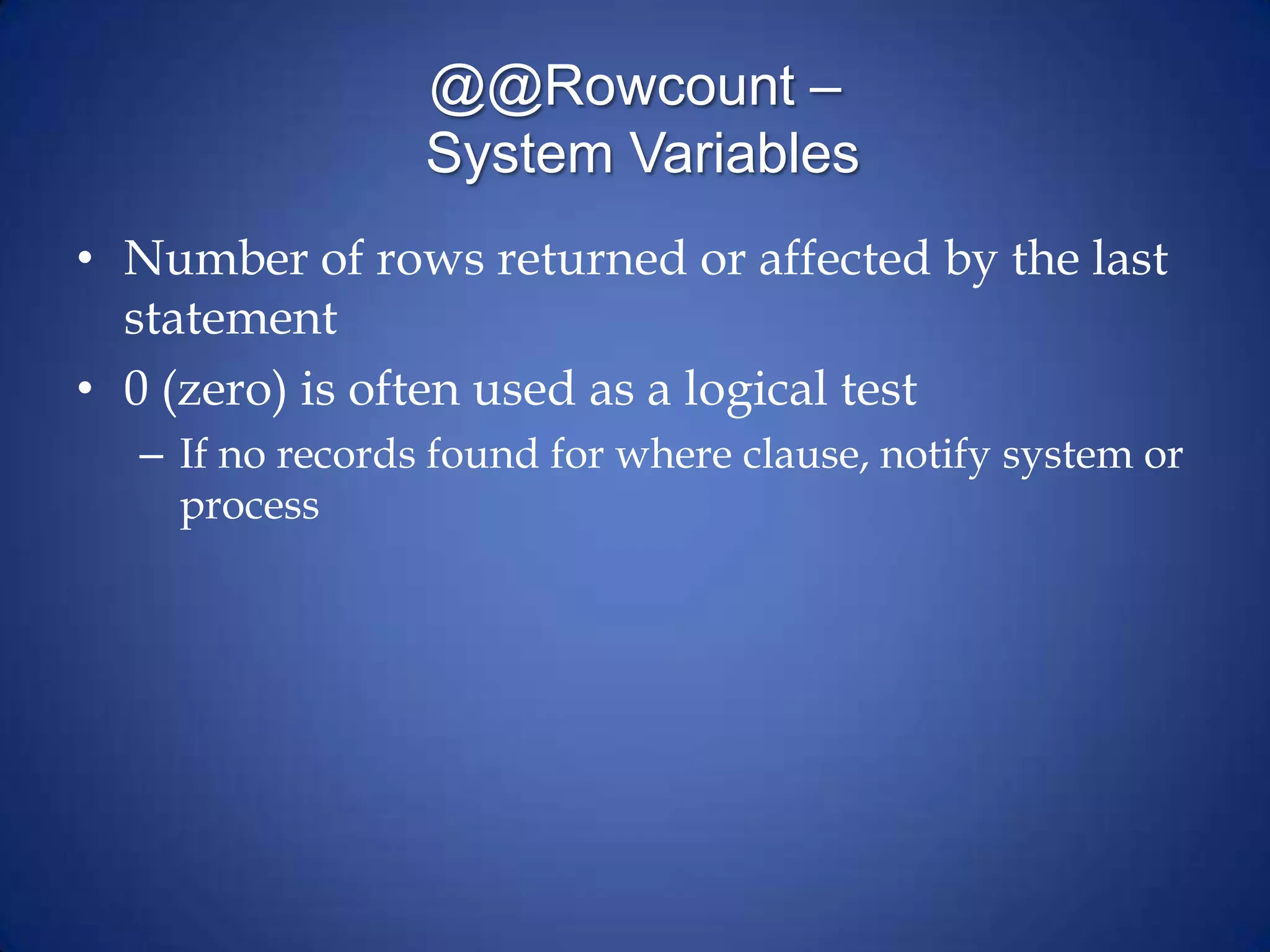
@@Rowcount –
System Variables
• Number of rows returned or affected by the last
statement
• 0 (zero) is often used as a logical test
– If no records found for where clause, notify system or
process

Stored procedures

  • 1.
  • 2.
    BATCH • Batch isa logical group of SQL statements – Run-time error will halt execution only of FURTHER steps – Can break up work • Stored procedures • User-defined functions • Views
  • 3.
    Scripts v. StoredProcedures • Script: Text file of SQL commands • Stored Procedure: SQL commands stored in database itself – SPROC’s have more capabilities than a script
  • 4.
    Format of SPROC’s CREATEPROC <name> <parameter list> AS <instructions to execute>
  • 5.
    EXECUTE • EXEC(cute) statement OR •EXEC(cute) stored procedure name • Statement or sproc runs in it’s own scope – Can’t ‘share’ variables directly – User’s security rules apply – Can’t be used in User Defined Function (UDF)
  • 6.
    Uses of StoredProcedures • For returning data • For editing data • For calculations
  • 7.
    Parameters • Method forsending data into and from a stored procedure – INPUT parameters are values sent in – OUTPUT parameters are values returned • Must have a holding space (variable) for the returned data • Defined before start of procedure (AS)
  • 8.
    Declaring Parameters • Includename and datatype • Default value is optional – Without a default value, parameter is required • Direction is optional (input is default) – An output parameter must have direction specified
  • 9.
    Sample Input Parameter CREATEPROC upFindStudent @SID char(9) AS SELECT * FROM Students_T Where SchoolID=@SID
  • 10.
    Sample Output Parameter CREATEPROC upFindStudentID @First varchar(25), @Last varchar(35), @SID char(9) OUTPUT AS SELECT @SID=SchoolID FROM Students_T Where @First=Firstname and @Last=Lastname
  • 11.
    Variables • Create usingDECLARE • Need to start with ‘@’ • Can use SQL data types or custom data types DECLARE @StudentName varchar(50)
  • 12.
    Variable Assignment • SETis usually used similar to procedural language SET @Var=value • SELECT is usually used when getting a value from a query SELECT @Var=Sum(PossiblePoints) FROM Assignments
  • 13.
    Return Values • Resultof stored procedure indicates success or failure • Non-zero value indicates a problem • Must be an integer • Different from an output parameter – Output parameter is about data • RETURN <value> – Causes immediate exit
  • 14.
    Decision-making • IF …ELSE – No end if – Need to use Begin/End if have more than one instruction to execute IF StartDate < EndDate Begin … End ELSE
  • 15.
    Simple Case Statement •CASE – Similar to SELECT CASE or SWITCH – Compares one value to different cases CASE Category WHEN ‘pop_comp’ THEN ‘Popular Computing’ WHEN ‘mod_cook’ THEN ‘Modern Cooking’ END
  • 16.
    Searched CASE • Notest expression • Each WHEN has a boolean test CASE WHEN Points >= 90 THEN ‘A’ WHEN Points < 90 AND Extra > 0 THEN ‘A’ END
  • 17.
    @@Error – System Variable •Determined after each SQL statement; • 0 means statement was successful • Number other than zero is typically a specific error • Can store value in variable and test
  • 18.
    @@Identity – System Variable •Returns the last identity value used as a result of INSERT or SELECT INTO • Returns Null if operation failed or a value wasn’t generated • Returns last number created if multiple inserts occur (i.e. SELECT INTO)
  • 19.
    @@Rowcount – System Variables •Number of rows returned or affected by the last statement • 0 (zero) is often used as a logical test – If no records found for where clause, notify system or process