Downloaded 38 times
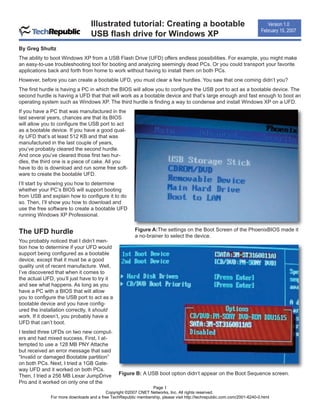
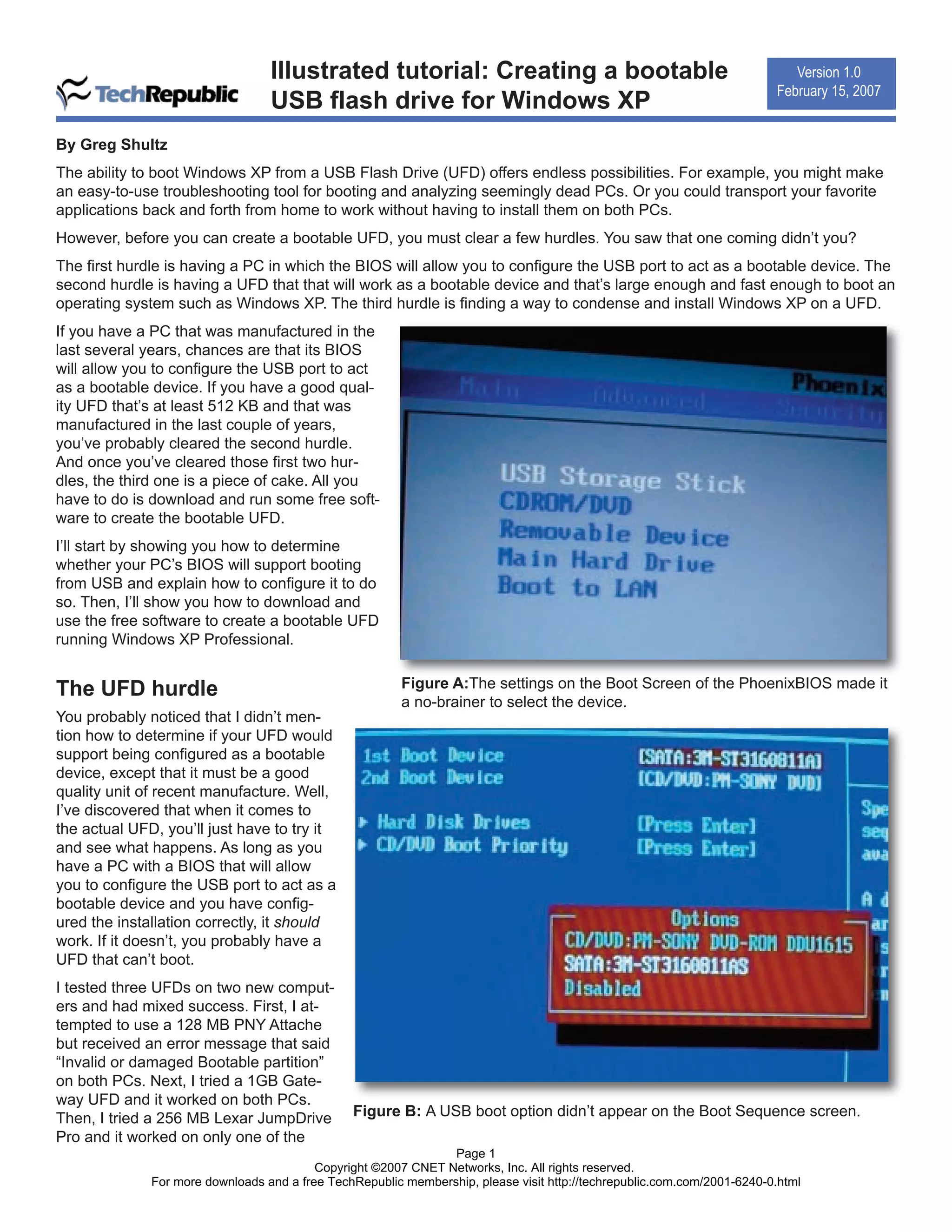
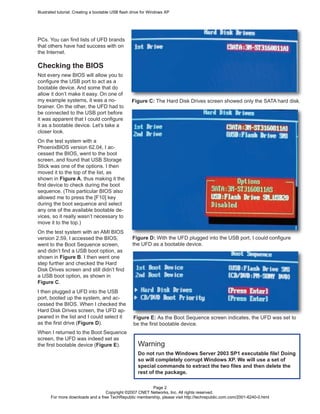
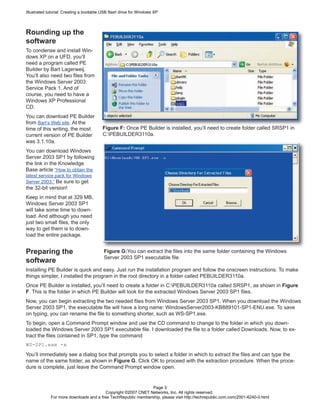
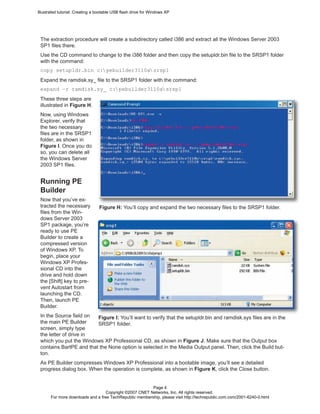
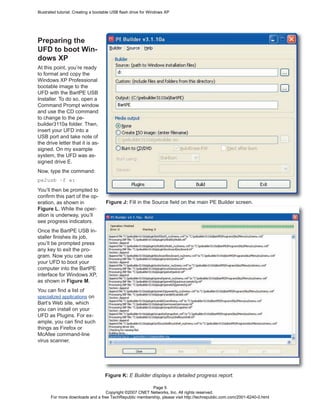
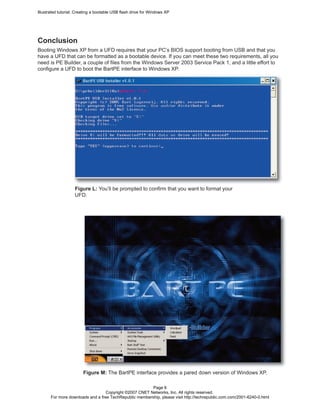
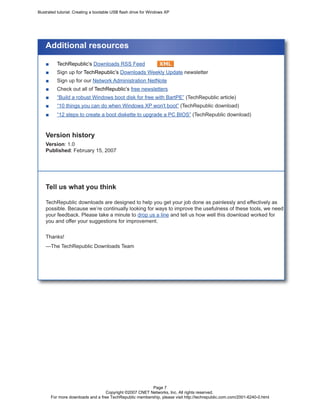

The document provides instructions for creating a bootable Windows XP USB flash drive in 3 steps: 1) Check that the computer's BIOS supports booting from USB and configure it if needed. 2) Download Bart PE Builder and use it to compress Windows XP onto the USB drive, extracting needed files from Windows Server 2003 SP1. 3) Use Bart PE Builder's USB Installer to format the USB drive and copy over the Windows XP files, making it bootable.


![Getting Started with Apache Spark: Big Data Made Simple [Free Meetup]](https://cdn.slidesharecdn.com/ss_thumbnails/apachesparkgettingstarted-260203175547-8361bcc3-thumbnail.jpg?width=640&height=640&fit=bounds)


