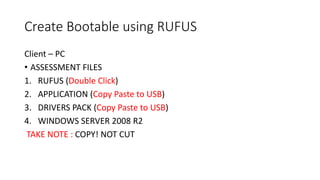
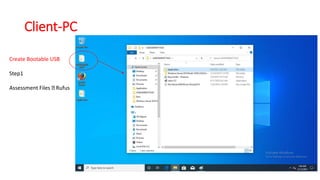
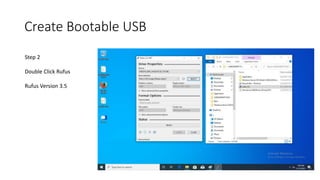
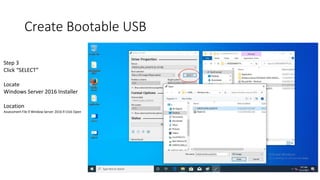
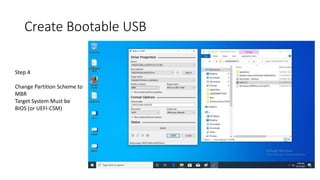
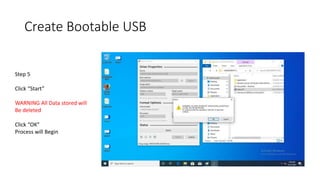
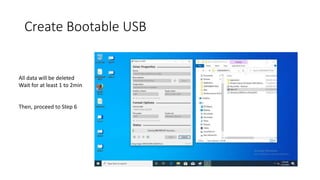
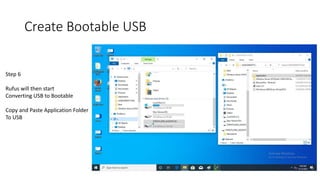
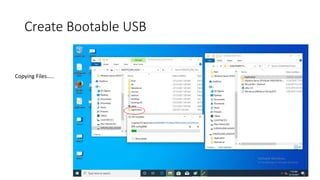
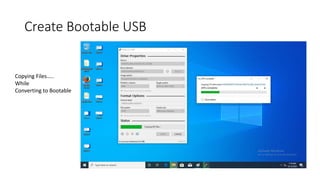
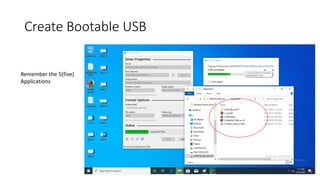
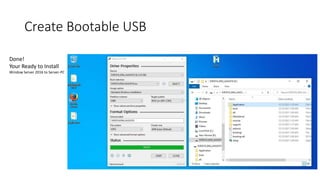
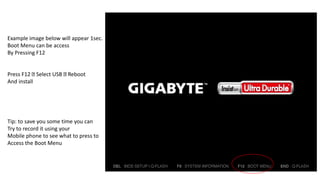
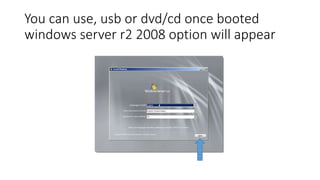
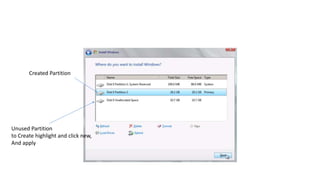
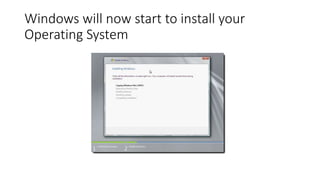
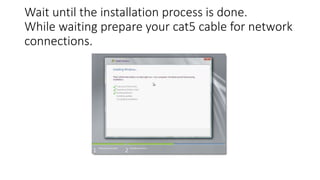
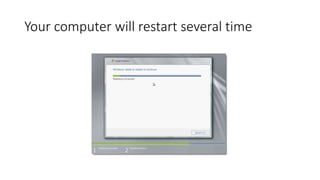
This document provides step-by-step instructions for creating a bootable USB drive to install Windows Server 2016. It describes using Rufus to select the Windows Server 2016 installation files, format the USB drive, and copy additional application and driver files. The process takes 1-2 minutes to convert the USB drive to a bootable format. The user should then be able to restart their computer, access the boot menu, select the USB drive, and begin installing Windows Server 2016 onto their target system.




![Getting Started with Apache Spark: Big Data Made Simple [Free Meetup]](https://cdn.slidesharecdn.com/ss_thumbnails/apachesparkgettingstarted-260203175547-8361bcc3-thumbnail.jpg?width=640&height=640&fit=bounds)


