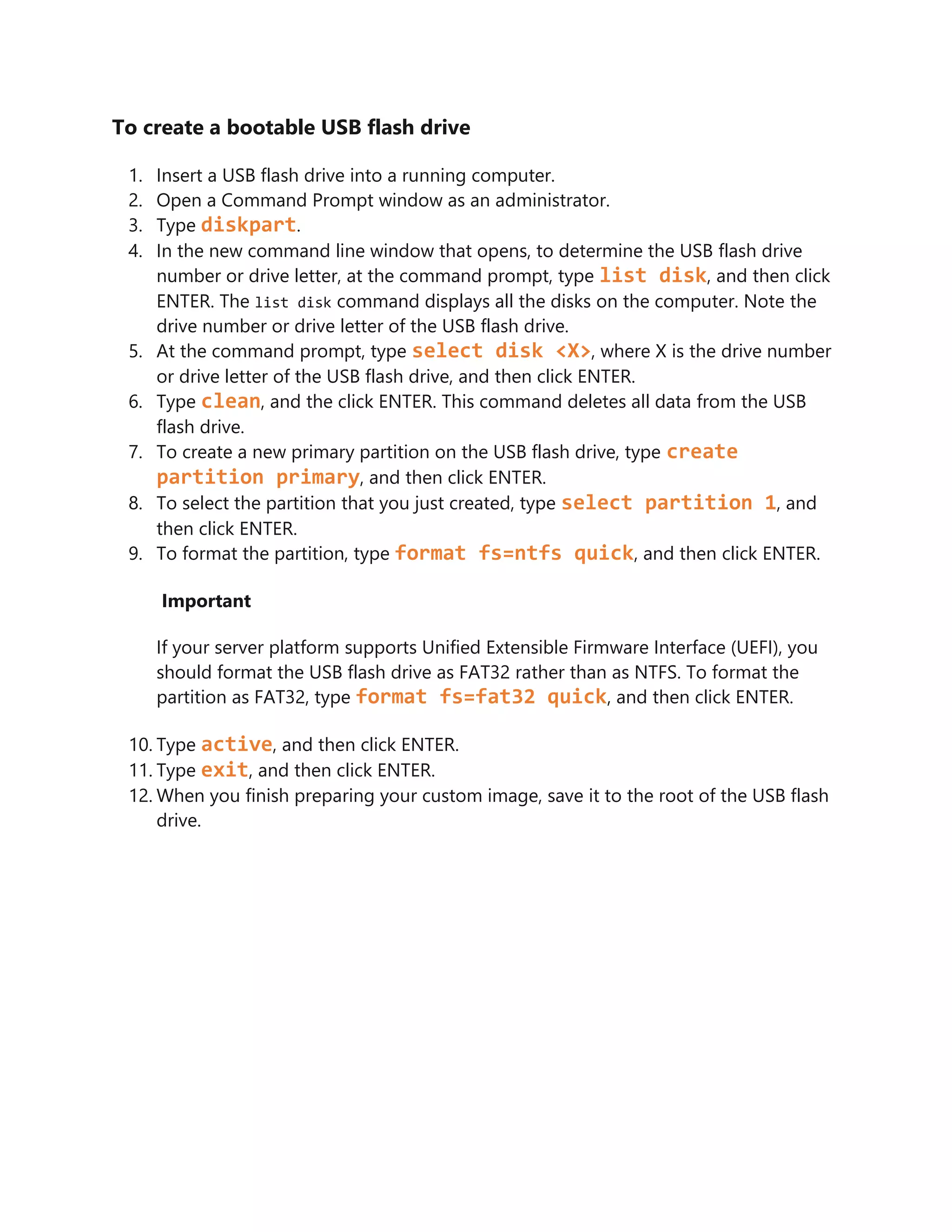
To create a bootable USB flash drive, you first insert a USB flash drive into a running computer. You then open the Command Prompt as an administrator and use the diskpart command to determine the drive number or letter of the USB flash drive. Finally, you use diskpart commands like clean, create partition, format, and active to format and partition the USB flash drive so it can be used to boot from and install an operating system.