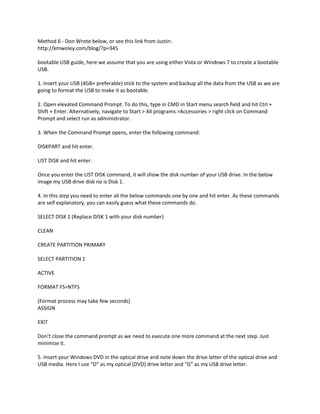
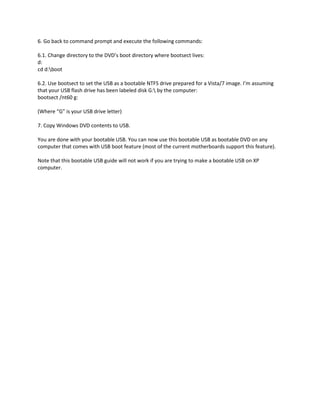
1. This document provides steps to create a bootable USB drive from a Windows installation DVD using the command prompt on Windows Vista or 7. It involves formatting the USB drive to NTFS, using the bootsect command to make it bootable, and copying files from the DVD.
2. Main steps are to backup the USB drive, open an elevated command prompt, use Diskpart commands to clean and format the USB drive as NTFS, and then use the bootsect command along with the DVD drive letter to make the USB drive bootable before copying DVD contents to it.
3. The created bootable USB can then be used to install Windows on computers that support booting from USB. This method