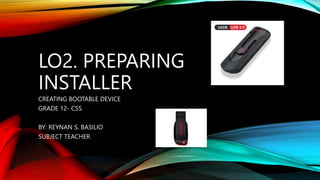
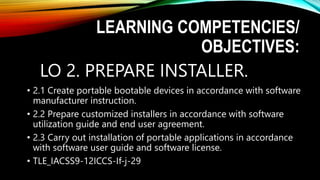
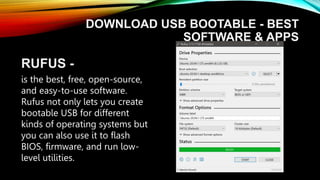
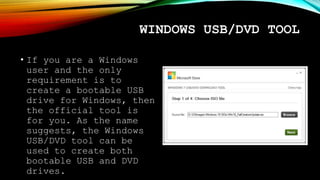
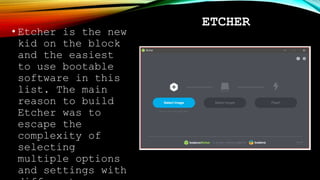
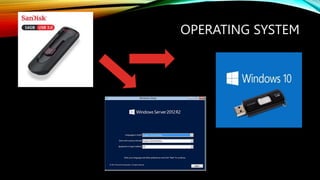
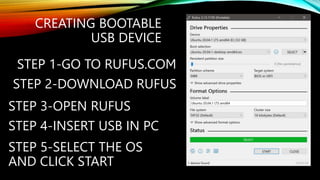
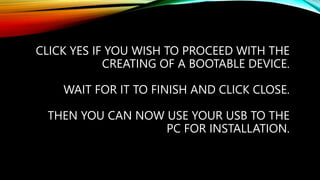
This document provides instructions for creating a bootable USB drive using Rufus software to install operating systems. It lists the steps to download and use Rufus, which is an open-source and easy to use software for creating bootable drives for Windows, Linux, and other operating systems. The instructions note to back up any files on the USB drive before using Rufus, as all data will be erased. The steps outlined to create the bootable drive using Rufus are to select the operating system, click start, and wait for the process to complete. References for further information on creating bootable drives are also provided.