

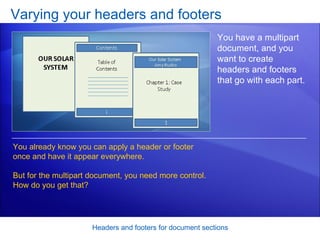
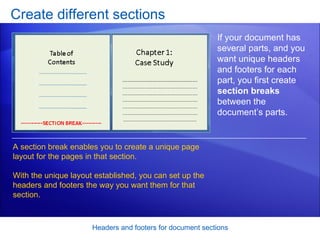
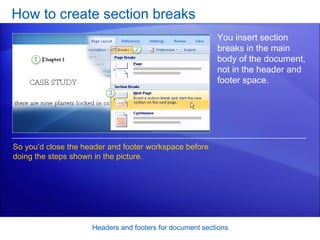
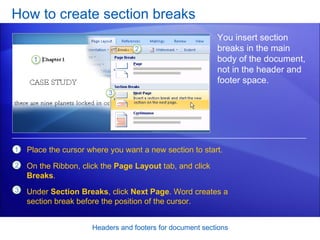
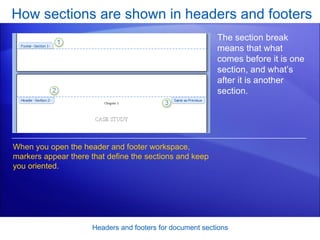
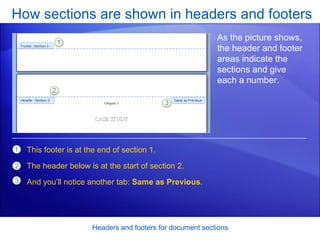
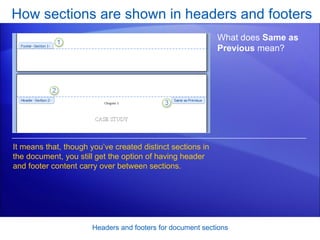
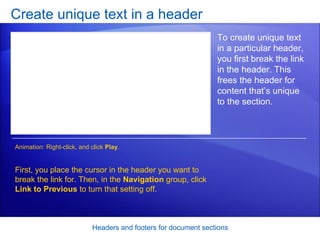
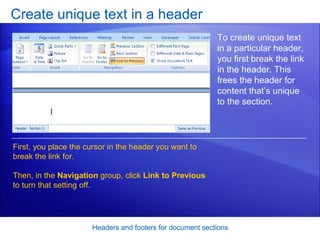
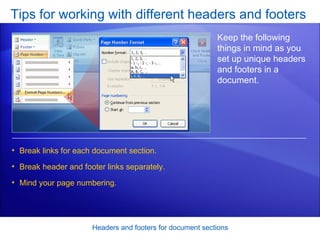
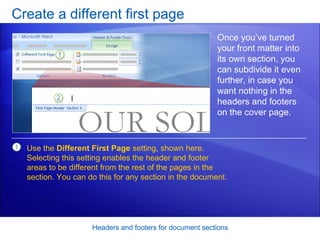
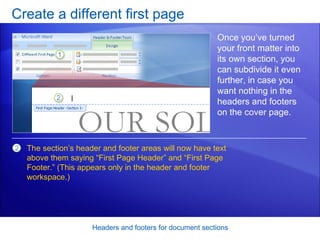
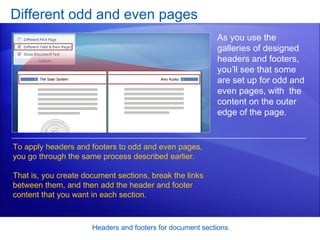
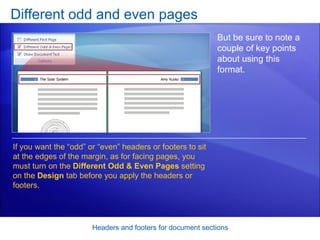
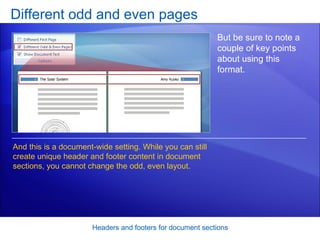

This document discusses how to create headers and footers for different sections of a Word document. It explains how to insert section breaks to define different parts of the document. Headers and footers can then be customized for each section by breaking the link between sections. Techniques covered include creating a different first page header/footer, and setting up odd and even pages. The document provides steps and tips for applying these features to tailor headers and footers for multipart documents.


